Offers Pass
Bundle several deals behind one sign-up: players unlock the pass once, then claim each offer at the counter.
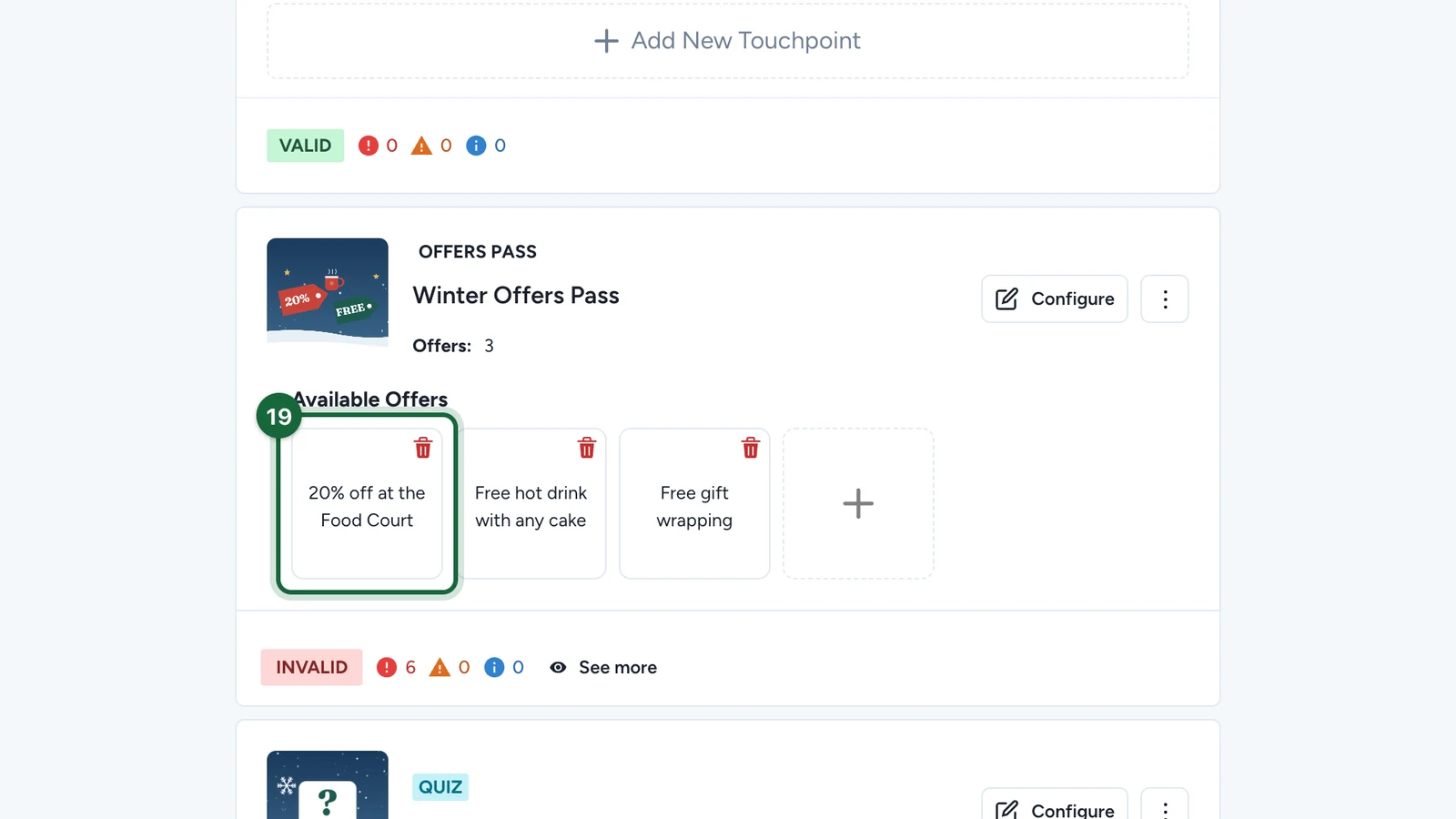
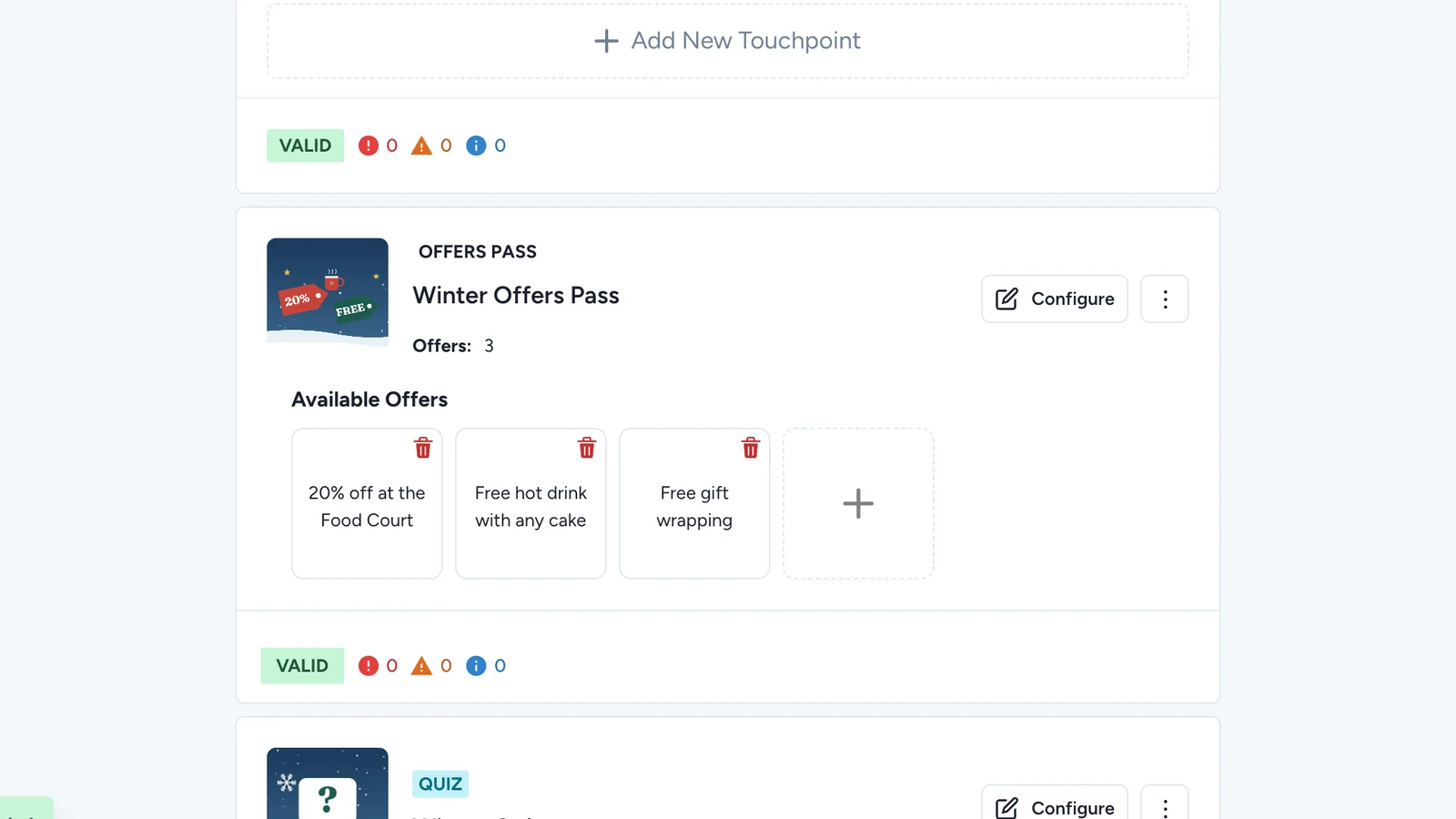
An Offers Pass holds a set of offers. Players sign up on the pass, then show each offer where they claim it. Here, Lindenhall's Winter Offers Pass holds three deals: 20% off at the Food Court, a free hot drink with any cake, and free gift wrapping.
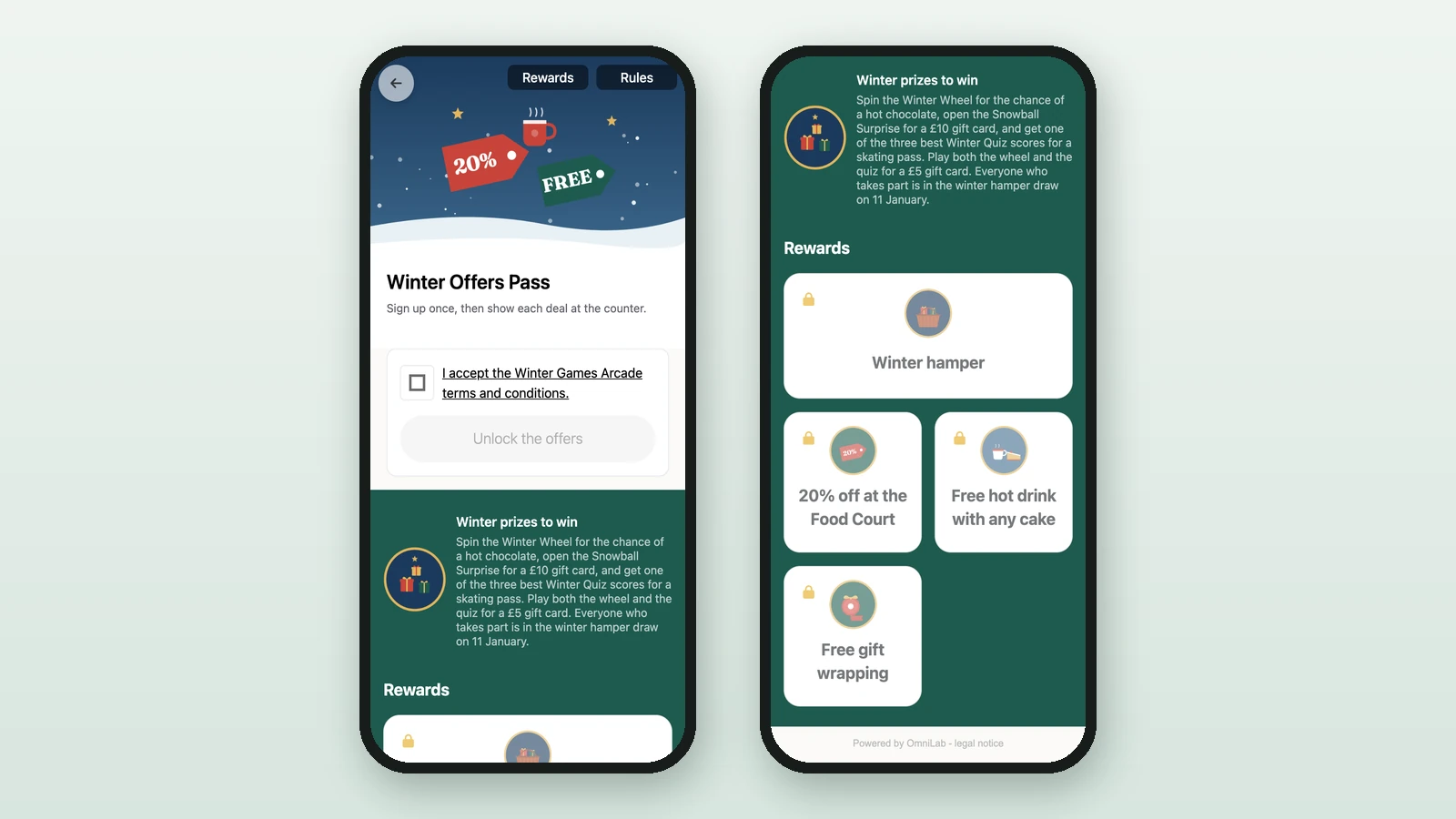
Before you begin
- A campaign open in Build: see Your first campaign.
- Your images:
Thumbnail Image
RequiredThe square tile shown in carousels and campaign listings — not on the play screen. Offer passes and interactive totems use it as their image too.
- Requiredwhen the campaign has a landing page
- Size800 × 800 px
- Aspect ratio1:1
- FormatsJPEG / WEBP / PNG
Reward Icon
OptionalThe icon that represents a reward.
- Optional
- Size800 × 800 px
- Aspect ratio1:1
- FormatsJPEG / WEBP / PNG
Circular design and a transparent background work best.
Add the pass
-
In Build > Touchpoints, select Add New Touchpoint.
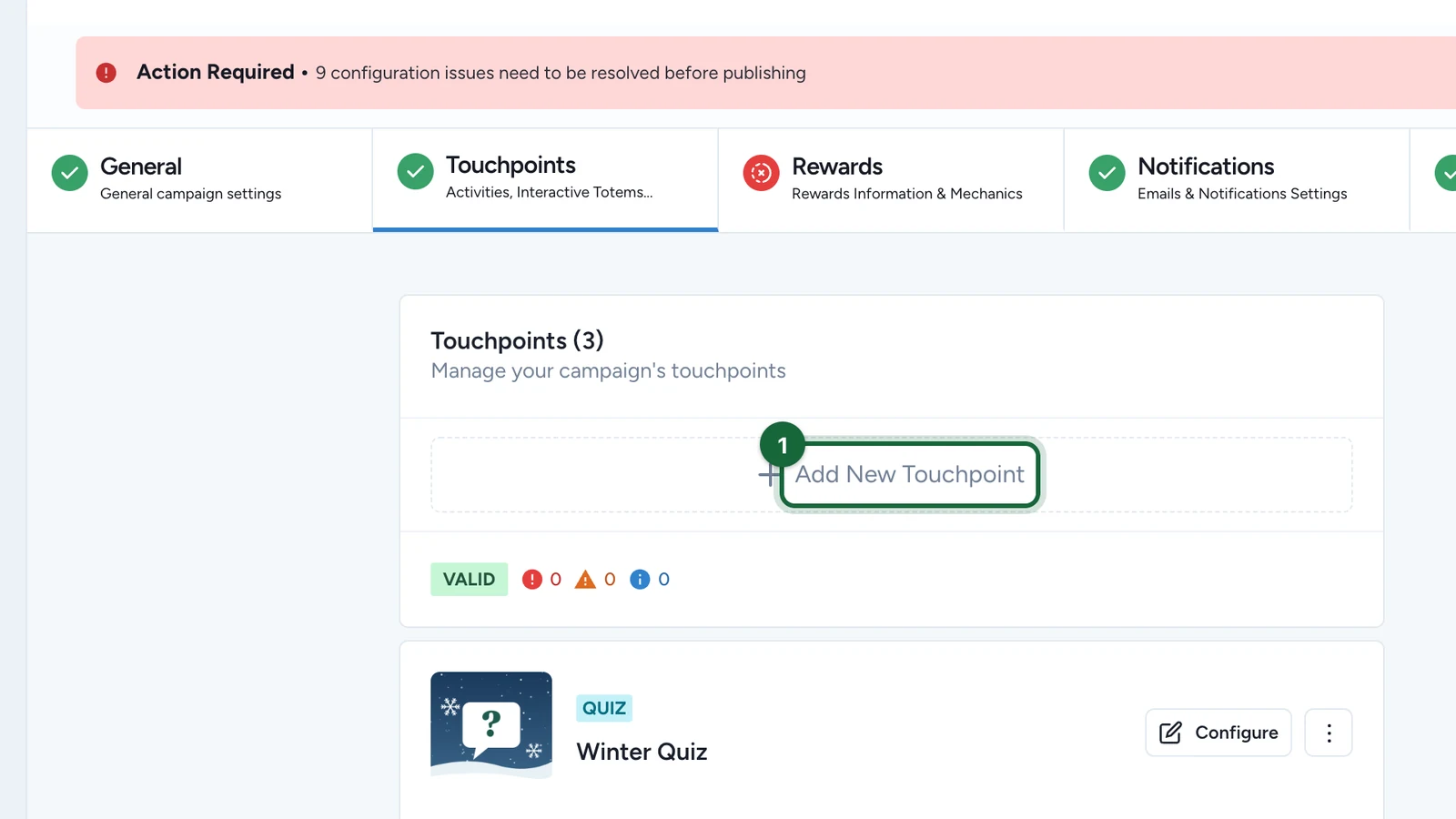
-
Select Offers Pass.
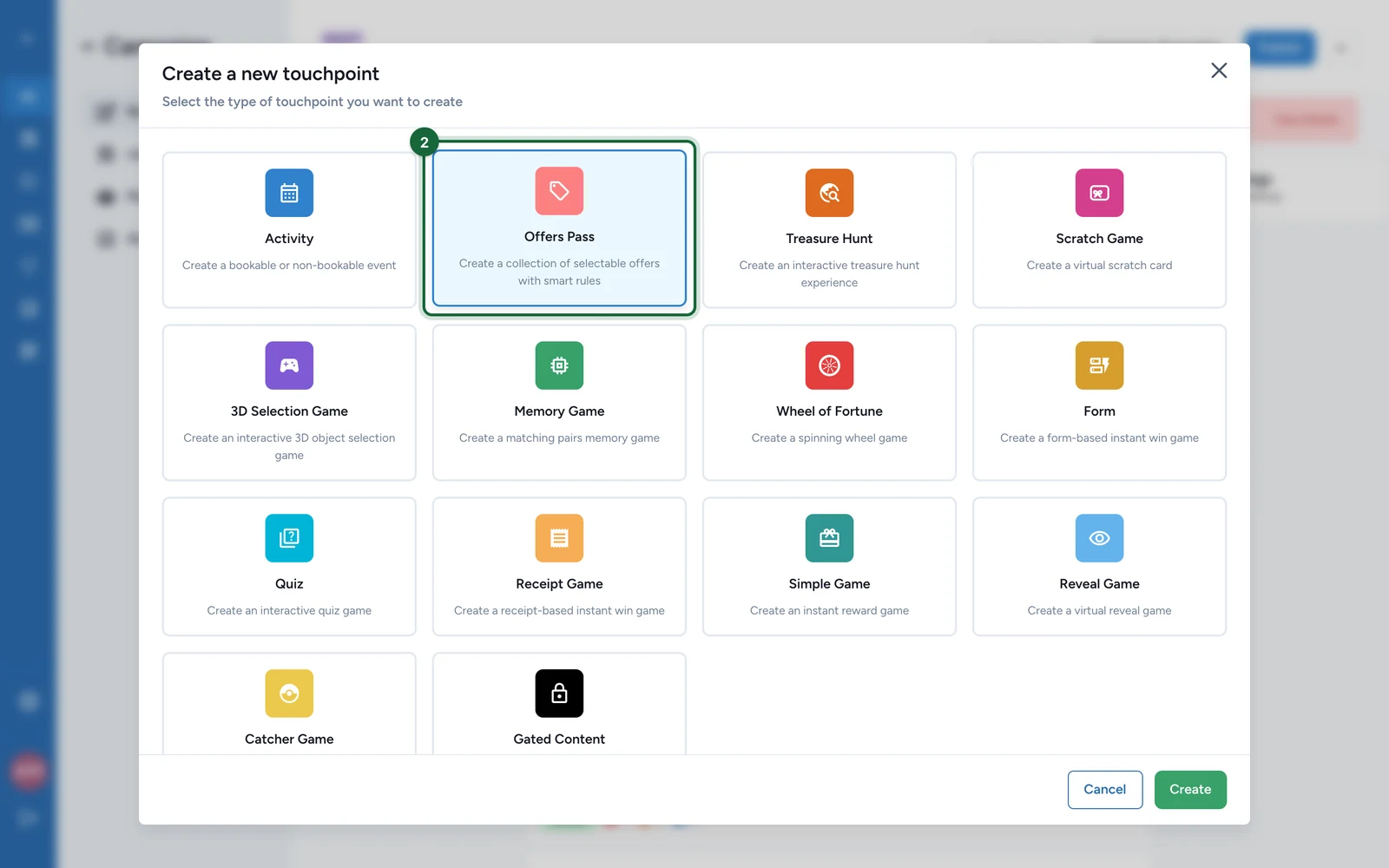
-
Select Create.
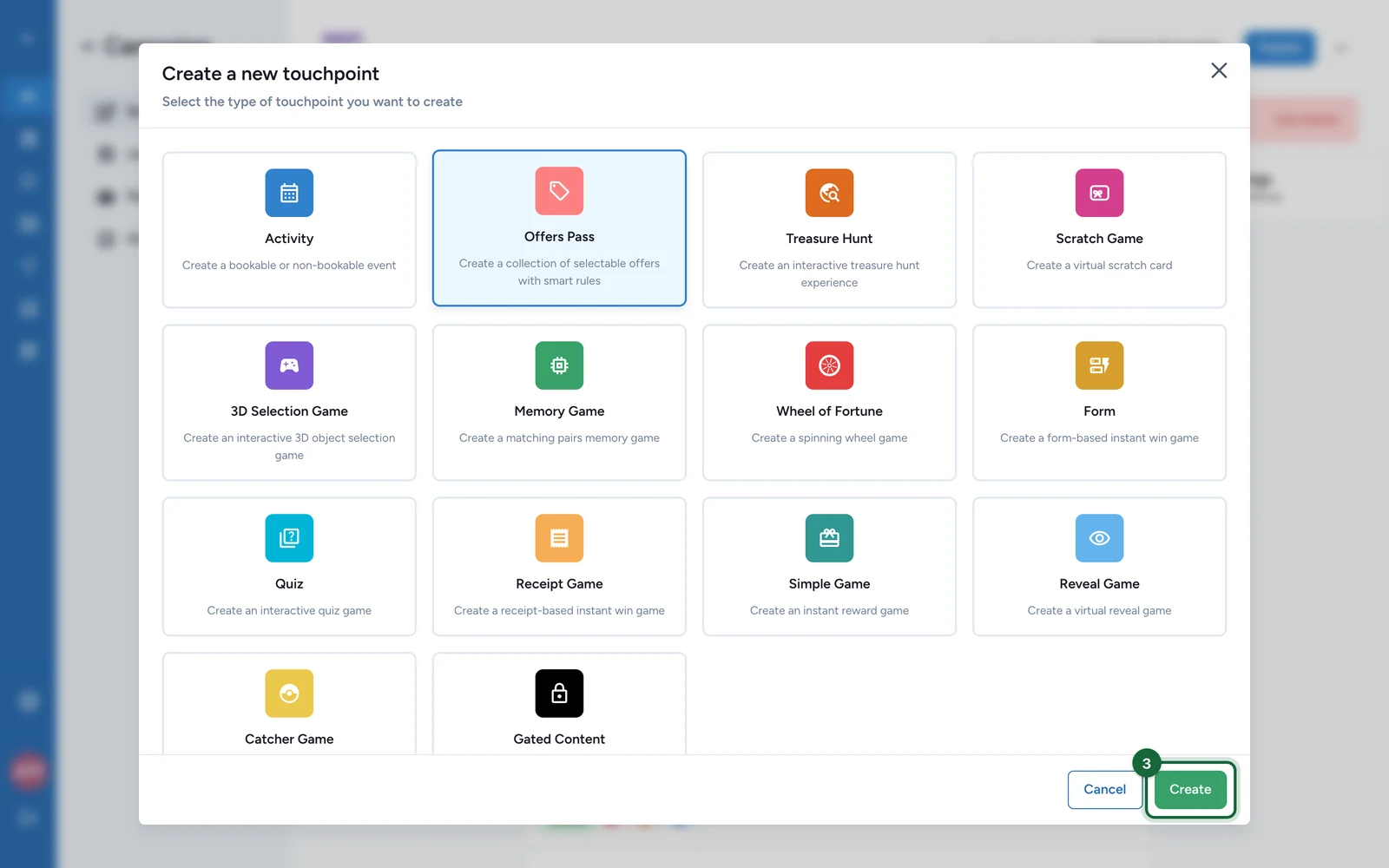
-
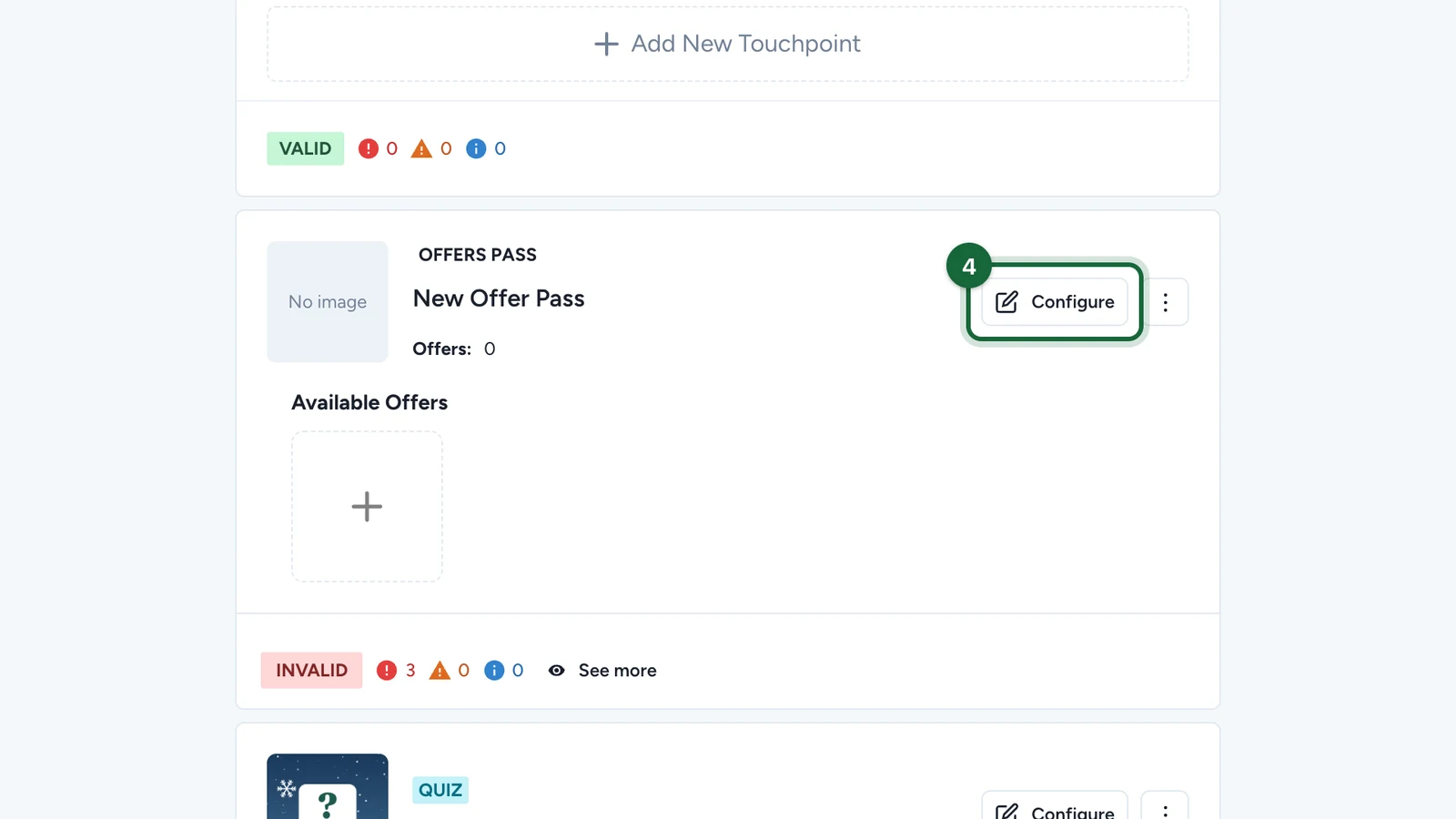
On the new pass, named New Offer Pass, select Configure.
-
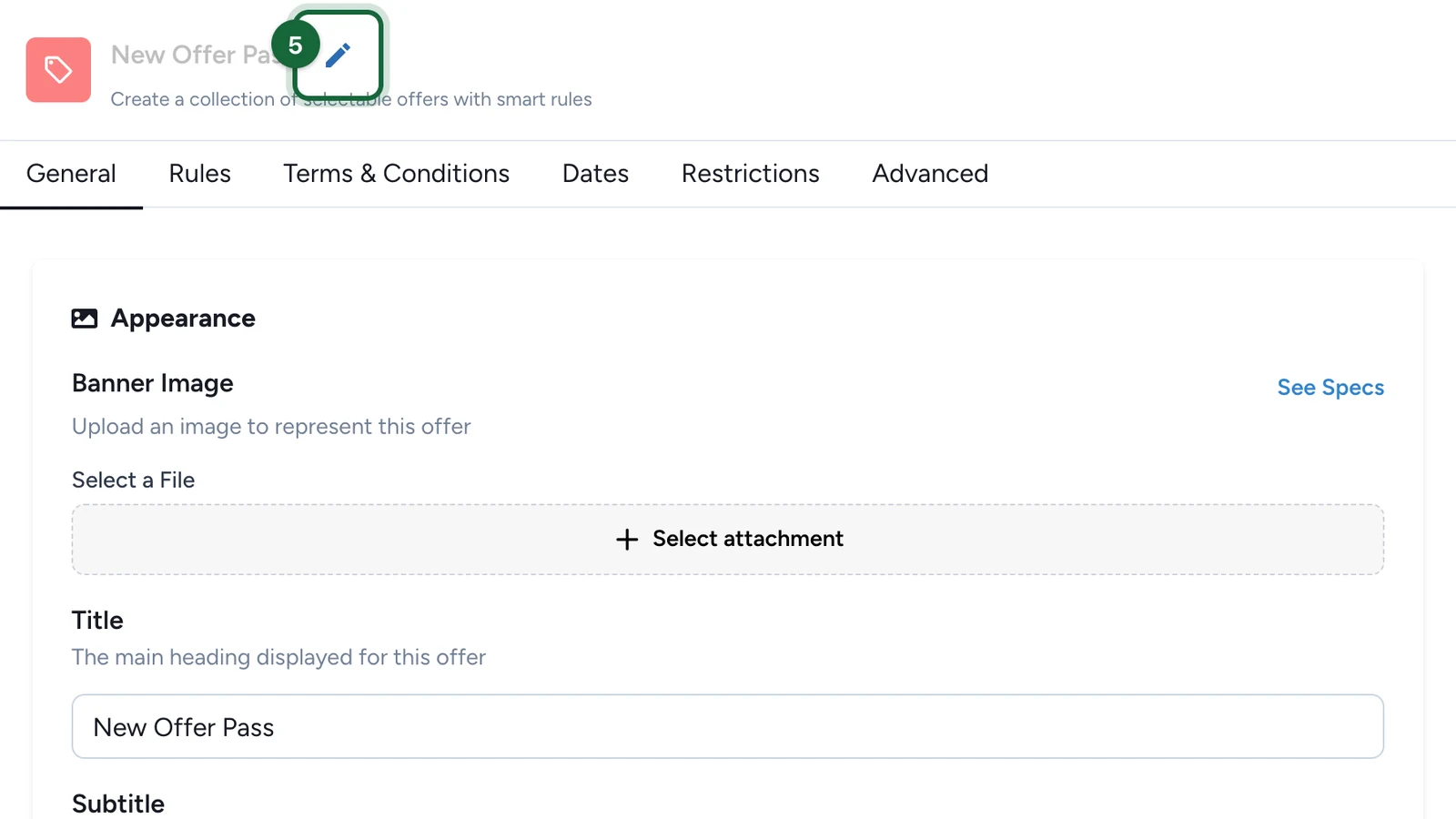
Select the pencil next to the name.
-
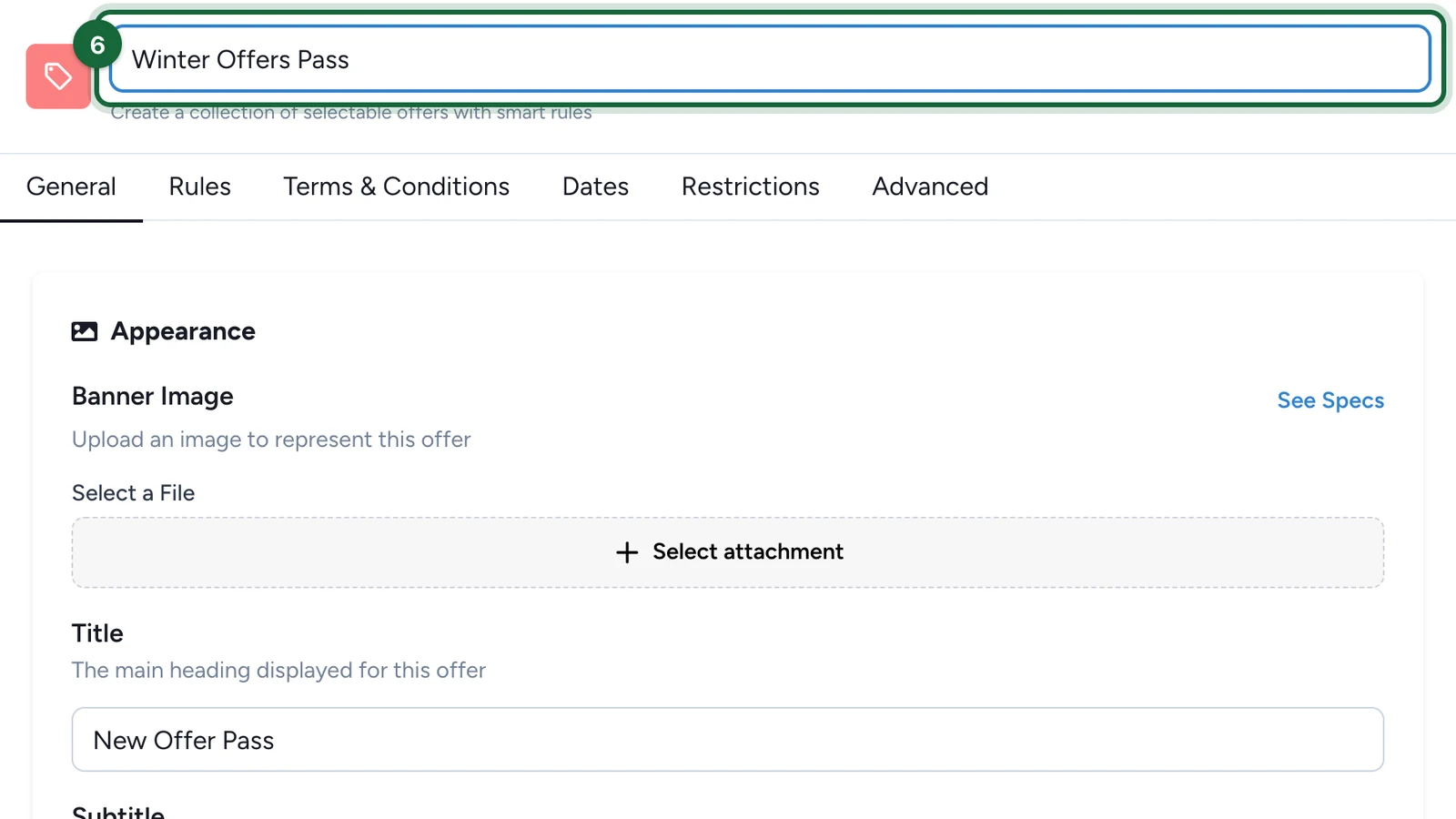
Enter the pass's name, then press Enter.
Set the pass page
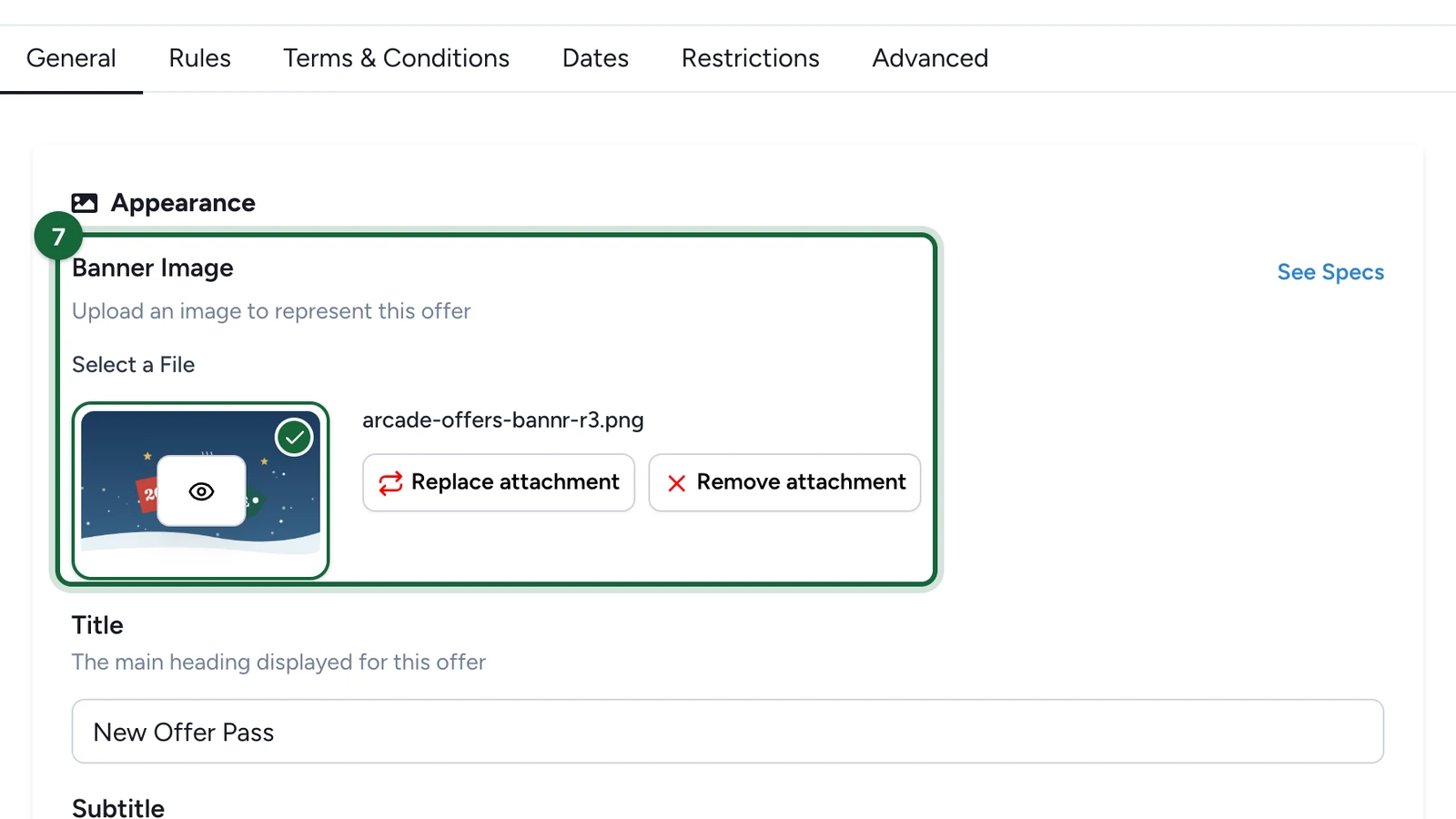
These steps are on the General tab. To choose a picture, select Select attachment, point at the file, select Select File, then Save.
-
Under Banner Image, choose the picture at the top of the pass.
-
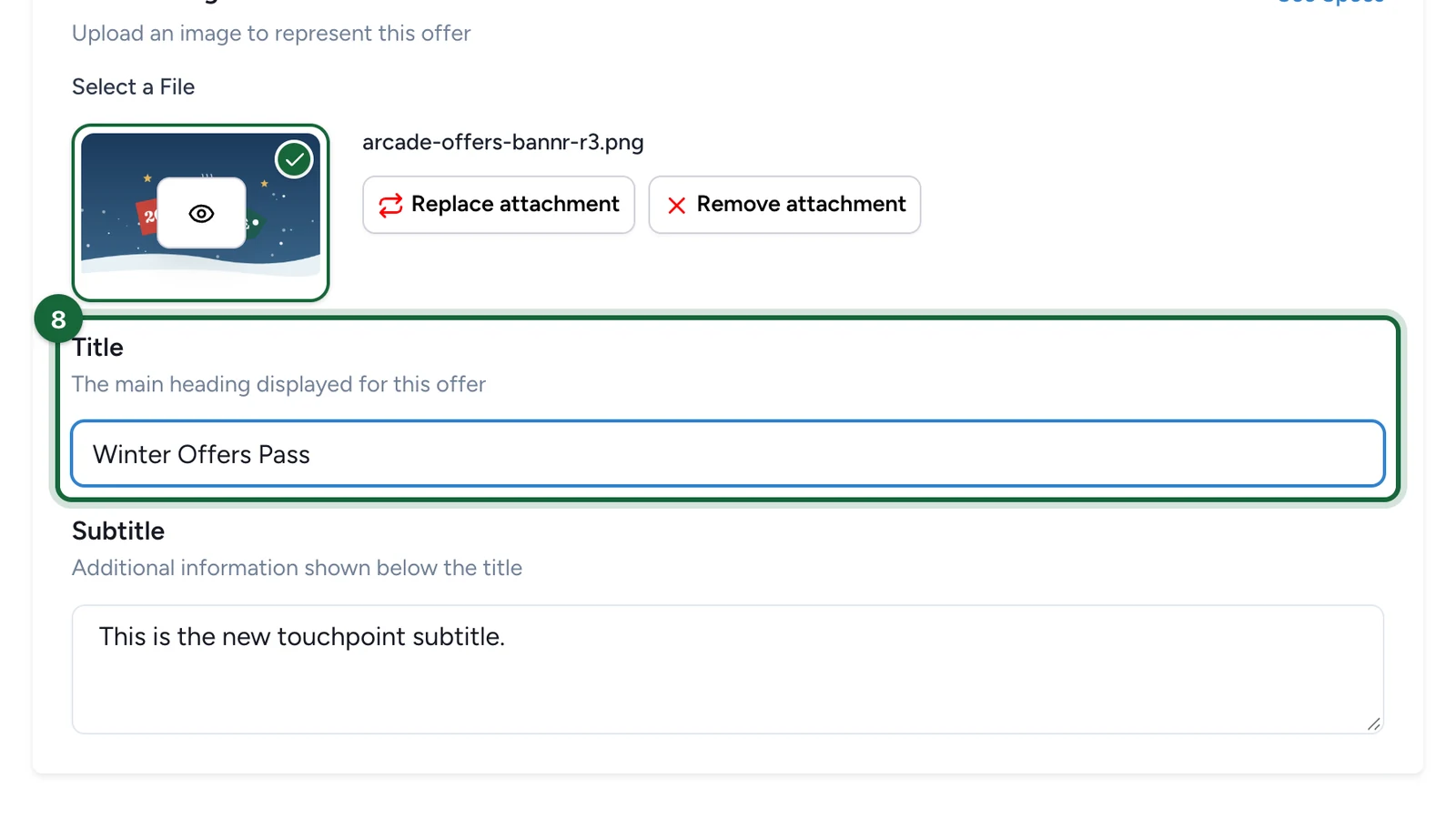
Replace the Title.
-
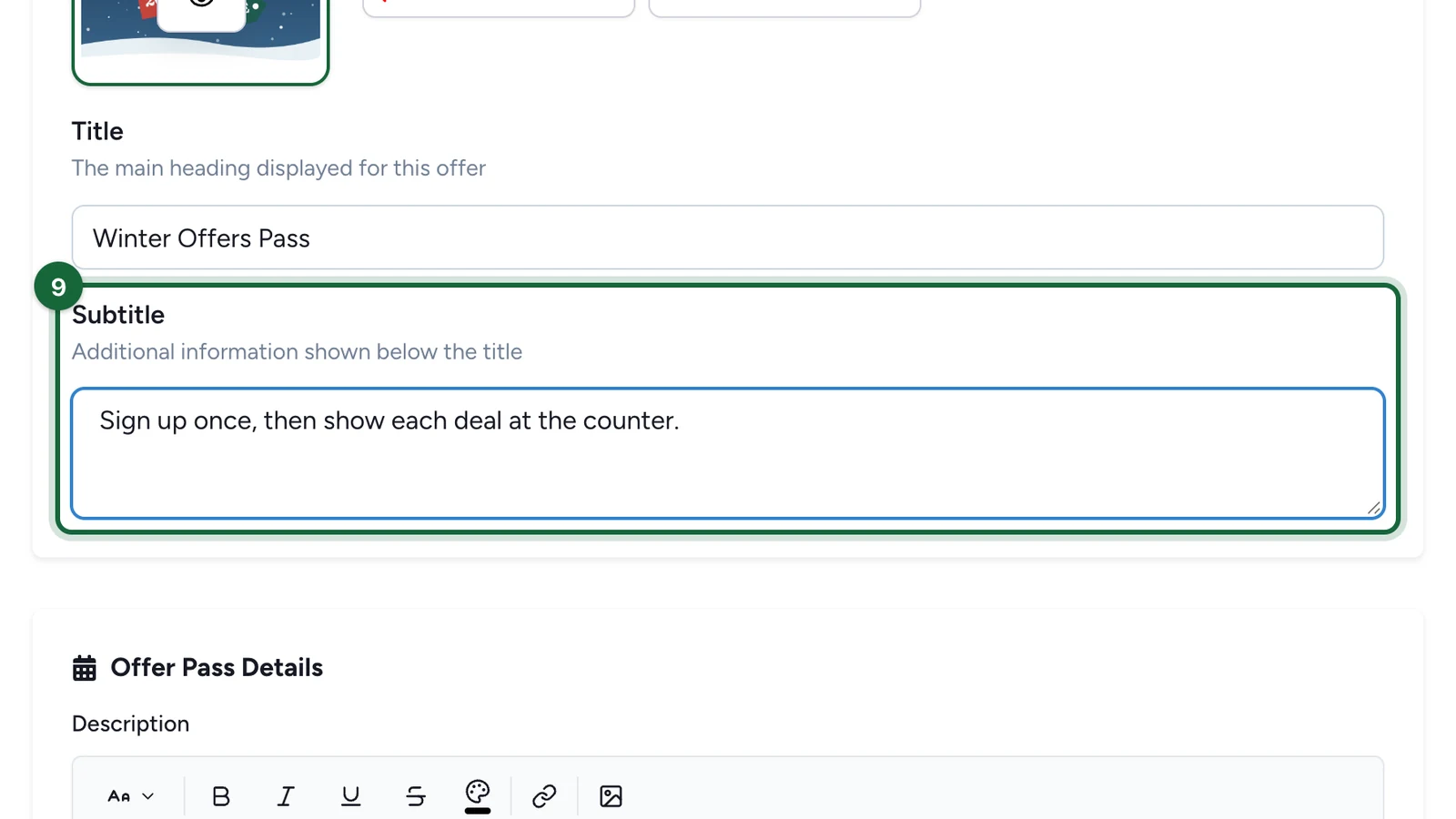
Replace the Subtitle: one line on what the pass gives.
-
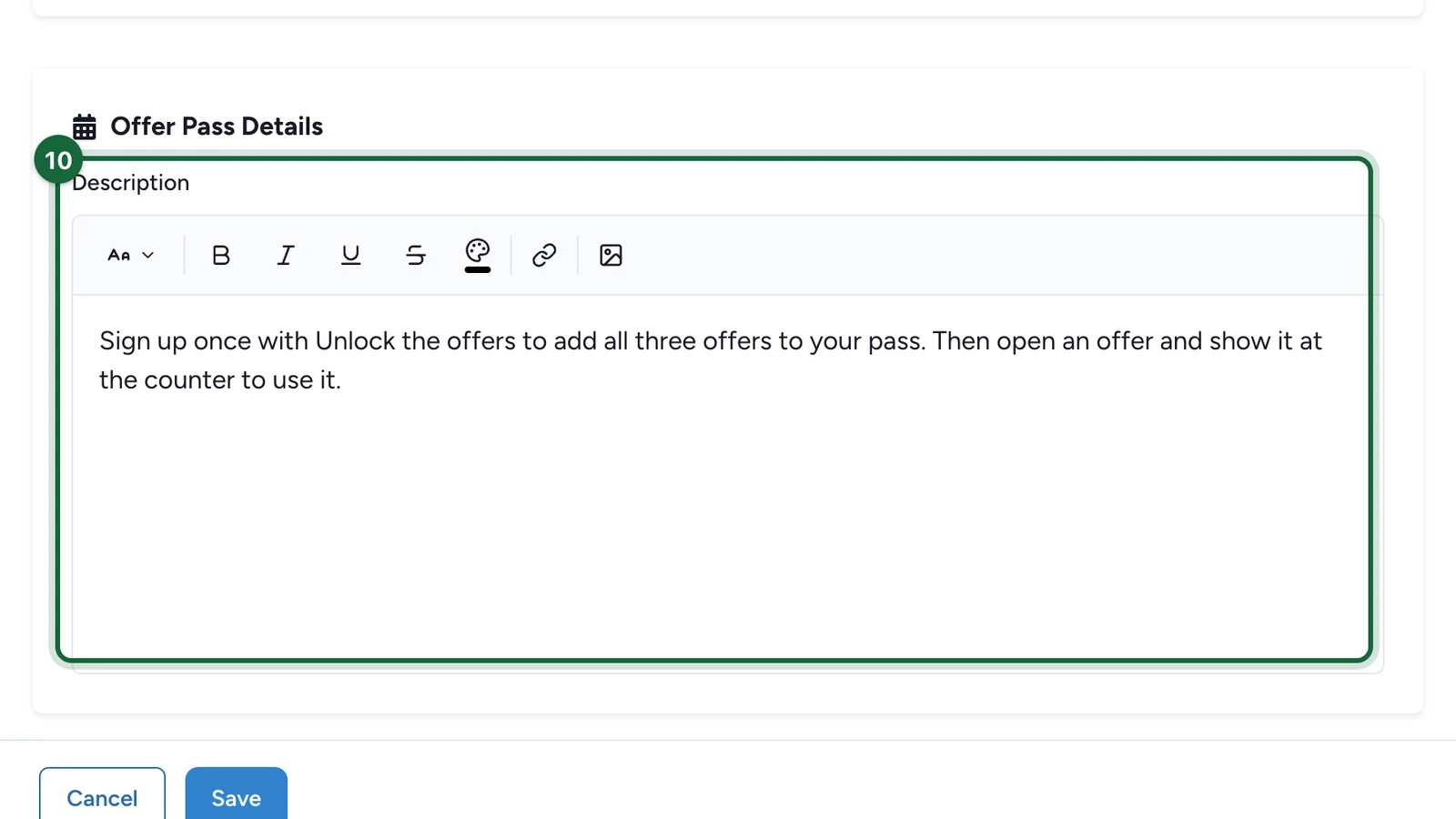
Write the Description: how players unlock and use the offers.
Choose how offers unlock
-
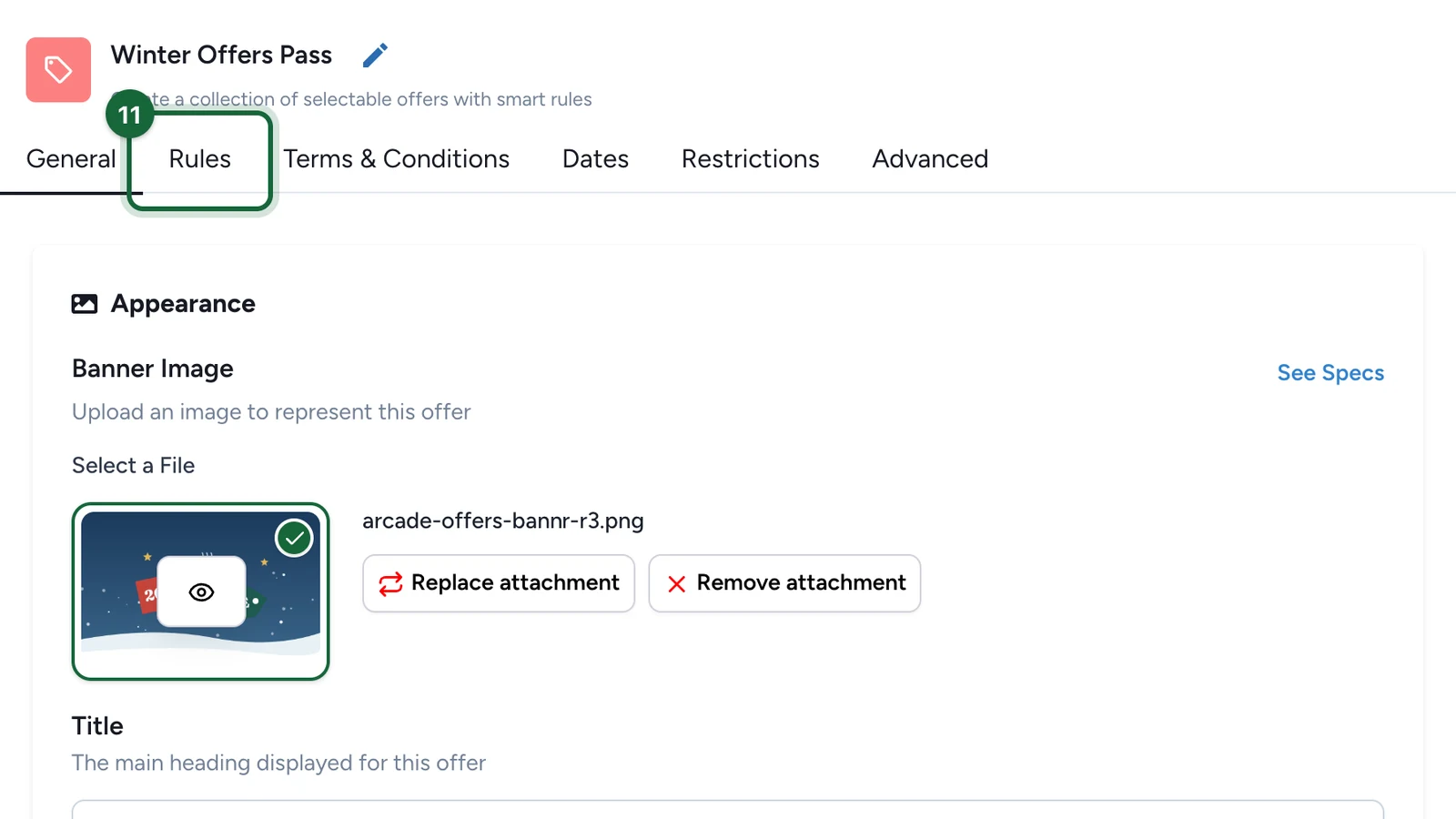
Select the Rules tab.
-
Choose Offers are independent or Offers are not independent.
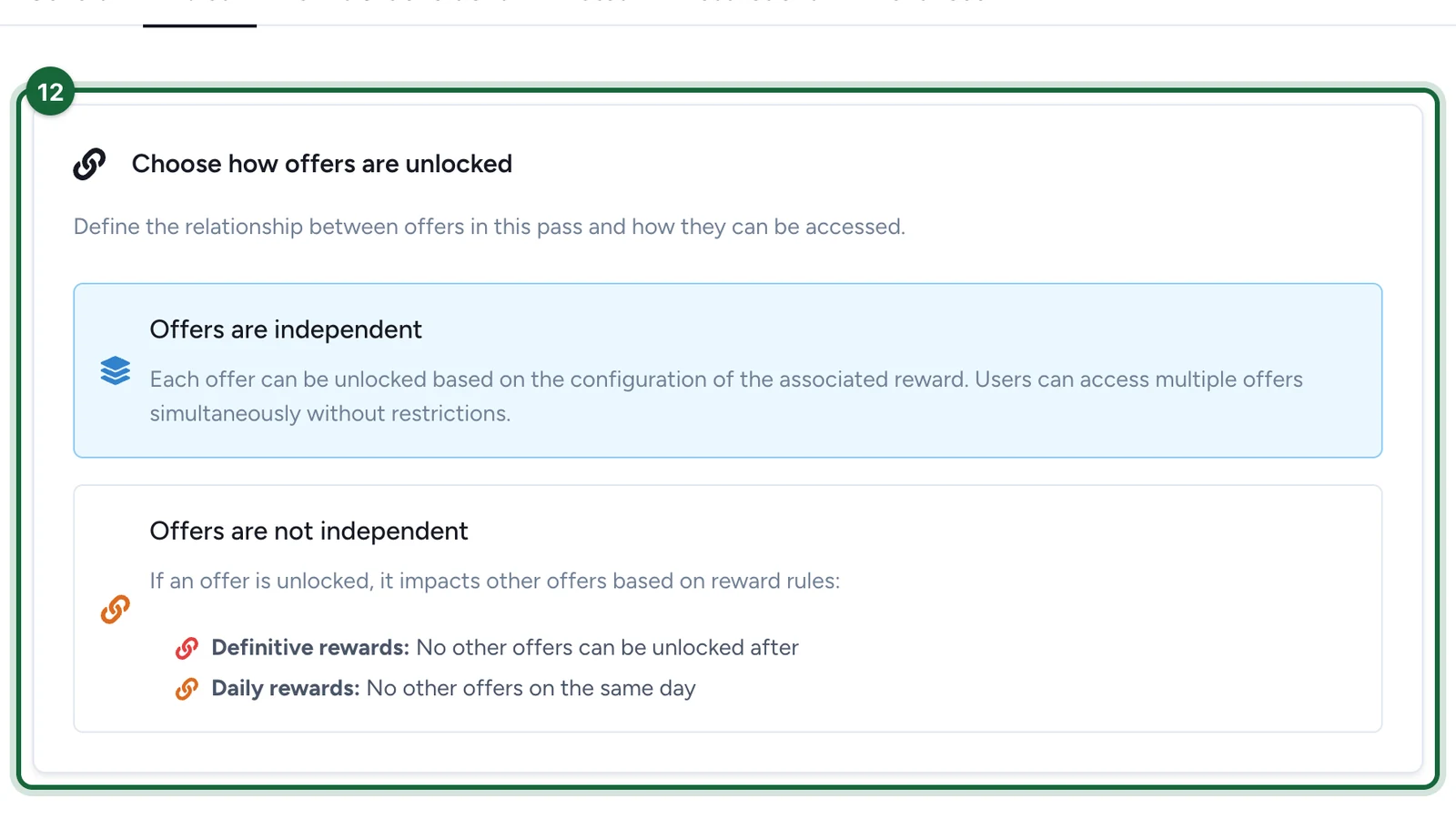
- Offers are independent: players can hold several offers at once. Each follows its own reward's settings.
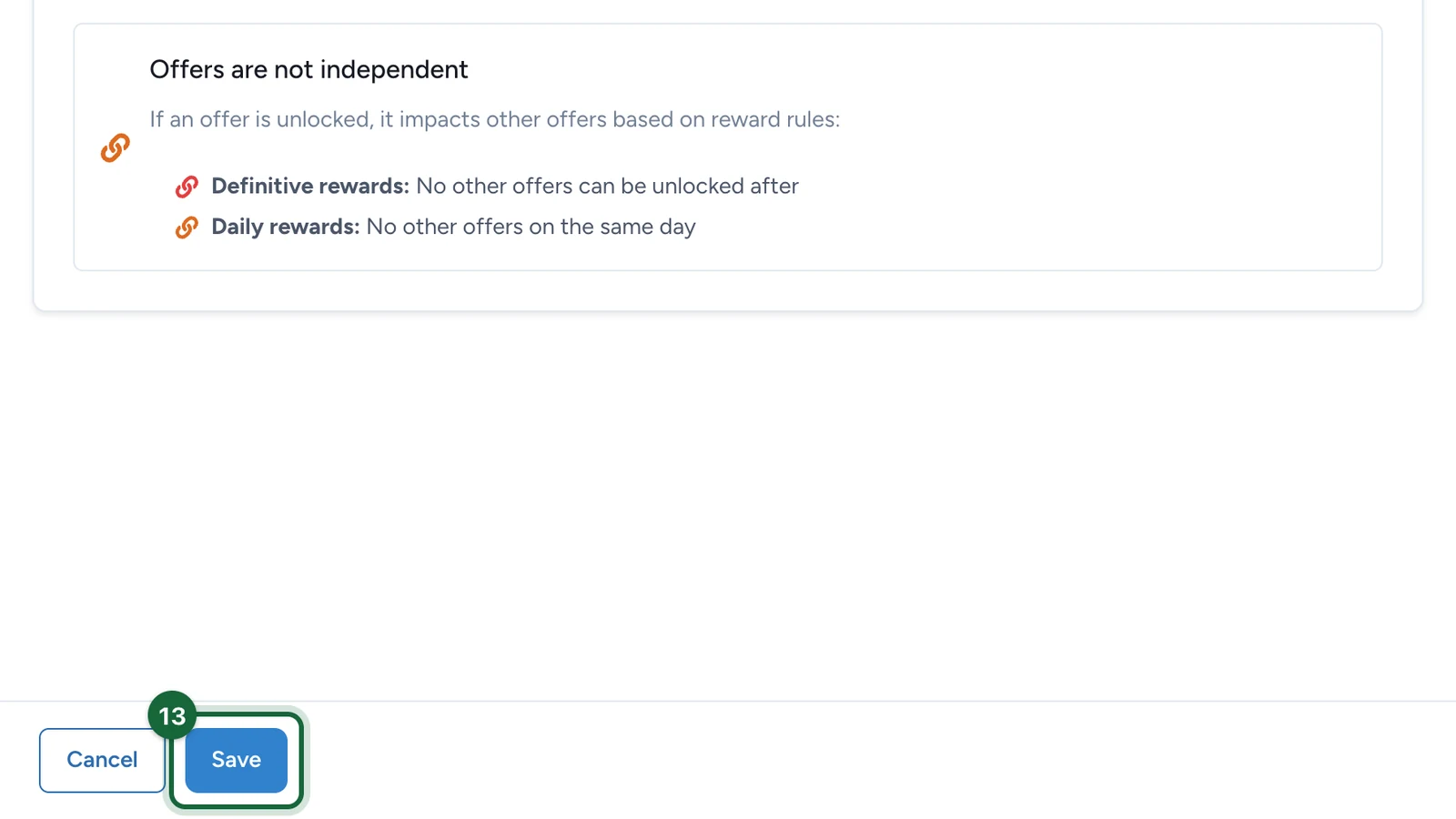
- Offers are not independent: unlocking one offer closes others. A definitive reward closes every other offer for good, and a daily one closes them for the rest of that day.
-
Select Save.
Add the offers
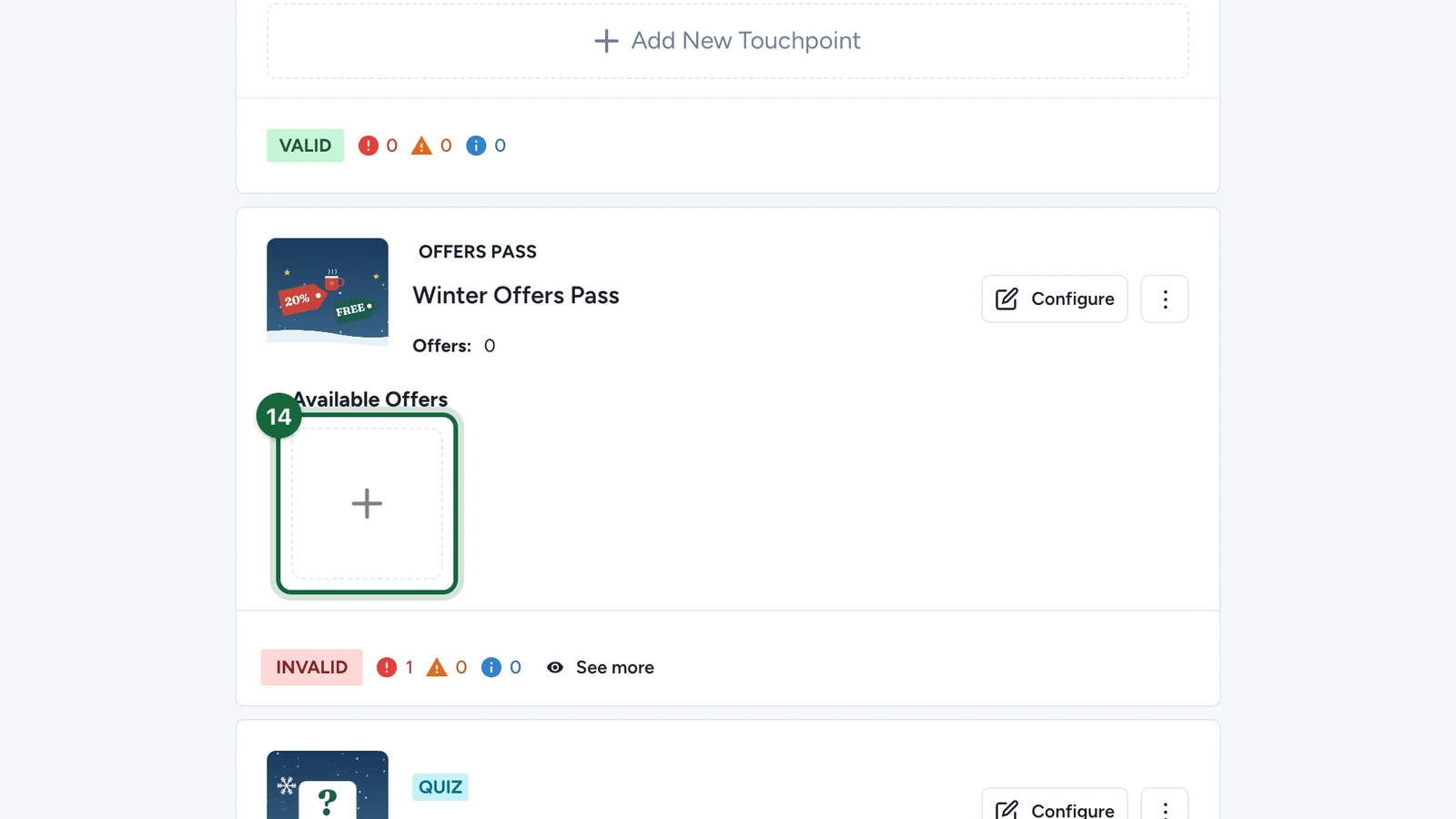
On the pass card, under Available Offers:
-
Select +.
-
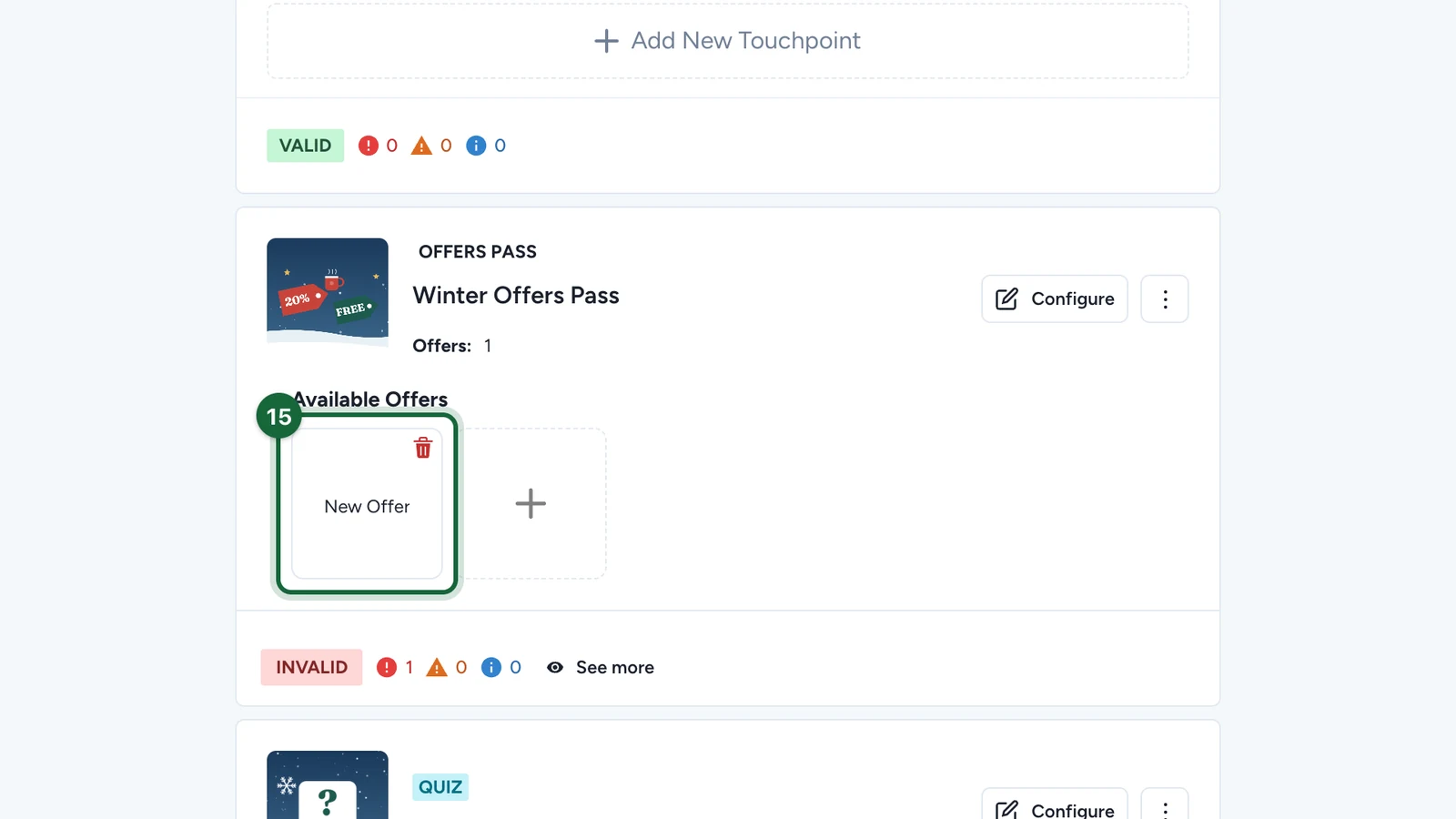
Select the New Offer that appears.
-
Select the pencil next to its name.
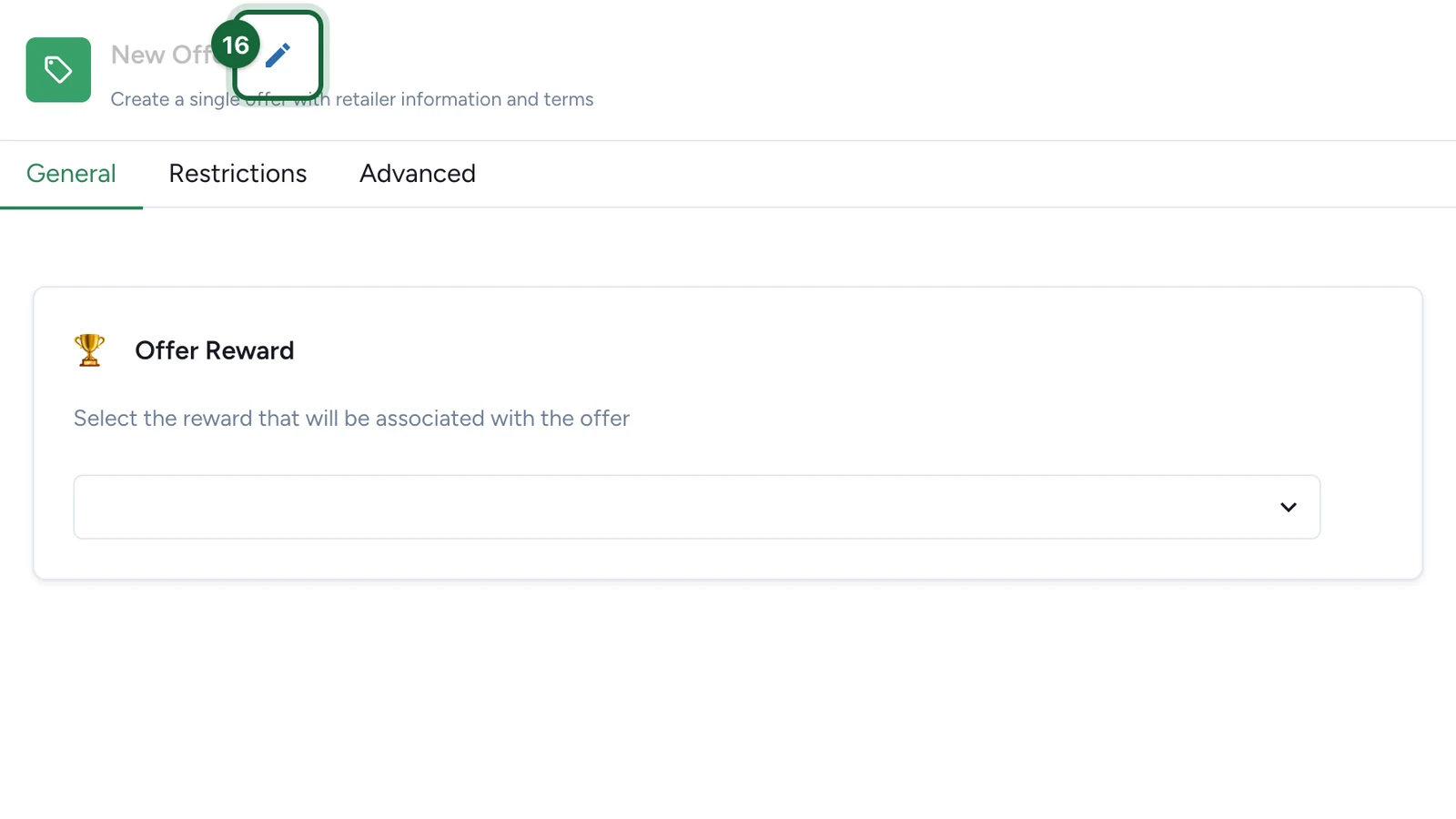
-
Enter the offer's name, then press Enter.
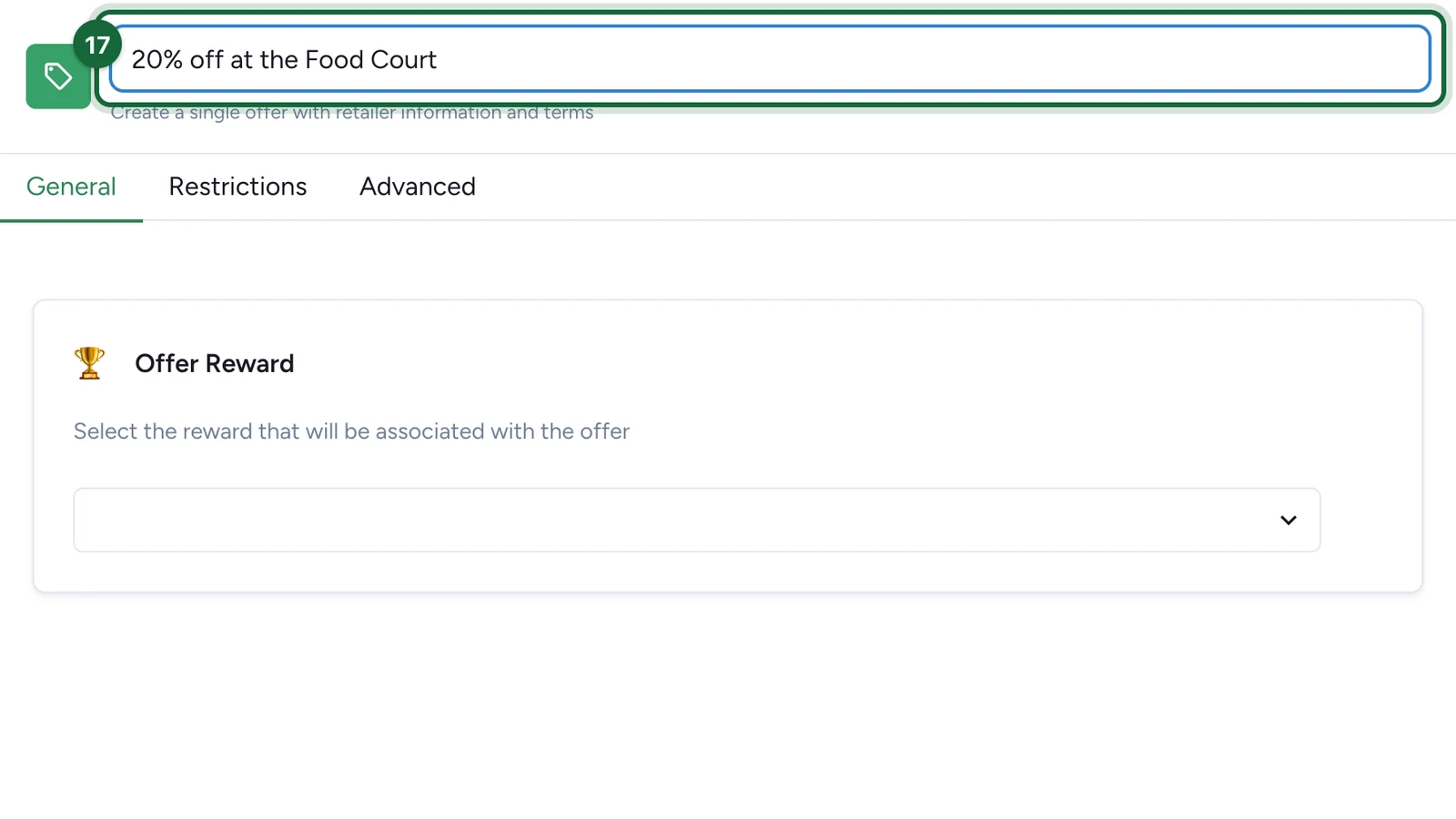
-
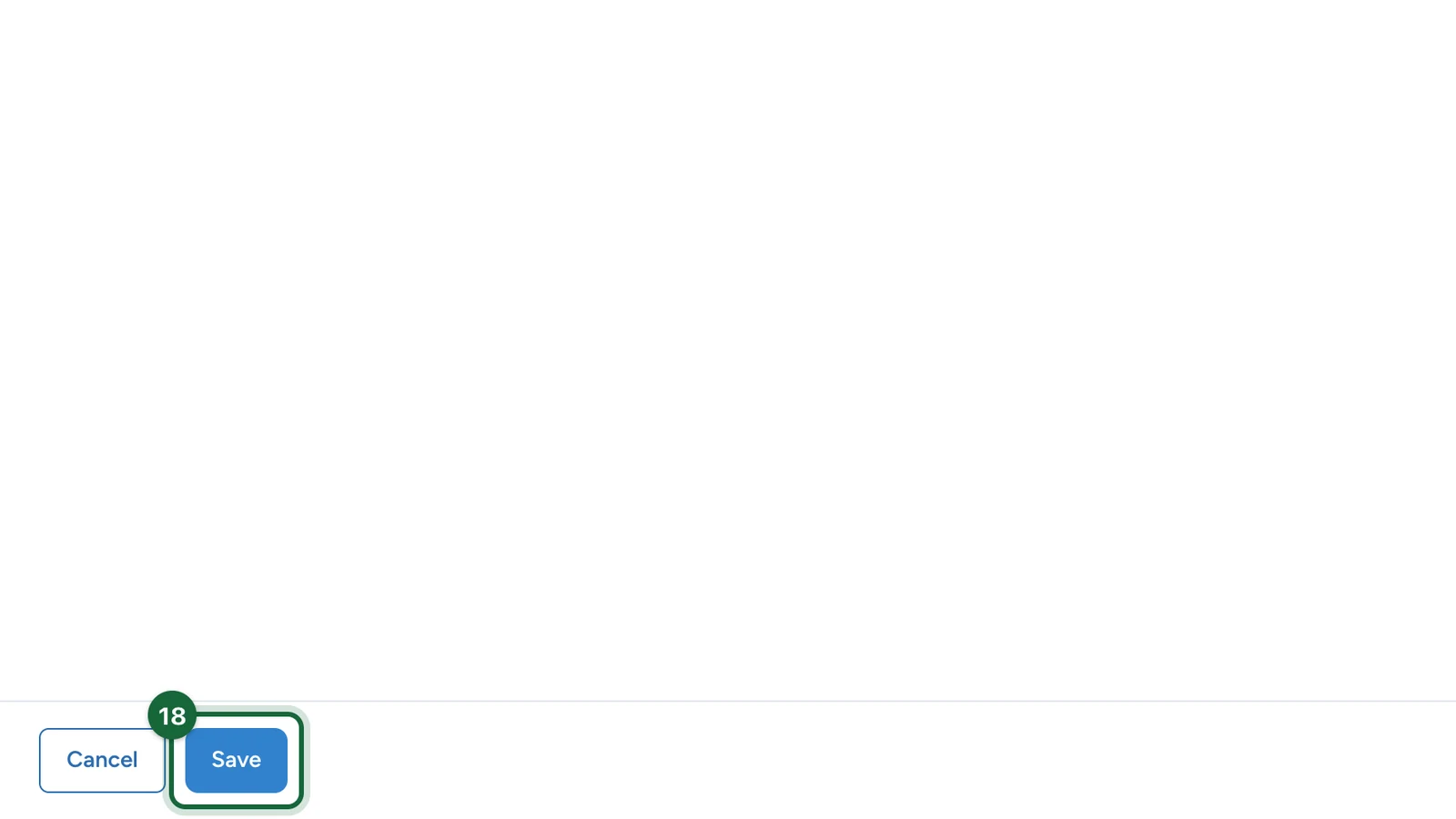
Select Save.
Repeat for each offer. Here, Lindenhall adds Free hot drink with any cake and Free gift wrapping. To remove an offer, select the bin on its tile, then Delete.
Give each offer its reward
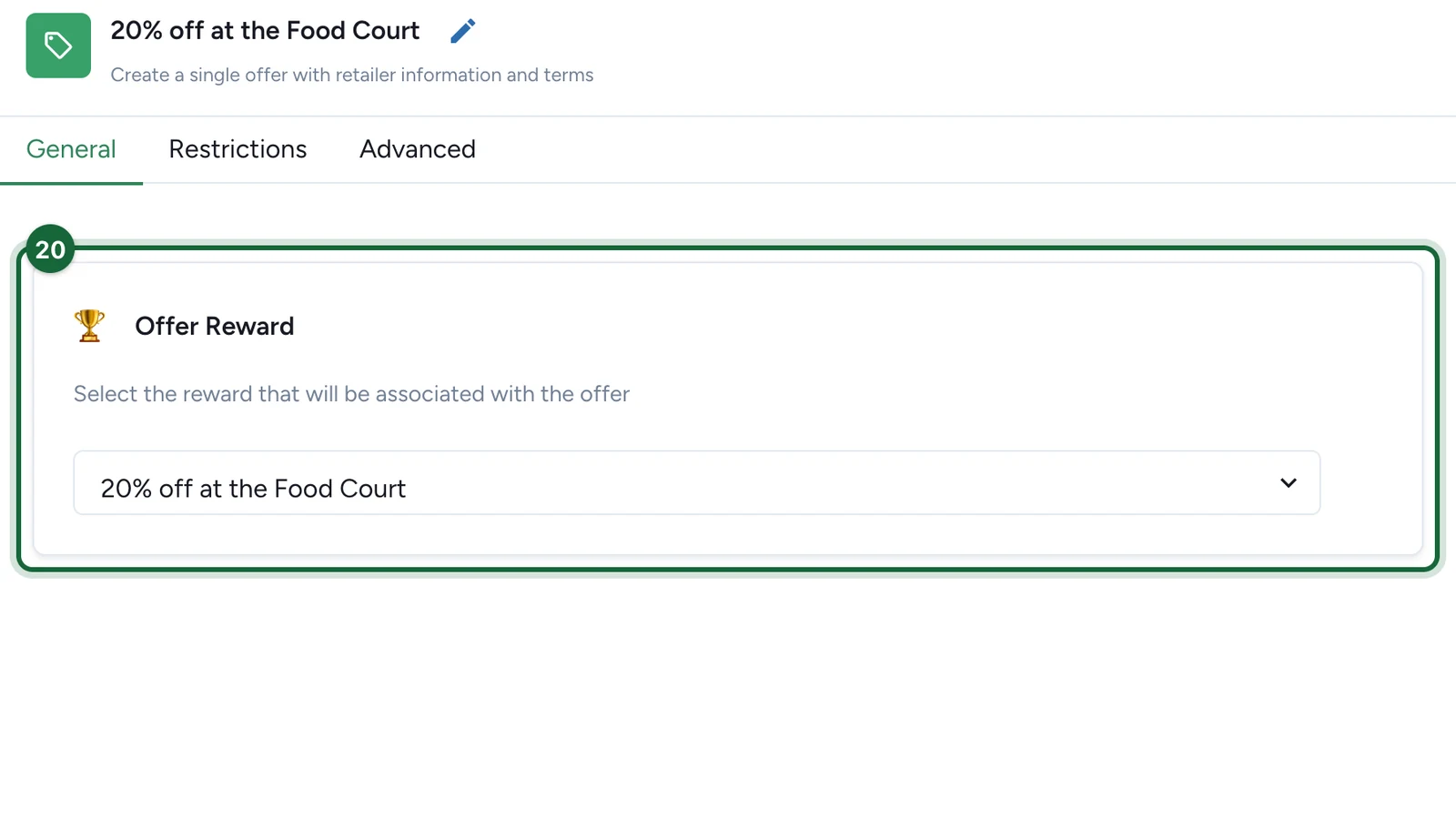
Each offer needs an Offer Reward of its own: what players get, and how many can claim it. Create it in Build > Rewards and choose the offer there: see First Come First Served rewards. Then, back on the pass card:
-
Select the offer.
-
Under Offer Reward, choose the reward made for it.
-
Select Save.
Repeat for each offer. Once every offer has its reward, the pass card reads VALID.
Publish the campaign again for players to see the pass: see Publish a game.
The pass's other tabs
Terms & Conditions, Dates and Restrictions work as on any touchpoint:
Each offer has its own Restrictions tab too.
If publishing is blocked
- The pass has no banner, title or description: fill them in on the General tab.
- The pass has no offers: add one under Available Offers.
- An offer has no name: rename it with the pencil.
- An offer has no reward, or its reward was made for another offer: create an Offer Reward for this offer, and choose it under Offer Reward.
- Two offers share a reward, or a game uses it too: give each offer its own Offer Reward.
- An offer's reward is switched off: switch it back on, or choose another.
See also Game validation errors.