Print a QR code once, then change where it points.
The code on the poster stays the same for as long as the poster is up. What sits behind it is yours to change, and every scan tells you which placement it came from.
What a Smart Link does that a normal link cannot.
Four differences, each of which matters once the code is already in the field.
The destination is editable
Point a printed code at the Christmas campaign in December and the sale in January. The code itself never changes.
One campaign, counted per surface
The poster, the packaging, the email and the paid ad each report separately, so you can see which one earned the scans.
The right destination per device
The same link sends an iPhone to the App Store, an Android to Google Play, and a desktop to the web page.
Limits where a rollout needs them
Restrict a link by region or location, or ask for a sign-up before it opens. Useful for staged launches and partner-only offers.
How a Smart Link runs
One short URL, behind everything you print this year.
Set it up once, then keep changing what it does.

Generate the link and the code.
A short URL and a QR code, styled to your brand and exported at print resolution.
- QR files sized for packaging, signage and screens
- Colours and logo applied to the code itself
- One link per campaign, or one per placement
Once it is printed
The poster outlives the campaign.
Print runs are slow and expensive, and campaigns are neither. A code you can re-point is the difference between a poster that lasts a season and one that lasts a year.
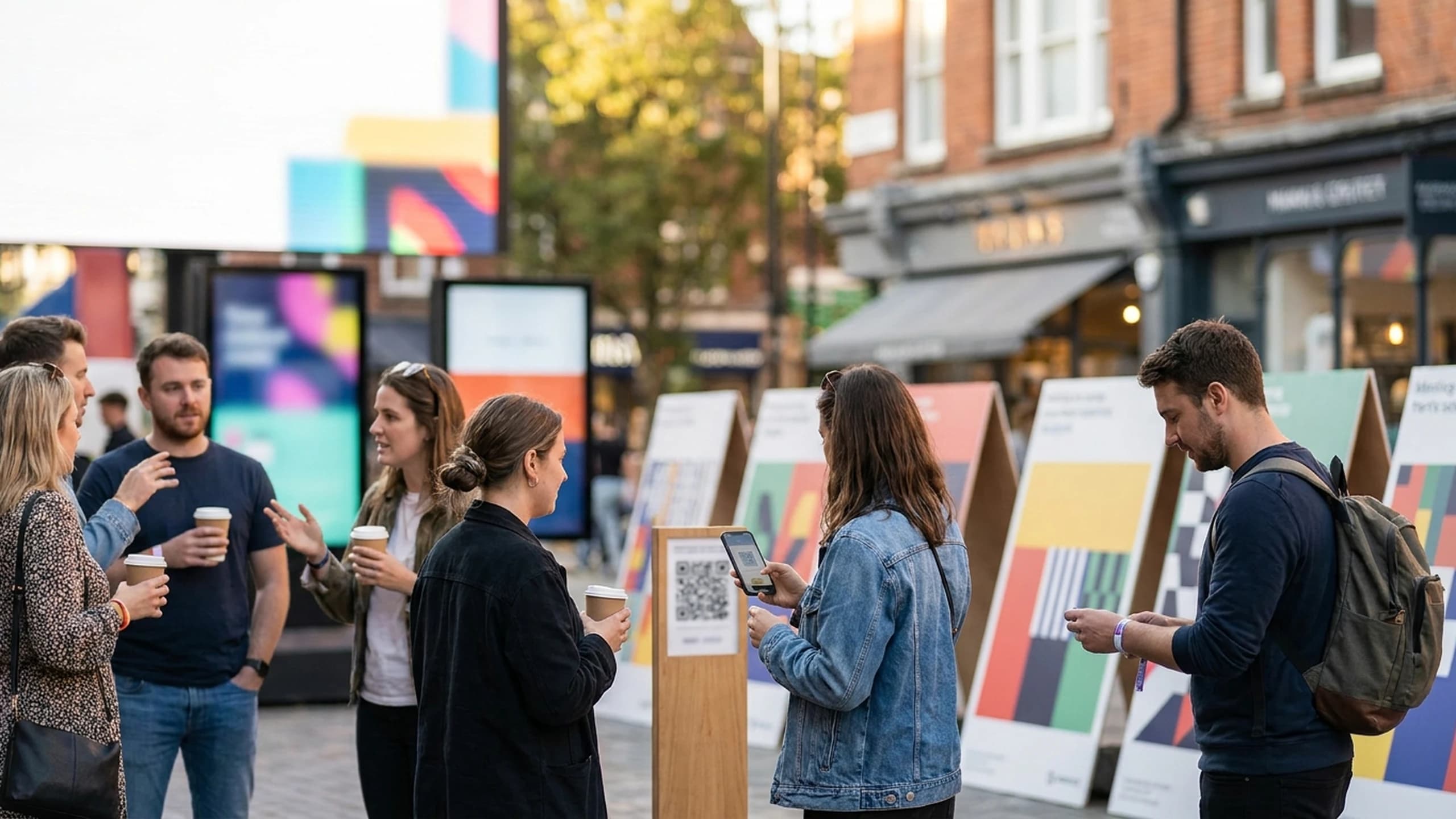
Every code in the network, reporting to the same place.
Put a Smart Link on your next print run.
Smart Links is one of the five apps. Starter includes two apps of your choice, Corporate and Enterprise include all five.

Contact records, prize logic, dashboards and connectors.

Quizzes, scratch cards, prize wheels and 3D games.

Bookings, capacity, check-in and post-event follow-up.

Scan-to-unlock trails through a venue, with AR at each stop.

Receipt scanning, reward rules and purchase data.