Coupons and redemption
How winners get a one-time voucher to show at the till, and how to create those vouchers in bulk.
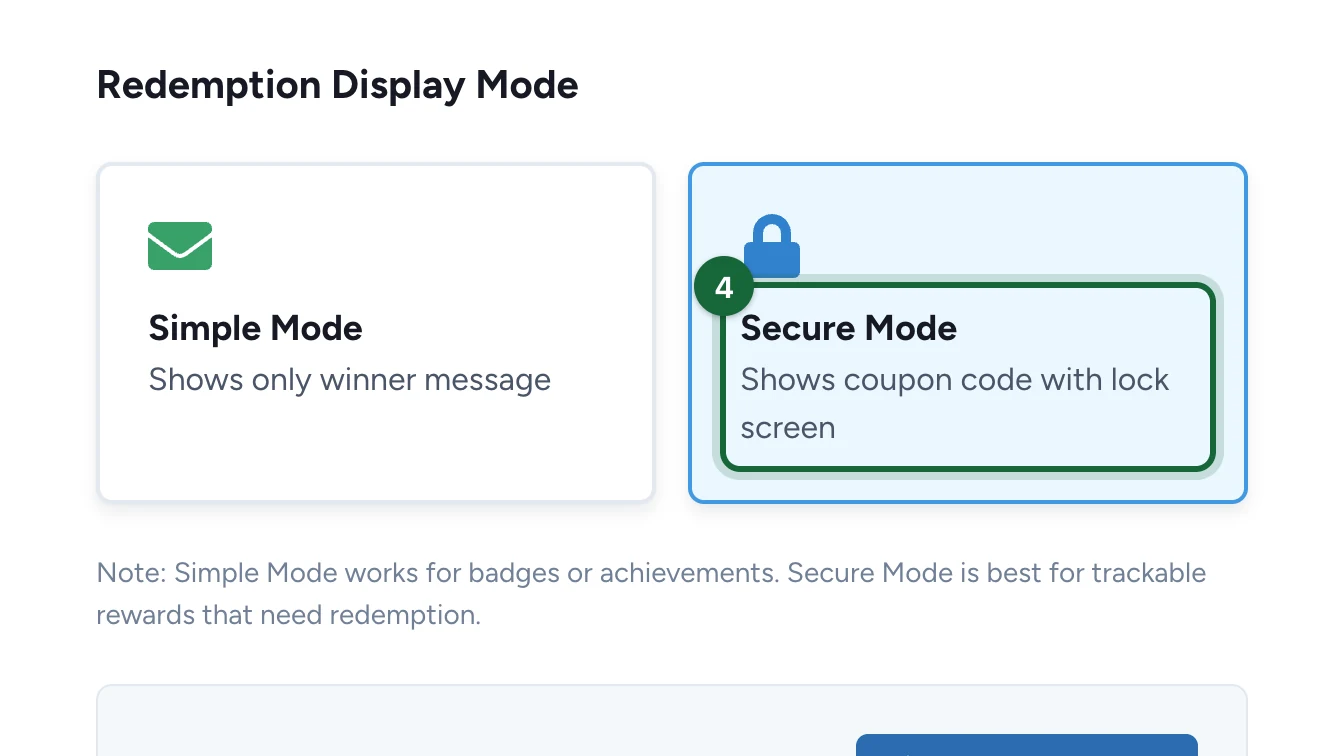
A reward in Simple Mode shows the winner message only, which is fine for a prize handed over at a desk. Secure Mode also shows each winner a unique code, so staff can check it. The codes come from the reward's coupon pool. Here, Lindenhall secures its hot chocolate and generates 200 codes.
Turn on Secure Mode
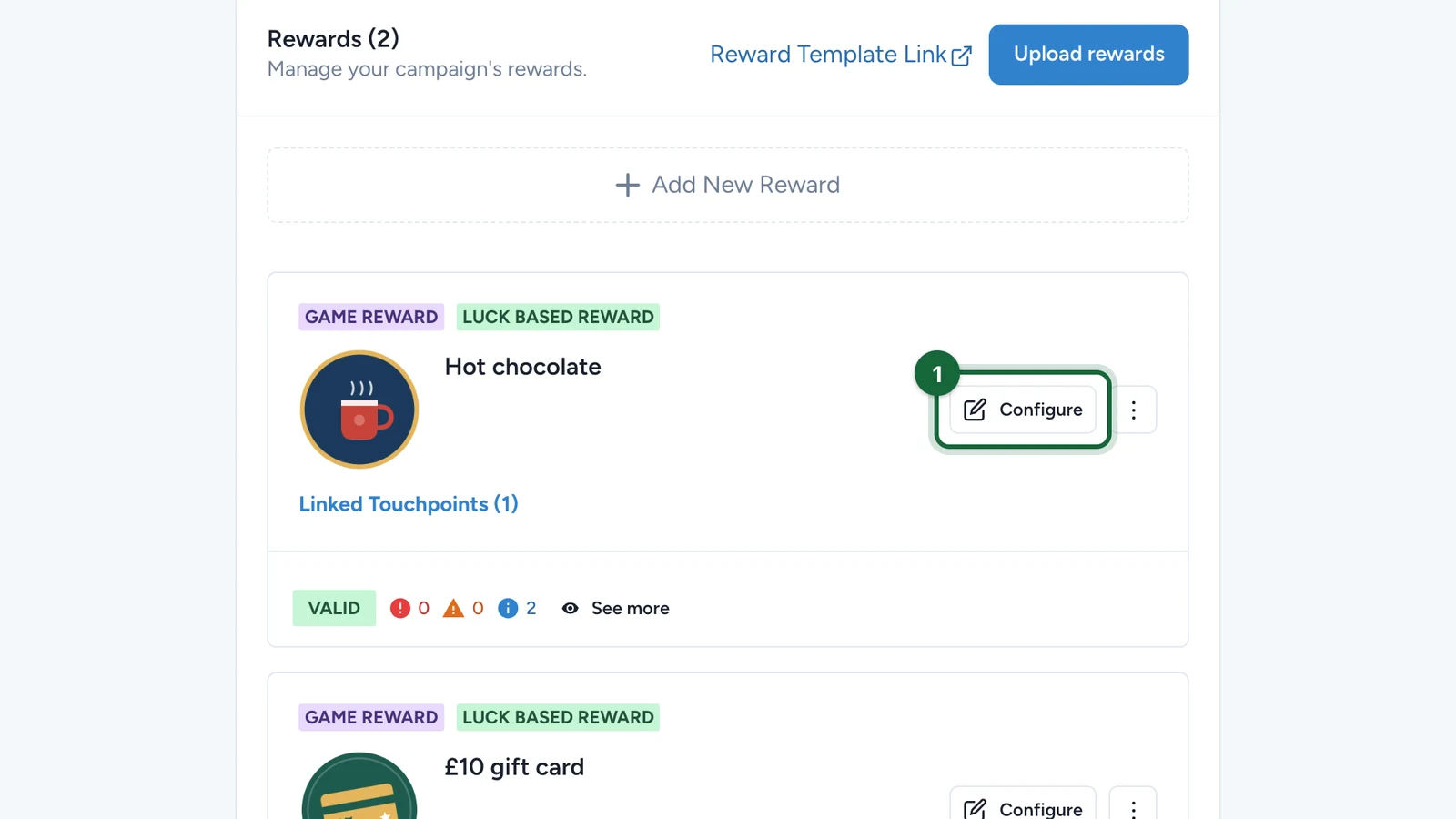
In Build > Rewards:
-
On the reward, select Configure.
-
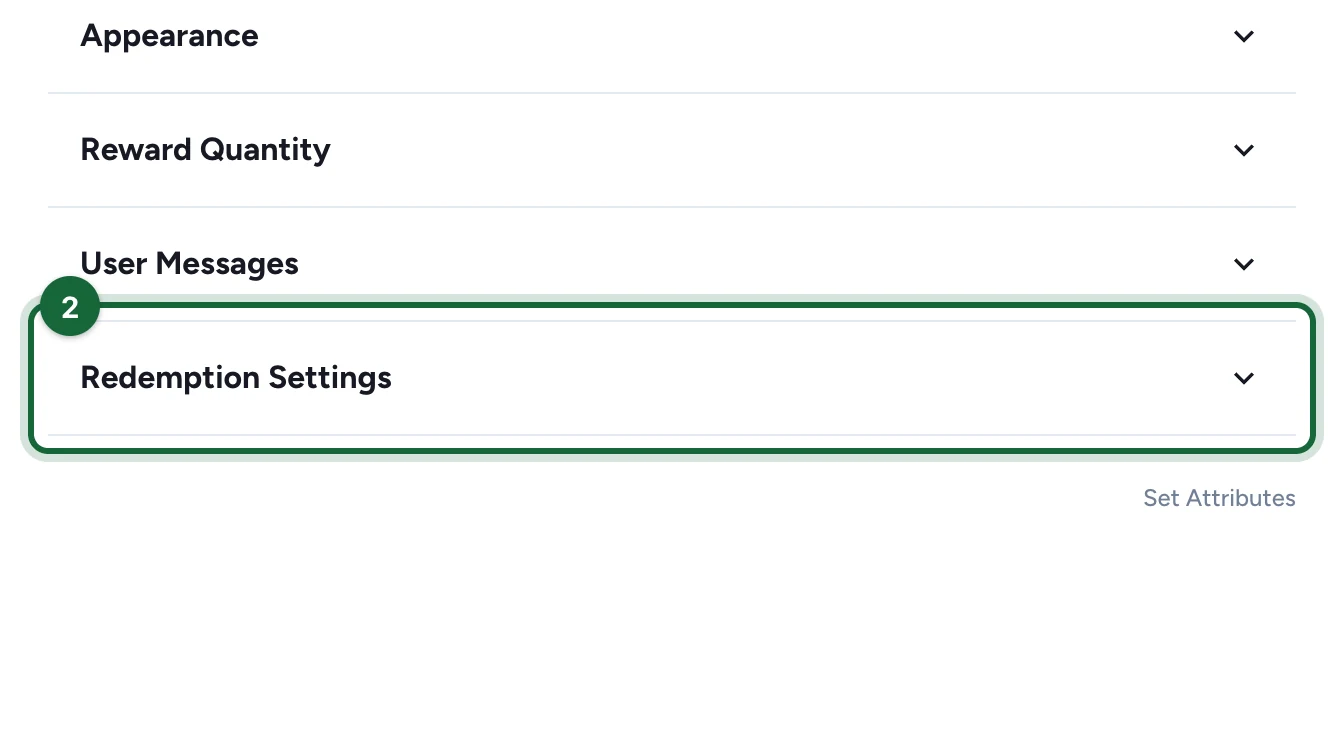
Open Redemption Settings.
-
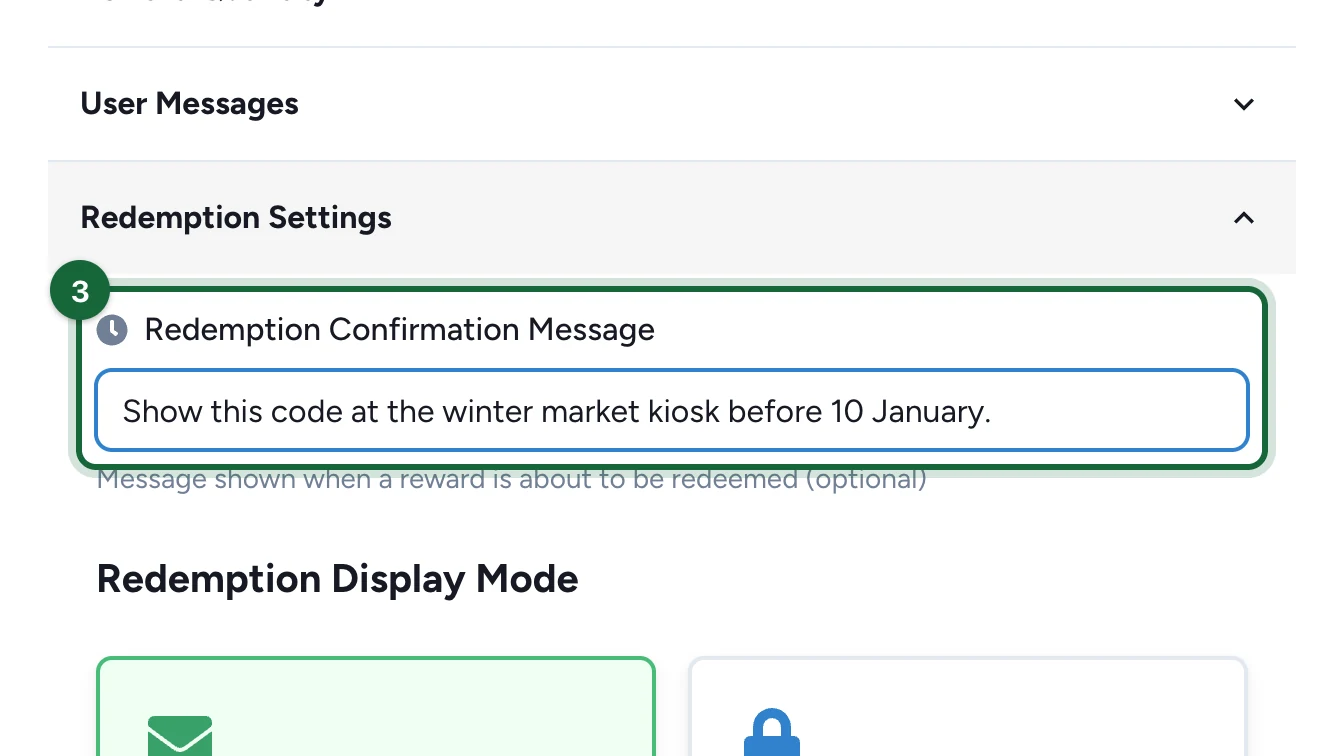
Enter the Redemption Confirmation Message, shown when the winner redeems.
It puts the code behind a lock screen, with a button the winner taps in front of staff. Without it, the code shows straight away and nobody can mark it used, so Redeemed stays at 0.
-
Choose Secure Mode.
-
Select Save.
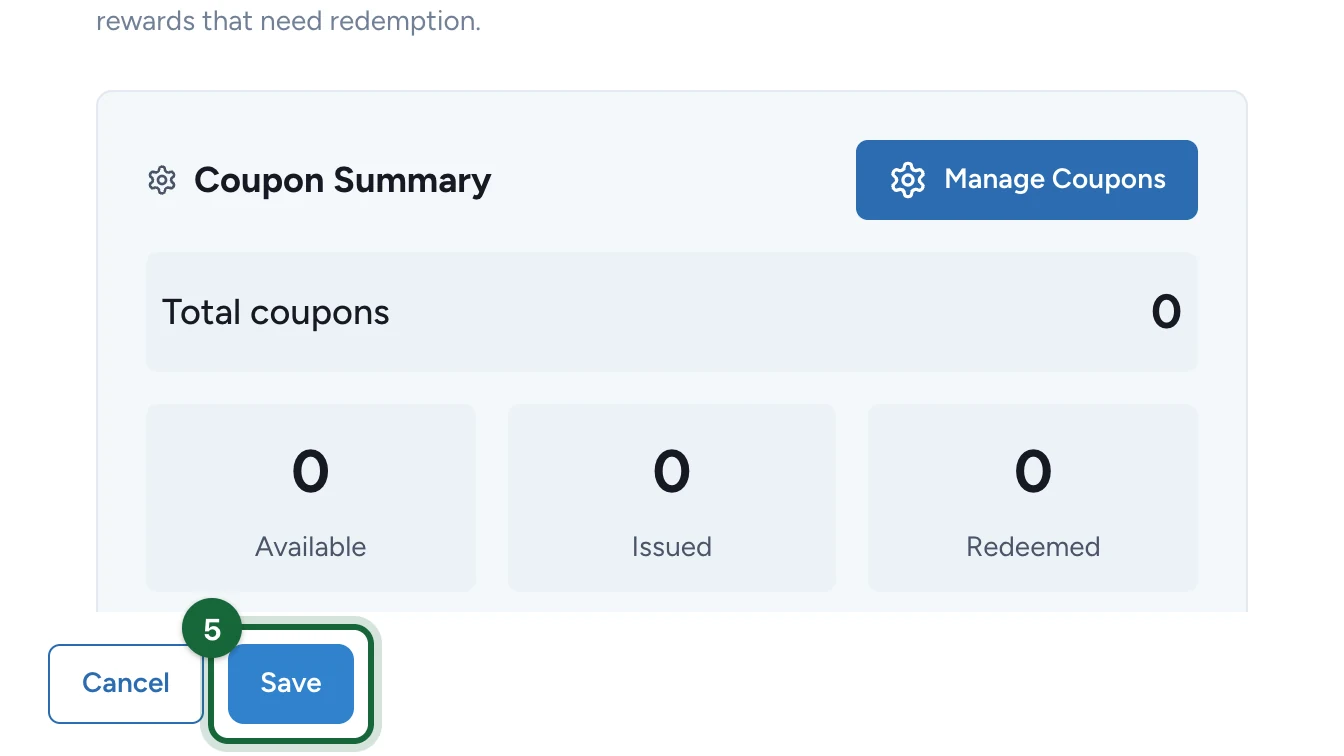
A Coupon Summary appears, still at 0.
Add the codes
-
Under Coupon Summary, select Manage Coupons.
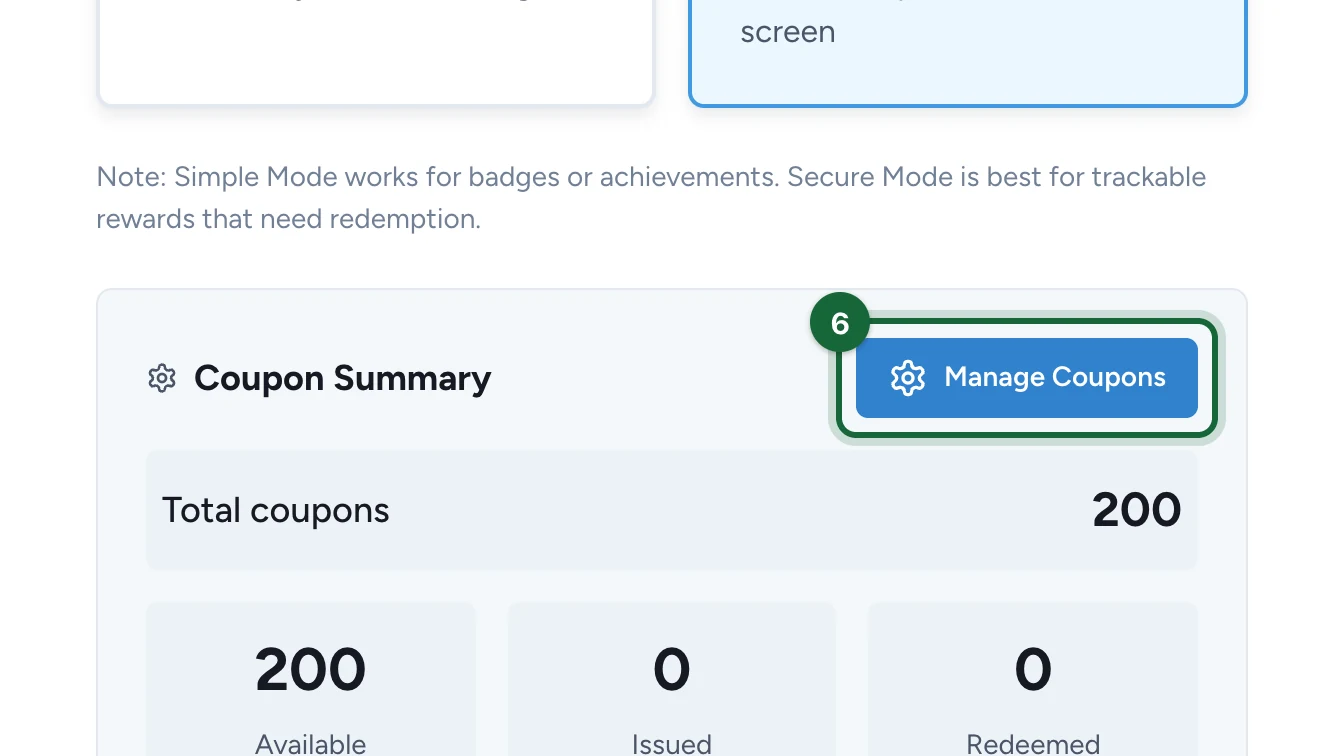
Later, you can also open it from Assets Library > Rewards, under the reward's More Actions.
-
Select Auto Allocate.
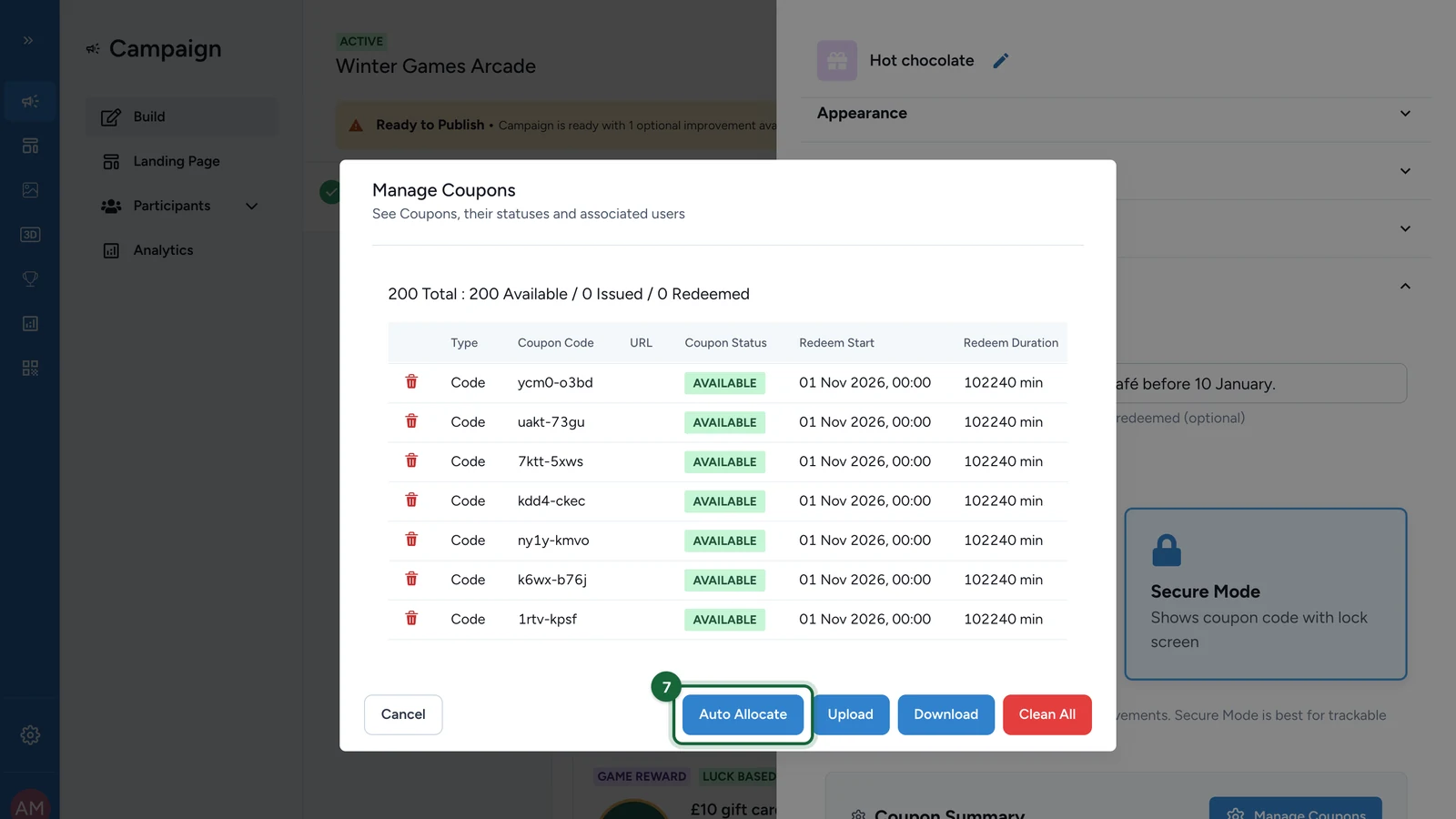
To use your own codes or links instead, select Upload and send a CSV file: its window explains the columns. Auto Allocate only makes text codes.
-
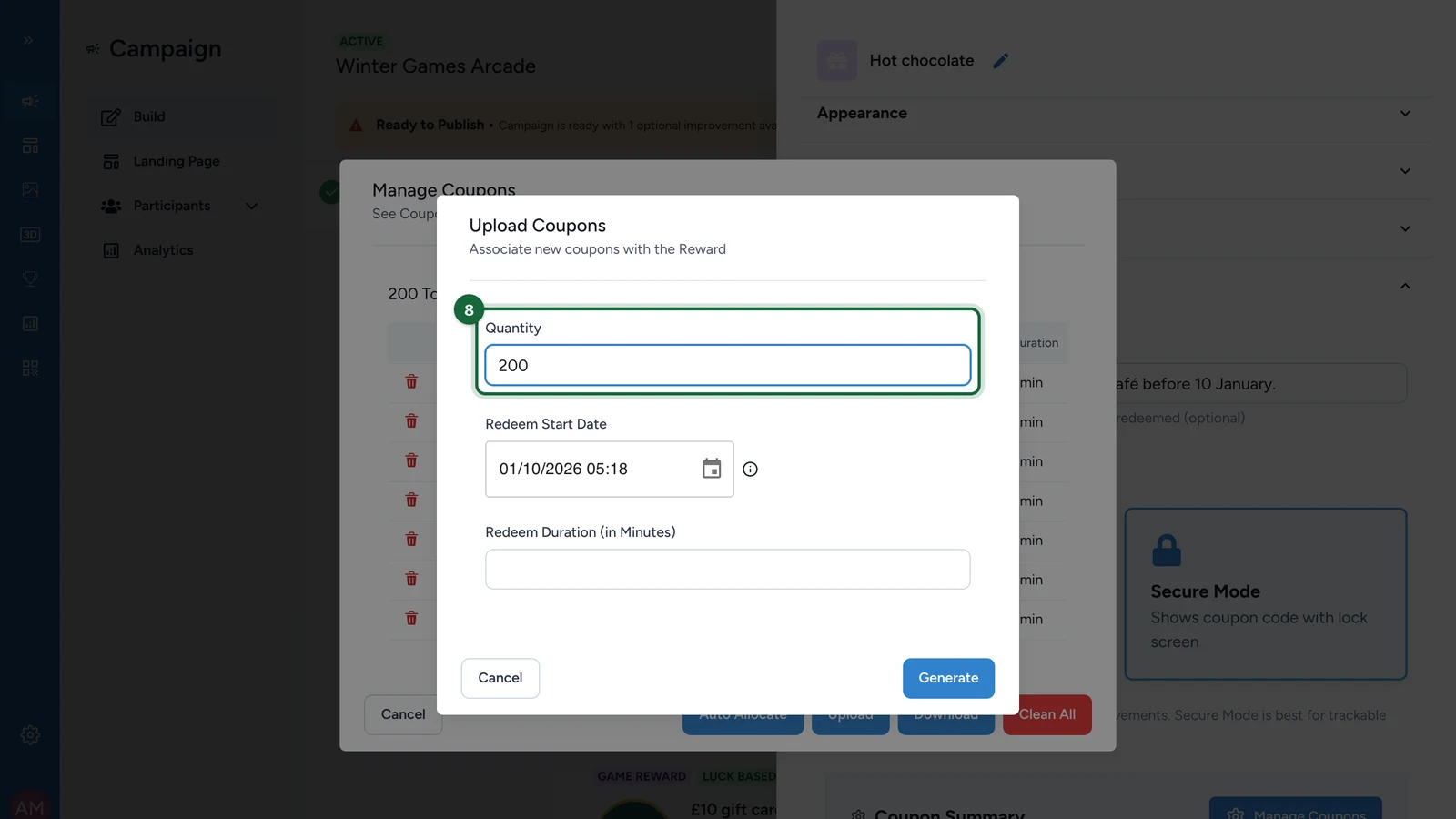
Enter the Quantity of codes: as many as the reward can be won, here 200.
-
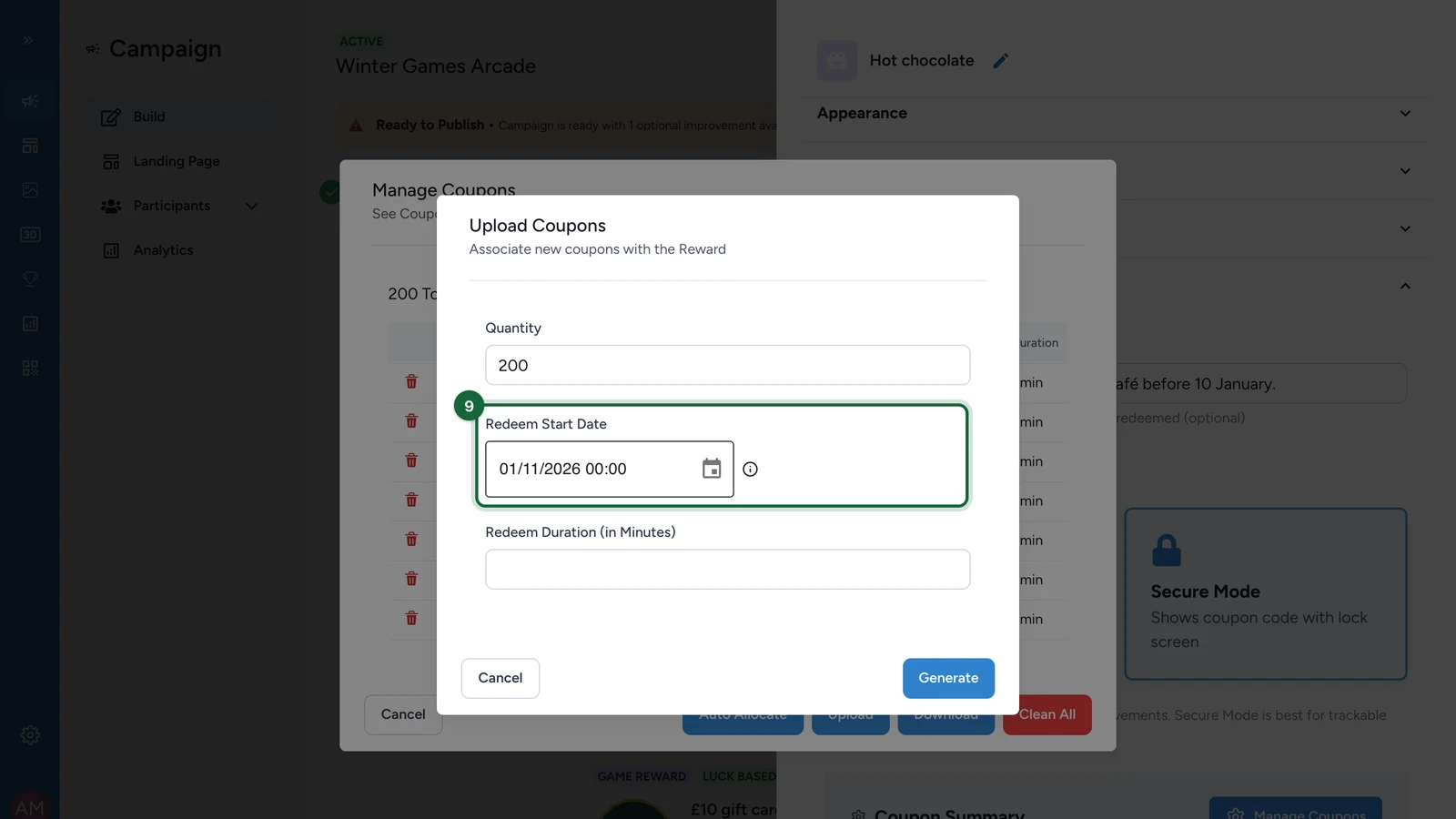
Set the Redeem Start Date, when the codes start to work.
-
Enter the Redeem Duration (in Minutes), here 10.
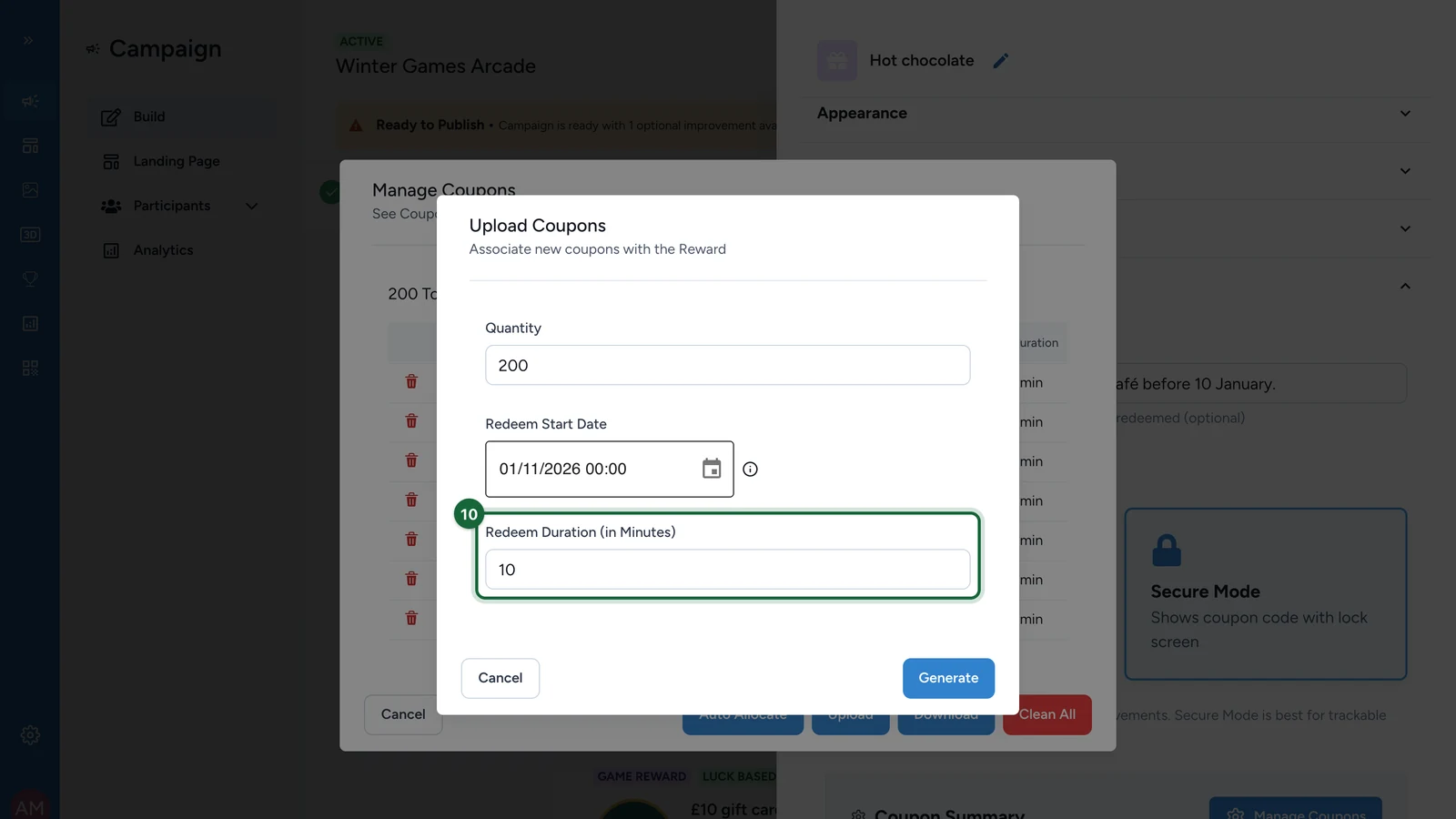
It counts from the winner's tap on Activate: the code then stays readable for that long, long enough to show it at the desk.
-
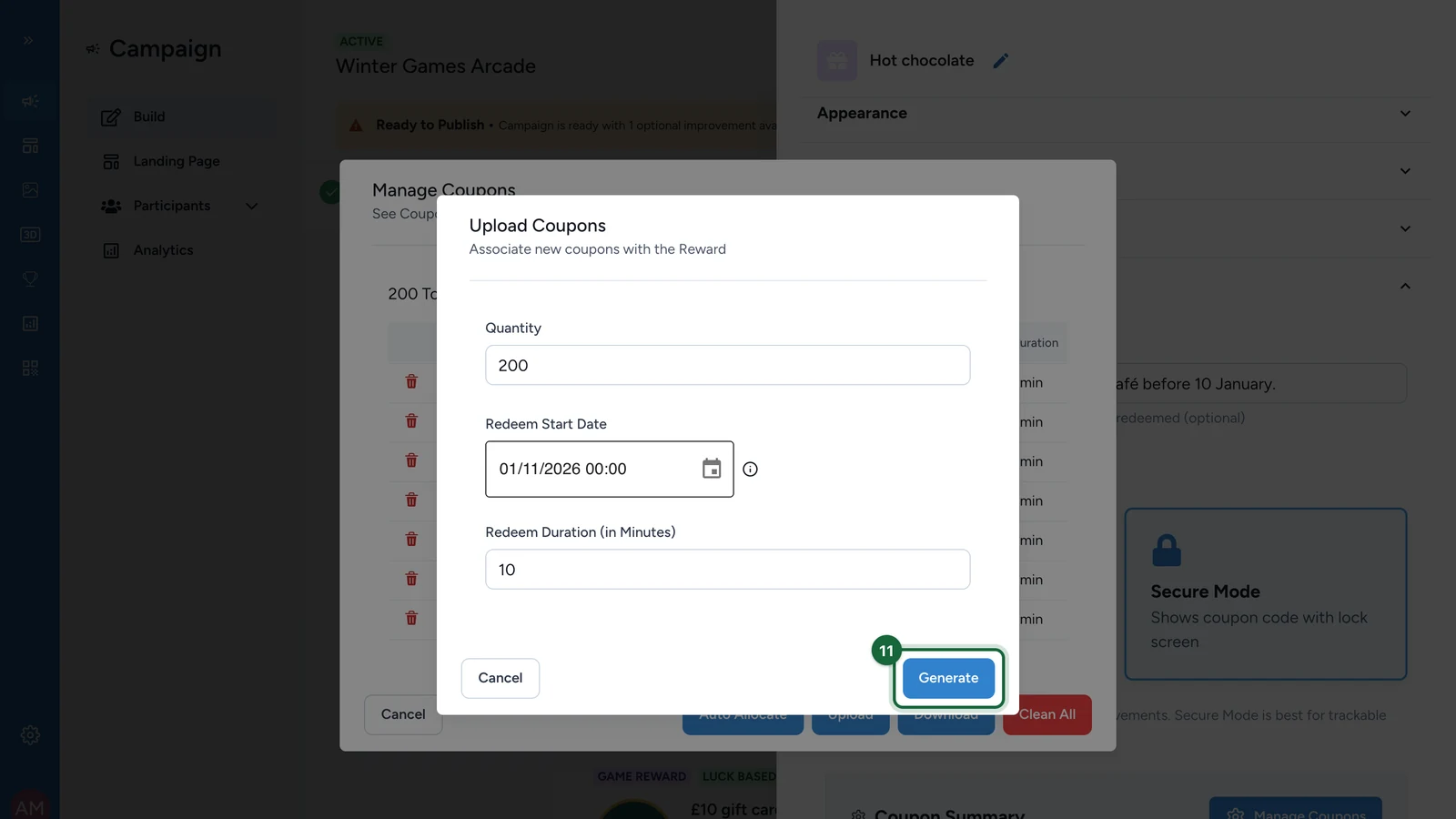
Select Generate.
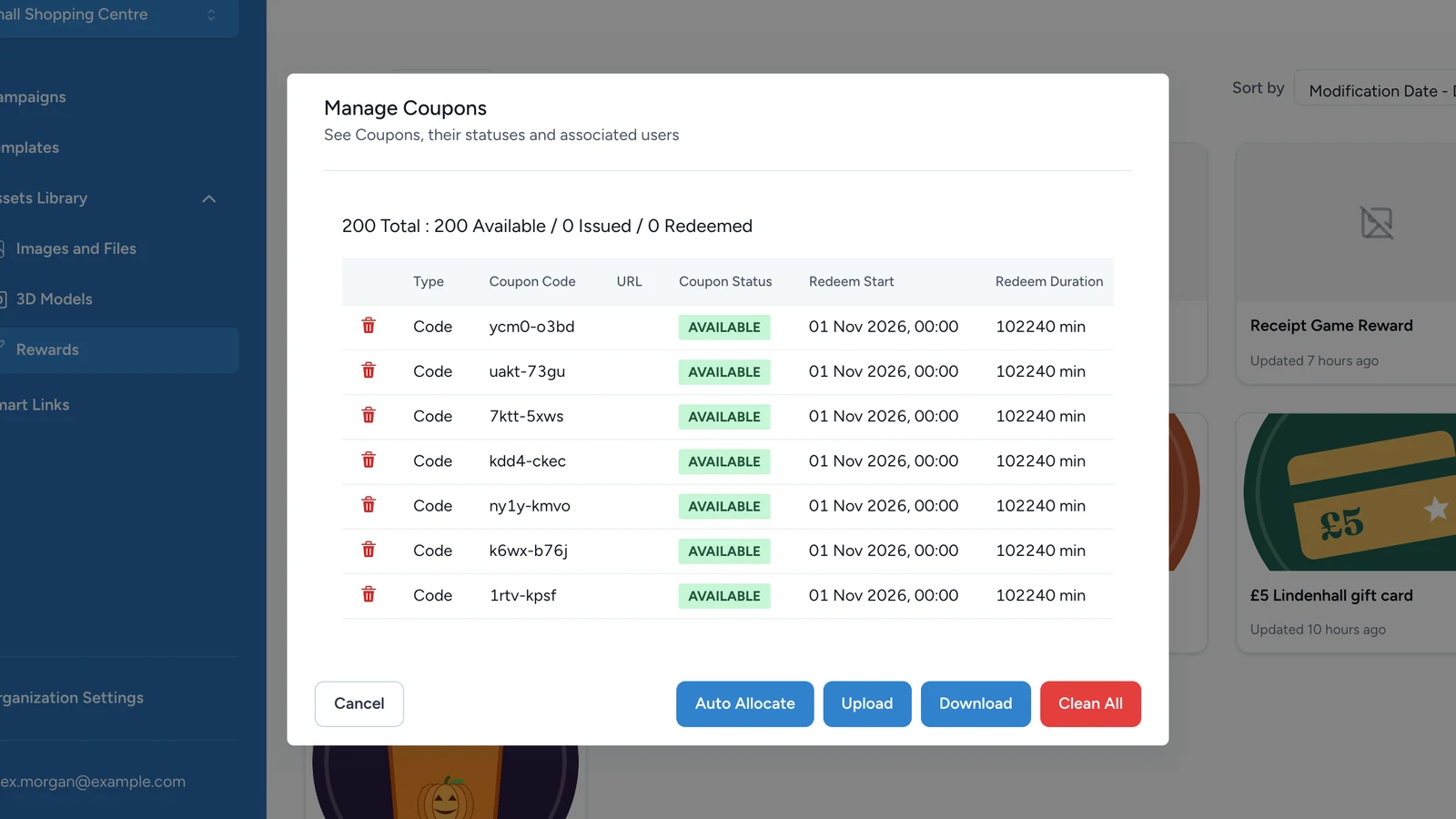
The pool now shows 200 codes, all AVAILABLE. It tells you how many are issued to winners and redeemed as the campaign runs. Download exports the list.
Keep enough codes
When the pool runs dry, a winner still gets a code, but it isn't one of yours, so it won't scan at the till. Add codes before that happens: generate or upload more from the same window.
If publishing is blocked
- A Secure Mode reward has fewer codes than its quantity: generate or upload more codes, or lower the Quantity.