Treasure Hunts
 Treasure Hunts
Footfall where you want it
A QR code trail leads visitors from shop to shop, and Studio counts every stop.

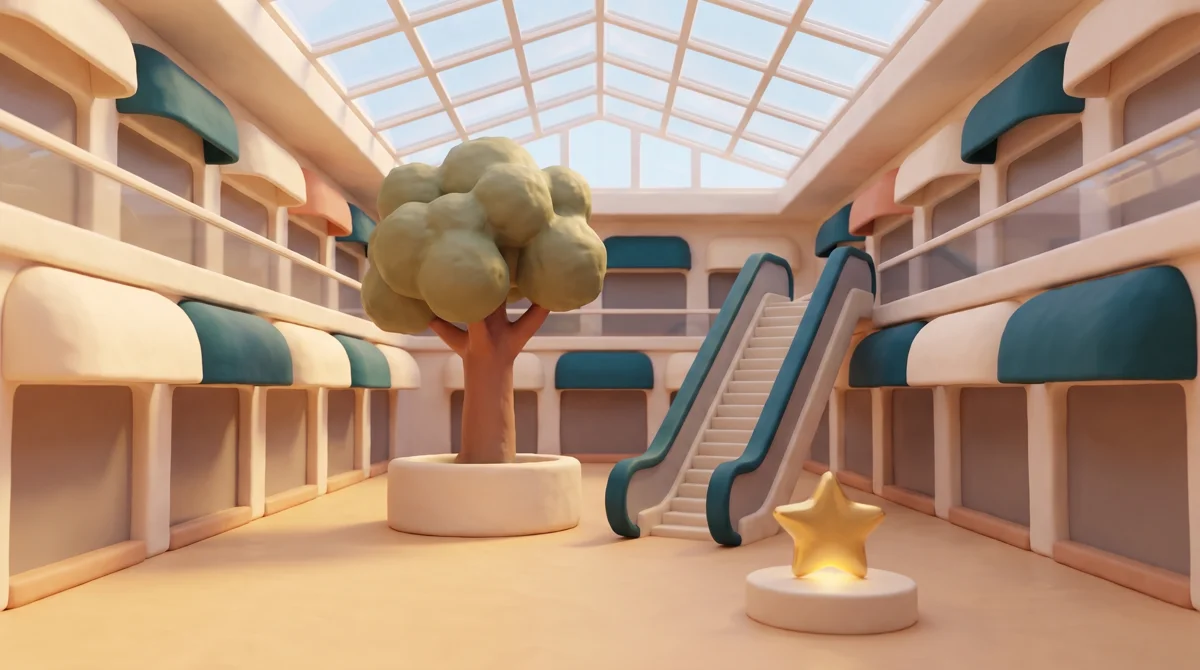
The Lindenhall trail
Four golden stars are hidden in the shops. Find them all.
The map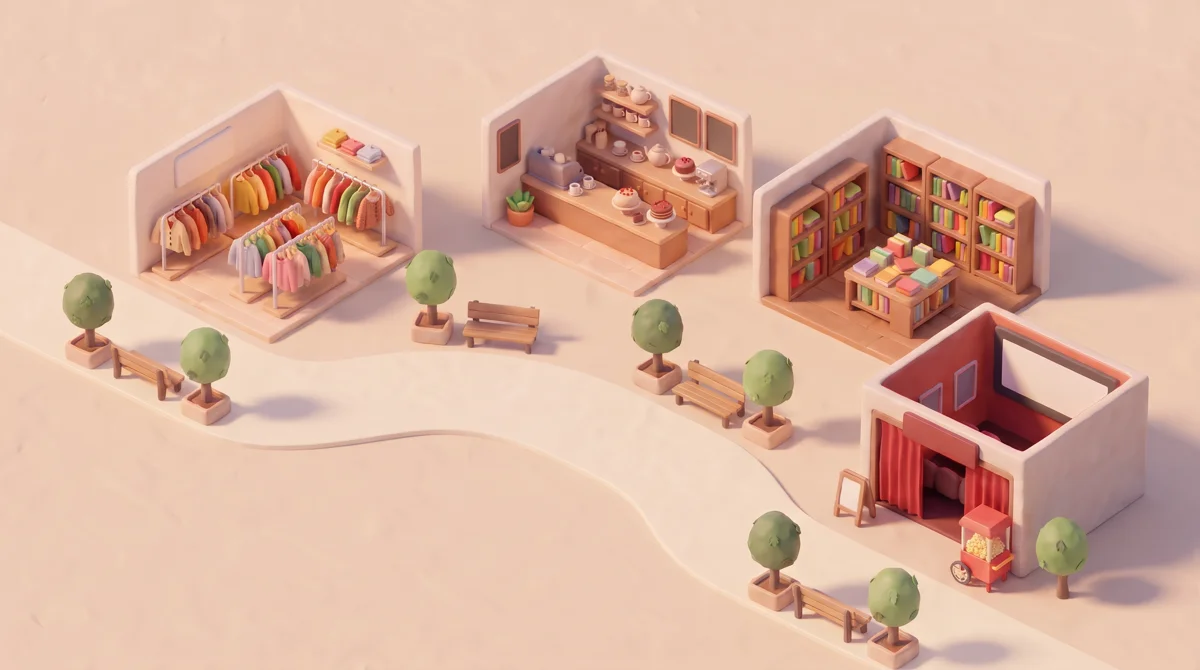 3
 Looking for the next objectFit the QR code in the frame3Golden starOn the Book Nook’s display table
 Golden starBadge unlocked!
All four found. Pick up your goodie bag at the info desk.
How it works
Four steps from one shop to the next
No app to download. The whole hunt runs in the phone’s browser.
- 01
Scan the QR code
On a poster or in a shop window, with the phone’s own camera or the built-in scanner.
The Lindenhall trail
Four golden stars are hidden in the shops. Find them all.
The map2Next object2Golden starAt the Café Linden counter Looking for the next objectFit the QR code in the frame2Golden starAt the Café Linden counterGolden starBadge unlocked!
Two found. Two golden stars to go.
- 02
Find the golden star
The camera opens in the shop. An arrow points the way to the star.
The Lindenhall trail
Four golden stars are hidden in the shops. Find them all.
The map2Next object2Golden starAt the Café Linden counterFind the golden starFollow the arrow to the counter.QuestionHow many cups are on the Café Linden shelf?234Golden starBadge unlocked!Two found. Two golden stars to go.
- 03
Answer the question
One answer about the shop confirms the find. You write the question.
The Lindenhall trail
Four golden stars are hidden in the shops. Find them all.
The map2Next object2Golden starAt the Café Linden counterQuestionHow many cups are on the Café Linden shelf?234Golden starBadge unlocked!Two found. Two golden stars to go.
- 04
Collect the badge
One badge per stop, and a prize at the finish or at any stop you choose.
Next object2Golden starAt the Café Linden counterQuestionHow many cups are on the Café Linden shelf?234Golden starBadge unlocked!Two found. Two golden stars to go.
Reward unlockedFree coffee at Café Linden

3D and AR
Something worth finding in every shop
Visitors see the star in 3D on any phone, or standing on the shop floor in augmented reality.
Drag to turnGolden starAt Maison Nord
Reporting
Your shops on the route.Every visit counted.
Put a QR code in each shop you pick, then see how many visitors reached each one.
 1Maison Nord2Café Linden3Book Nook4Cinema
- 1Maison Nord2,231 visitors
- 2Café Linden1,804 visitors
- 3Book Nook1,623 visitors
- 4Cinema1,452 visitors
65%of visitors who found the first star reached the fourth stop
Lindenhall is a fictional centre. Figures are illustrative.Features
All Treasure Hunts features
Objects, questions, route, rewards and reporting, in full.
Objects4
- 3D First
- The object opens on screen as a 3D model visitors can turn, on almost every phone.
- AR First
- The object stands in the phone’s camera view, in augmented reality. Phones without AR show it in 3D.
- 3D models
- Your own GLB files, plus USDZ for AR on iPhone, or models built for you by our Digital Studio.
- Badge
- A badge in your own design for each object, collected once per visitor.
Questions5
- Direct
- No question. Visitors collect the object as soon as they find it.
- Multi Choice
- One question with three answers, one of them marked correct.
- Text Answer
- One expected answer to type. Capitals and spaces around the answer are ignored.
- Answer hint
- An optional hint under the question.
- Mixing types
- Choose the type object by object, so one hunt can mix all three.
Route and map7
- QR codes
- Studio gives each object its own QR code to print and place.
- Collection order
- Any Order opens every stop at once. Sequential reveals each stop after the previous find.
- Completion
- Require every object, or only the number you set.
- Venue map
- Upload your venue map and pin every object on it. Each find turns its pin green.
- Next stop
- In a set order, the phone shows visitors their next object.
- Opening hours
- Set opening hours per object. Scans outside them do not count.
- Indoors
- A find is a QR code scan, with no GPS, so hunts work indoors.
Rewards5
- Badges
- One badge per object, plus the hunt’s own badge at the finish.
- Finish prize
- A prize for completing the hunt, for example a goodie bag while stocks last.
- Prize per object
- A prize for one object, such as a halfway coffee, or one at every stop.
- Ways to award
- Instant win, draw, or first come, first served, chosen prize by prize.
- Rewards list
- Visitors see the prizes they won and the draws they entered under Rewards.
Sign-up and reporting6
- Sign-up
- Once, before the first find. The same sign-up covers every game and event in the campaign.
- Marketing opt-in
- A separate choice from signing up, shown next to each visitor in the CSV export.
- Visitors per object
- The dashboard shows, object by object, how many visitors found it.
- Exports
- The dashboard as PDF, and every participant as CSV.
- Languages
- Any of the 120 languages available in Studio. Visitors switch from the globe icon.
- Several sites
- Head office shares the hunt as a template. Each site launches its own version.
FAQ
Frequently asked questions
Can people cheat by sharing a photo of a QR code?
Yes, a shared photo can let someone skip the walk, though each star counts once per visitor. To prevent it, ask for a typed answer about a detail only visible in the shop.
What do we need to provide?
Your prizes, an optional venue map and one 3D model per object (GLB, plus USDZ for AR on iPhone). Our Digital Studio can build the models for you.
Does it work on every phone?
Almost. A 3D First object opens on nearly every phone, and an AR First object shows in 3D on phones without AR.
Do visitors have to sign up?
Yes, once, before the first find. The same sign-up covers every game and event in the campaign.
Can we run the same hunt in several centres?
Yes. Head office shares it as a template, and each site launches its own version with its own objects and prizes.
Another question? Ask us in the contact form
Start with one campaign
Tell us about your next season, and we’ll show you how to run it in OmniLab.
- 30-minute demo
On your own venues and your next campaign.
- Full onboarding
Account setup, team training and your first campaign, built with you.
- Support on every plan
Plus a dedicated Customer Success Manager on Corporate and Enterprise.