Create a treasure hunt
Add a hunt to a campaign, set how people progress and finish, then add the objects they'll find.
The hunt holds the rules and the ending. The objects inside it are what people find. Have a banner image ready, and a map if you want one.
Prepare the images
Banner Image
RequiredThe header image for an activity, Receipt Game or treasure hunt.
- Required
- Size1200 × 800 px
- Aspect ratio3:2
- FormatsJPEG / WEBP / PNG
Map Image
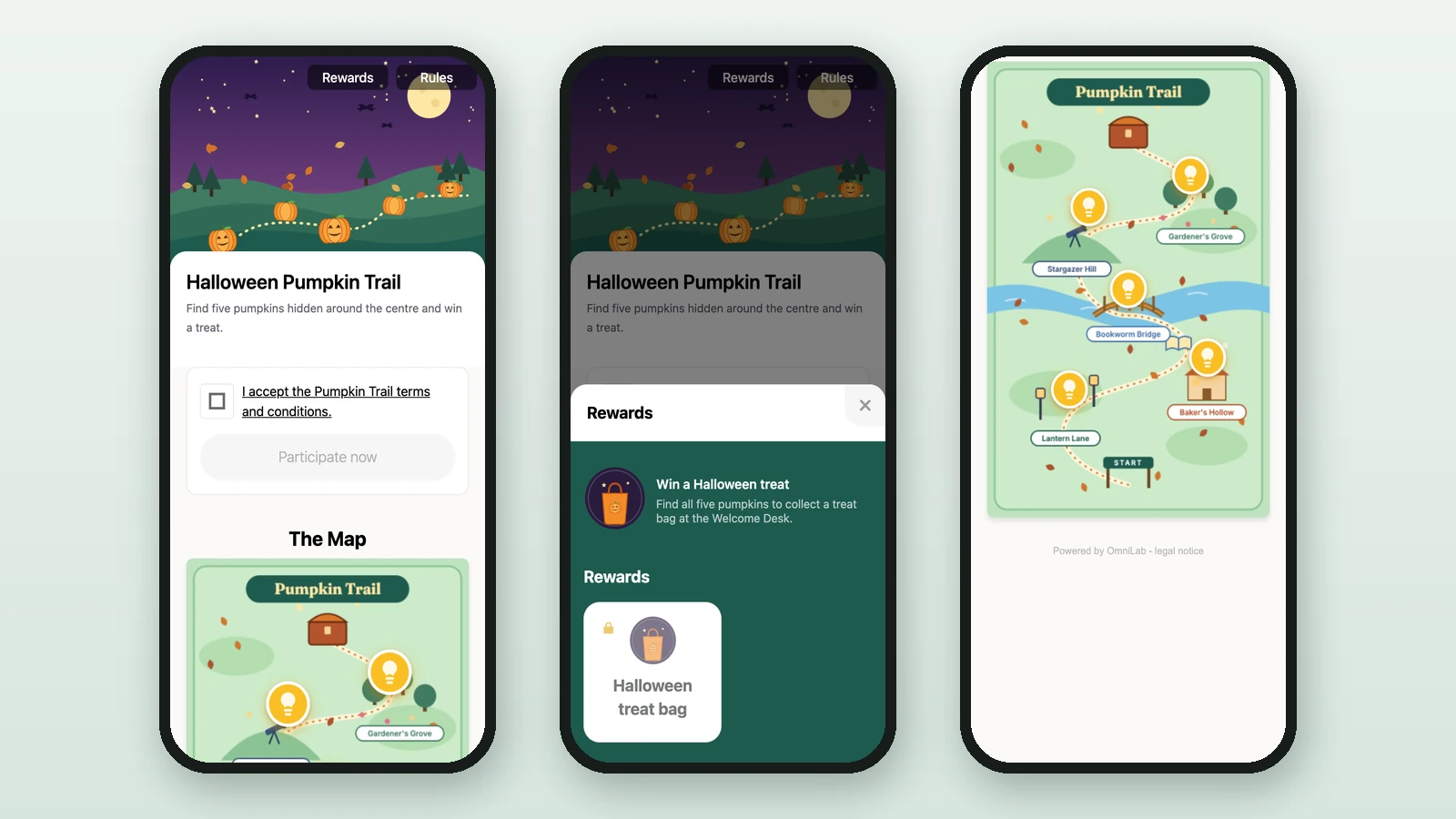
OptionalA custom map players read to find hunt objects — it acts as a background layer, with the objects dropped on top.
- Optional
- Aspect ratioFree — vertical recommended
- FormatsJPEG / PNG / SVG / WEBP
Keep it clean and uncluttered so the objects read clearly. Any aspect ratio works, but a vertical (portrait) map fills phone screens best.
For the objects' 3D models and backdrops, see Asset management for hunts.
Add the hunt
-
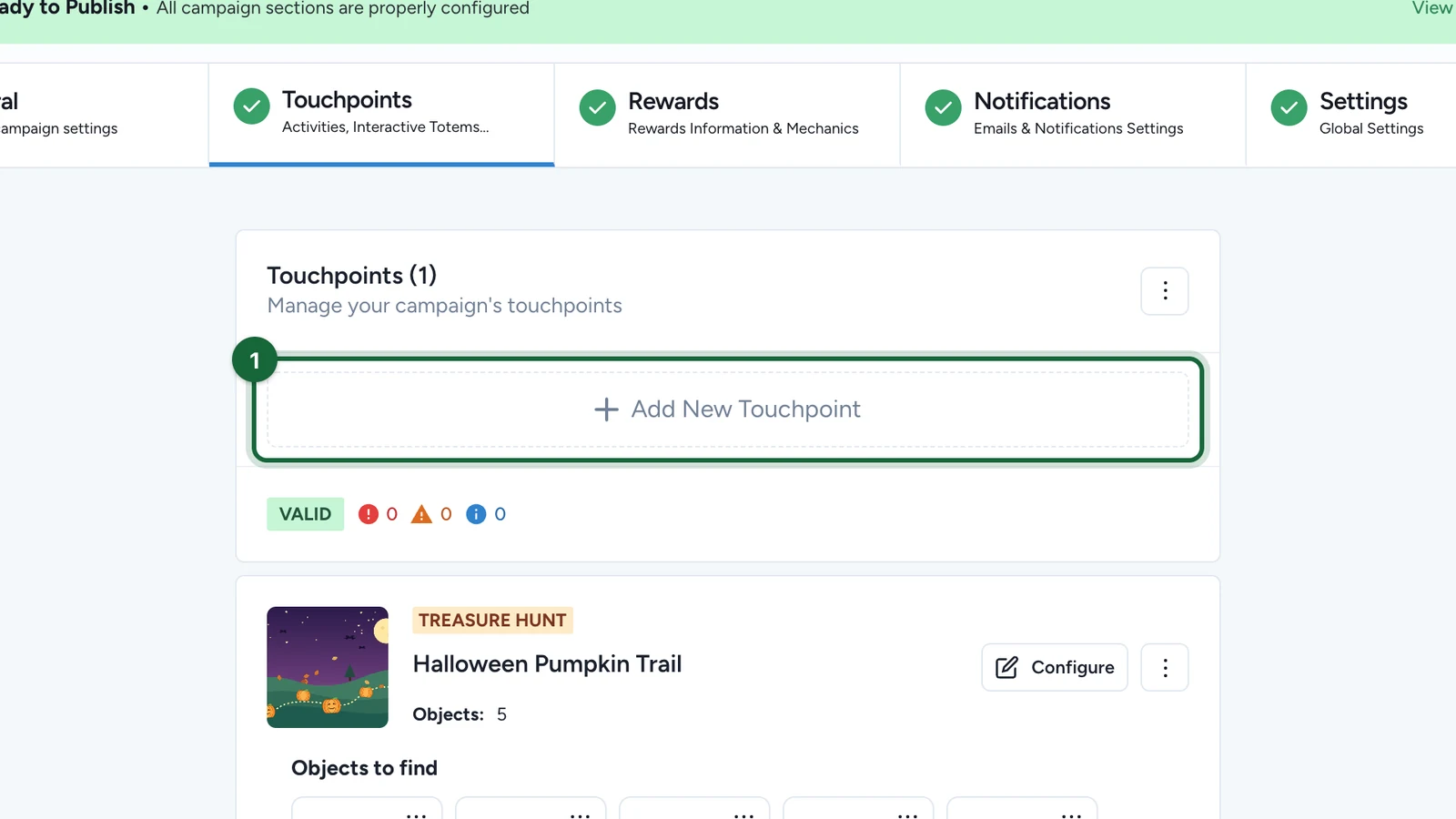
In Build > Touchpoints, select Add New Touchpoint.
-
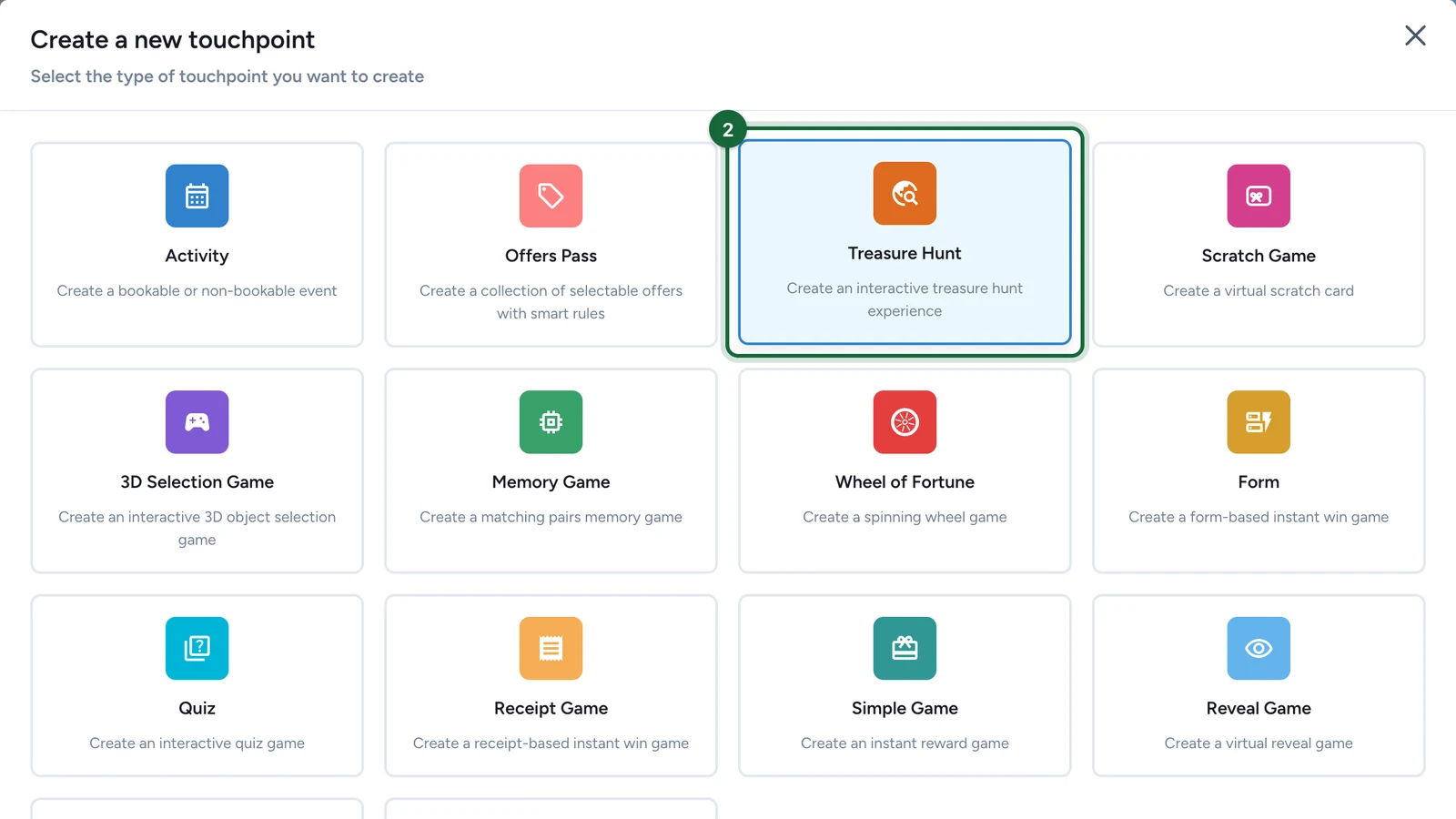
Choose Treasure Hunt.
-
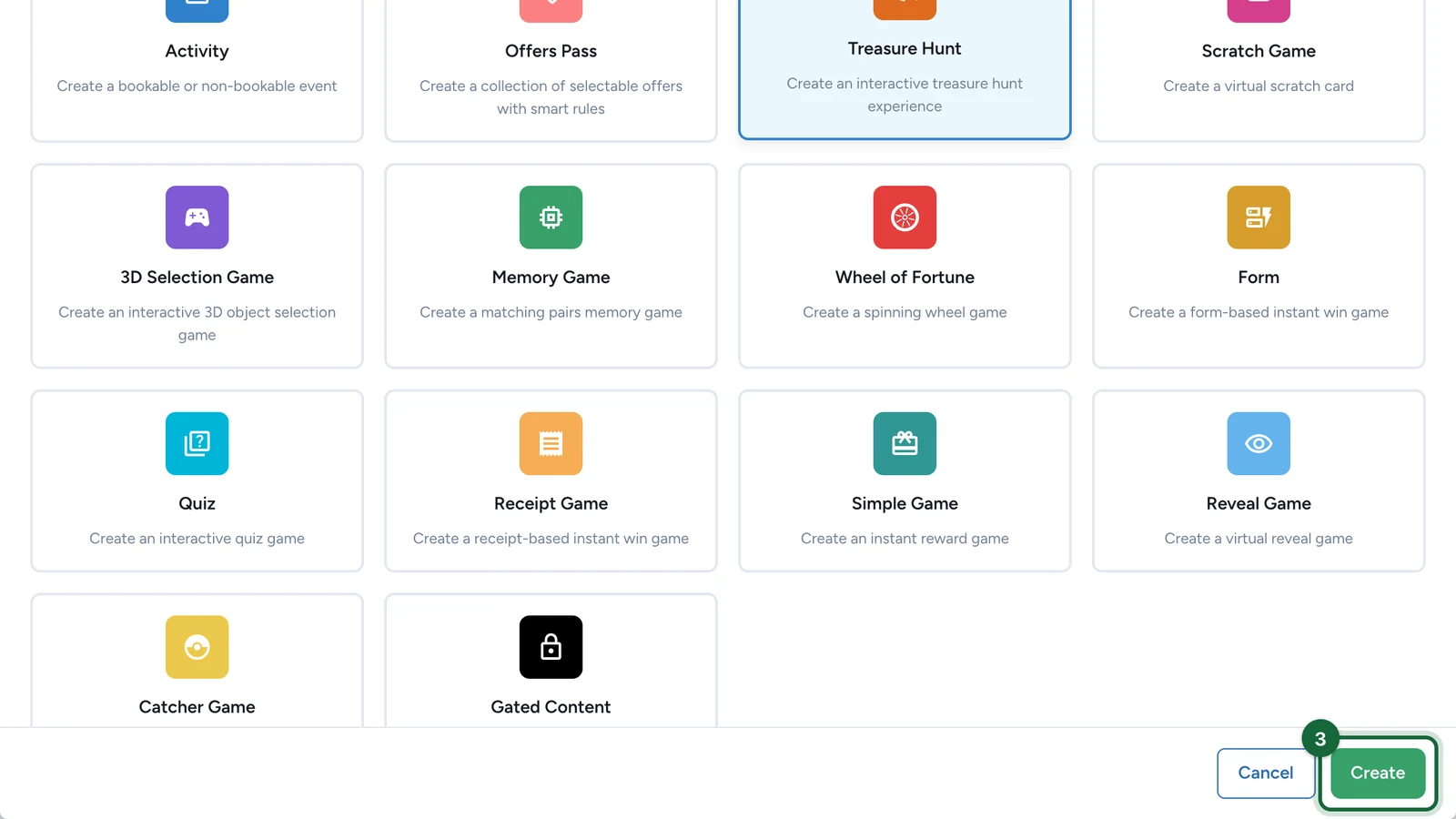
Select Create. The hunt editor opens.
-
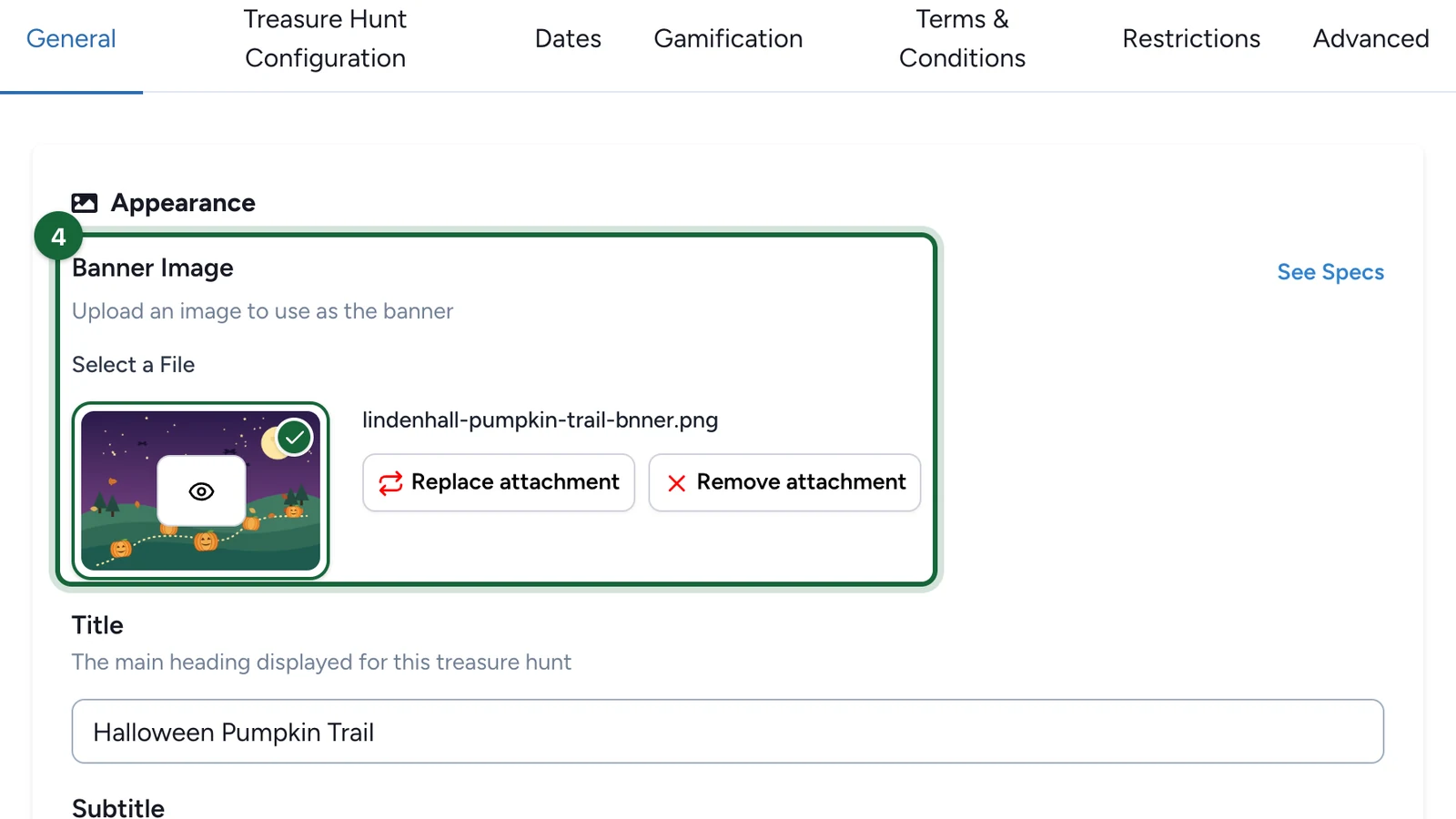
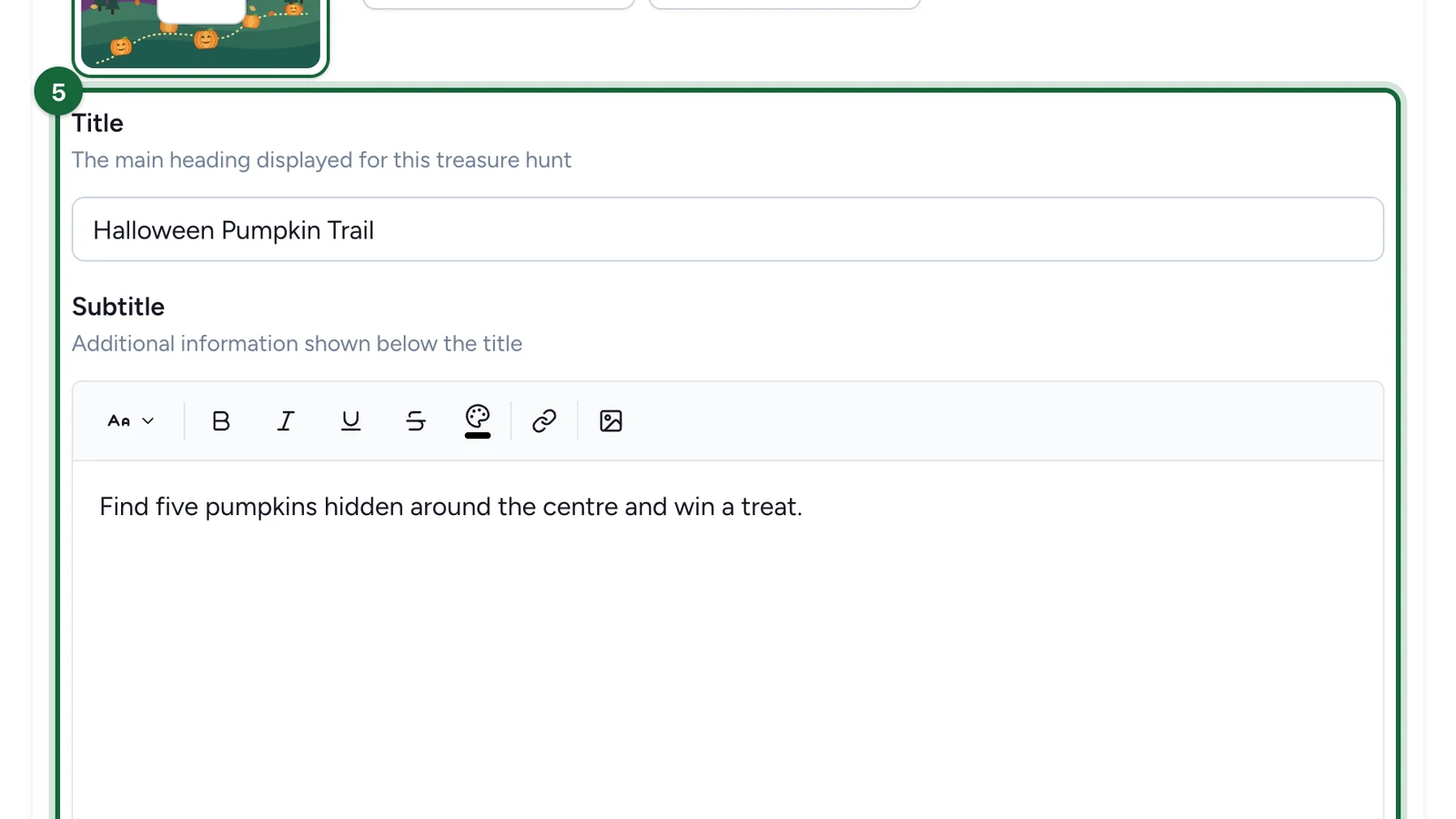
In the General tab, upload the Banner Image.
-
Enter the Title and Subtitle.
Set the rules
-
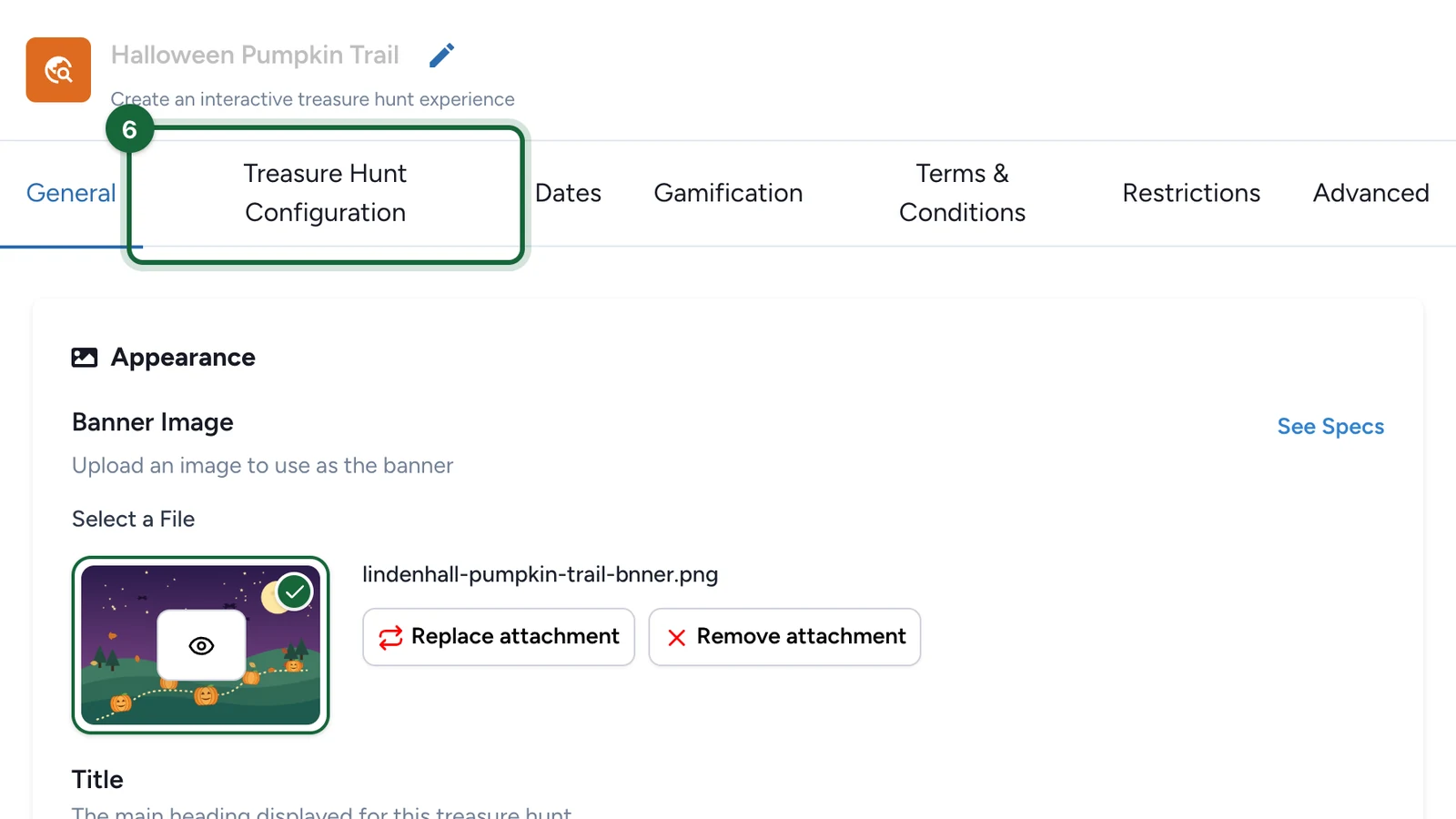
Select the Treasure Hunt Configuration tab.
-
Under Collection Order, choose Any Order or Sequential.
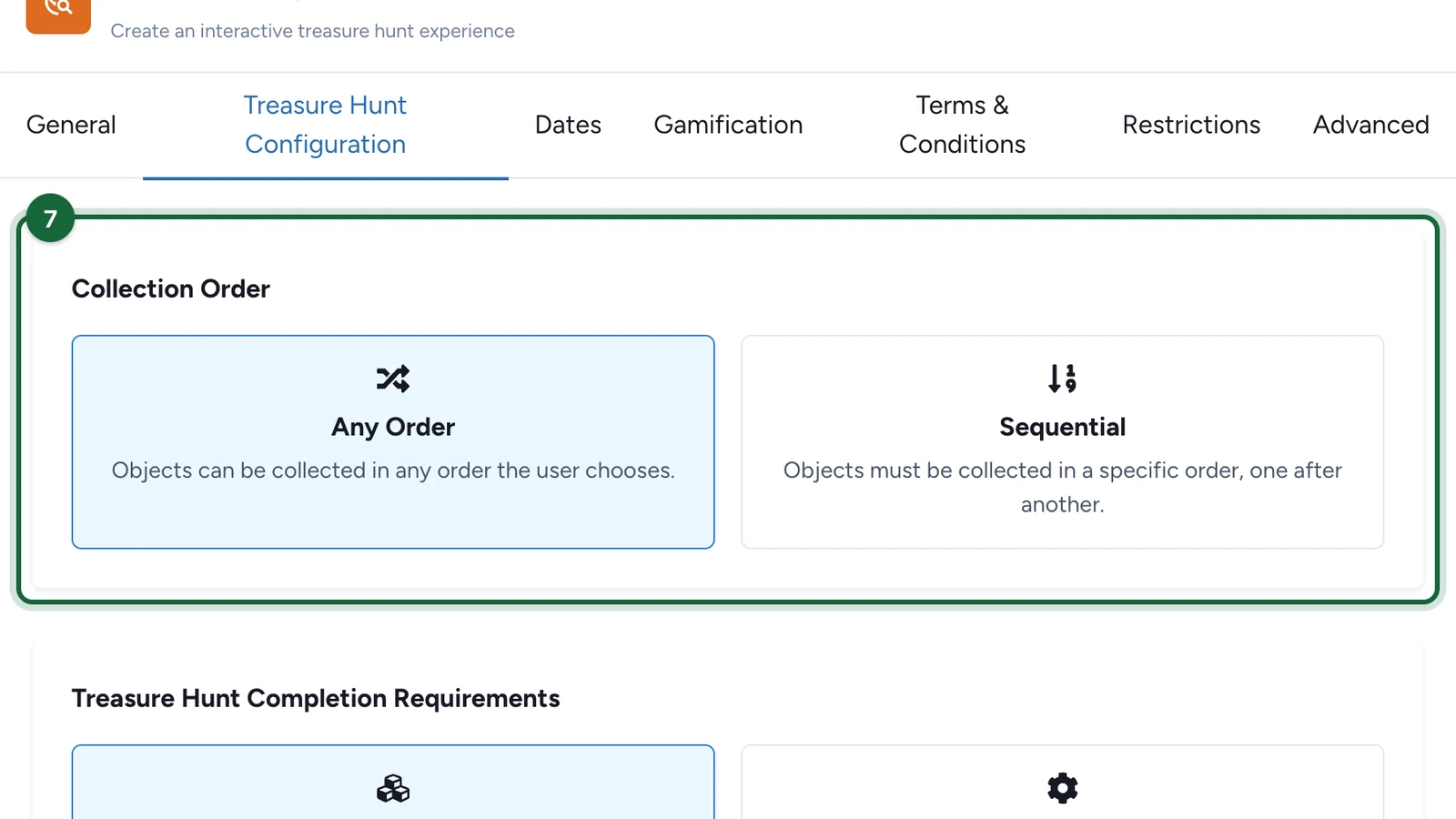
Use Sequential for a story told in a fixed order.
-
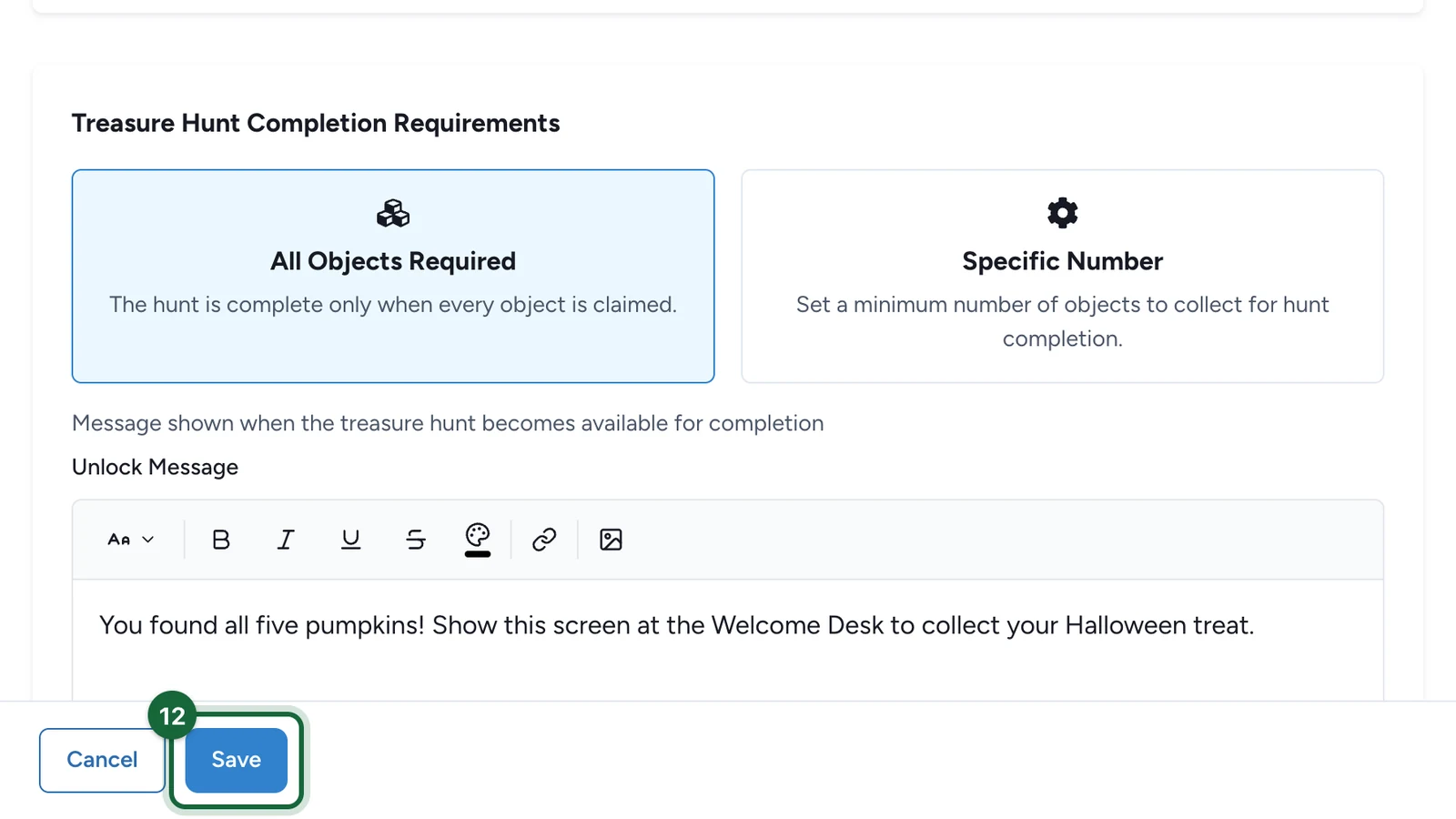
Under Treasure Hunt Completion Requirements, choose All Objects Required or Specific Number.
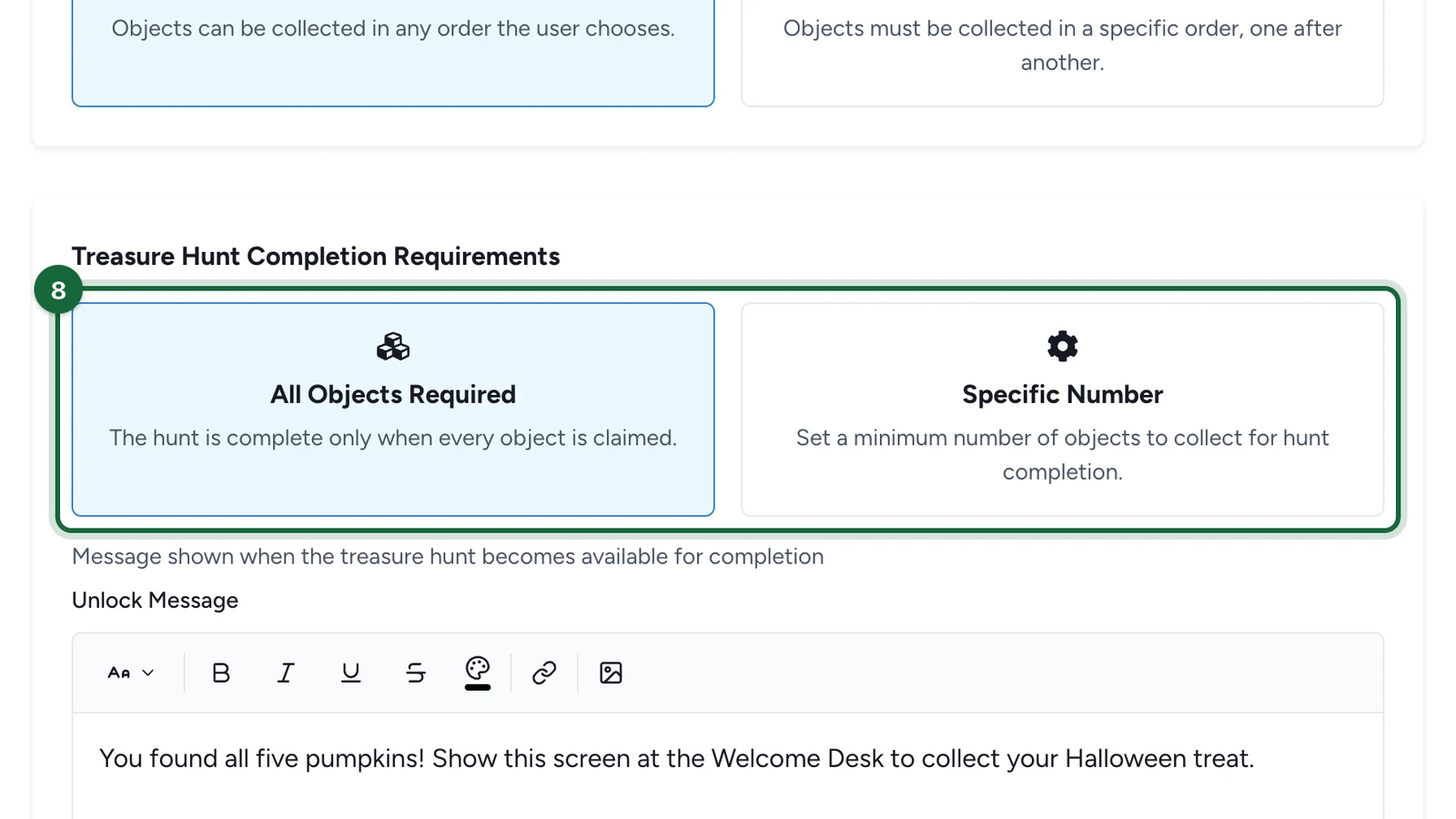
With Specific Number, enter the Minimum Objects Required, such as 3 out of 5.
-
In Unlock Message, write what people see when they finish.
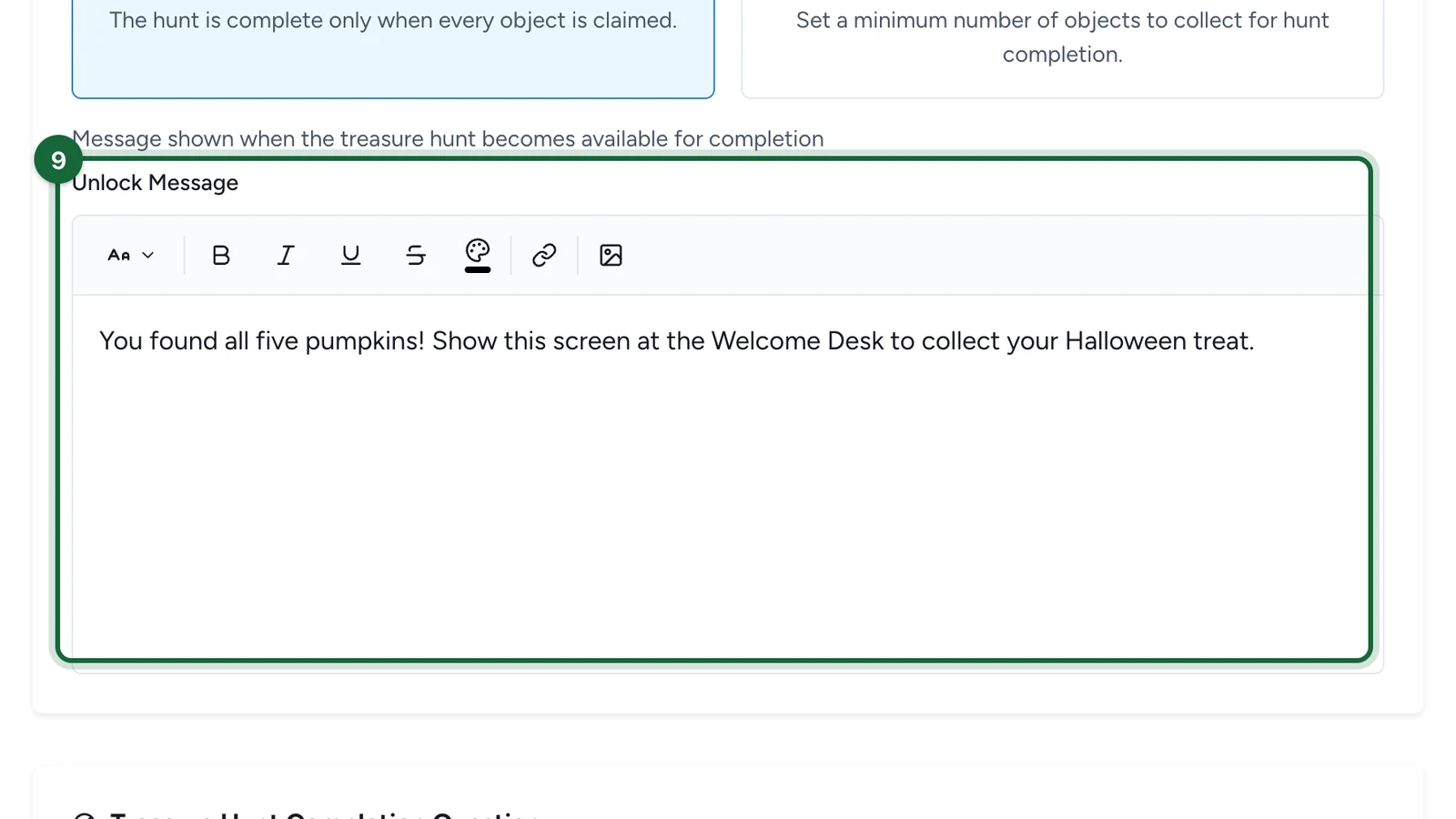
-
Under Treasure Hunt Completion Question, keep Direct, or choose Multi Choice or Text Answer for one last question.
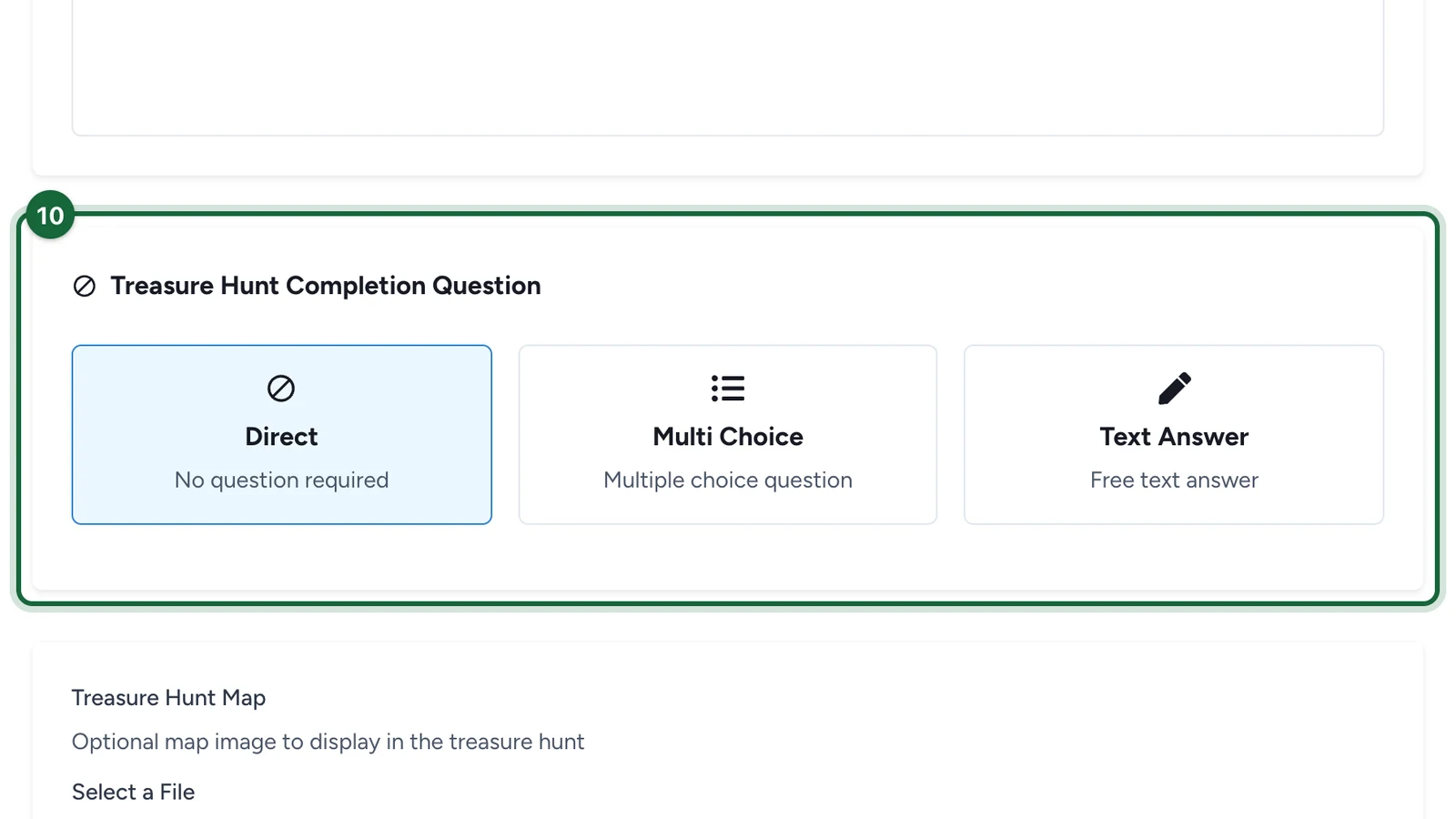
With a question, fill in the Question and the answers that appear below it, as for an object. See Configure interactivity.
-
(Optional) Under Treasure Hunt Map, upload a map. You place each object on it later.
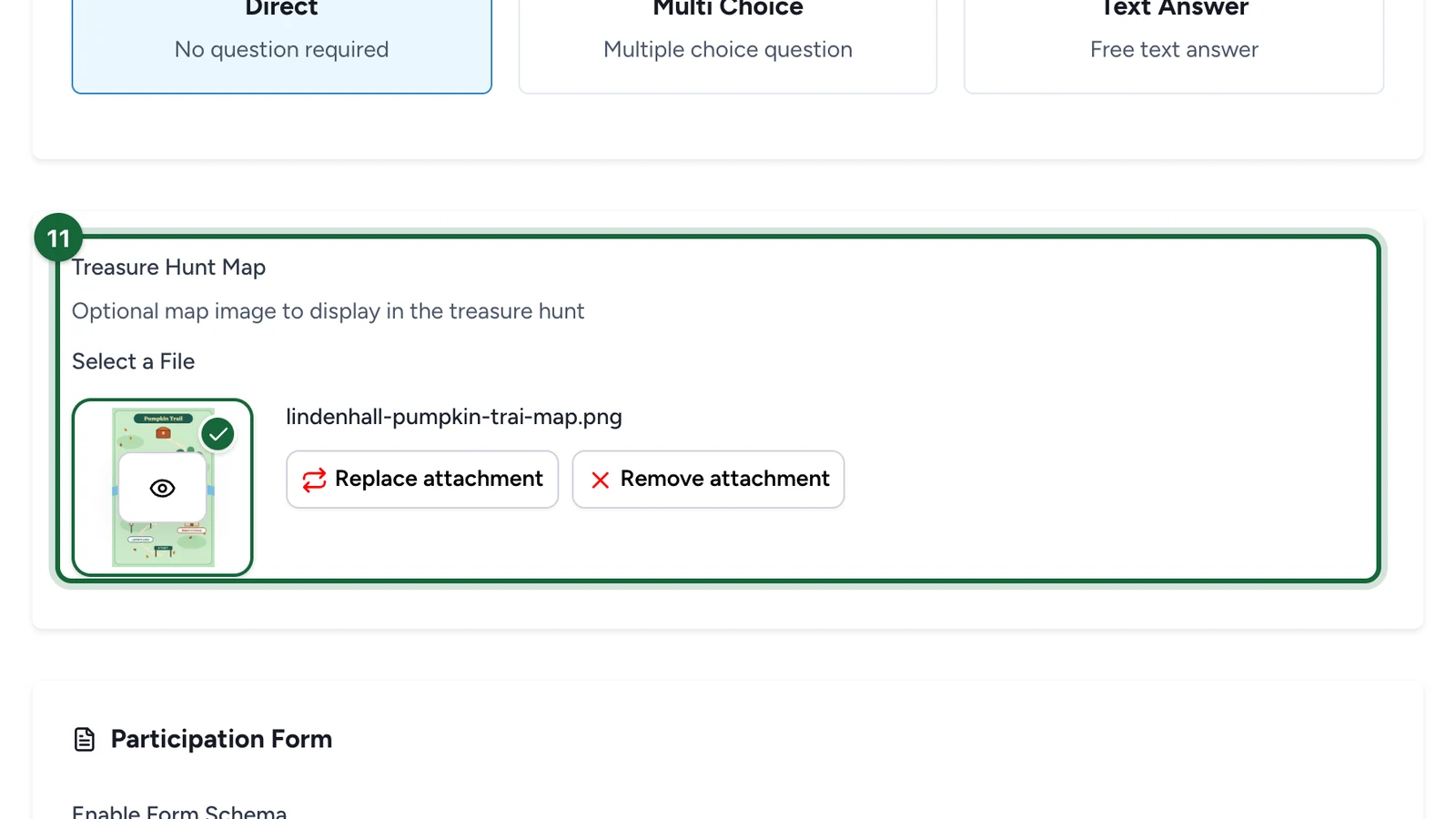
-
Select Save.
Add the objects
-
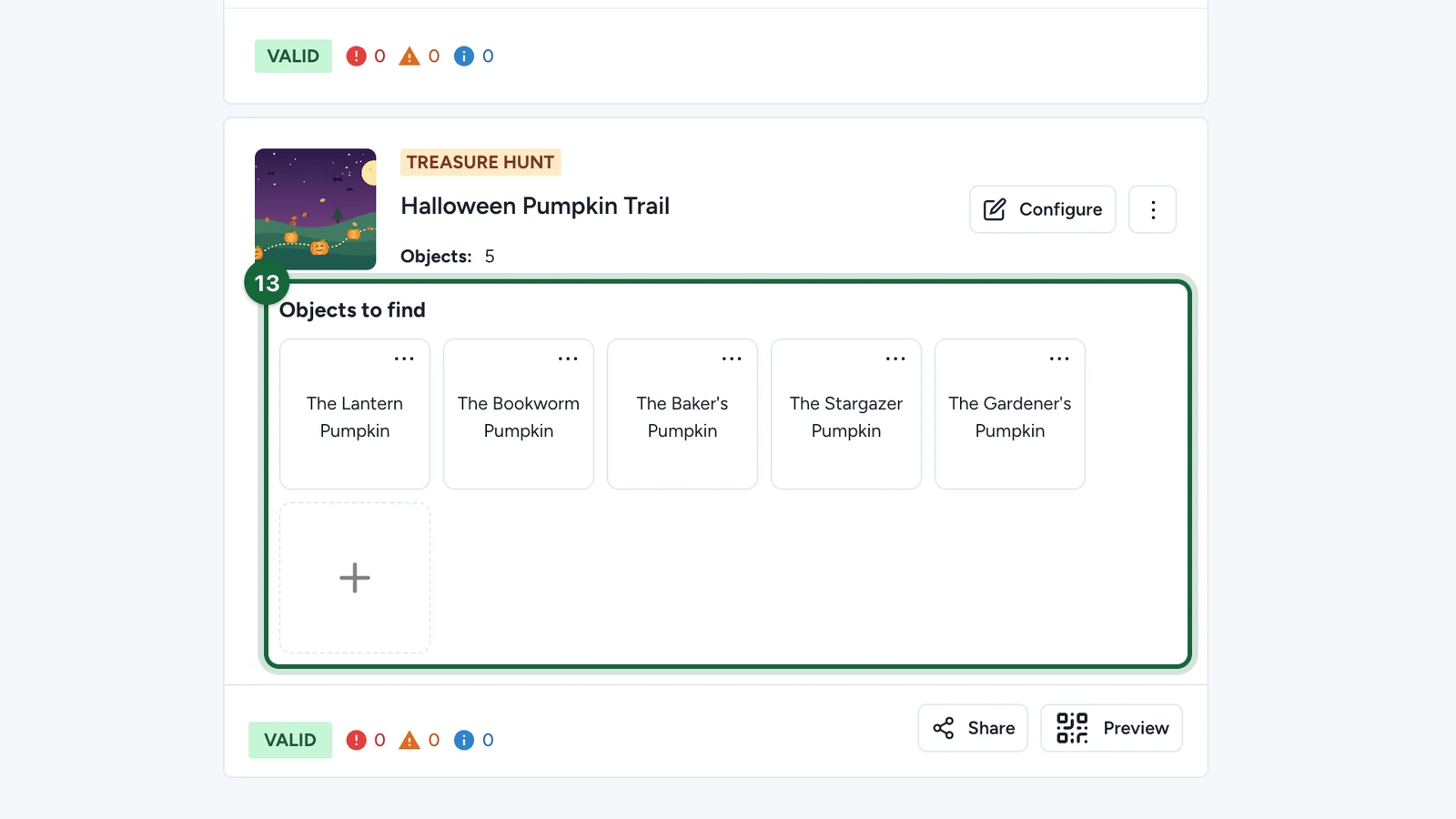
On the hunt's card, under Objects to find, select + to add each object.
Choose the progression
| Setup | Good for | Example |
|---|---|---|
| Any Order + All Objects Required | Free exploration where every stop matters | Five pumpkins around a shopping centre |
| Any Order + Specific Number | A flexible route where people can skip stops | Find any 3 of 5 around a festival |
| Sequential + All Objects Required | A story or a fixed route | A trail from the entrance to the exit |
What participants see
If publishing is blocked
- Banner image missing: upload a Banner Image in the General tab.
- Title missing: enter a Title.
- The hunt has no objects: add at least one under Objects to find.
A missing Subtitle only raises a warning.