Set opt-in for a hunt
Choose whether the campaign's terms cover the hunt, or the hunt has its own.
1 min read
People accept your terms before they start the hunt. Most campaigns keep one set of terms at campaign level. Give the hunt its own only when it's run differently, such as with a partner.
Check the campaign's terms
-
In Build > General, find Terms & Conditions Settings.
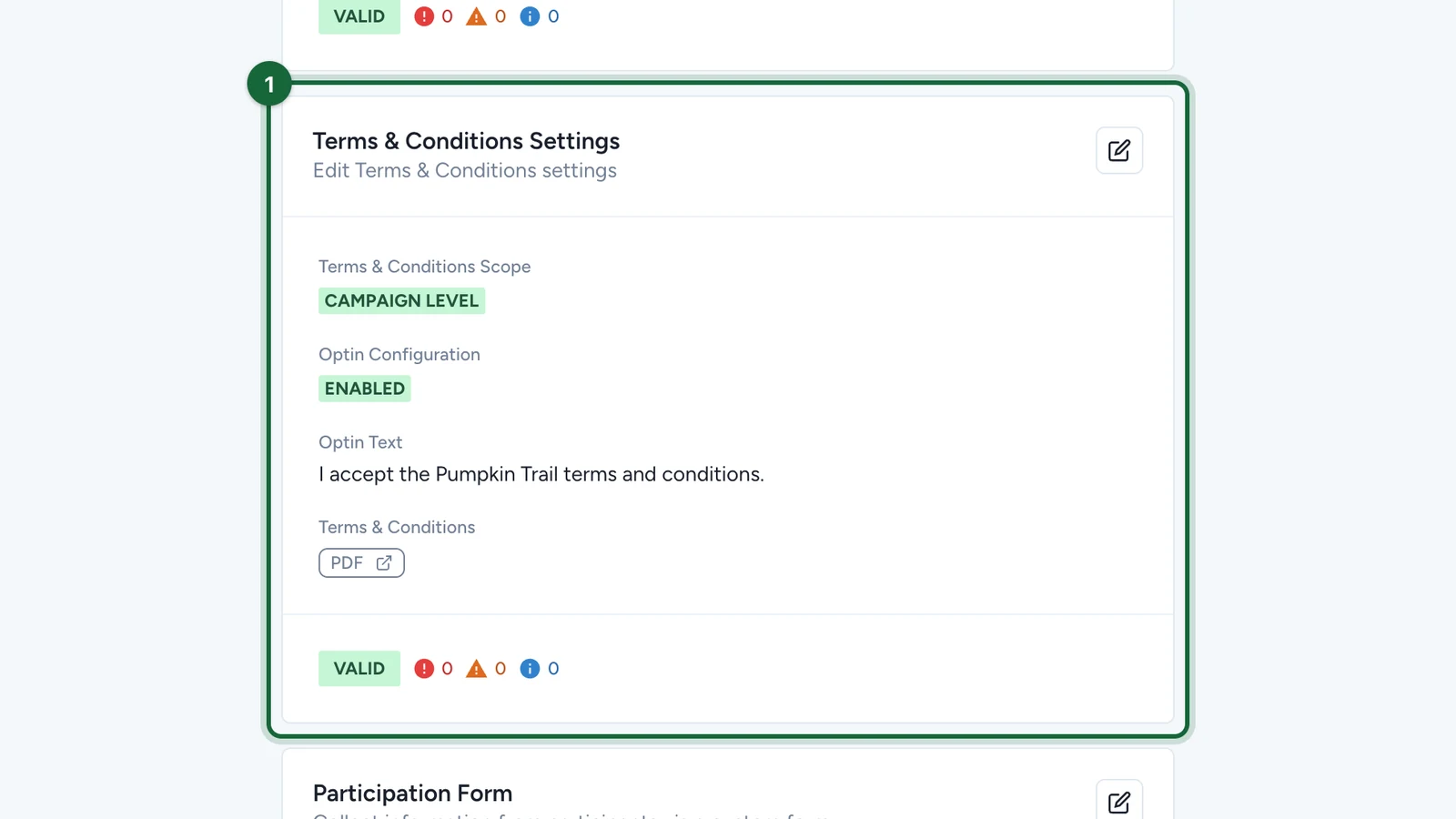
Check the opt-in is on and the terms PDF is the right one.
-
To change them, select the edit button on Terms & Conditions Settings.
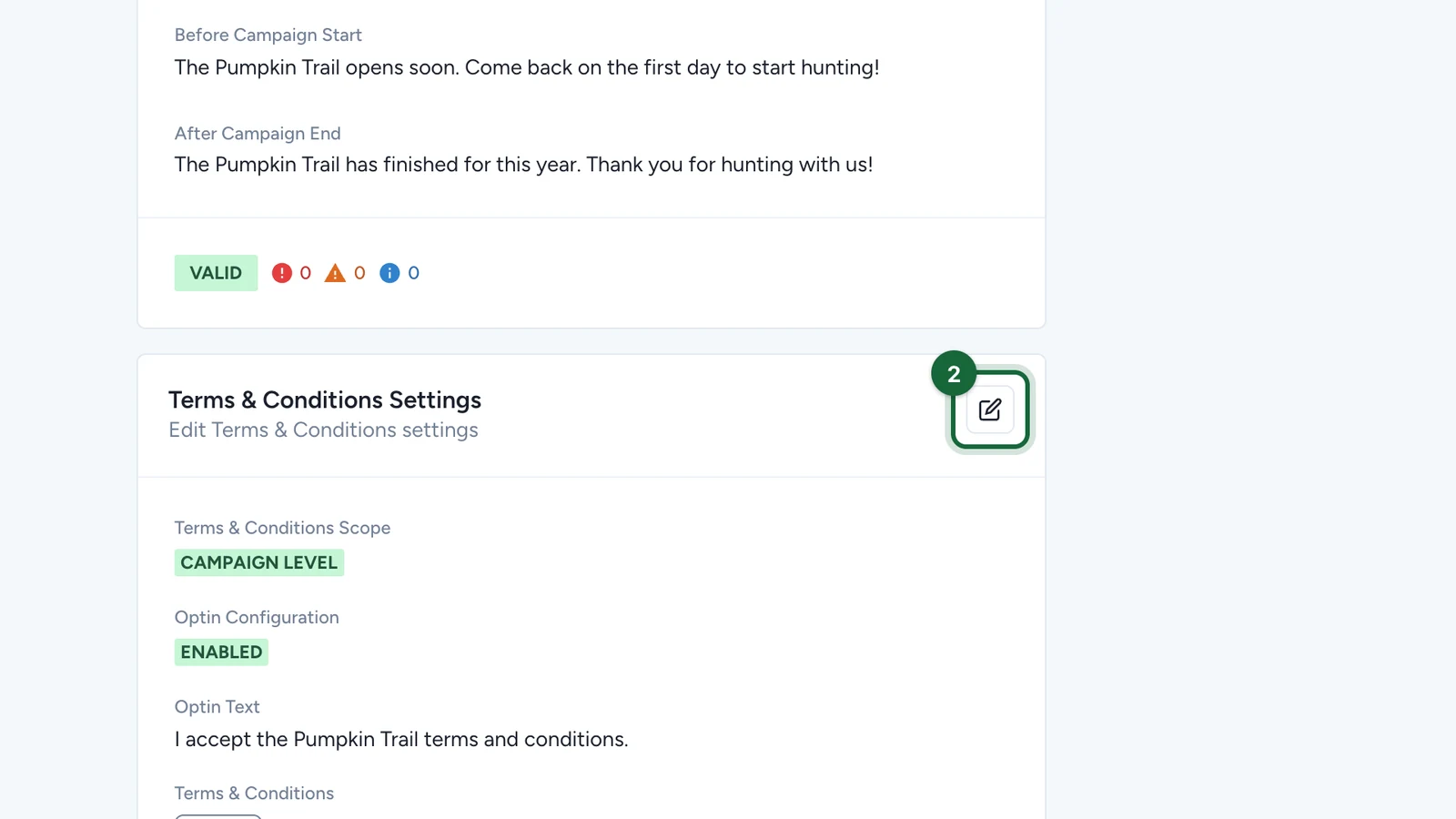
For terms that apply to the hunt only, set the scope to Touchpoint Level here, then use the hunt's own Terms & Conditions tab.