The customer activation platform.Every interaction becomes a qualified contact. Book a demo

What is Games

Learn what Games is, when to use it, and how its game families fit into an OmniLab campaign.

In this article, you'll learn what the Games app is, when it is the right fit, and how its game families connect to the rest of OmniLab.

What Games is

Games is the OmniLab app for participant-facing interactive play inside a campaign. In Studio, you create games from Build -> Touchpoints -> Add New Touchpoint; in Pages, participants open those games either from a landing page or from a direct touchpoint link.

Games is designed for multi-touchpoint campaigns rather than a single isolated game. One campaign can include several game experiences, combine different game families, and guide participants from discovery to play, outcome, and reward.

Games uses the shared Platform layer

Every game still relies on the same Platform building blocks: Rewards, Opt-in & Consent, Participation Form, Notifications, and Restrictions. New to that model? Read How settings work across campaigns and touchpoints.

What Games helps you do

Games is a good fit when you want to:

  • turn a brand story, launch, or promotion into playable participation
  • create more immersive experiences than a static page or form
  • collect participant data around a game session when you enable opt-in or forms
  • move people from digital engagement toward in-store or on-site footfall
  • reward participation, wins, or performance with the right reward logic

The game families inside Games

Not sure where to start? Use Pick a game type when you are comparing several formats.

Premium 3D follows a guided delivery model

Premium 3D is delivered with the OmniLab team rather than configured end-to-end as a standard self-service game. Use it when the campaign needs a bespoke immersive experience rather than a faster do-it-yourself setup.

How Games fits between Studio and Pages

Studio vs. Pages explains the two product surfaces in detail. For Games, the flow is usually simple: marketers configure the touchpoint in Studio, attach the shared Platform settings they need, publish the campaign, then participants open the experience in Pages.

Studio campaign Build -> Touchpoints Choose a game type Configure appearance and game behavior Add shared Platform settings Rewards Opt-in Participation Form Notifications Restrictions Publish campaign Pages Landing page Games Section or direct game link Play, submit, win, or view outcome

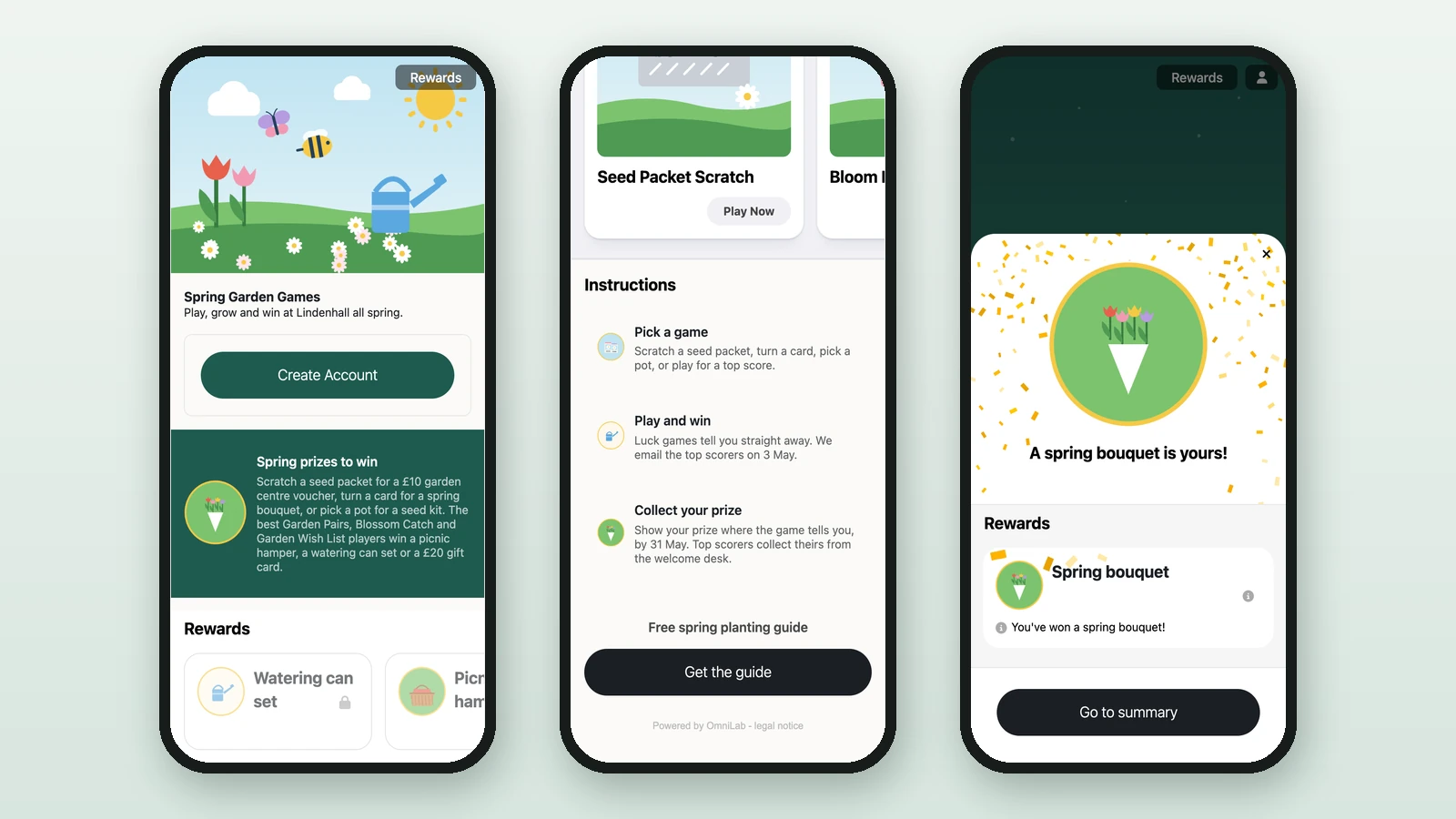
On the participant side, Pages can show a game card, a Play Now CTA, optional instructions, terms and conditions, a participation form, and the reward or result state around the game itself.

When to choose Games instead of another app

AppUse it whenTypical experience
GamesYou want interactive play, quick participation, and a clear game mechanic around engagement or data capture.Wheel, scratch, quiz, memory, offer flows, or guided 3D experiences.
EventsYou are running scheduled physical activities, bookings, or check-in flows.Workshops, appointments, sessions, and event attendance.
Treasure HuntsYou want venue-wide discovery and collection across several locations or objects.Multi-stop exploration and collection mechanics.
TransactionsYou want receipt-based participation and purchase validation.Upload a receipt to enter, qualify, or win.

Was this helpful?

Optional comments help us improve this page for future authors and readers.

On this page