Studio vs. Campaign pages
Studio is where your team works; campaign pages are what shoppers see. Here's who uses each and what happens where.
1 min read
You work in two places. Studio is the back office where your team builds and runs campaigns. Campaign pages are what shoppers open on their phone to take part.
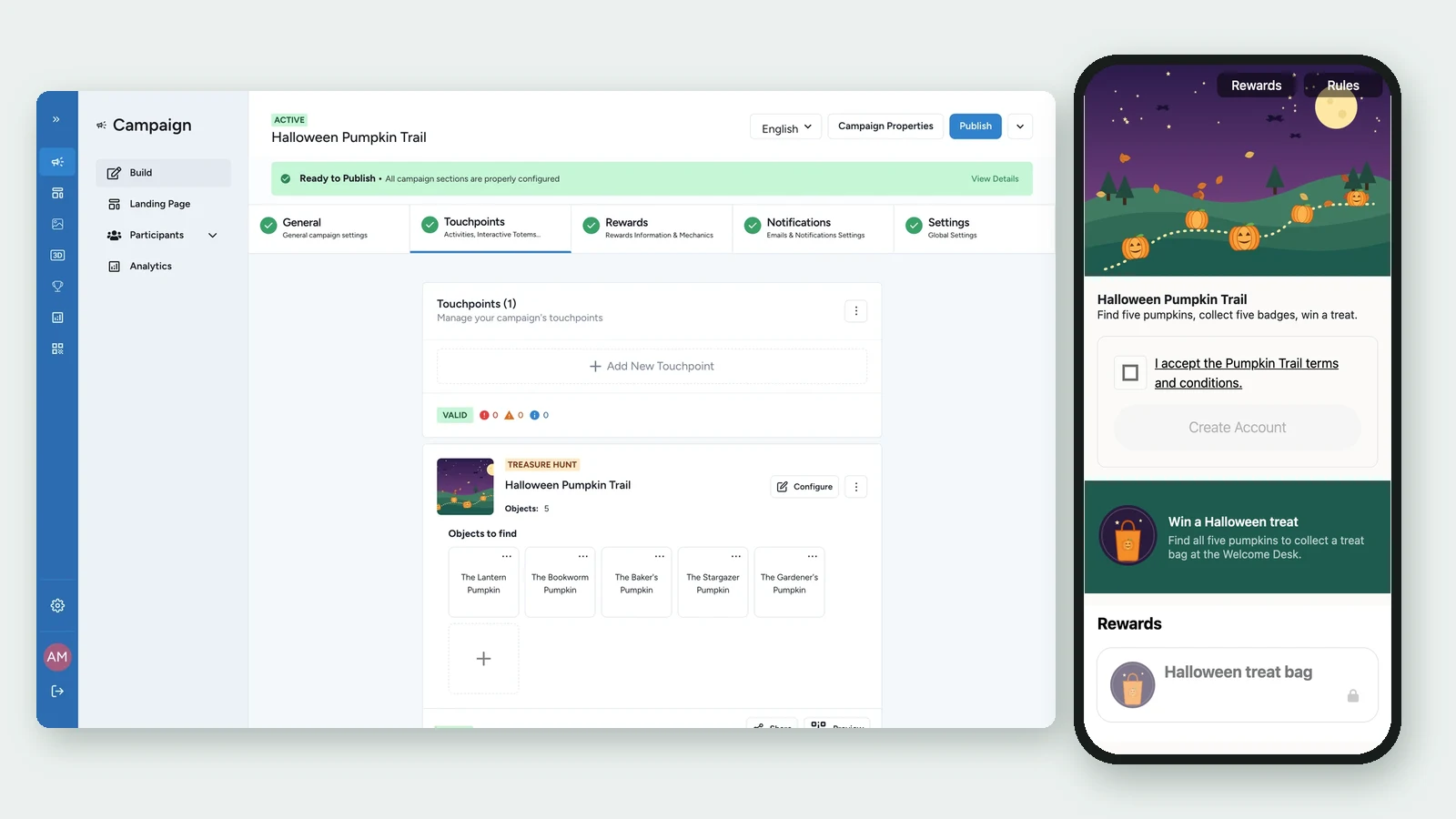
| Studio | Campaign pages | |
|---|---|---|
| Who uses it | Your marketing team, agency and admins | Shoppers and visitors |
| What they do | Build, publish, follow results | Sign up, play, book, collect, win |
| How they get there | Your Studio sign-in address | A link, a QR code, your website or an in-store screen |
What happens where
- In Studio: create the campaign, add its touchpoints, set rewards, forms and emails, then publish. Changes reach shoppers only when you publish again.
- On campaign pages: people open a touchpoint, or a landing page that presents several, sign up, take part and see their prize.
A campaign page has its own web address, such as demo.topage.co/lindenhall-winter-games. It can also sit inside your own website or run on an in-store screen: your web team sets that up, see Embedding.