Notification types reference
Every notification email, what sends it, when Studio shows its card, and whether it can vary by reward or touchpoint.
1 min read
Each card under Build > Notifications is one type of email. This page lists them all.
The types
| Type | Sent when | Card shows when | Second tab |
|---|---|---|---|
| Participate | A visitor signs up from the landing page | The landing page is on and its participation button isn't hidden | None |
| Touchpoint Unlocked | A visitor collects a badge or unlocks an offer or totem | Always | by Touchpoint |
| Winner | A participant wins a reward | The campaign has rewards | by Reward |
| Loser | A participant doesn't win a reward | The campaign has rewards | by Reward |
| Eligible | A participant is entered in a lottery | The campaign has a lottery | by Reward |
| Reward Redeemed | A participant redeems a prize they won | The campaign has rewards | by Reward |
| Booking Confirmation | A visitor books an activity slot | An activity takes bookings | by Touchpoint |
| Booking Cancellation | A booking is cancelled | An activity takes bookings | by Touchpoint |
| Booking Confirmation Reminder | Before the booked slot | An activity takes bookings and the campaign sends through Salesforce Marketing Cloud | by Touchpoint |
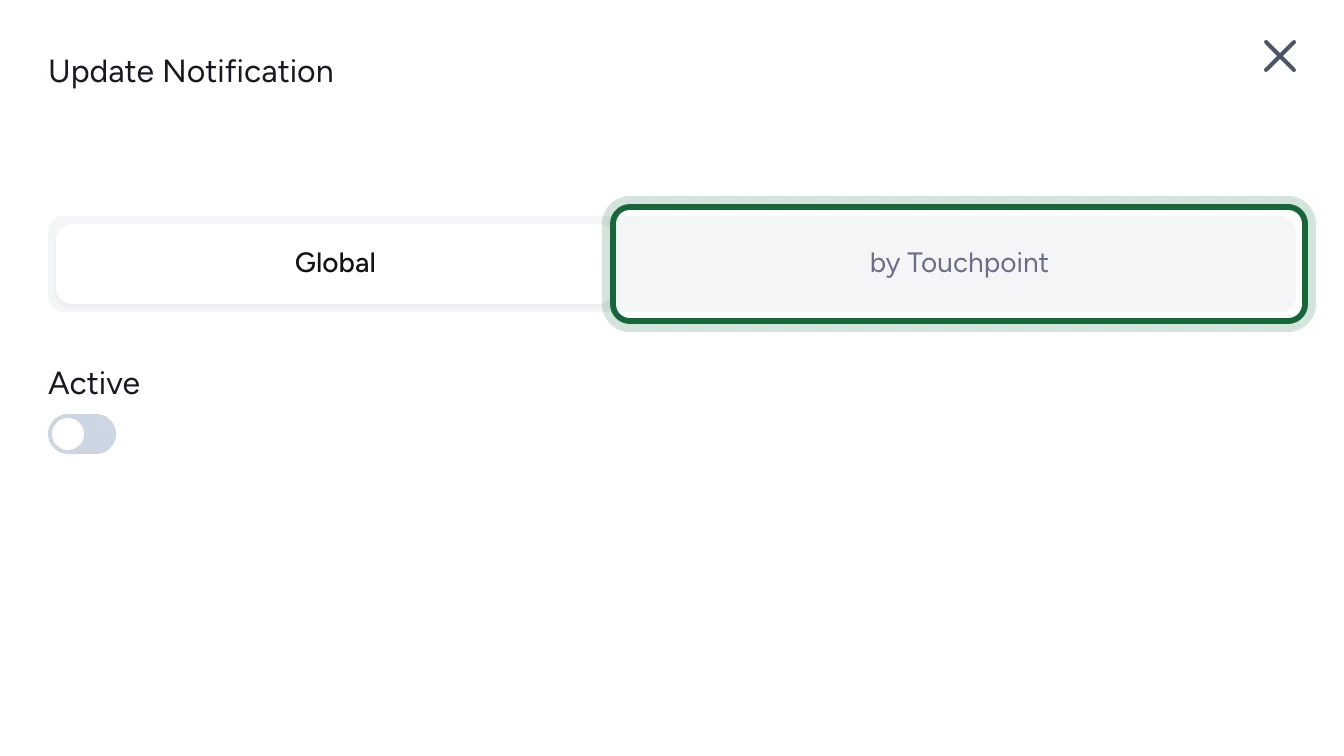
Types with a second tab can send one email for everything, or a separate email for each reward or touchpoint.
Booking emails
When an activity takes bookings, publishing checks its emails:
- Booking Confirmation is required, globally or for that activity.
- Booking Cancellation is recommended, and required for any activity that has a reminder.
- Booking Confirmation Reminder is optional.
For the Events set-up, see Configure booking notifications.
What each type can personalise
All types can use the participant's name and the organisation's details. Winner and Reward Redeemed emails can add the prize and its code, Loser and Eligible emails the prize, and booking emails the activity and the slot. The full list is in the Liquid bindings reference.