Configure notifications by reward or touchpoint
Give one reward or one touchpoint its own email, instead of a single message for the whole campaign.
The second tab of a notification sends a different email for each reward or touchpoint you choose. It's called by Reward for prize emails and by Touchpoint for Touchpoint Unlocked and the booking emails. Here, Lindenhall writes an Eligible email just for the winter hamper draw.
Rewards and touchpoints you leave off get no email of that type: the global email doesn't stand in for them.
Write the email for one reward
In the campaign, open Build > Notifications.
-
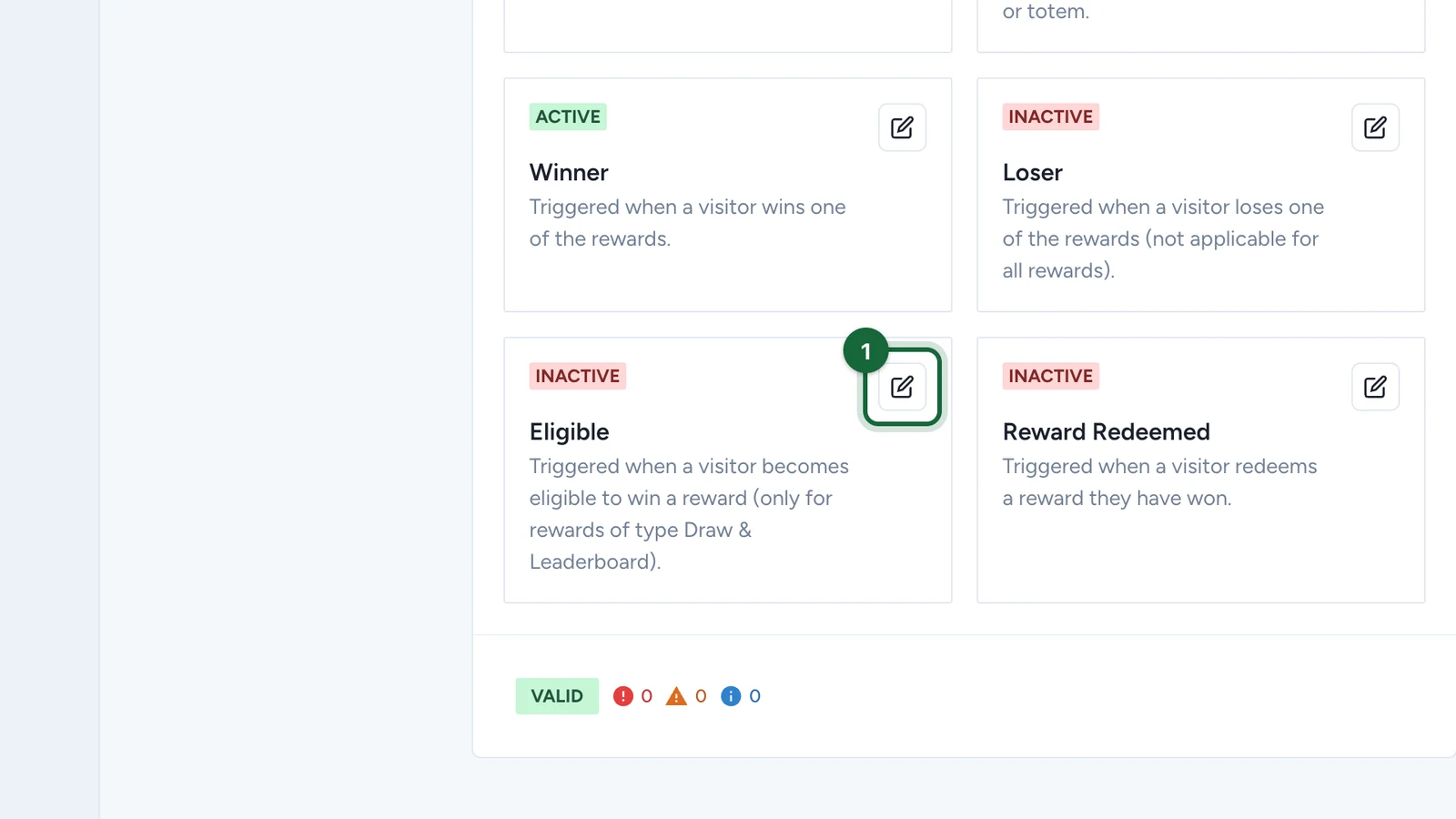
On the Eligible card, select the edit button.
-
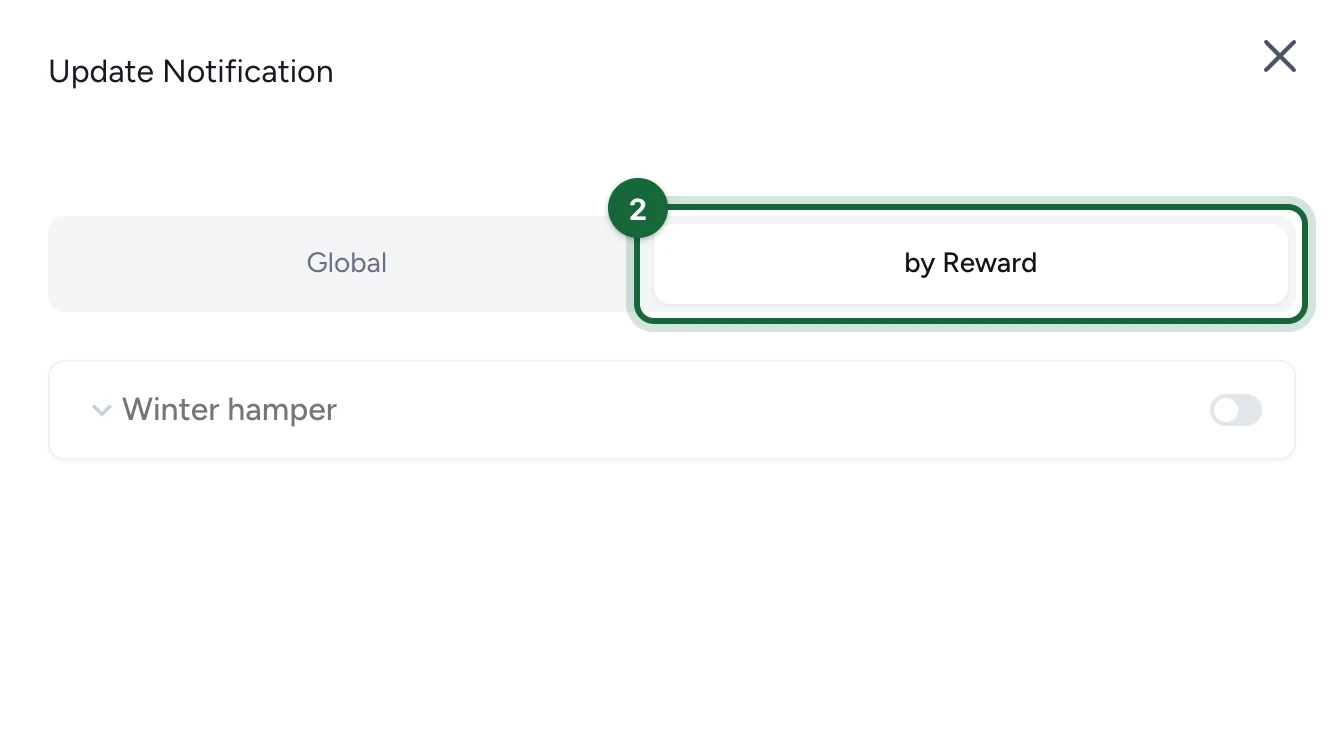
Select the by Reward tab.
-
Select the reward, here Winter hamper, to open it.
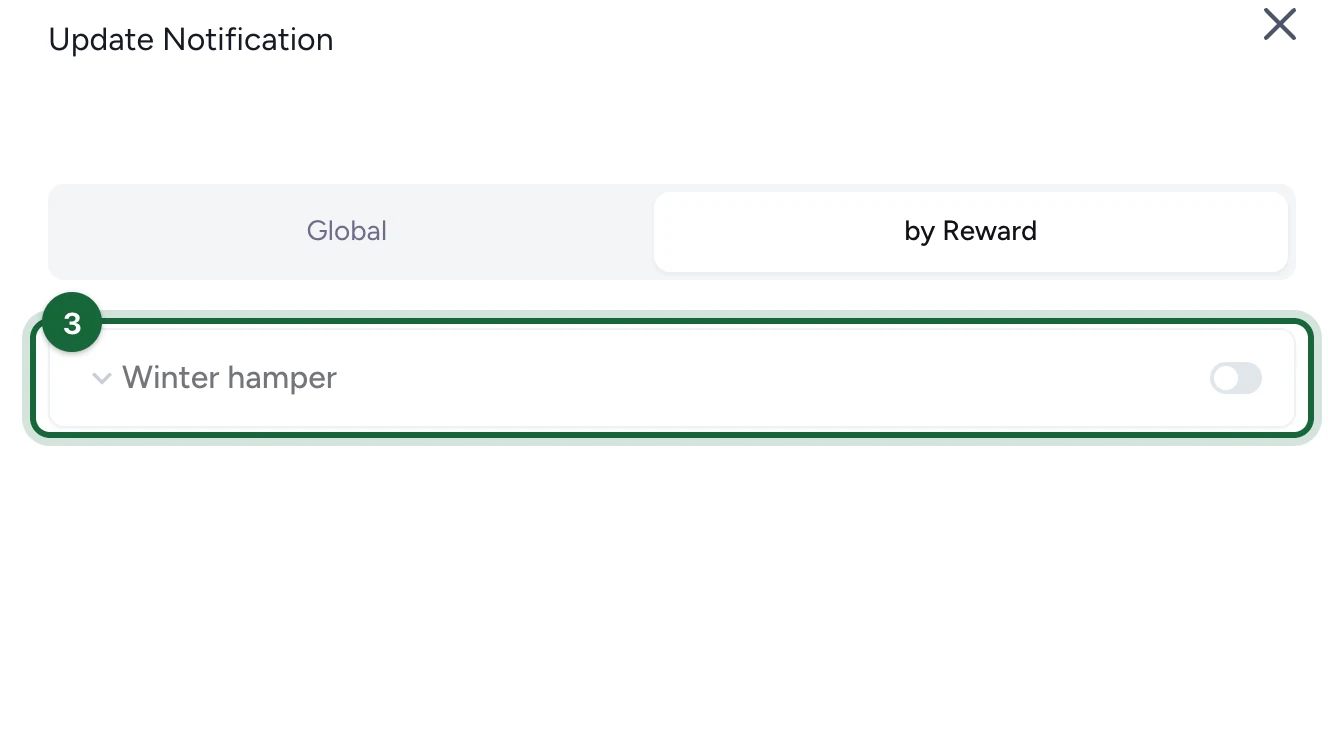
Eligible lists only lotteries. The other prize emails list every reward in the campaign.
-
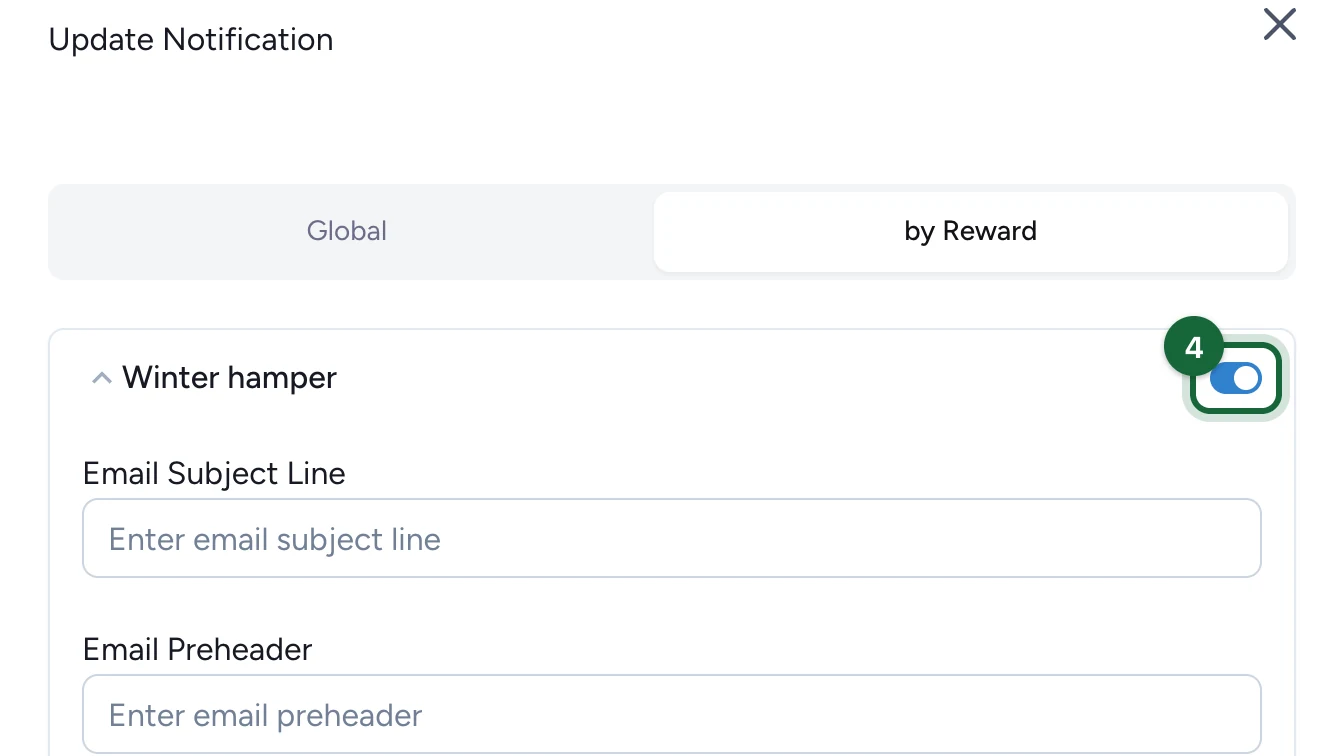
Switch the reward on.
-
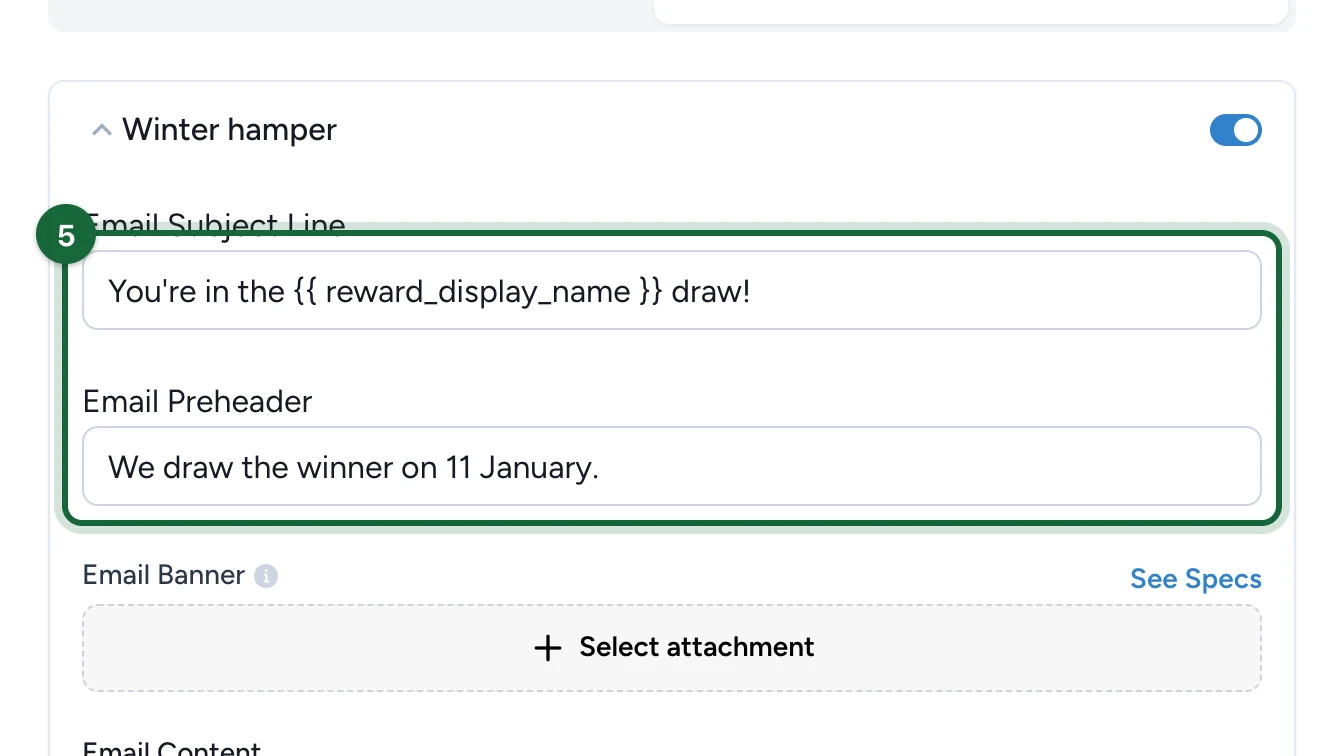
Enter the Email Subject Line and Email Preheader.
-
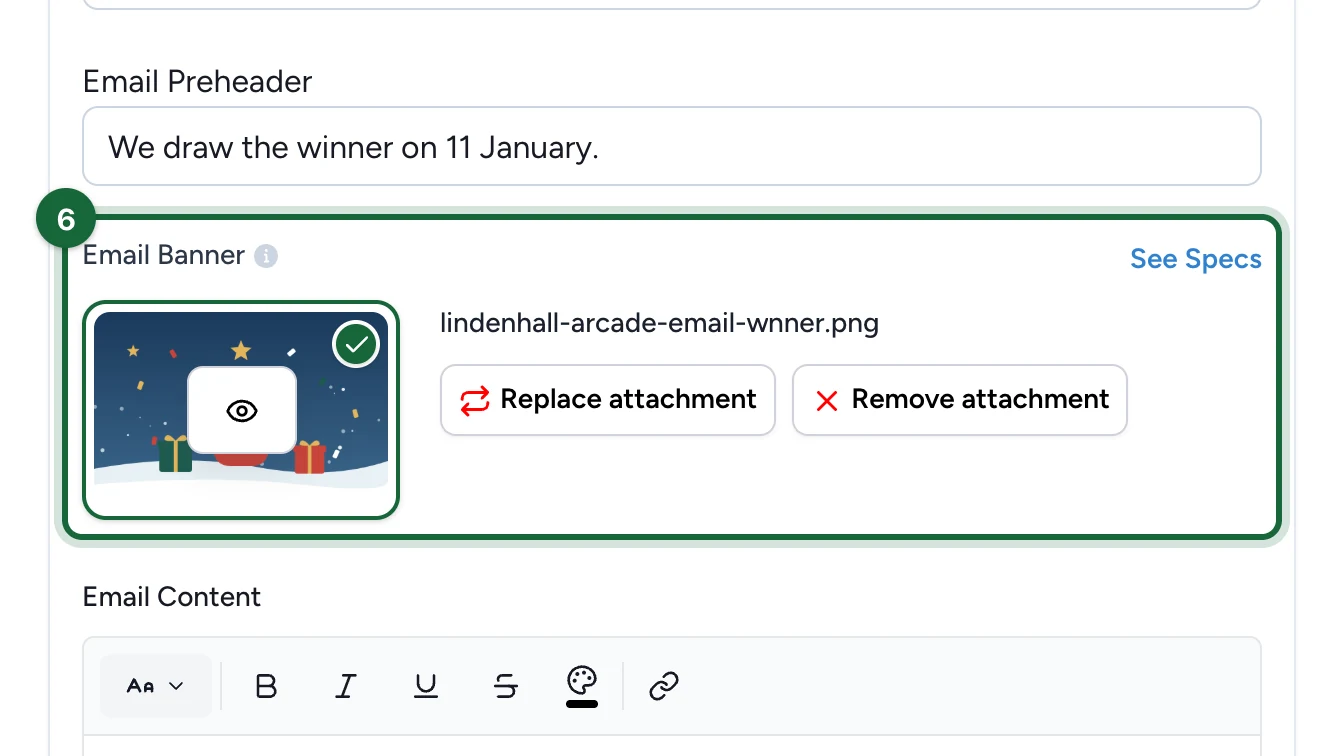
Choose the Email Banner, as for a global email.
-
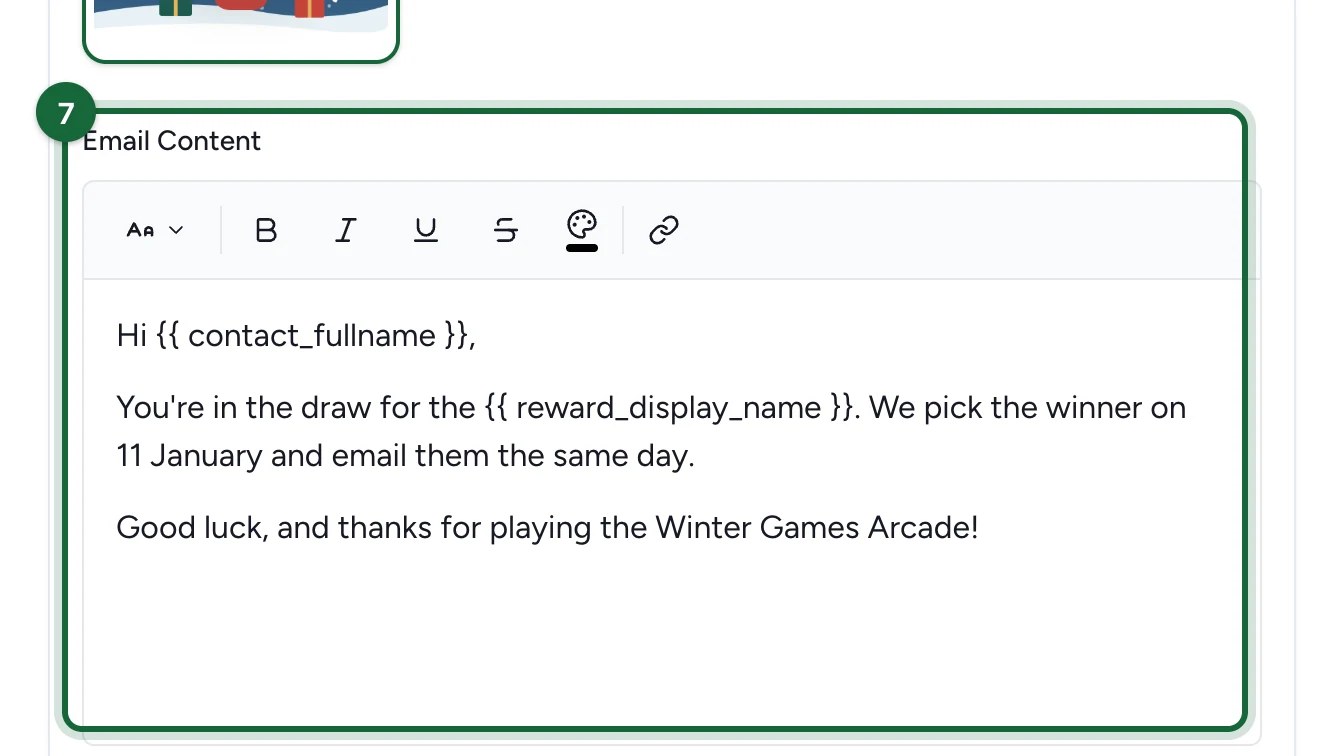
Write the Email Content.
-
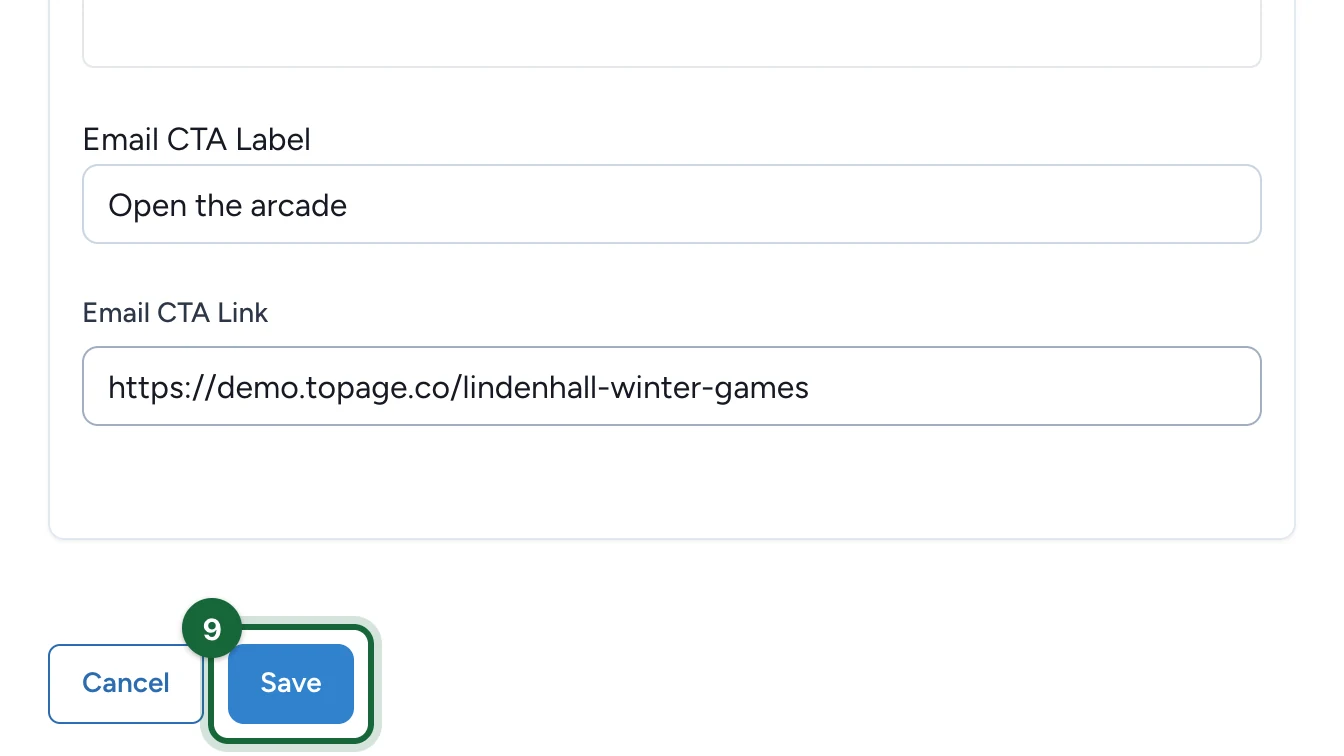
Enter the Email CTA Label and Email CTA Link, or leave both empty.
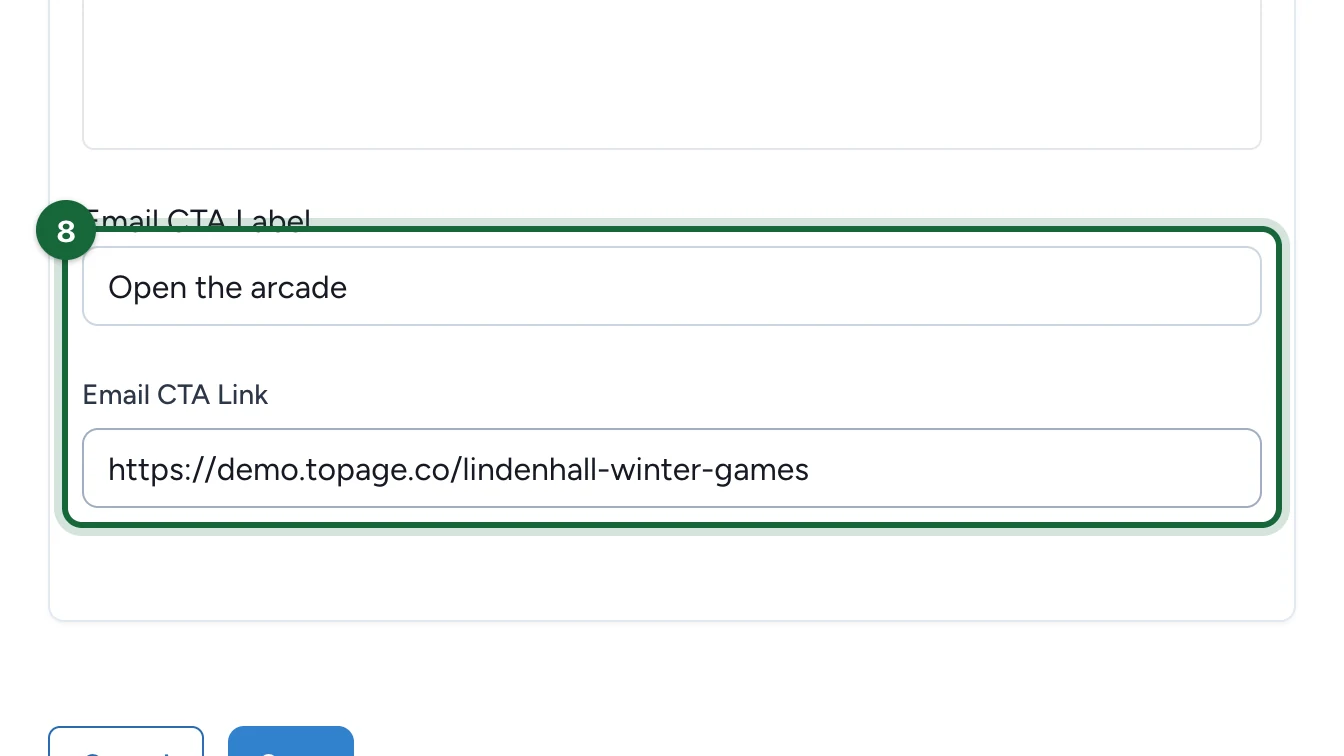
Repeat steps 3 to 8 for each reward that needs this email.
-
Select Save.
The card shows ACTIVE (1): the number counts the rewards switched on.
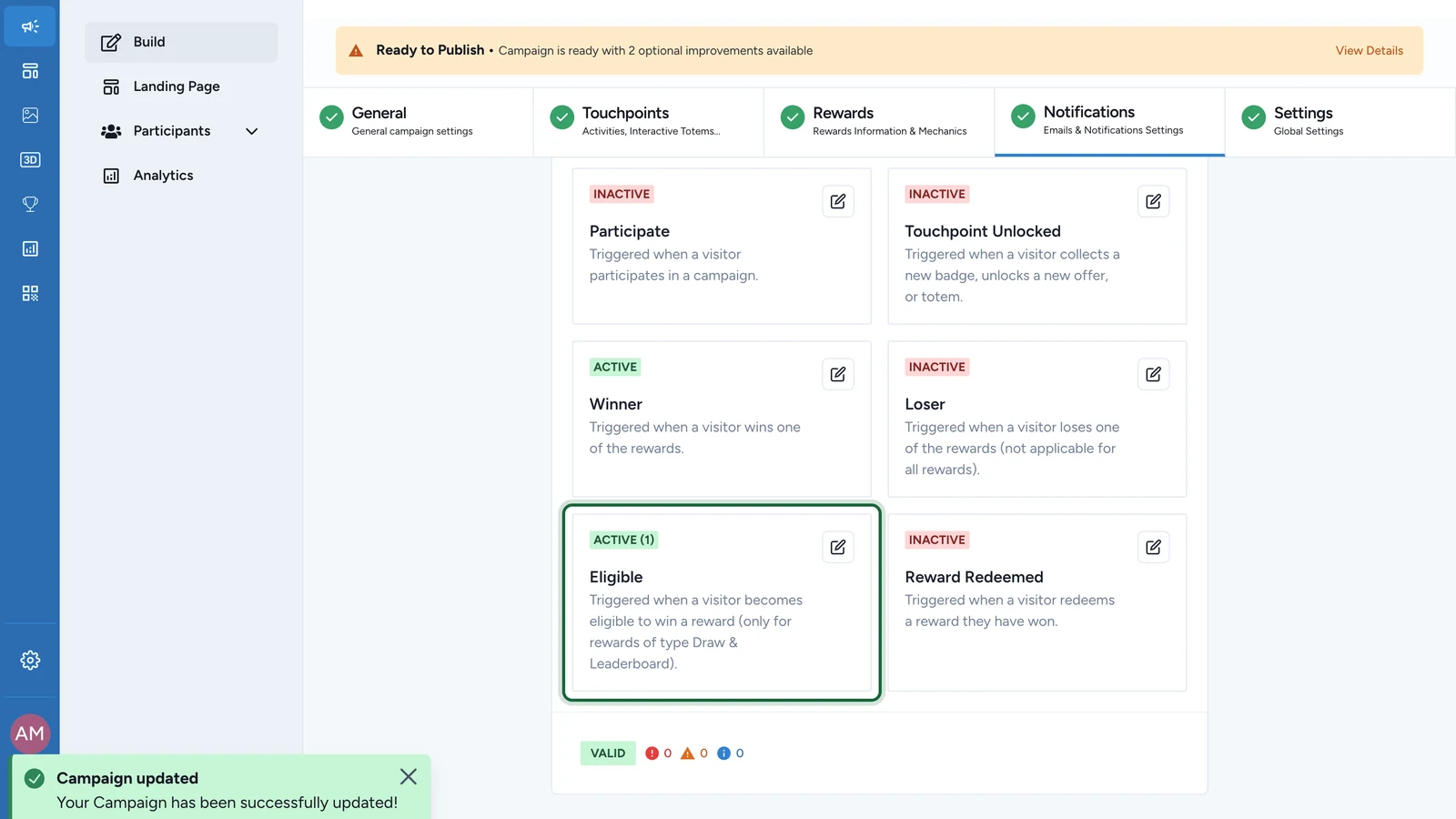
Publish the campaign again for the email to start going out.
Booking emails
For activities that take bookings, Booking Confirmation is required: set it globally or for each bookable activity. Booking Cancellation is strongly recommended, and must be on for the same activities before a Booking Confirmation Reminder can be. See Notification types reference.
If publishing is blocked
- A switched-on reward's subject line, banner or content is empty: fill it in, or switch that reward off.
- An activity takes bookings but has no confirmation email: switch on Booking Confirmation for it, or globally.
- A reminder is on but cancellation is off: switch on Booking Cancellation for the same activity.