Lottery rewards
Configure lottery rewards that collect eligible participants during the campaign and resolve winners later.
In this article, you'll configure Lottery rewards either as a global reward driven by Reward Trigger or as a reward linked directly to one lottery-mode touchpoint.
Lottery is delayed by design
Lottery does not award the prize immediately. Participants first enter the draw, then the final winner selection happens later through the campaign draw flow.
When to use this method
Use Lottery when you want to create anticipation instead of revealing the result at once.
This is a good fit when:
- you want one or a few winners selected from a larger pool
- the reward should resolve after the campaign window closes
- the touchpoint experience should tell participants they are eligible rather than instantly won
Two common setups
| Setup | How it is triggered | Best when |
|---|---|---|
Global Lottery reward | The reward's own Reward Trigger watches sign-up or participation across all or selected touchpoints. When the rule is met, the participant becomes Eligible for the draw. | One draw should collect participants from campaign-wide activity instead of one game's lottery mode. |
| Reward linked to one touchpoint | One lottery-mode touchpoint feeds the reward directly. | One specific game or touchpoint owns the draw entry. |
Example campaign uses
- Global
Lotteryreward: enter the grand-prize draw after a participant attends all workshops in a series. - Global
Lotteryreward: enter a VIP draw after a participant visits every sponsor booth. - Reward linked to one touchpoint: let one lottery-mode game collect entries for a draw that will be run later.
Before you begin
- You know whether the reward should be global or linked to one touchpoint.
- If the reward is linked to one touchpoint, the touchpoint that should feed the lottery already exists.
- You know how many winners the campaign should select.
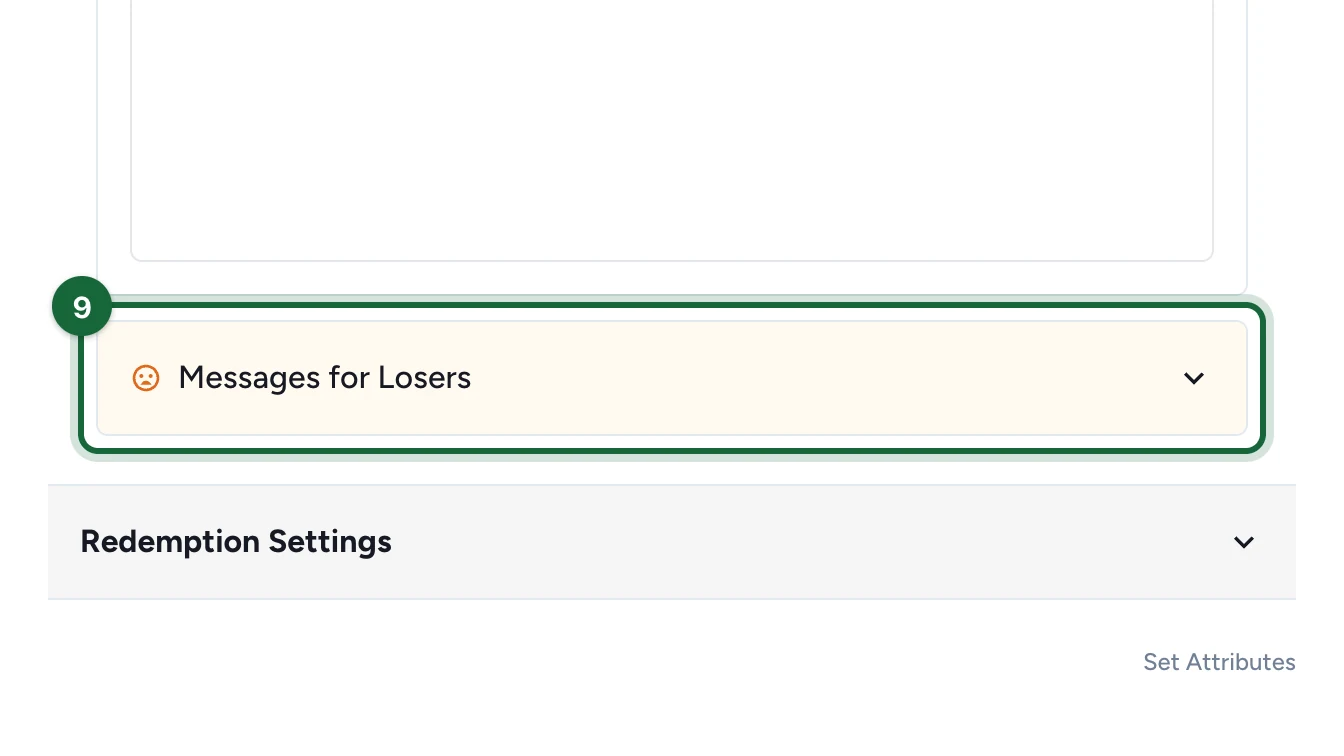
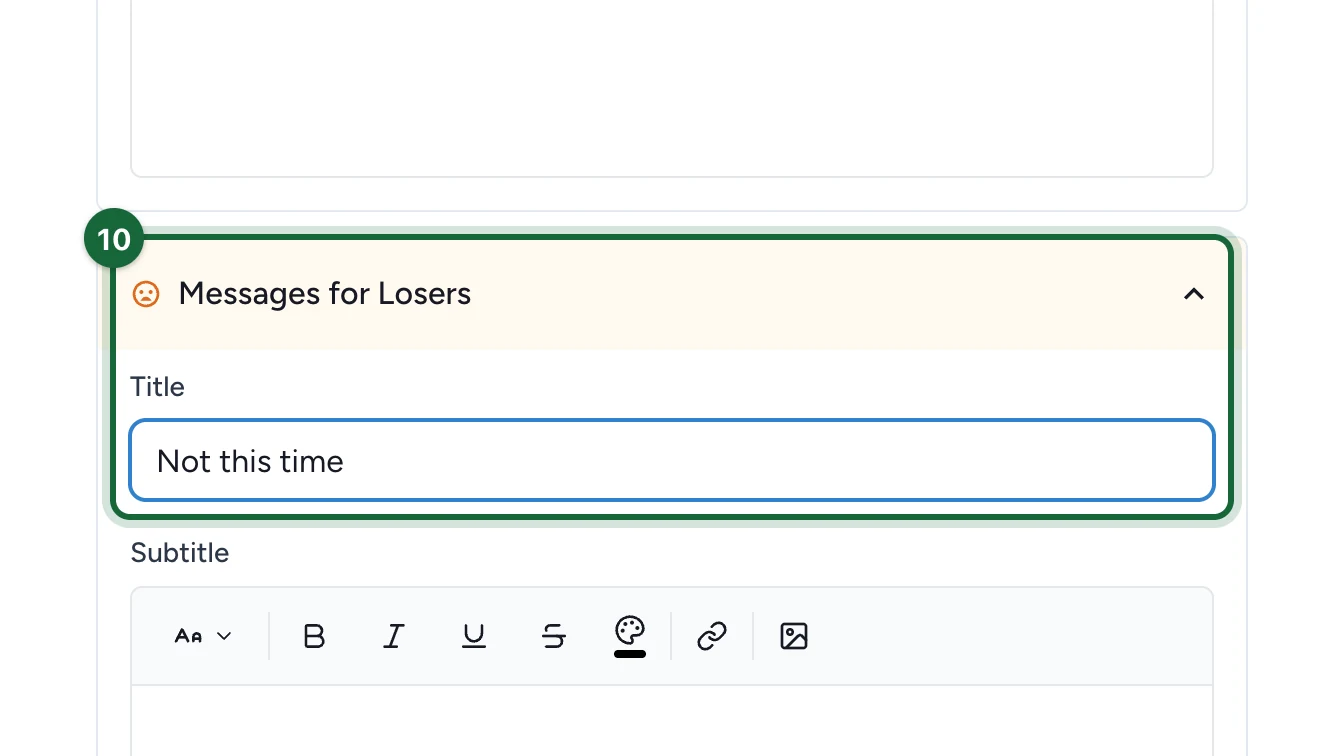
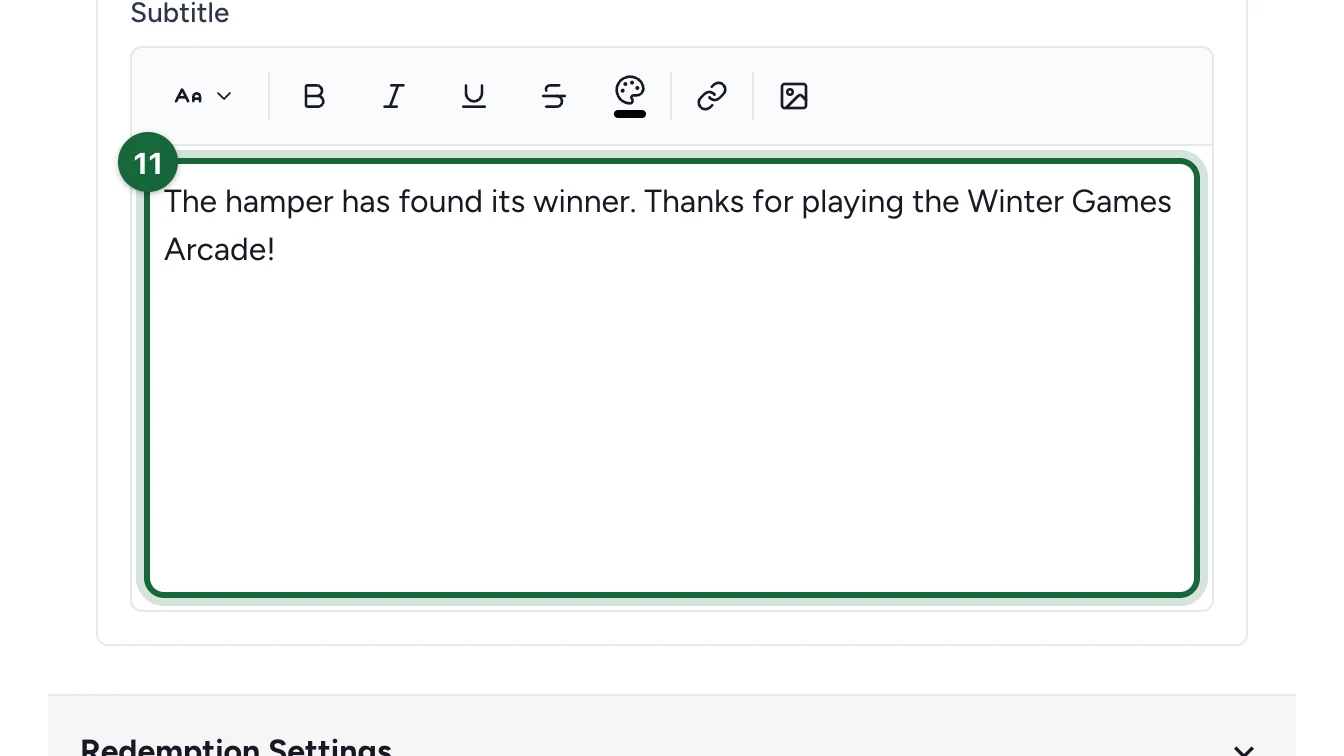
- You are ready to write the eligible, winner, and non-winner participant messages.
Configure a global Lottery reward
Create the reward as Lottery
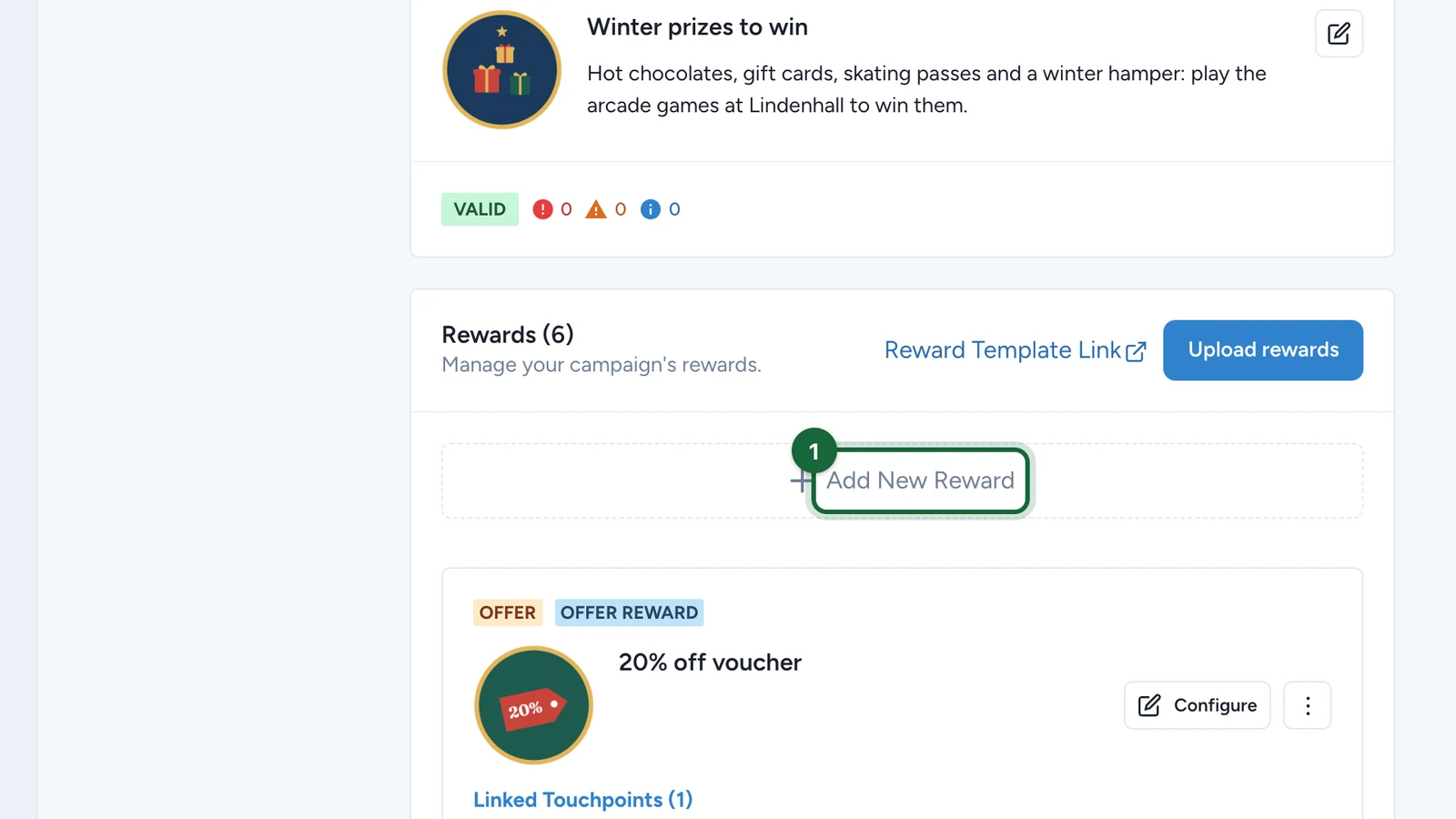
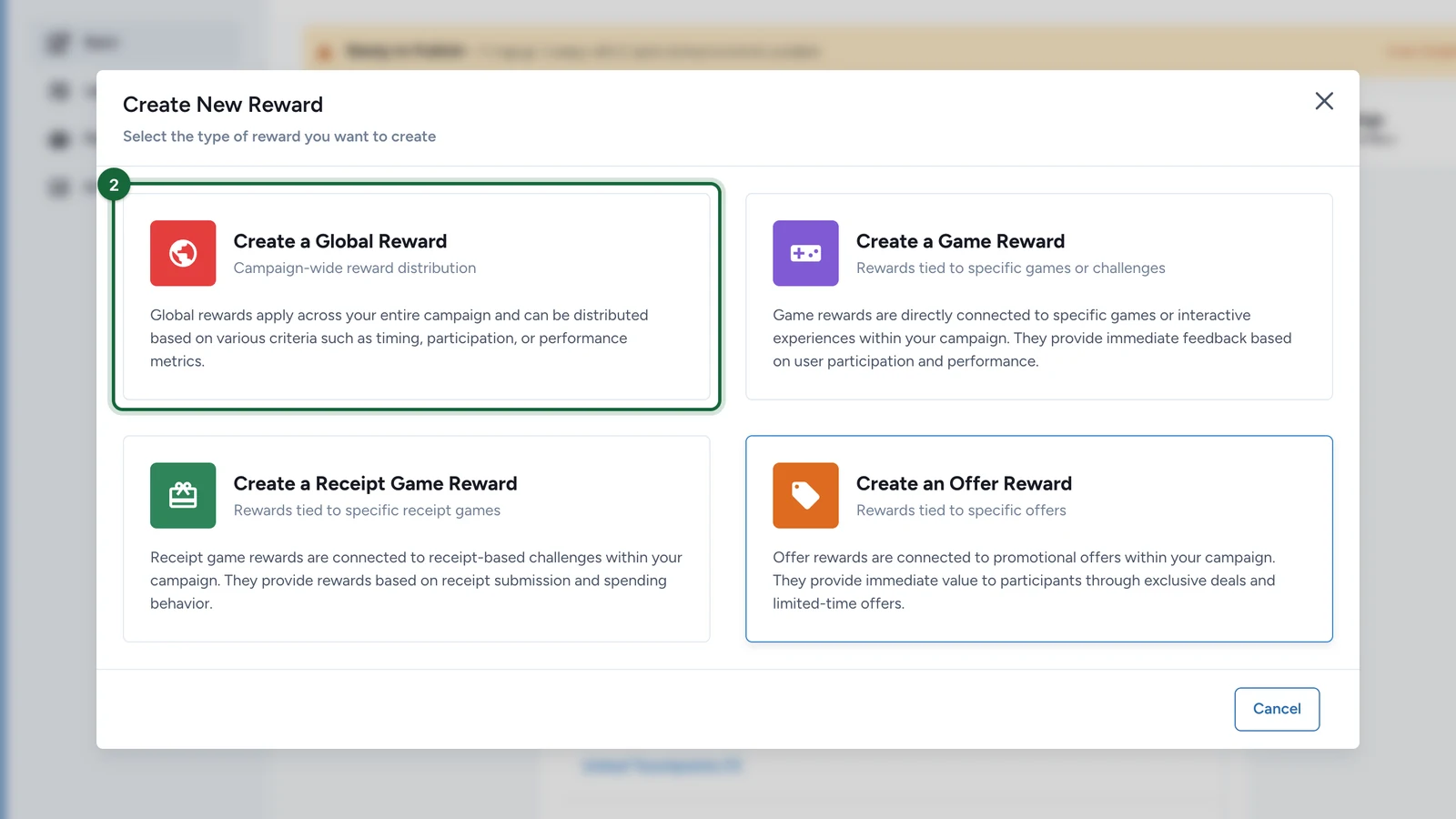
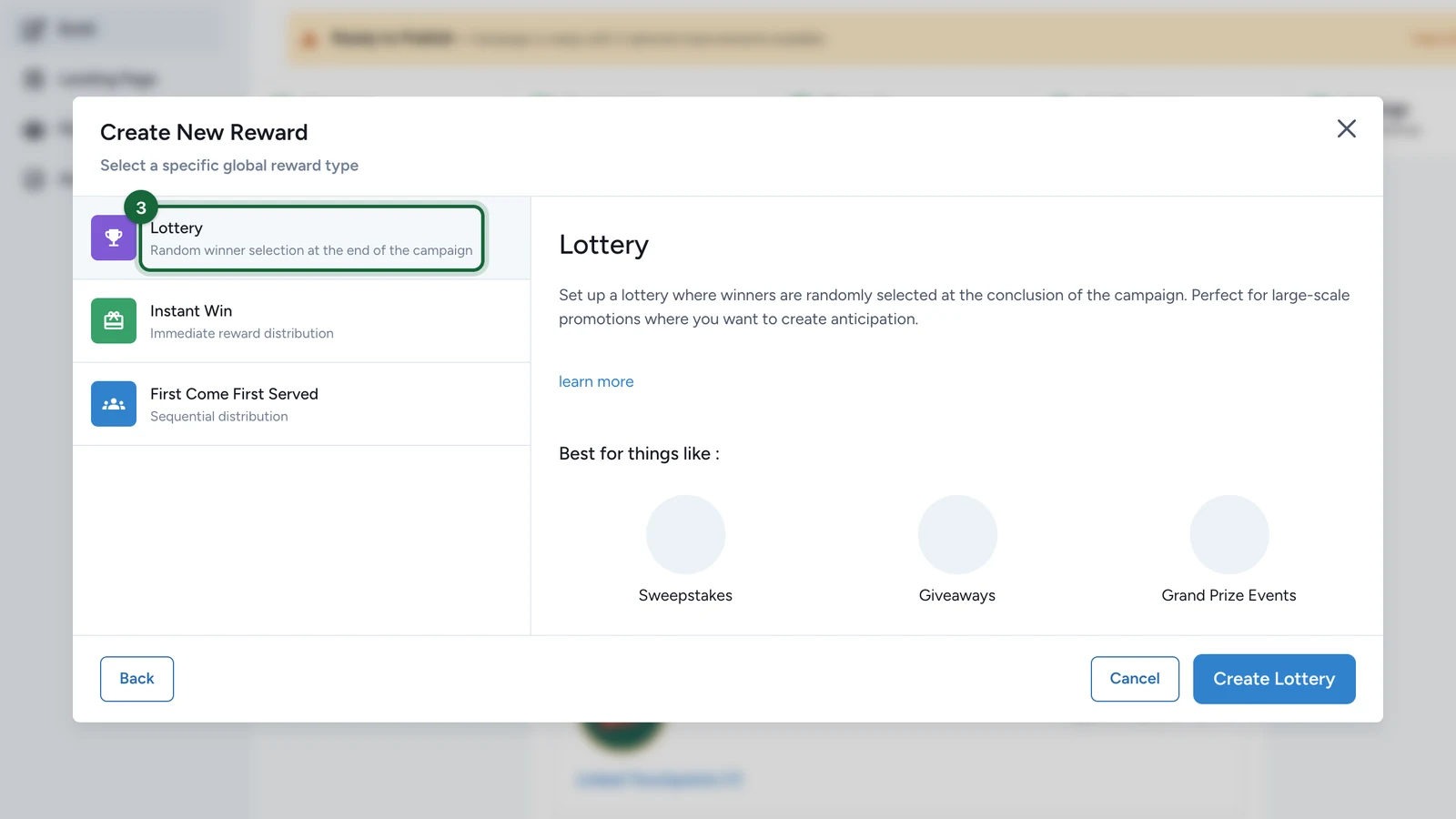
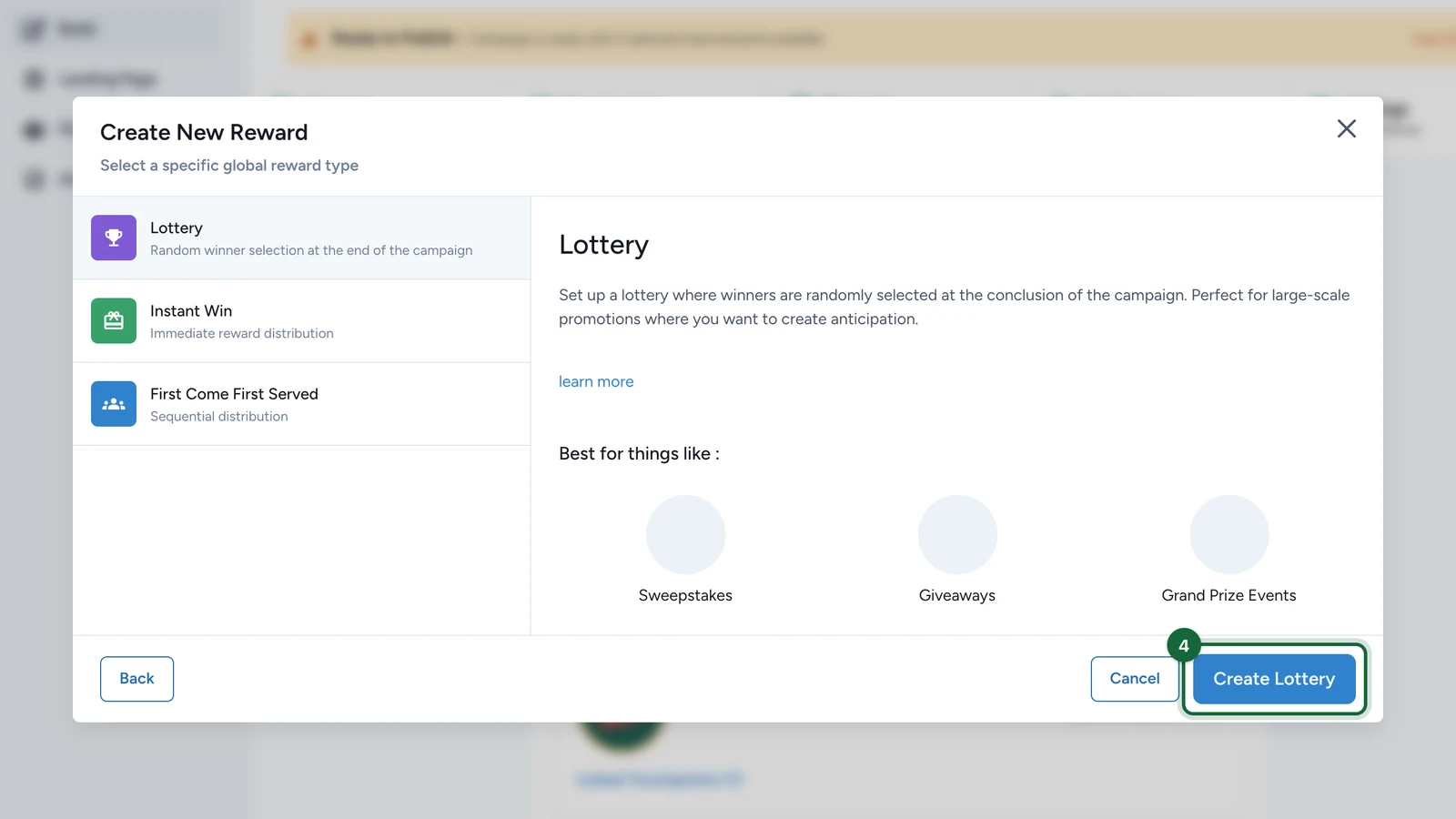
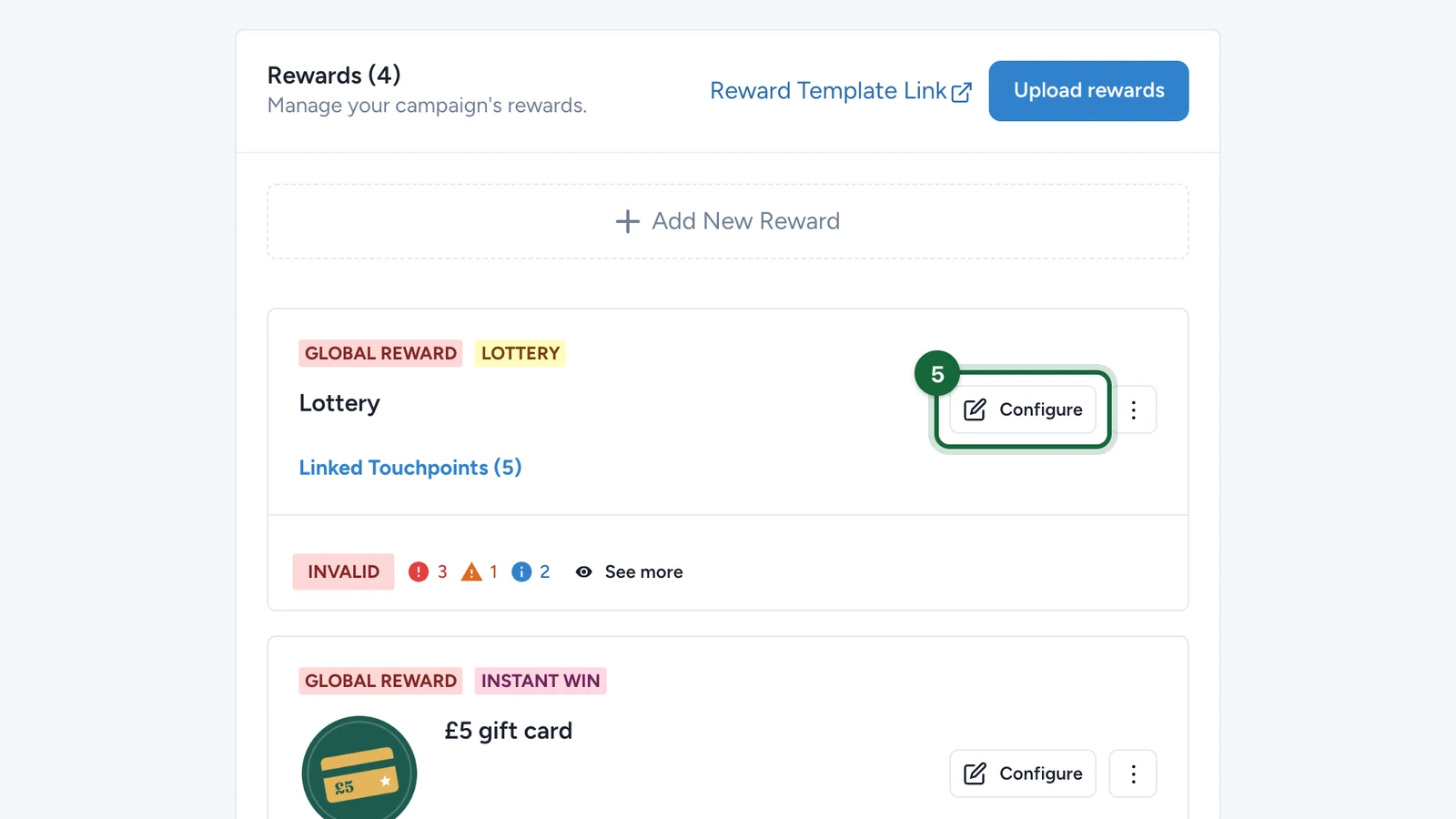
Open Build -> Rewards, click Add New Reward, then choose Lottery.
Set the quantity and the participant messages
Use Total Quantity for the number of winners you want at the end of the draw.
For this method, prepare three message states:
- a winner message
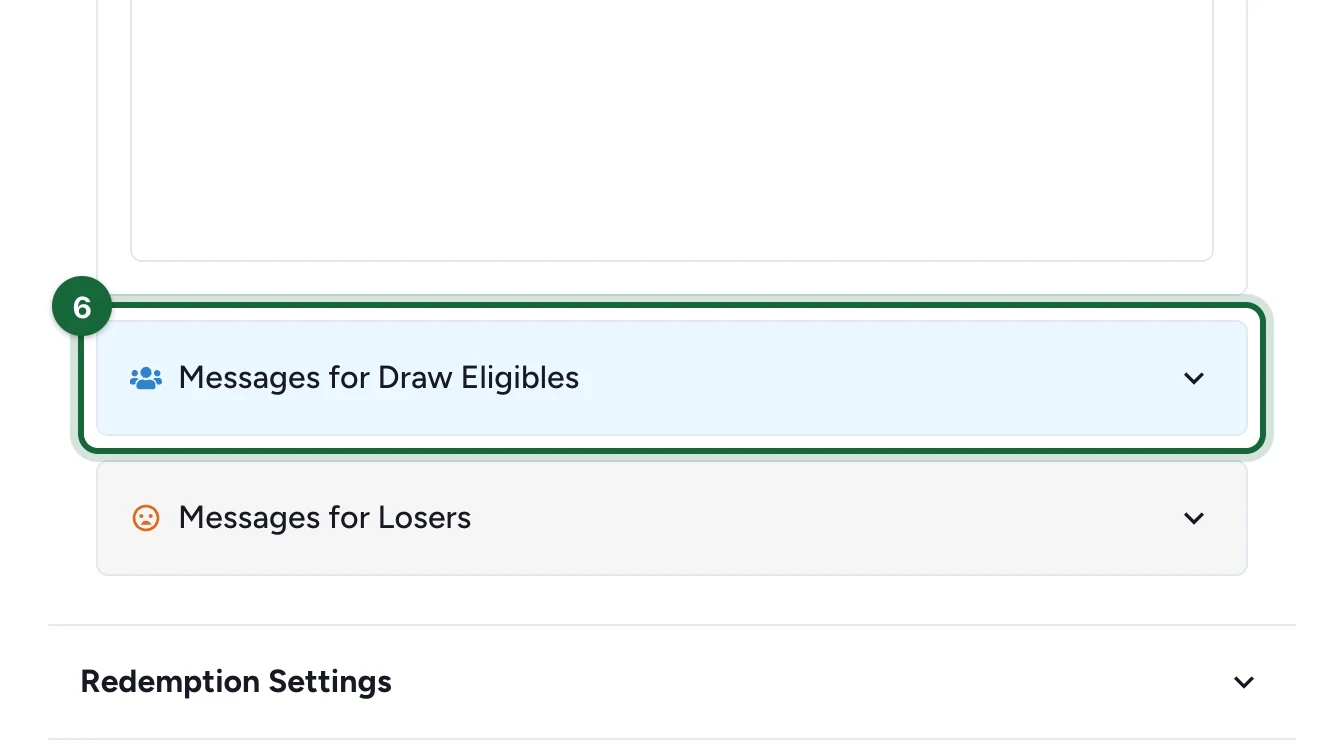
- an eligible-to-draw message
- a non-winner message
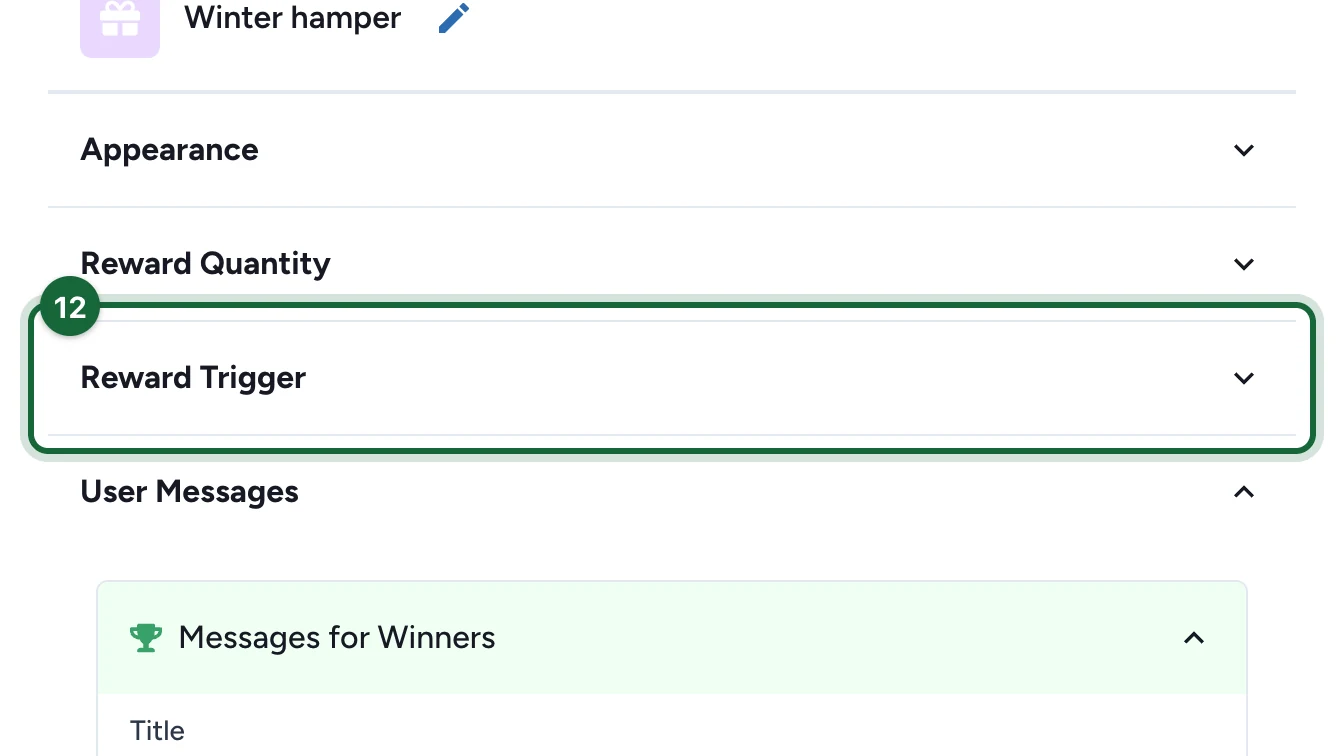
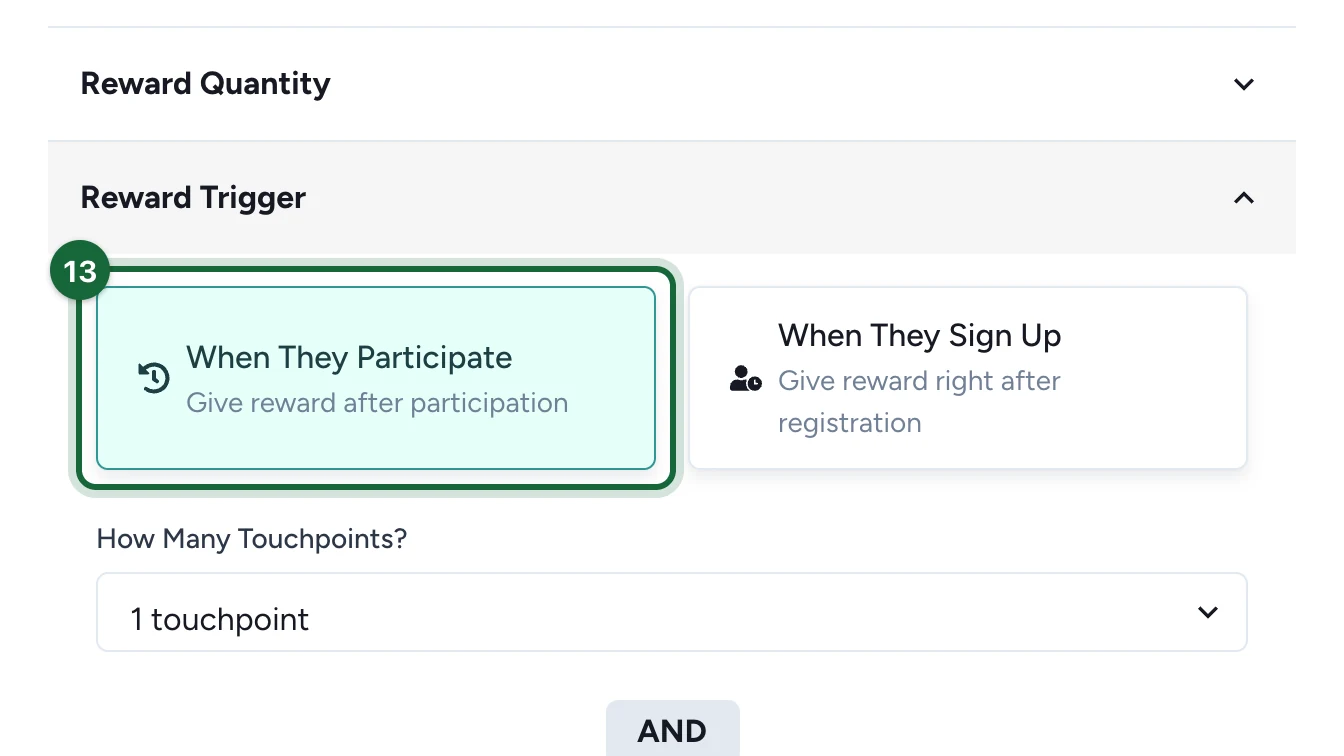
Open Reward Trigger
For a global reward, the reward itself decides when a participant enters the draw. You do not attach it to one lottery-mode winning option.
Choose the global draw rule
Use When They Sign Up when the reward should evaluate without waiting for completed touchpoints.
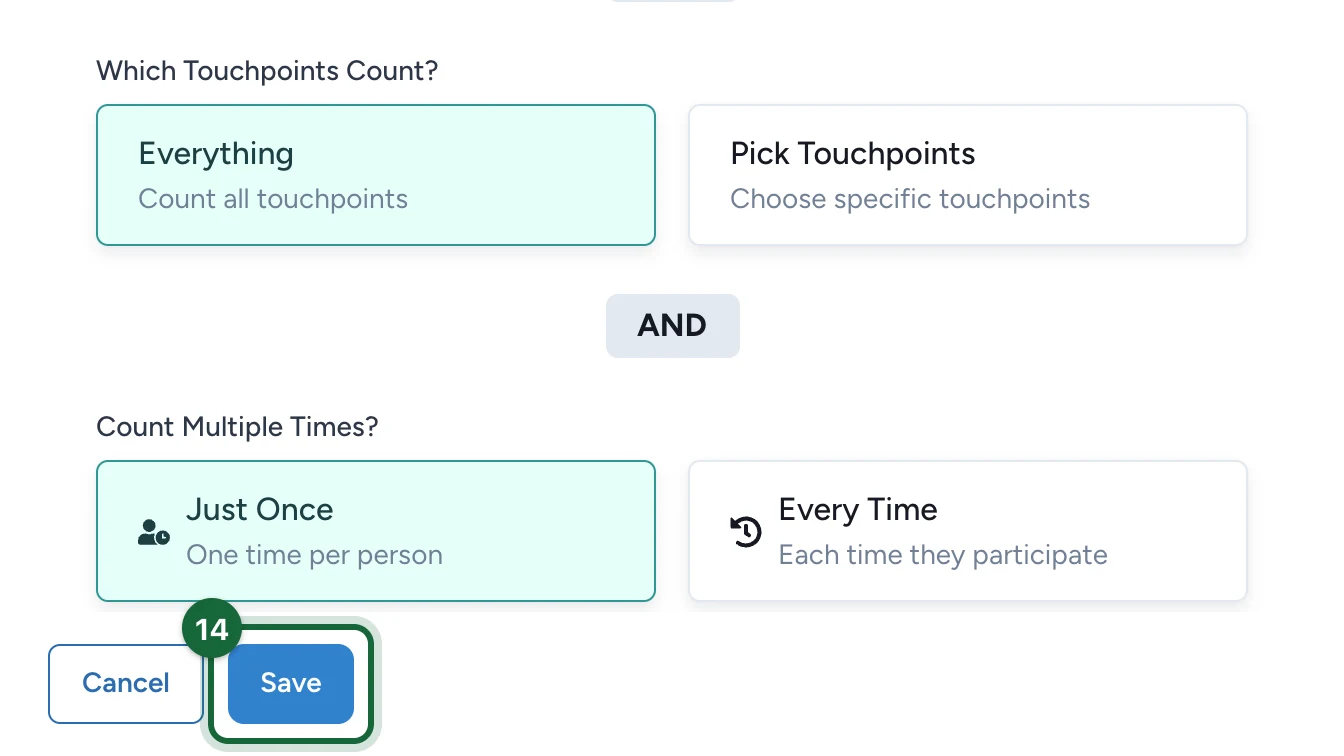
Use When They Participate when the reward should wait for touchpoint activity, then set:
How Many Touchpoints?Which Touchpoints Count?withEverythingorPick TouchpointsCount Multiple Times?withJust OnceorEvery Time
Save and validate before launch
Validate the campaign before launch. When the trigger rule is met, OmniLab creates the participant's draw entry for this reward.
Run the draw after the campaign window
When the campaign is ready for resolution, open the campaign participants area and use Run Draw to resolve the winners.
Configure a Lottery reward linked to one touchpoint
Create the reward as Lottery
Create the reward first in Build -> Rewards.
Link it to the lottery-mode touchpoint
Connect the reward only to the touchpoint that should feed this draw. For this path, the touchpoint itself is the trigger rather than the reward's global Reward Trigger.
Validate the touchpoint messages
Confirm the touchpoint itself is ready for lottery mode. Lottery touchpoints need the right participation messaging as well as a properly linked lottery reward.
Run the draw after the campaign window
When the campaign is ready for resolution, open the campaign participants area and use Run Draw to resolve the winners.
How the global trigger behaves
This is what lets one draw collect entries across several touchpoints:
When They Sign Upmeans the reward can be evaluated without waiting for a touchpoint count.When They Participatemeans OmniLab waits until the participant has enough qualifying touchpoint claims to satisfyHow Many Touchpoints?.Which Touchpoints Count?lets you count either all eligible touchpoints or only the touchpoints you pick.Count Multiple Times?decides whether the same touchpoint counts once or can keep increasing progress with repeated claims.- Disabled touchpoints and
Offer Passdo not count toward this minimum. - Once the trigger is satisfied, OmniLab marks the participant as
Eligiblefor this reward. Winners are only selected later, when you run the draw.
What participants see
During the campaign, participants see the eligible message rather than the final prize outcome. This applies both when the reward is global and when it is linked to one lottery-mode touchpoint. After the draw is run:
- winners can receive the winner message and any linked winner notification
- non-winners can receive the non-winner outcome if that flow is configured
This makes Lottery suitable for grand prizes, delayed campaign finales, and other cases where instant feedback is not the goal.
Notifications to review
Lottery rewards often work best when the notification setup is planned alongside the reward:
Eligiblecan communicate that the participant entered the drawWinnercan communicate the final outcome after the draw is runLosercan handle the non-winning resolution when that experience is needed
Common validation issues
| Validation message | Meaning | Fix |
|---|---|---|
Reward '{{reward_name}}' cannot be won because there are not enough eligible touchpoints | The global trigger asks for more eligible touchpoints than the campaign can provide. | Lower How Many Touchpoints? or add more eligible touchpoints to the campaign. |
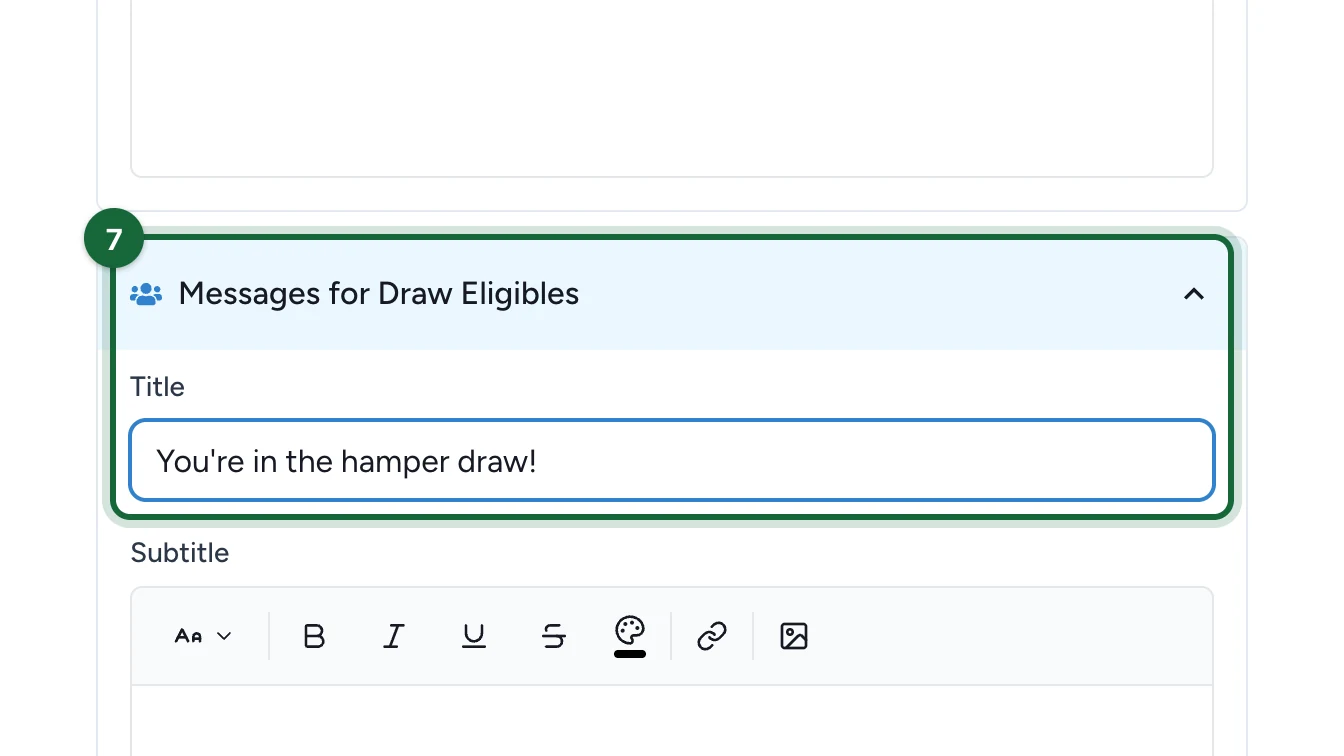
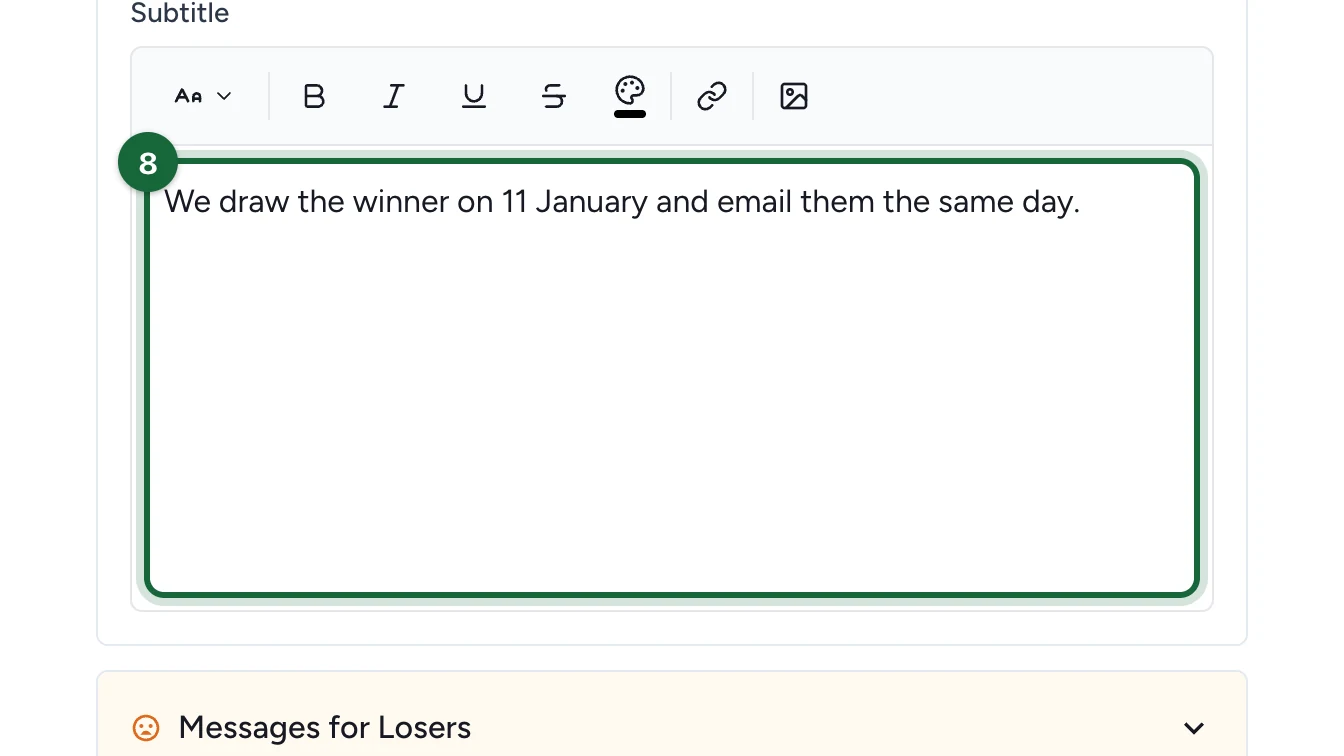
Lottery reward '{{reward_name}}' is missing draw eligible message content | The reward does not clearly confirm entry into the draw. | Add the eligible title and description in the reward messages. |
Lottery reward '{{reward_name}}' has an eligible title but no subtitle | The participant sees an incomplete draw-entry message. | Add the eligible subtitle. |
Reward '{{reward_name}}' cannot be earned - game '{{game_name}}' not found | For a reward linked to one touchpoint, the reward points to a game that does not exist in the campaign. | Reconnect the reward to the correct touchpoint or recreate the missing one. |
Instant Reward game '{{touchpoint_name}}' is missing lottery participation message | For a reward linked to one touchpoint, the lottery flow does not explain draw entry properly. | Add the lottery participation message in the touchpoint configuration. |
3D selection lottery game '{{online_game_name}}' has no associated lottery rewards | The touchpoint is in lottery mode but no valid lottery reward is attached. | Create or link a Lottery reward for that touchpoint. |
Related
Notification types reference
Review the Eligible, Winner, and Loser notification types that often accompany lottery rewards.
Lottery rewards and draw mechanics
Troubleshoot common lottery setup problems and participant expectations.
Link rewards to touchpoints
Make sure the draw reward is attached to the correct touchpoint.
About rewards and reward types
Revisit where `Lottery` sits among the other reward types.