Landing page reference
Every section of the landing page editor, the image sizes, how languages work and what publishing checks.
This page lists what the landing page editor holds and the rules it follows. For the steps, see the pages on the header, the instructions and the call to action.
The sections
| Section | Shows |
|---|---|
| Header Information | The banner, title and subtitle, and the sign-up button |
| Rewards Section | The campaign's rewards |
| Activities Section | The events |
| Games Section | The games and treasure hunts |
| Interactive Totems Section | The other interactive touchpoints |
| Instructions | Your how-it-works steps |
| CTA Section | The closing line and button |
Each listing section has Hide, arrows to move it up or down, and an edit button. An empty section, such as Activities Section in a campaign with no events, doesn't show.
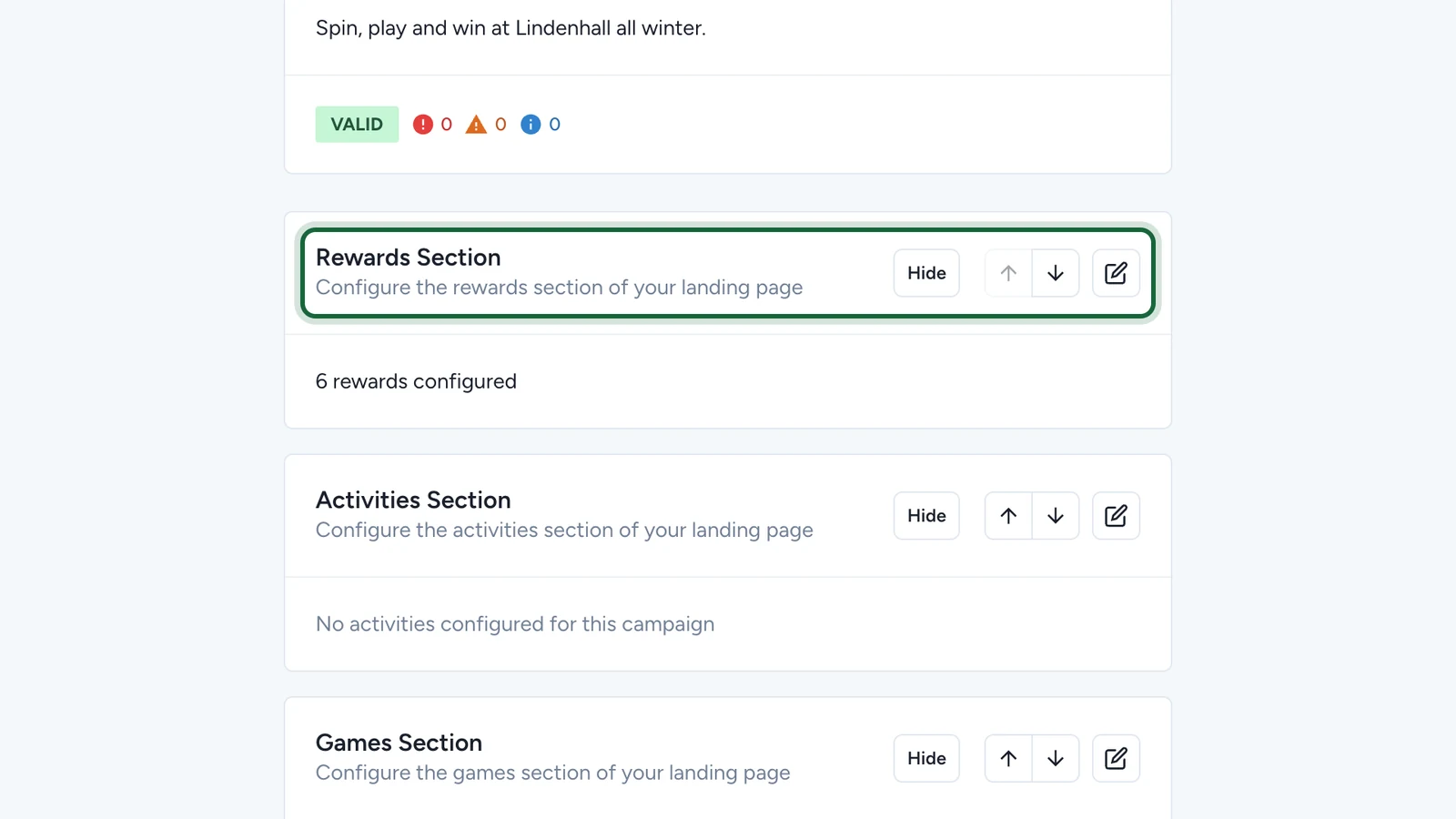
Image sizes
Landing Page Banner
RequiredThe hero image at the top of a landing page header.
- Required
- Size1200 × 800 px
- Aspect ratio3:2
- FormatsJPEG / WEBP / PNG
On phones the title card overlaps the bottom strip (about a tenth of the height): keep text above it.
Instruction Icon
OptionalThe small icon next to each step in a landing page instruction block.
- Optional
- Size400 × 400 px
- Aspect ratio1:1
- FormatsPNG / JPEG / WEBP
A round design on a transparent PNG works best.
For every size in one place, see Image & asset specs.
Languages
The language menu at the top of the editor chooses which language you're writing in. Titles, subtitles, instructions and button labels are written once per language. Images and the button's address are the same in every language.
What publishing checks
| Section | Blocks publishing when |
|---|---|
| Header | The banner or the title is missing. A missing subtitle only warns. |
| Instructions | An instruction has no title. A missing subtitle or icon only warns. |
| Call to action | There's a label without an address or the reverse, a title with no button, or an invalid address |
| Advent Calendar | The calendar is empty or has no active day, a day has no image or no touchpoint, or two days' dates overlap |
| Custom sections | No section can show anything, or a section is incomplete |
See Validation and publishing.