Configure instructions
Add, reorder, and validate instruction items with an icon, title, and subtitle.
In this article, you'll add, reorder, and refine the instructions shown on the landing page before participants open a Touchpoint.
Prerequisites
- The campaign landing page is enabled.
- You know the steps or guidance participants need before they start.
- You have icon assets ready for each instruction item.
Configuration
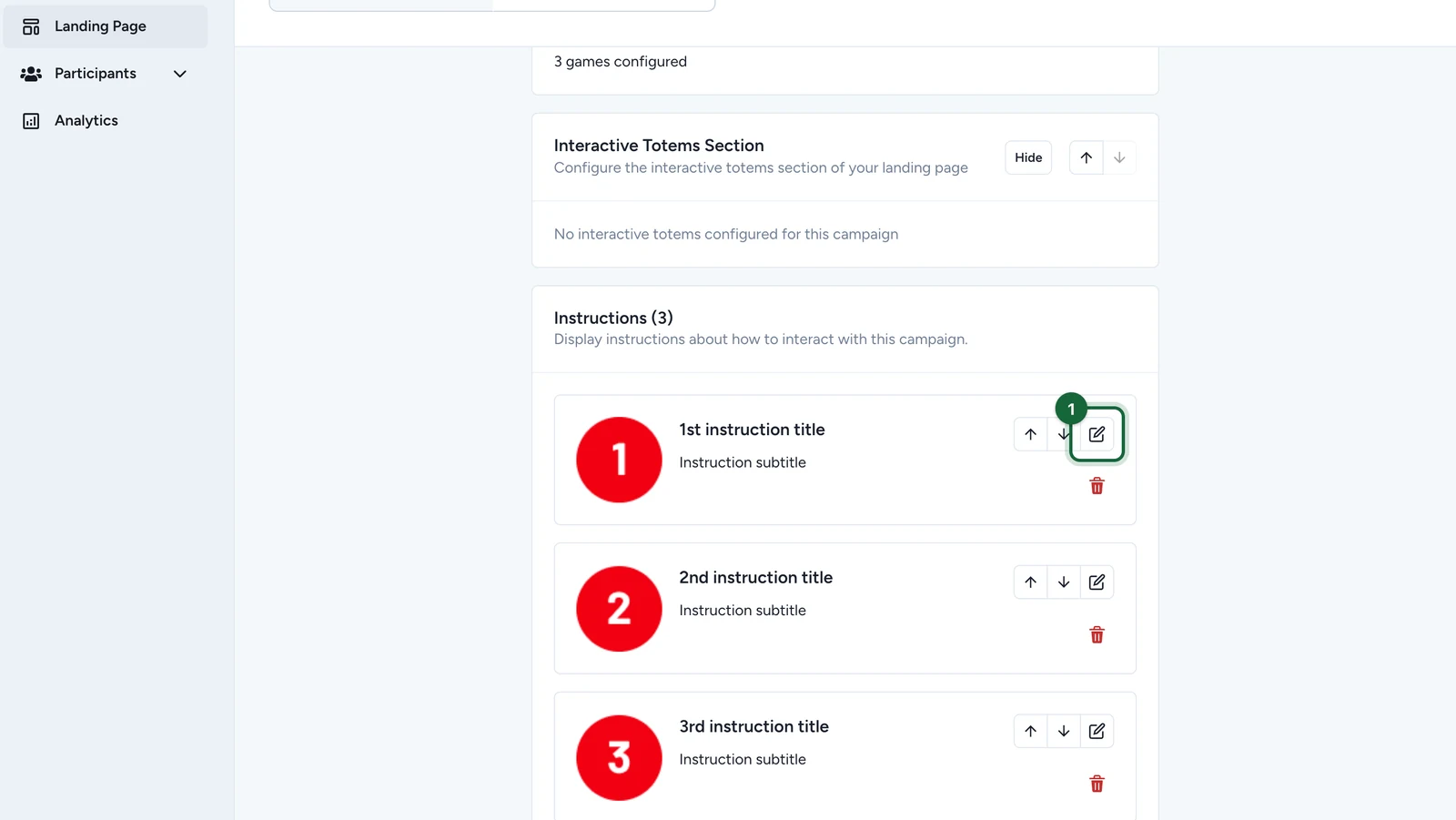
Open Instructions Section
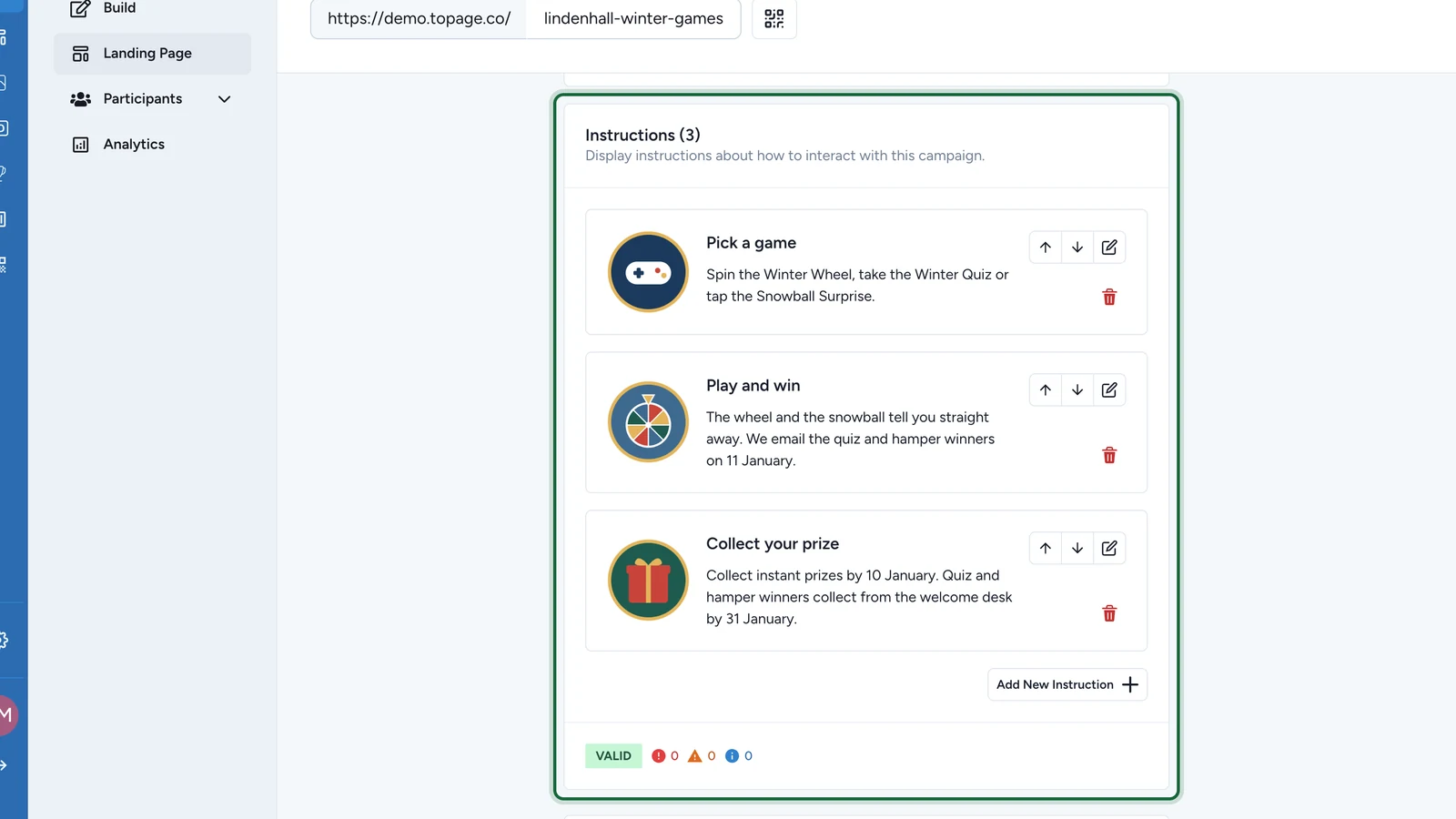
Go to Landing Page, then open the Instructions Section card.
Add an instruction item
Click Add New Instruction to create a new item in the list.
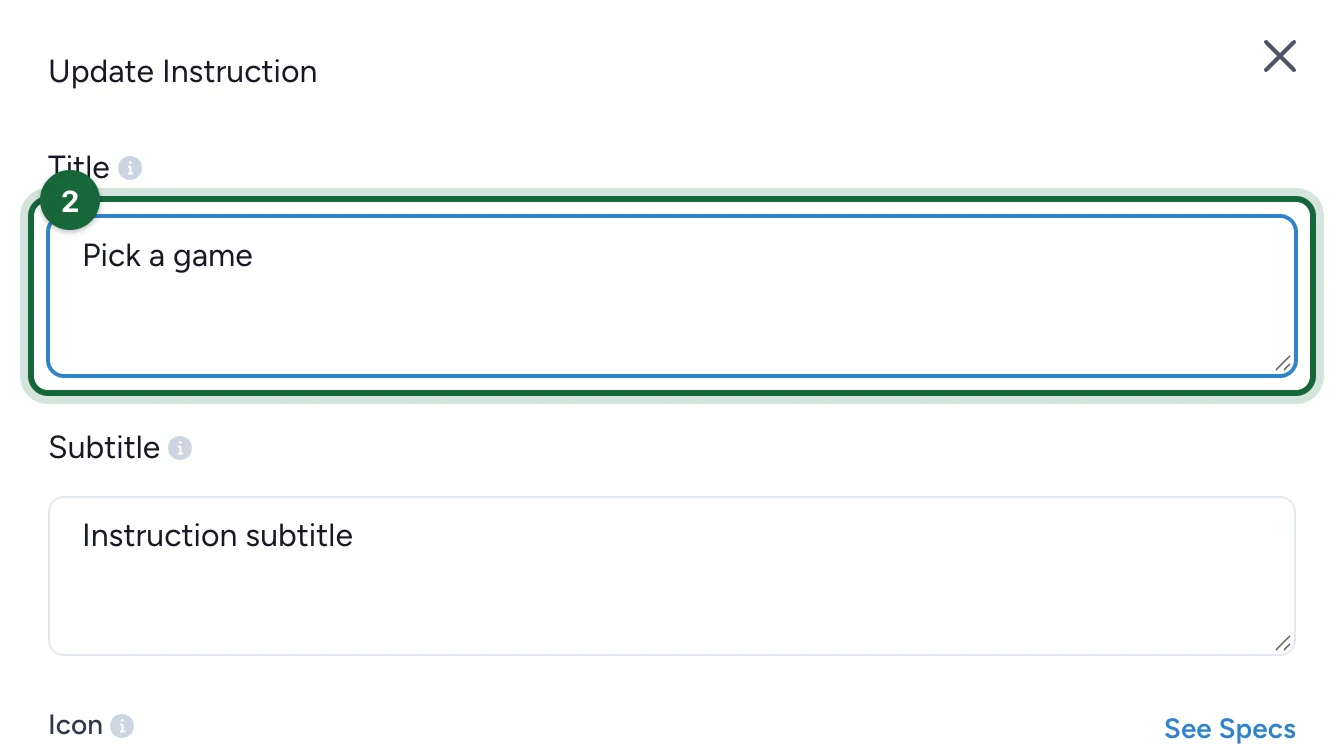
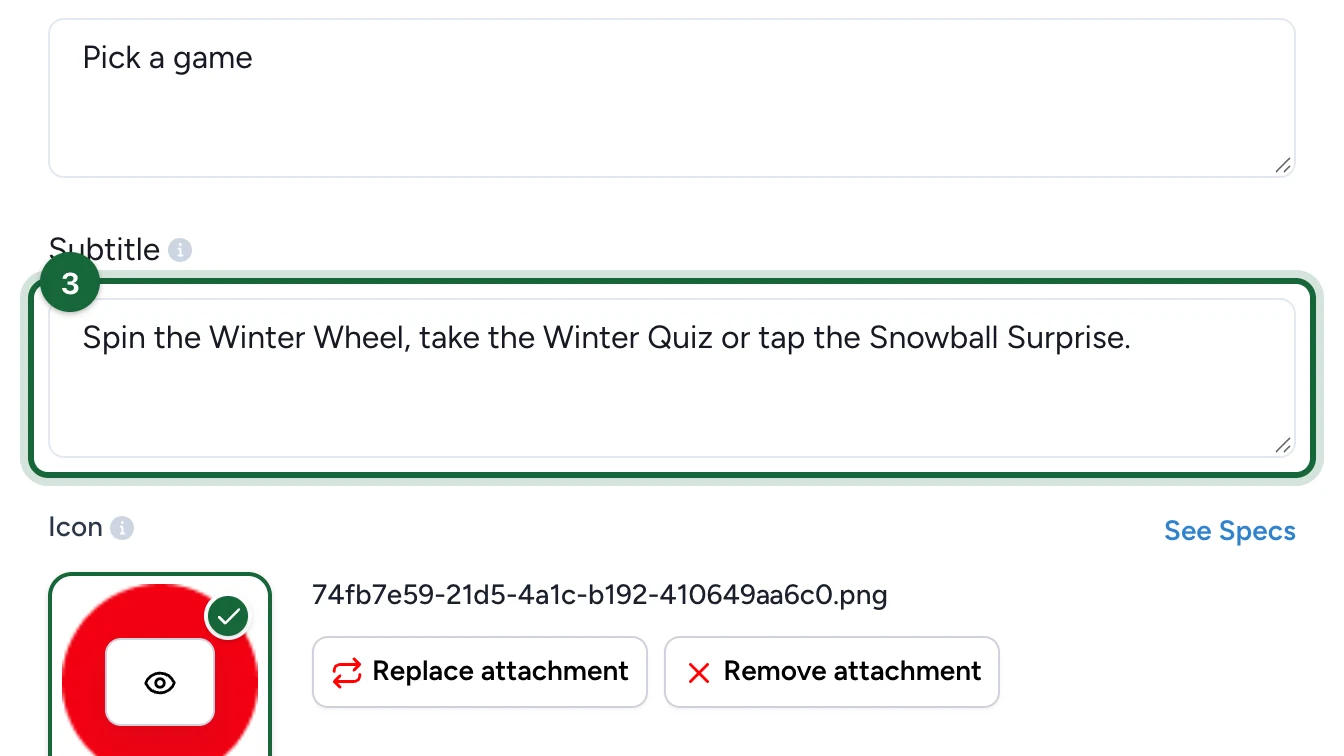
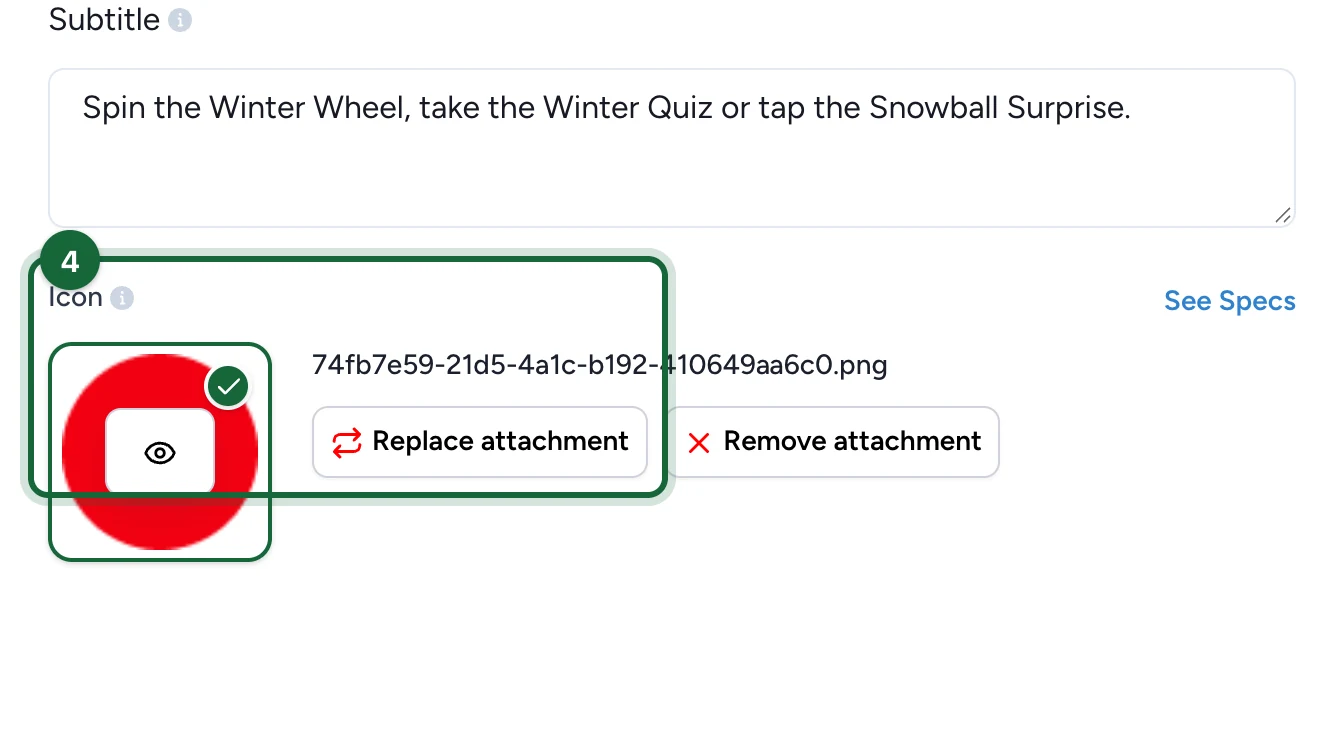
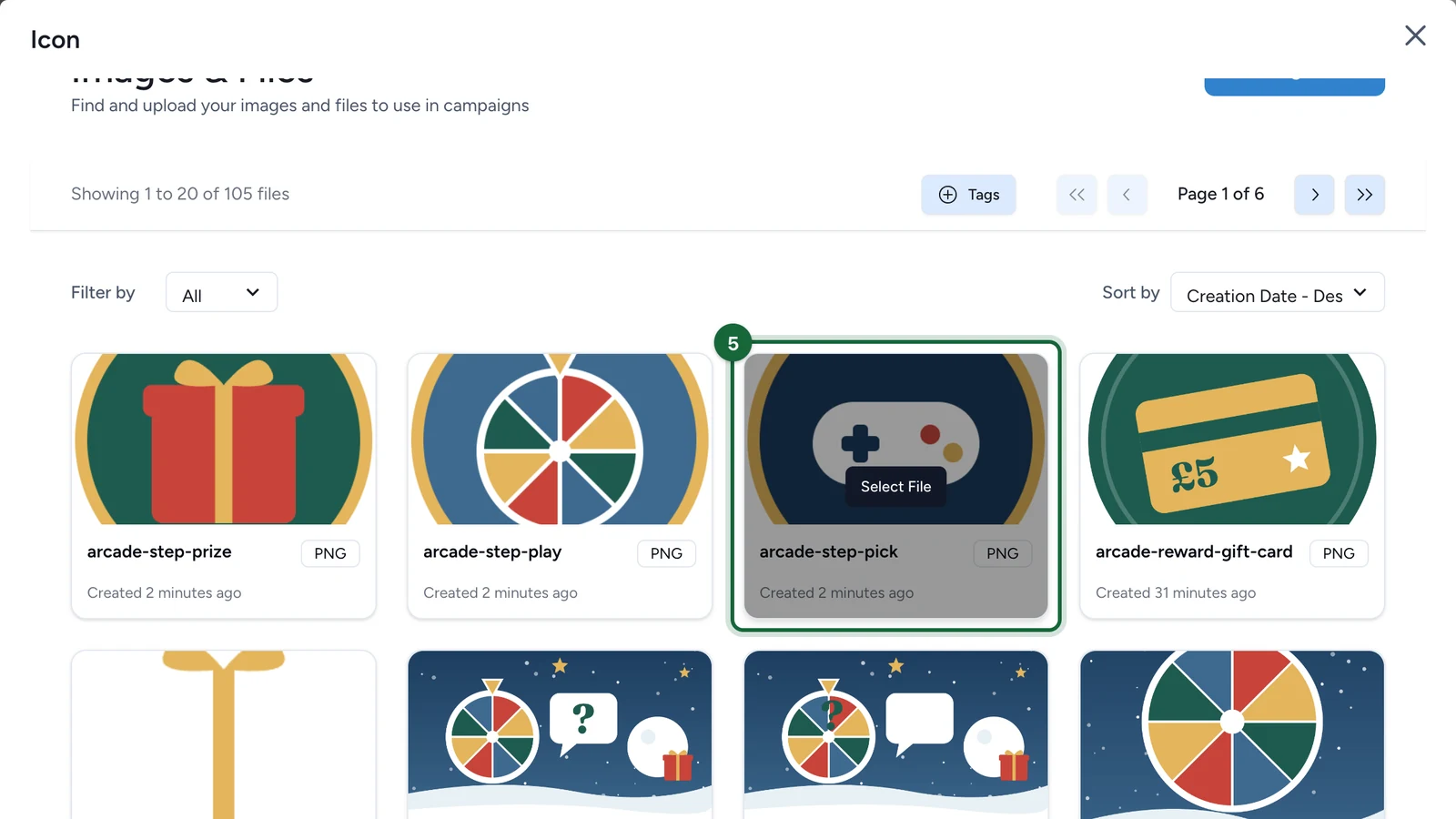
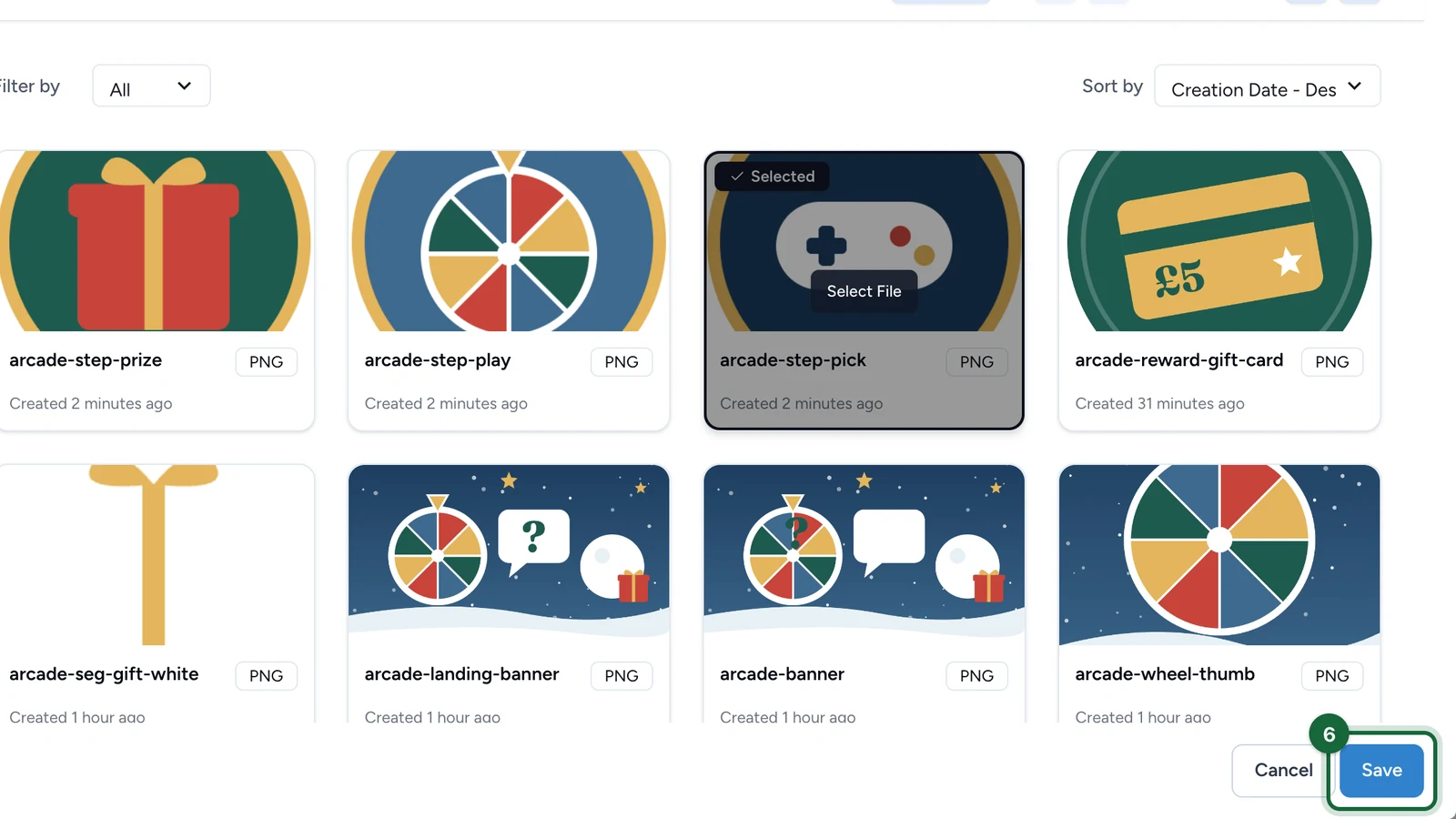
Fill Title, Subtitle, and Icon
Every instruction item should include:
- a short
Title - a supporting
Subtitle - an
Icon
These three parts work together: the title tells the participant what the step is, the subtitle adds detail, and the icon makes the list easier to scan.
Reorder the list
Use the up and down controls to move items into the sequence participants should follow.
Remove extras and save
Delete any item you do not need, then save and review the final list on the landing page.
Writing guidance
- Keep the list short enough to scan quickly. In most campaigns,
3to5items is easier to read than a long checklist. - Start each item with the action or outcome the participant should understand first.
- Use the subtitle for the detail that would otherwise make the title too long.
Icon guidance
- The current icon guidance uses a square asset (
400 x 400 px, ratio1:1). - Recommended formats are
JPEGandWEBP. - Use a consistent visual style across all items so the list feels intentional.
Multi-language behavior
Instruction Title and Subtitle fields can be translated per campaign language. The uploaded Icon is shared across languages.
Validation notes
| Validation key | Message | Fix |
|---|---|---|
landing_page.instructions.item.title.missing | Landing page instruction item {{item_index}} is missing a title | Go to Landing Page > Instructions and add a title for instruction item {{item_index}} |
landing_page.instructions.item.subtitle.missing | Landing page instruction item {{item_index}} is missing a subtitle | Go to Landing Page > Instructions and add a subtitle for instruction item {{item_index}} |
landing_page.instructions.item.icon.missing | Landing page instruction item {{item_index}} is missing an icon | Go to Landing Page > Instructions and add an icon for instruction item {{item_index}} |
See Validation & publishing for the full publish-time checks.
Related
Configure the header
Set the campaign banner, title, and subtitle that frame the instructions.
Configure the CTA
Add the optional footer CTA that can appear after the instructions.
One Column layout
See how instructions sit inside the single-stack layout.
Two Columns layout
See how instructions fit into the split desktop layout.
Advent Calendar layout
Use the shared instructions logic alongside the Advent Calendar grid.