The customer activation platform.Every interaction becomes a qualified contact. Book a demo

Choose a layout

Choose between One Column, Two Columns, and Advent Calendar based on campaign structure and device behavior.

In this article, you'll compare the three landing page layouts, switch between them in Studio, and understand what stays shared when the layout changes.

Prerequisites

  • The campaign landing page is enabled.
  • The campaign has at least two active Touchpoints.
  • You know whether the page needs a simple intro, a desktop split layout, or a day-by-day release pattern.

Layouts at a glance

LayoutBest forDesktop behaviorMobile behaviorExtra setup
One ColumnSimple campaigns and mobile-first trafficSingle vertical stackSingle vertical stackNone beyond shared landing page content
Two ColumnsCampaigns with several participant-facing sectionsSplit view with entry content on one side and listings on the otherCollapses to one columnNone beyond shared landing page content
Advent CalendarSeasonal or multi-day campaignsCentered calendar gridResponsive calendar gridDay items plus per-Touchpoint date overrides

Change the layout

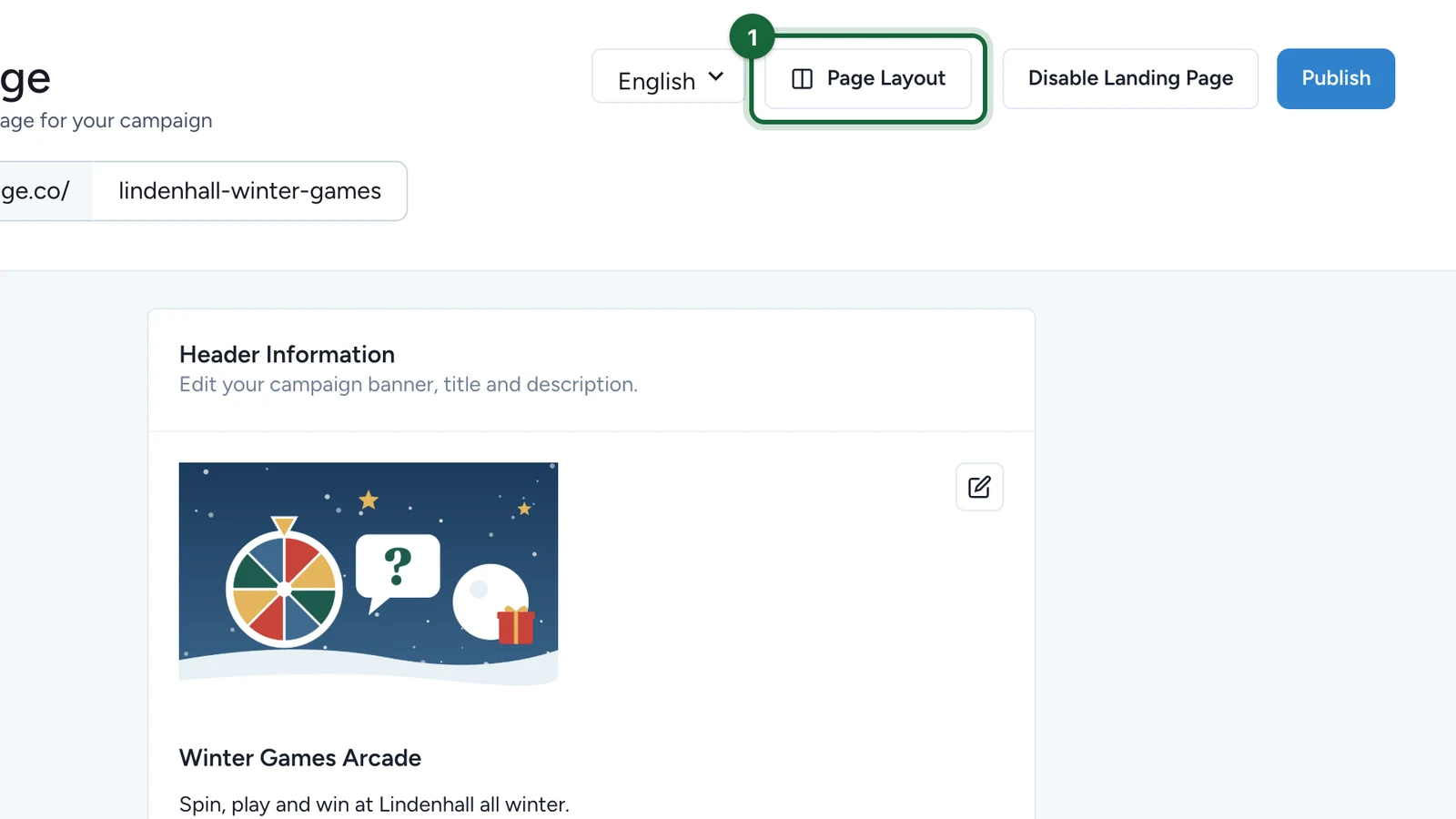
Open Landing Page

Go to the campaign and open Landing Page.

Open Page Layout

Click the layout button, then open the Page Layout selector.

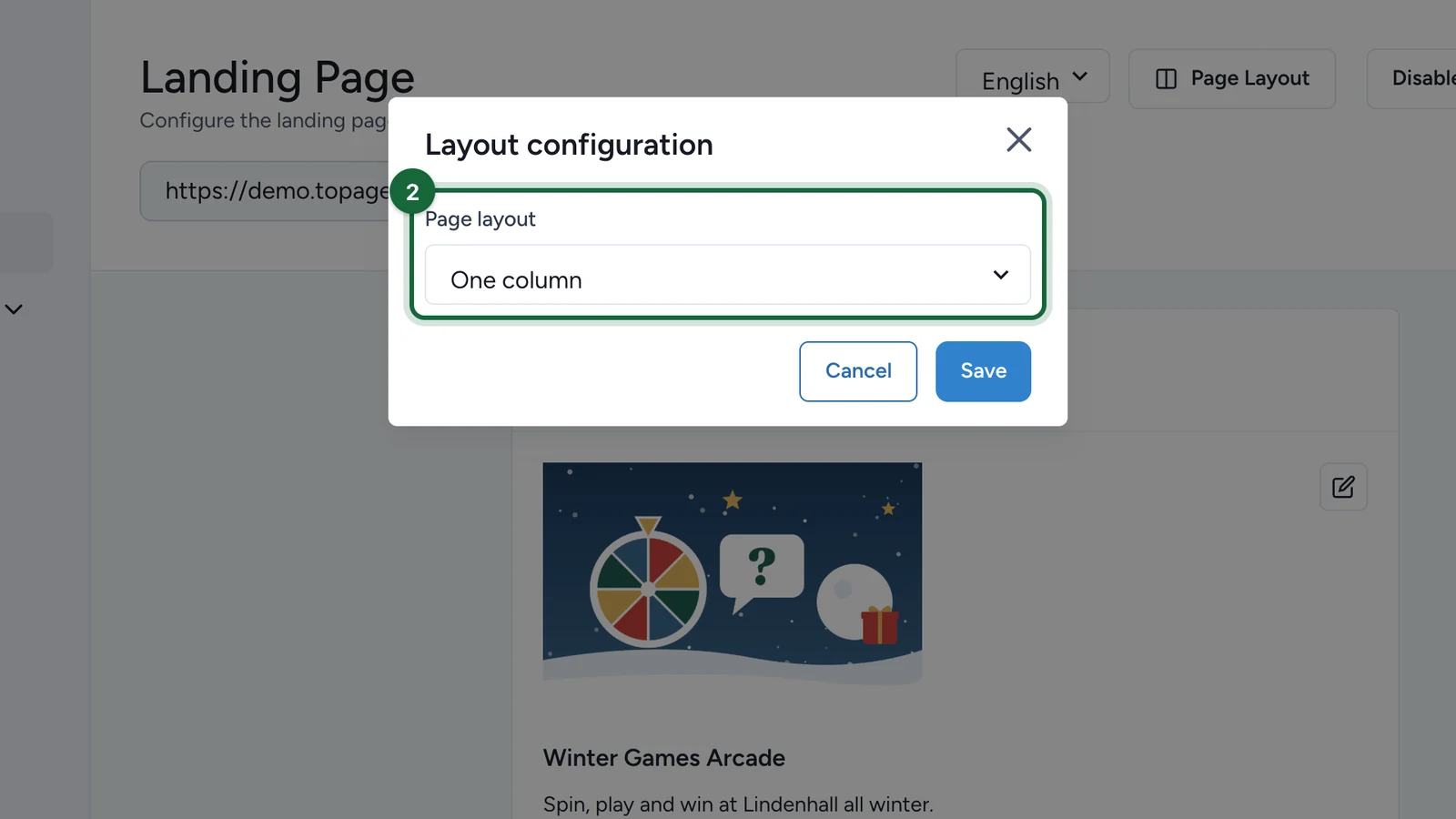
Choose the layout

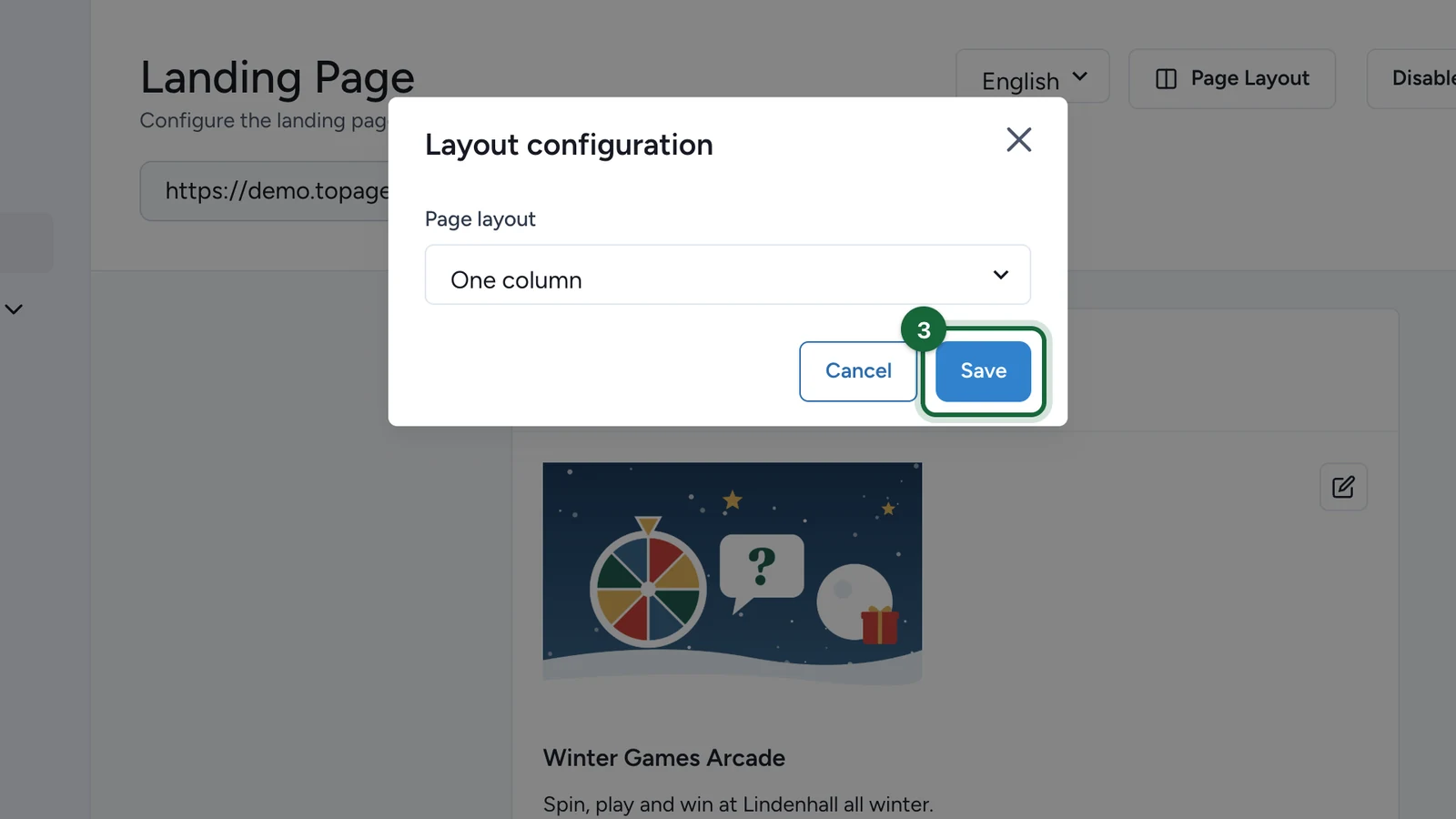
Select One column, Two columns, or Advent Calendar, then save.

Review the page again

Recheck the landing page after the change, especially on the devices you expect participants to use.

What stays when you switch

Switching the layout updates the layout type itself. The shared landing page content stays available:

  • header content
  • instructions
  • CTA content
  • section order and visibility for the standard rewards, activities, games, and interactive totems blocks

When you switch to Advent Calendar, you still need to configure the day items separately. When you switch away from Advent Calendar, the day-by-day settings are no longer used until you choose that layout again.

How to decide

  • Choose One Column when you want the simplest possible participant journey and a single stacked flow on every screen size.
  • Choose Two Columns when desktop visitors need stronger separation between campaign introduction and the sections they can browse.
  • Choose Advent Calendar when access must unlock over time and every day needs its own linked Touchpoint and date window.

Seasonal campaigns need the Advent Calendar constraints

If you do not need day-by-day unlocking, stay with One column or Two columns. Advent Calendar is the only layout that depends on linked day items and non-overlapping Touchpoint dates.

Was this helpful?

Optional comments help us improve this page for future authors and readers.

On this page