Link rewards to a game
Which reward each kind of game needs, and where you attach it so players can win it.
A reward you create in Build > Rewards reaches players only once a game hands it out. Each kind of game takes its own reward type, in its own place.
Where each game takes its reward
| Game | Reward to create | Where you link it |
|---|---|---|
| Wheel of Fortune, Scratch Card, Reveal Card, Simple Game, 3D Selection | Game Reward > Luck Based Reward | Outcomes tab, on each winning option |
| Simple Game or 3D Selection in Lottery mode | Game Reward > Lottery | Select a game, when you create the reward |
| Quiz, Memory, Catcher, Form | Game Reward > Performance Based Reward | Performance Rewards, at the bottom of Appearance |
| An offer, or an offer in an Offers Pass | Offer Reward | The offer's Offer Reward |
To reward the whole campaign rather than one game, use a Global Reward: see Instant Win rewards.
Luck-based games
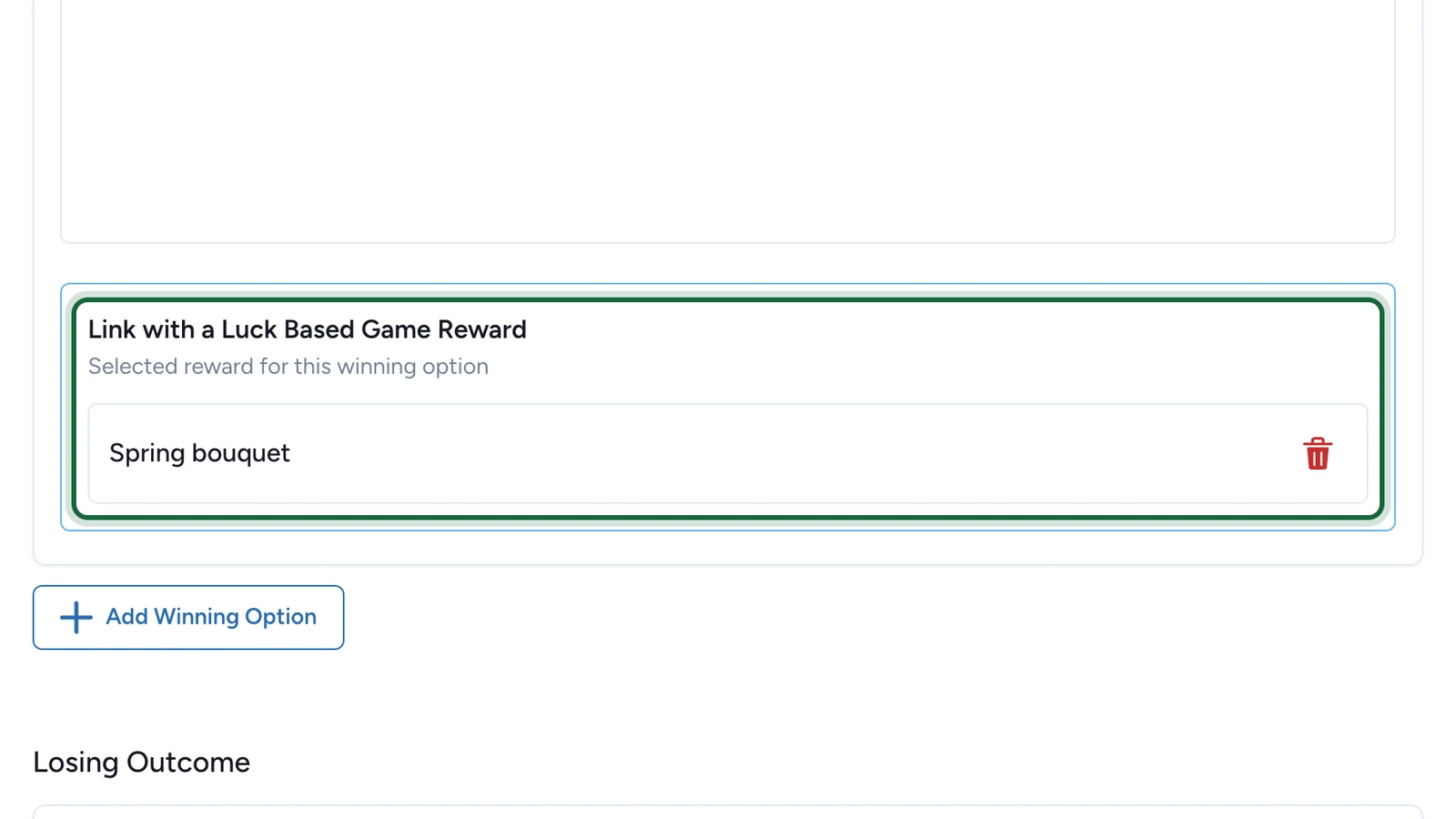
Each winning option has its own Link with a Luck Based Game Reward. Here, Bloom Reveal's winning option gives a spring bouquet.
Step by step: Link rewards to touchpoints.
Skill-based games
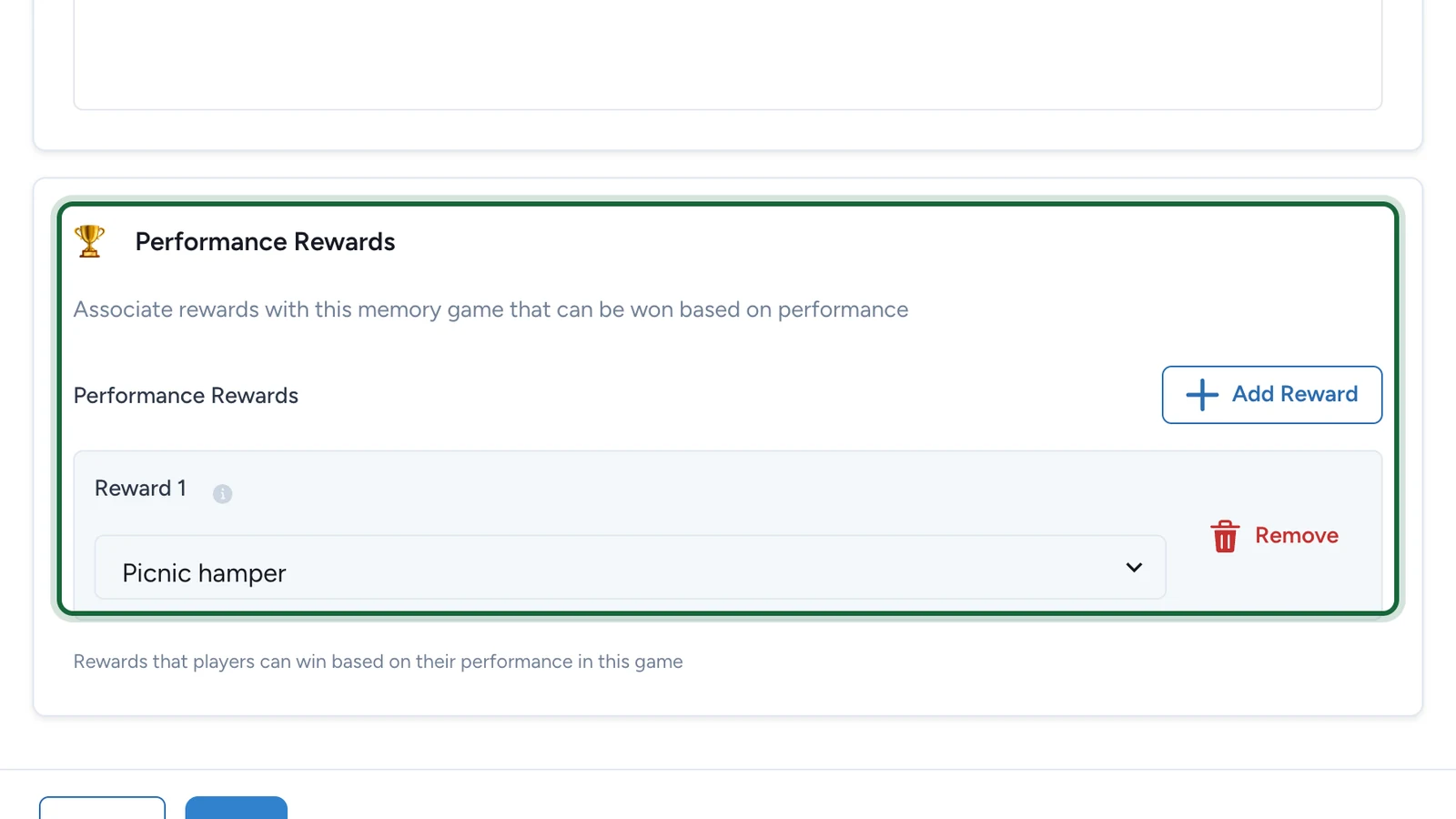
Performance Rewards lists the prizes for the best-ranked players. Here, Garden Pairs gives a picnic hamper.
Step by step: Leaderboard rewards.
If publishing is blocked
- A reward isn't linked to any game: link it as above, or delete it in Build > Rewards.
- A reward's quantity is 0: set it above zero on the reward.
- A lottery's game was deleted: choose another game for it.
- A Lottery game has no lottery, or more than one: link exactly one, made for this game.
With no reward under Performance Rewards, a skill game still publishes, but nobody can win: Studio warns about it.