The customer activation platform.Every interaction becomes a qualified contact. Book a demo

Leaderboard rewards

Configure ranking-based rewards for Memory, Quiz, Form, and Catcher touchpoints.

In this article, you'll configure ranking-based rewards for touchpoints where the best-performing participants should win.

Keep one Leaderboard reward per performance game

Leaderboard rewards work best when one reward belongs to one performance game. In some validation messages, this reward type may still appear as TOP_X.

When to use a Leaderboard reward

Use a Leaderboard reward when the prize should go to the best results rather than the fastest claim or a random draw.

Typical examples include:

  • the highest score in a quiz
  • the fastest completion in a memory game
  • the strongest result in a form or catcher challenge

Compatible touchpoints

This reward method is designed for performance-based touchpoints such as:

  • Memory
  • Quiz
  • Form
  • Catcher

Before you begin

  • The target performance touchpoint already exists.
  • You know how many winners you want to reward.
  • You are ready to connect one reward to one clear ranking or leaderboard outcome.

Configure the reward

Create the reward from Build -> Rewards

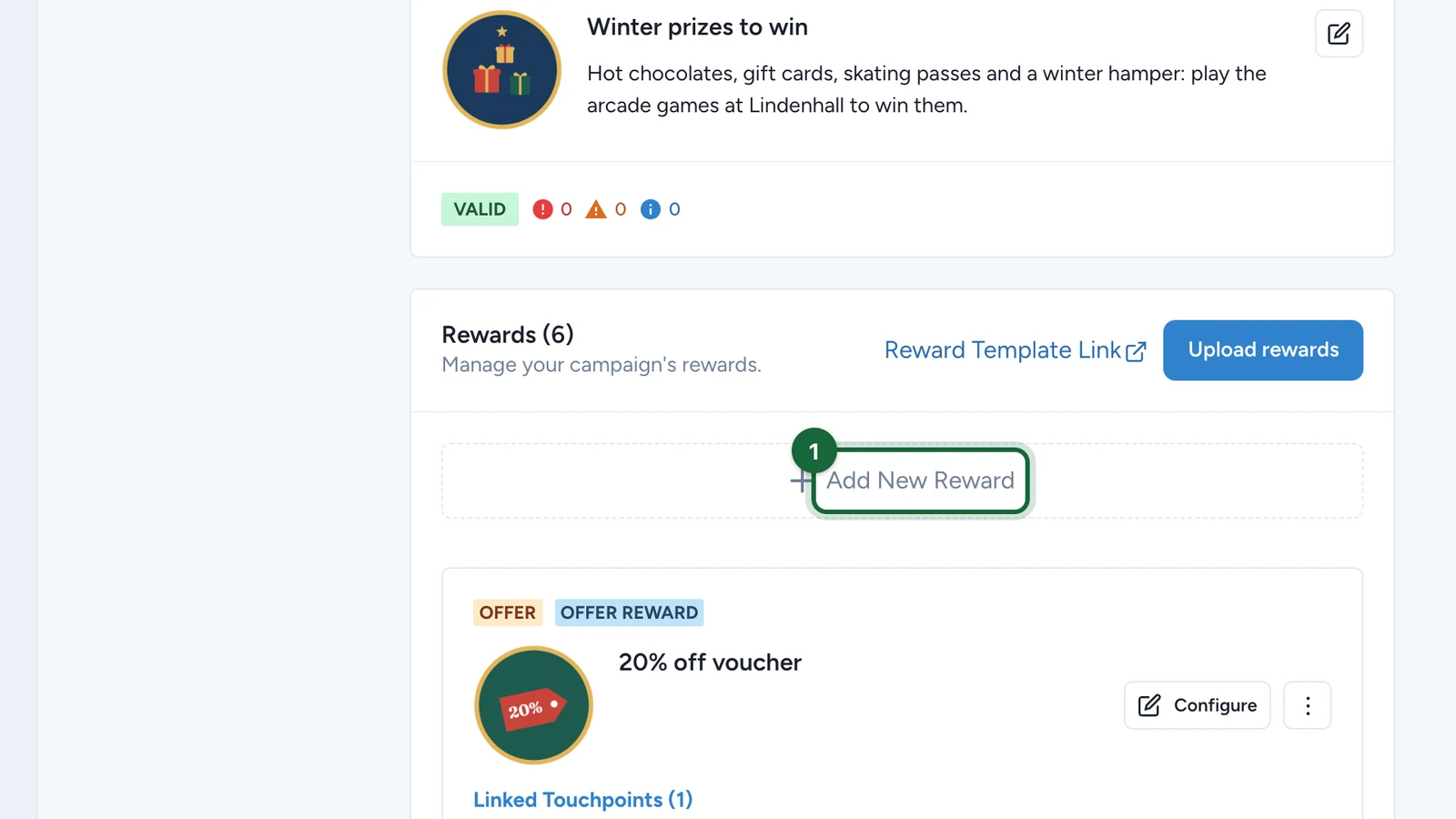
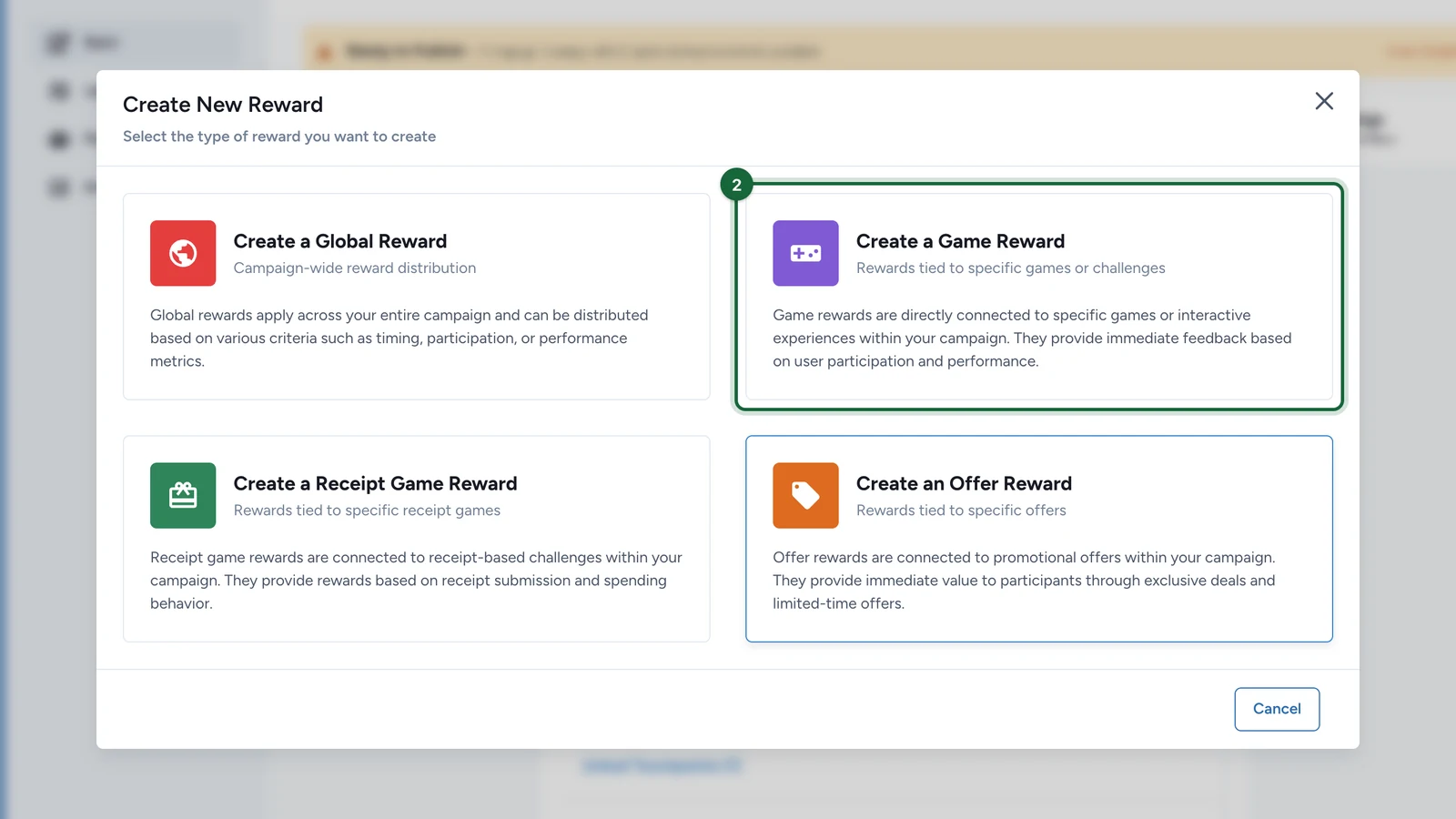
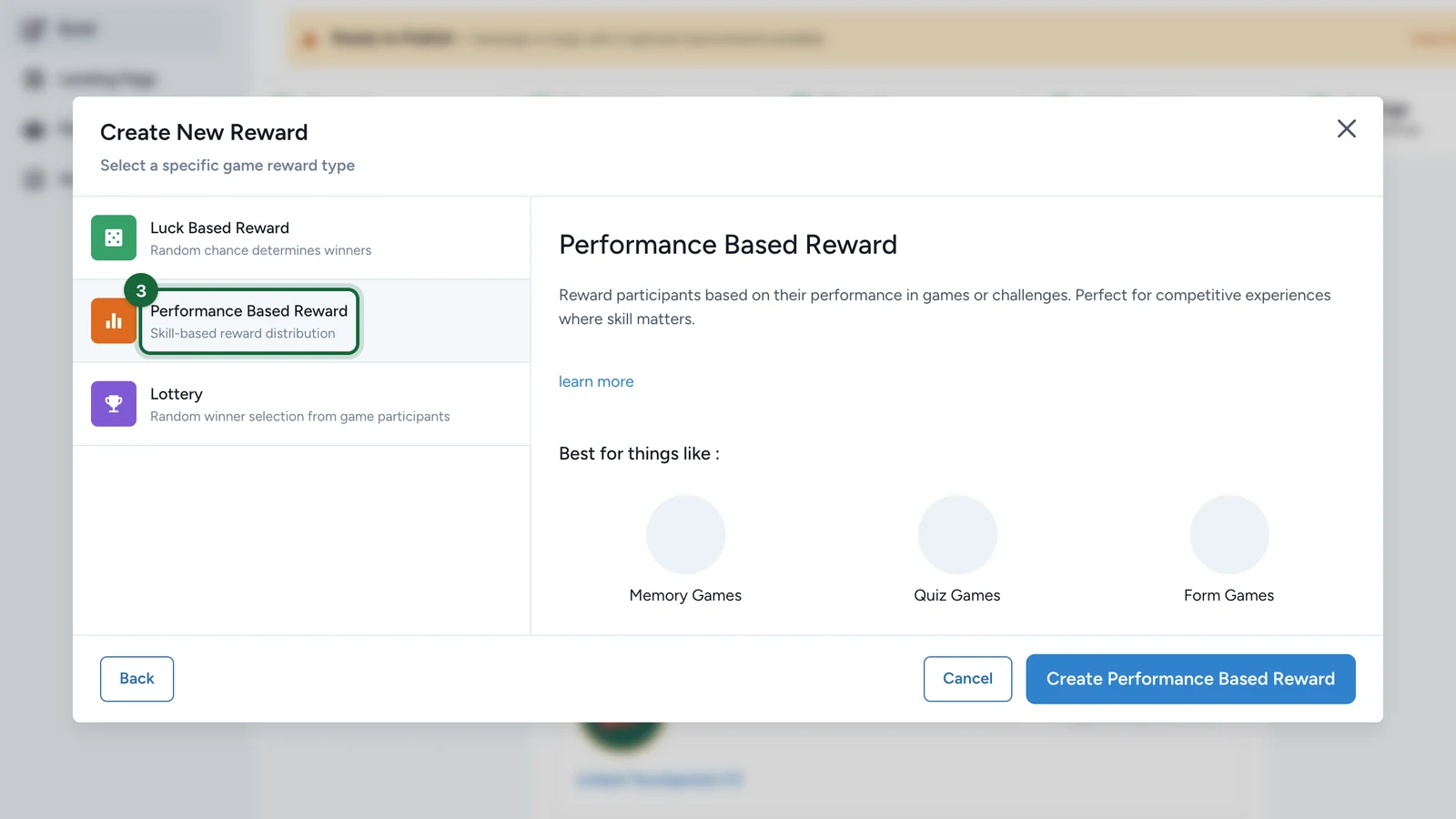
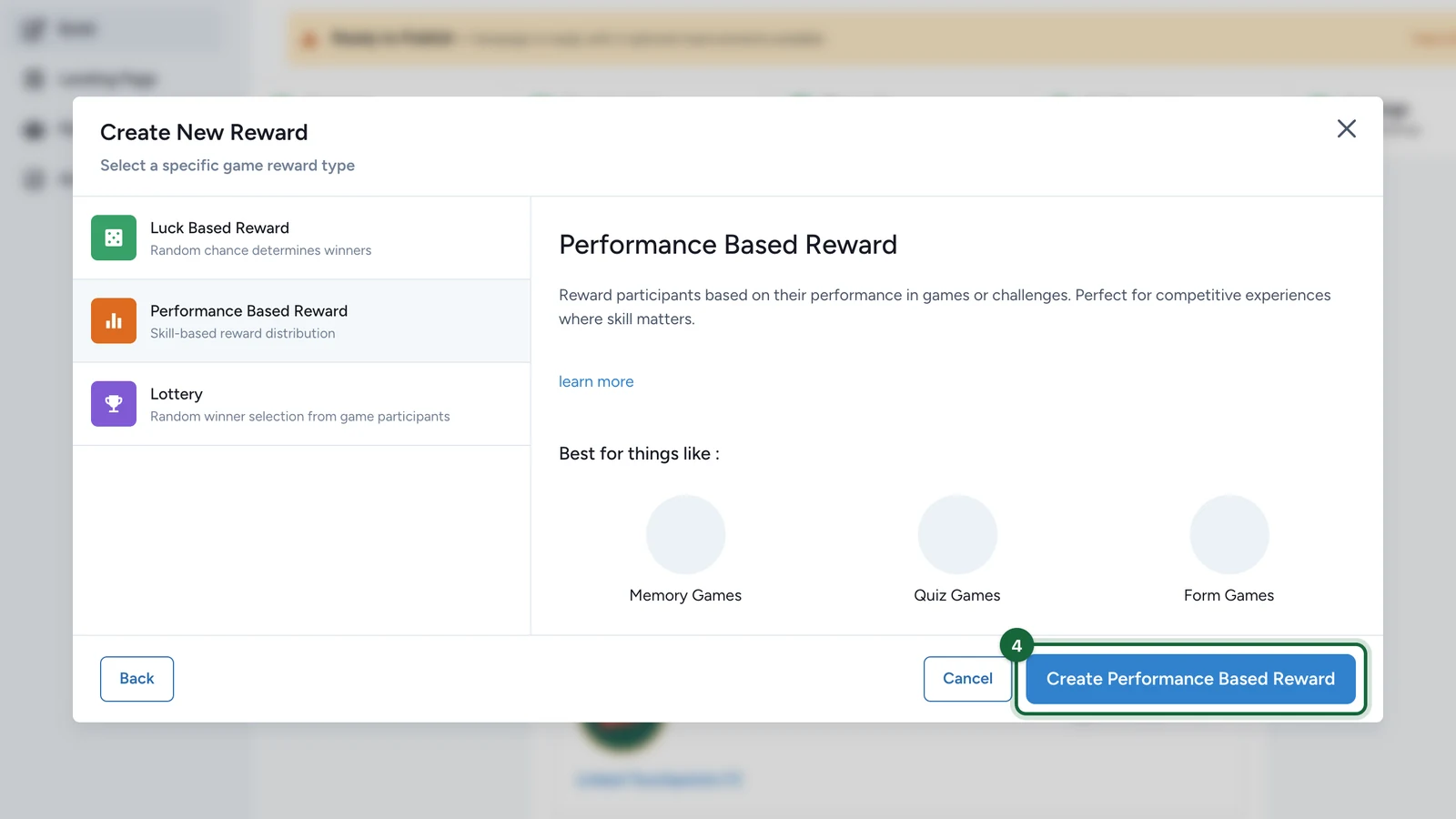
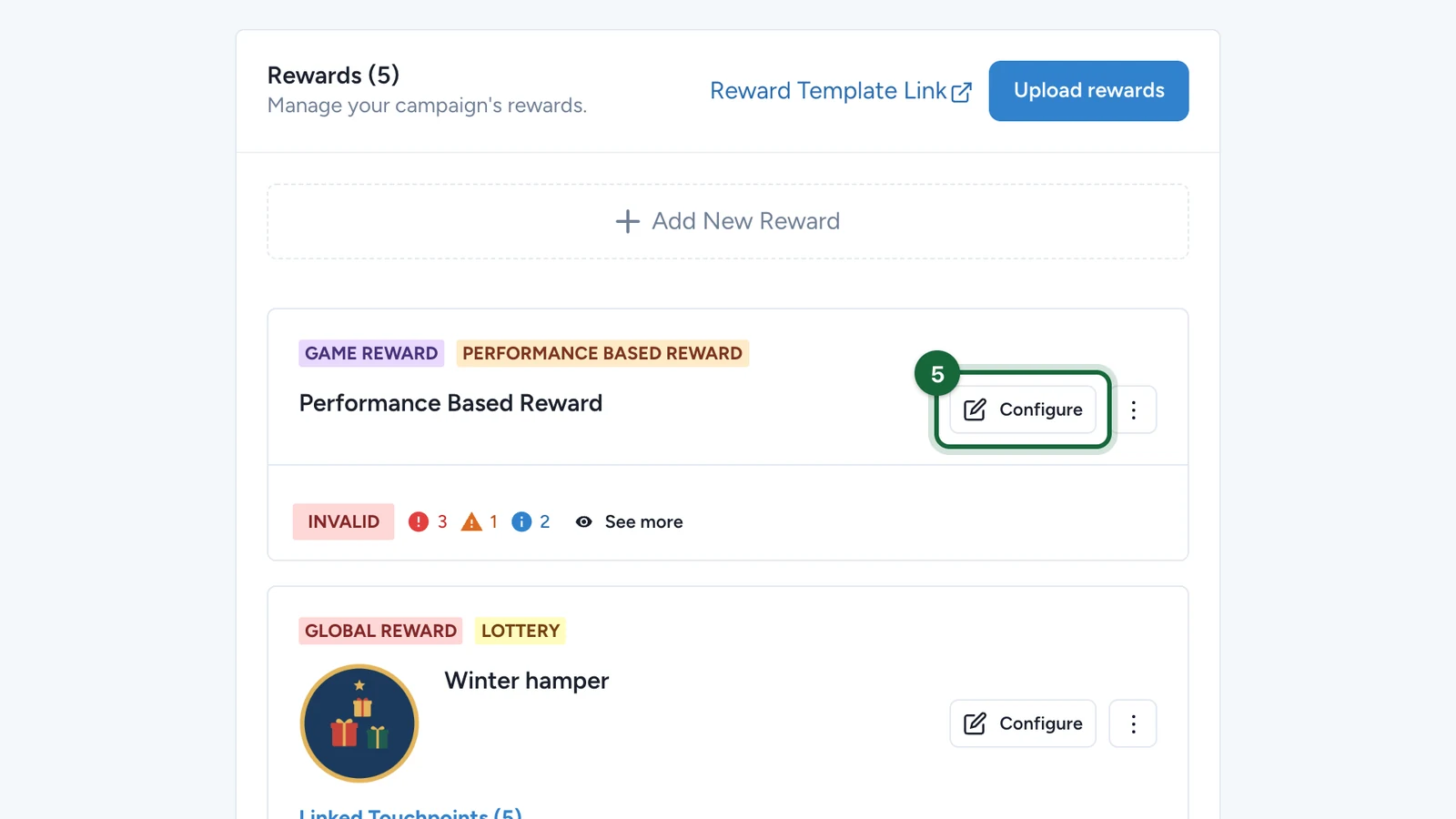
Open Build -> Rewards, click Add New Reward, then choose the Leaderboard reward type for the performance game.

Fill the reward basics

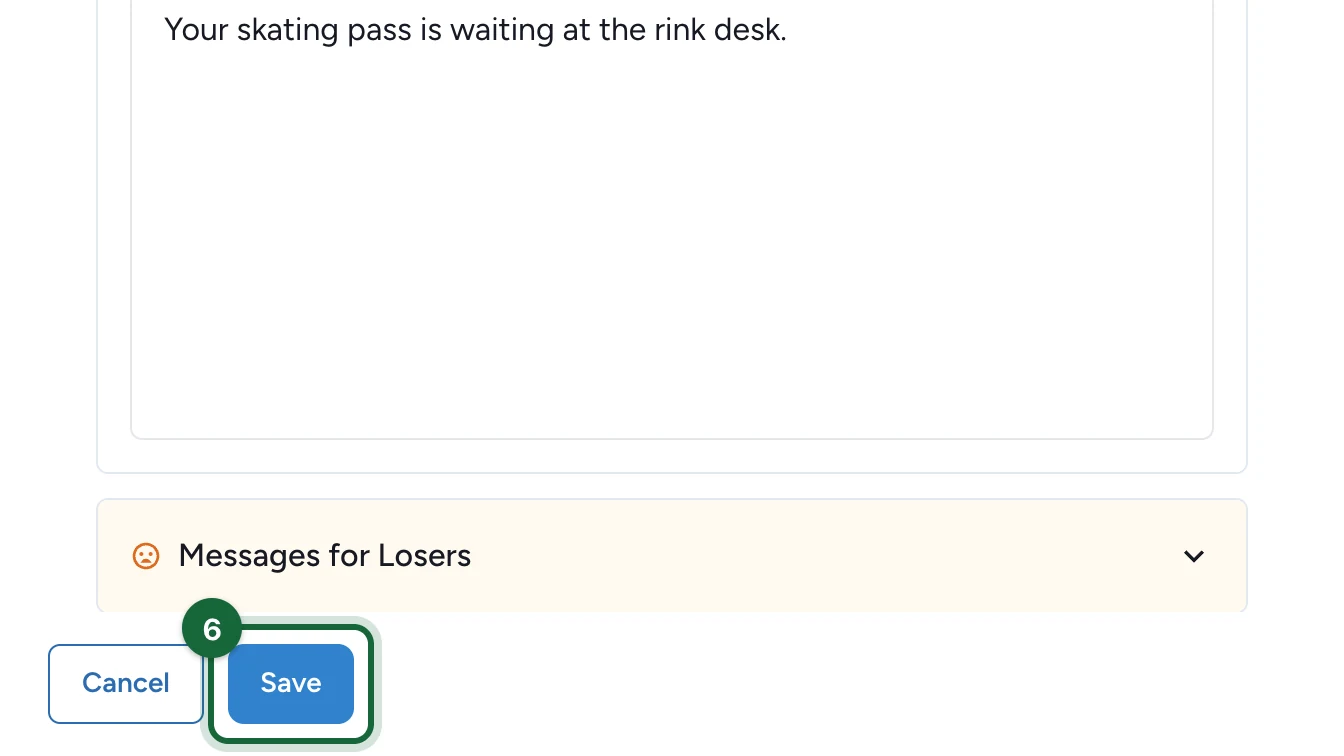
Set the reward title, subtitle, icon, quantity, and winner message.

For a Leaderboard reward, Total Quantity is the number of winning positions you want to award.

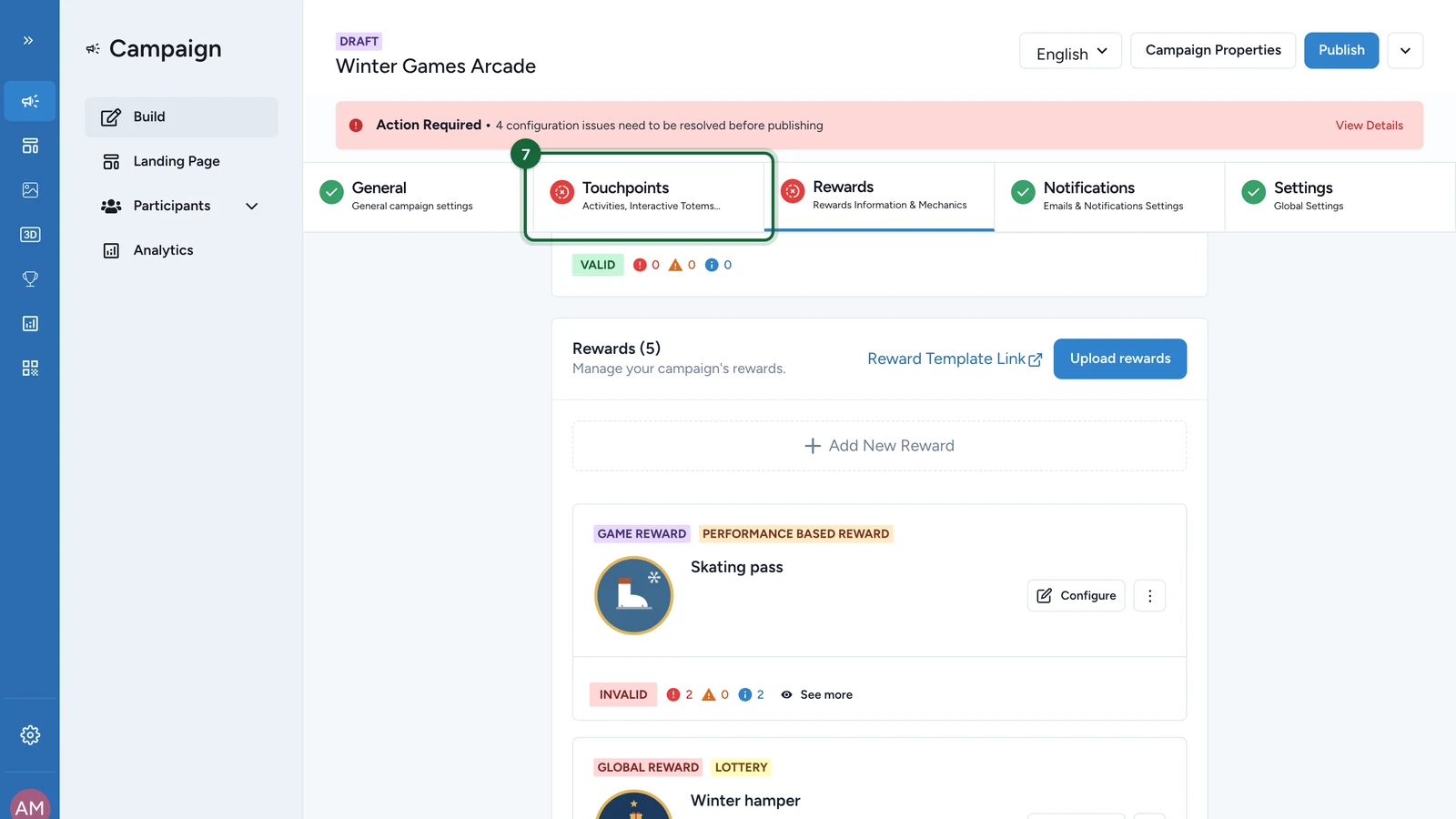
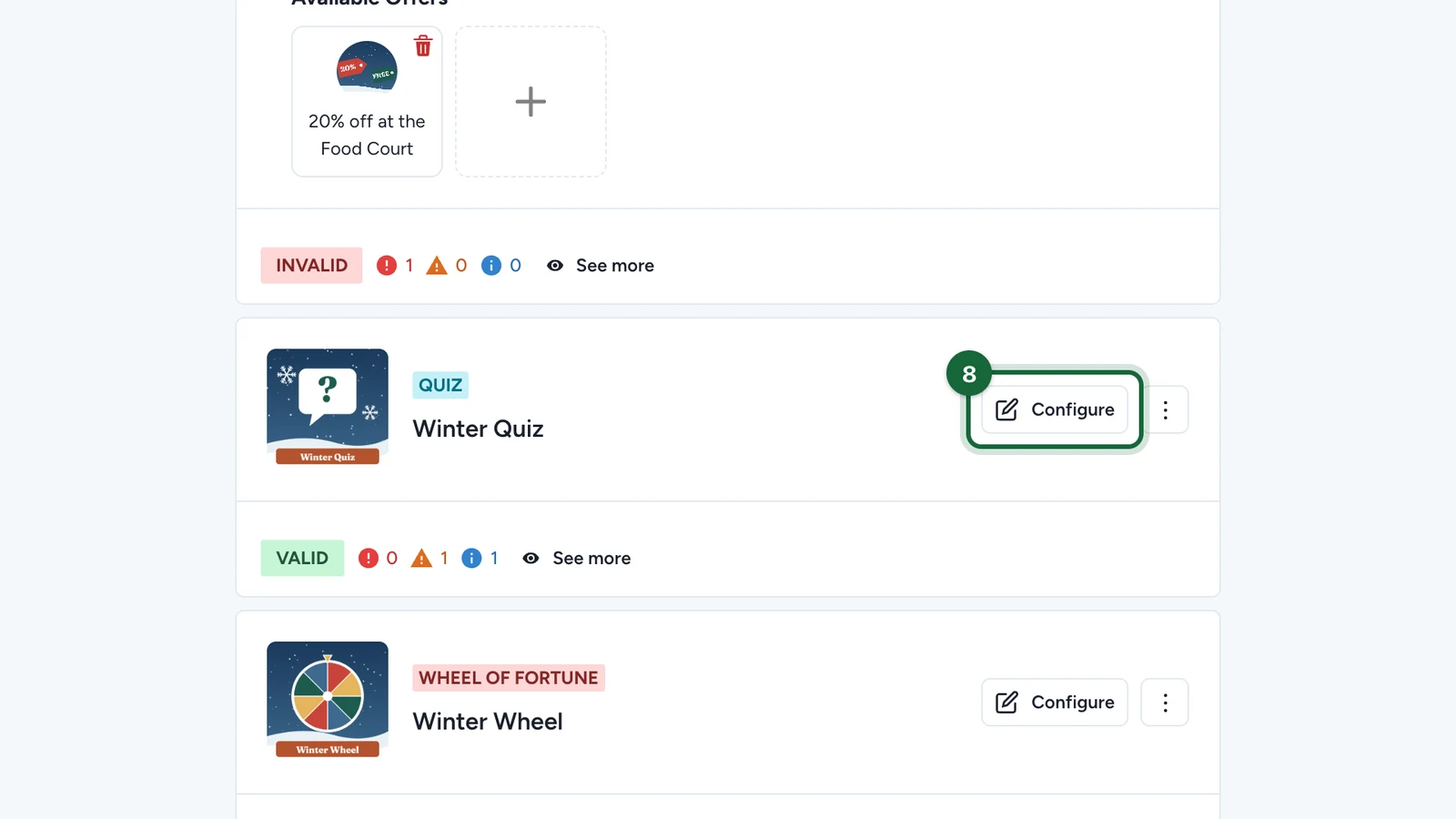
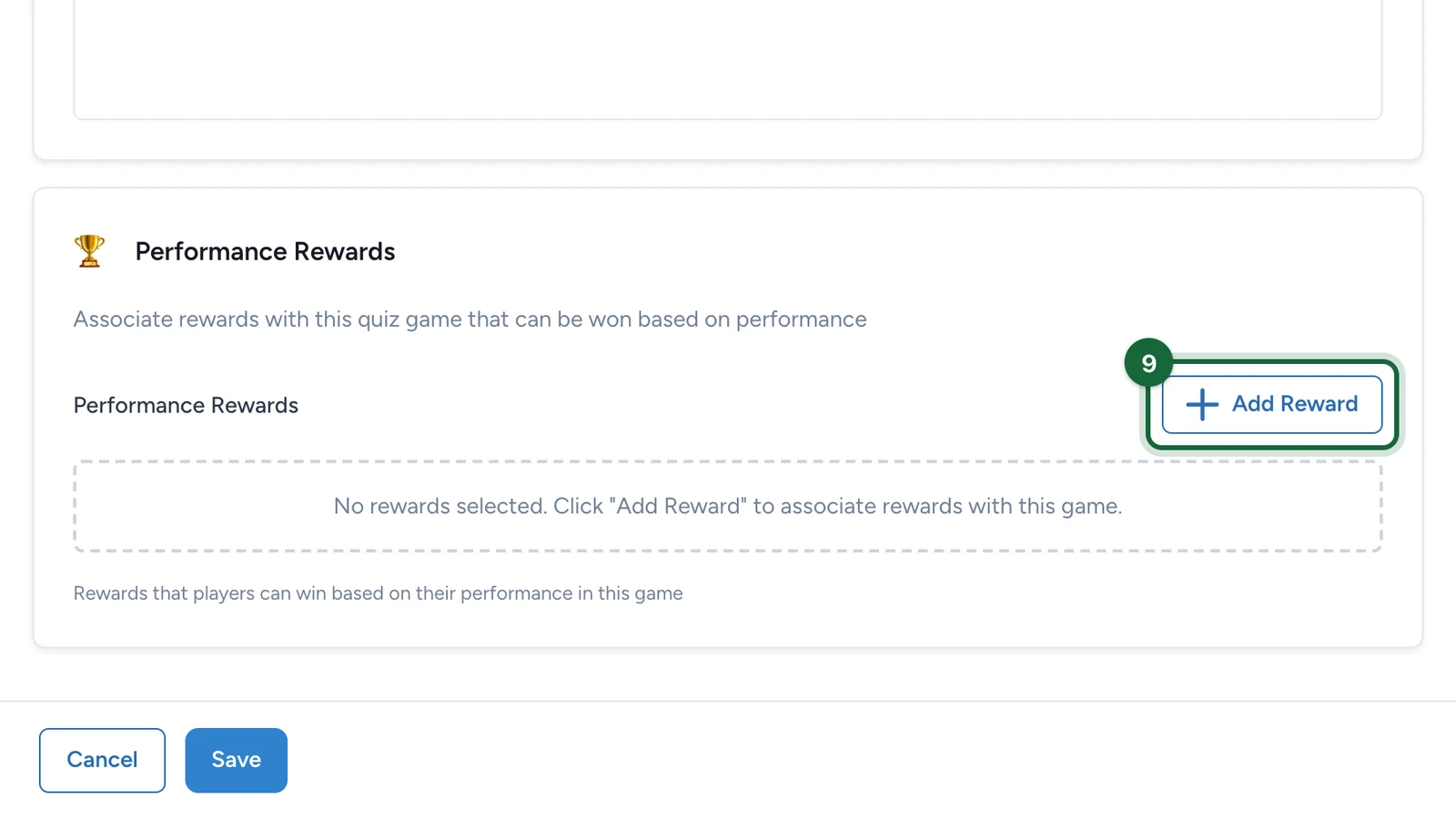
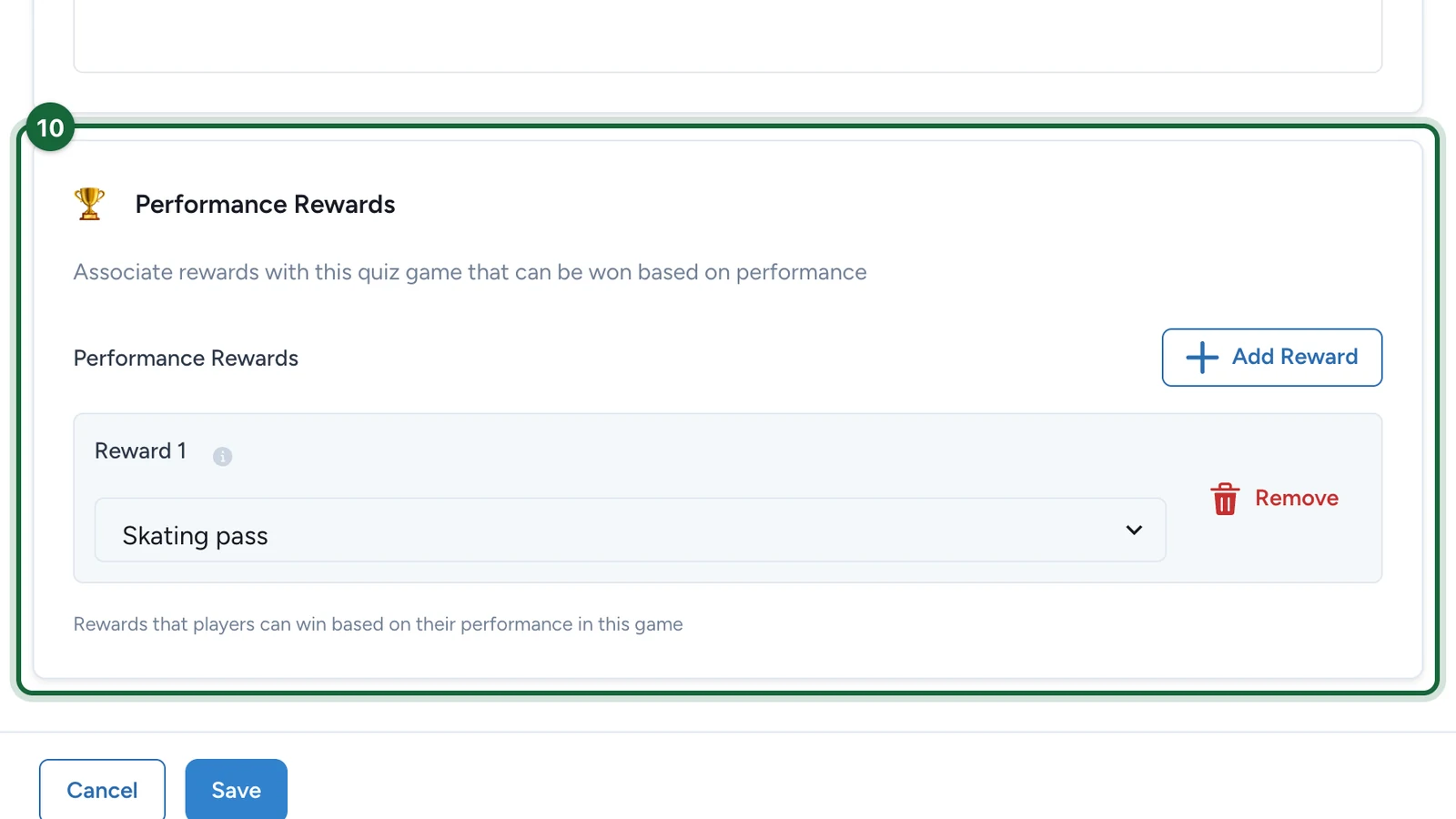
Open the target touchpoint and add the reward to Performance Rewards for that game.

This is the step that makes the ranking reward active for that game.

Save and validate

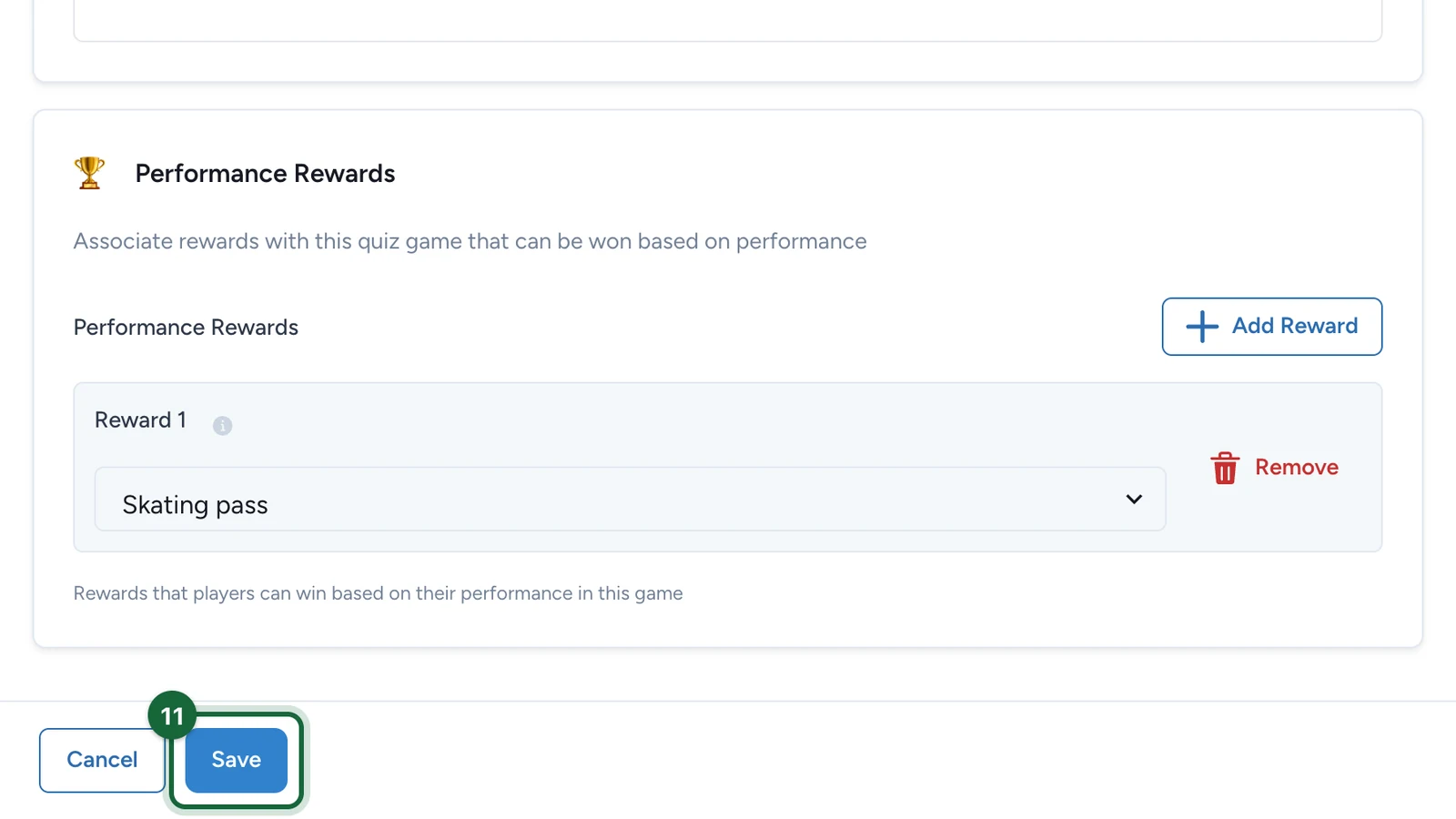
Save the reward and the touchpoint, then run validation before publication.

Review the resolved winners

When the ranking resolves, the top N participants receive the reward based on the configured quantity.

Why the one-game rule matters

Performance rewards depend on a clear ranking context. If the same reward is attached to several performance games, the campaign becomes harder to interpret:

  • operators lose the one-to-one link between reward and leaderboard
  • troubleshooting becomes slower
  • participant expectations can become unclear

If two games should award the same real-world prize, create two separate rewards instead of sharing one Leaderboard reward.

Common validation issues

Validation messageMeaningFix
Reward '{{reward_name}}' cannot be earned - not linked to any performance gameThe reward exists, but no performance touchpoint can currently award it.Add the reward to the intended performance touchpoint.
Reward '{{reward_name}}' cannot be earned - game '{{game_name}}' not foundThe configured target game does not exist in the campaign anymore.Reconnect the reward to the correct touchpoint or recreate the missing game.
Performance reward '{{reward_display_name}}' is linked to {{usage_count}} performance games: {{affected_touchpoints}}The same reward is shared across several performance games.Keep one Leaderboard reward per performance game, or create separate reward copies.

Was this helpful?

Optional comments help us improve this page for future authors and readers.

On this page