Link rewards and badges
Understand when a Treasure Hunt should use badges, rewards, or both.
Decide how participants are rewarded as they move through your hunt, whether that's a sense of progress, a real prize, or both. Badges and rewards do different jobs, so picking the right one keeps the experience clear.
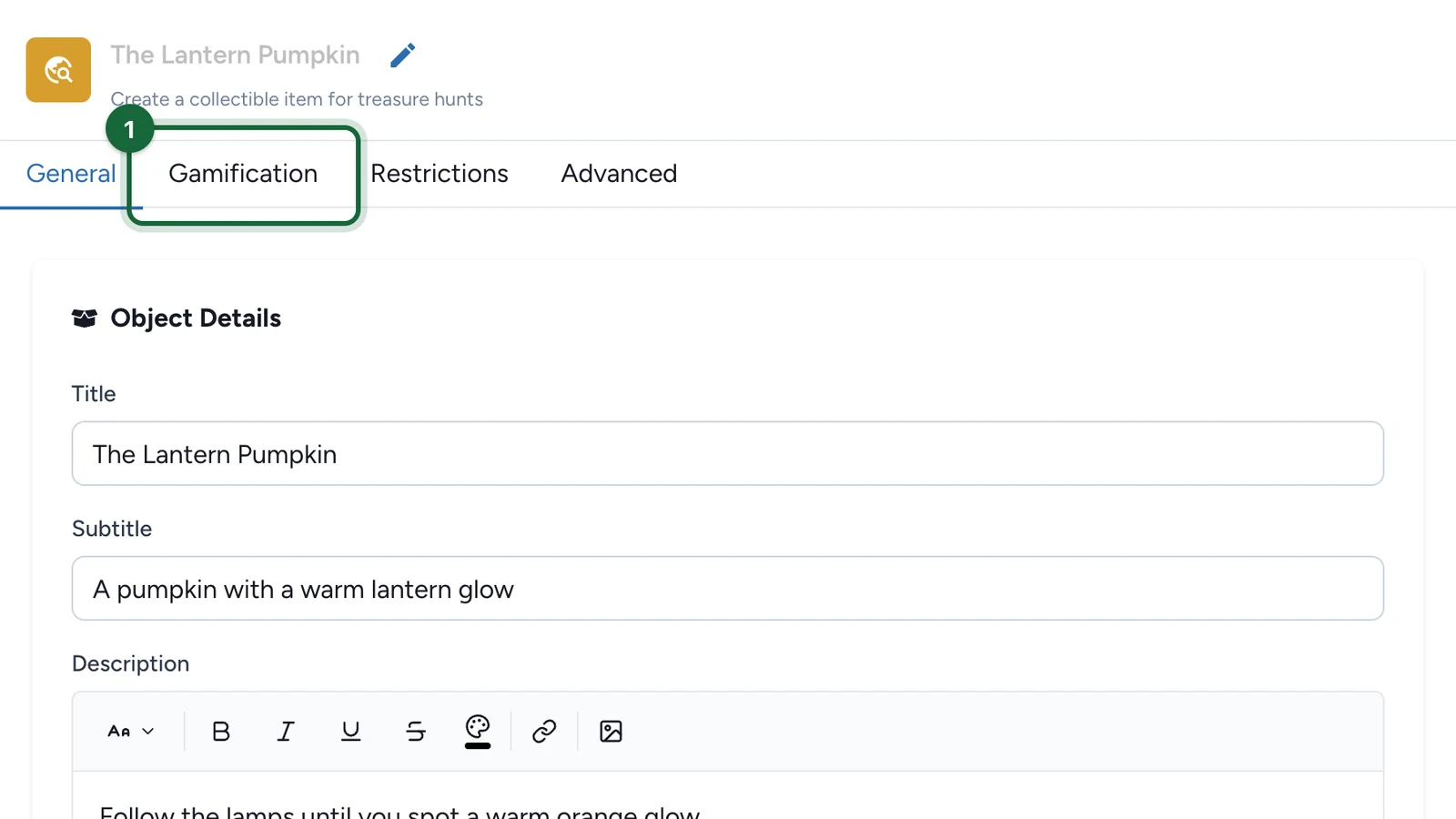
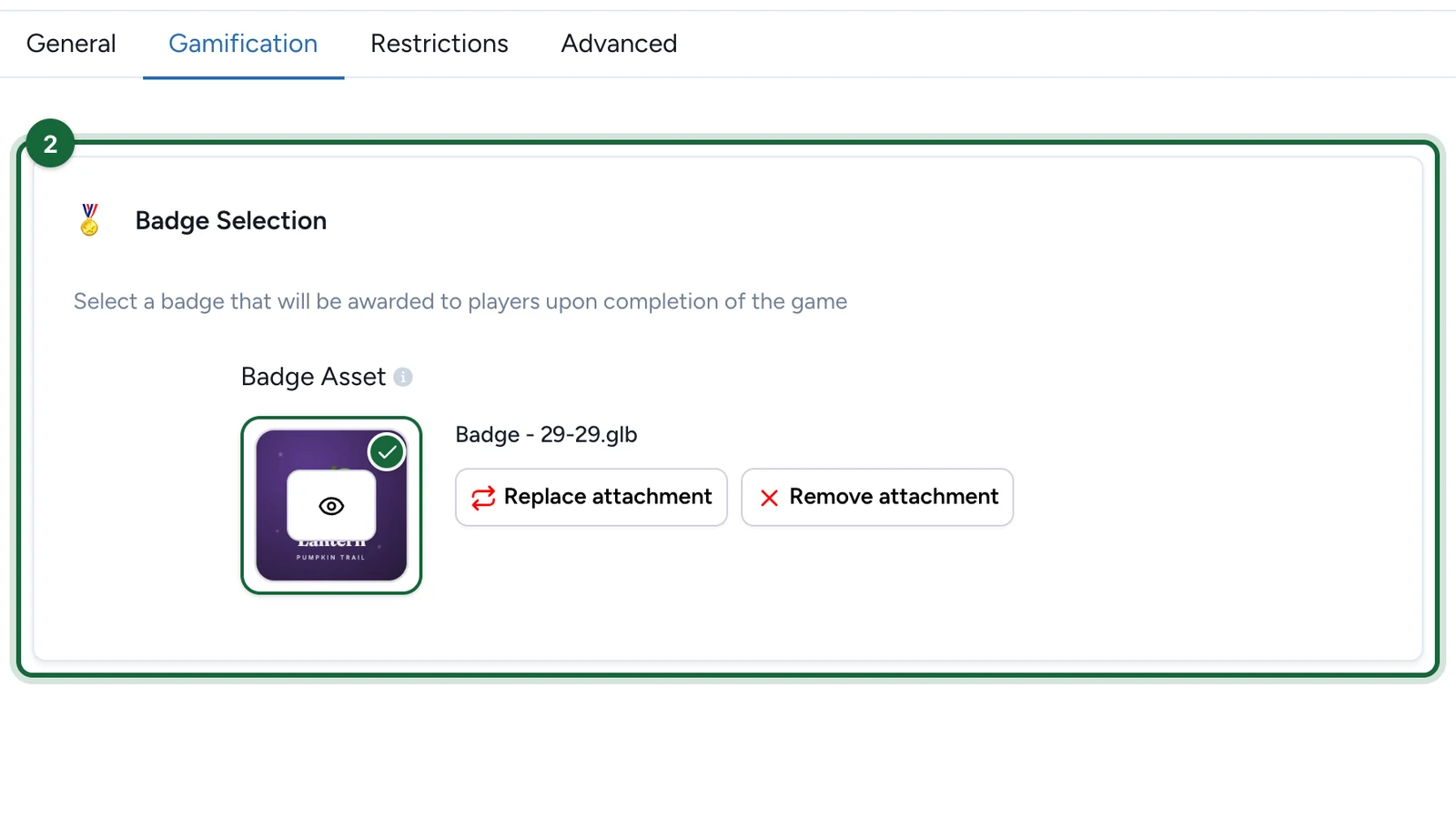
- Use badges when you want participants to collect, unlock, or visually track progress through the hunt.
- Use rewards when the hunt should grant something with value, eligibility, or redemption attached to it.
For Treasure Hunt Objects, badges are the most common progression layer because they represent the items participants have found. Rewards are the better fit when completing the hunt, reaching a threshold, or winning an outcome should lead to a prize or claim step.
Think of badges as progression and rewards as outcomes
If the participant should feel progress, use a badge. If the participant should receive something meaningful at the end of that progress, use a reward.
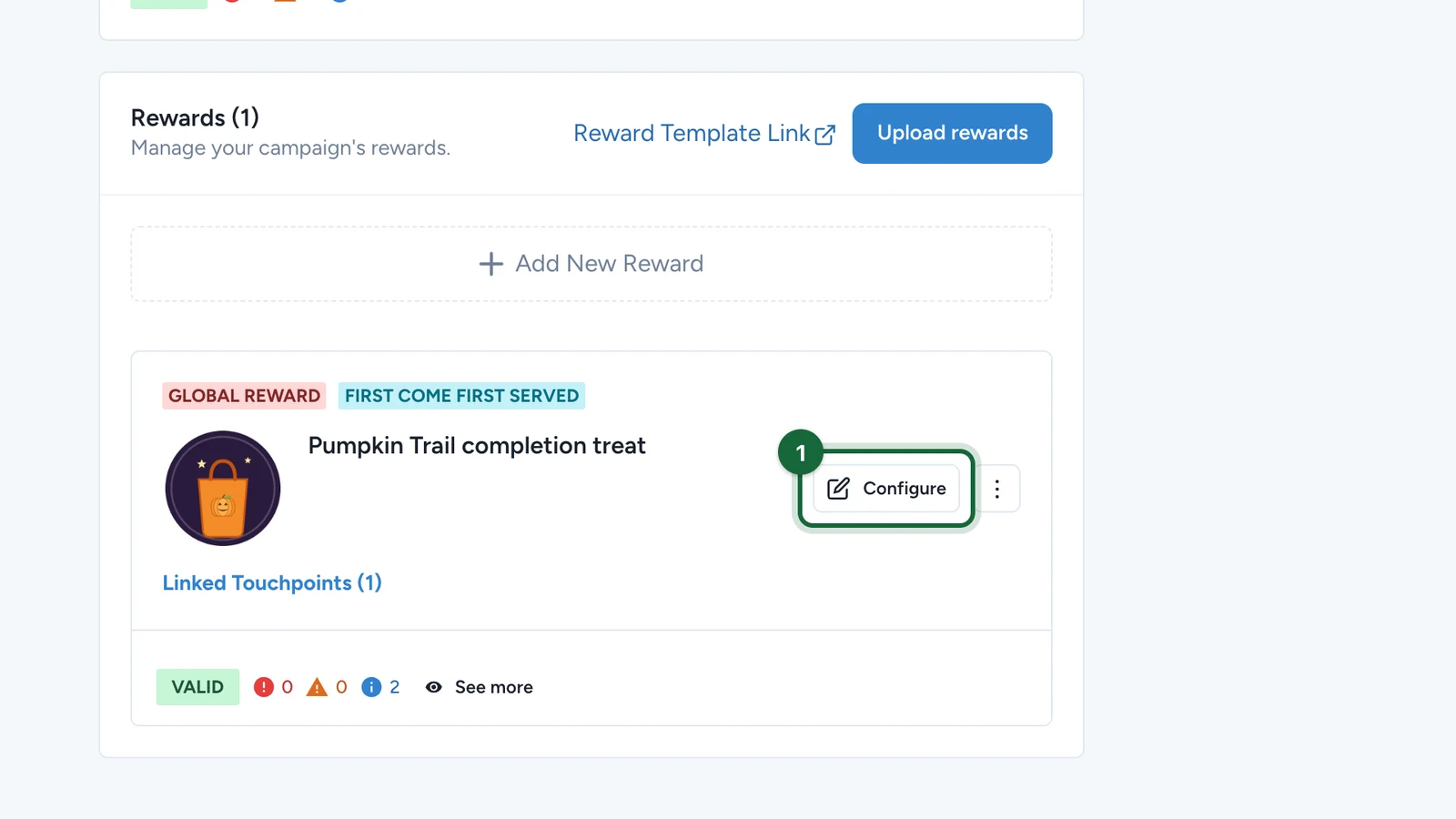
Rewards reach a hunt through a Global Reward
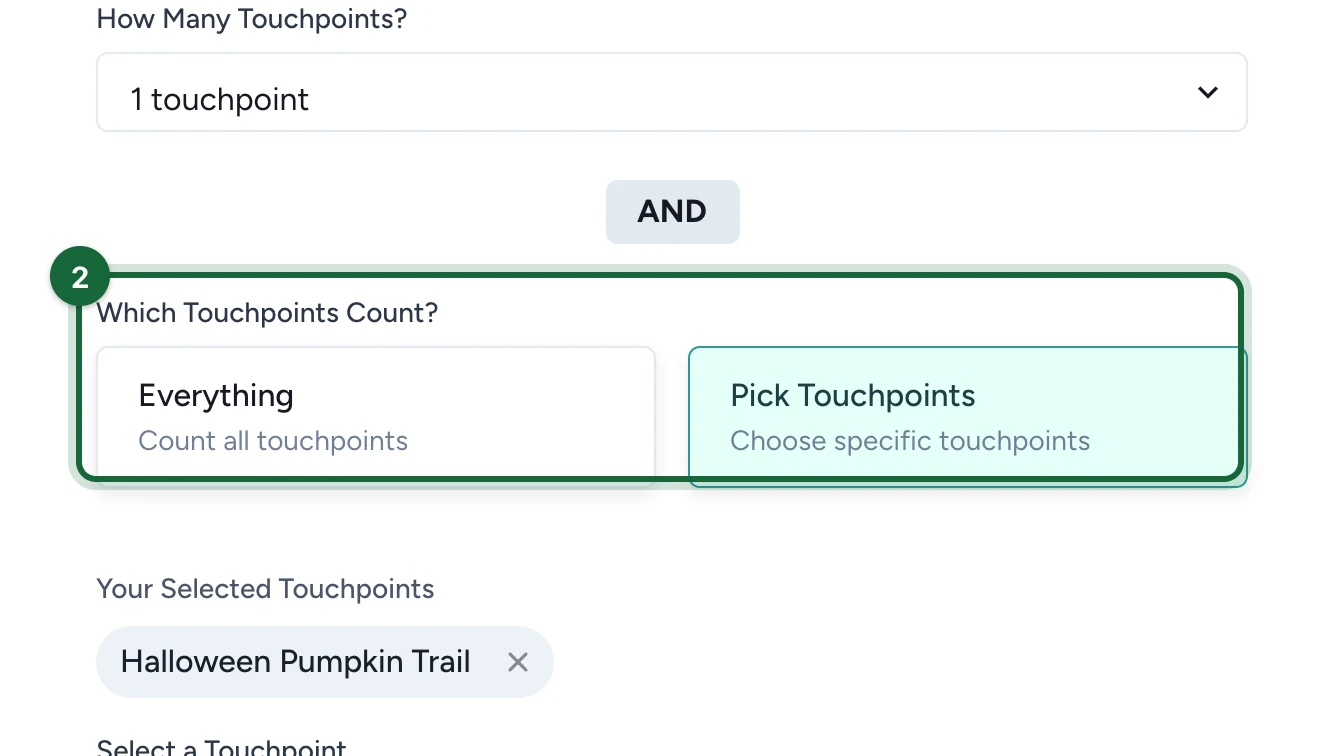
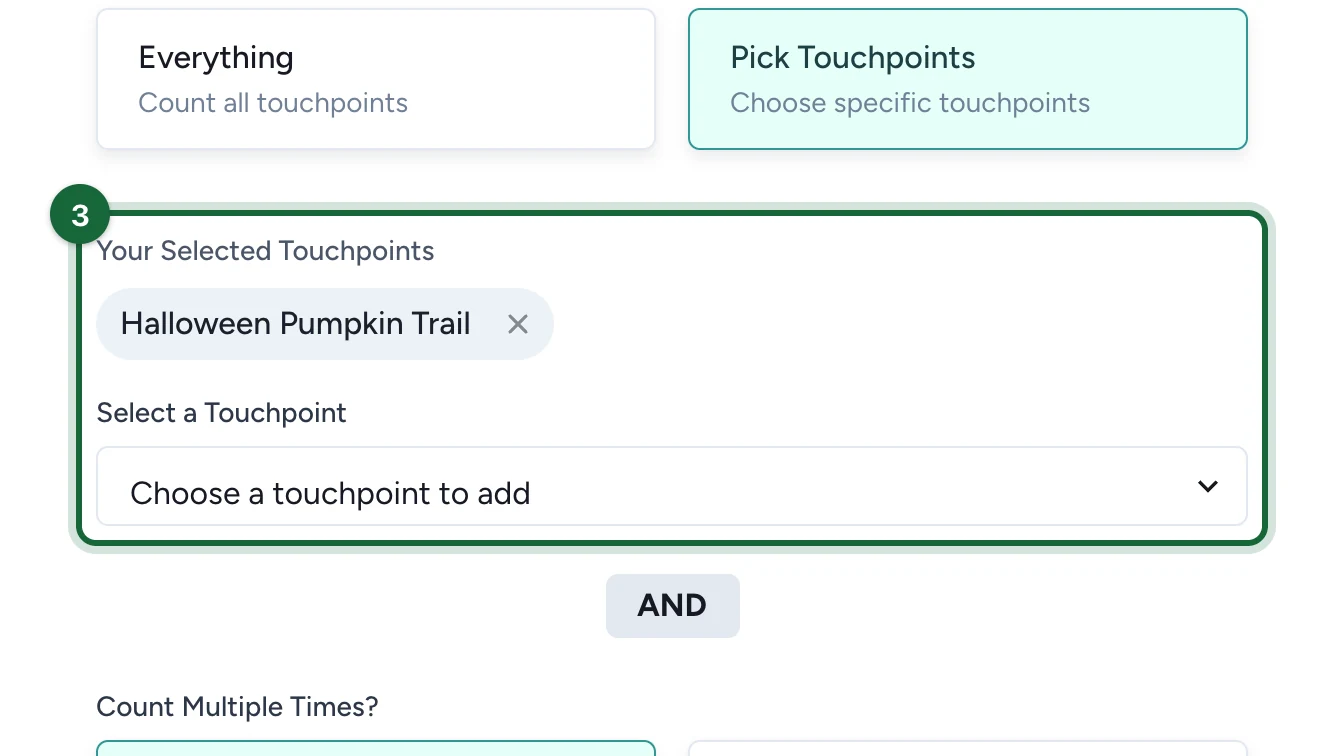
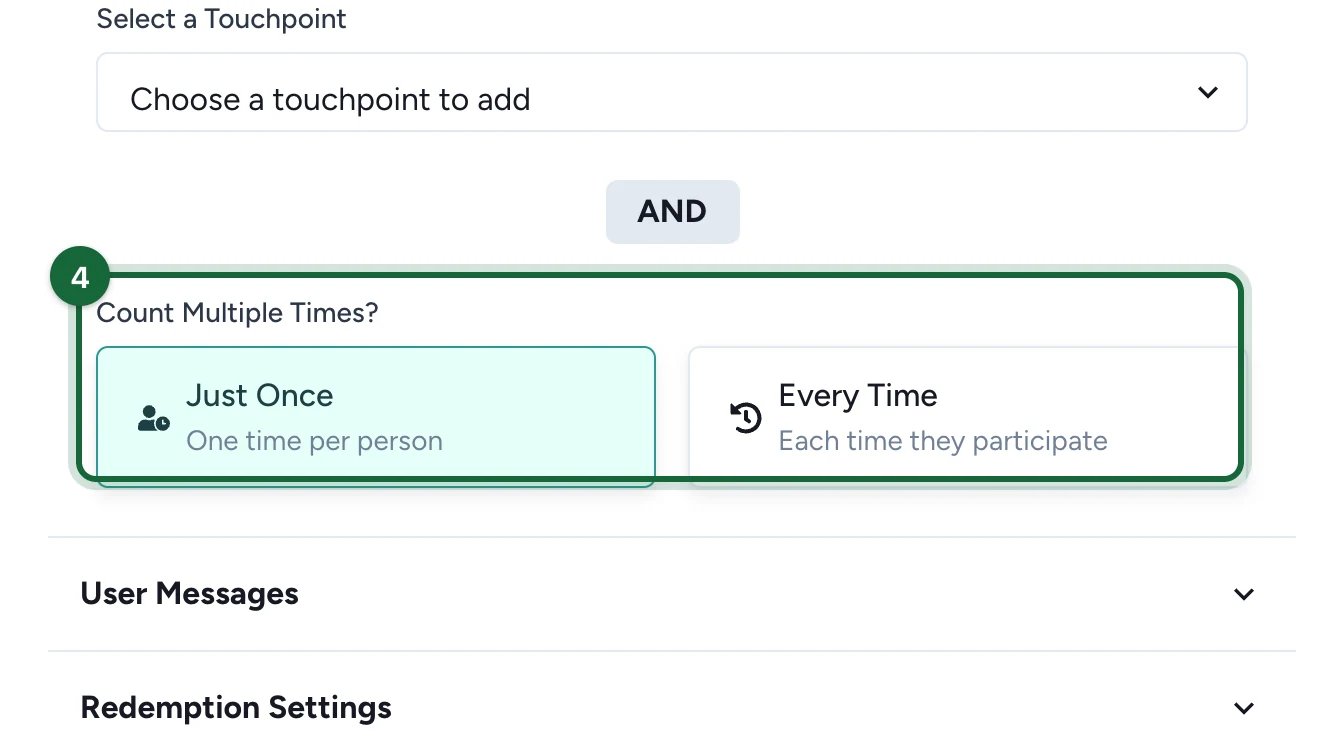
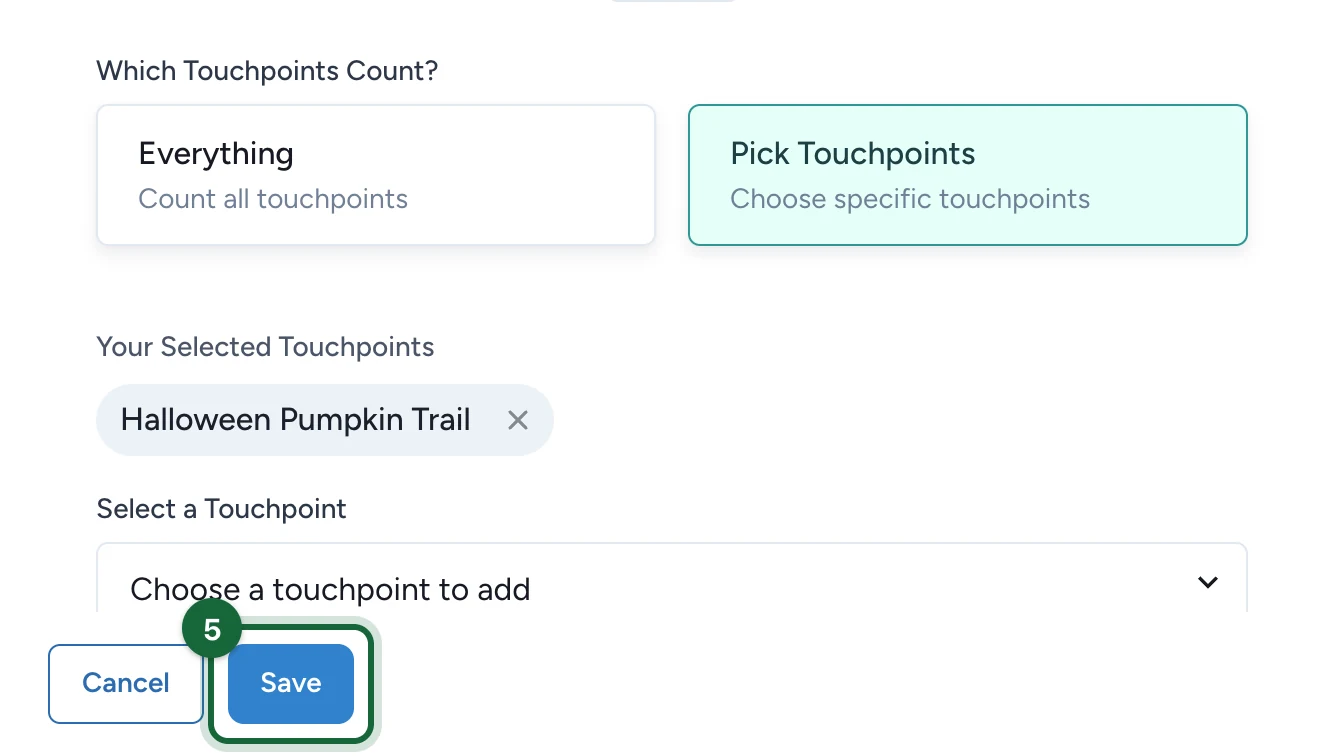
Neither the Treasure Hunt nor a Treasure Hunt Object has a reward-selection area in its panel, so you cannot link a reward from inside the hunt. Instead, create a Global Reward (Lottery, Instant Win, or First Come, First Serve) and target the hunt — or specific objects — from the reward's Reward Trigger using Pick Touchpoints. To reward a specific object, target that object. To reward finishing the hunt, target the Treasure Hunt touchpoint and set what "completed" means — all objects or a custom count — in the hunt's completion requirements; do not re-enter an object count on the reward. For the full model, see How rewards connect to touchpoints.
Example: a prize per object, plus a grand-prize lottery on completion
Say your hunt has three objects, and you want a reward for finding each one plus a big draw when the hunt is finished:
- One reward per object — create three Global Rewards (for example Instant Win or First Come, First Serve). For each, open Reward Trigger > Pick Touchpoints and add only that one object.
- Grand-prize lottery on completion — create a Global Reward set to Lottery. Open Reward Trigger > Pick Touchpoints and add the Treasure Hunt touchpoint (not the objects). Then, in the hunt's completion requirements, set all objects (or a custom count of 3). The lottery enters participants when they complete the hunt under that rule, and you run the draw later.
You set the "finish the hunt" condition once, in the hunt. The lottery reacts to the Treasure Hunt touchpoint being completed.
Next steps
Gamification badges
Attach the badge layer that marks collection and progression inside the hunt.
How rewards connect to touchpoints
Understand why hunts and objects need a Global Reward instead of an in-panel link.
About rewards: categories and winning methods
Choose the category and method that match the participant outcome you want.
Create a reward
Set up the reward itself before you connect it to the campaign experience.
Lottery rewards
Set up a global draw and target the hunt or specific objects with Reward Trigger and Pick Touchpoints.