Publish a receipt game
Publish the campaign that holds the receipt game, and fix what blocks publishing.
1 min read
You publish the whole campaign, not the receipt game alone: its rewards, notifications and settings go live together. A draft can't be opened, so publish before you test.
Before you publish
- At least one winning option, each with an attribution slot and a reward.
- At least one rule pointing at each winning option.
- A Validation Mode, and with Manual, a team ready to review receipts.
- Terms, and notifications if you use them.
Publish the campaign
-
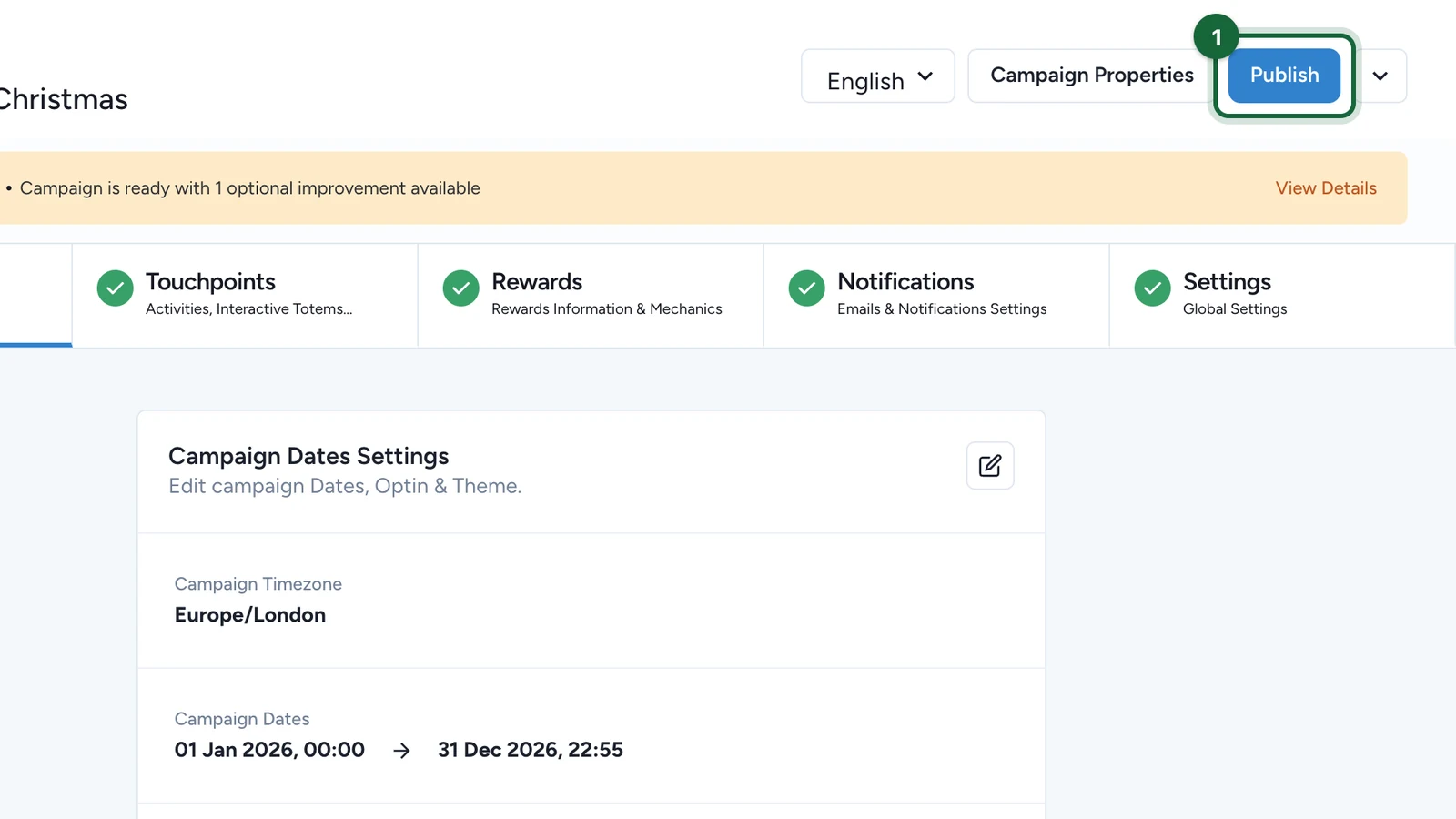
At the top of the campaign, select Publish.
-
When the window says Campaign is ready to publish!, select Publish.
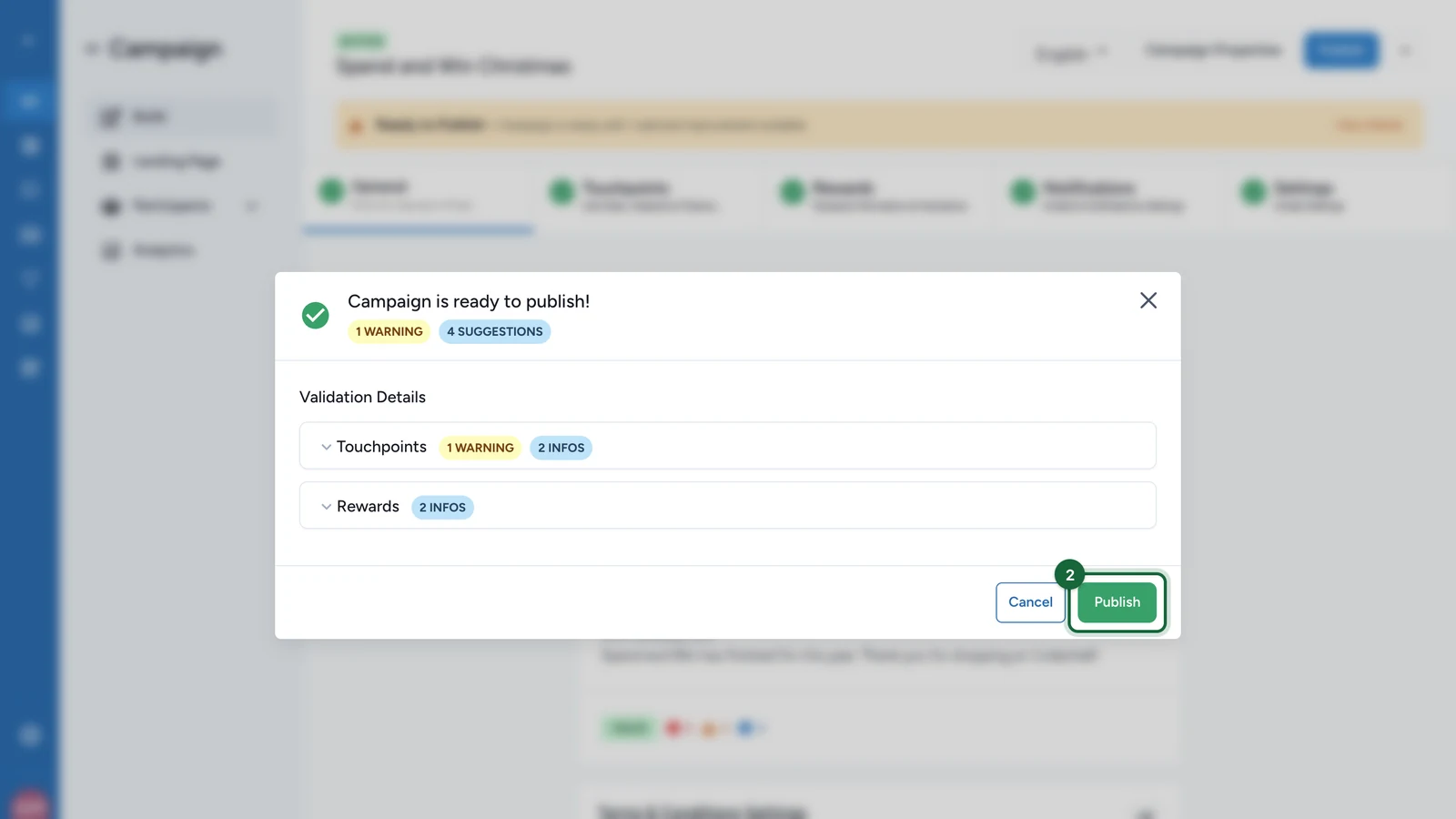
Only errors block publishing. Warnings, such as both merchant lists being filled, are advice.
If publishing is blocked
The window lists each error with the part of the campaign it belongs to. The receipt game's most common ones:
- Missing validation policy: choose a Validation Mode. See Validation policy.
- Winning option without attribution slots, or outside the dates: see Winning options and attribution slots.
- Rule without a winning option: see Create a rule.
After publishing, changes reach shoppers only when you publish again.