Create a rule
Decide how much a shopper must spend to unlock a reward, and whether they can win it more than once.
A rule says what unlocks a winning option, such as "spend €30 or more". Add the winning option first: see Winning options and attribution slots.
Add the rule
-
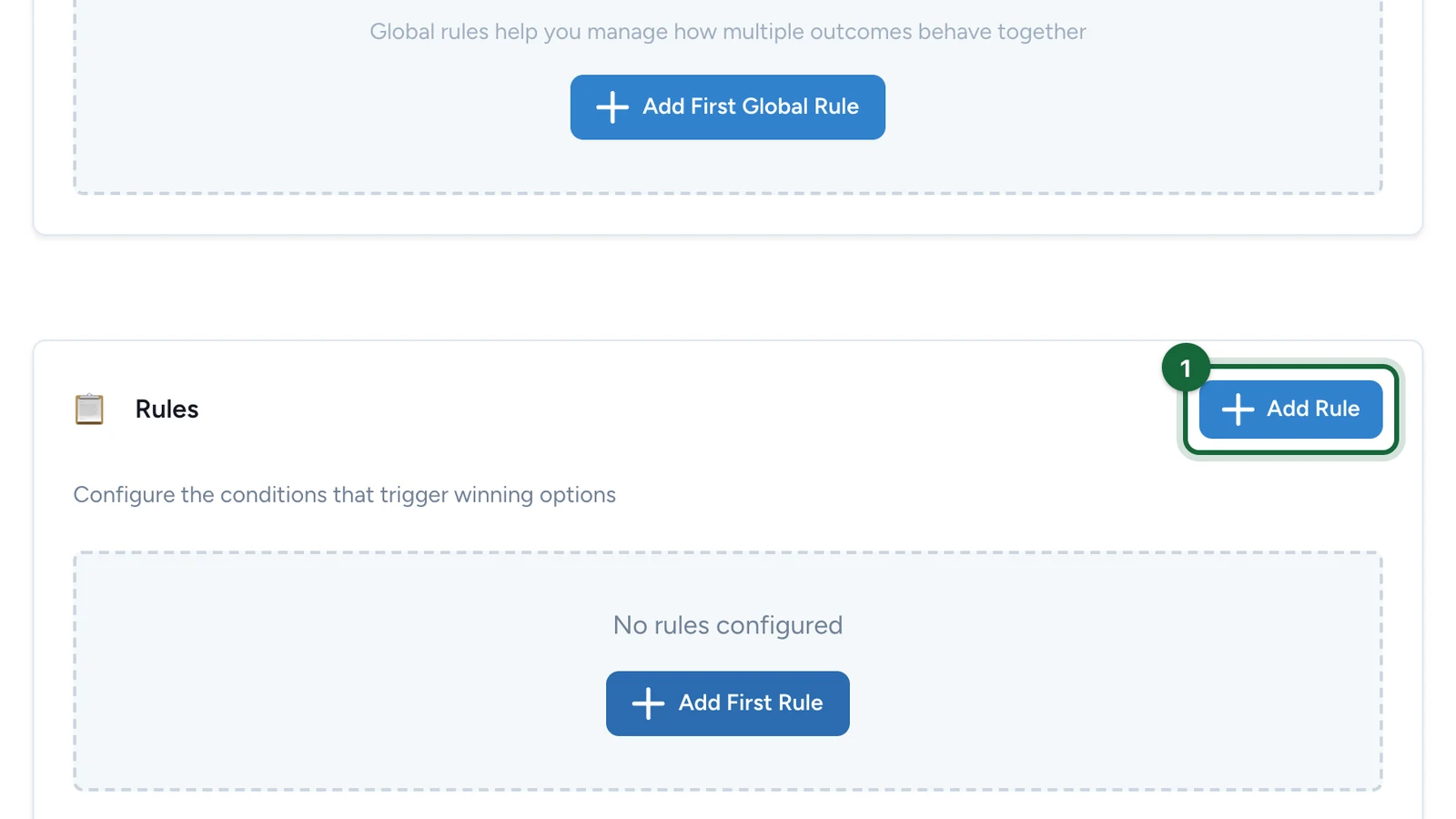
In the Configuration tab, under Rules, select Add Rule.
-
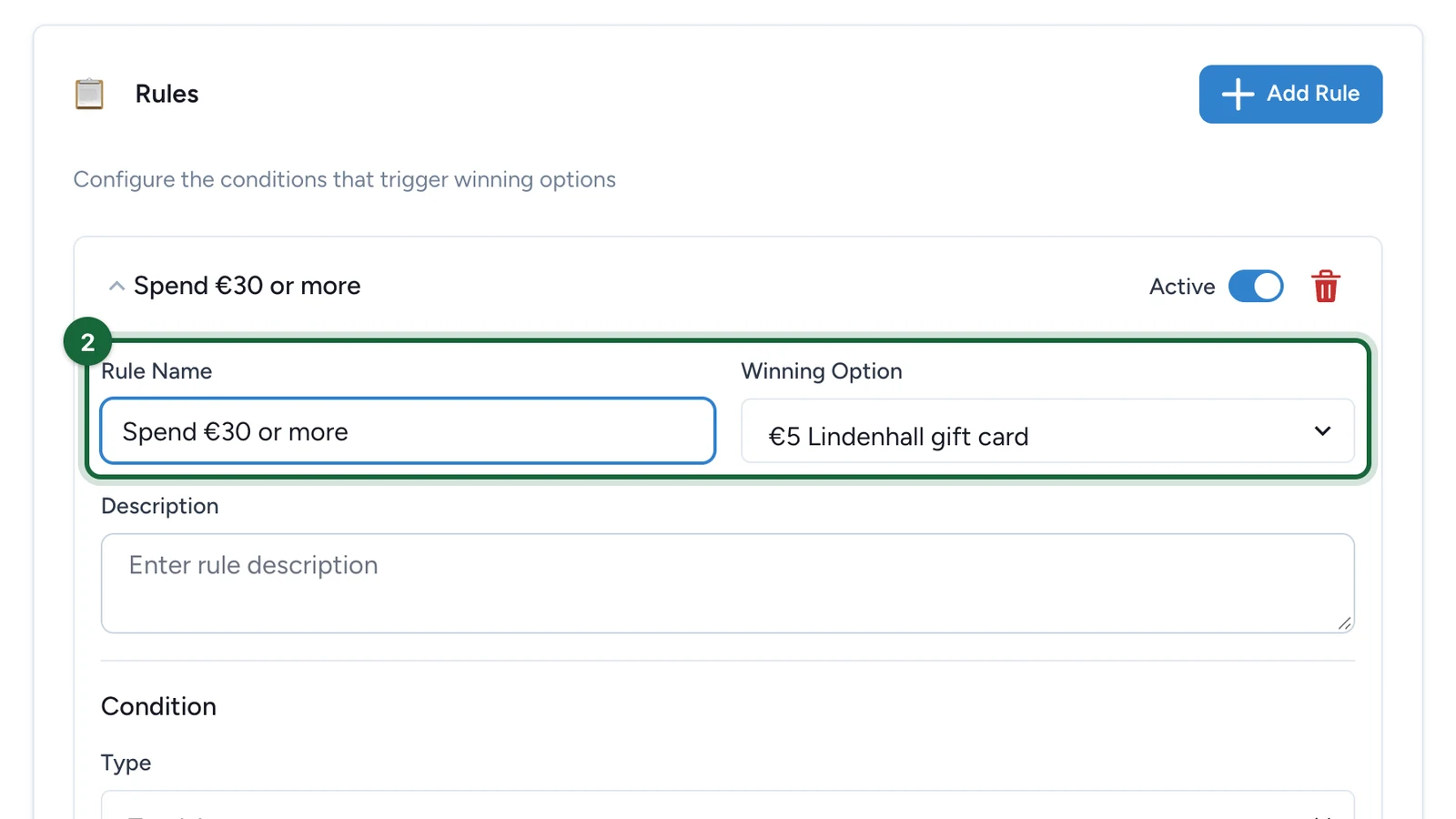
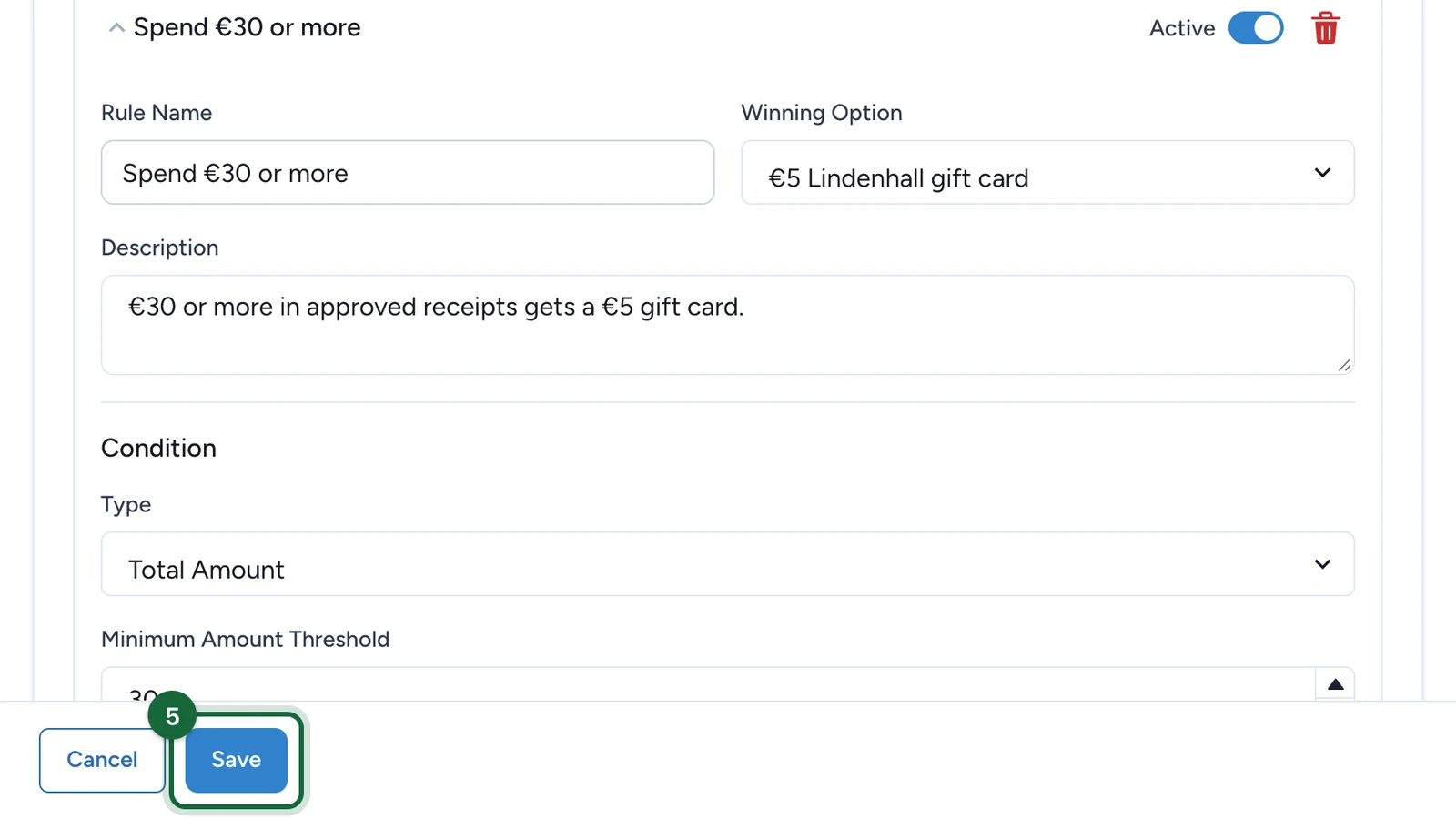
Enter the Rule Name, then choose the Winning Option it unlocks.
-
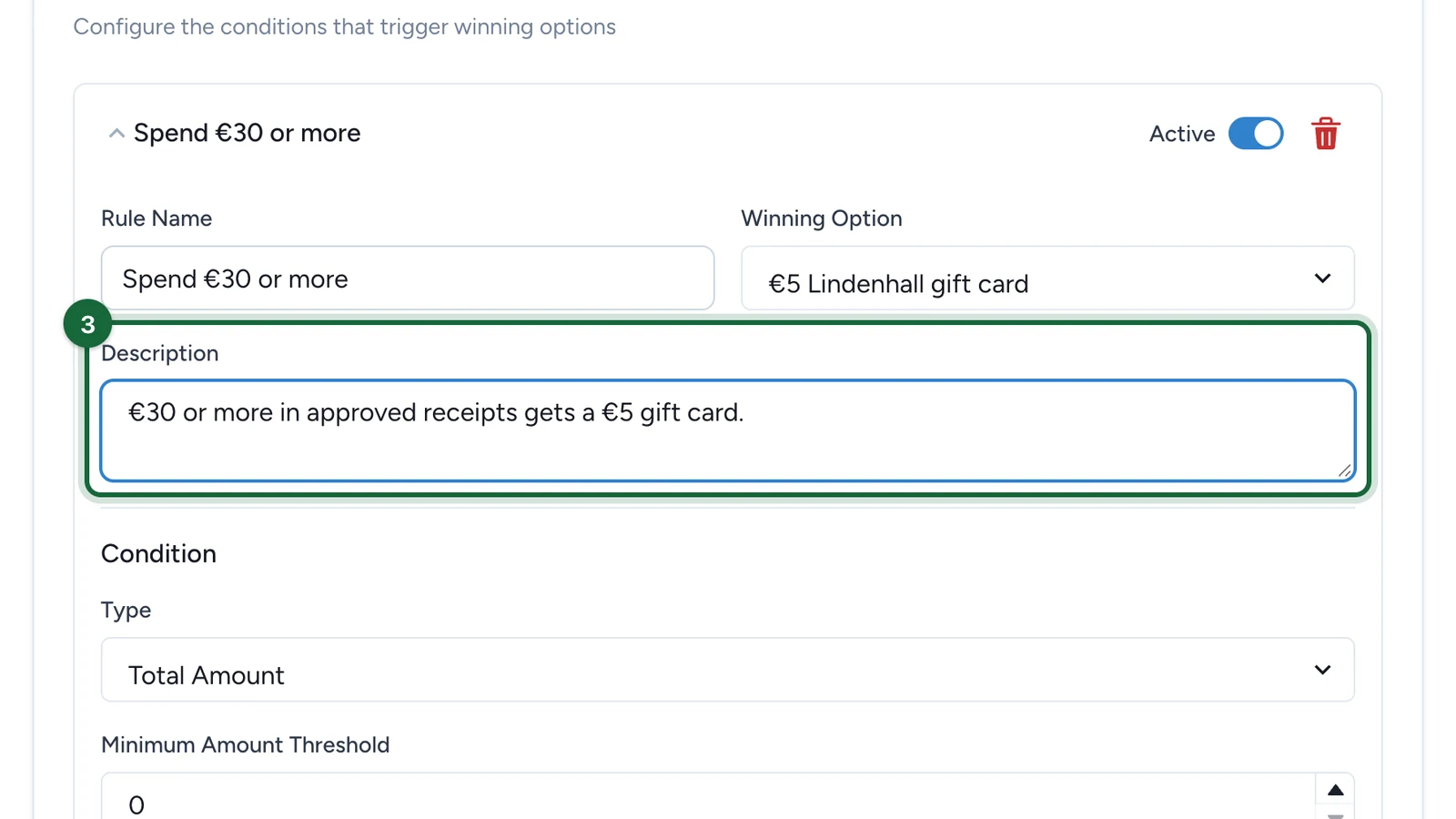
In Description, note what the rule does, for your team.
-
Under Condition, keep Type on Total Amount, then enter the Minimum Amount Threshold.
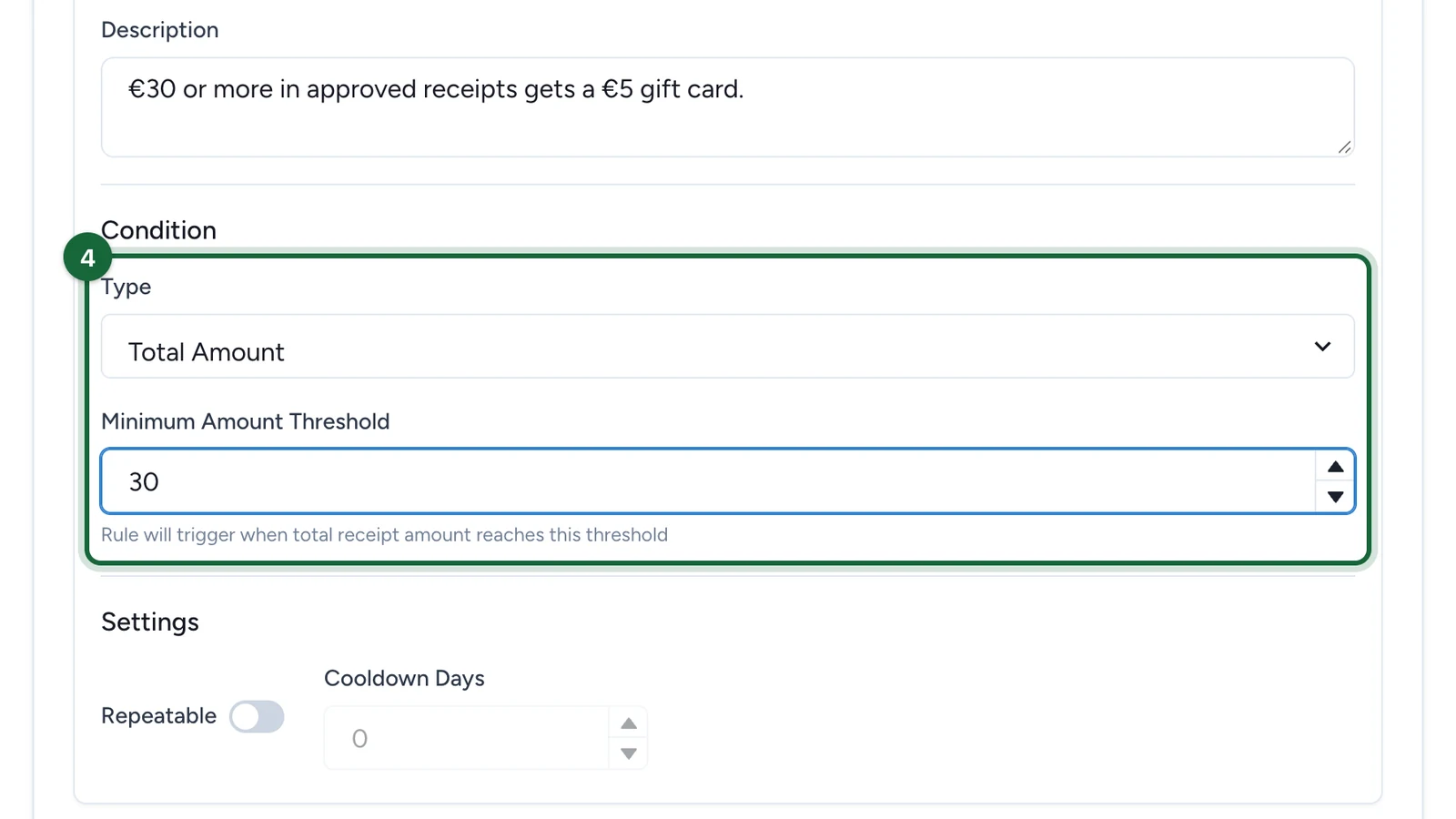
Total Amount adds up the shopper's approved receipts, so several smaller receipts can reach the threshold together. On Participation (no receipt) unlocks the prize as soon as they join: see Rule condition types.
-
Select Save.
Each rule gives its prize once per shopper. The rule's Repeatable and Cooldown Days settings are saved but have no effect yet, so leave them off.
Build a spend ladder
Add one rule per prize: €30 in receipts for a €5 gift card, €150 for a festive hamper. To stop a shopper winning both, add an Exclusive rule: see Global outcome rules.
If publishing is blocked
- No winning option: choose the Winning Option the rule unlocks.
- Invalid threshold: enter a positive Minimum Amount Threshold.
A missing Rule Name or Description only shows as a suggestion, but fill them in: your team reads them.