Winning options and attribution slots
Set up the rewards a receipt game can hand out, and control how much stock goes out and when.
A winning option is one prize: its name, the reward behind it, and how much stock goes out and when. Create the reward first in Build > Rewards: see Rewards.
Add a winning option
-
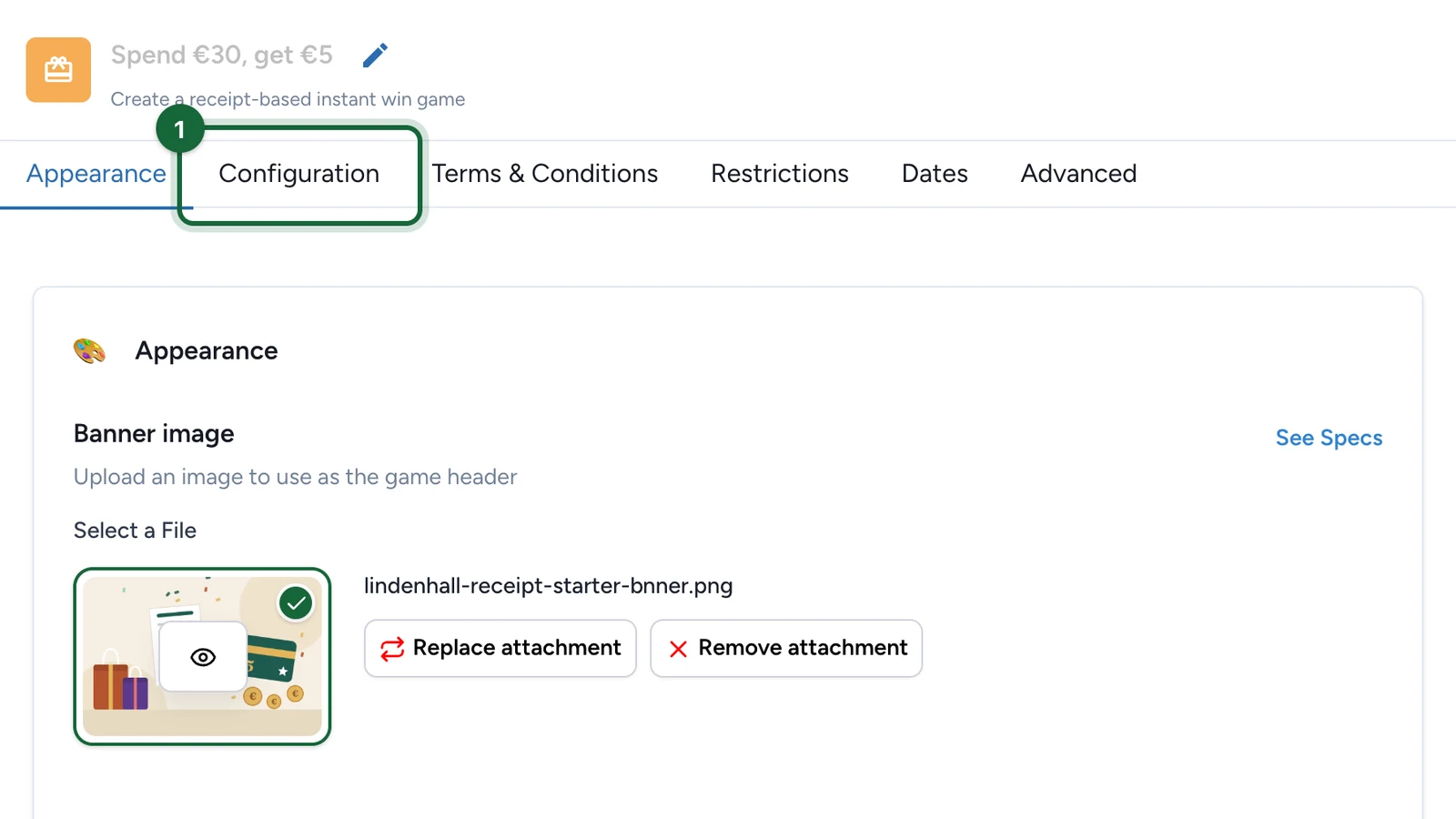
In the receipt game editor, select the Configuration tab.
-
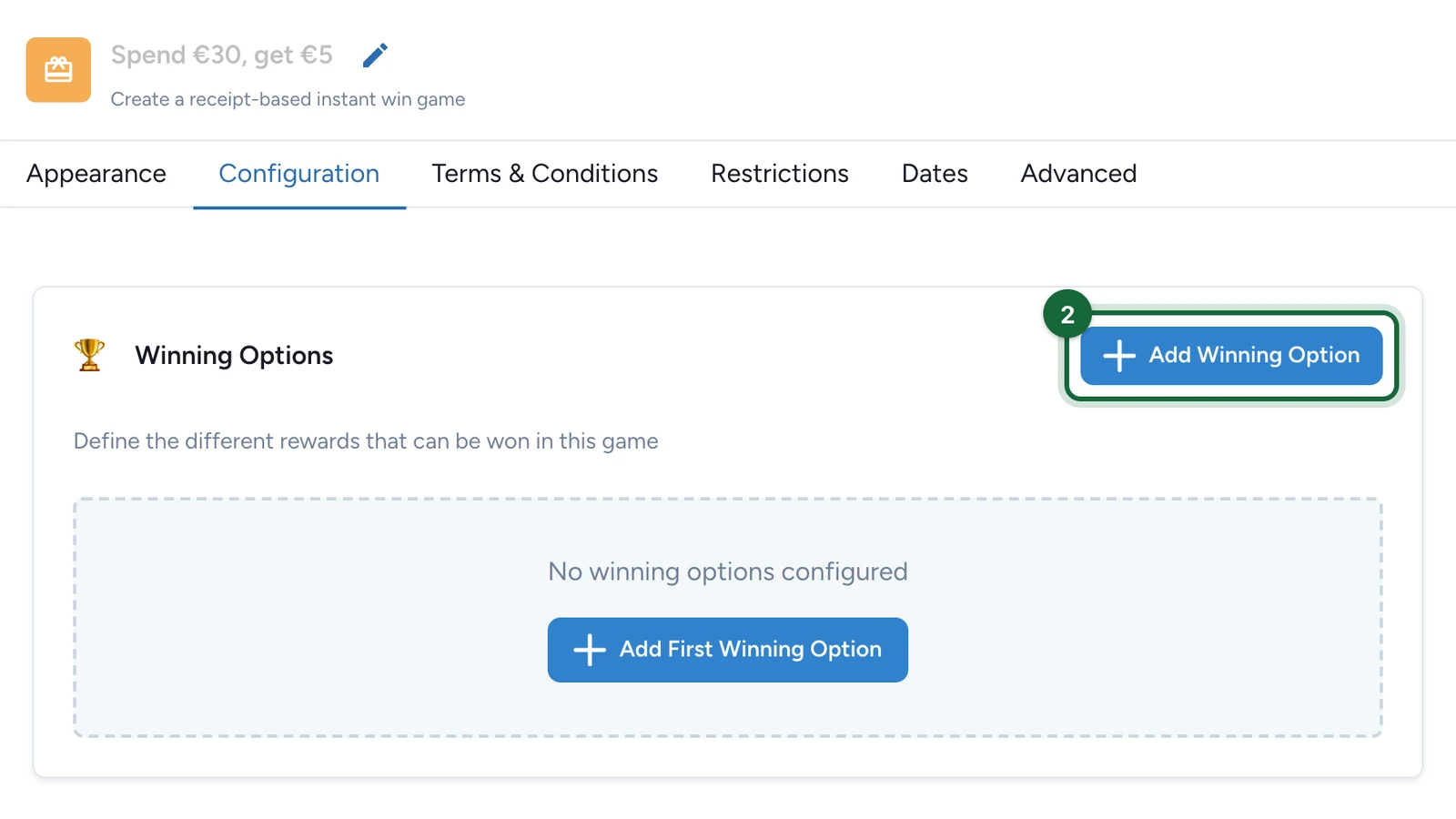
Under Winning Options, select Add Winning Option.
-
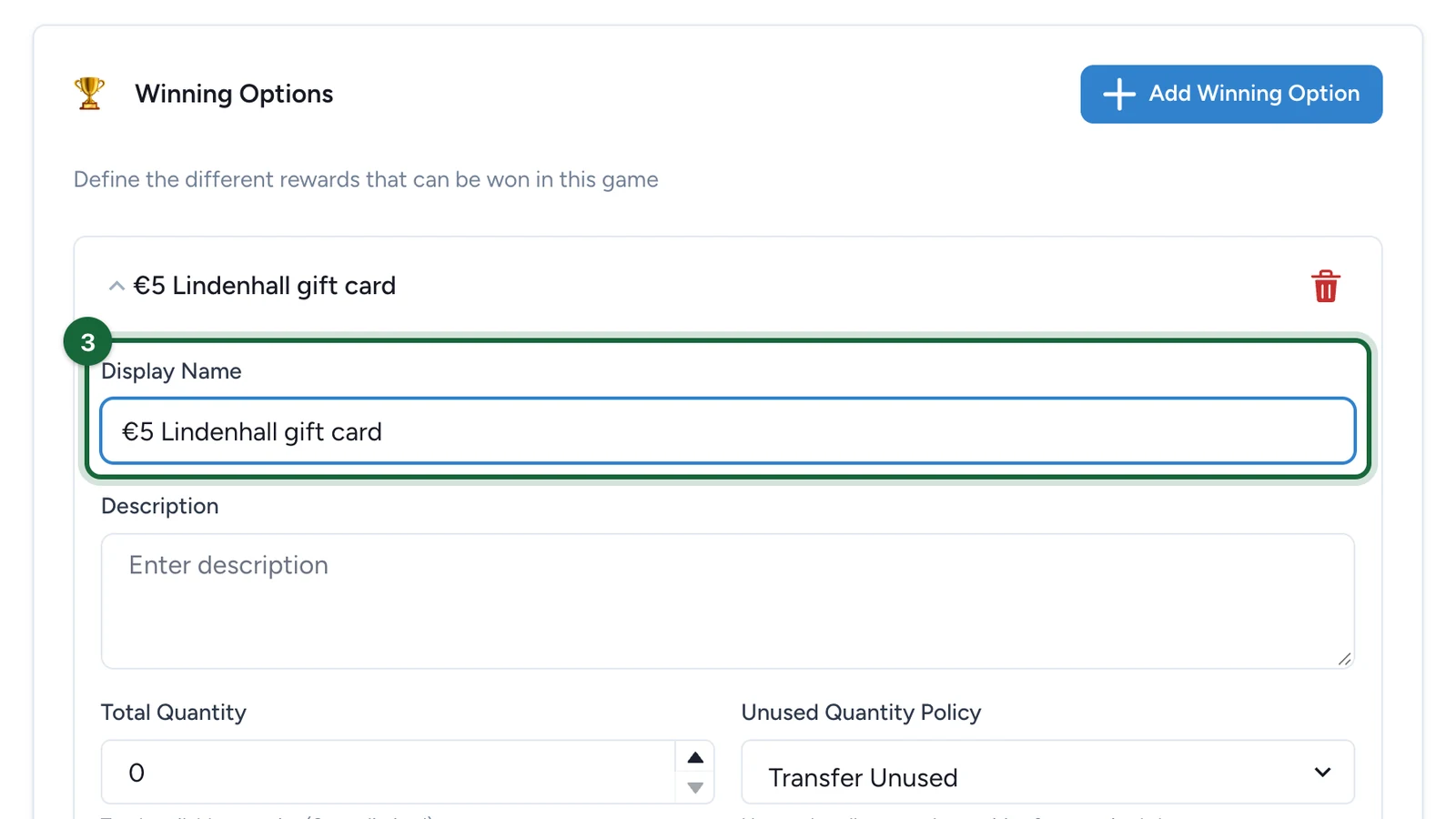
In the new option, enter the Display Name shoppers see.
-
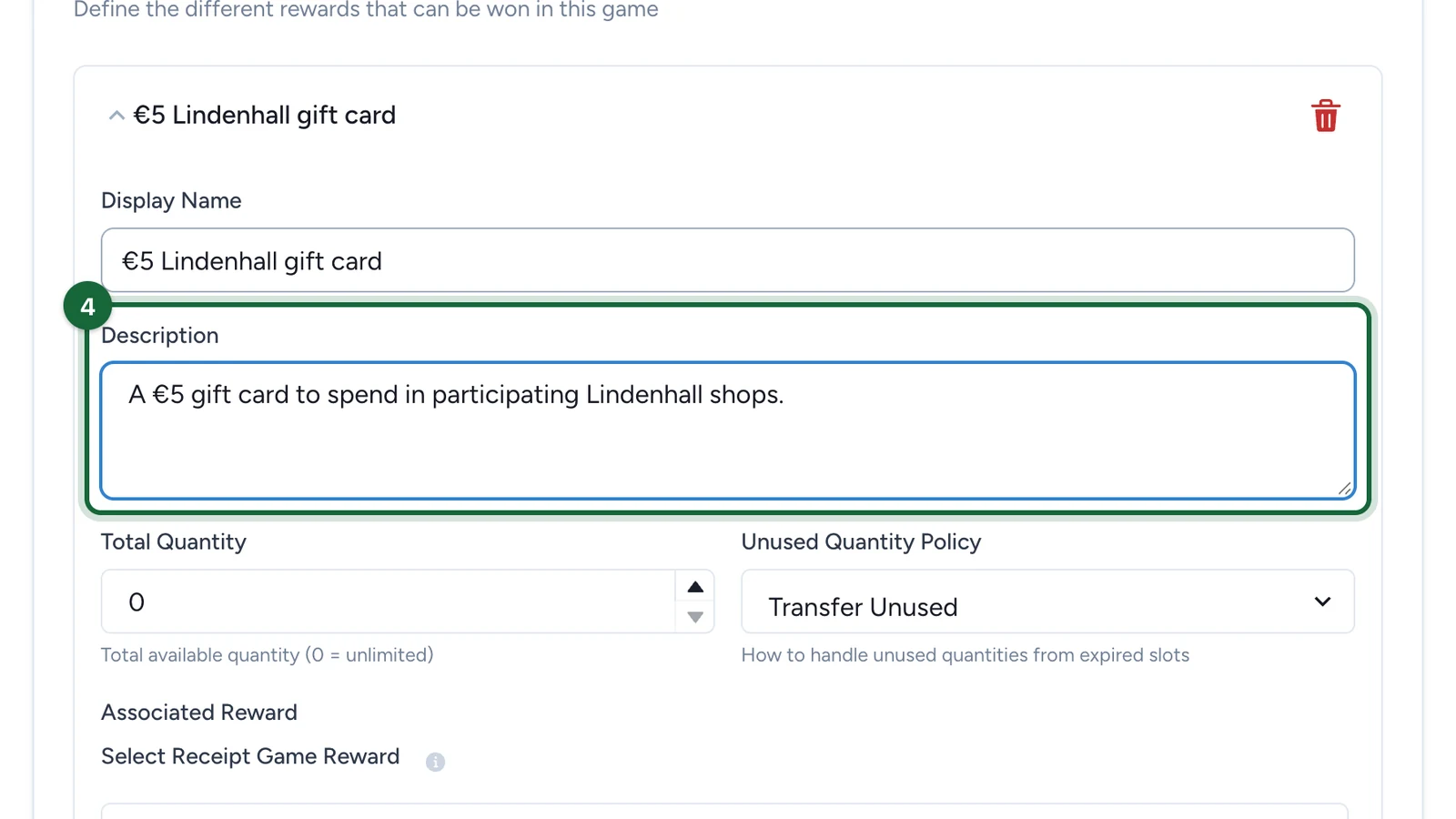
Enter a Description of the prize.
-
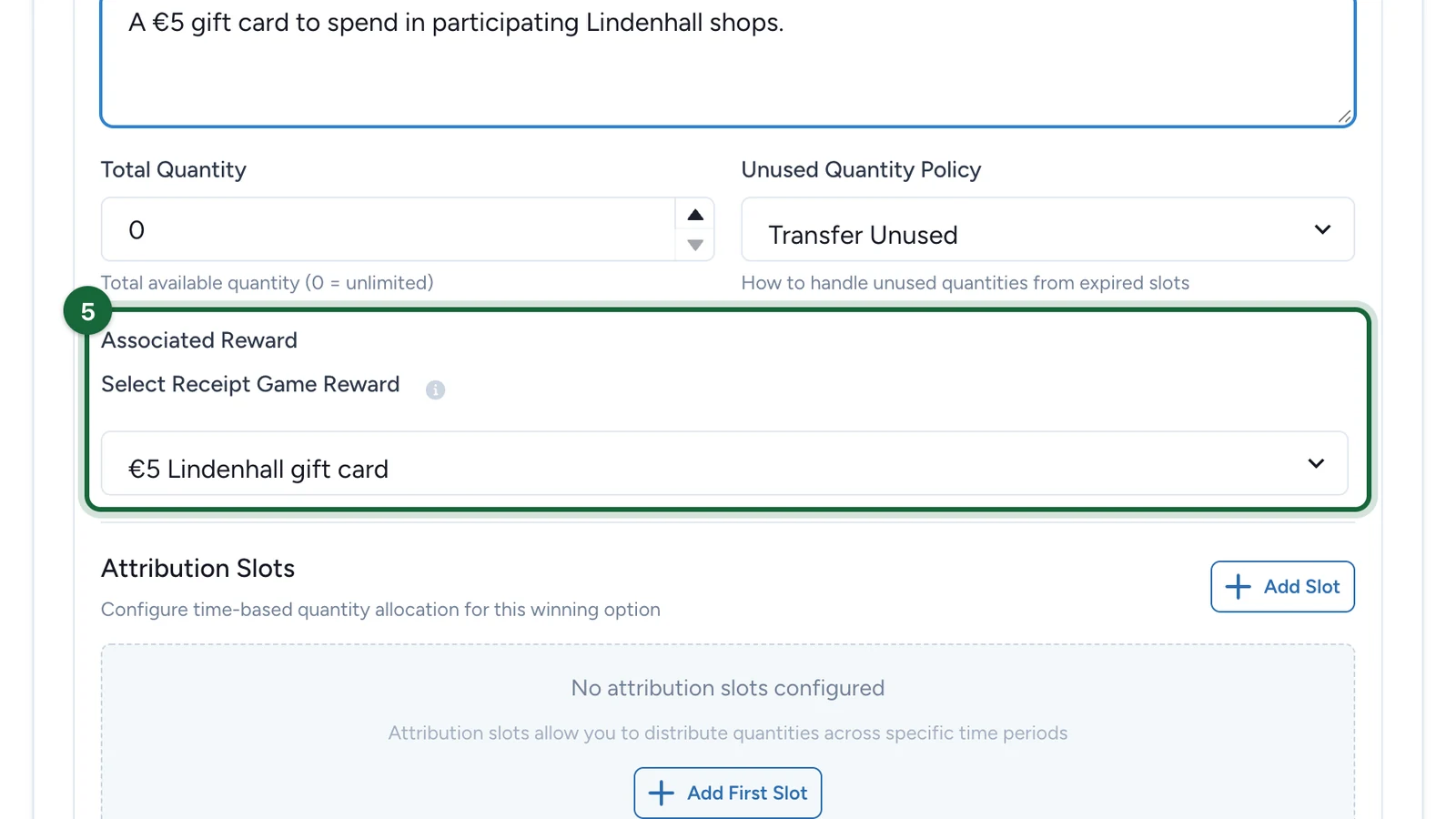
Under Associated Reward, choose the reward.
-
Set the Total Quantity, then choose the Unused Quantity Policy.
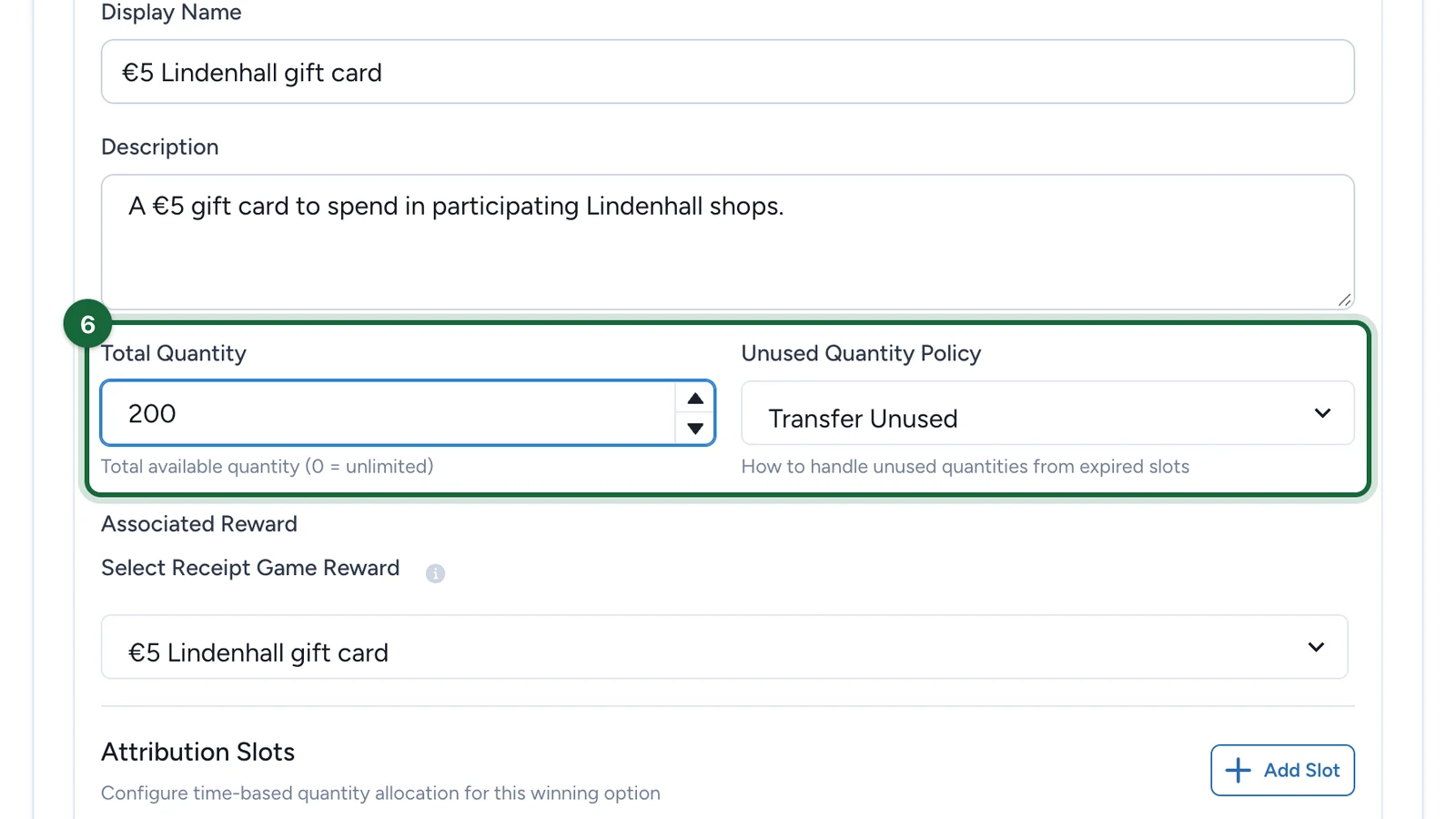
- Transfer Unused: stock left when a slot ends moves to a later slot, so everything goes out by the end.
- Block Unused: each slot keeps its own cap.
Say when it can be won
A winning option can only be won while one of its attribution slots is open, so every option needs at least one.
-
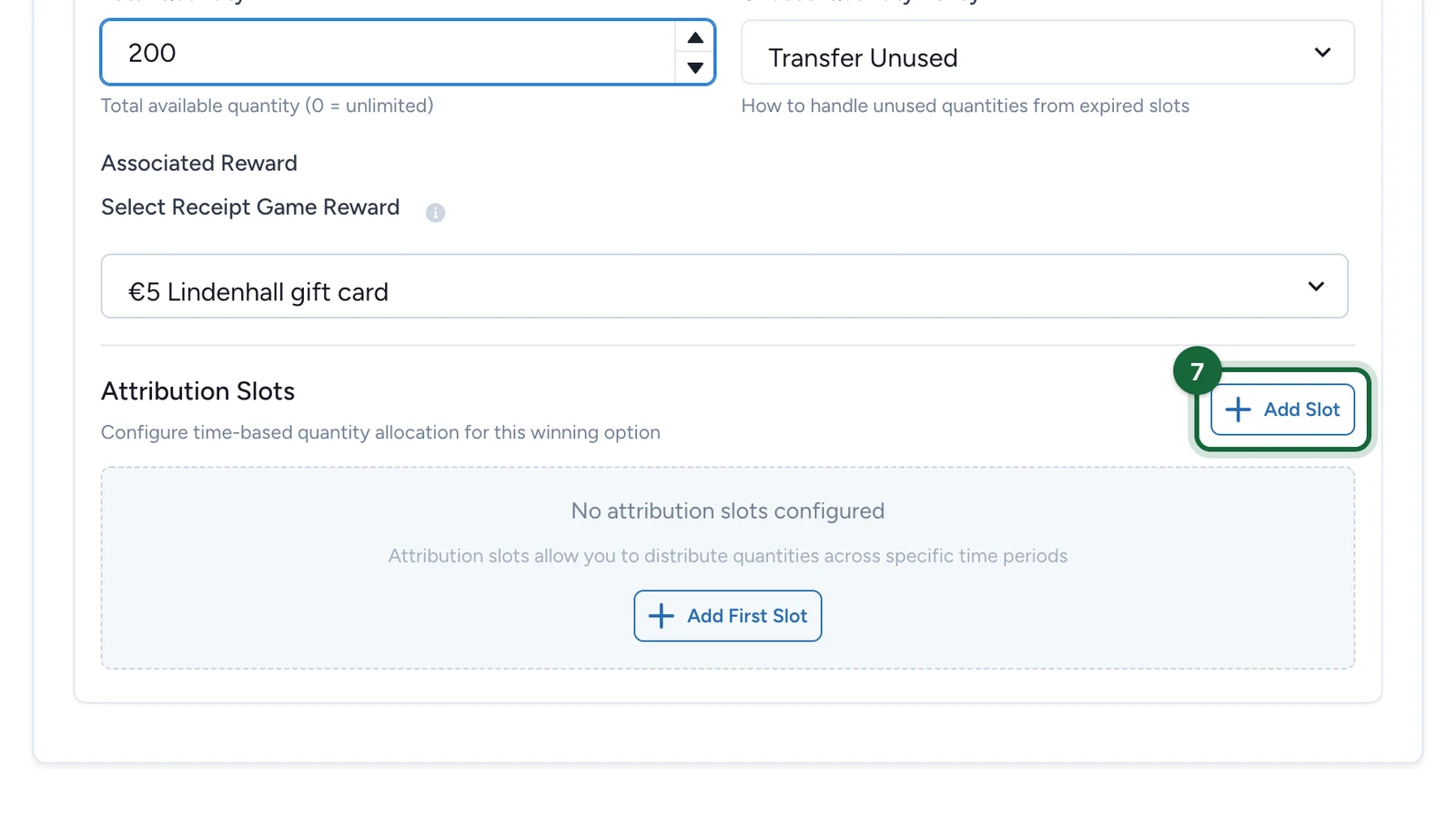
Under Attribution Slots, select Add Slot.
-
Set the slot's Start Date, End Date and Quantity.
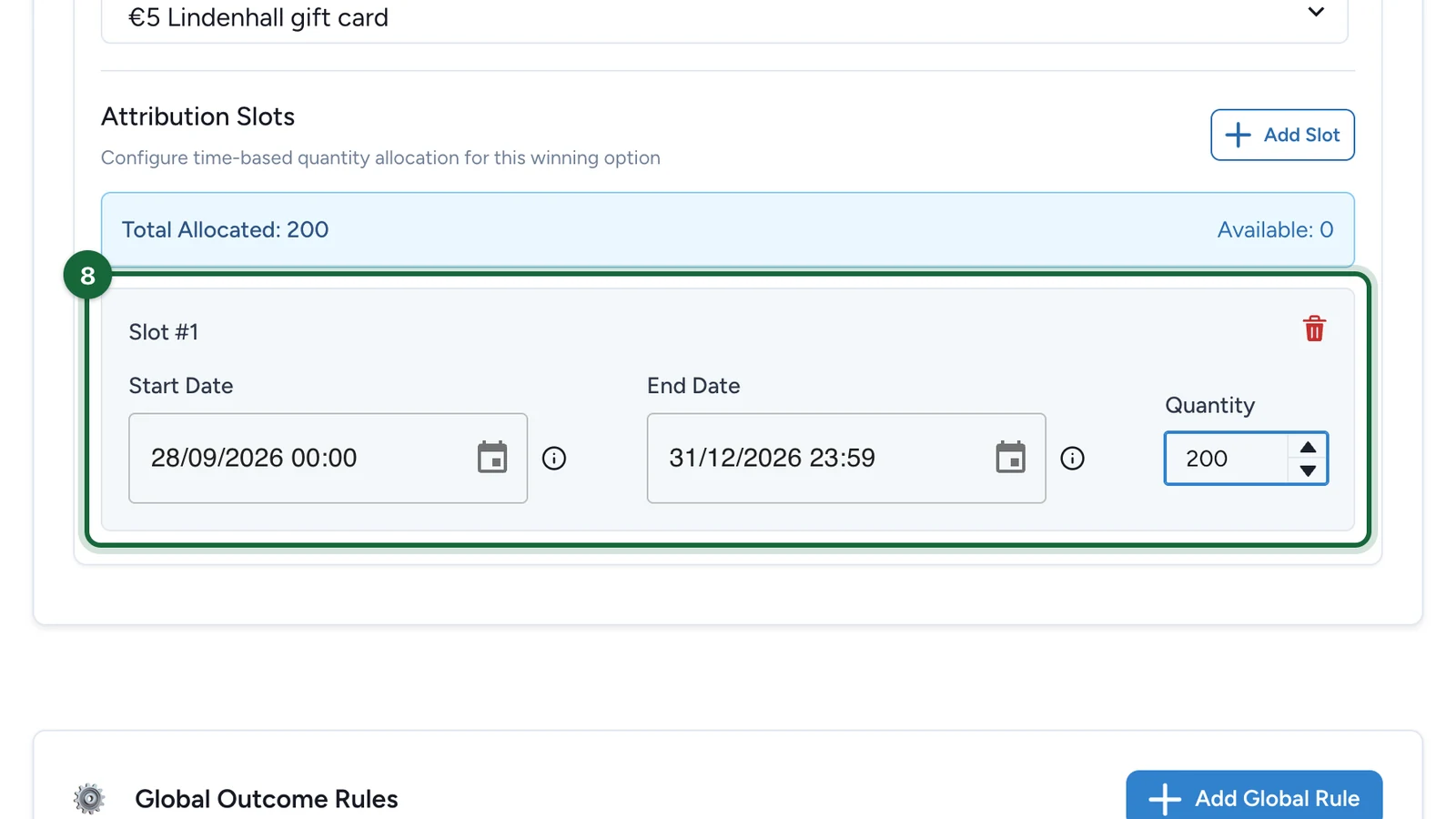
Keep each slot inside the campaign dates, or the receipt game's own dates if it has them. The slot quantities must add up to the Total Quantity. For timed batches, add one slot per period, such as 10 gift cards a day.
-
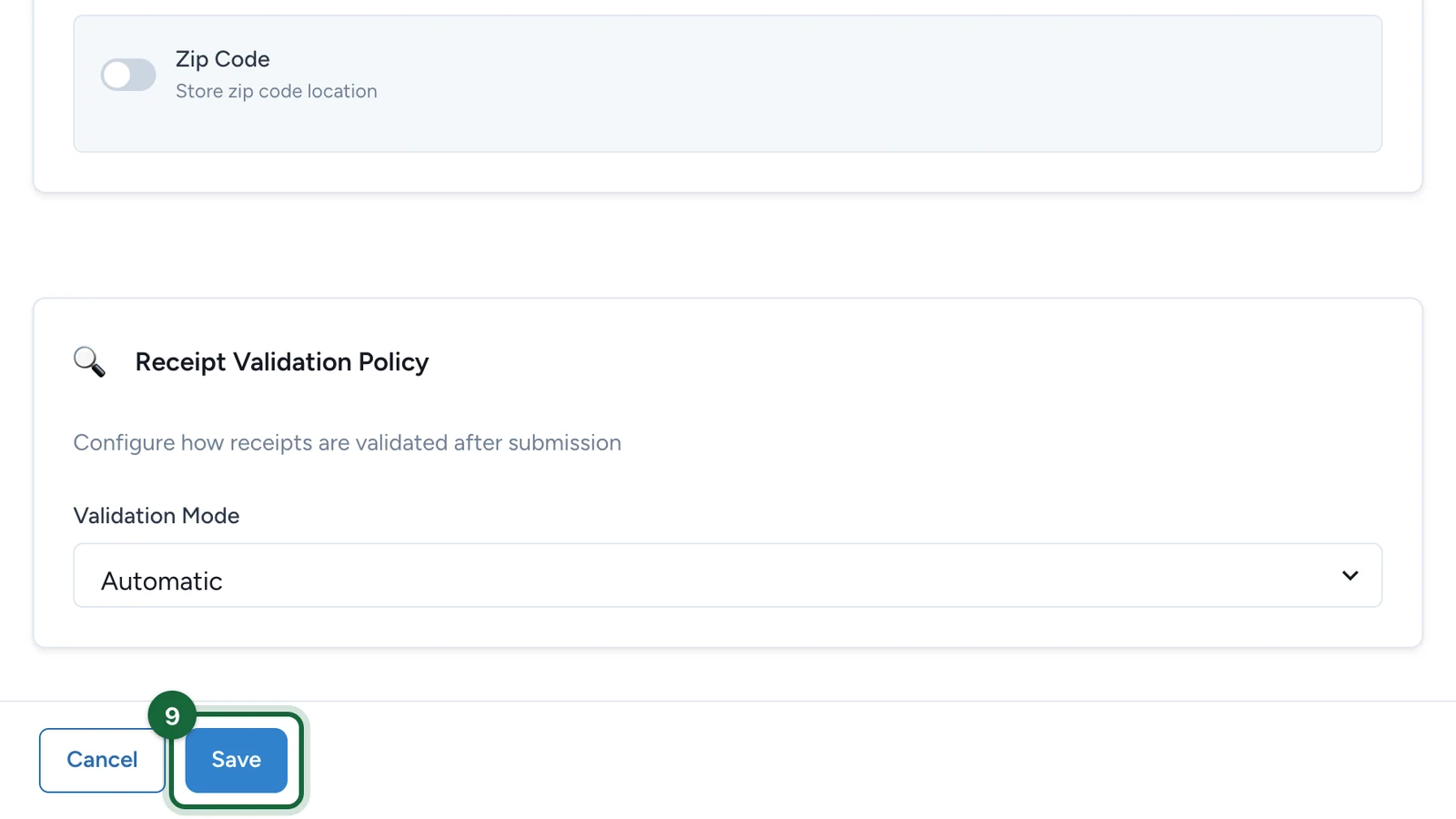
Select Save.
Then point a rule at the option, so a spend can unlock it: see Create a rule.
If publishing is blocked
The message names the winning option by its Display Name. Slots are counted from 1 in the order they appear.
- No winning options: add at least one.
- Not linked to a reward: choose an Associated Reward.
- No attribution slots: add at least one slot. A receipt-game prize can't have unlimited stock.
- Total and slots don't match: make Total Quantity equal the sum of the slot quantities.
- A slot falls outside the campaign or touchpoint dates: move the slot inside the dates the message names, or widen them in Dates.
A missing Display Name or Description, and an option no rule uses, only show as suggestions. Fix them anyway: shoppers see the name and description.