Test the receipt flow
Try the shopper's and your team's side of the game after you publish, before shoppers arrive.
1 min read
Walk the journey yourself before you share the link. Publish first: a draft can't be opened, and before the campaign's start date everyone sees the waiting message.
Open the receipt game on your phone
-
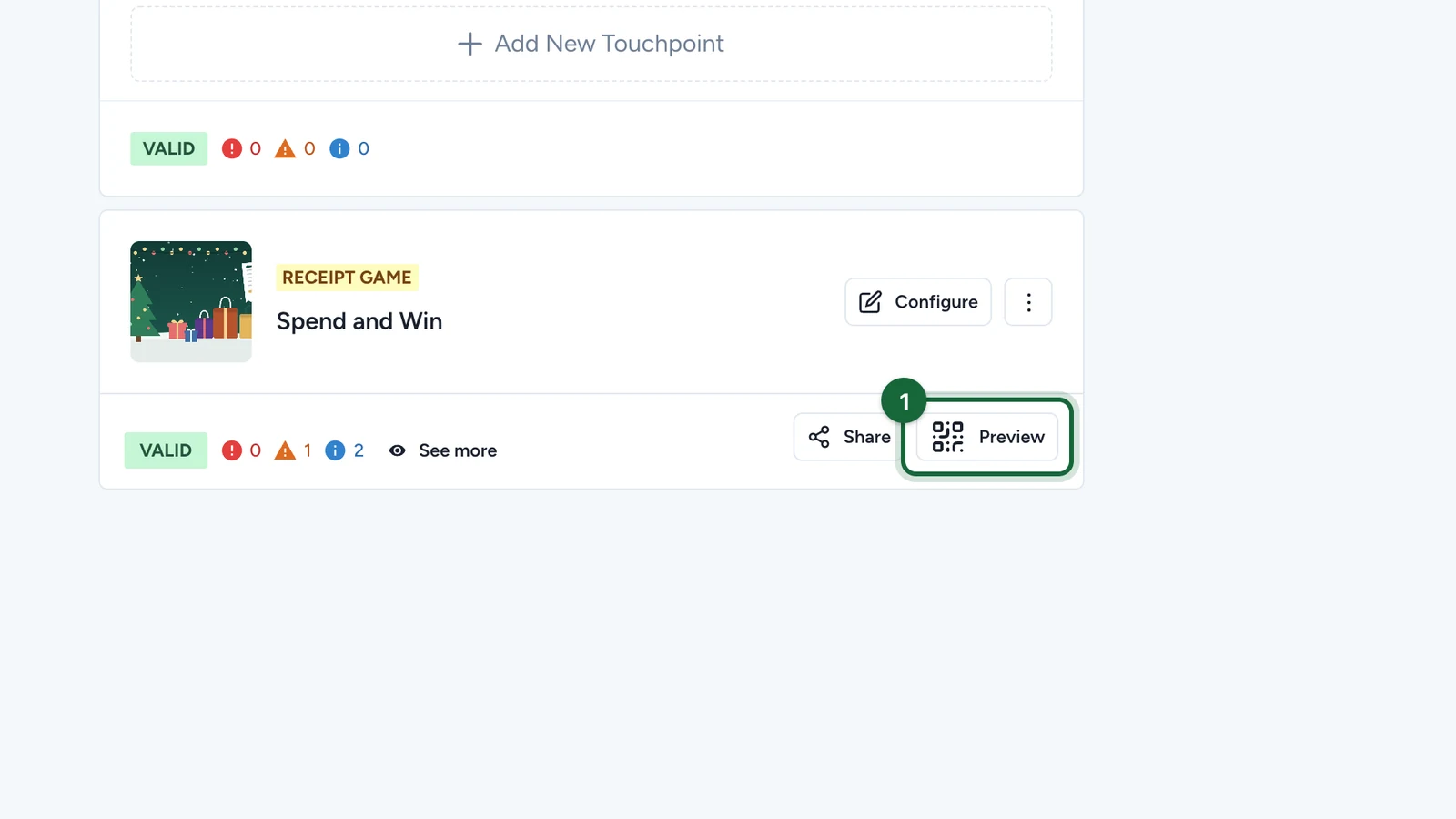
On the receipt game's card, select Preview.
-
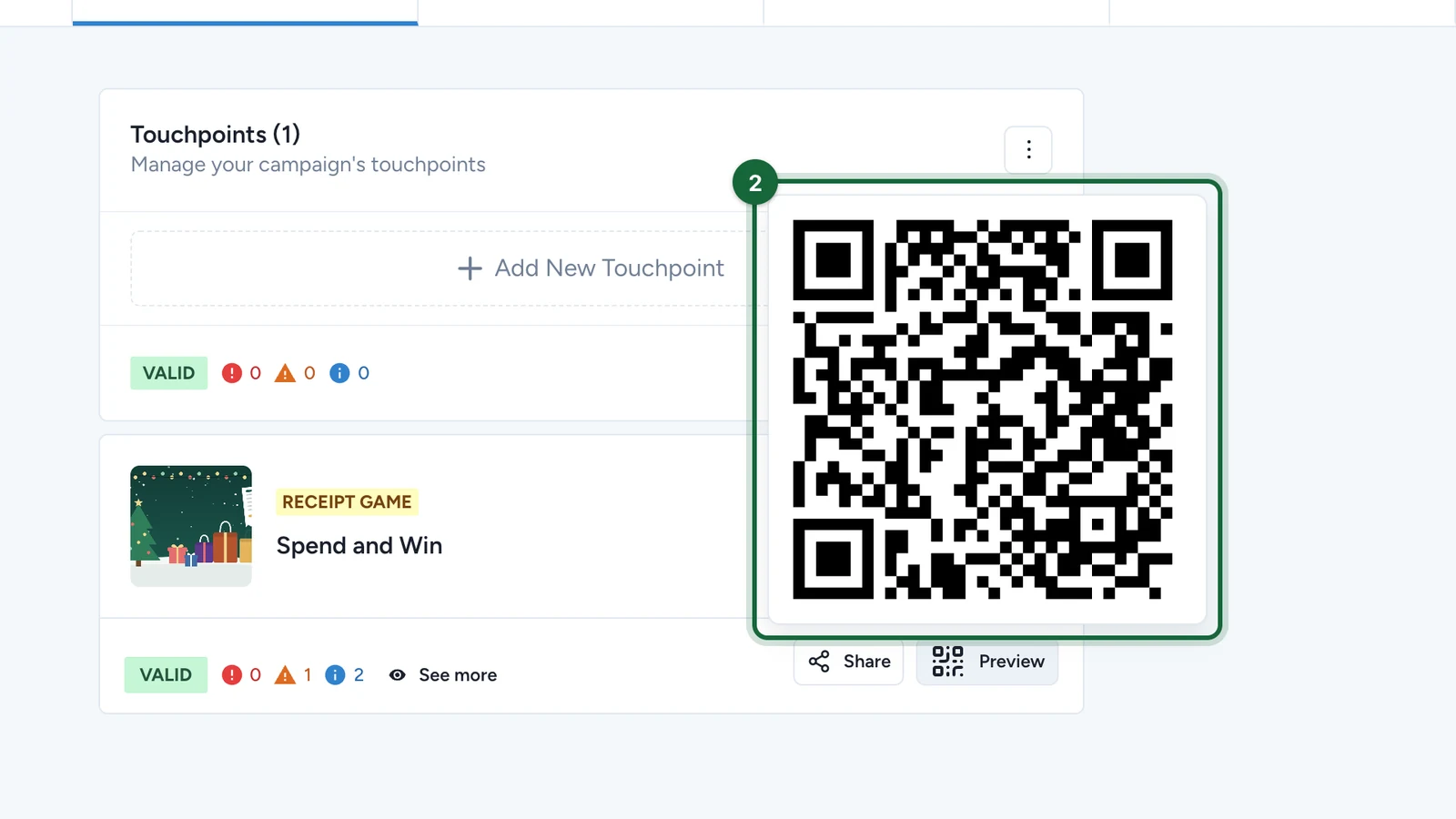
Scan the QR code with your phone.
Check each outcome
Sign in on your phone, then upload test receipts:
- One that should win, such as €30 or more from a listed shop: check the prize unlocks, or shows as pending with Manual validation.
- One that should fail, such as a receipt from a shop that isn't on your list: check it's refused.
- One hard to read, such as a blurred photo: check it's marked Incomplete and you can try again.
With Manual validation, approve and refuse your test receipts in the Receipt Host App: see Review receipts in the Receipt Host App.
Keep a small test pack of receipts for every launch: one valid, one invalid and one hard to read.