Validation policy: manual vs automatic
Choose whether receipts that pass your rules count straight away or wait for your team to check them.
Once a receipt passes the acceptance checks, the validation policy decides what happens next.
| Validation Mode | What happens | Use it when |
|---|---|---|
| Automatic | The receipt counts straight away | Low-value prizes, and speed matters most |
| Manual | The receipt waits for your team to approve it | Staff are on site, prizes are valuable, or fraud is a concern |
Choose the mode
-
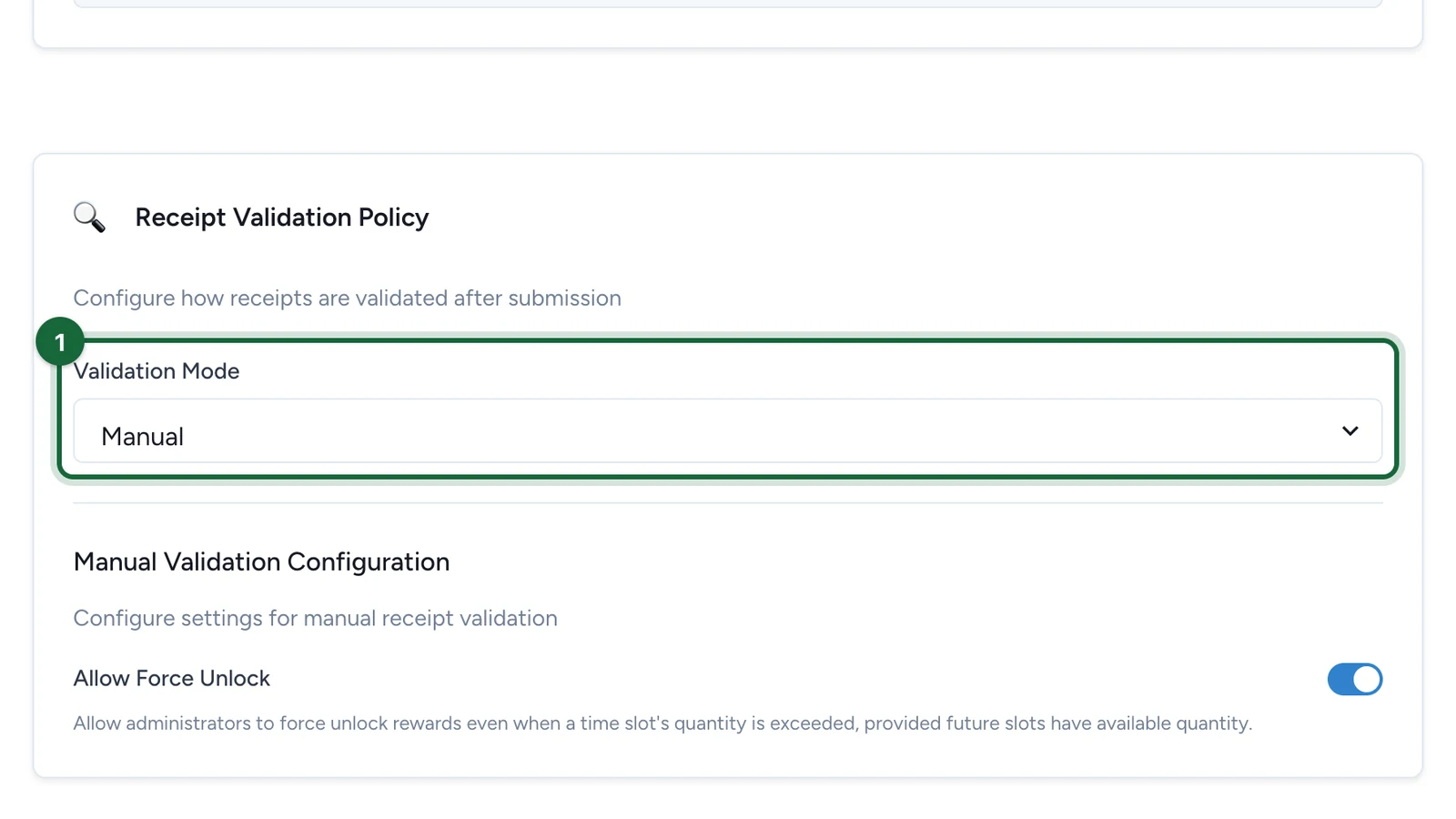
In the Configuration tab, under Receipt Validation Policy, choose the Validation Mode.
-
For Manual, choose whether to Allow Force Unlock.
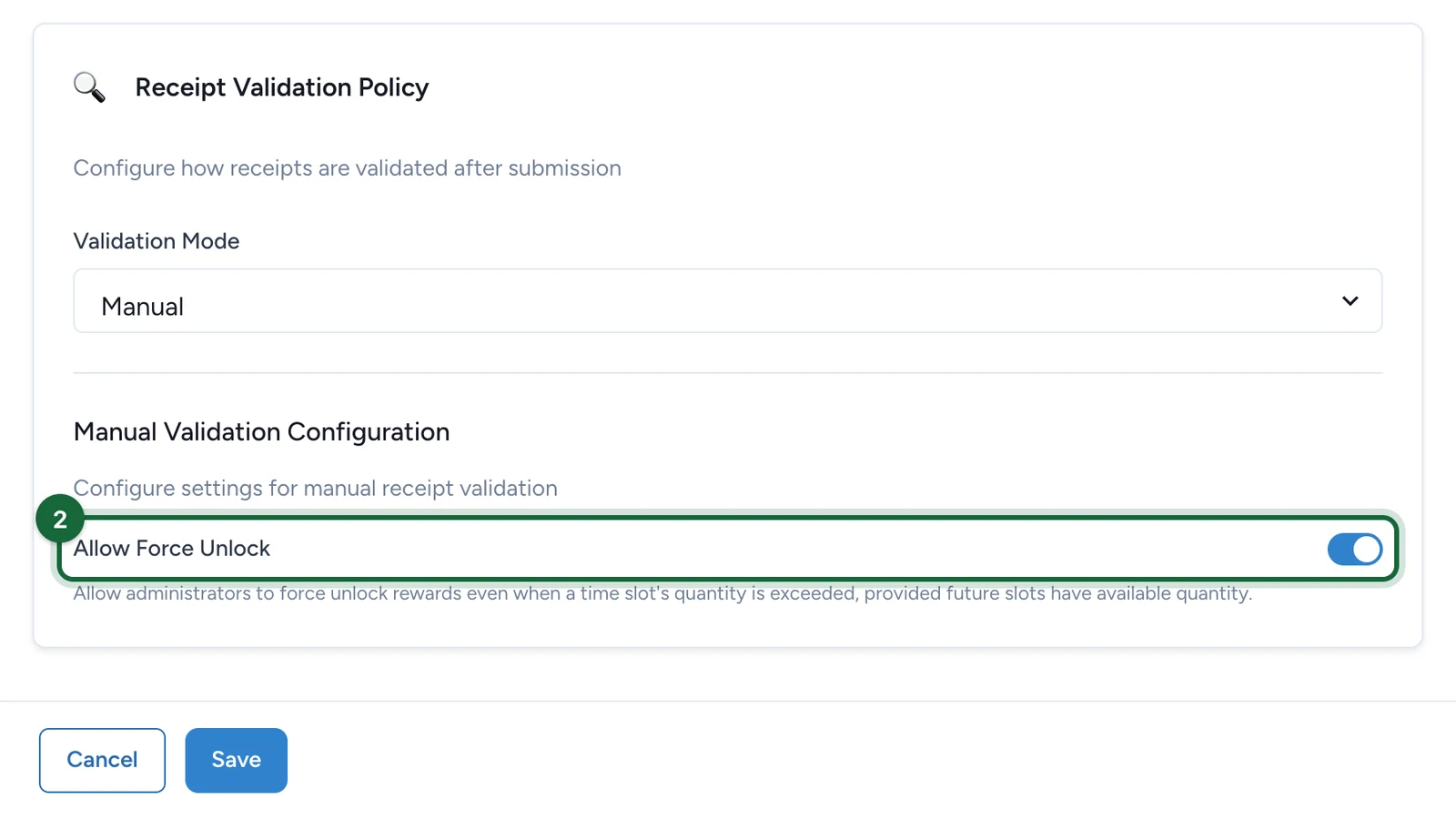
It's meant to let your team give a prize when the current slot has run out but a later slot has stock. The Receipt Host App doesn't apply it yet: staff can only unlock a prize while the current slot has stock.
-
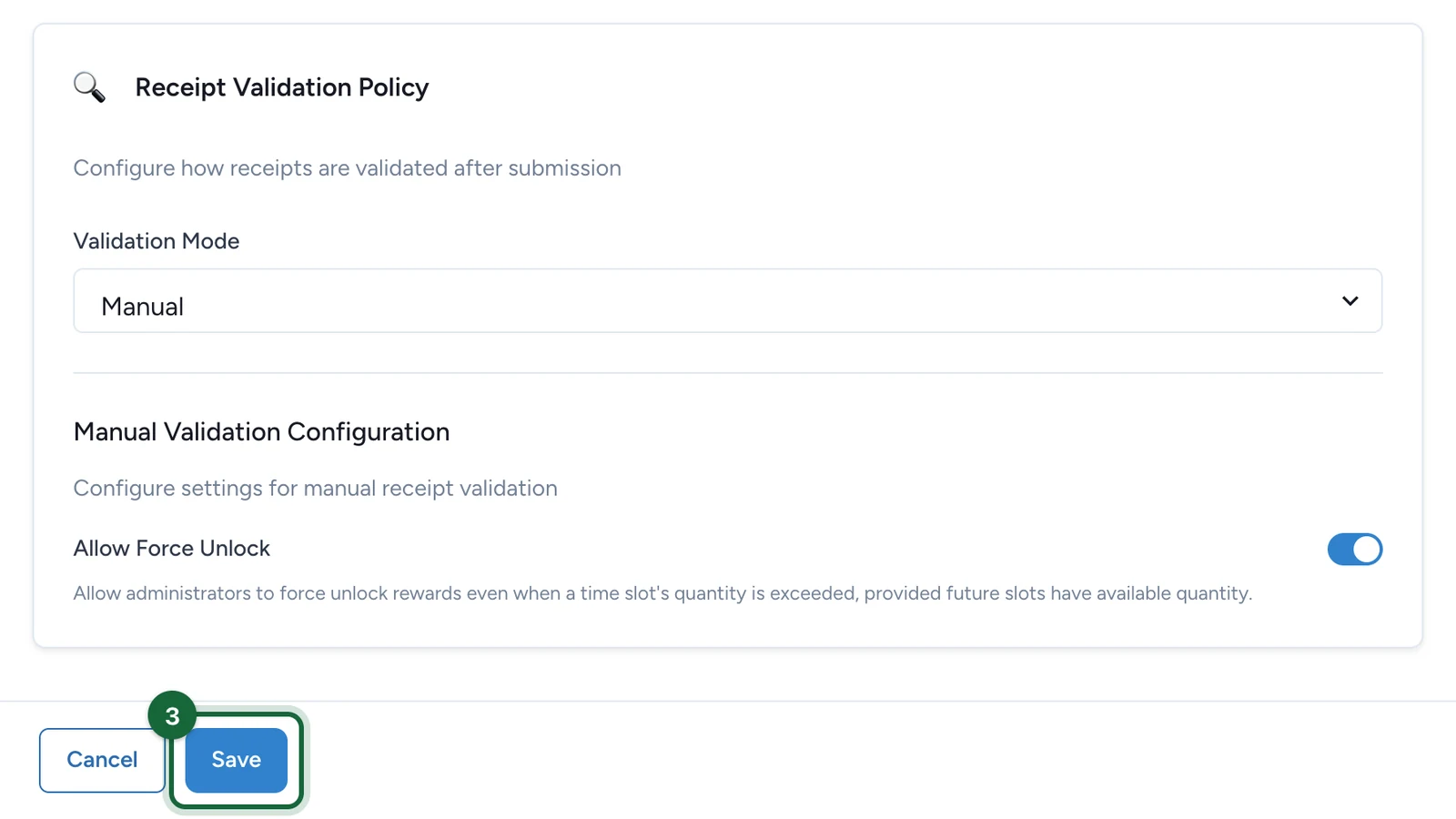
Select Save.
With Manual, your team reviews receipts in the Receipt Host App: see Review receipts in the Receipt Host App. Write the message shoppers see while they wait in Host Validation Message: see Create a receipt game.
If publishing is blocked
- Missing validation policy: choose a Validation Mode.