Distribute the entry point
Pick the right link or QR code so participants land in the right place.
Links appear once the campaign is published. Send shoppers straight to the receipt game: its link and QR code open it directly.
Link to the receipt game
-
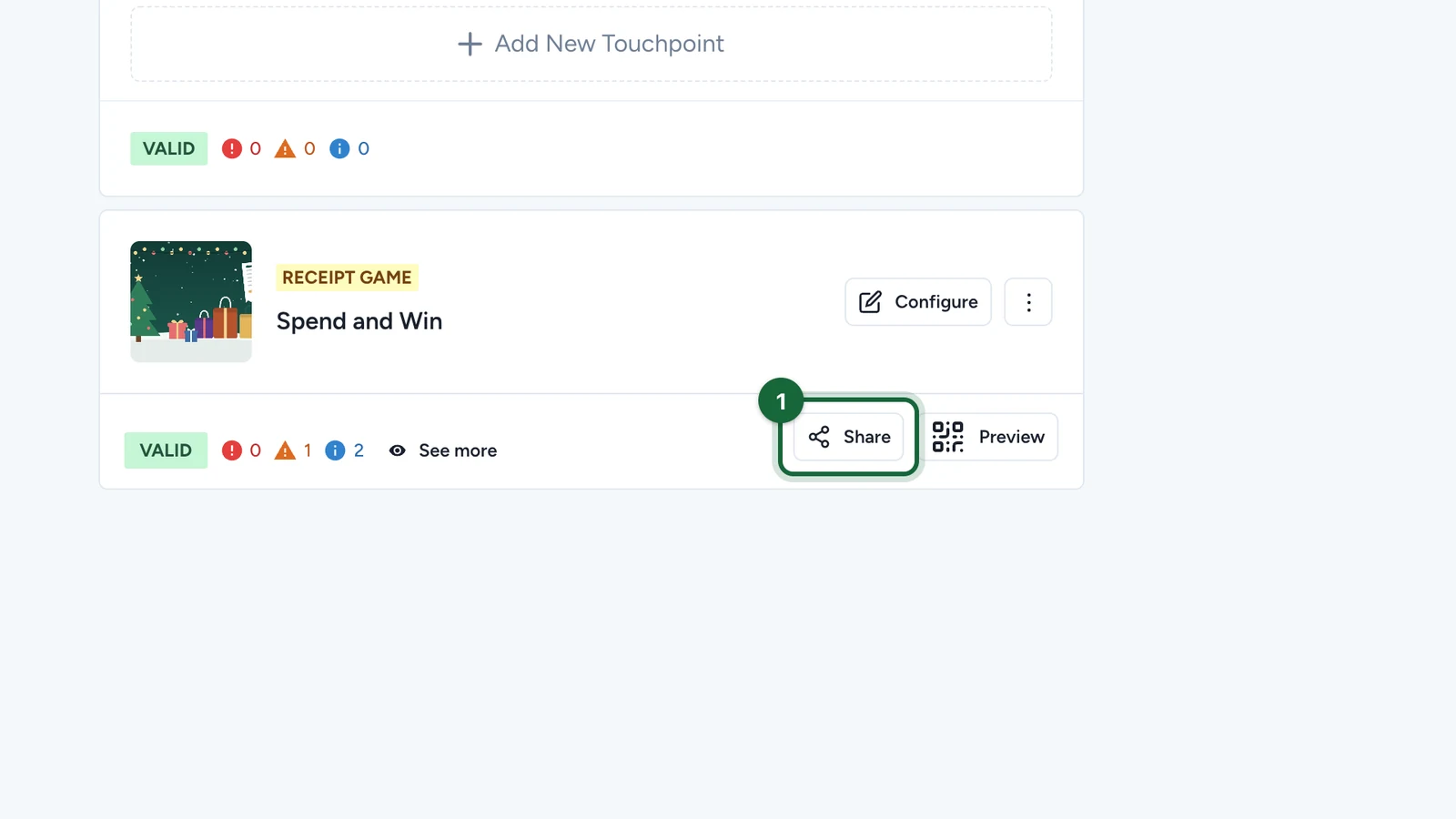
In Build > Touchpoints, select Share on the receipt game.
-
Copy the first link. It opens the receipt game directly.
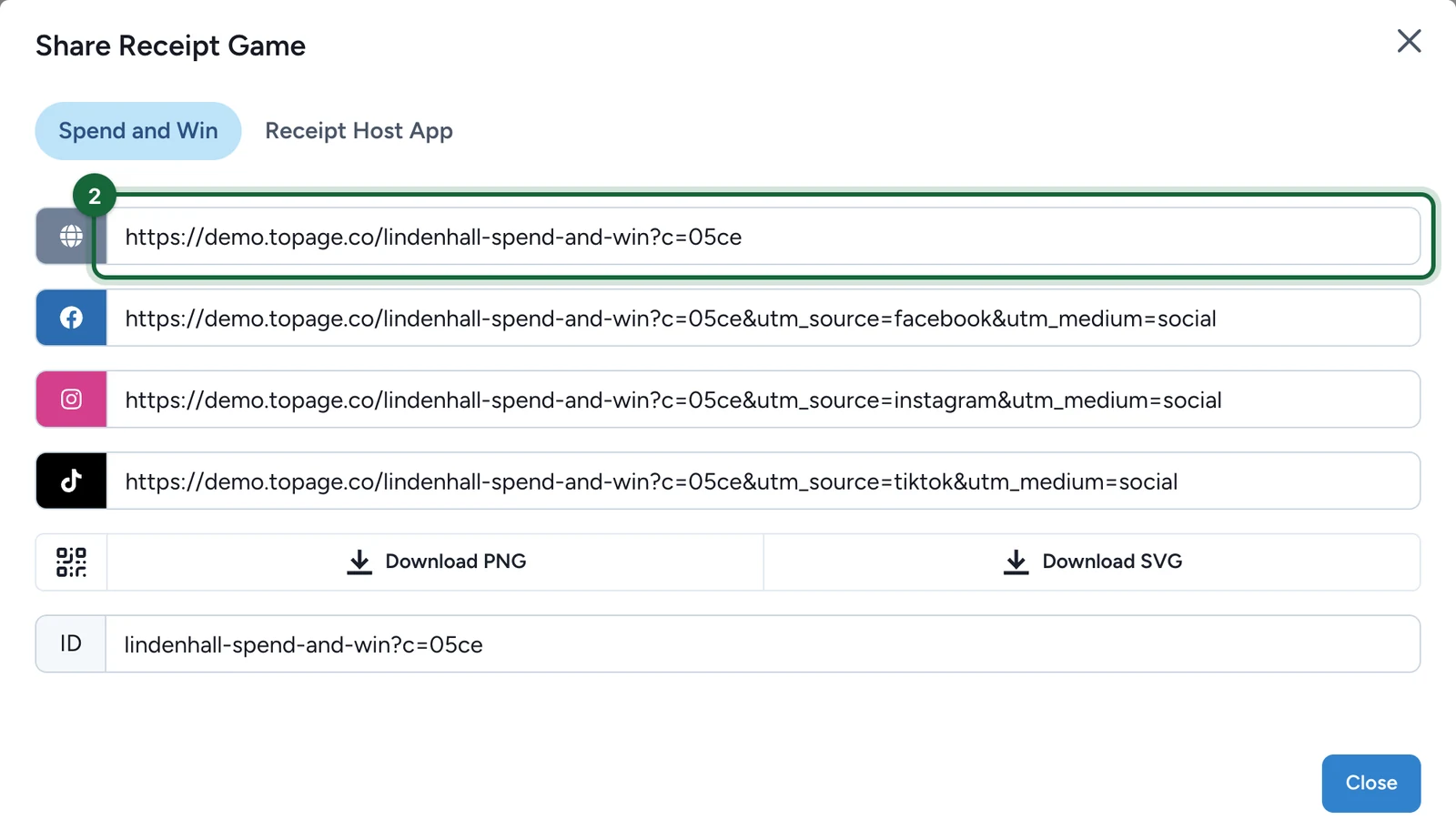
The other links add tracking for Facebook, Instagram and TikTok: use each one only in that channel.
-
For posters and till cards, select Download PNG or Download SVG.
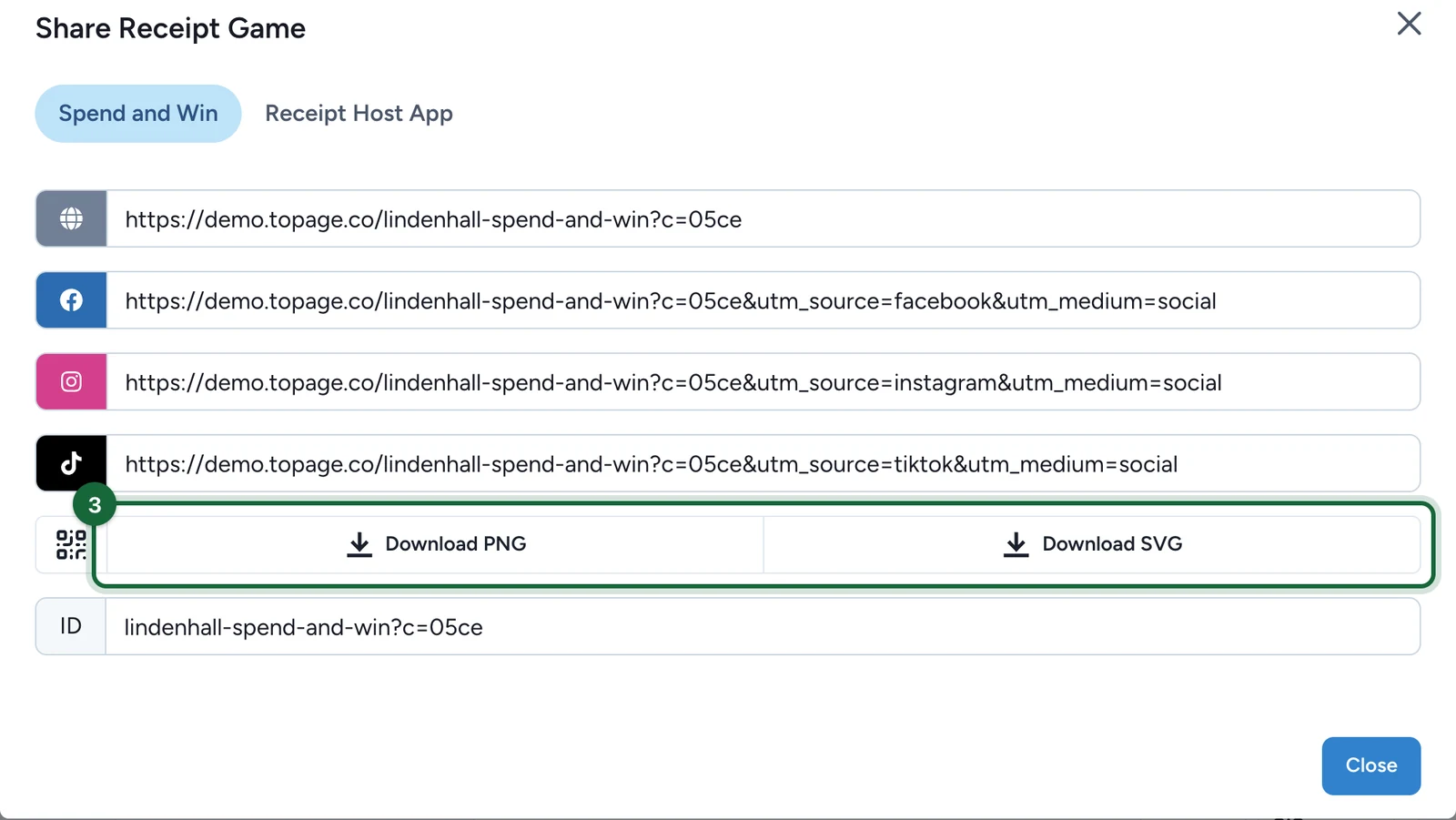
SVG stays sharp at any print size.
If the campaign has a landing page
A receipt game on its own doesn't need a landing page: send people straight to it. When it's one of several touchpoints, the landing page presents them together, and its address and QR code are in Landing Page: see Touchpoint URLs and slugs.
If your plan includes Smart Links, you can print a Smart Link instead, and change where it leads later: see Smart Links for a campaign.