Create a receipt game
Add a receipt game to your campaign and write the words shoppers see when they upload a receipt.
A receipt game is a touchpoint: shoppers upload a photo of their receipt, and a big enough spend unlocks a prize. Set up its look first, then the prizes and rules.
Prepare the banner
Banner Image
RequiredThe header image for an activity, Receipt Game or treasure hunt.
- Required
- Size1200 × 800 px
- Aspect ratio3:2
- FormatsJPEG / WEBP / PNG
If the campaign has a landing page, the banner is also the game's thumbnail there. For every image size in one place, see Image and asset specs.
Add the receipt game
-
In Build > Touchpoints, select Add New Touchpoint.
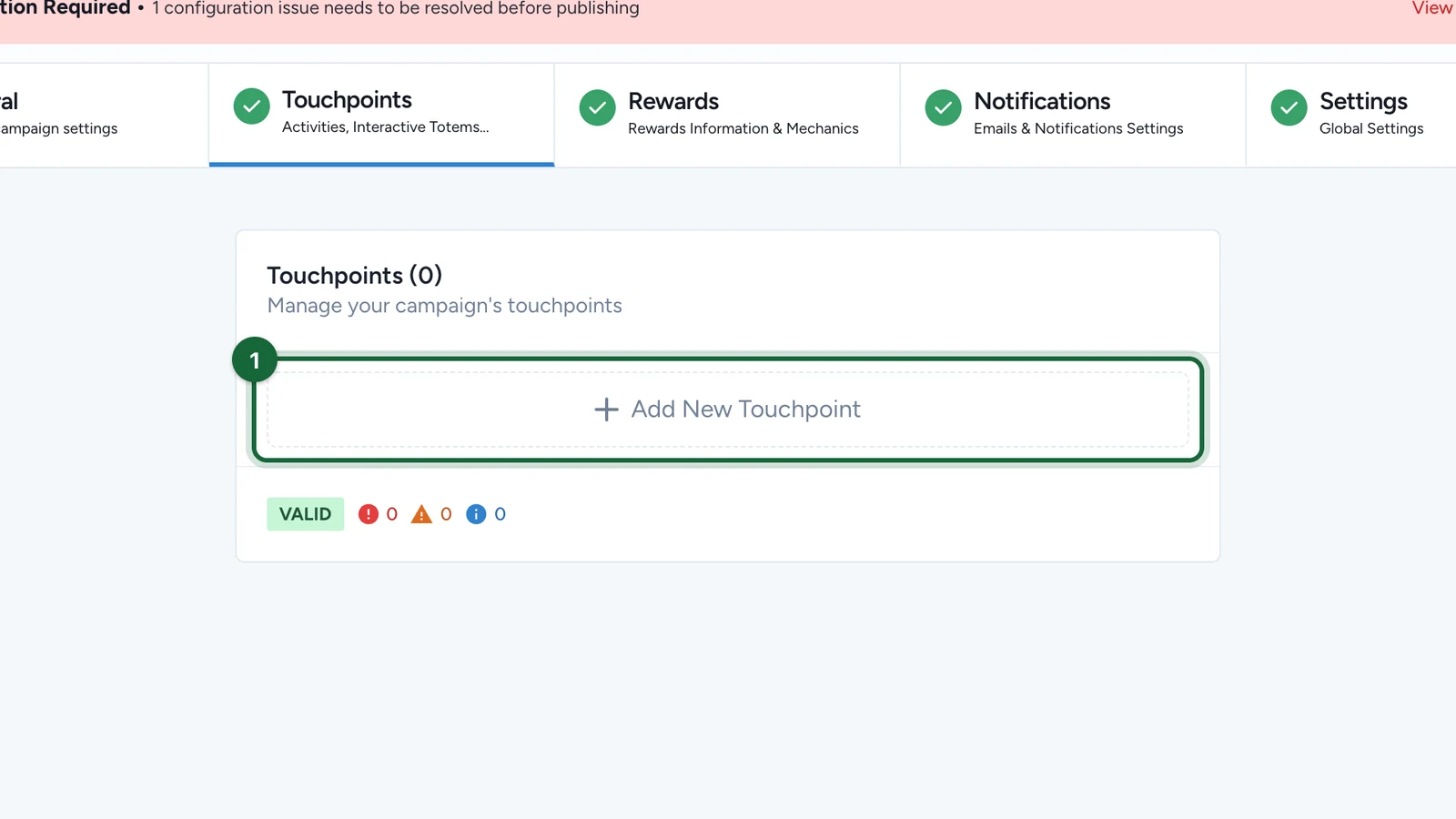
-
Choose Receipt Game.
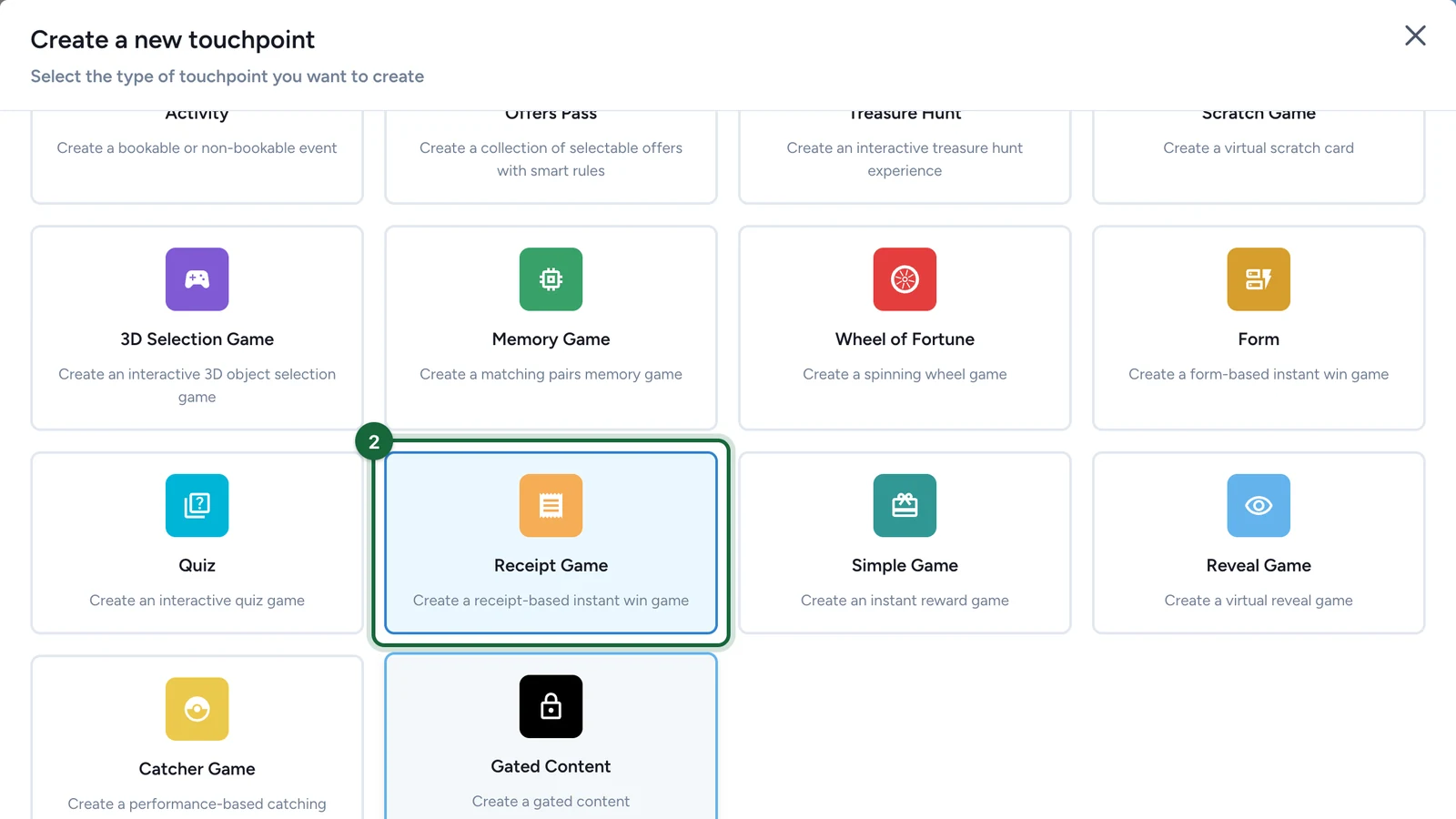
-
Select Create.
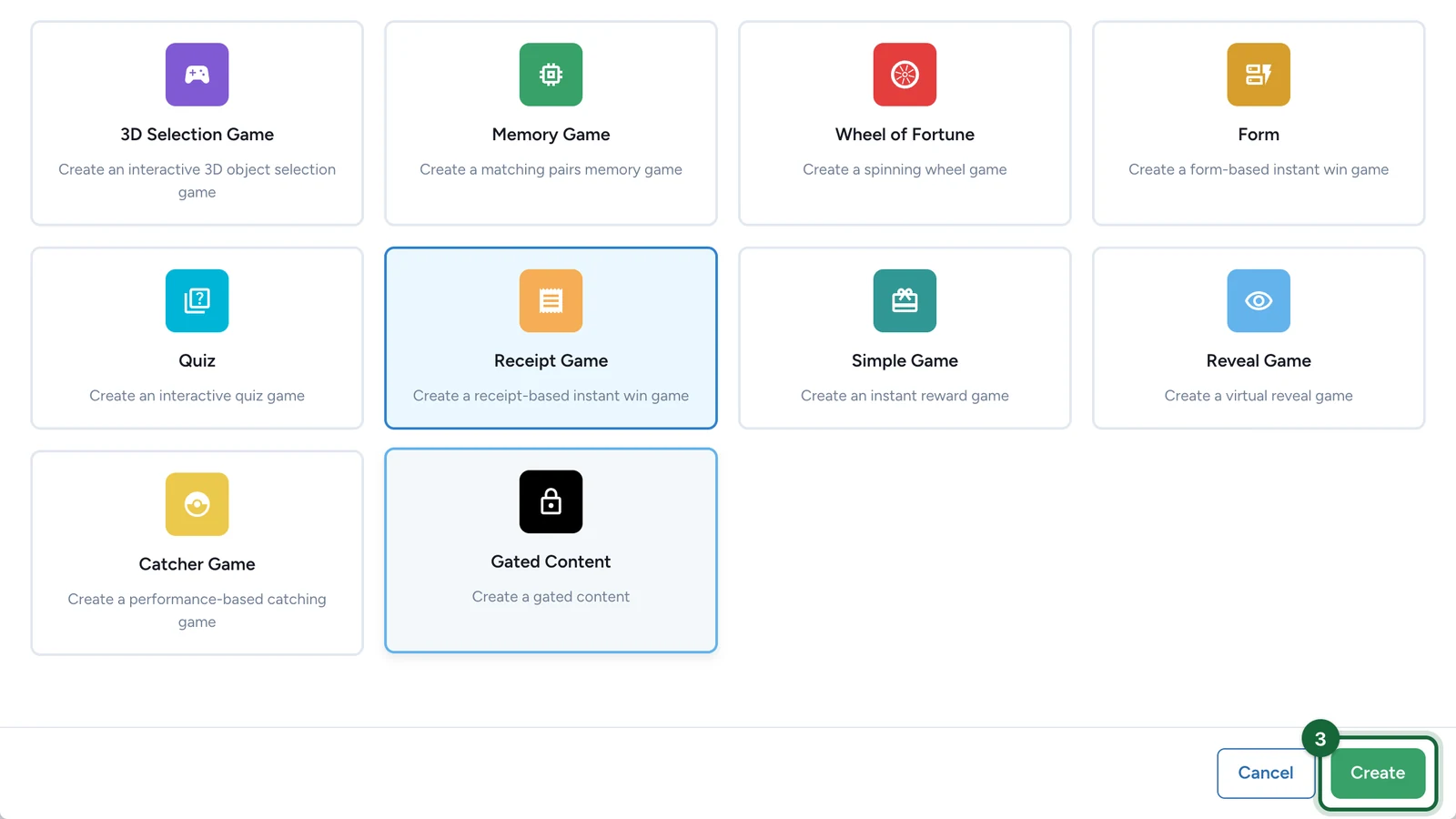
-
On the new New Receipt Game card, select Configure.
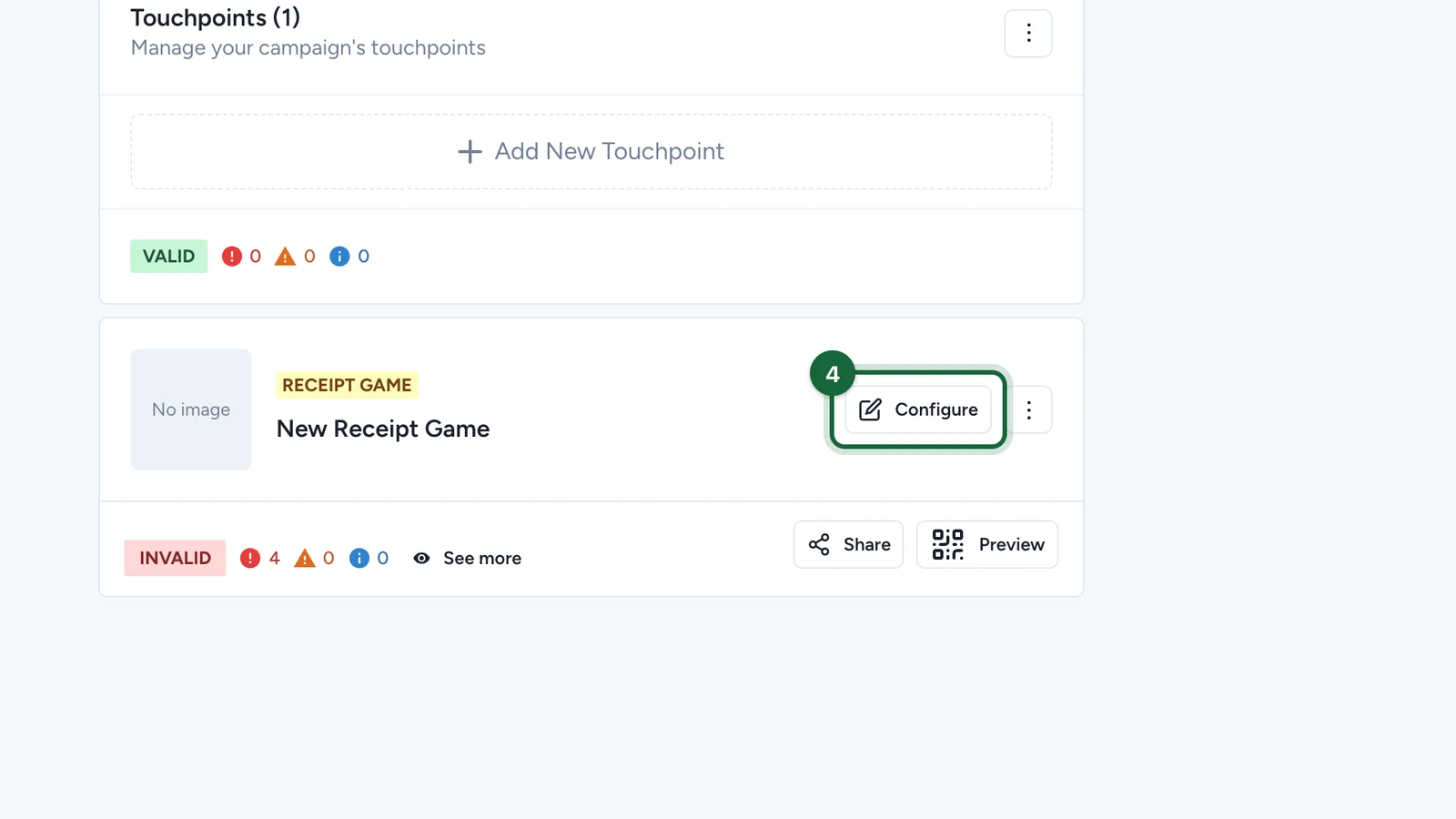
The card shows INVALID until the Configuration tab is finished.
Write what shoppers see
-
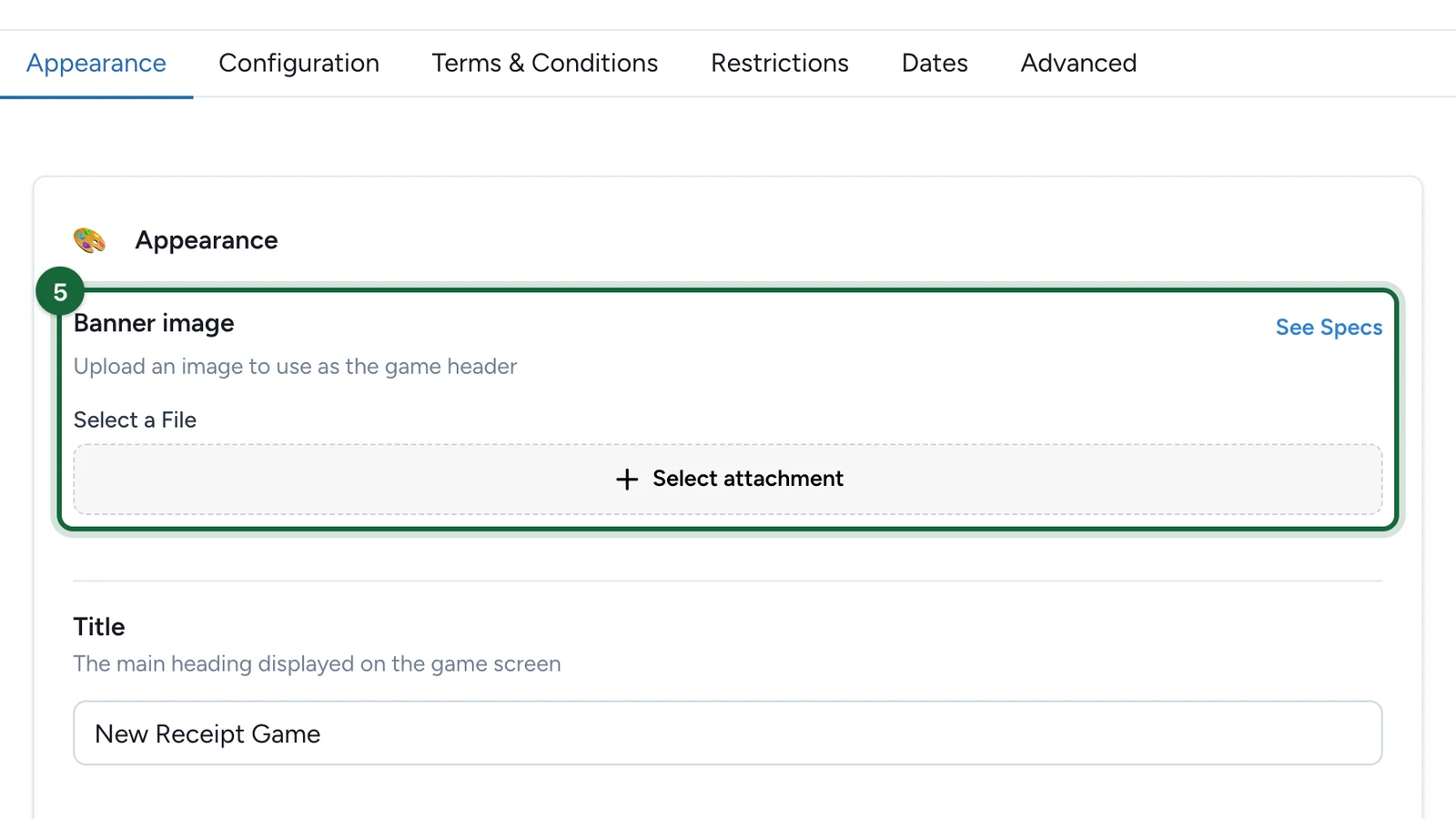
Under Banner image, choose Select attachment.
-
On your banner, choose Select File.
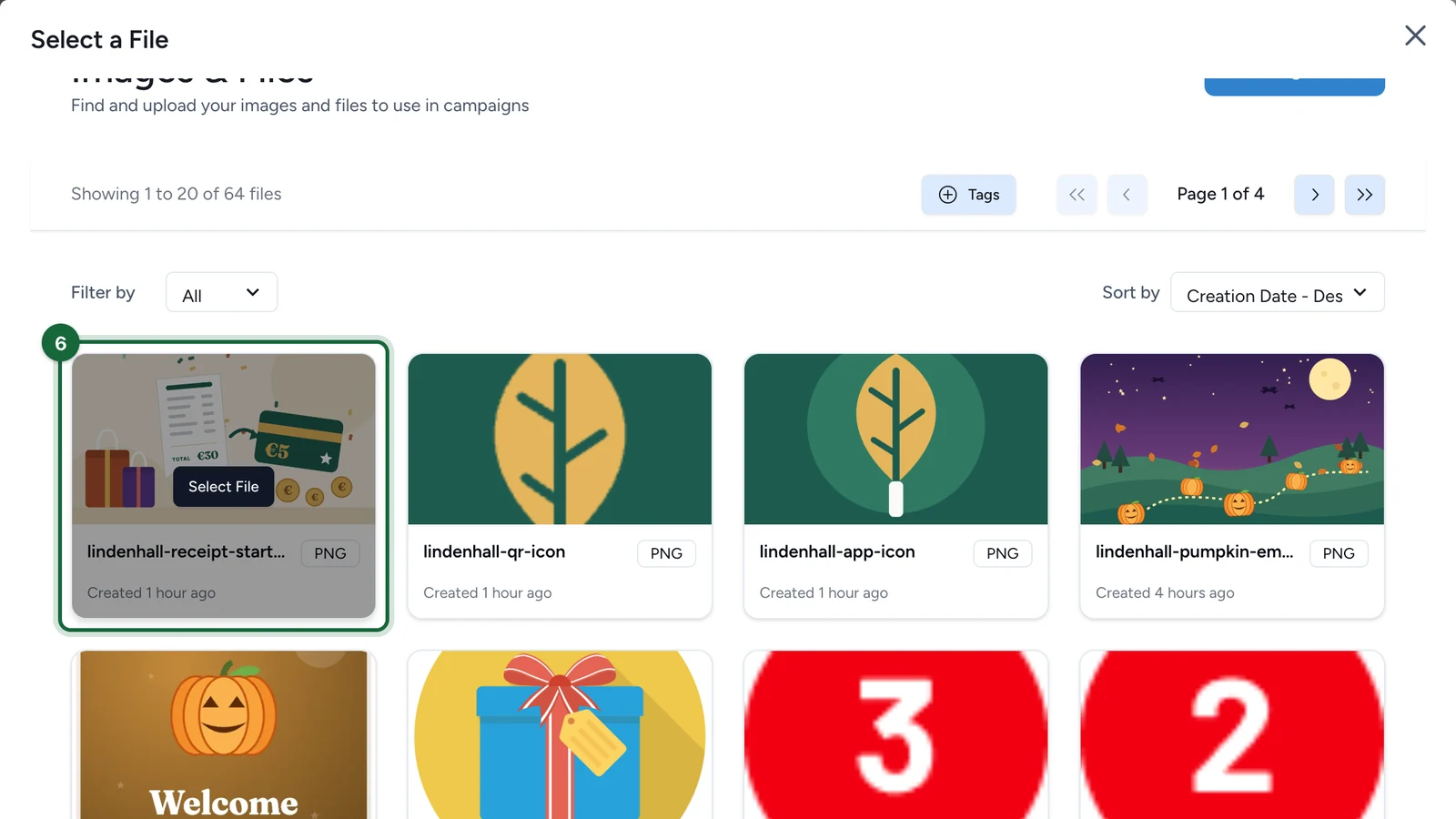
Not in the list? Select Add Image or File to upload it.
-
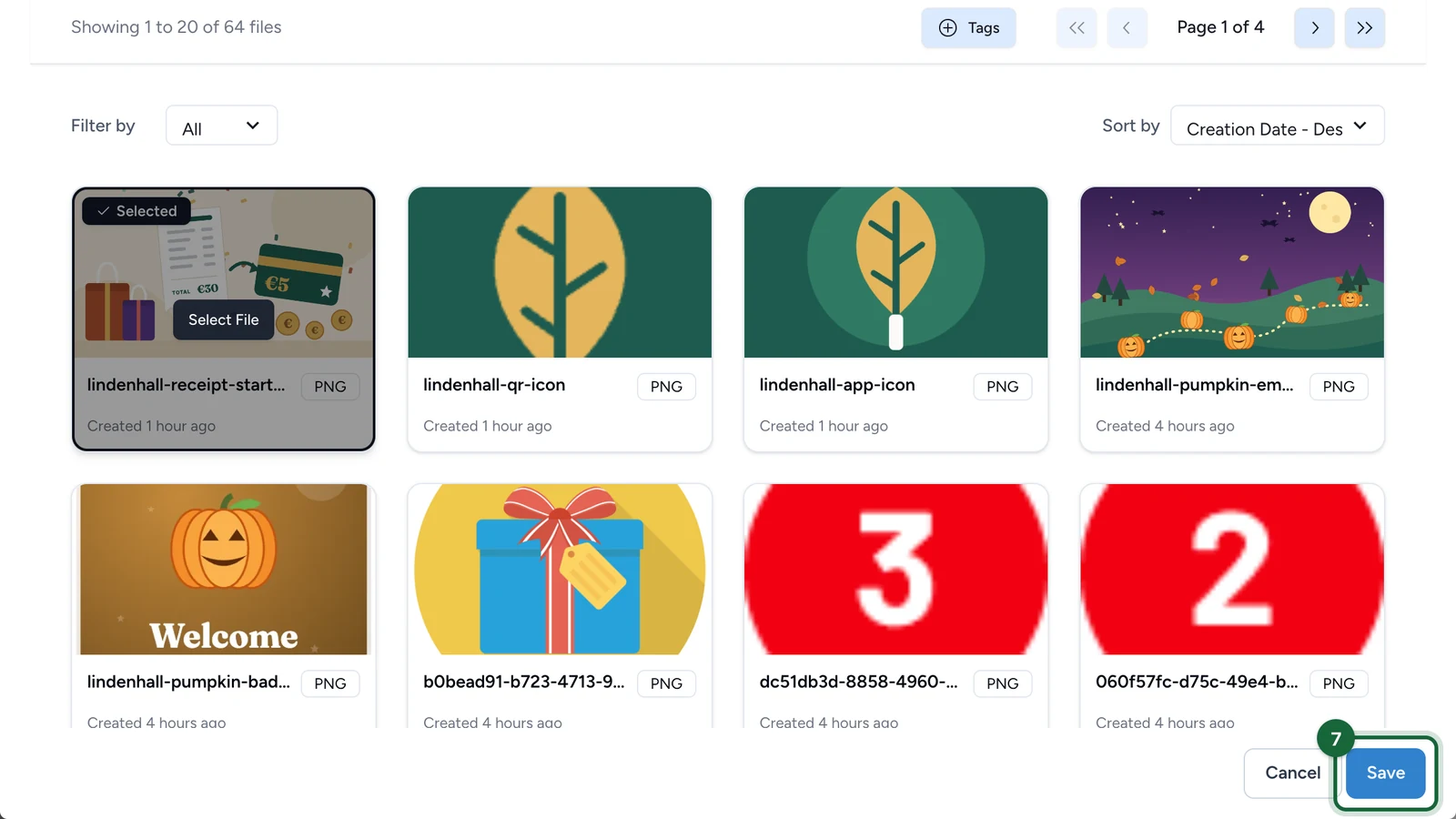
Select Save.
-
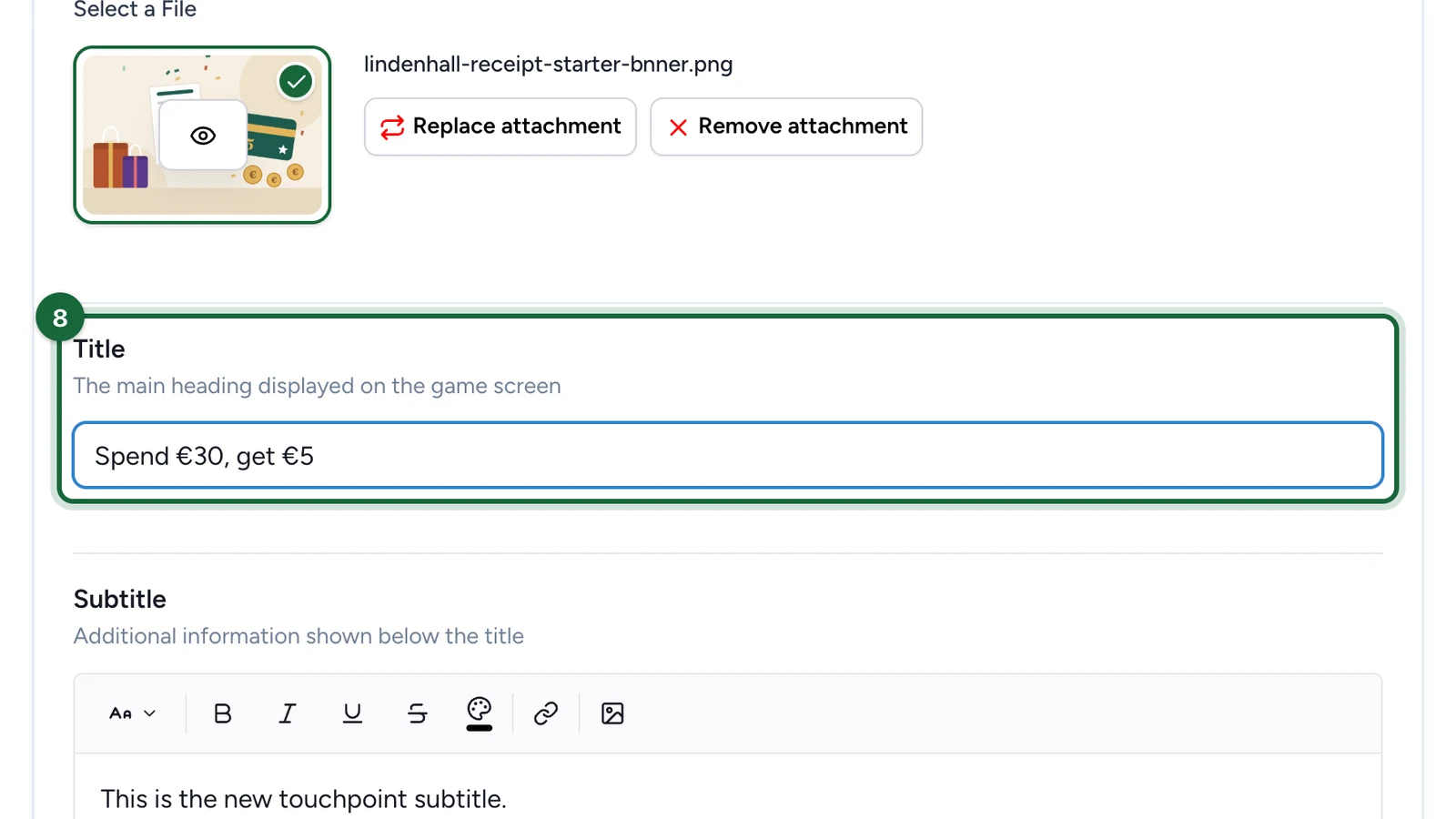
Replace the Title with the game's name.
-
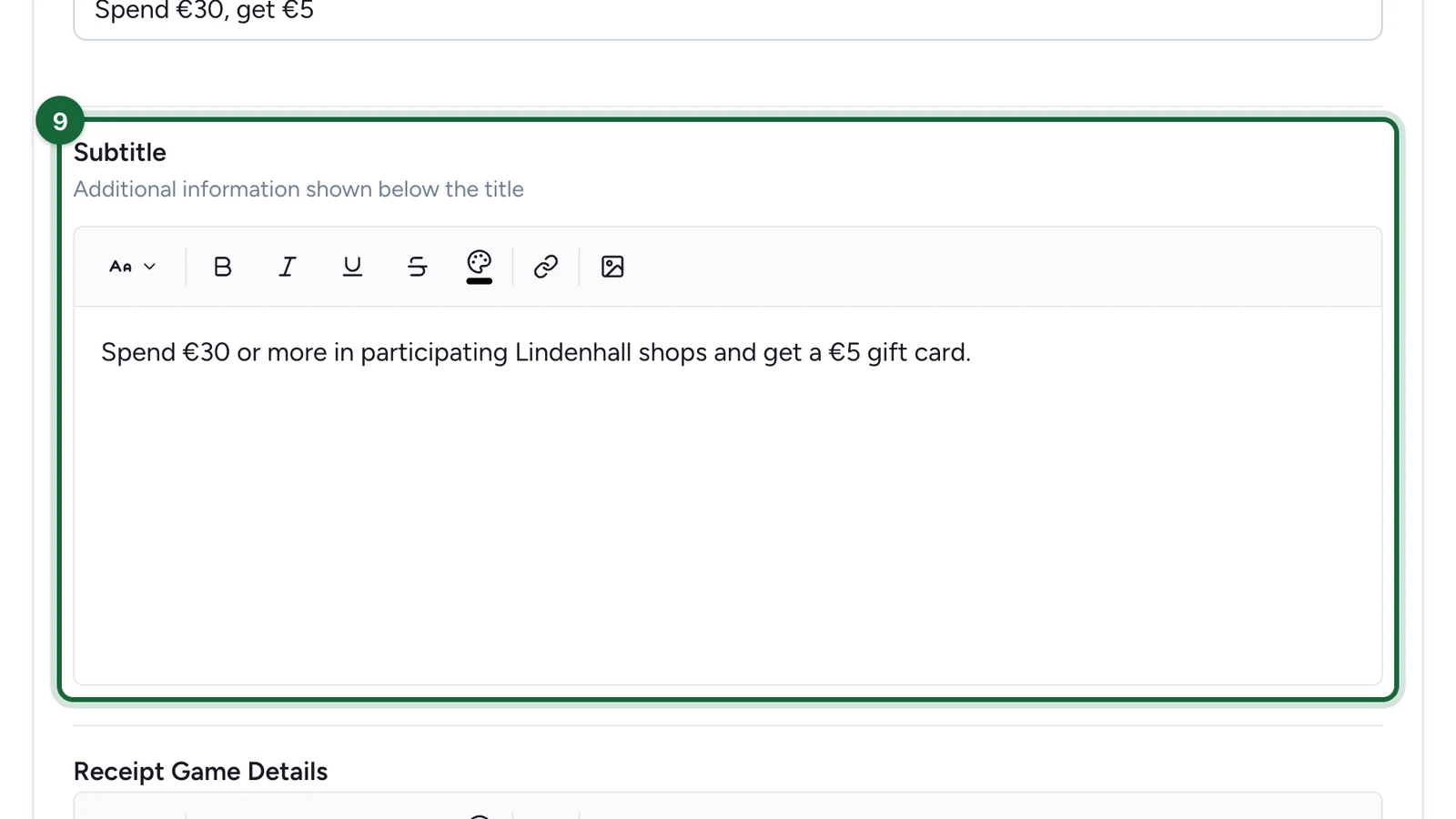
In Subtitle, write the spend target, such as "Spend €30 or more in participating Lindenhall shops".
-
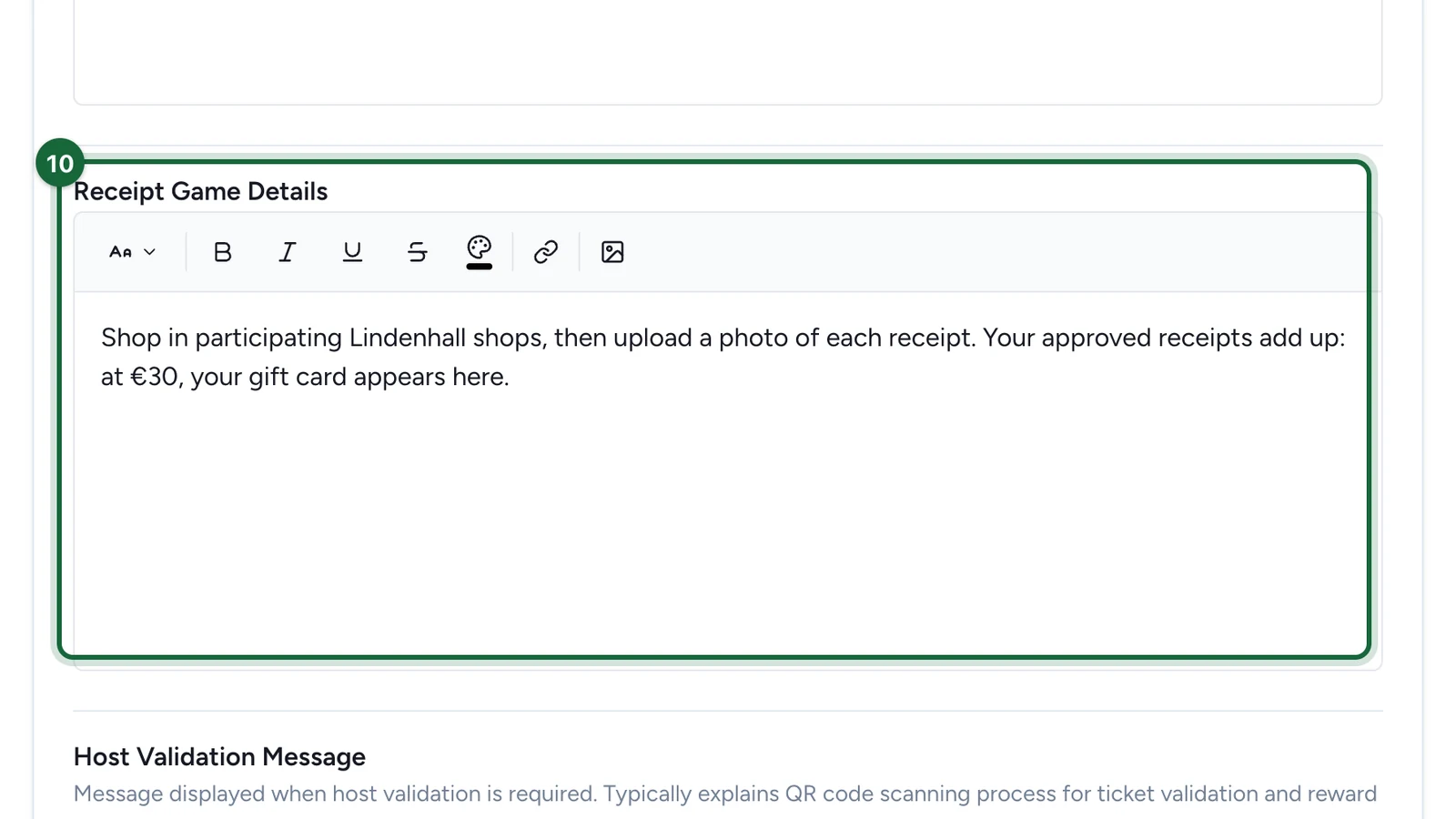
In Receipt Game Details, explain the steps: shop, upload each receipt, reach the spend, get the prize.
-
In Host Validation Message, write what shoppers see after they upload a receipt.
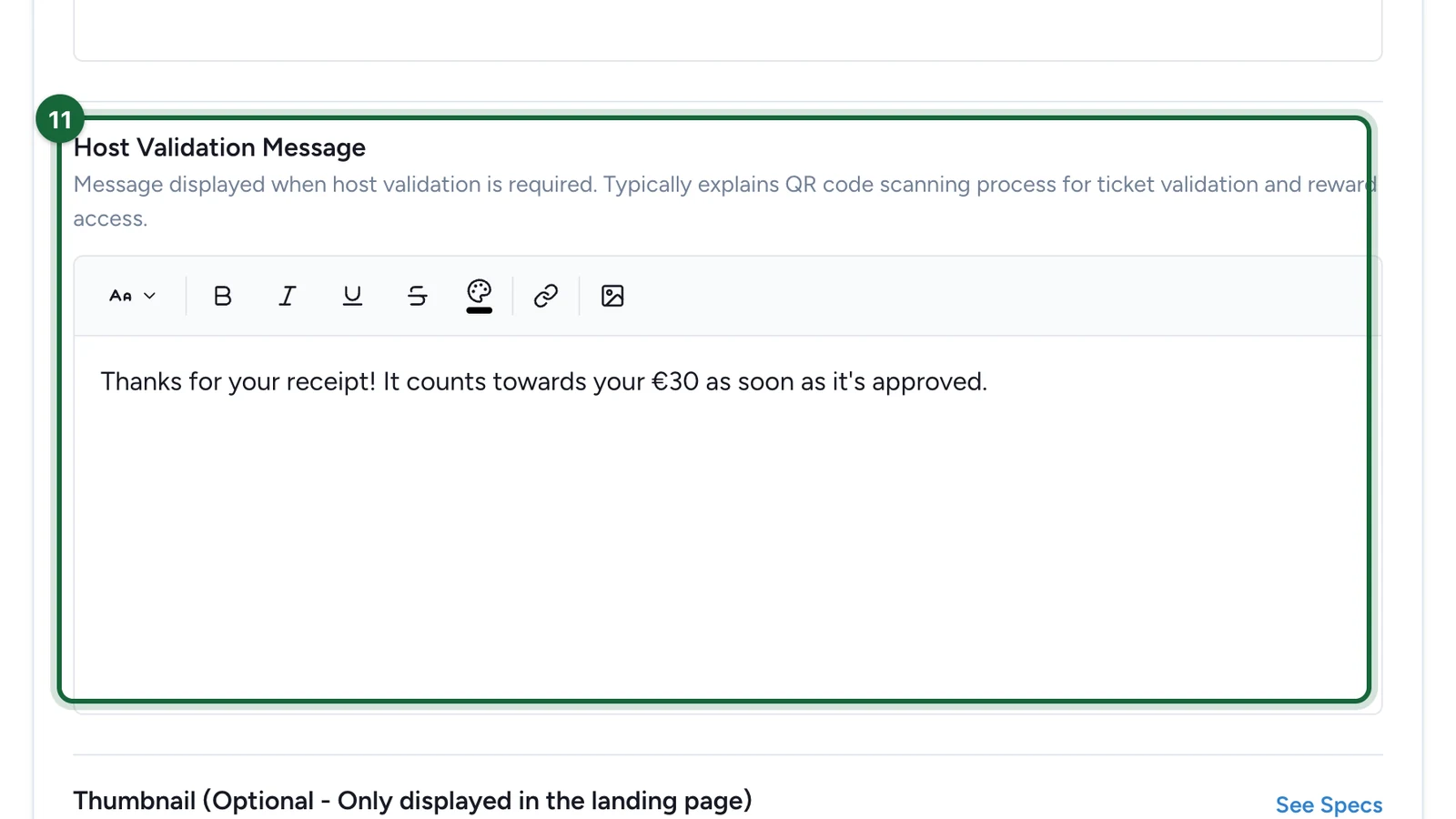
It shows with both validation modes. Left empty, shoppers see a default message in French.
-
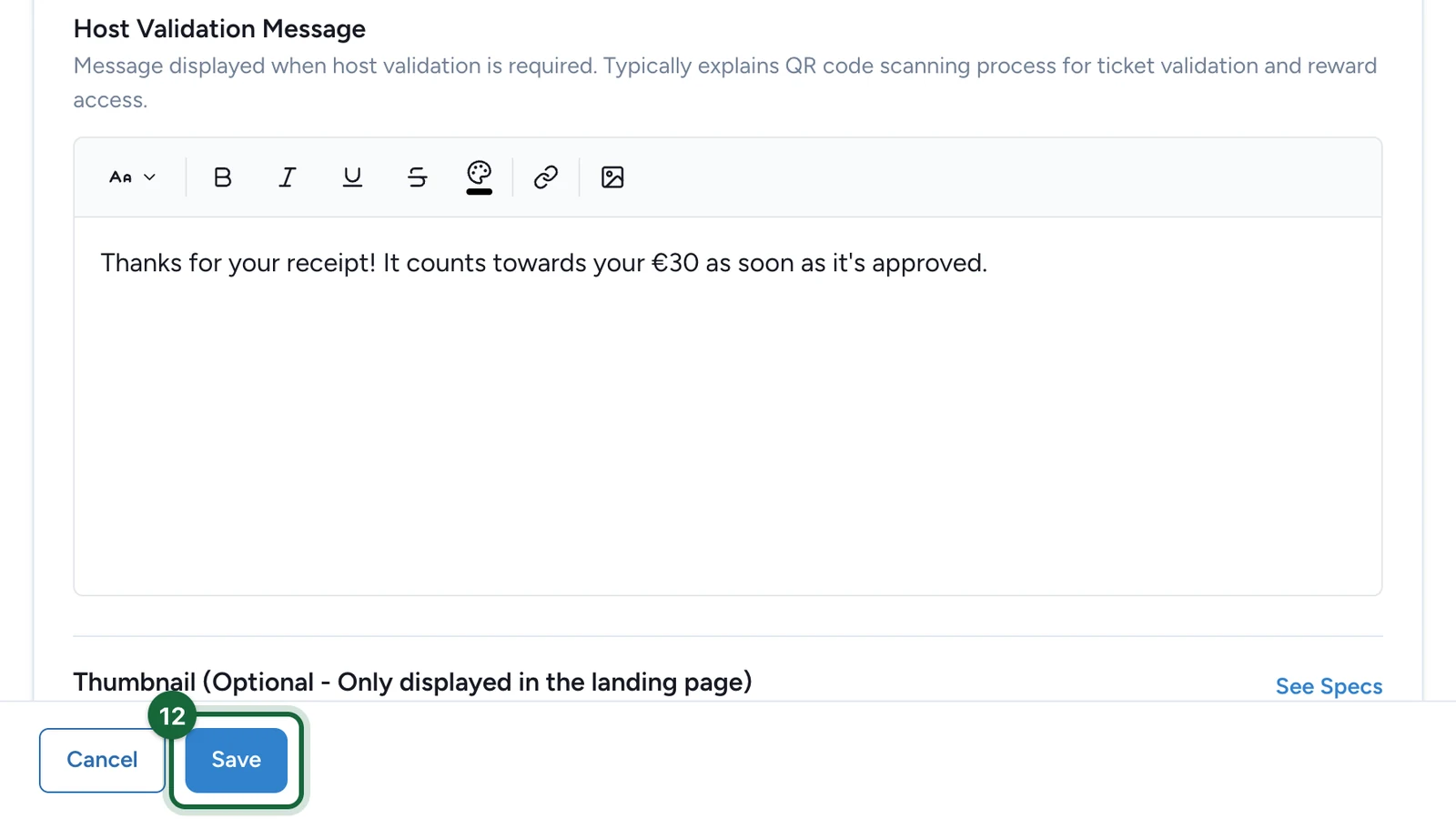
Select Save.
Set up the rest
Continue in the Configuration tab:
- Winning options and attribution slots: the prizes and their stock.
- Create a rule: the spend that unlocks each prize.
- Acceptance policy: which receipts count.
- Validation policy: approved straight away, or checked by your team.
If publishing is blocked
- Title missing: enter a Title.