Run a lottery draw
Pick winners from everyone who entered a lottery reward, then declare them so winners and losers are notified.
Pick the winners for a lottery reward once your campaign has collected enough entries. You run the draw from the campaign's participants area, choose how winners are selected, and declare the results so winners and non-winners are notified automatically.
Set the reward up first
A draw can only run once a Lottery reward exists and has collected eligible participants. If you haven't built that reward yet, start with Lottery rewards.
Before you begin
- You have a campaign with a Lottery reward that has collected eligible participants.
- You know how many winners you want to pick.
- You've decided whether non-winners should be notified now or kept eligible for a later draw.
Steps
Open All Participants
In your campaign's left menu, expand Participants and click All Participants. This is the list of everyone who entered your campaign.

Click Declare Lottery Winners
In the top-right of the participants page, click Declare Lottery Winners to start a new draw.

Review the New Draw form
The New Draw window opens. It collects everything the draw needs: which reward to award, how many winners to pick, and the rules for selecting them. Work through it top to bottom.
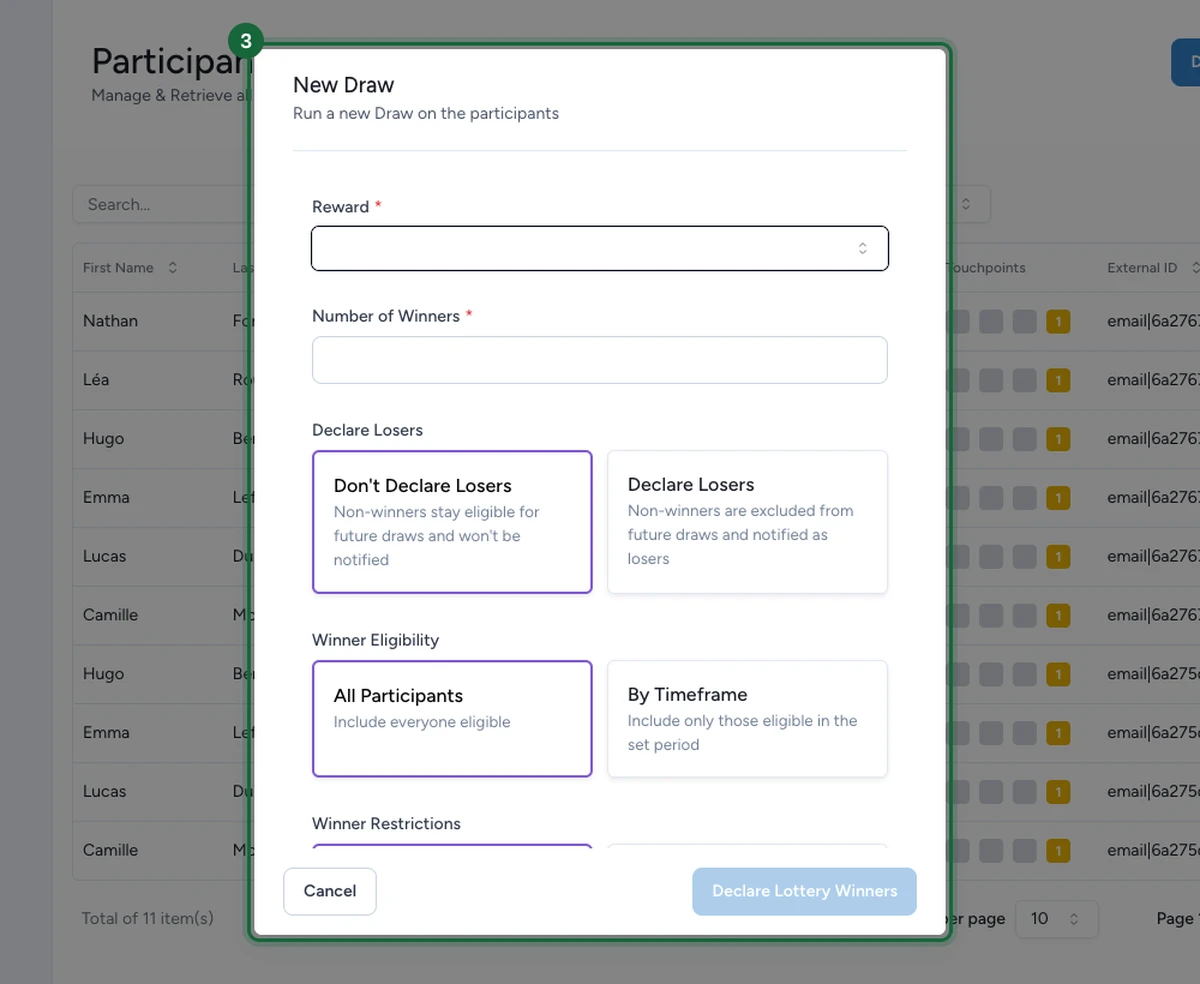
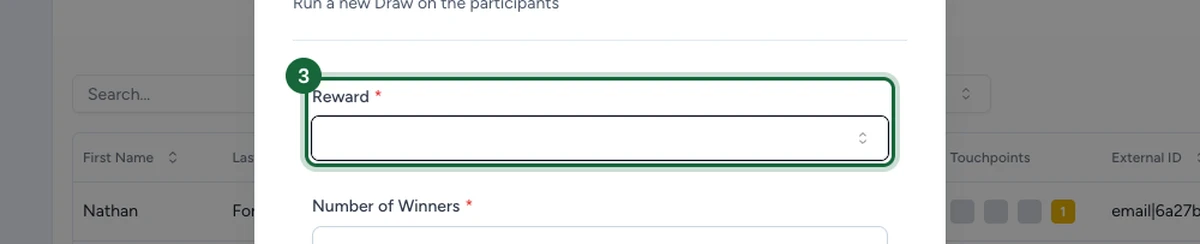
Choose the reward to award
Open the Reward dropdown and pick the lottery reward you're drawing for. Only rewards that collect entries for a later draw appear here.
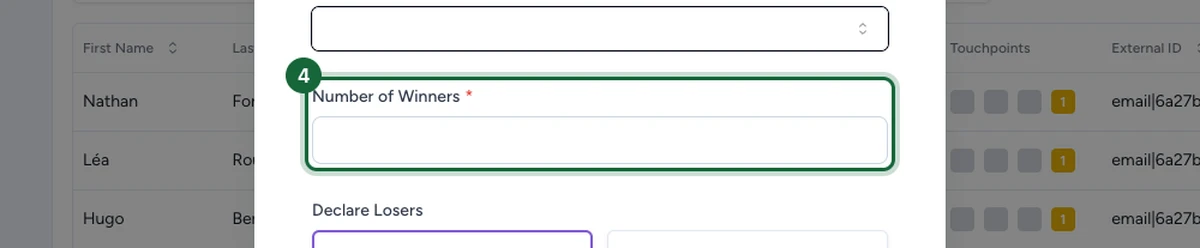
Set the number of winners
In Number of Winners, enter how many participants the draw should pick. Keep it at or below the reward's available quantity.
Blacklisted contacts never enter the pool
OmniLab automatically leaves out any contact flagged as blacklisted and keeps drawing from the rest of the pool until it fills your Number of Winners. If too few eligible contacts remain once blacklisted ones are excluded, the whole draw fails instead of returning a partial result.
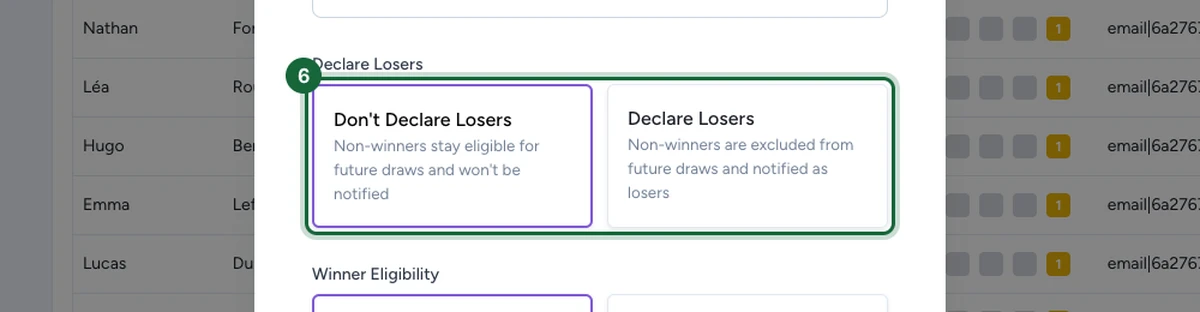
Decide what happens to non-winners
Under Declare Losers, choose how the draw treats everyone who isn't picked:
- Don't Declare Losers — non-winners stay eligible for future draws and aren't notified. Use this when you'll run more draws for the same reward.
- Declare Losers — non-winners are excluded from future draws and notified as losers. Use this for a final, one-off draw.
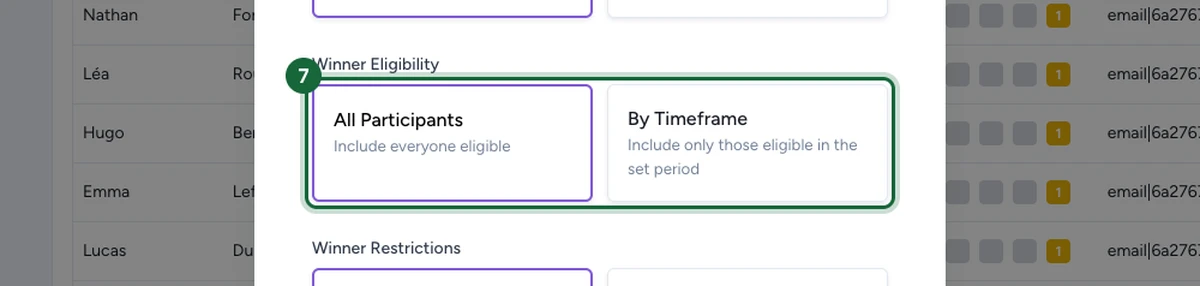
Choose who is eligible to win
Under Winner Eligibility, set the pool the draw selects from:
- All Participants — everyone eligible is included. Use this for a standard end-of-campaign draw.
- By Timeframe — only participants eligible within a set period are included. Use this when you draw on a recurring window, such as a weekly prize.
Set winner restrictions
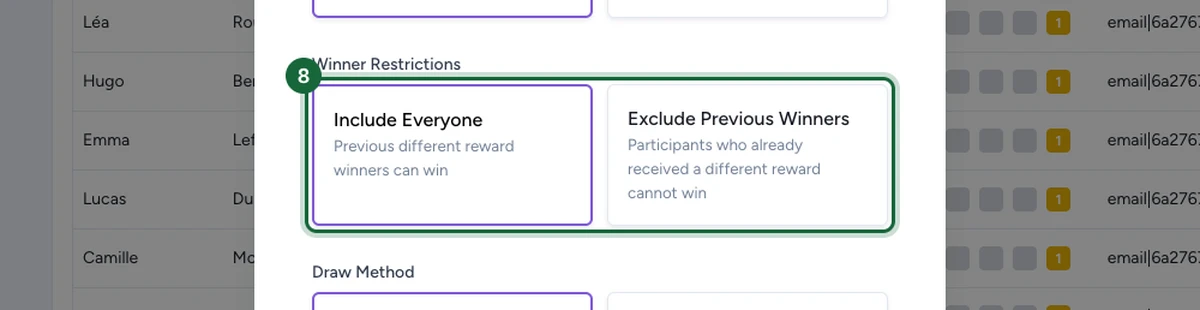
Under Winner Restrictions, decide whether past winners can win again:
- Include Everyone — participants who already won a different reward can still win.
- Exclude Previous Winners — participants who already received a different reward can't win. Use this to spread prizes across more people.
Choose the draw method
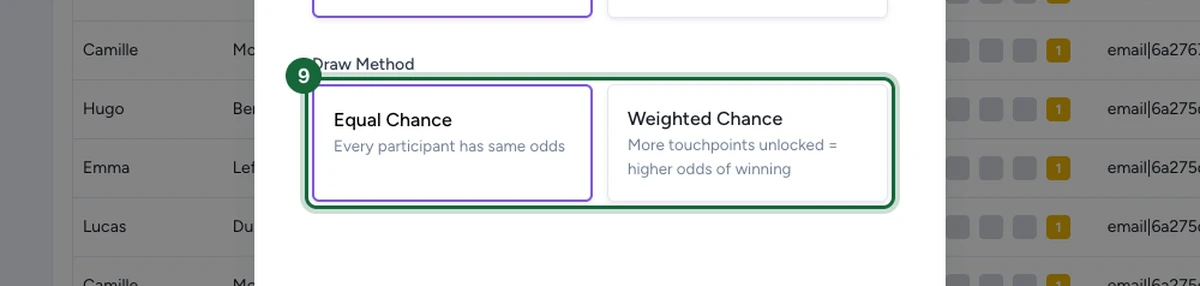
Under Draw Method, set the odds each participant gets:
- Equal Chance — every participant has the same odds. Use this for a fair, random draw.
- Weighted Chance — participants who unlocked more touchpoints get higher odds. Use this to reward more active participants.
Declare the winners
When the form is complete, click Declare Lottery Winners at the bottom of the window. OmniLab picks the winners and applies the messages and notifications set on the reward.

What participants see
Once the draw is declared:
- Winners see the reward's winner message and any linked winner notification.
- Non-winners see the loser message and notification only if you chose Declare Losers.
- If you chose Don't Declare Losers, non-winners stay eligible and see no result yet.
If something's blocked
A few common reasons and how to fix them:
- The reward doesn't appear in the dropdown — make sure it's a lottery-style reward that collects entries for a later draw, not an instant-win reward.
- There aren't enough eligible participants — the draw can only pick from people already entered, and it automatically skips anyone flagged as blacklisted. Wait for more entries or lower the Number of Winners.
- You set Number of Winners above the prize quantity — lower it to the reward's available quantity.
- Winners weren't notified — check the reward's winner message and the winner notification are both set. See Lottery rewards.