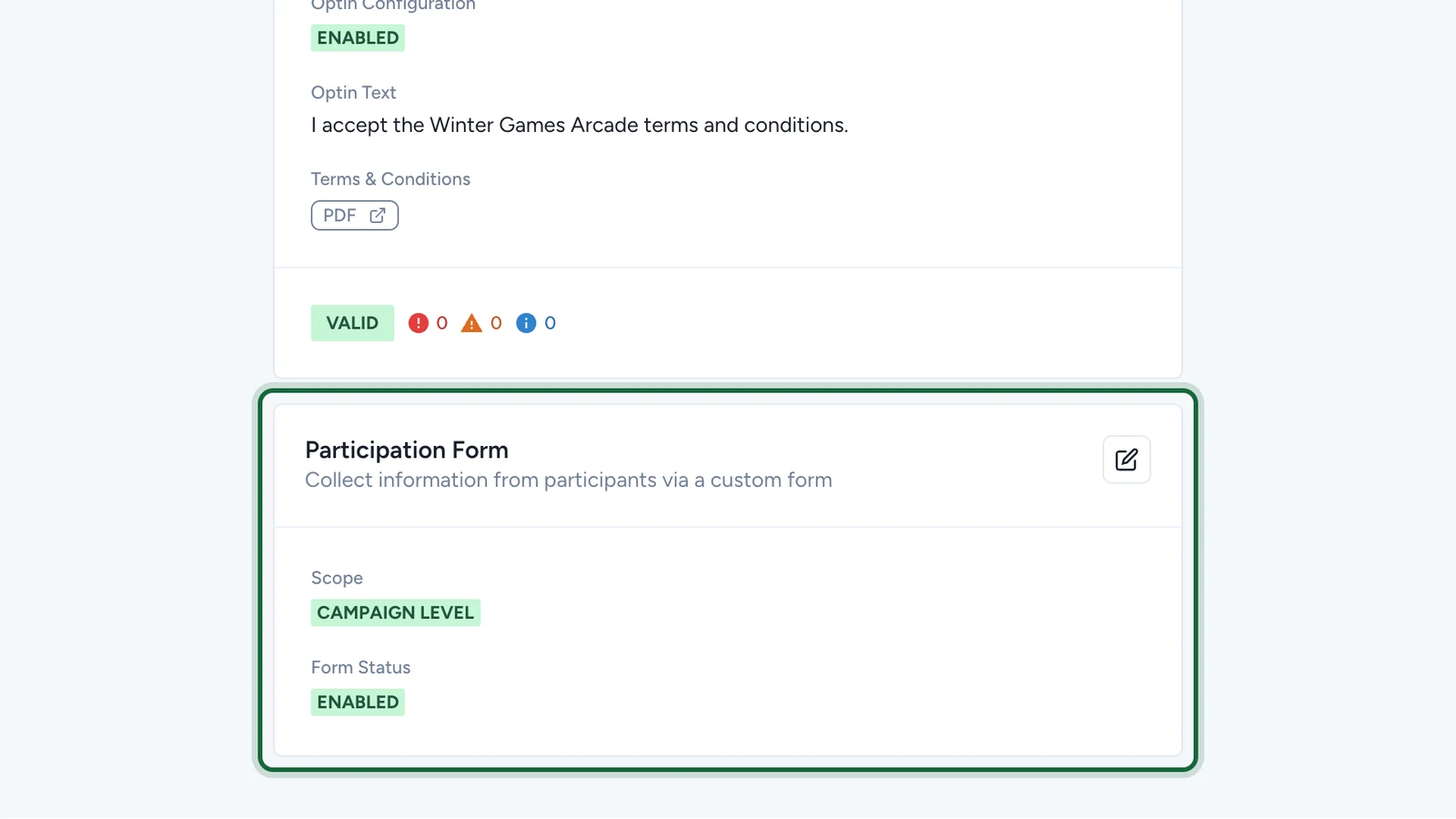
About participation forms
Understand what participation forms collect, when they appear, and how they differ from acquisition forms.
In this article, you'll learn what a participation form is, when participants see it, and how to choose the right scope for your campaign.
What a participation form is
A participation form collects extra information during a touchpoint, before the participant continues. Depending on the experience, that moment can happen before a game starts, before a participant completes a step, or before they submit an action tied to the touchpoint.
Each participation form uses a reusable form schema. You create the schema once, then select it in the campaign or touchpoint configuration.
Participation form vs acquisition form
Participation form and acquisition form solve different problems:
| Form | Main purpose | When it appears | Scope |
|---|---|---|---|
| Participation Form | Collect extra touchpoint-specific data | During touchpoint participation | Disabled, Campaign Level, or Touchpoint Level |
| Acquisition Form | Identify the participant and capture shared consent details | During sign-up or opt-in | Campaign Level only |
A simple way to remember the difference is this: the acquisition form asks whether someone wants to join, while the participation form asks for extra details when they interact with a touchpoint.
The scope model
Participation forms follow the same three-state logic used elsewhere in Platform:
| State | What it means |
|---|---|
| Disabled | No participation form is shown. In the current UI, this is effectively Campaign Level with Enable Form Schema turned off. |
| Campaign Level | One schema is managed centrally and reused across the campaign. |
| Touchpoint Level | Each touchpoint can enable its own participation form and choose its own schema. |
No fallback at touchpoint level
When you switch to Touchpoint Level, OmniLab does not inherit a campaign-level participation form automatically. Every touchpoint must be configured separately.
When to use each level
| Level | Best for |
|---|---|
| Disabled | Campaigns that do not need extra data during participation |
| Campaign Level | One shared questionnaire for the whole campaign |
| Touchpoint Level | Different questions on different touchpoints, or forms only on selected touchpoints |
If every touchpoint should ask the same questions, start with Campaign Level. If touchpoints serve different purposes or need different data, switch to Touchpoint Level.
Where answers appear
Participation form answers are visible in the campaign participant views, including the Participation Form Answers area and CSV exports. Use clear field labels so exported columns stay easy to read later.
Related
Enable and choose scope
Turn the feature on, pick the right scope, and understand the result.
Configure at campaign level
Apply one shared schema to the campaign and choose the fill frequency.
Configure at touchpoint level
Enable forms separately on the touchpoints that need them.
Acquisition Form
Compare touchpoint-time data capture with campaign-level sign-up.