The customer activation platform.Every interaction becomes a qualified contact. Book a demo

Enable and choose scope

Turn the participation form on, pick the right scope, and understand what each choice changes.

In this article, you'll turn the participation form on, choose the right scope, and see what changes for your campaign and touchpoints.

Prerequisites

  • You can edit the campaign in Studio.
  • You have at least one form schema available, or you are ready to create one from the selector.

Configuration

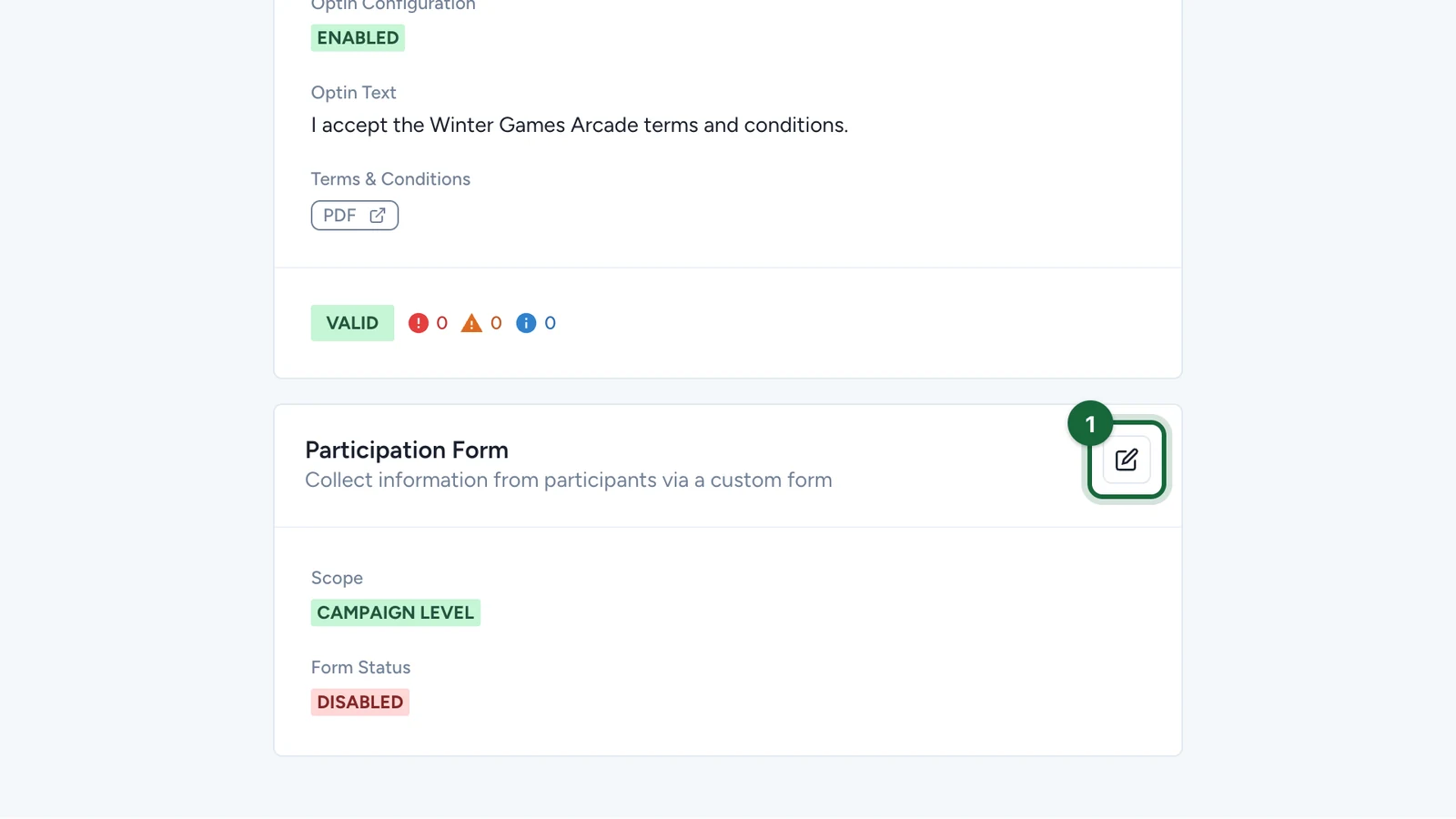
Open Participation Form Configuration

Navigate to Studio -> Build -> General -> Participation Form Configuration.

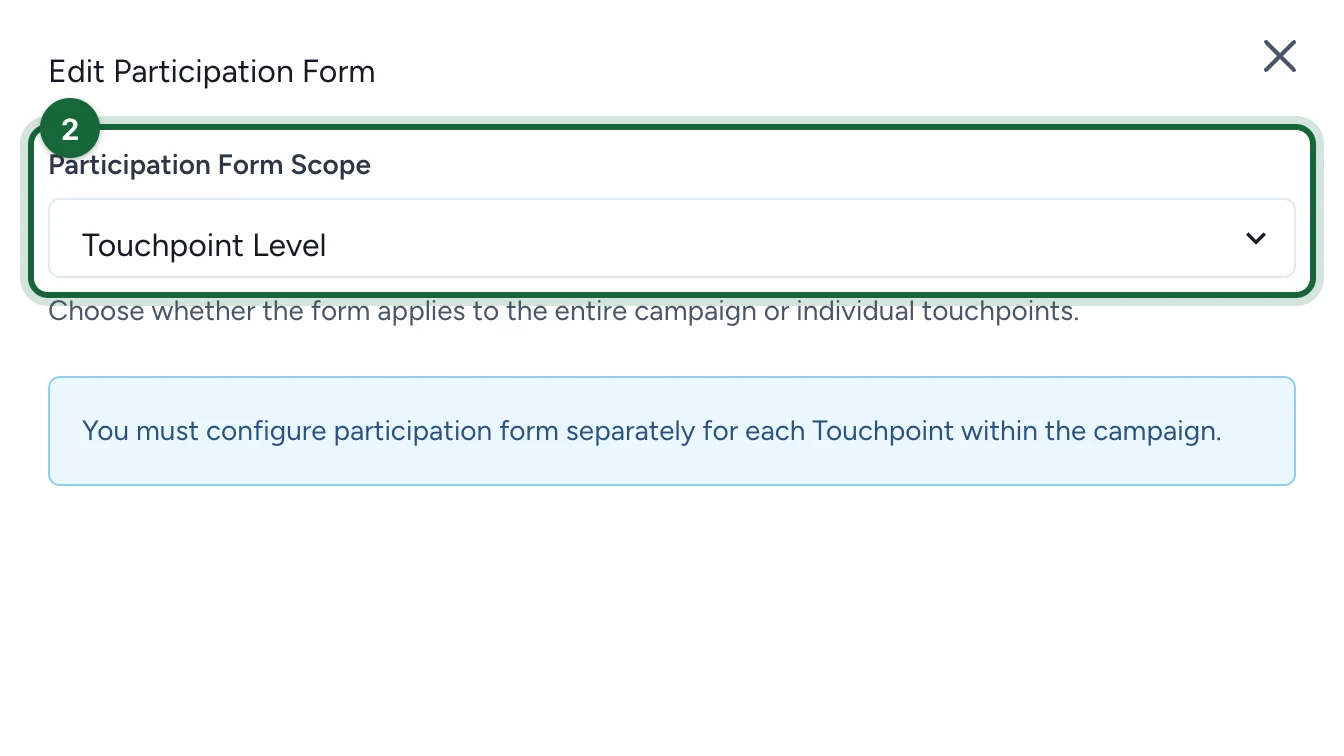
Choose the scope

Select either Campaign Level or Touchpoint Level.

If you want the feature to stay effectively disabled, keep the campaign-level configuration but leave Enable Form Schema turned off.

Enable the shared schema if you stay at campaign level

If you choose Campaign Level, turn on Enable Form Schema.

Select the form schema

Choose an existing schema from the dropdown, or create a new one from the selector.

If the participation form is enabled without a selected schema, validation blocks publishing with A form schema must be selected when the participation form is enabled.

Choose the fill frequency when the scope is campaign level

When the form is managed at Campaign Level, choose:

  • Once per campaign if one submission should cover the whole campaign
  • Once per touchpoint if the same schema should be filled once for each touchpoint

Save the configuration

Click Save.

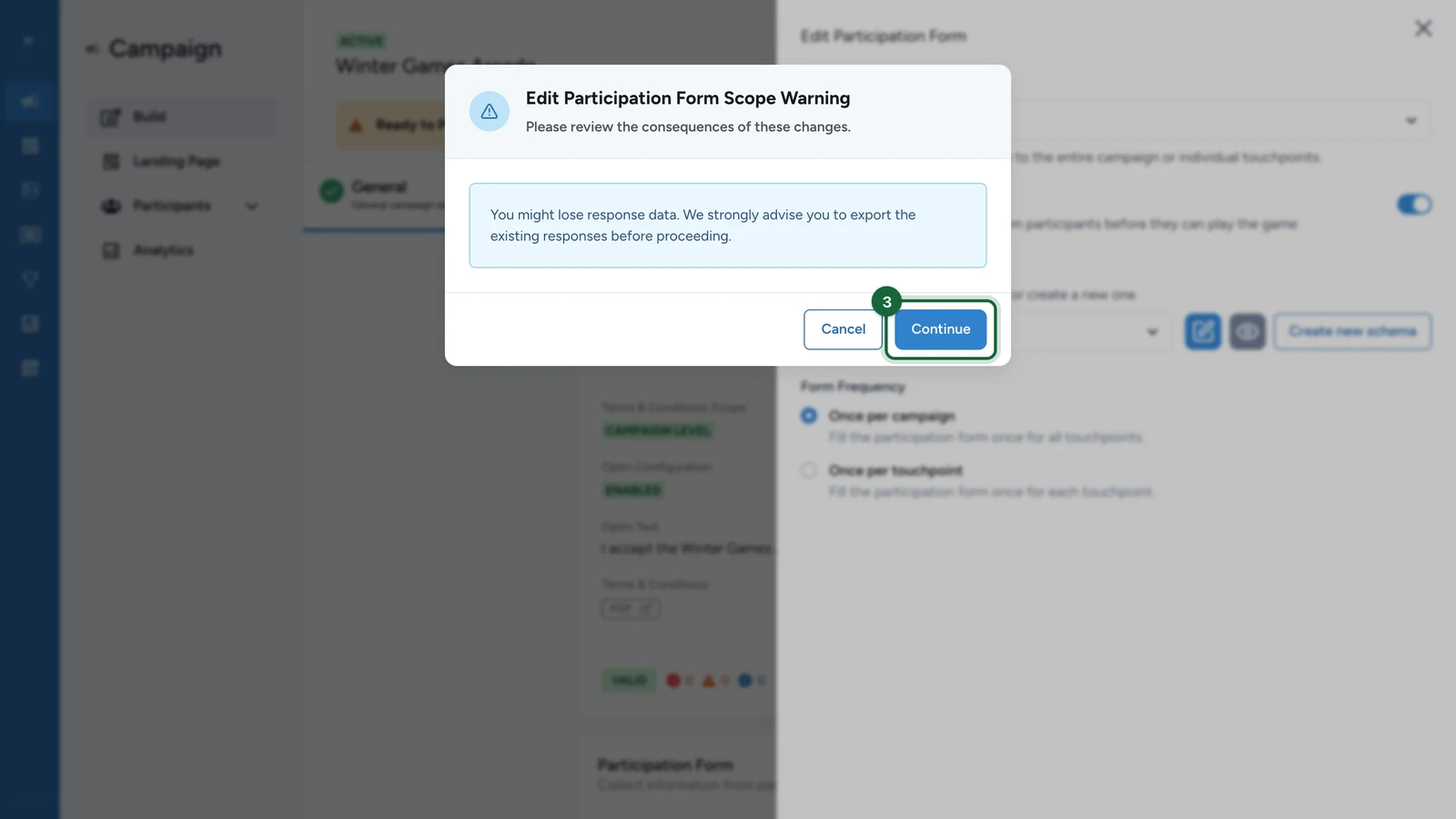
If you switched to Touchpoint Level, continue by configuring the touchpoints that should actually show a participation form.

What each choice means

ChoiceResult
Campaign Level + form disabledNo participation form is shown
Campaign Level + form enabledOne centrally managed schema is reused across the campaign
Touchpoint LevelEach touchpoint controls its own participation form configuration

Touchpoint level means manual setup

Once Touchpoint Level is active, there is no campaign-level fallback. A touchpoint only shows a participation form if you configure one there.

Common validation issue

Validation messageMeaningFix
A form schema must be selected when the participation form is enabled.The shared participation form is turned on, but no schema has been selected yet.Return to Participation Form Configuration, enable the schema, and choose one from the dropdown.

Was this helpful?

Optional comments help us improve this page for future authors and readers.

On this page