Configure at campaign level
Build one participation form and ask it across the whole campaign, once or at every touchpoint.
At campaign level, one form covers every touchpoint. Here, Lindenhall builds a "Winter arcade visit" form with a required question and an optional postcode, and asks it once for the campaign.
Turn the form on
In the campaign, open Build > General.
-
On Participation Form, select the edit button.
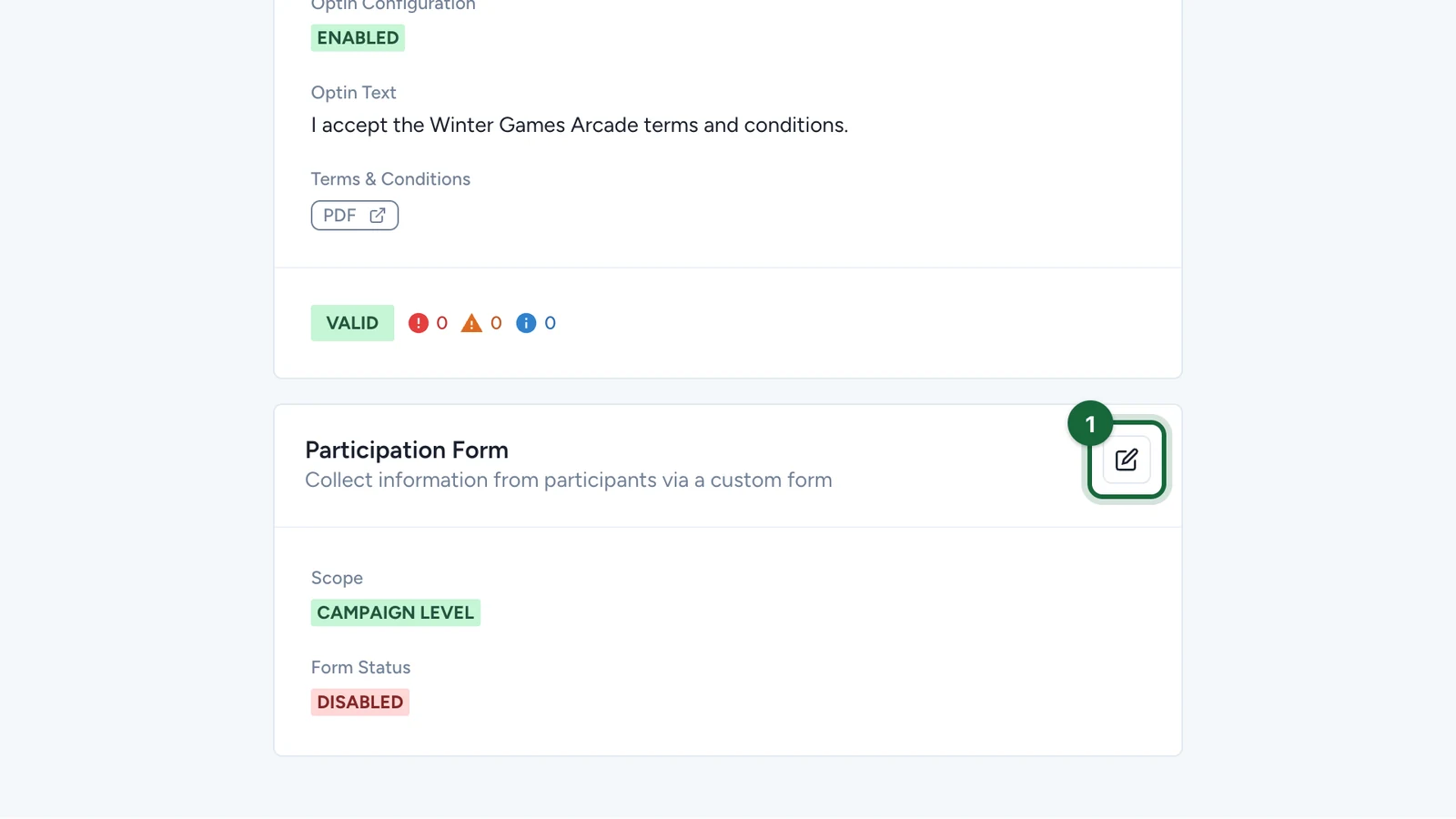
-
Keep Participation Form Scope on Campaign Level.
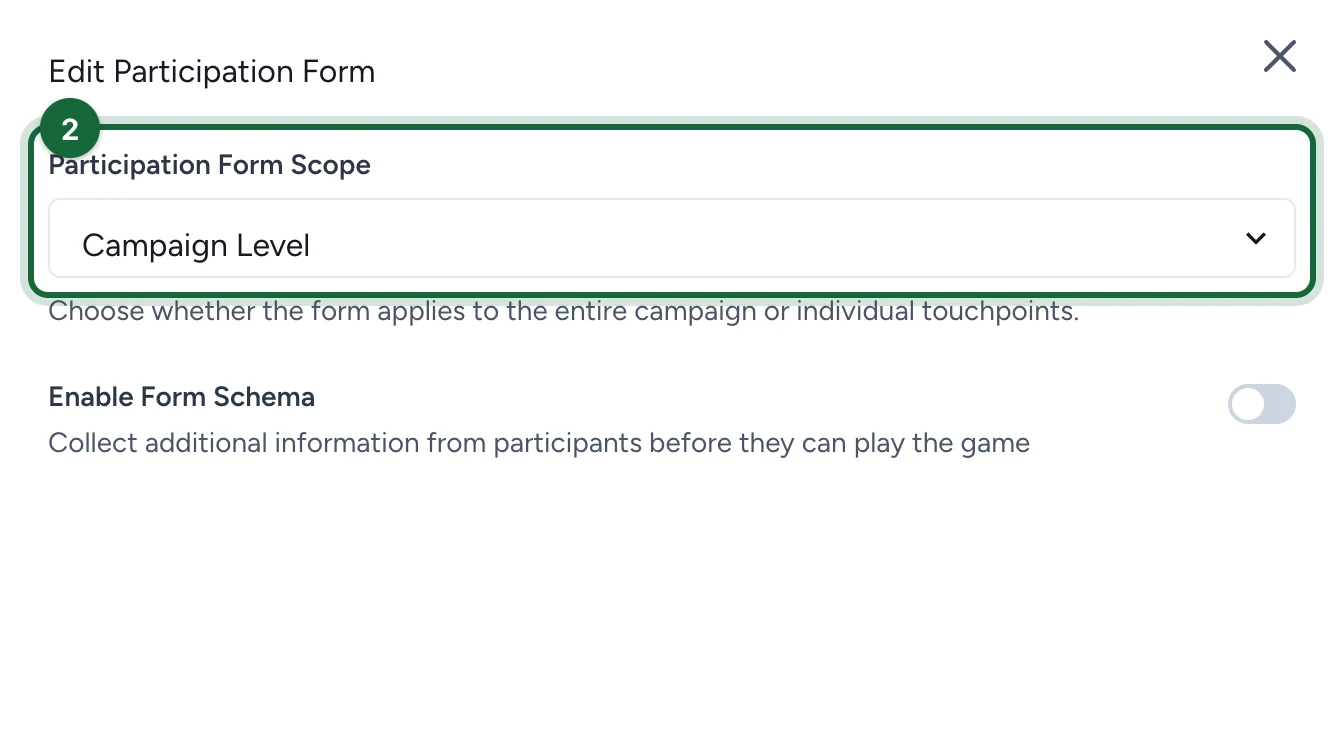
-
Switch on Enable Form Schema.
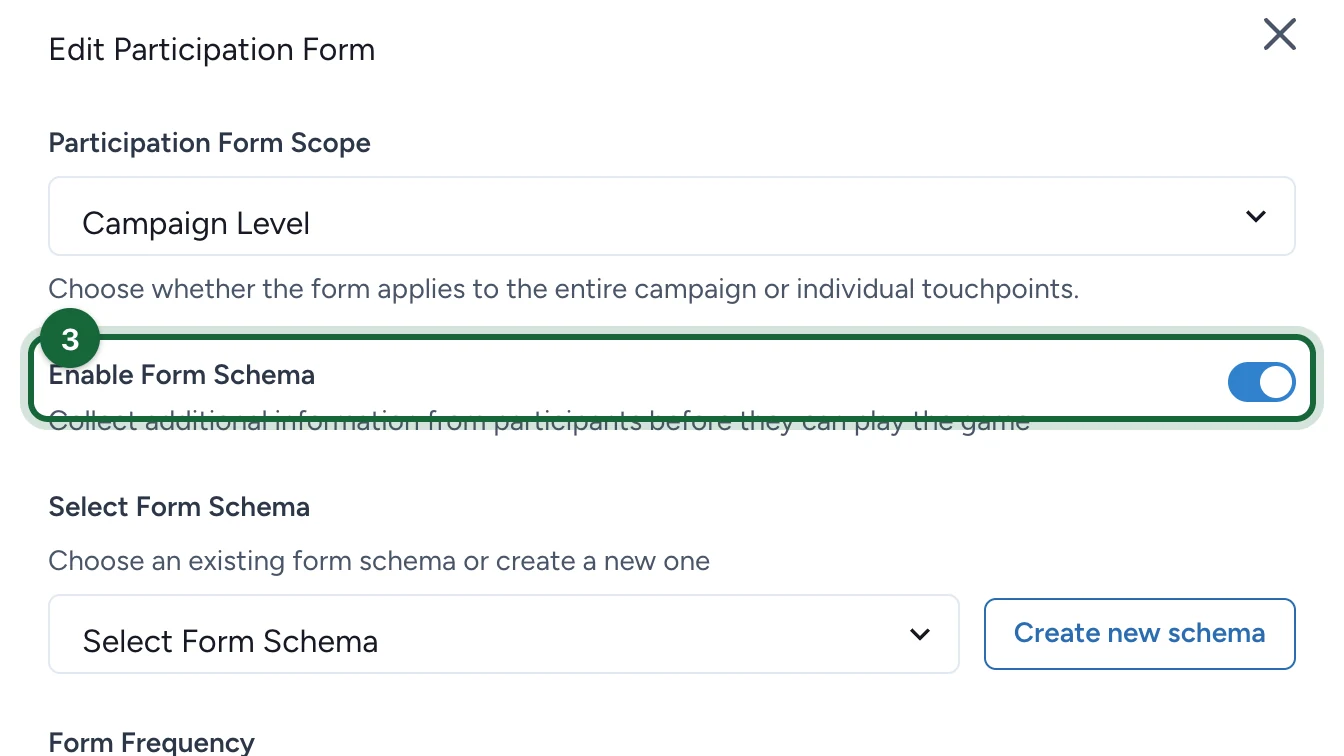
-
Select Create new schema, or pick an existing form under Select Form Schema and go to step 13.
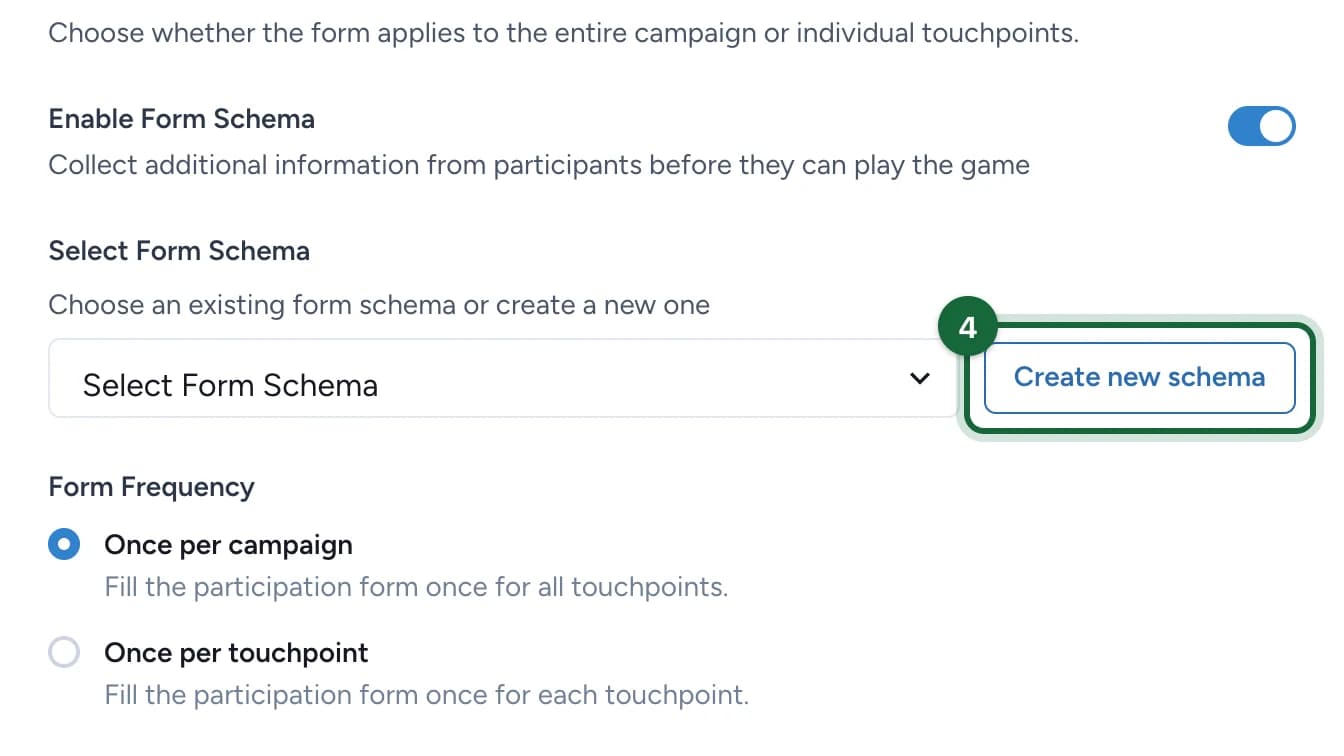
Build the form
-
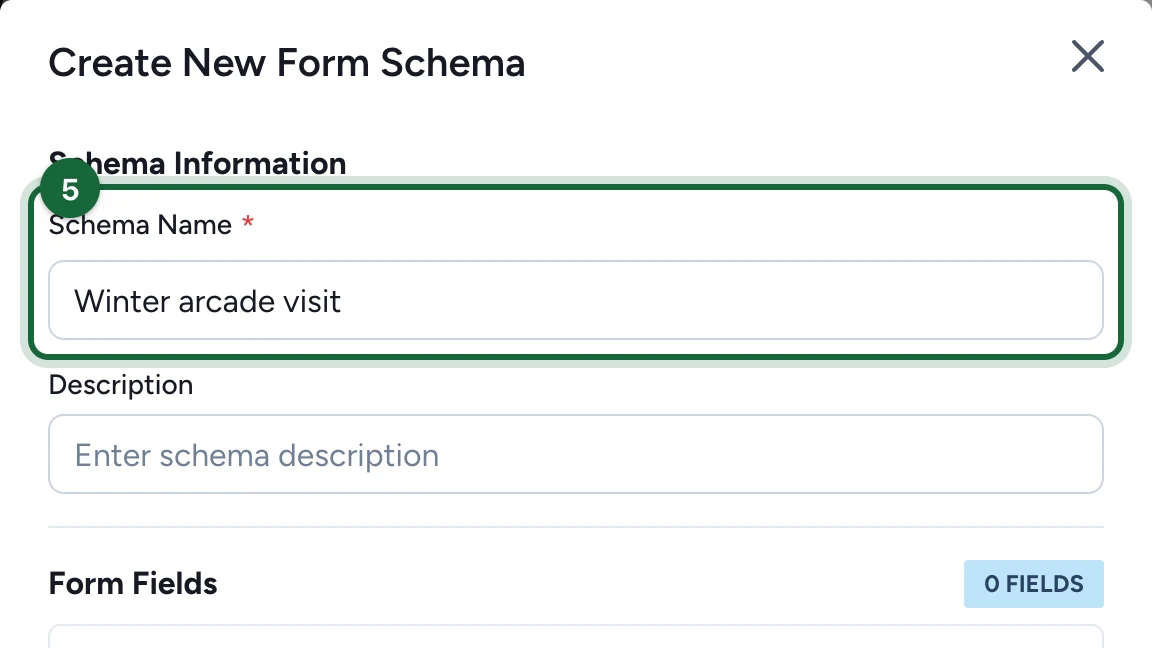
Enter the Schema Name.
-
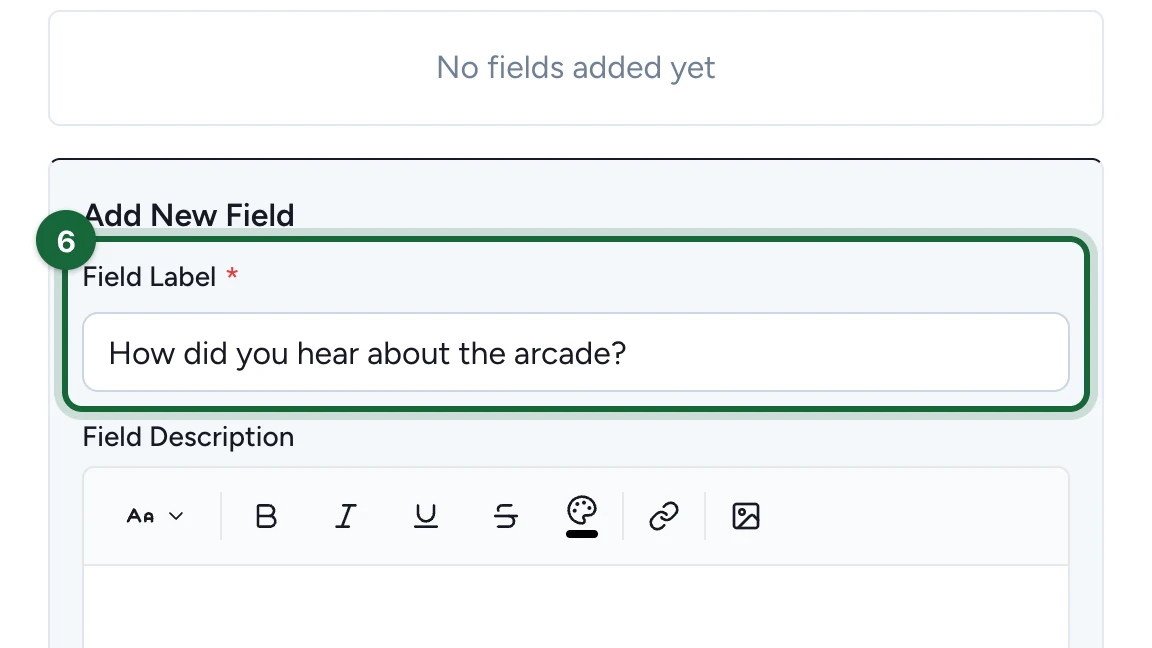
Under Add New Field, enter the Field Label: the question.
-
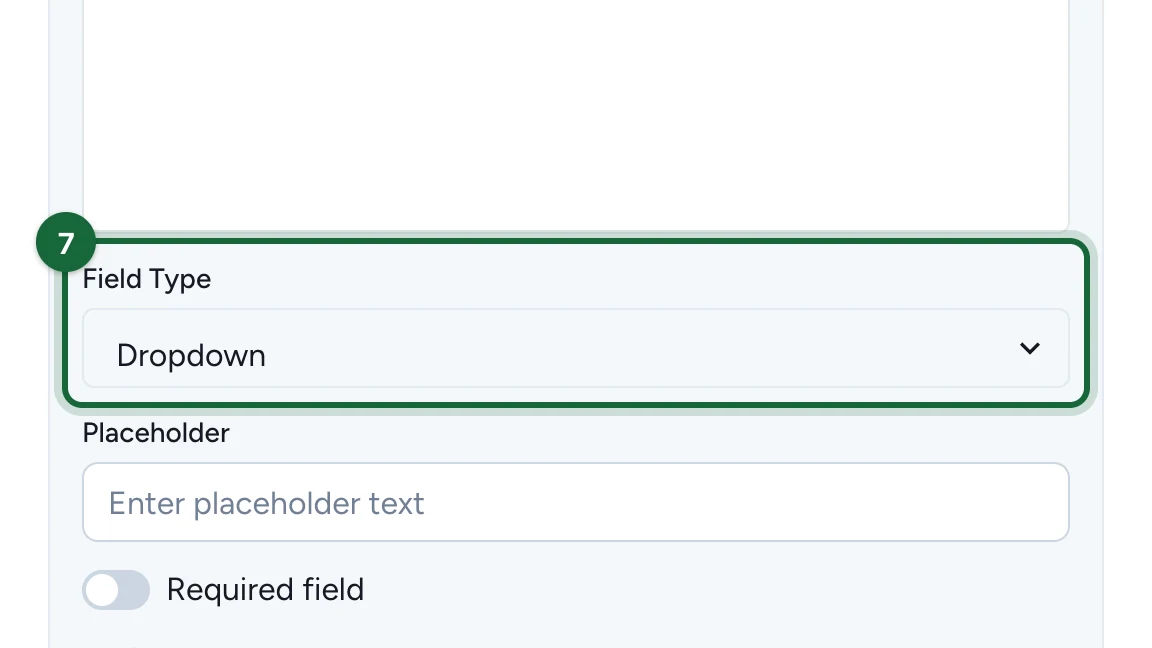
Choose the Field Type, here Dropdown.
-
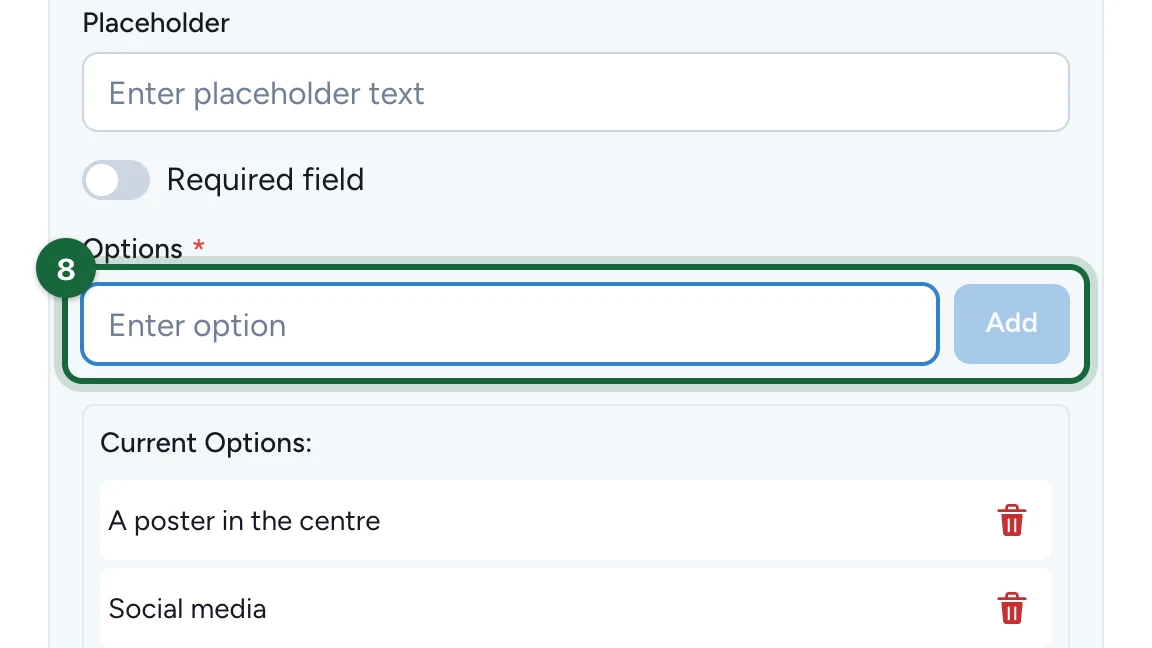
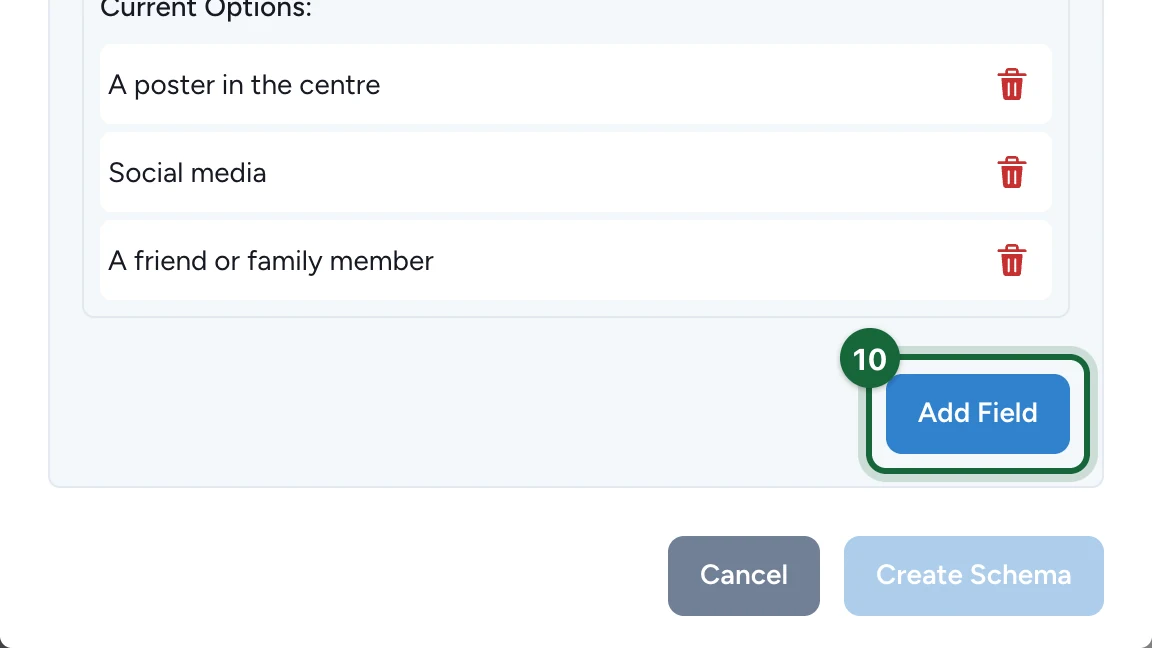
Type each option, then select Add.
-
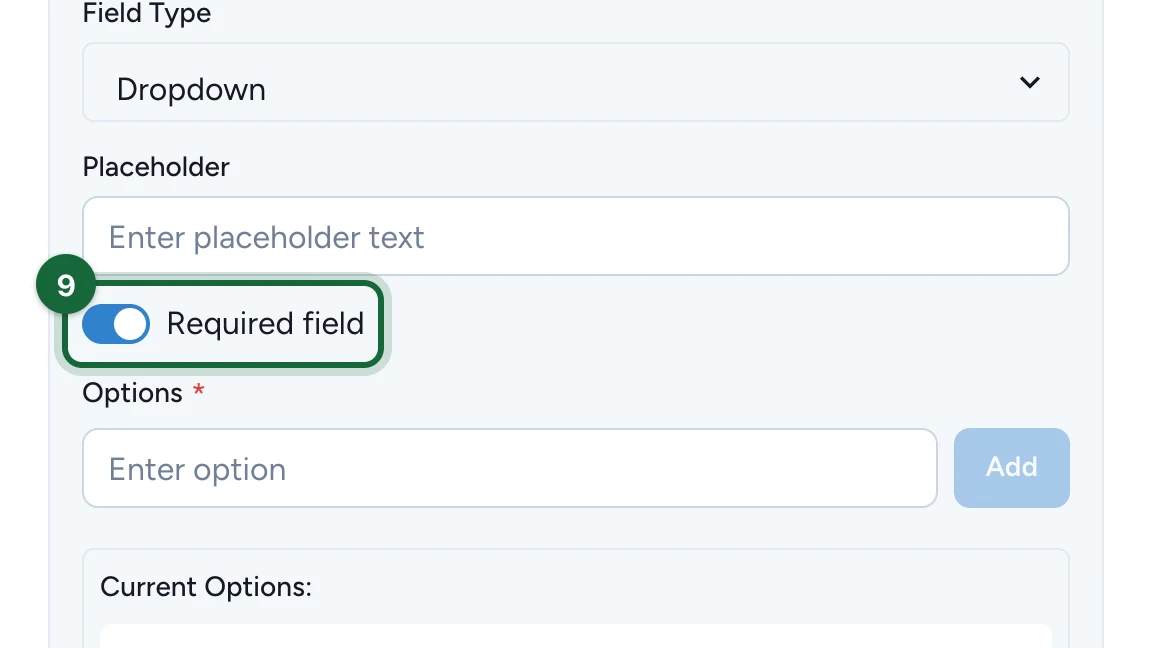
(Optional) Switch on Required field so participants must answer.
-
Select Add Field.
-
Add the other fields the same way. Here, a Text field for the postcode.
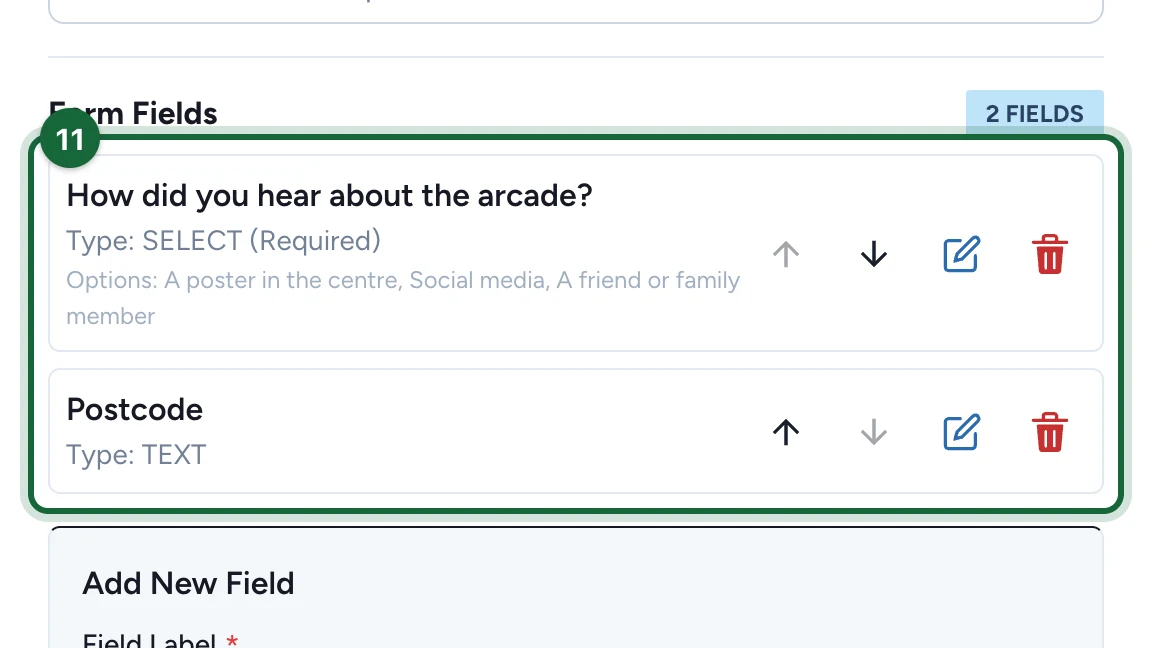
The arrows reorder the fields, the pencil edits one and the bin removes it.
-
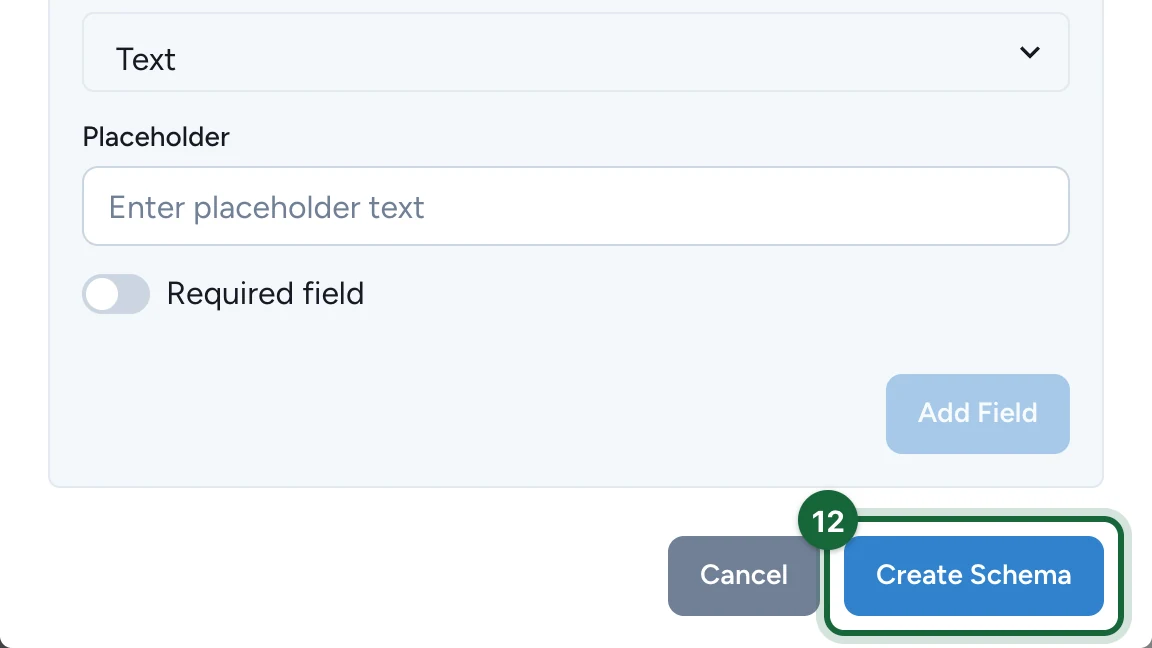
Select Create Schema.
Choose how often
-
Check the form is selected under Select Form Schema.
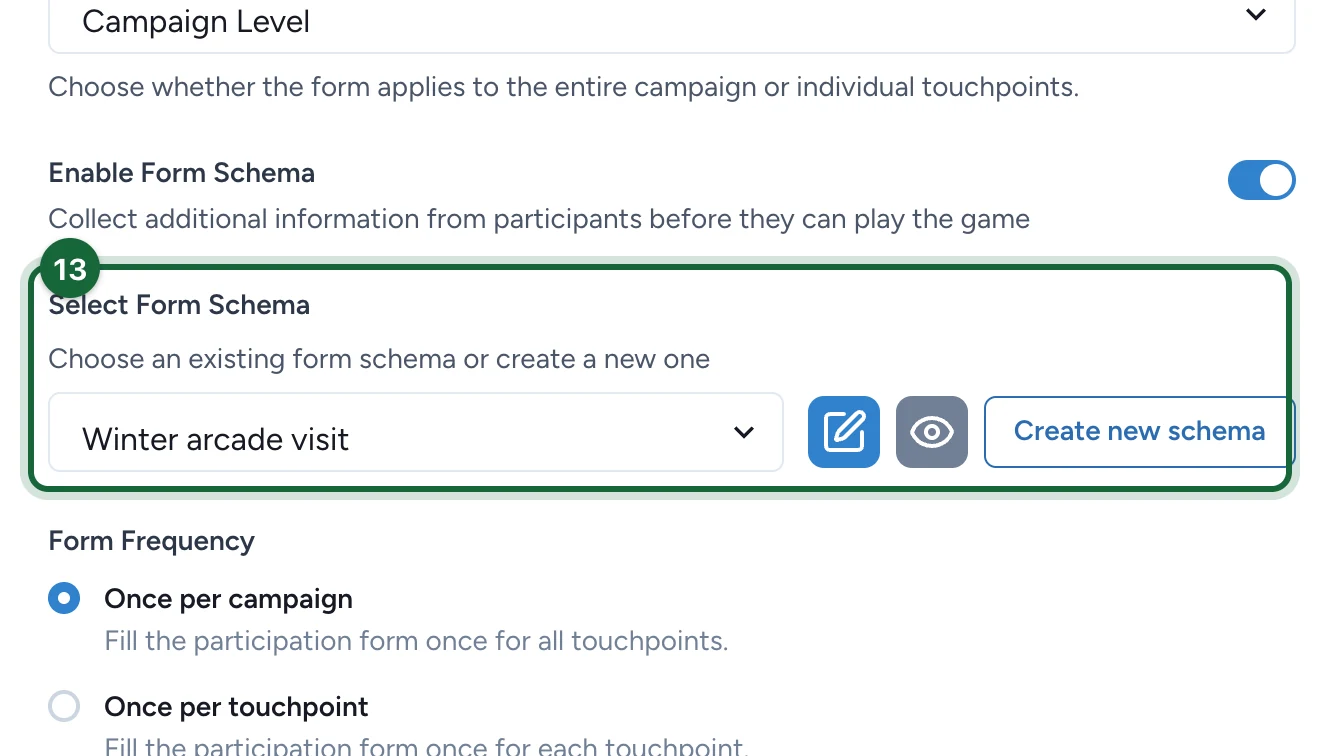
-
Under Form Frequency, choose Once per campaign or Once per touchpoint.
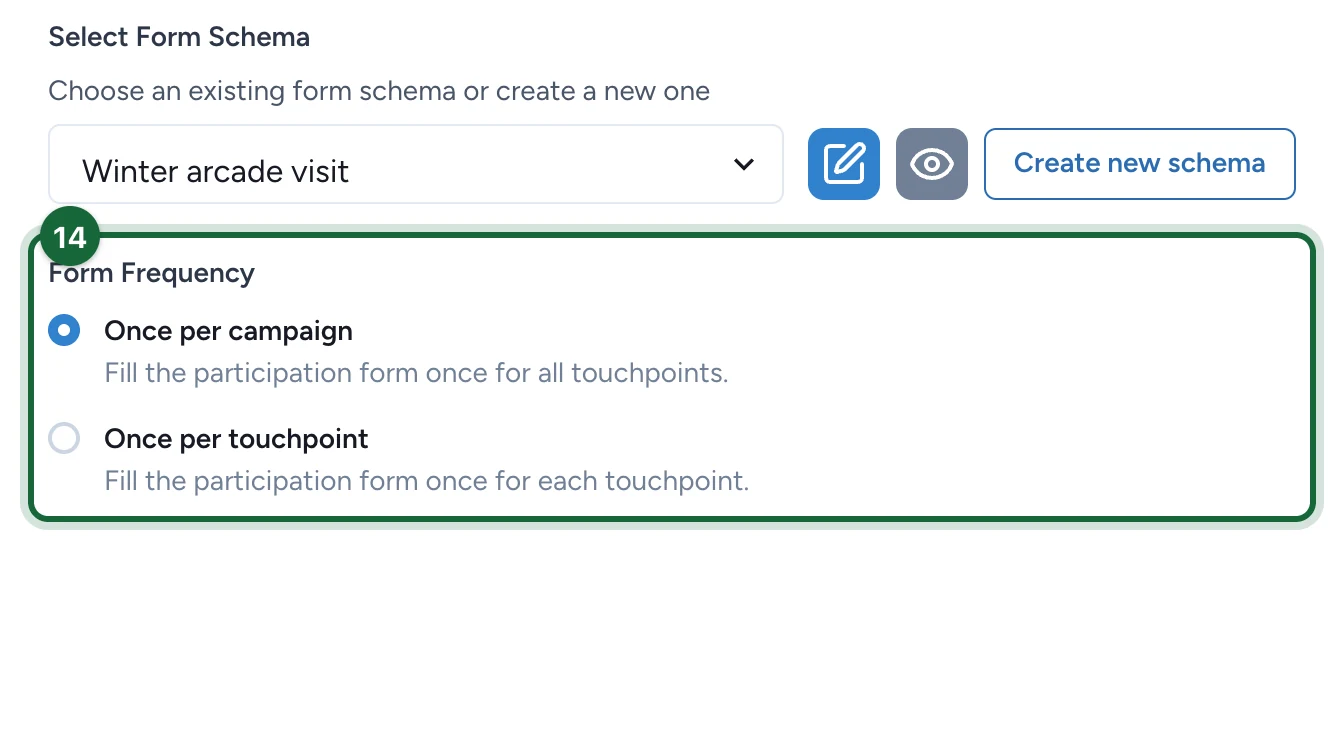
Once per campaign asks the questions the first time someone plays. Once per touchpoint asks them again at each touchpoint.
-
Select Save.
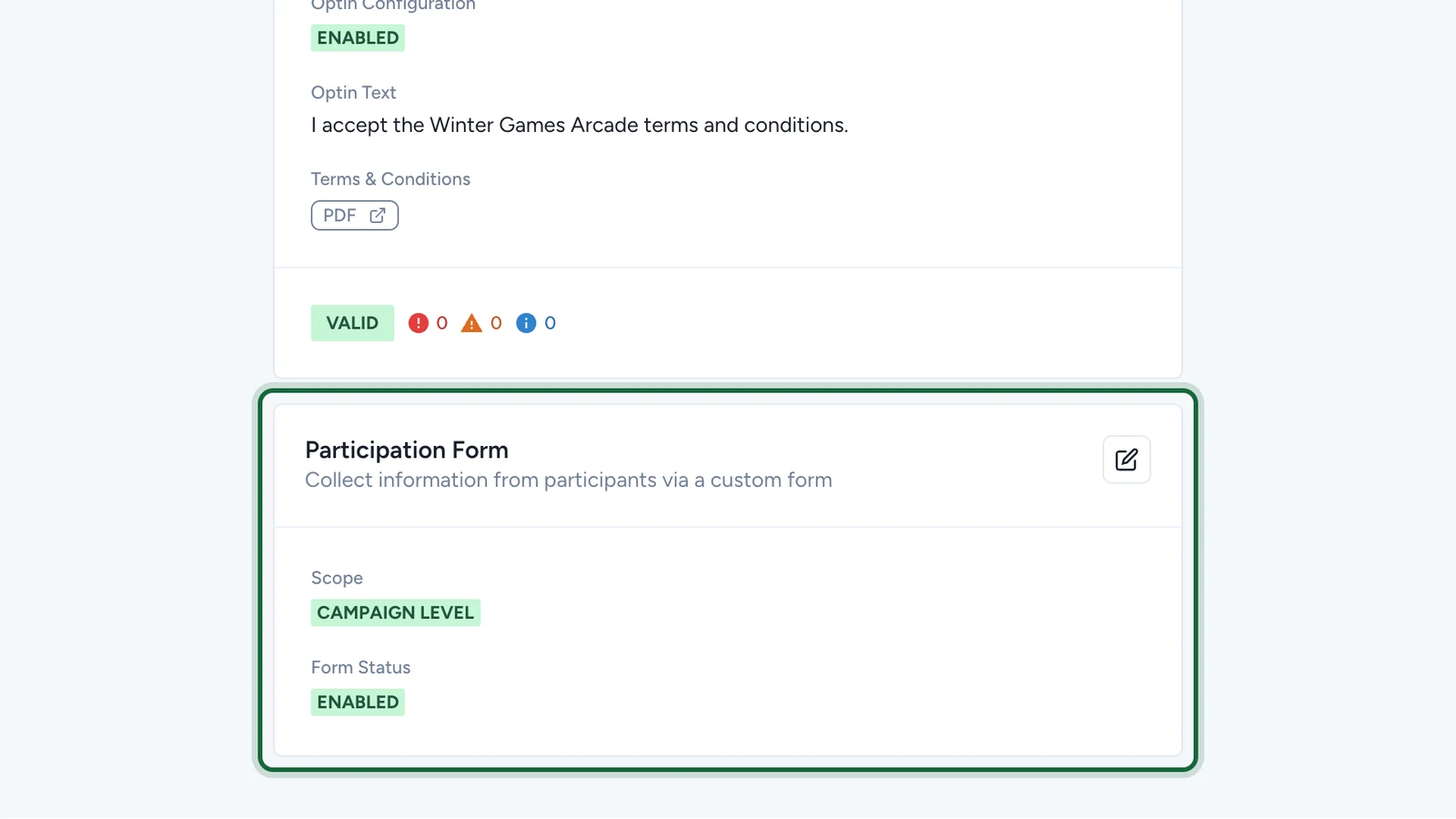
The card now shows ENABLED. Publish the campaign again for participants to see the form.
If publishing is blocked
- The form is on but no schema is selected: choose one under Select Form Schema, or switch Enable Form Schema off.