Form fields reference
The field types a participation form can hold, the settings on each field, and which edits put past answers at risk.
1 min read
This page lists what a participation form schema can hold. For the steps, see Configure at campaign level.
Field types
| Type | Participants get | Notes |
|---|---|---|
| Text | A one-line box | Short answers: a postcode, a city |
| An email box | The address format is checked | |
| Number | A number box | Numbers only |
| Telephone | A phone number box | |
| Dropdown | A list to choose from | Needs at least one option; give two or more |
| Checkbox | A box to tick | Confirmations and yes/no questions |
| Date | A date picker | |
| File | A photo upload | Photos up to 5 MB |
Field settings
- Field Label (required): the question. It also becomes the column name in exports.
- Field Description: help text under the question, with basic formatting and images.
- Placeholder: example text inside the box.
- Required field: participants must answer before they continue.
- Options: for Dropdown, one per choice.
A schema needs a Schema Name and at least one field.
Editing a schema in use
A schema is shared by every campaign that uses it, and edits show there once each campaign is published again. Selecting the pencil next to Select Form Schema first shows what's at risk:
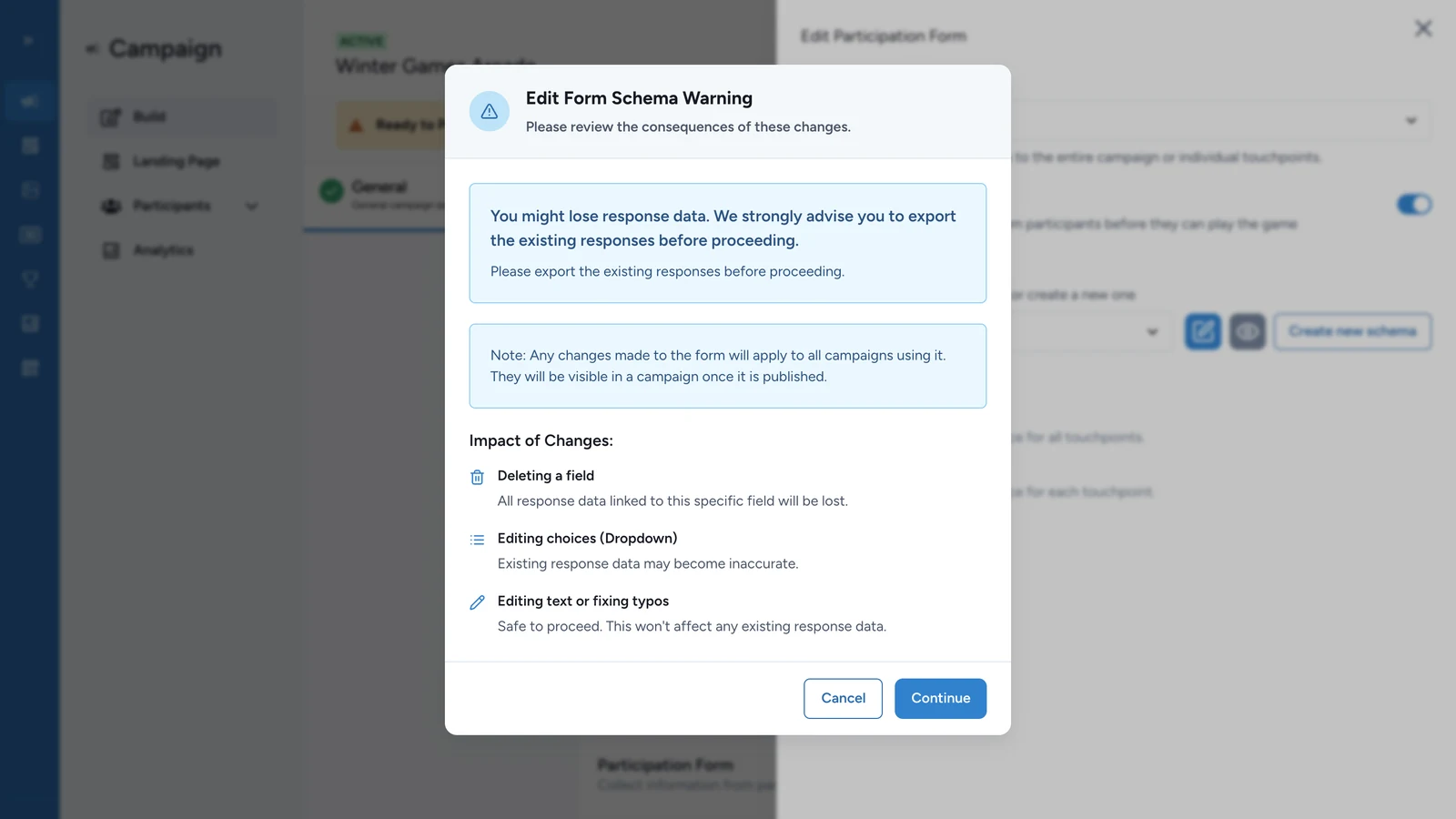
| Edit | Effect on answers already collected |
|---|---|
| Fixing text or typos | None |
| Changing a dropdown's choices | Past answers may no longer match the choices |
| Deleting a field | That field's answers are lost |
Export the answers from Participants before you change choices or delete a field.