What OmniLab measures
What OmniLab counts across campaigns, touchpoints, Smart Links and events, and what it can export.
1 min read
Each campaign has an Analytics dashboard, in blocks. Bookings, receipts, rankings and Smart Links have reports of their own. Here, Lindenhall reads its Autumn Workshops.
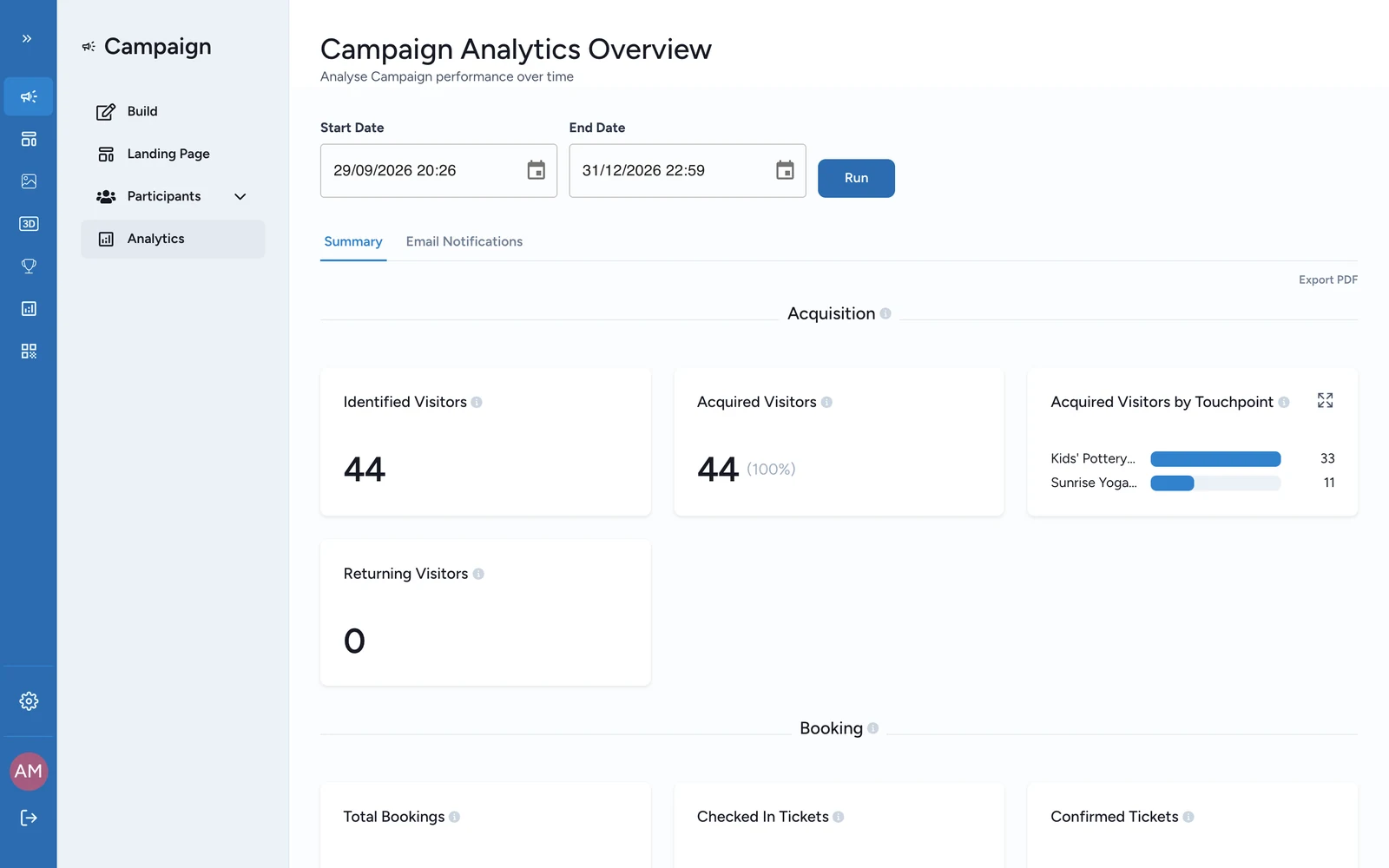
The dashboard blocks
| Block | Its numbers | What it answers |
|---|---|---|
| Acquisition | Identified Visitors, Acquired Visitors, Acquired Visitors by Touchpoint, Returning Visitors | How many people came, and how many signed up |
| Booking | Total Bookings, Confirmed Tickets, Checked In Tickets, Waitlisted Tickets, Canceled Tickets, each by event too | Places booked and guests who came. Only for campaigns with an Activity |
| Engagement | Total Participants, Active Participants, Active Participants by Touchpoint, Total Collectibles Unlocked, Avg. Collectibles Per Participant, Avg. Collectibles Per Active Participant, Total Winners, Total Non Winners, Total Eligibles, Clicks by CTA Label | How far people went, and who won |
| UTM Tracking | Participants Per UTM Source, Medium and Campaign | Which links brought people in |
| Device Tracking | Participants Per OS, Participants Per Platform | Which phones and browsers they used |
The dashboard's Email Notifications tab counts the emails the campaign sent: see Campaign dashboard.
Reports outside the dashboard
| You want | Where |
|---|---|
| Who took part, and what they won | Participants > All Participants: see Winner lists & exports |
| Places per session, and who checked in | Participants > Bookings > Performance: see Booking analytics |
| Rankings in a skill game | Participants > Leaderboard |
| Receipts and spend | The Receipt Host App's Progression: see Track a receipt game in Progression |
| Smart Link scans | The Smart Link's Analytics: see Smart Link analytics |
Where it stops
OmniLab reports on each campaign as it runs. To compare campaigns, or to join the numbers with your own data, export them and carry on in your spreadsheet or reporting tool: see Exports & reports.