Catcher
Players steer a 3D object to collect falling items and dodge traps, and the best scores win a leaderboard prize.
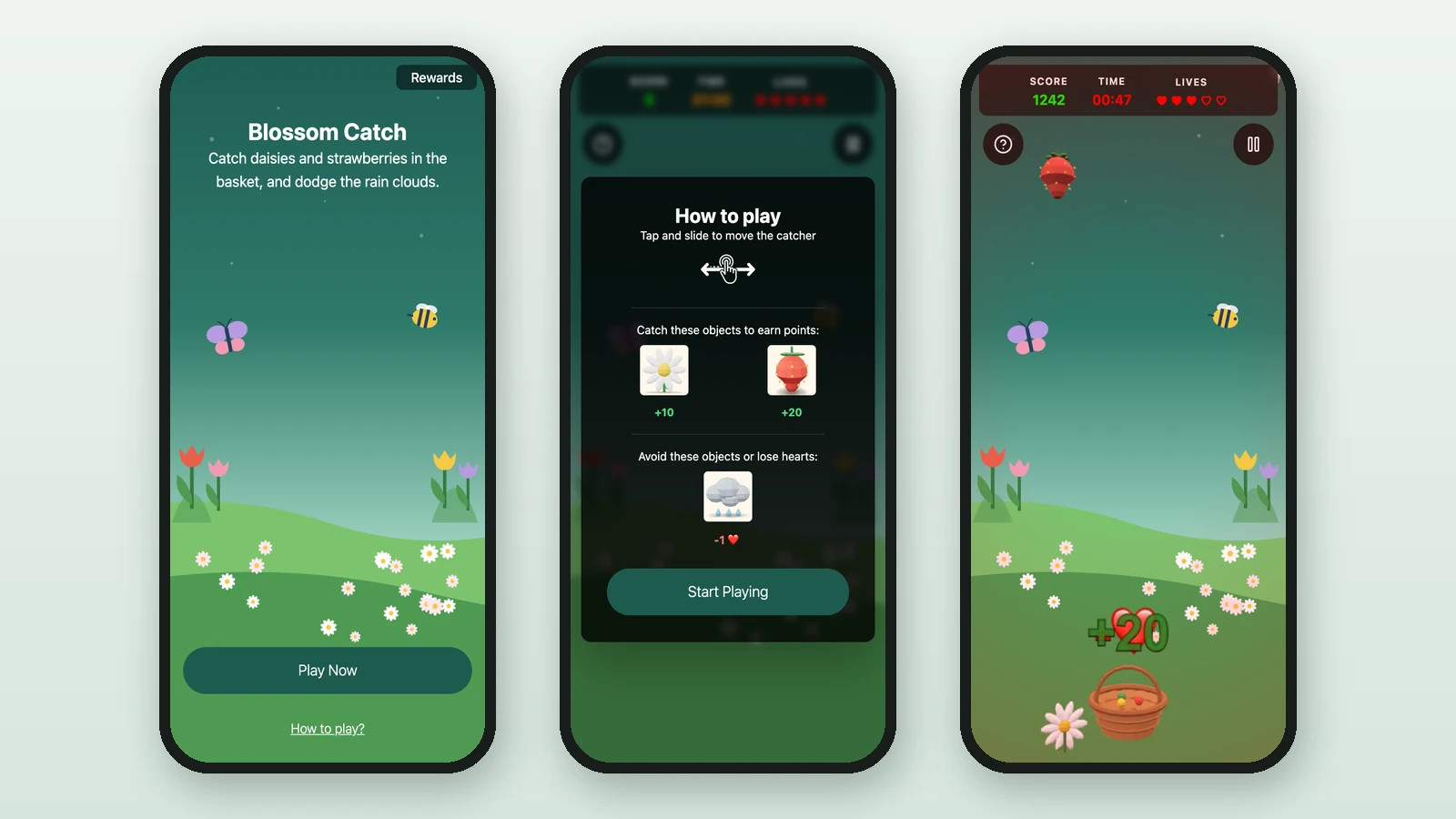
In a Catcher game, objects fall from the top of the screen. Players move a catcher along the bottom to collect the good ones and avoid the traps before the time runs out. Studio lists it as Catcher Game. Here, Lindenhall's Blossom Catch has a basket, daisies and strawberries to catch, and rain clouds to dodge. The five best scores win a watering can set.
Before you begin
- A campaign open in Build: see Your first campaign.
- A Performance Based Reward for the winners: see Leaderboard rewards.
- Your images, and 3D models for the catcher, the items and the traps:
Background Image
RequiredThe full-screen visual behind any game (wheel, scratch, reveal, quiz, and more).
- Requiredexcept for instant reward and sign-up games
- Size1536 × 2048 px
- Aspect ratio3:4
- FormatsJPEG / WEBP / PNG
It fills the screen from the top centre, with the title, the game and the button on top, and phones crop about a fifth off each side: keep text and faces in the middle.
Catcher Object
RequiredThe 3D object players move along the bottom to catch falling items.
- Required
- FormatsGLB · USDZ
Chosen from your 3D library. GLB powers 3D and Android AR; add USDZ for iPhone and iPad. Keep models low-poly and under ~5 MB so they load fast on phones.
Items to Catch
RequiredThe good 3D objects that fall from the top and score points when caught.
- Required
- FormatsGLB · USDZ
Each item is a 3D model from your library, with its own point value. Keep models low-poly and under ~5 MB so they load fast on phones.
Traps to Avoid
OptionalThe bad 3D objects players should avoid — catching one costs a life.
- Optional
- FormatsGLB · USDZ
Optional. Each trap is a 3D model from your library. Keep models low-poly and under ~5 MB so they load fast on phones.
Reward Icon
OptionalThe icon that represents a reward.
- Optional
- Size800 × 800 px
- Aspect ratio1:1
- FormatsJPEG / WEBP / PNG
Circular design and a transparent background work best.
Add the game
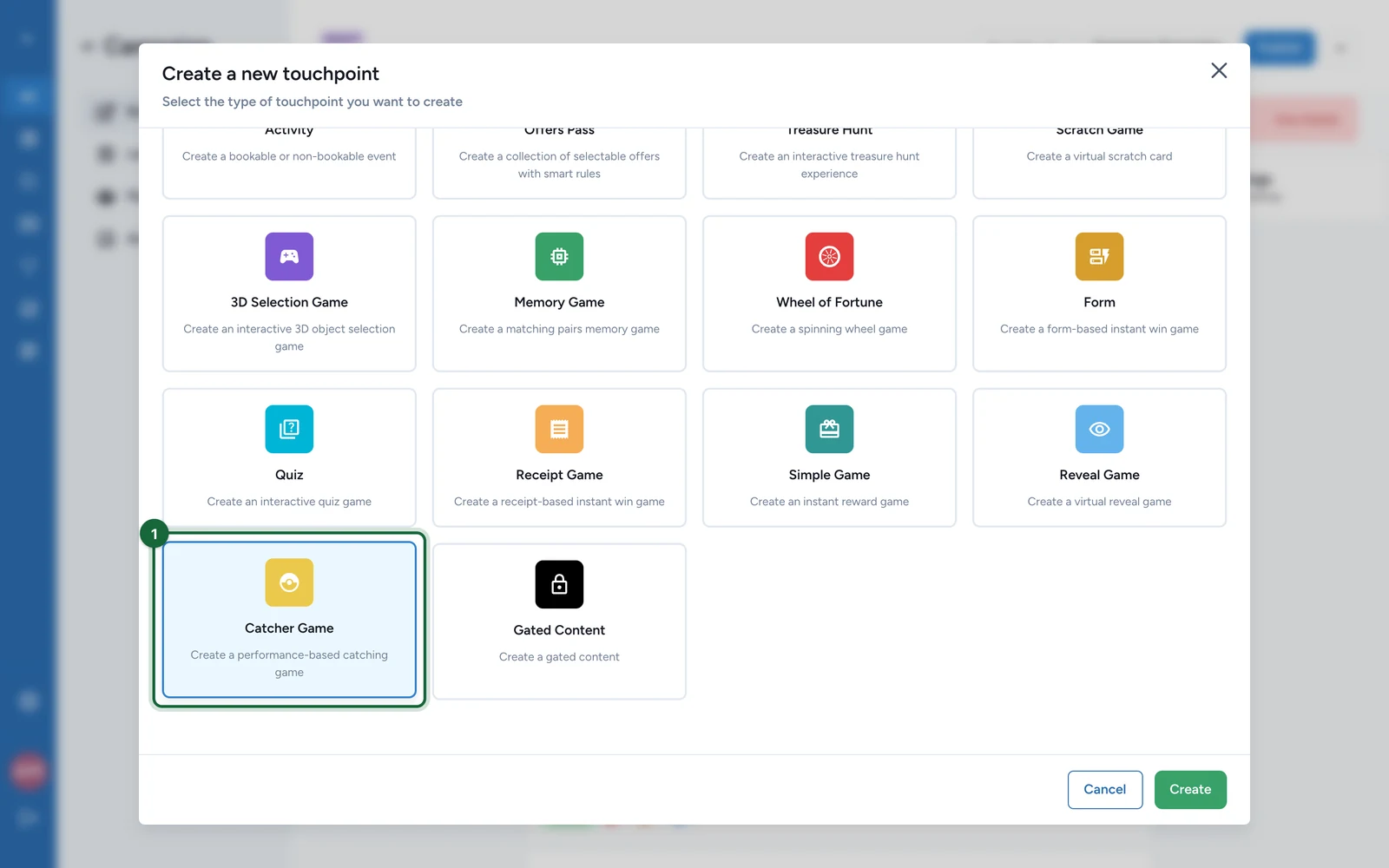
In Build > Touchpoints, select Add New Touchpoint.
-
Select Catcher Game, then Create.
-
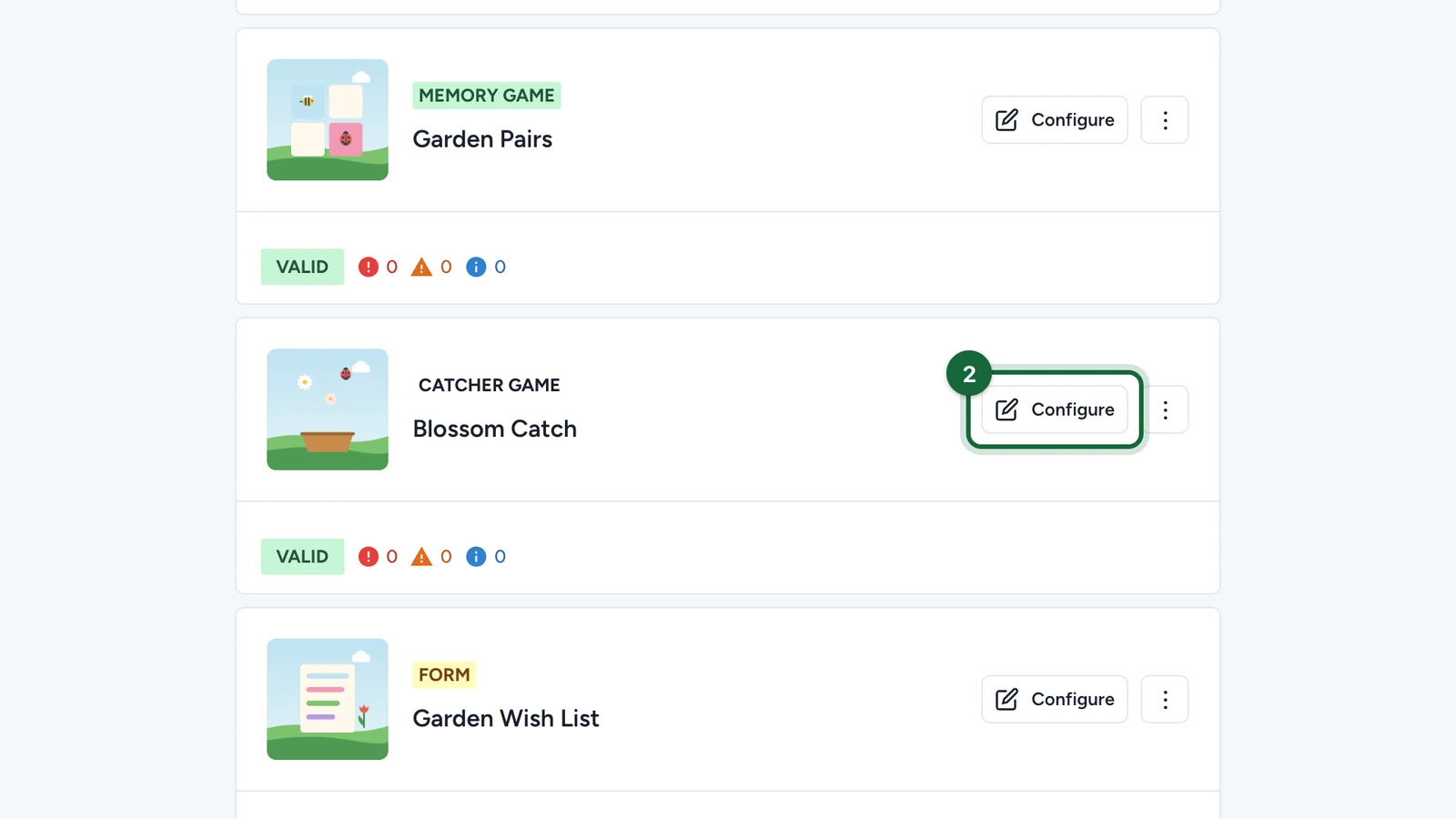
On the new game, select Configure.
Set the page
On the Appearance tab:
-
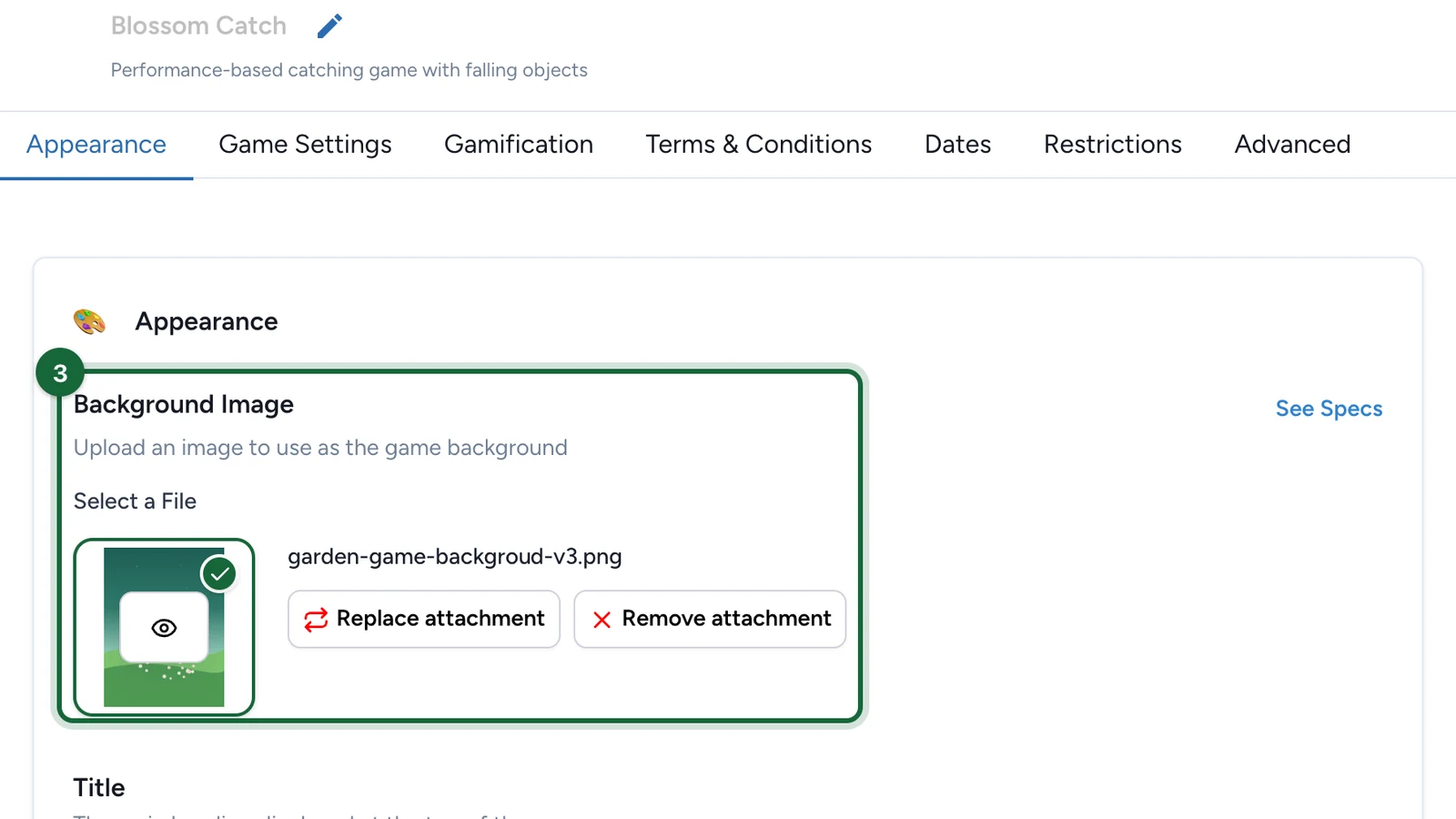
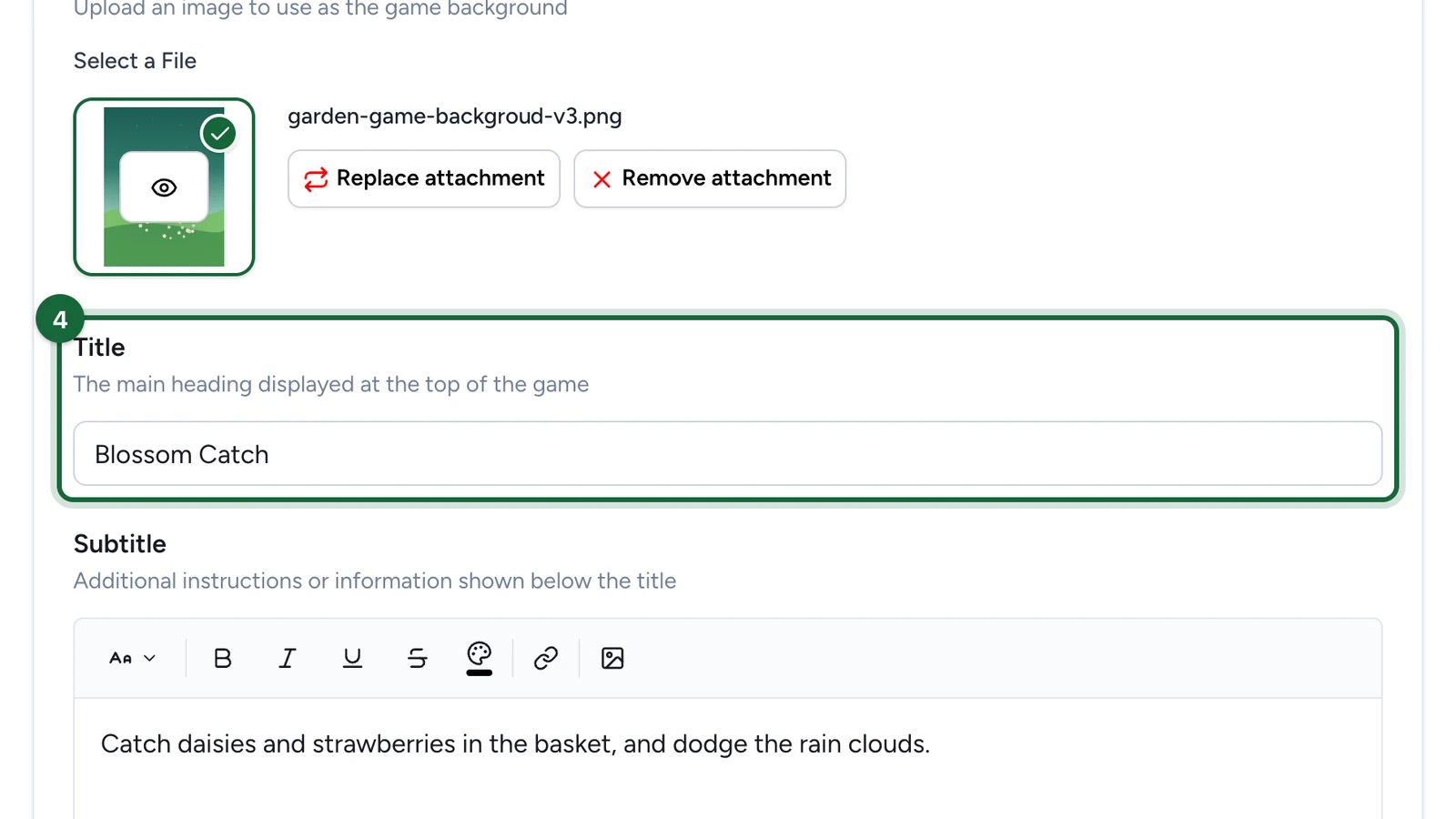
Under Background Image, choose the picture behind the game.
-
Enter the Title.
-
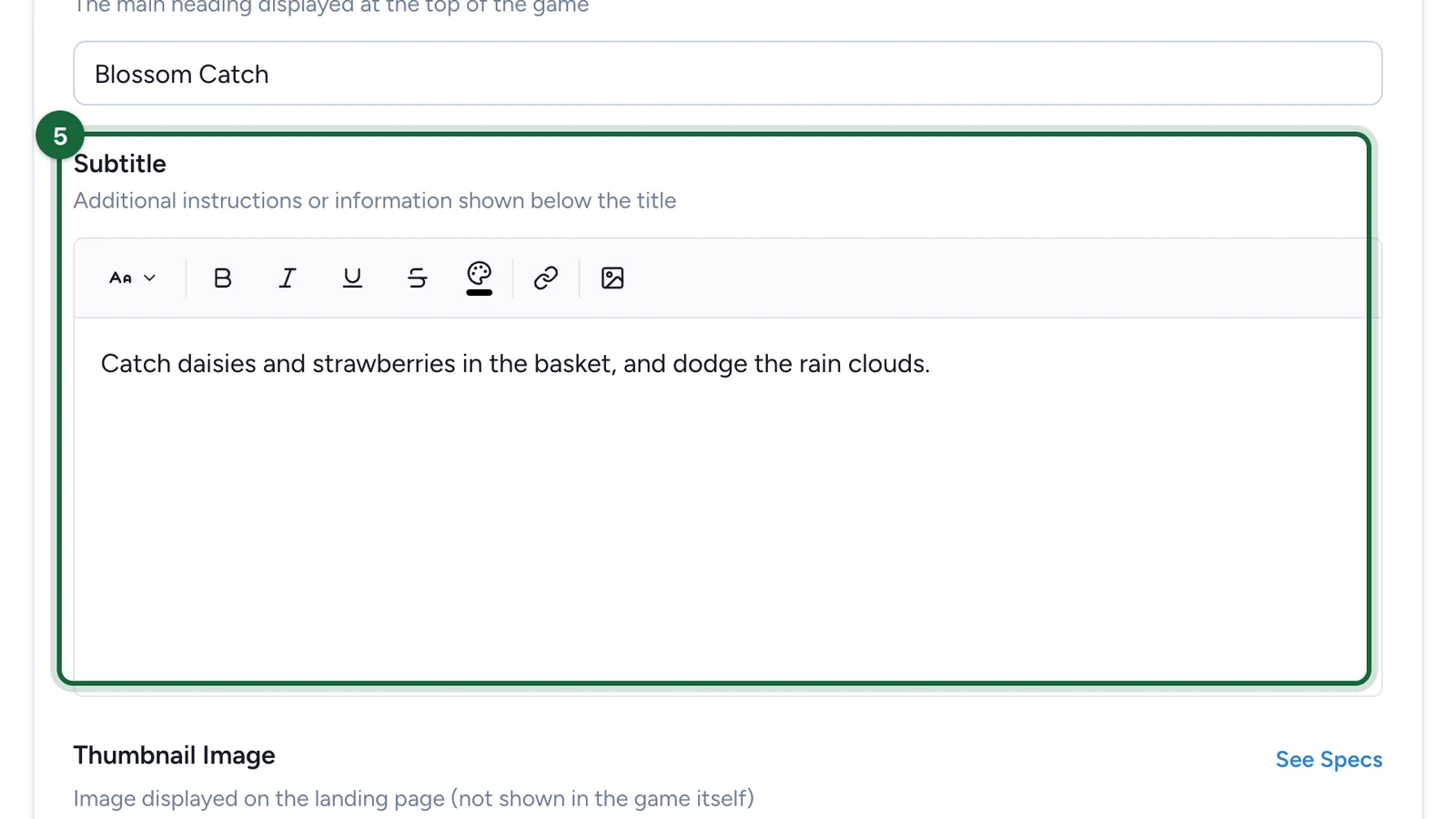
Enter the Subtitle: say what to catch and what to avoid.
-
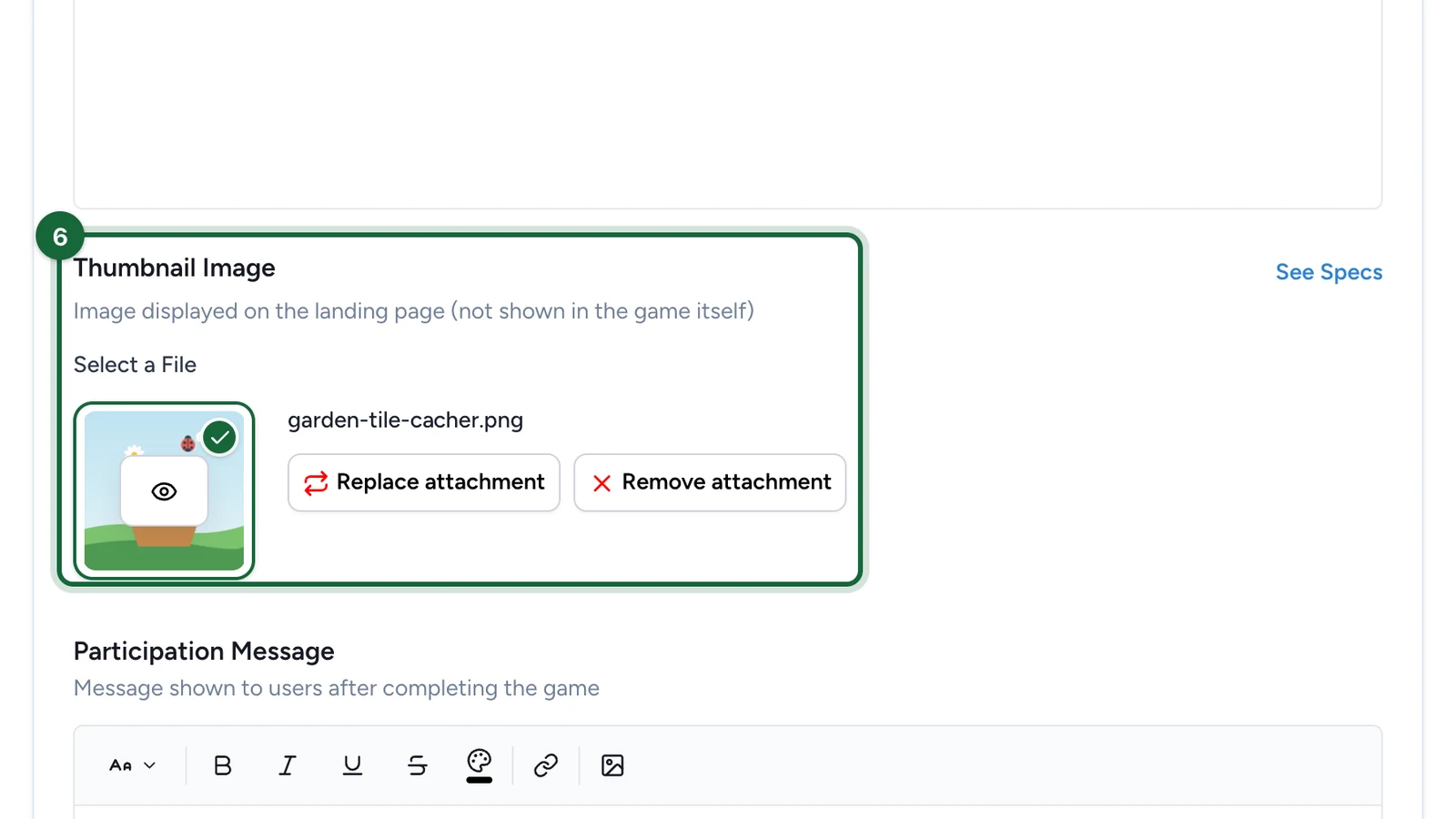
(Optional) Under Thumbnail Image, choose the game's picture on the landing page, if the campaign has one.
Set up the game
-
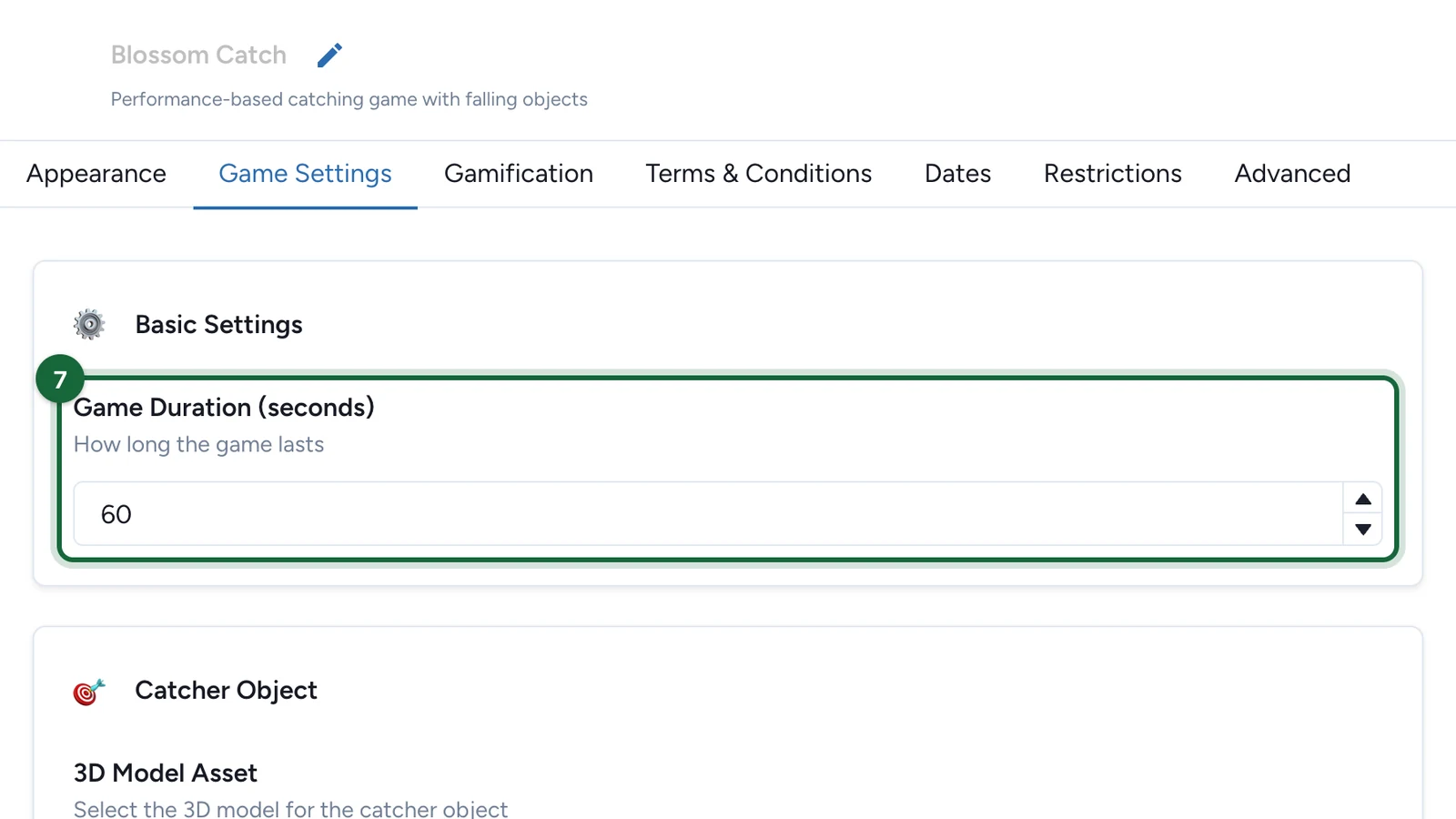
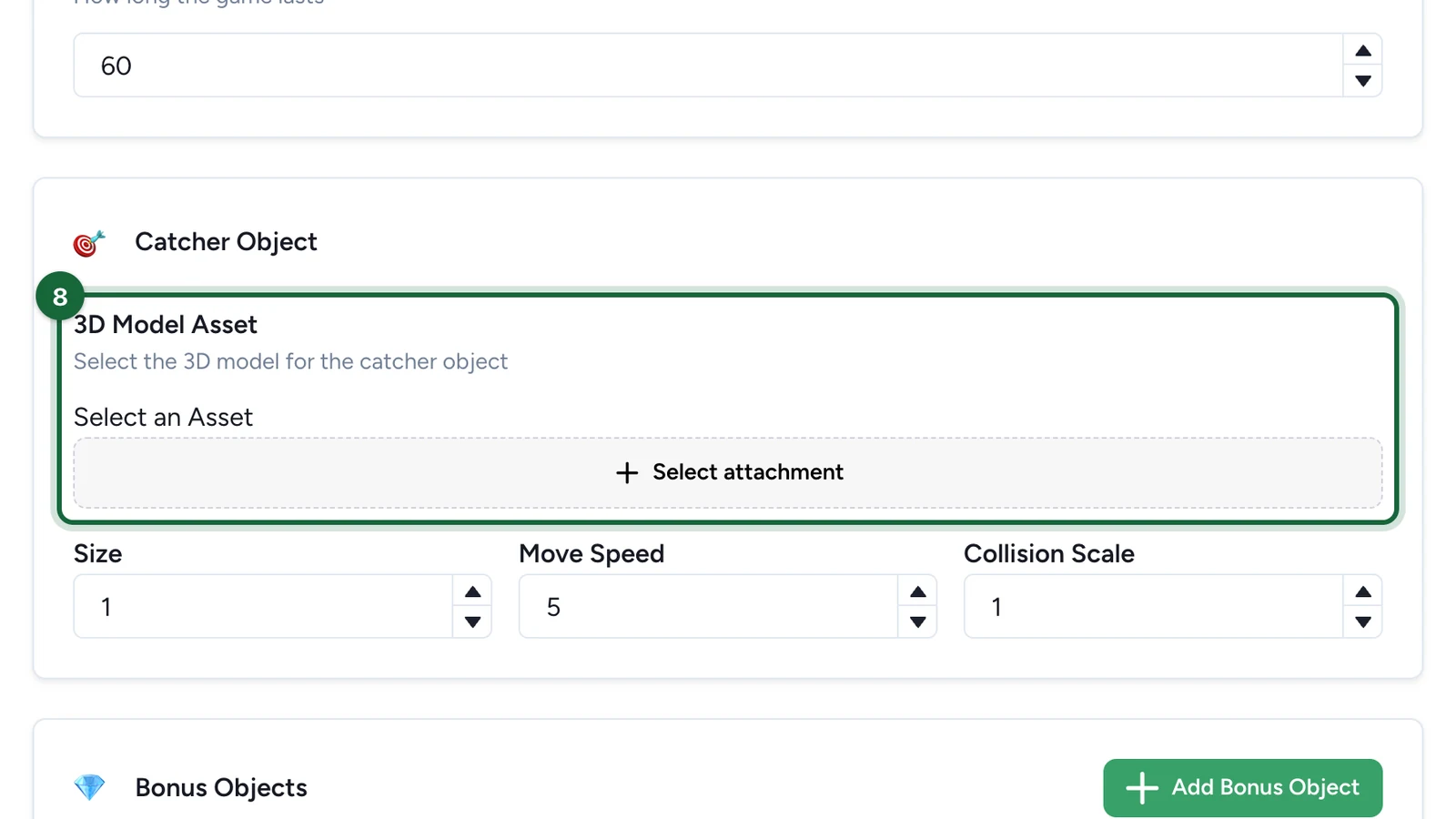
On the Game Settings tab, set the Game Duration (seconds).
-
Under Catcher Object, select Select attachment.
-
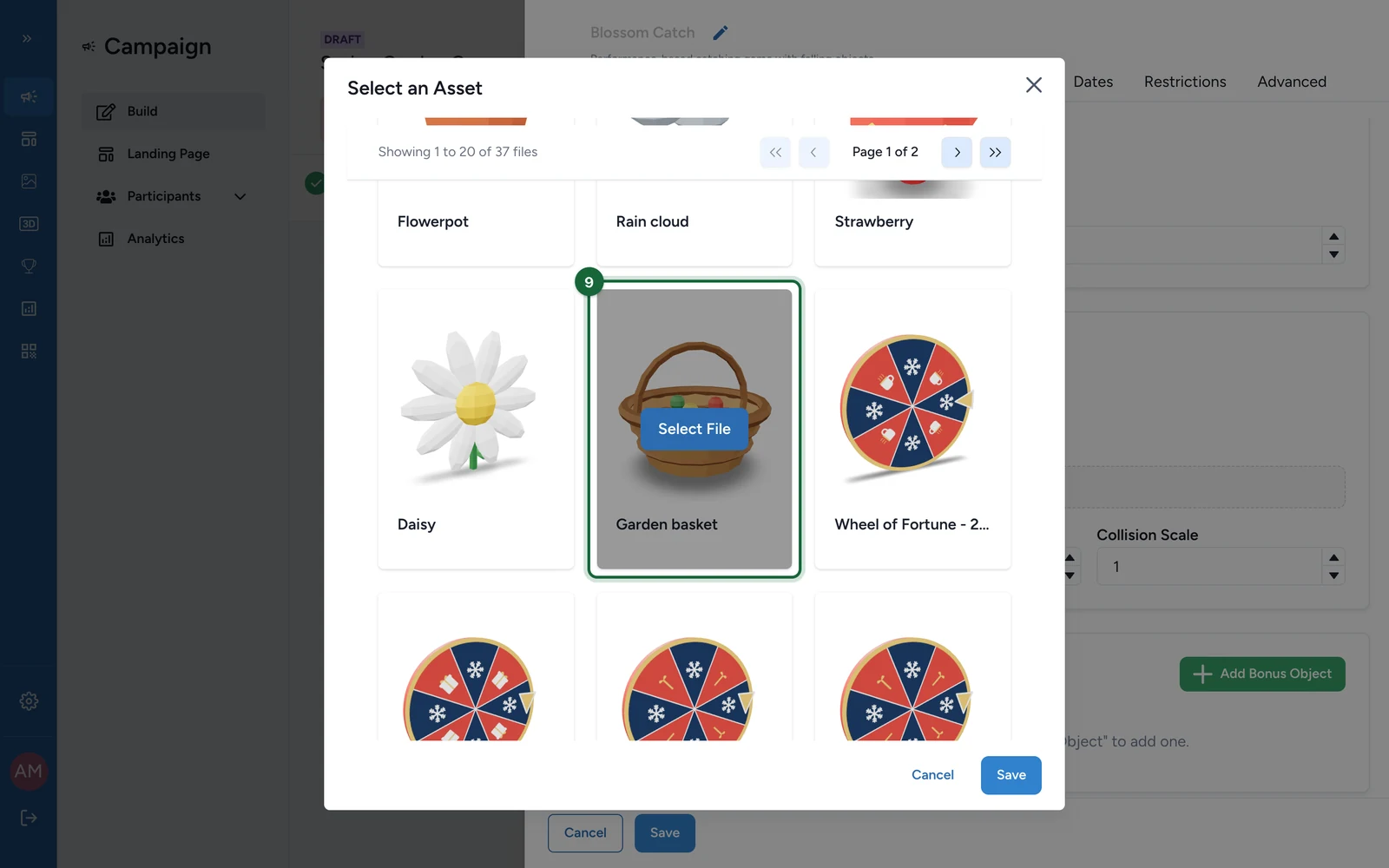
Choose the catcher: point at it, then select Select File.
-
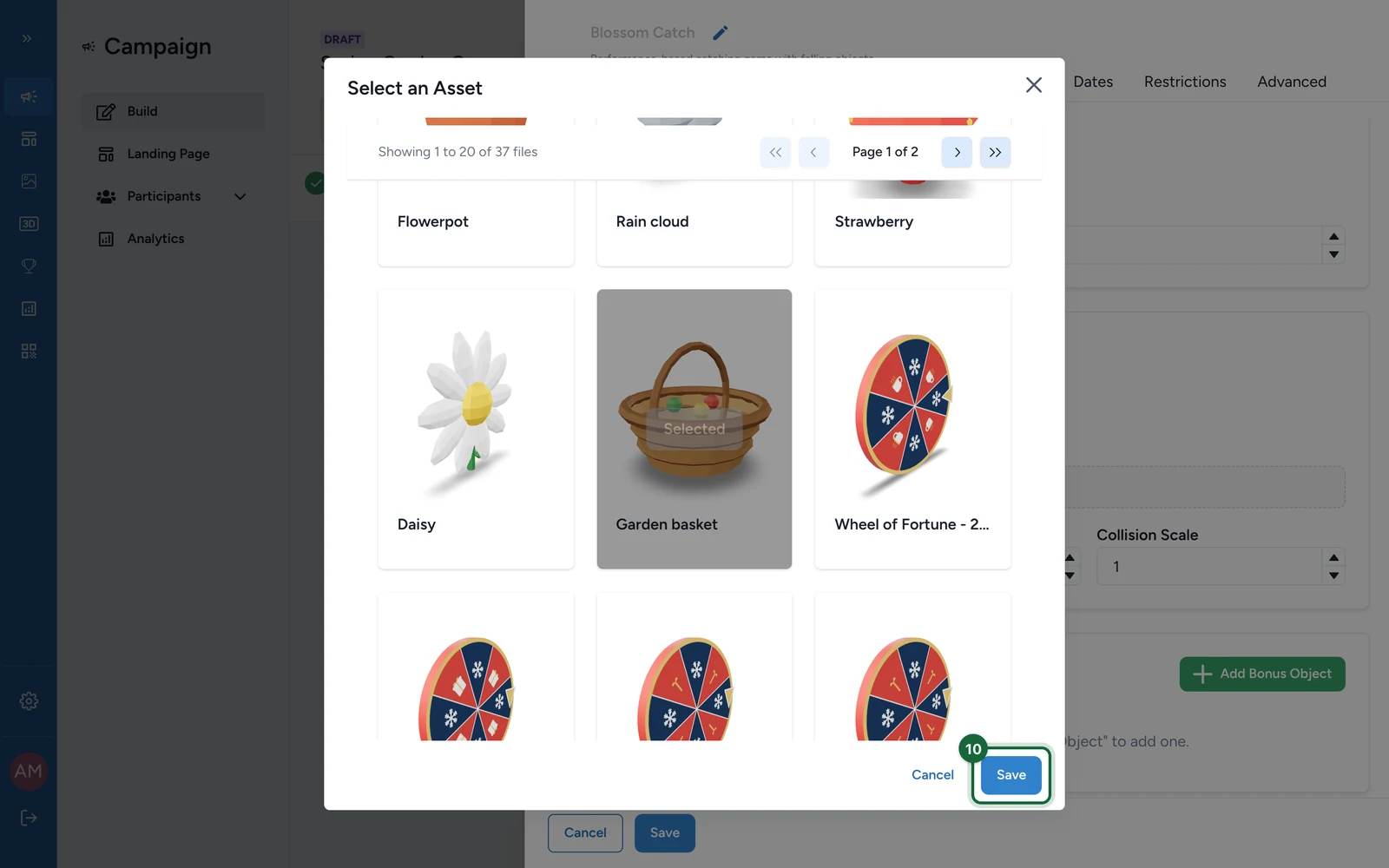
Select Save.
-
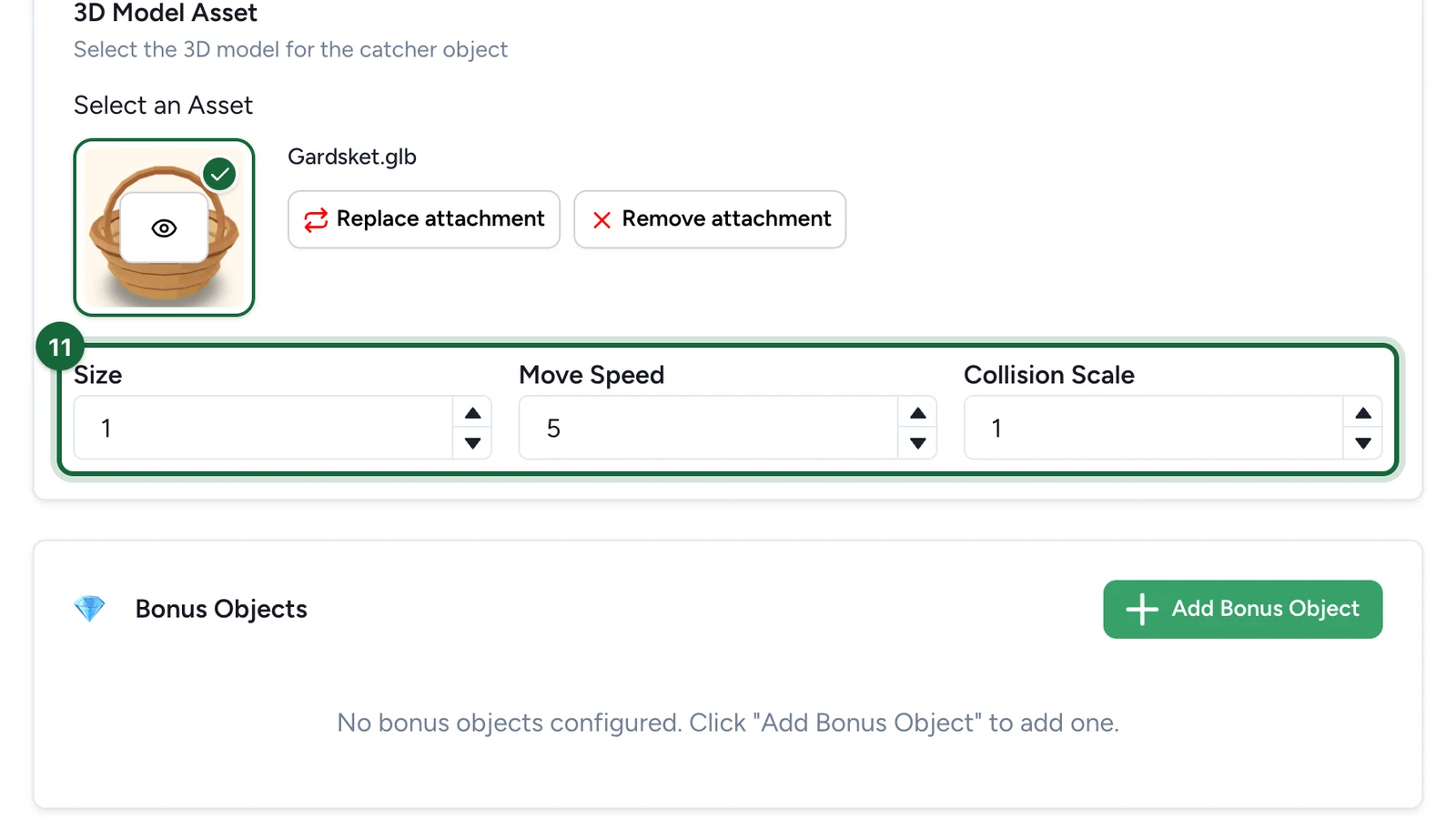
(Optional) Change the catcher's Size, Move Speed and Collision Scale.
-
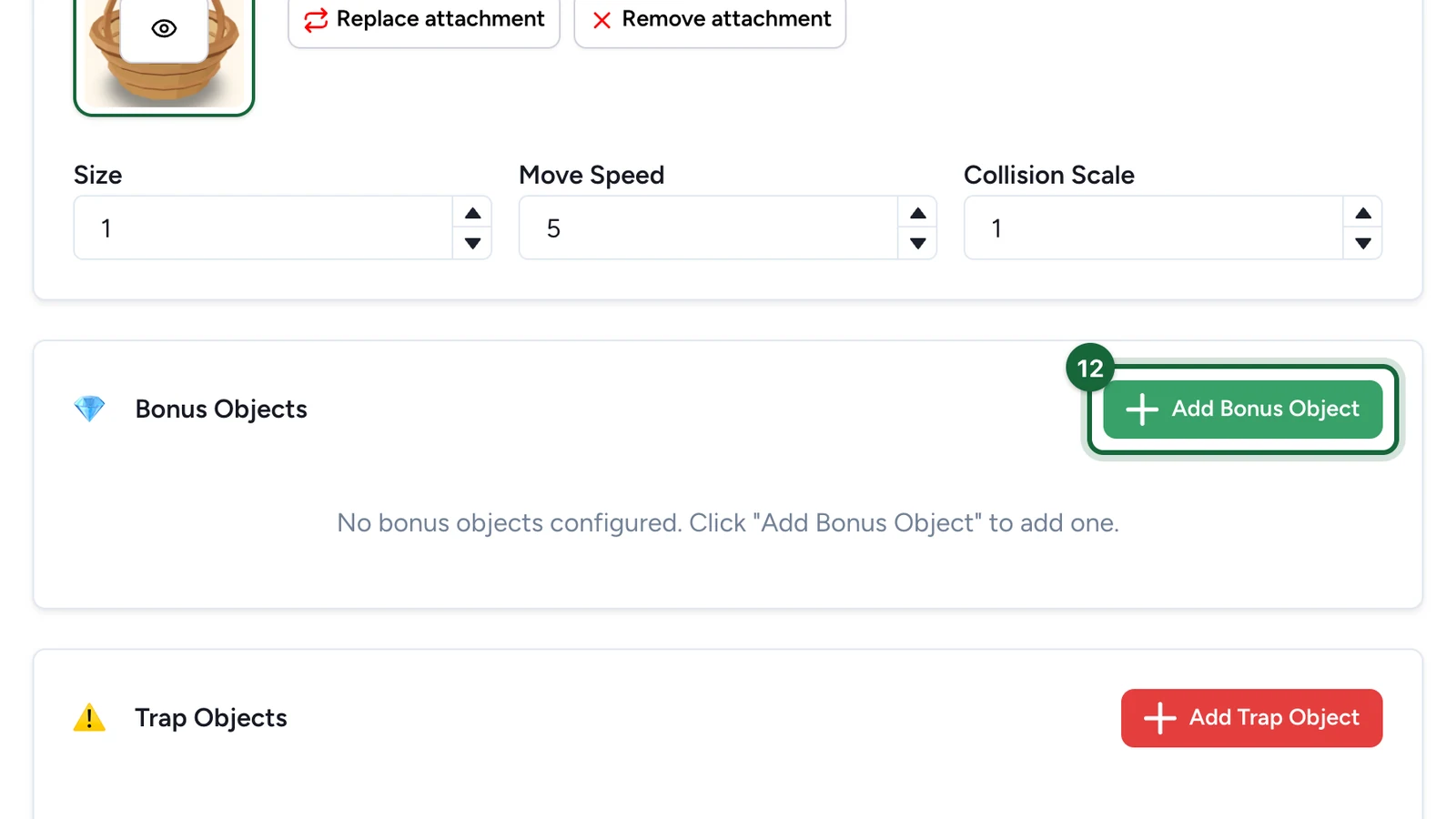
Under Bonus Objects, select Add Bonus Object.
-
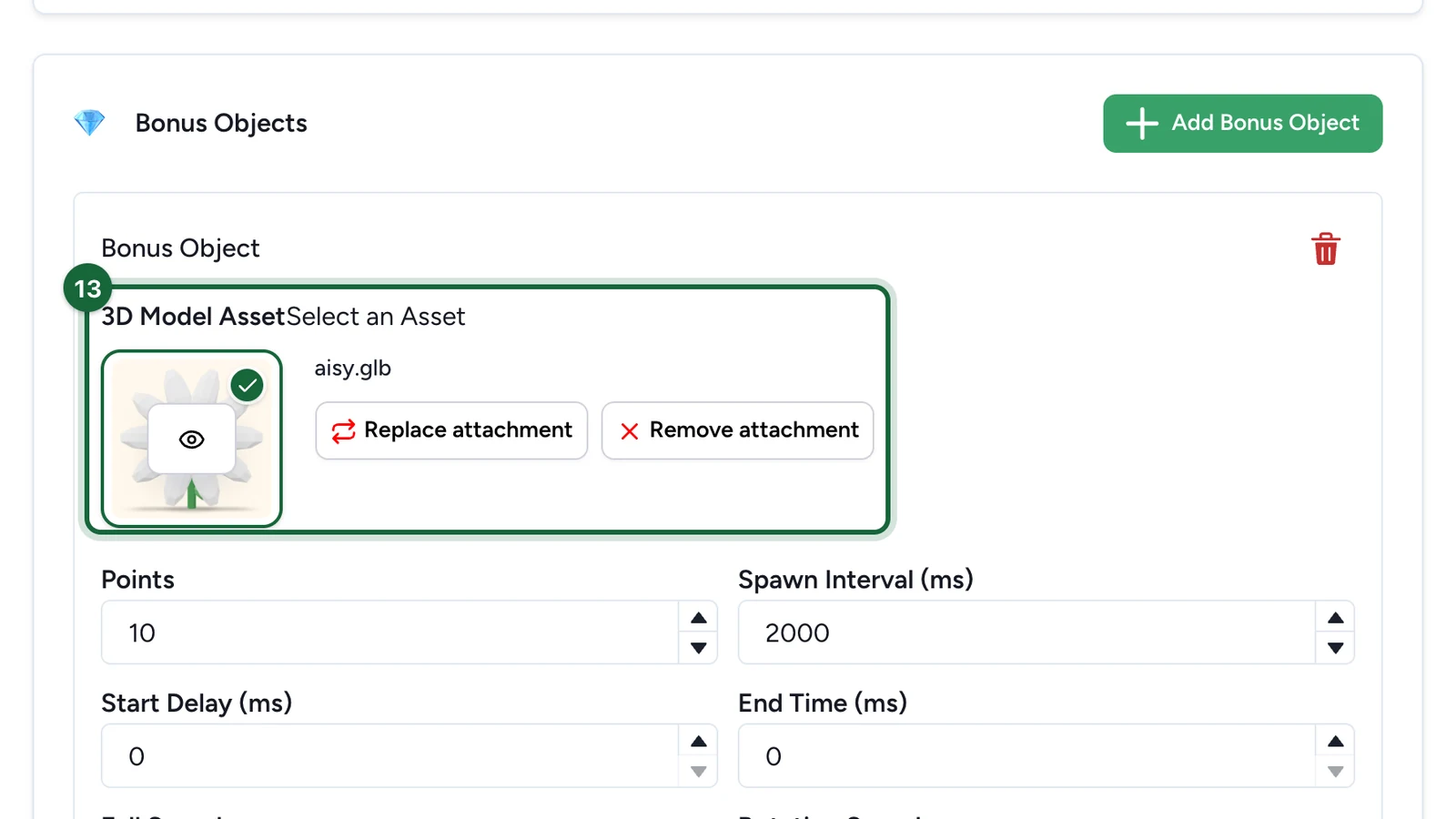
Under its 3D Model Asset, choose the item the same way.
-
Enter the Points a catch is worth.
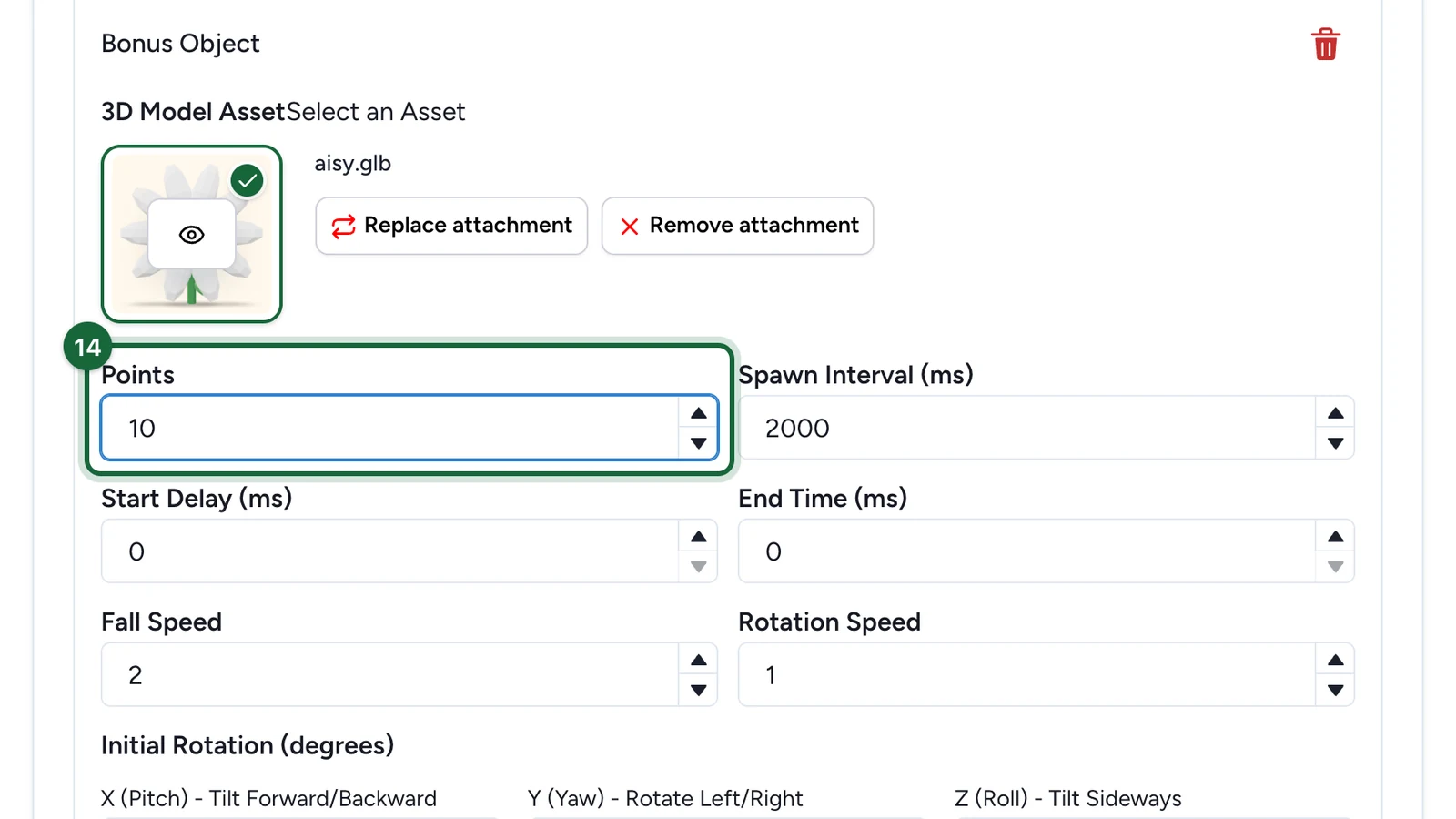
Spawn Interval, Fall Speed and the other settings below change how often and how fast it falls. Add each item the same way: here, strawberries are worth 20.
-
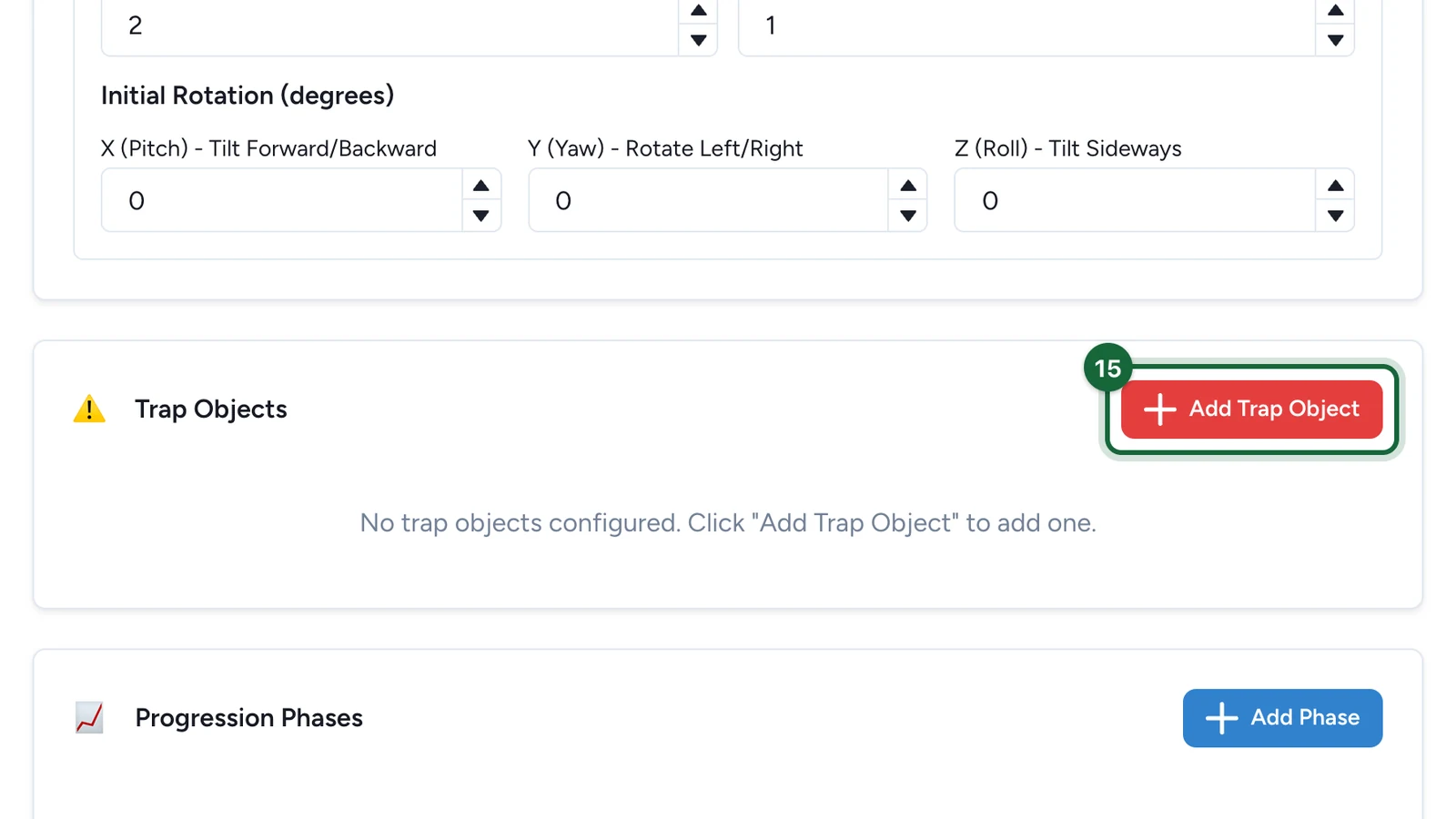
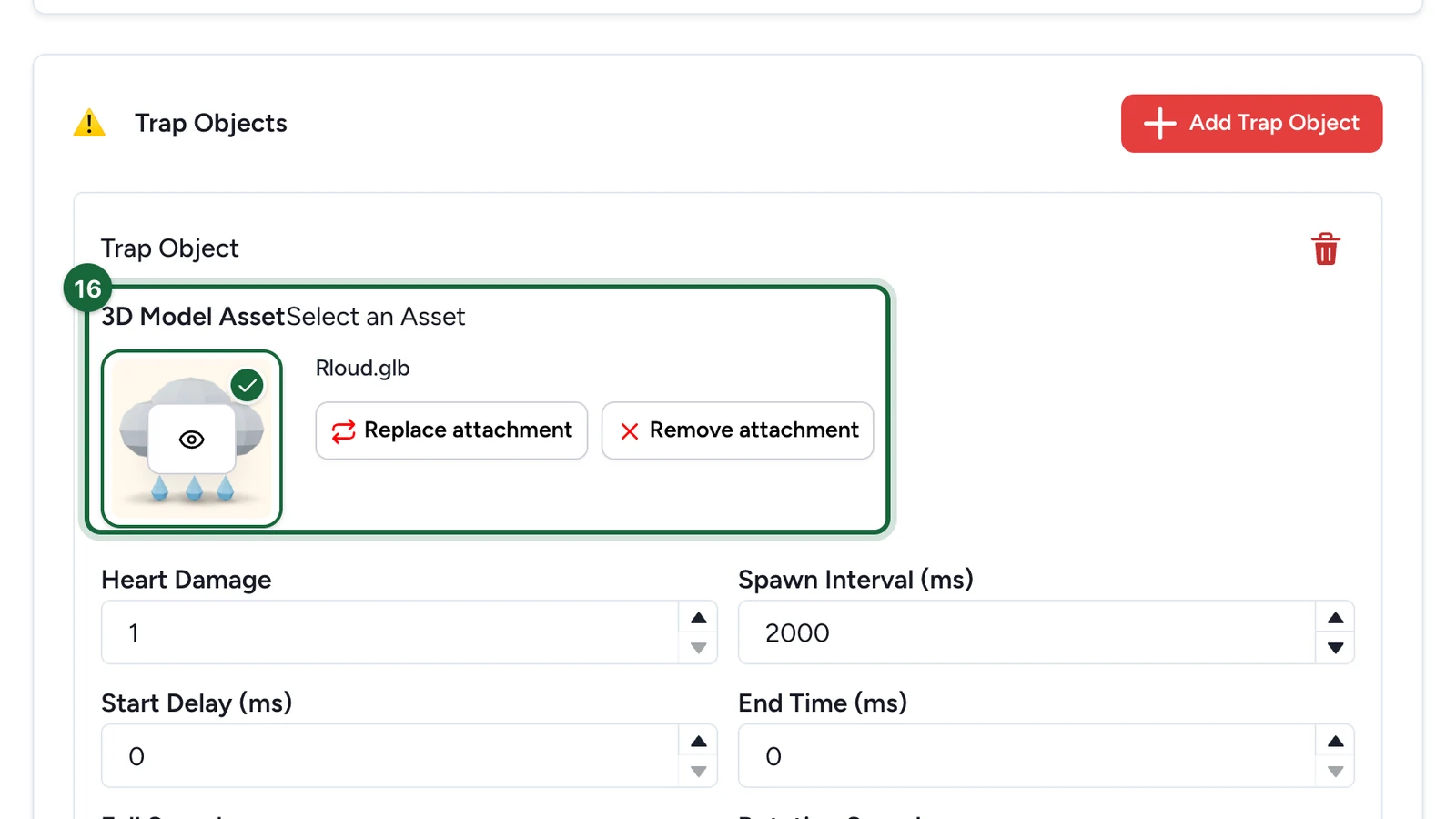
Under Trap Objects, select Add Trap Object.
-
Under the trap's 3D Model Asset, choose its model the same way.
-
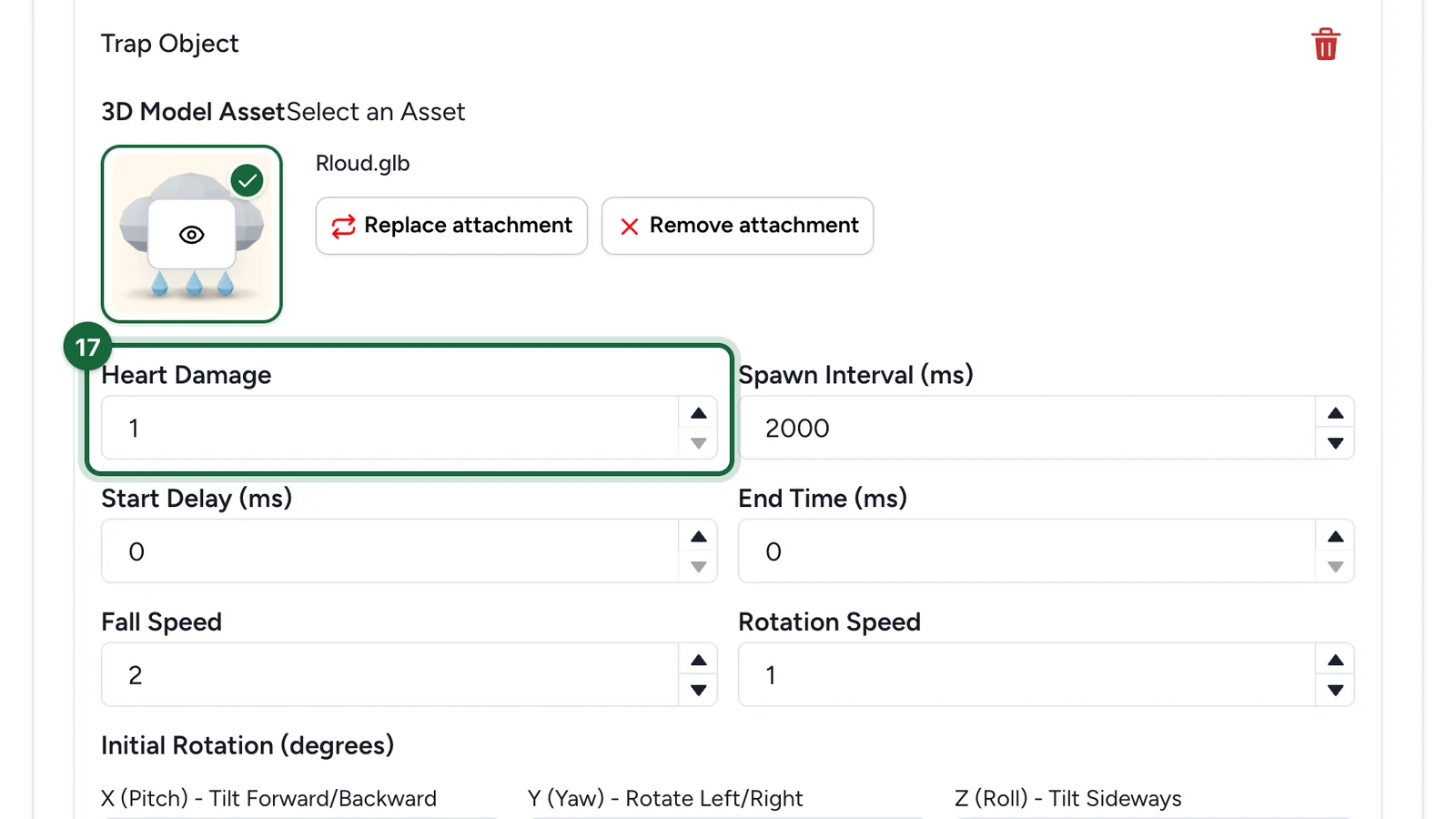
Set its Heart Damage: the lives a player loses on a catch.
-
(Optional) Under Progression Phases, select Add Phase to speed the game up over time.
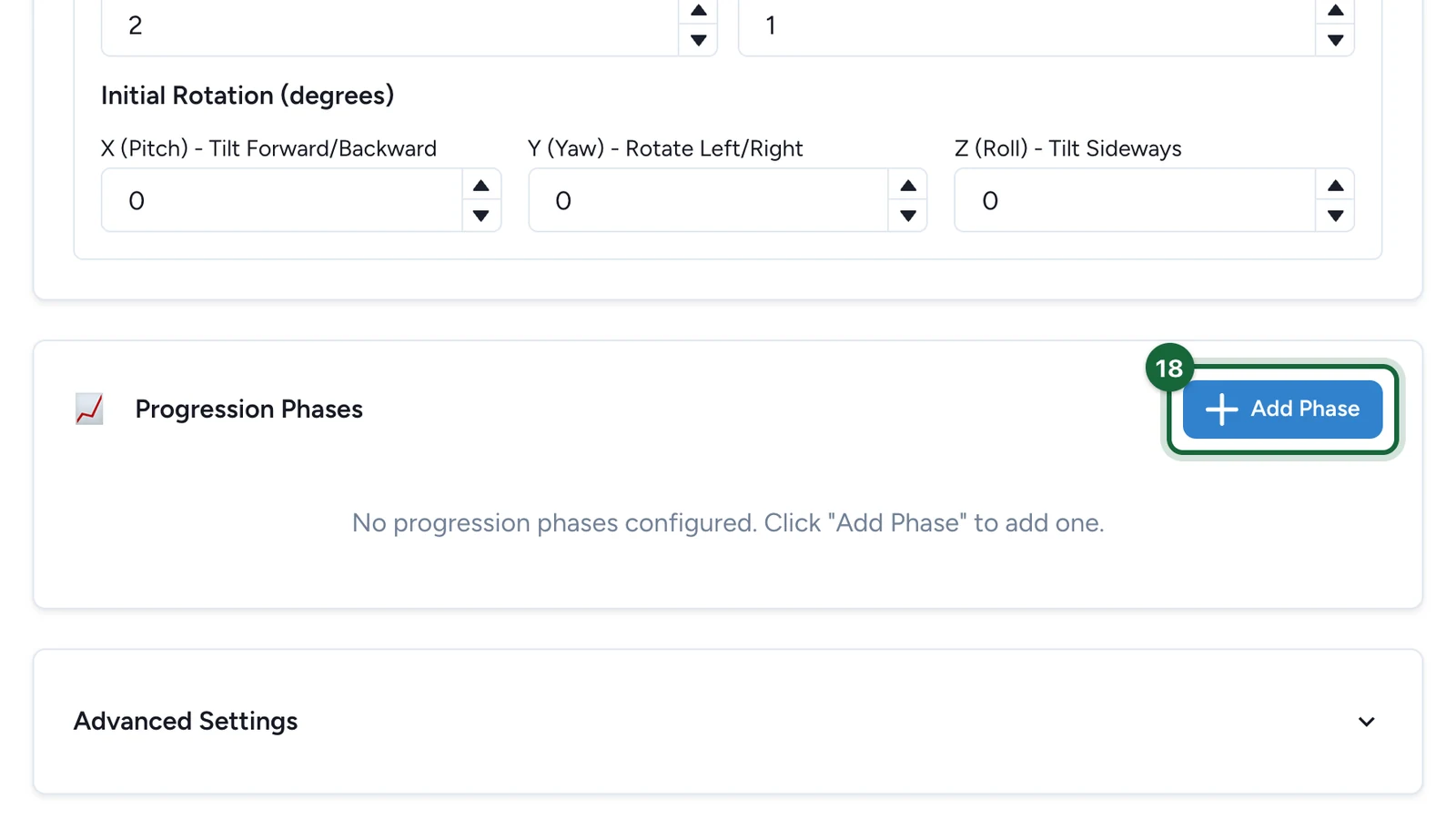
Each phase has a Start Time, a Duration, and multipliers for fall speed and spawn rate.
Reward the best players
Back on the Appearance tab:
-
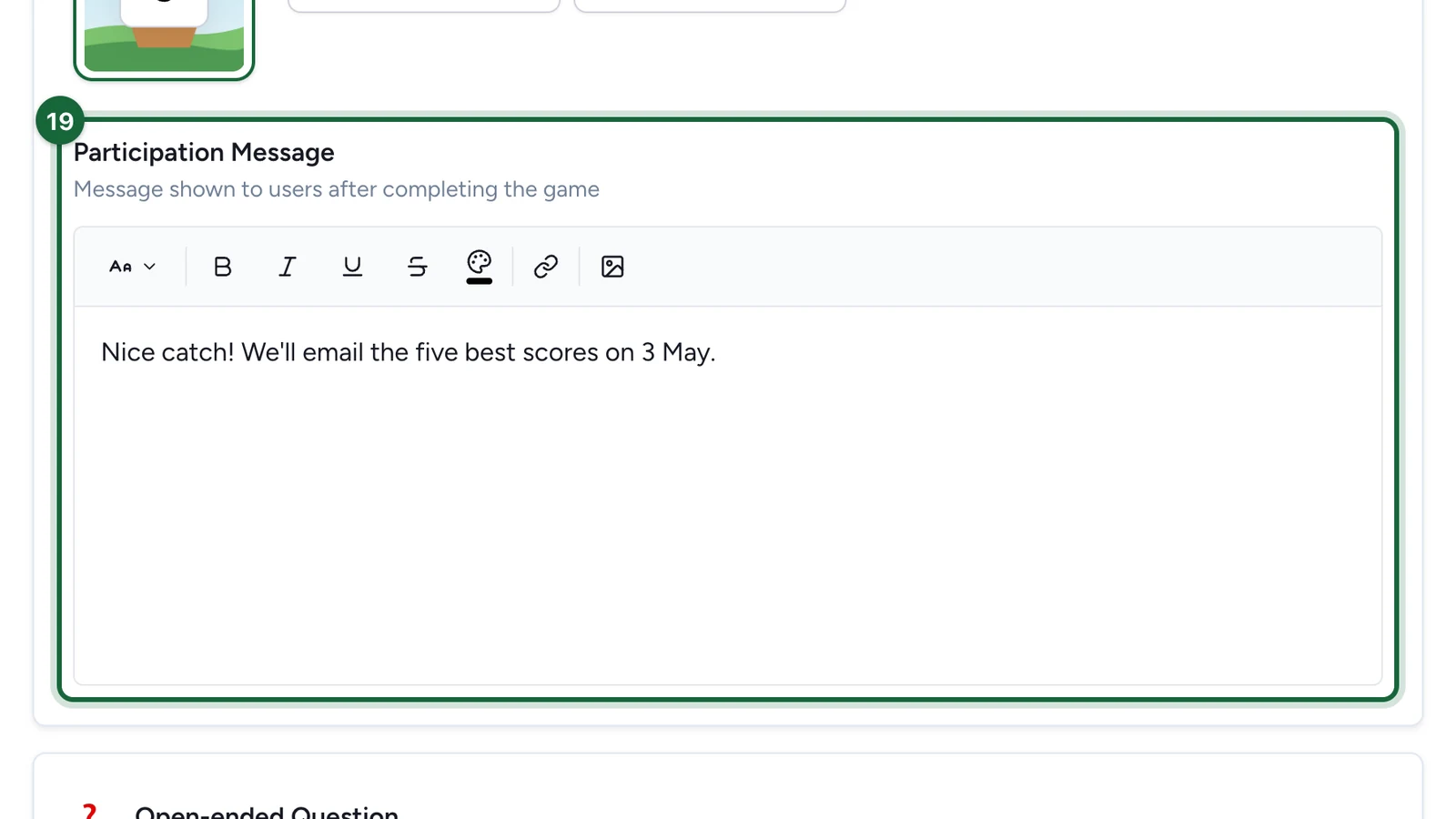
Write the Participation Message players see when the game ends.
Enable open-ended question, below it, lets players send a written answer after the game.
-
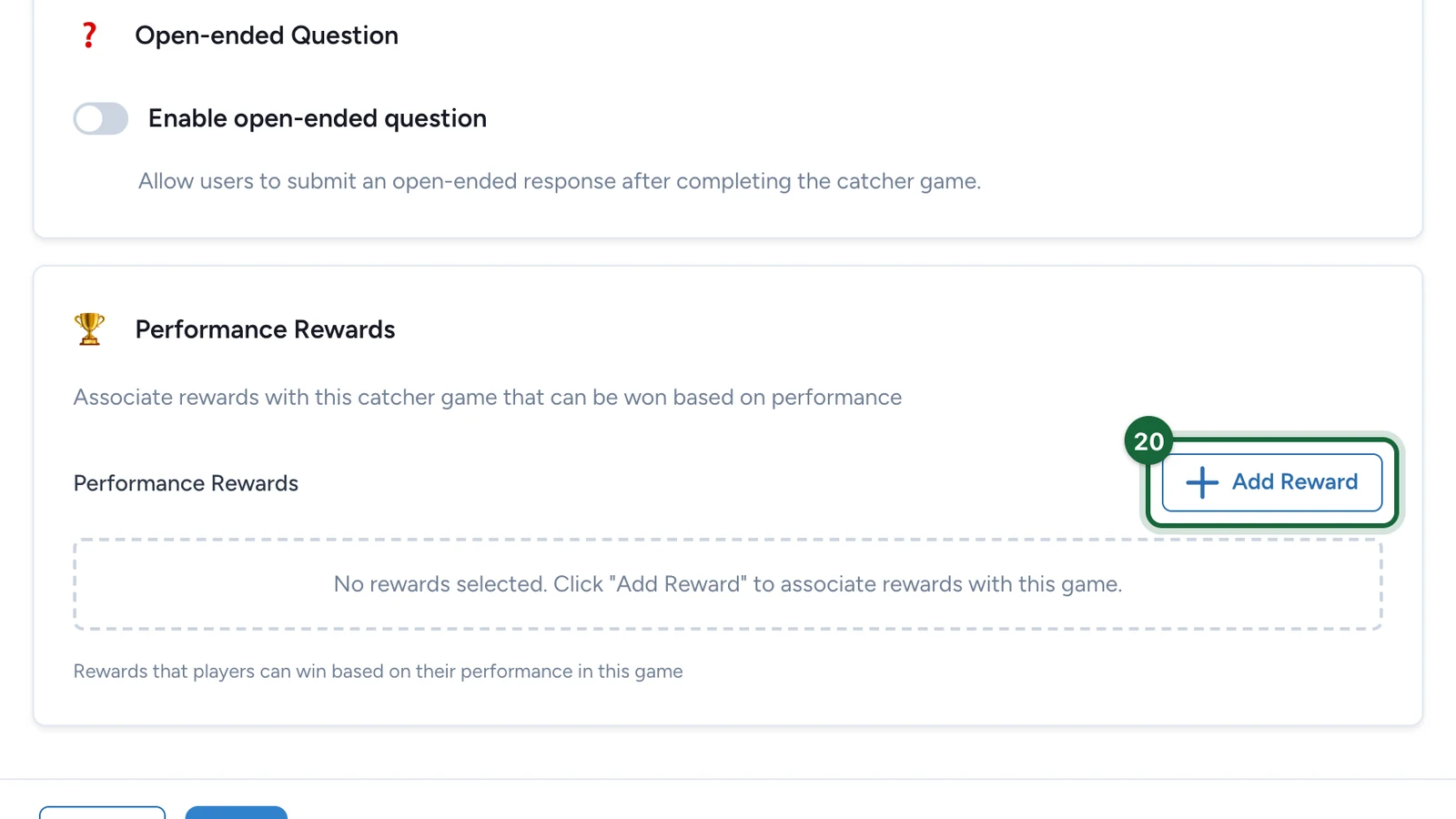
Under Performance Rewards, select Add Reward.
-
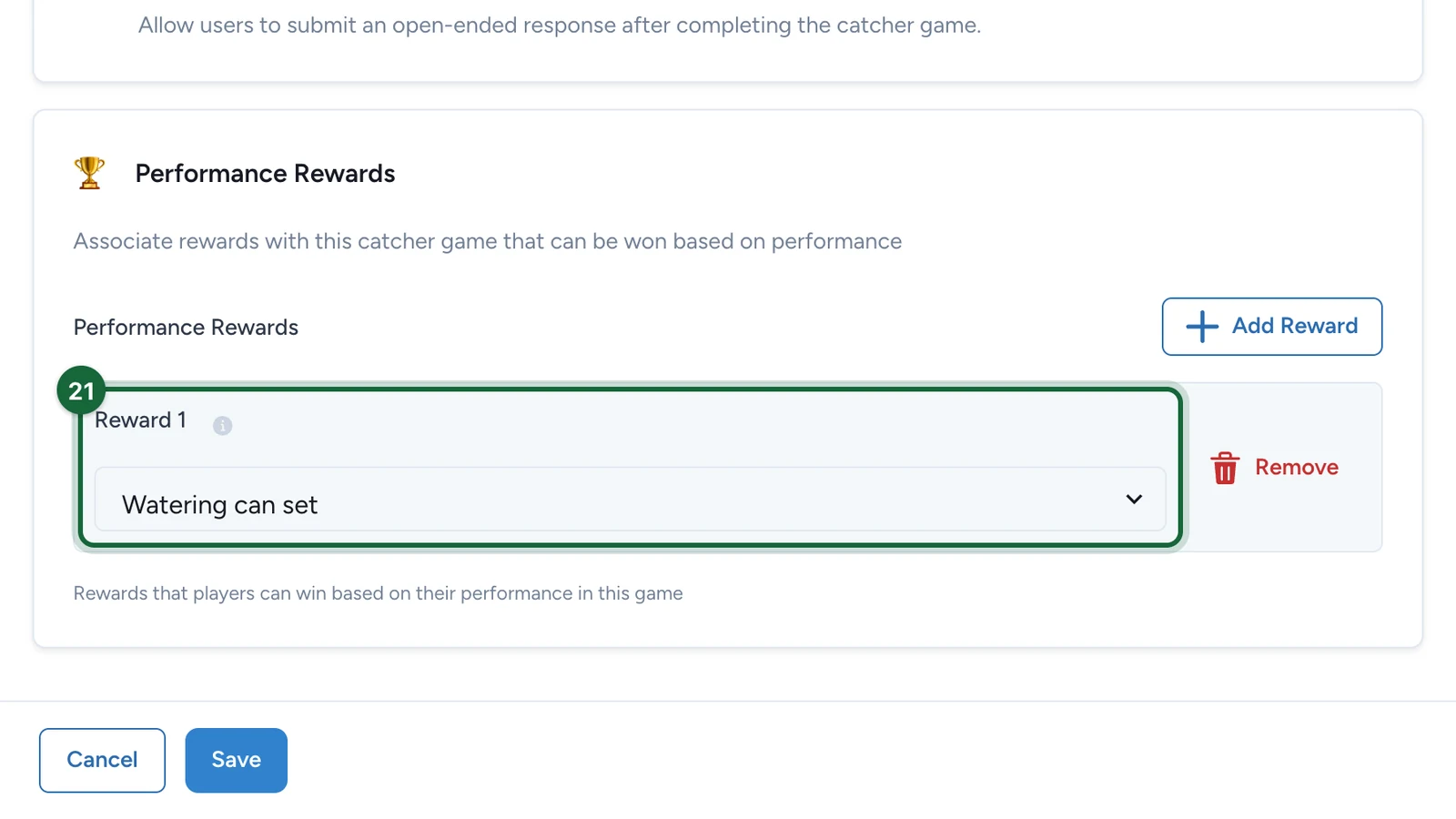
Under Reward 1, choose the prize.
-
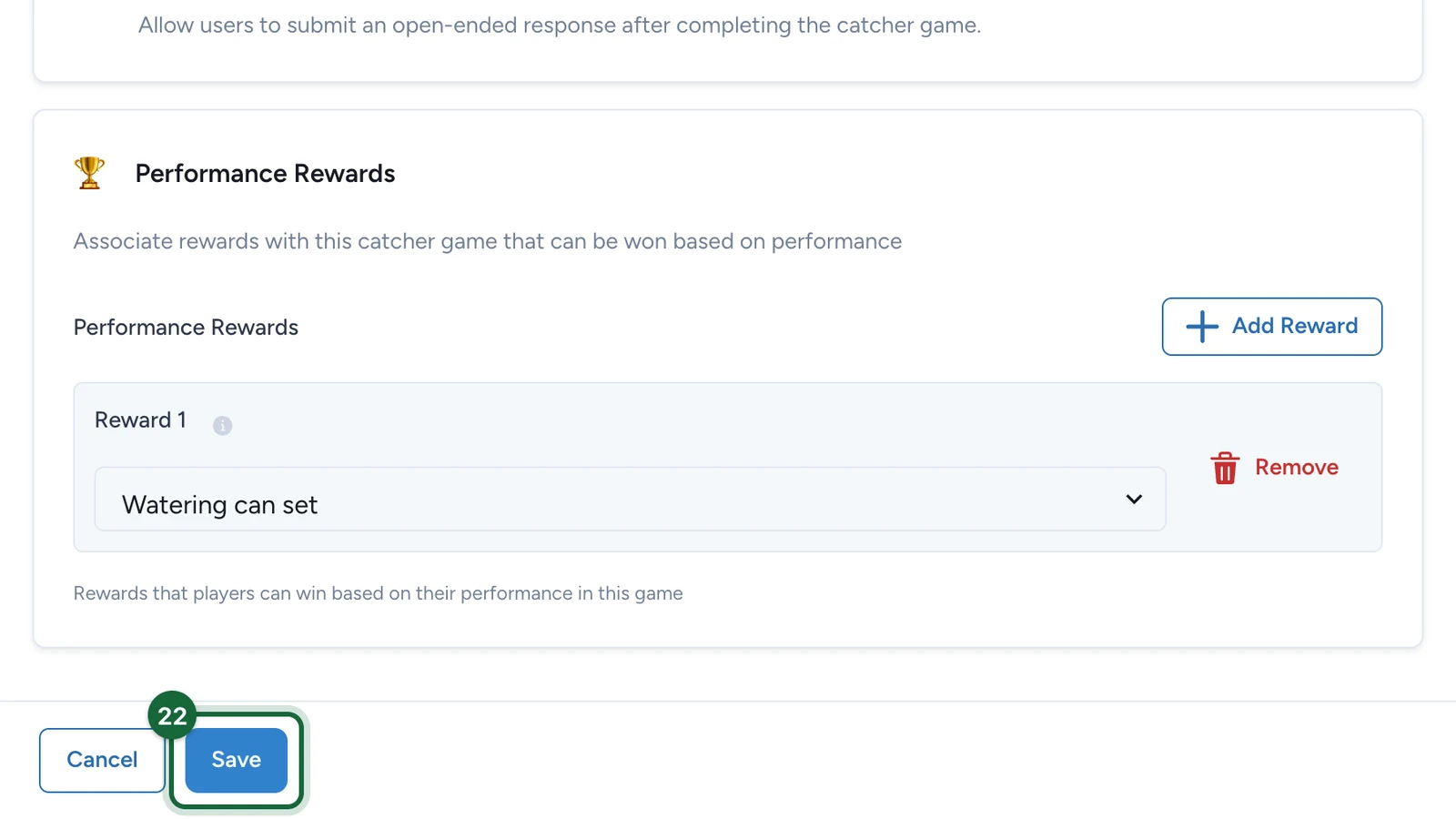
Select Save.
Publish the campaign again for players to see the game: see Publish a game. When the game closes, declare the winners from the campaign's Leaderboard: see Leaderboard rewards.
If publishing is blocked
- No background image, or no thumbnail while the landing page is on: choose them on the Appearance tab.
With no reward under Performance Rewards, the game still publishes, but nobody can win: Studio warns about it.
See also Game validation errors.