Set the participation form for a game
Ask players extra questions when they take part in a game: one form for the whole campaign, or one per game.
1 min read
A participation form asks extra questions when someone takes part, such as their favourite shop. A game uses the campaign's form, unless the campaign is set to Touchpoint Level. Then each game has its own, on its Terms & Conditions tab.
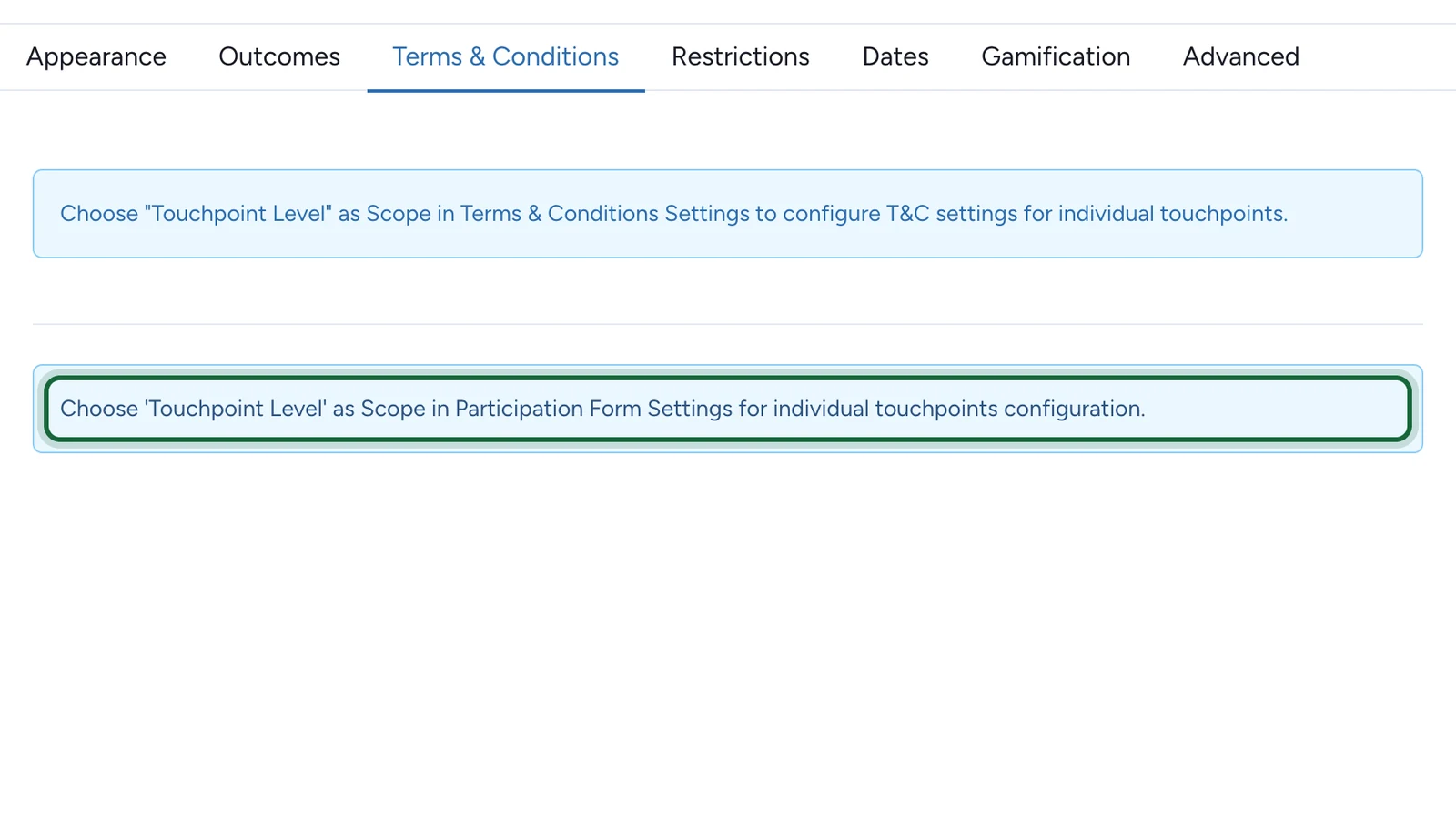
Choose where it's set
| Scope | Where you set it | Use it when |
|---|---|---|
| Off | Nowhere: no extra questions | The sign-up details are enough |
| Campaign Level | Once, in Build > General | Every game asks the same questions |
| Touchpoint Level | On each game's Terms & Conditions tab | One game needs its own questions |
The scope applies to the whole campaign: you can't change it for one game only. To turn questions into the game itself, with a prize for the winners, use a Form game instead.