Memory
Build a card-matching game from your own pictures, and give a leaderboard prize to the quickest players.
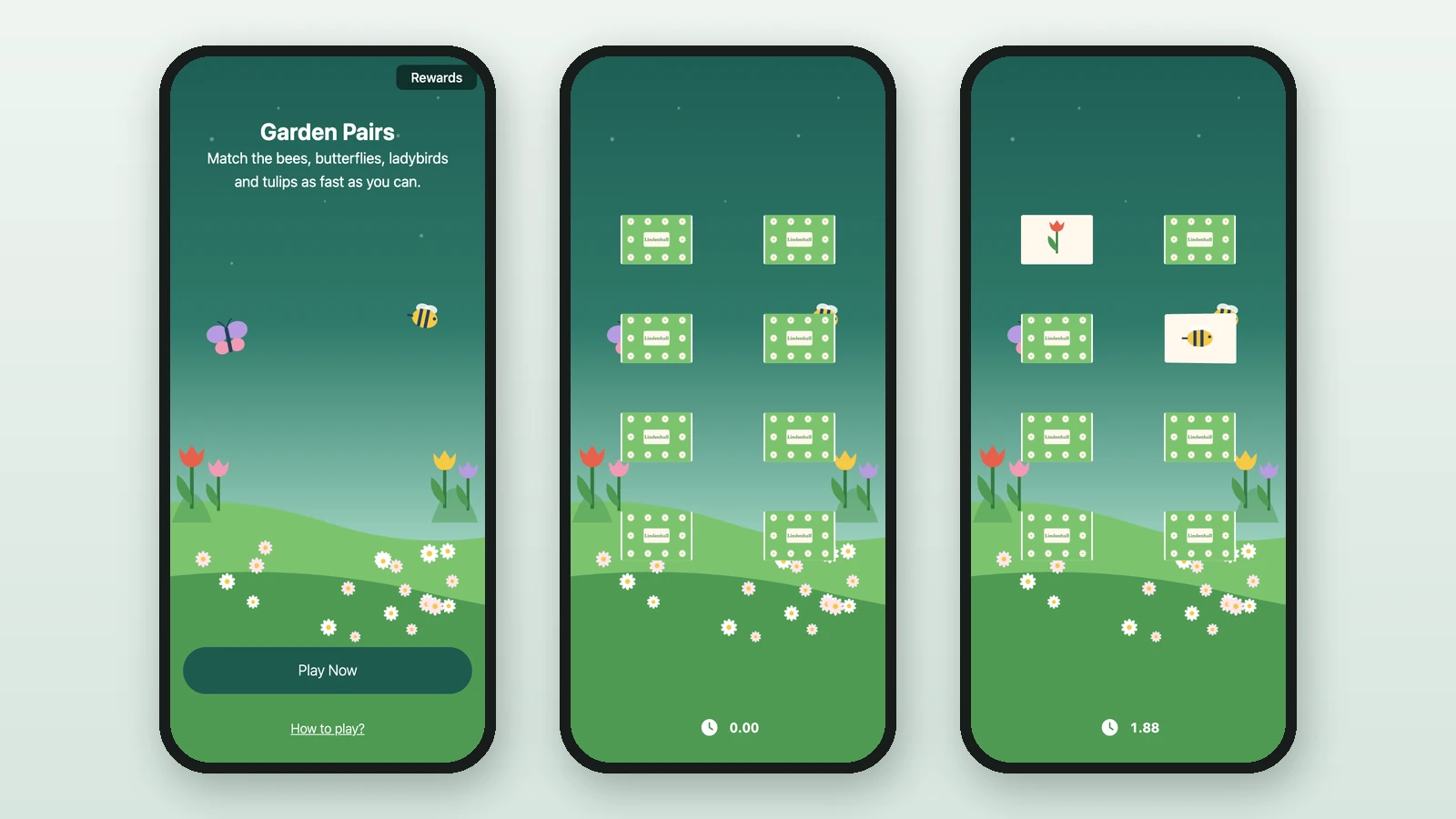
A Memory game lays out face-down cards. Players turn them over two at a time to find the pairs, and the best-ranked players win. Studio lists it as Memory Game. Here, Lindenhall's Garden Pairs has bees, butterflies, ladybirds and tulips, and the three best players win a picnic hamper.
Before you begin
- A campaign open in Build: see Your first campaign.
- A Performance Based Reward for the winners: see Leaderboard rewards.
- Your images:
Background Image
RequiredThe full-screen visual behind any game (wheel, scratch, reveal, quiz, and more).
- Requiredexcept for instant reward and sign-up games
- Size1536 × 2048 px
- Aspect ratio3:4
- FormatsJPEG / WEBP / PNG
It fills the screen from the top centre, with the title, the game and the button on top, and phones crop about a fifth off each side: keep text and faces in the middle.
Front Image (all cards)
RequiredThe shared face shown on every card before it is flipped.
- Required
- Size1200 × 800 px for 16:9 cards, 1024 × 1024 px for 1:1 or Round
- Aspect ratio3:2 for 16:9 cards, 1:1 for 1:1 or Round
- FormatsJPEG / WEBP / PNG
The shape you choose under Shapes in the Memory Game Builder decides the ratio. The image is stretched to the card face: Round cards show the inscribed circle, and transparent areas turn white.
Back Image (per card)
RequiredThe unique picture players try to match — one per card.
- Required
- Size1200 × 800 px for 16:9 cards, 1024 × 1024 px for 1:1 or Round
- Aspect ratio3:2 for 16:9 cards, 1:1 for 1:1 or Round
- FormatsJPEG / WEBP / PNG
Use the same size as the front image, and keep the subject in the middle. Transparent areas turn white.
Reward Icon
OptionalThe icon that represents a reward.
- Optional
- Size800 × 800 px
- Aspect ratio1:1
- FormatsJPEG / WEBP / PNG
Circular design and a transparent background work best.
Add the game
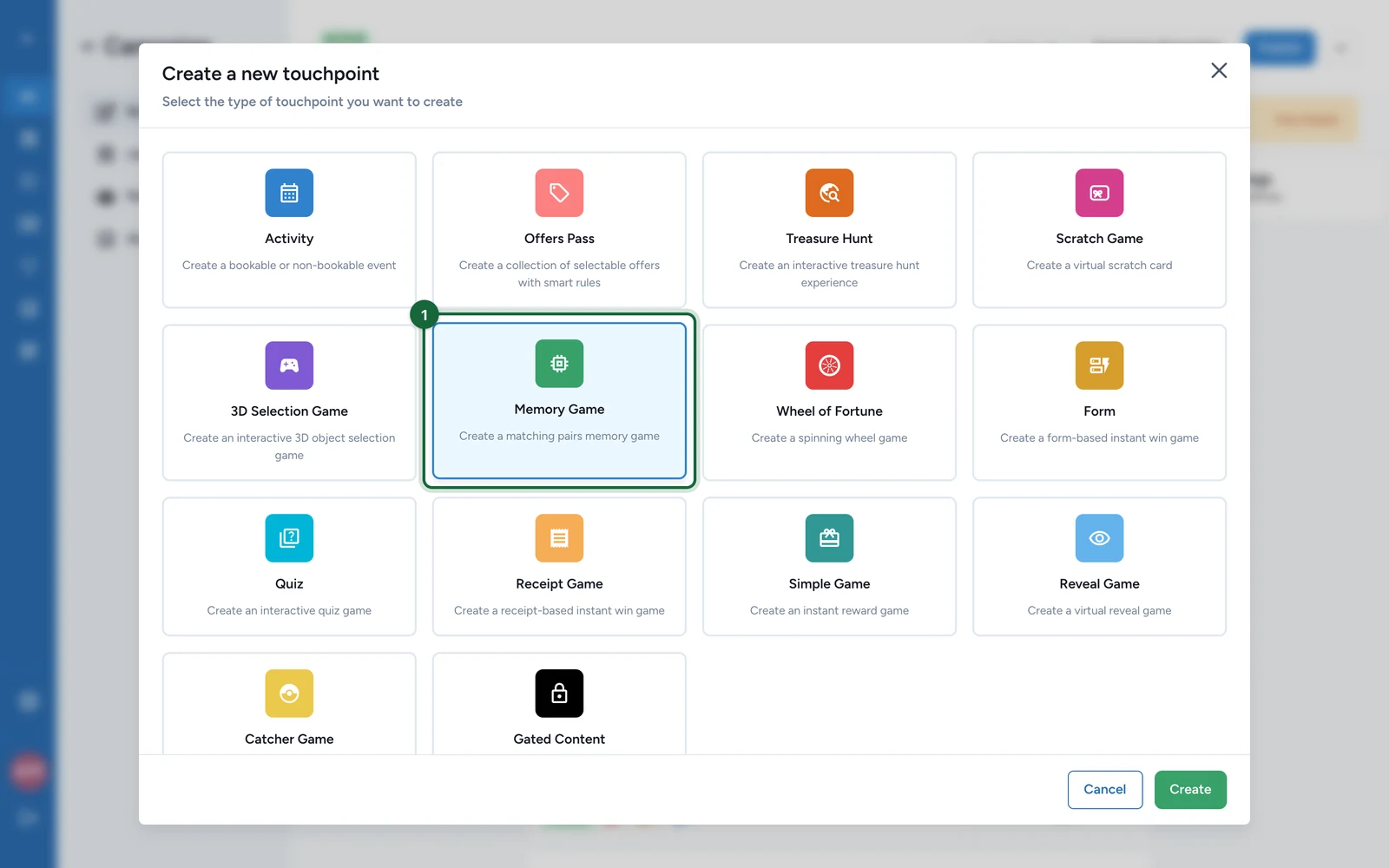
In Build > Touchpoints, select Add New Touchpoint.
-
Select Memory Game, then Create.
-
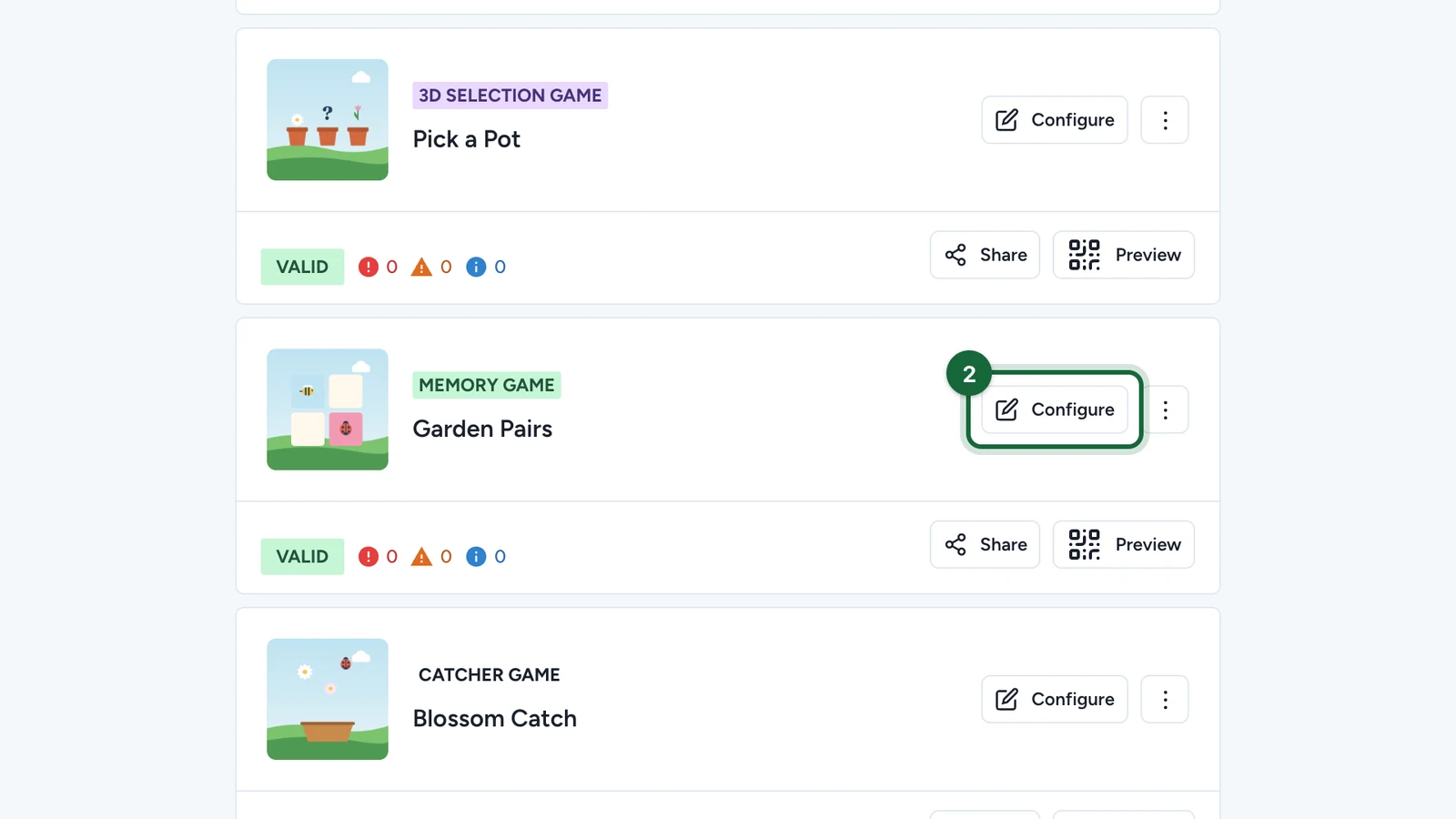
On the new game, select Configure.
Set the page
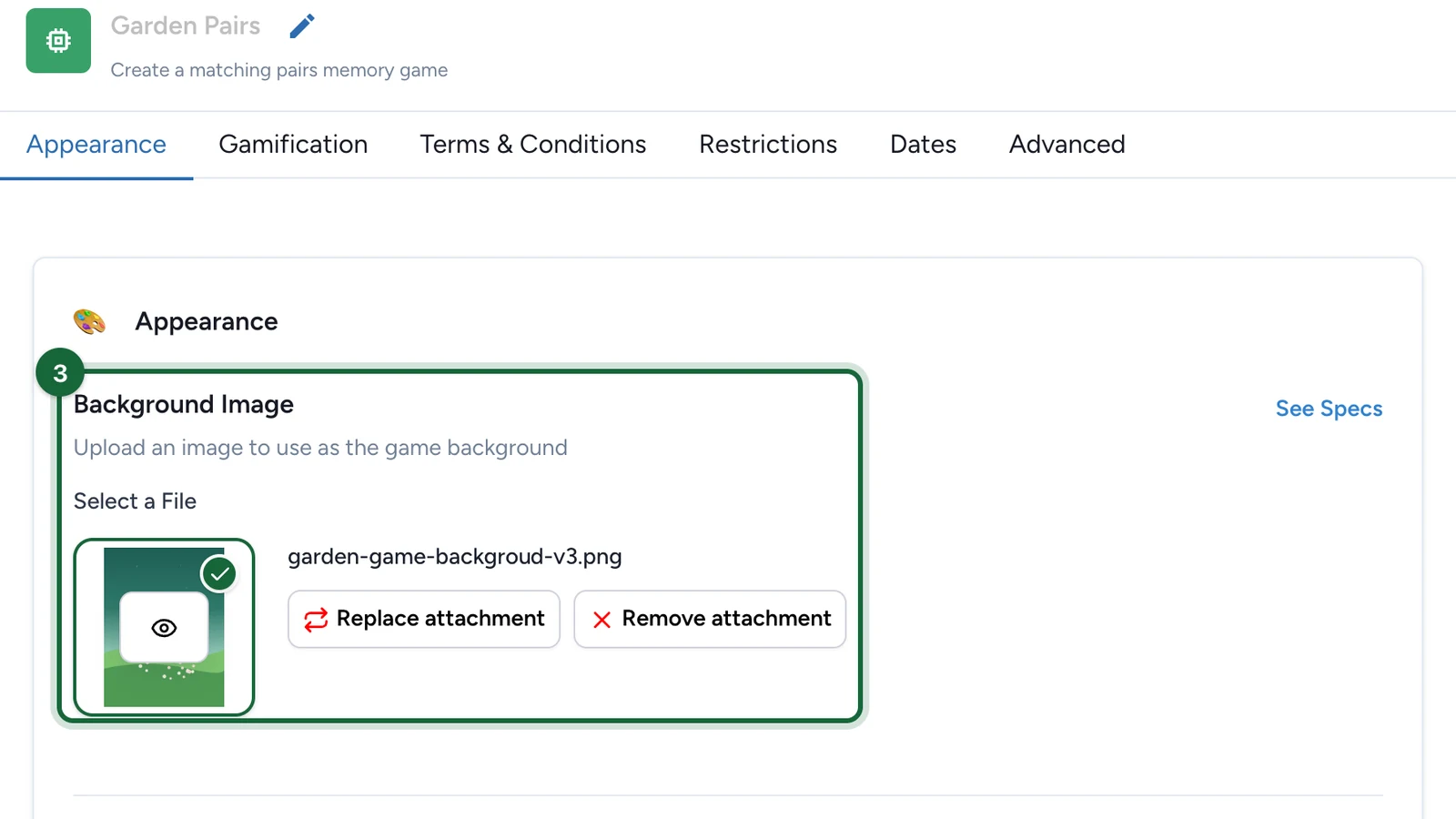
On the Appearance tab:
-
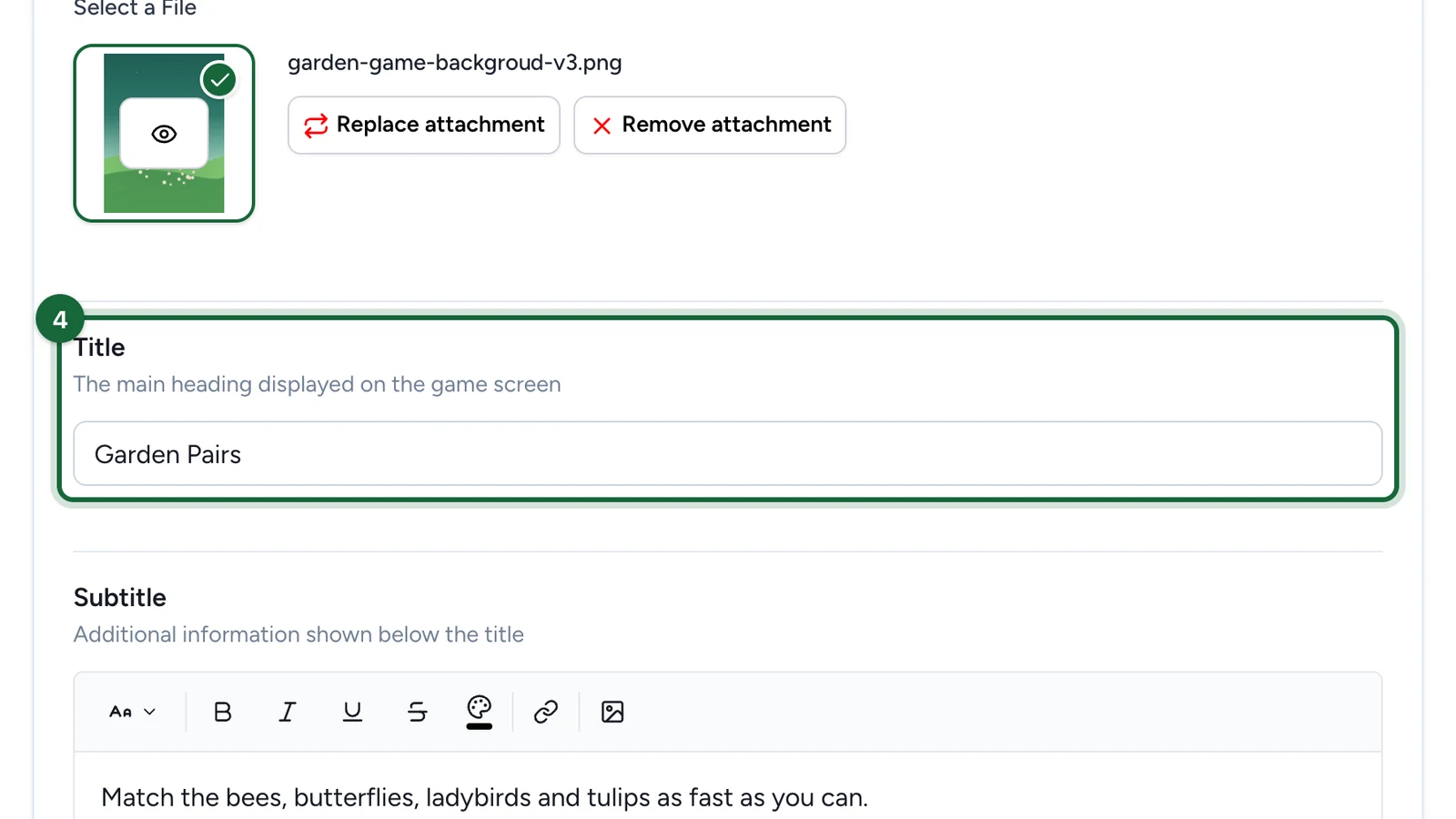
Under Background Image, choose the picture behind the cards.
-
Enter the Title.
-
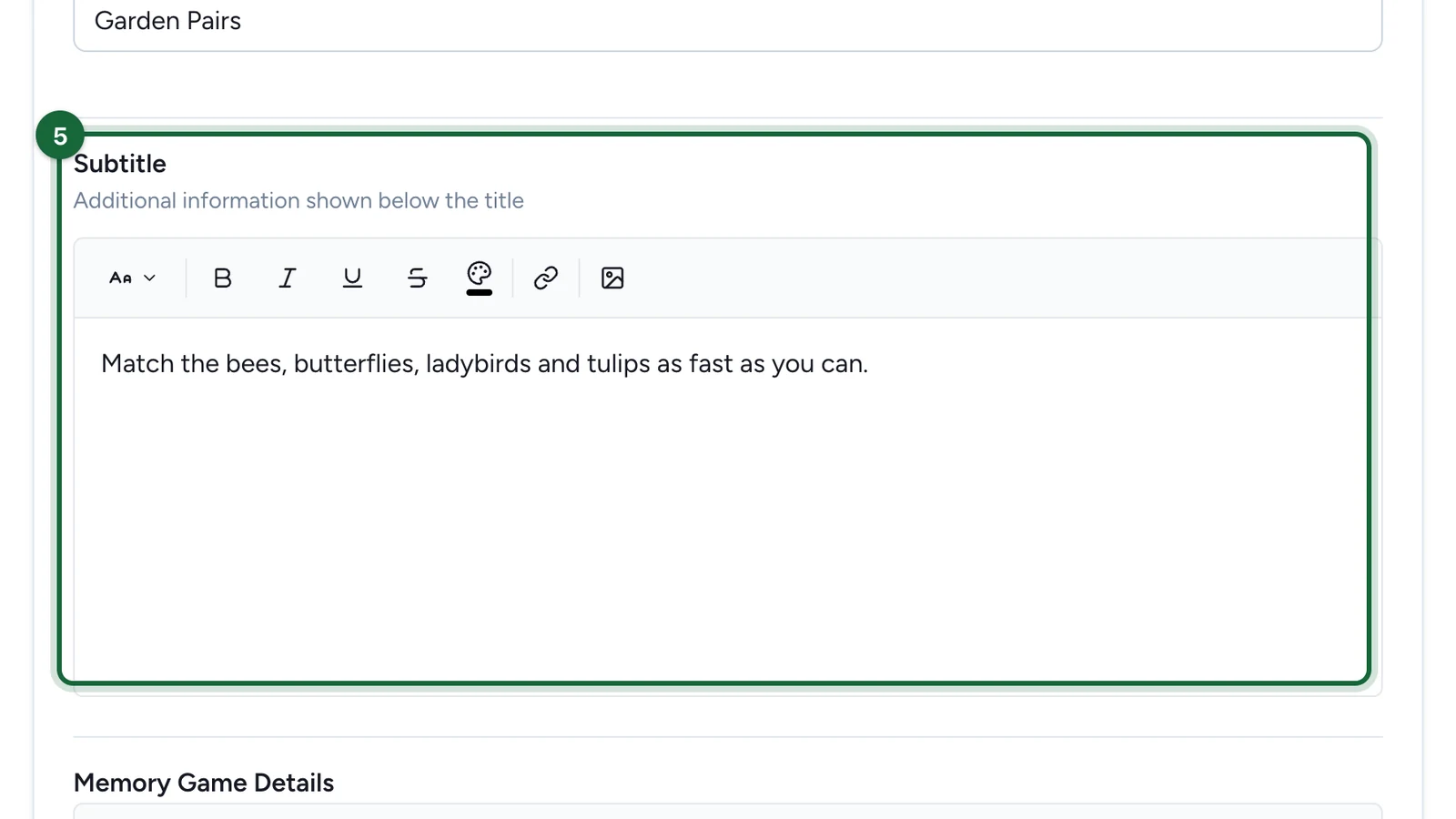
Enter the Subtitle: say what players have to match.
-
Under Memory Game Details, say how players win.
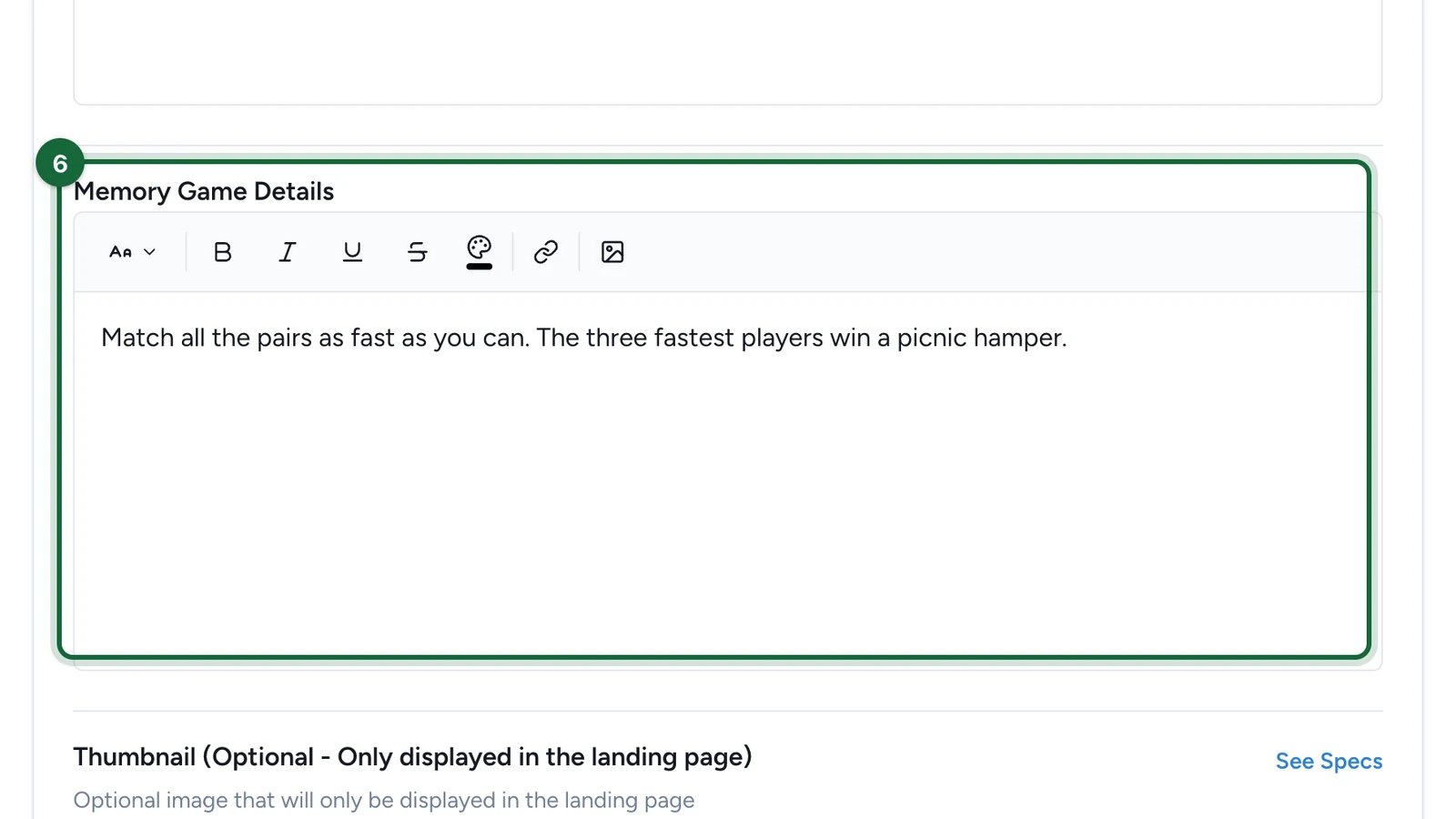
Players read it under How to play?.
-
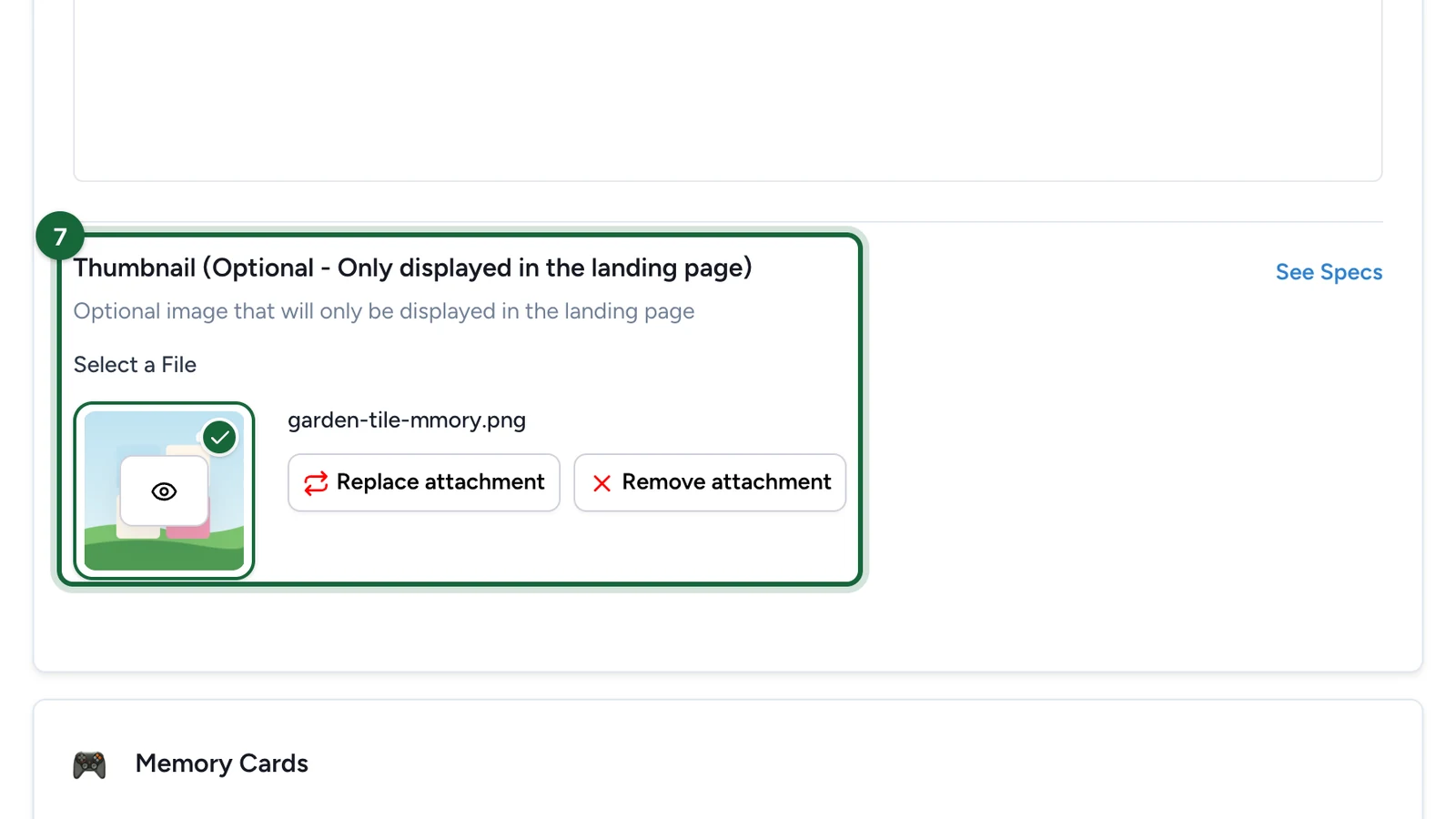
(Optional) Under Thumbnail, choose the game's picture on the landing page, if the campaign has one.
Build the cards
-
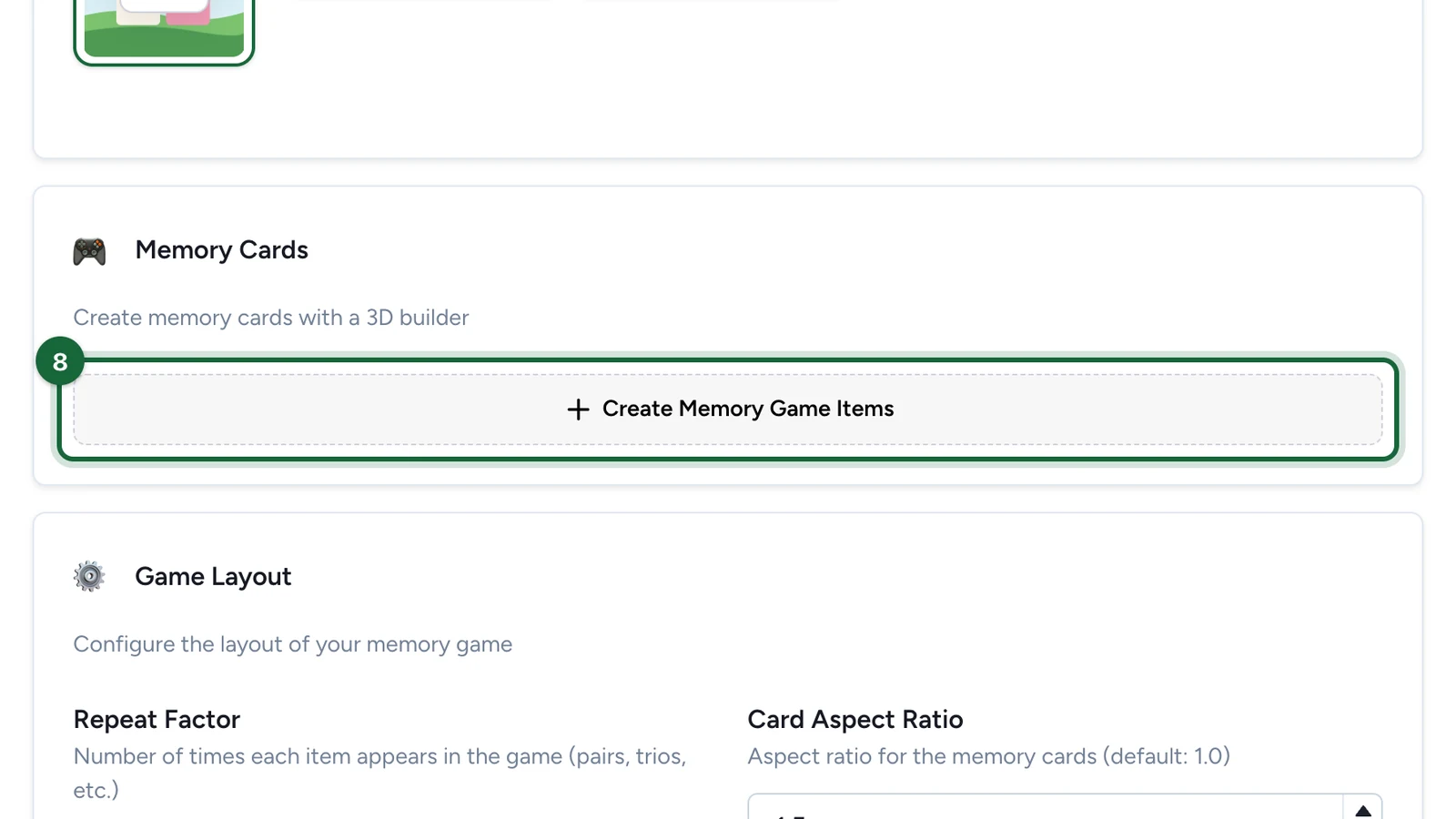
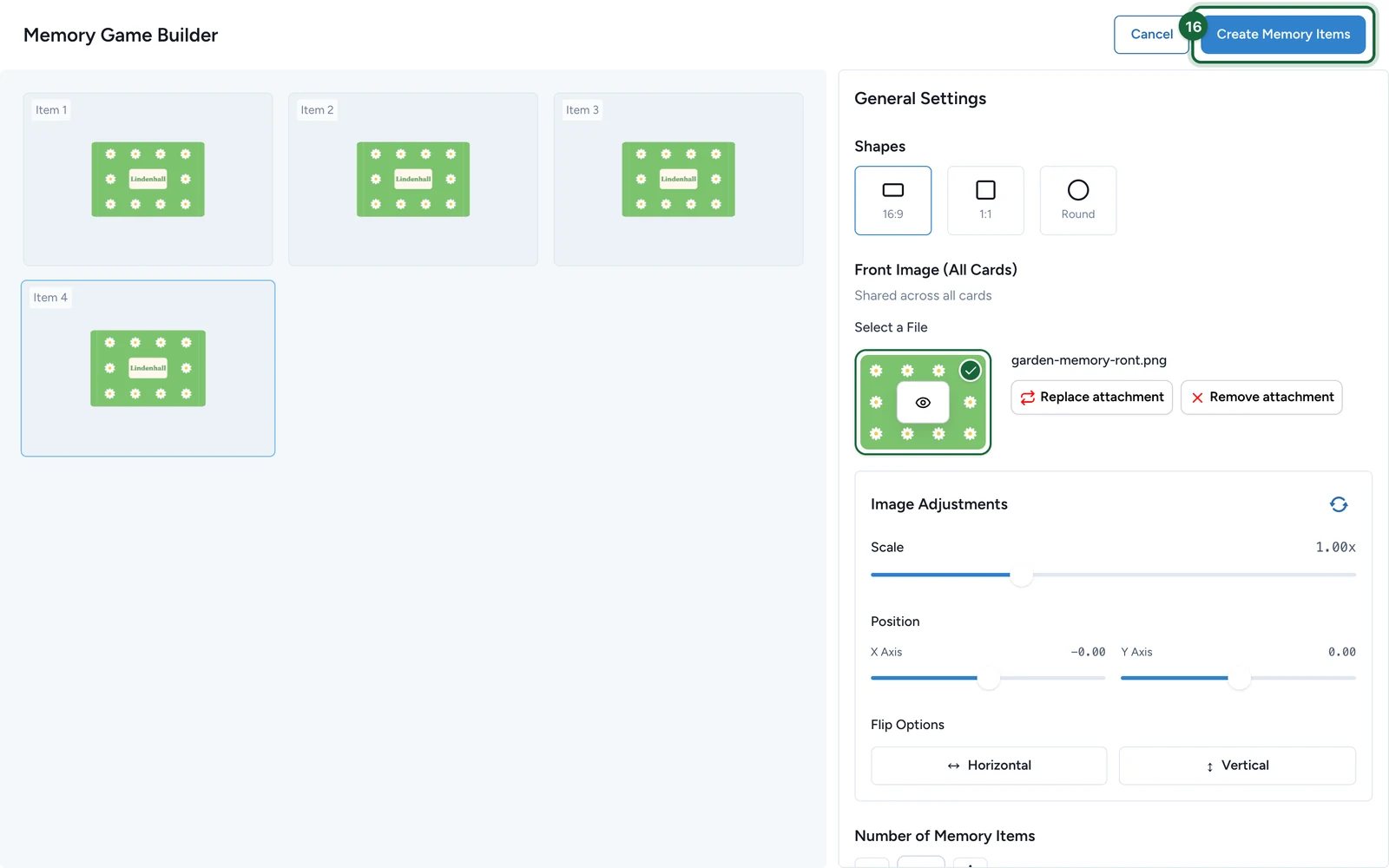
Under Memory Cards, select Create Memory Game Items.
-
Under Shapes, choose 16:9, 1:1 or Round.
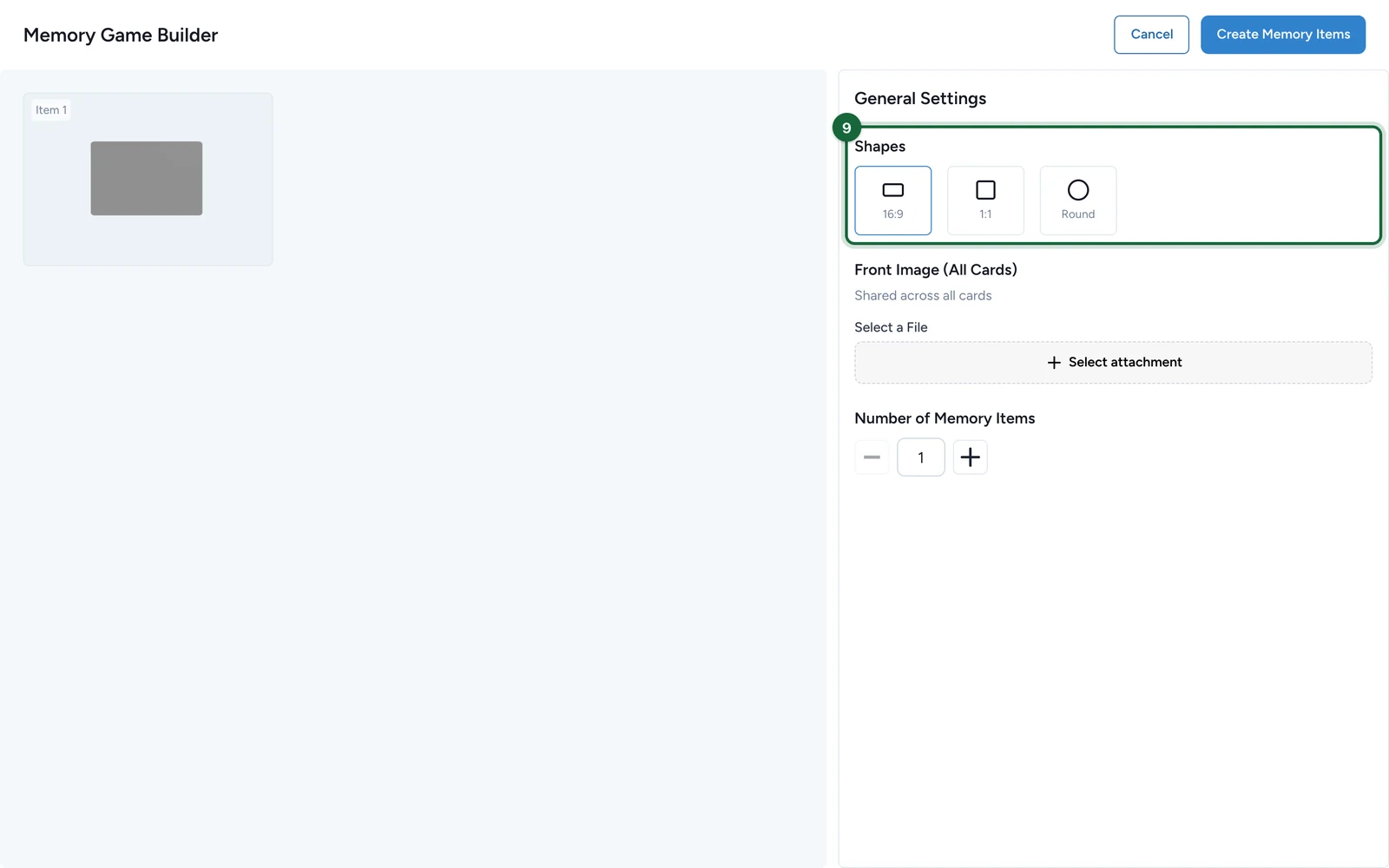
The shape decides the size of your pictures: 3:2 for 16:9 cards, square for 1:1 and Round.
-
Under Front Image (All Cards), select Select attachment.
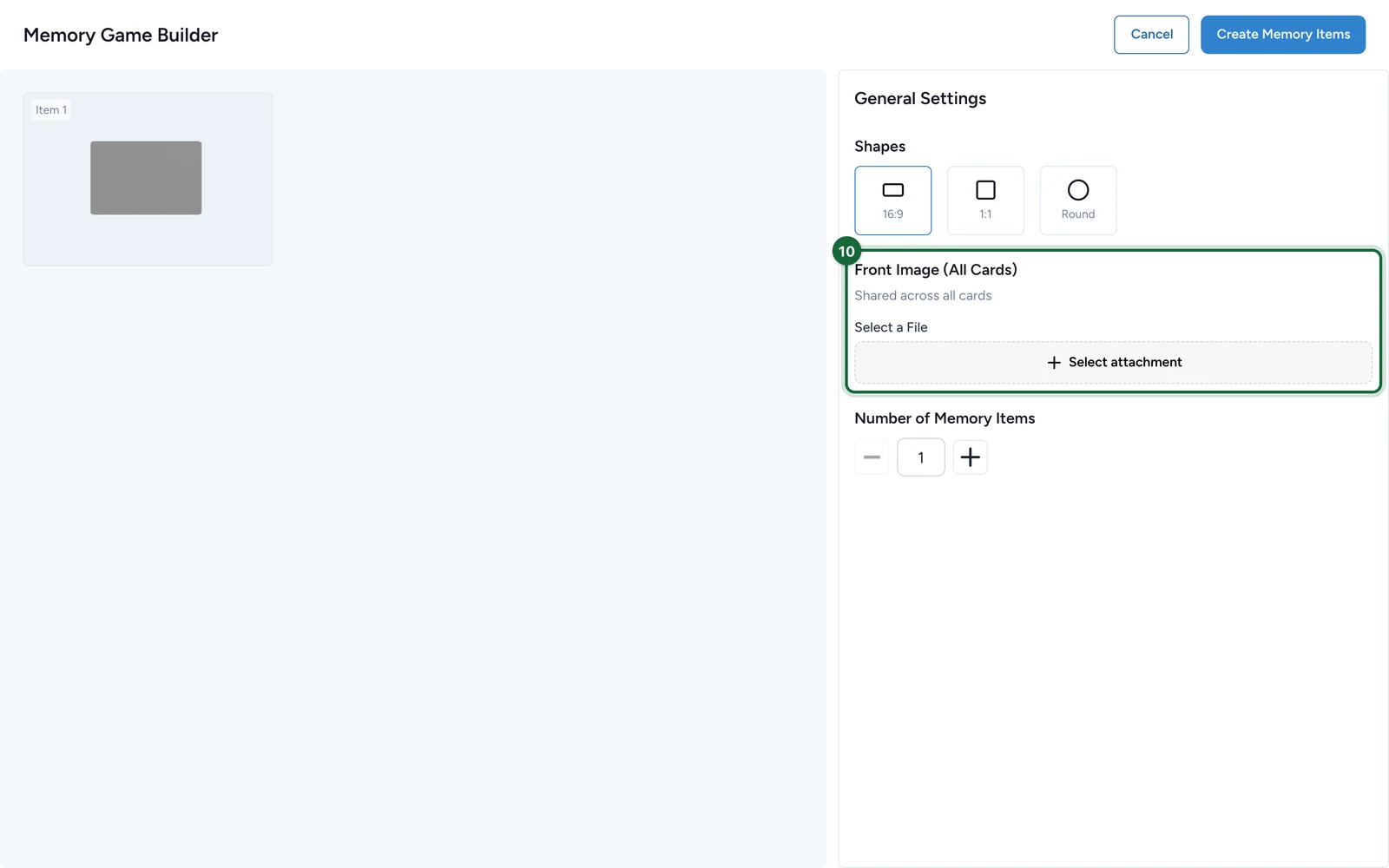
The front is the side every card shows before it's turned over.
-
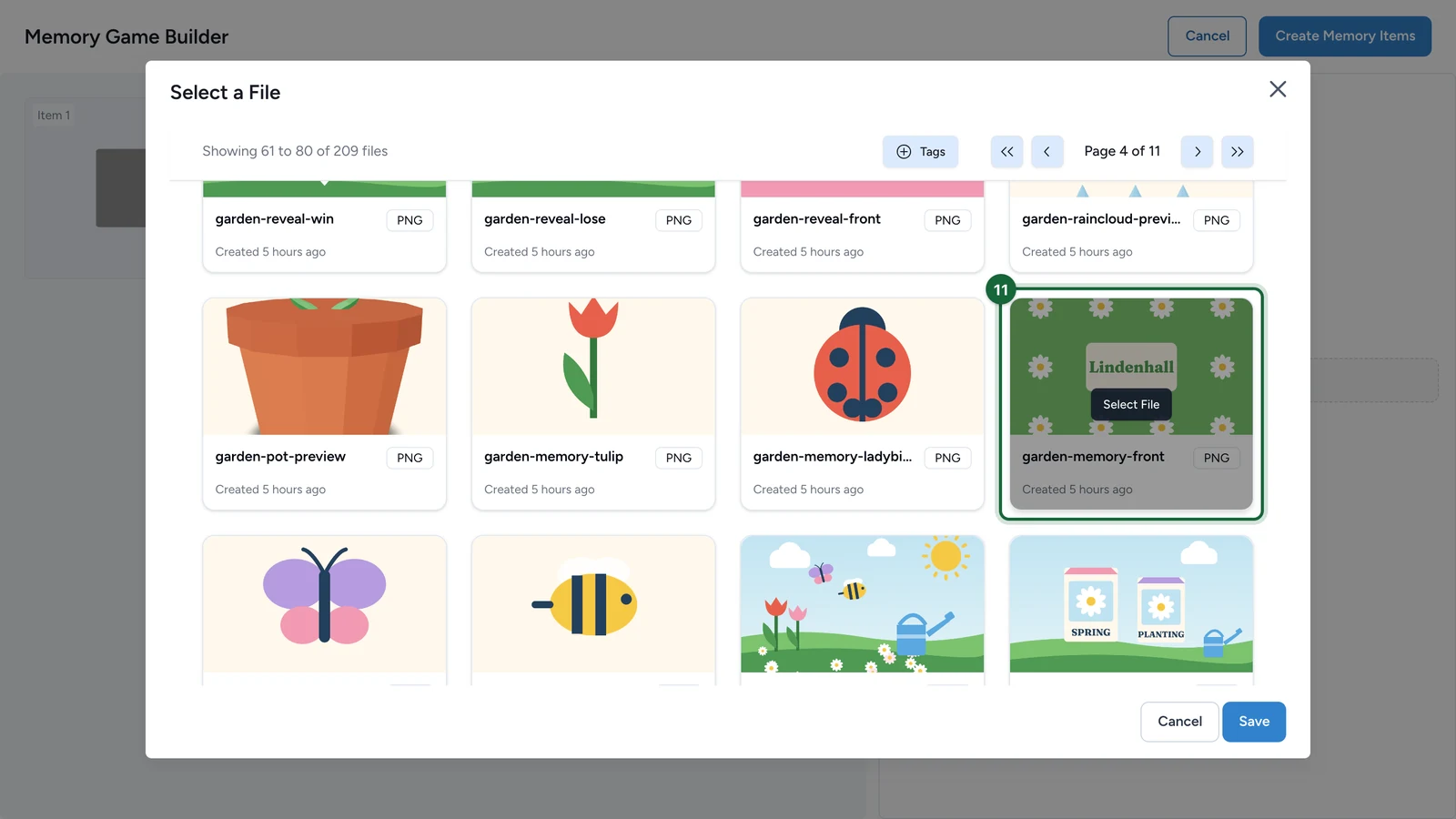
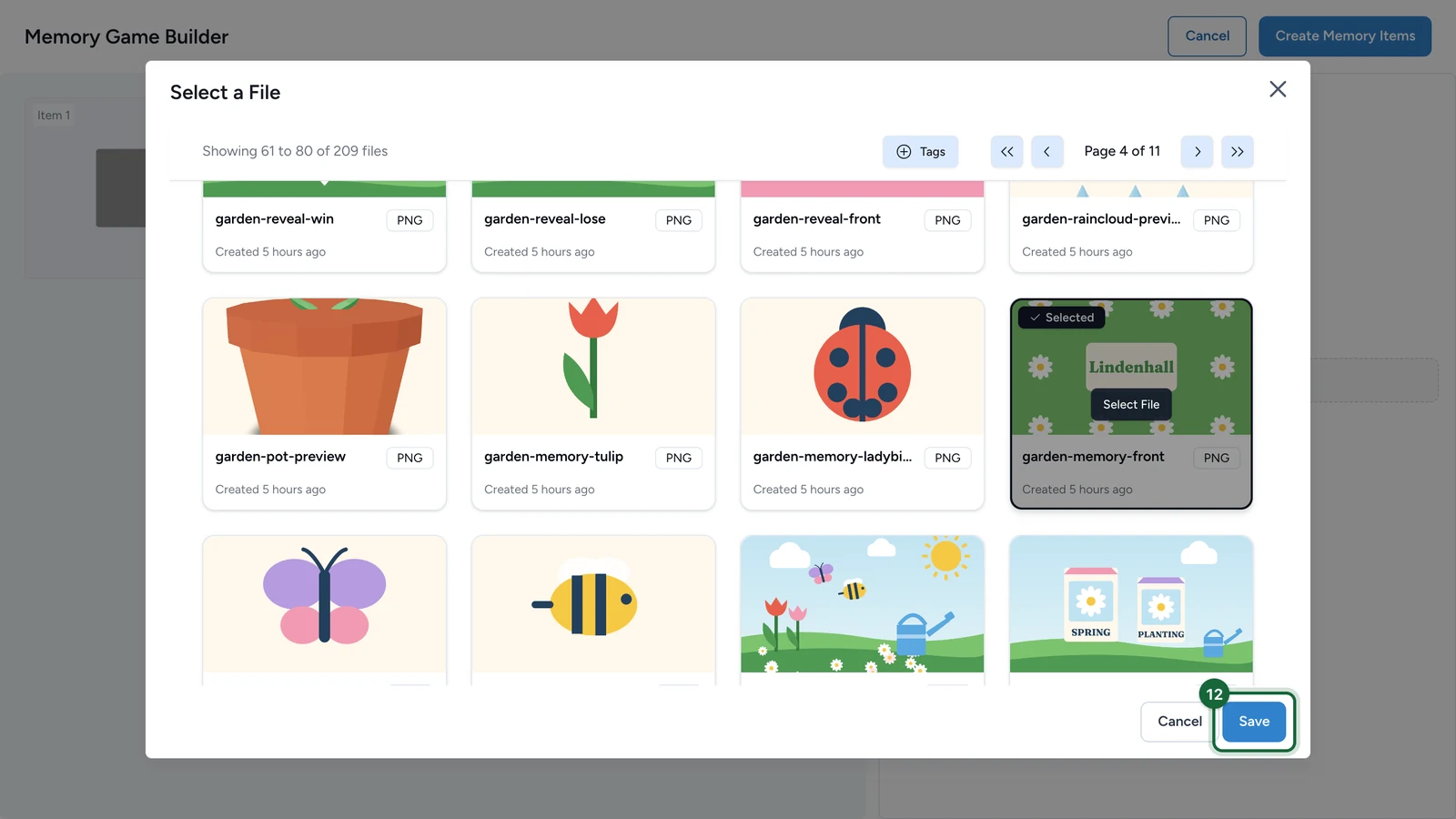
Choose the picture: point at it, then select Select File.
-
Select Save.
-
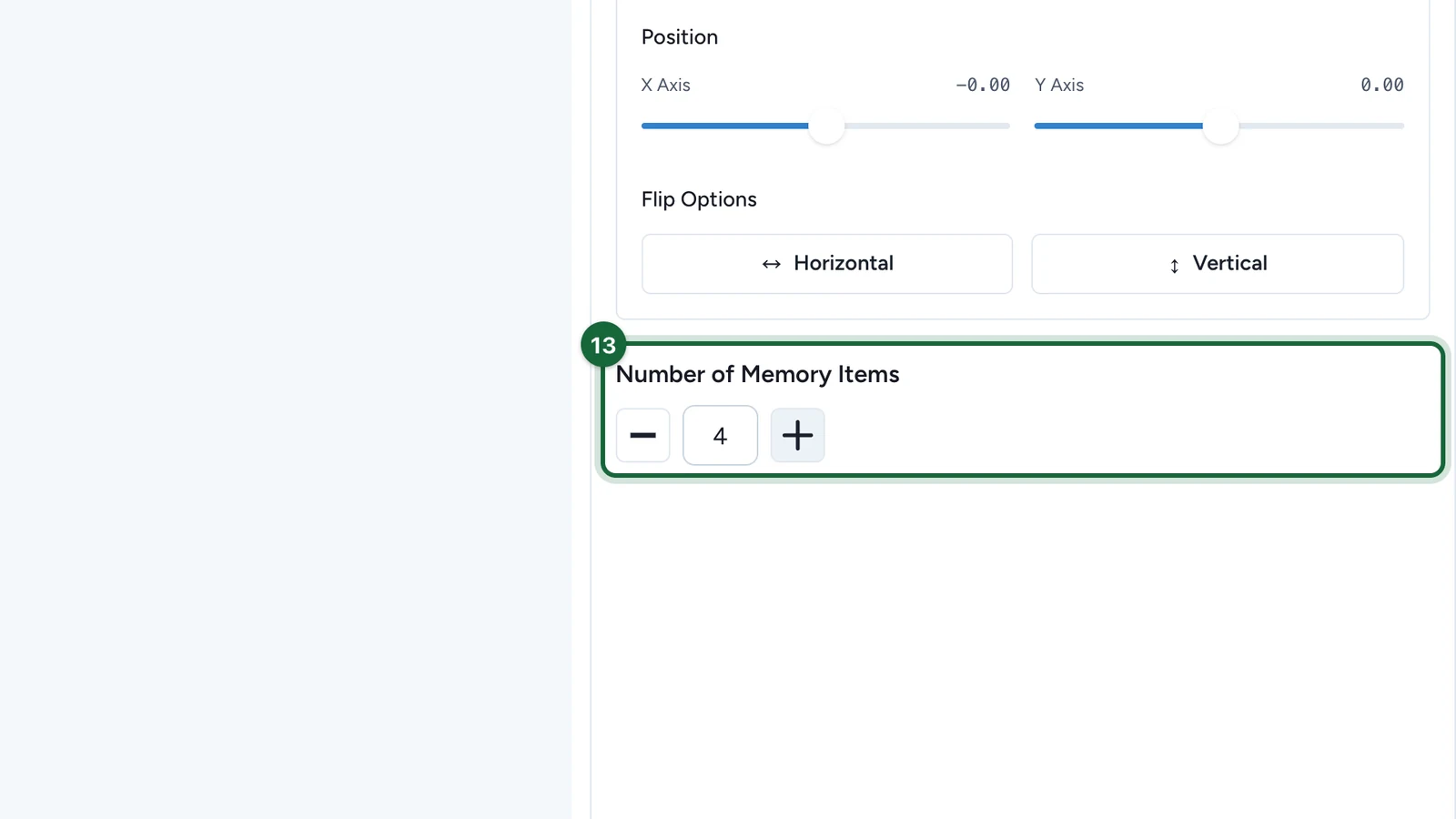
Under Number of Memory Items, select + until you have one item per picture.
-
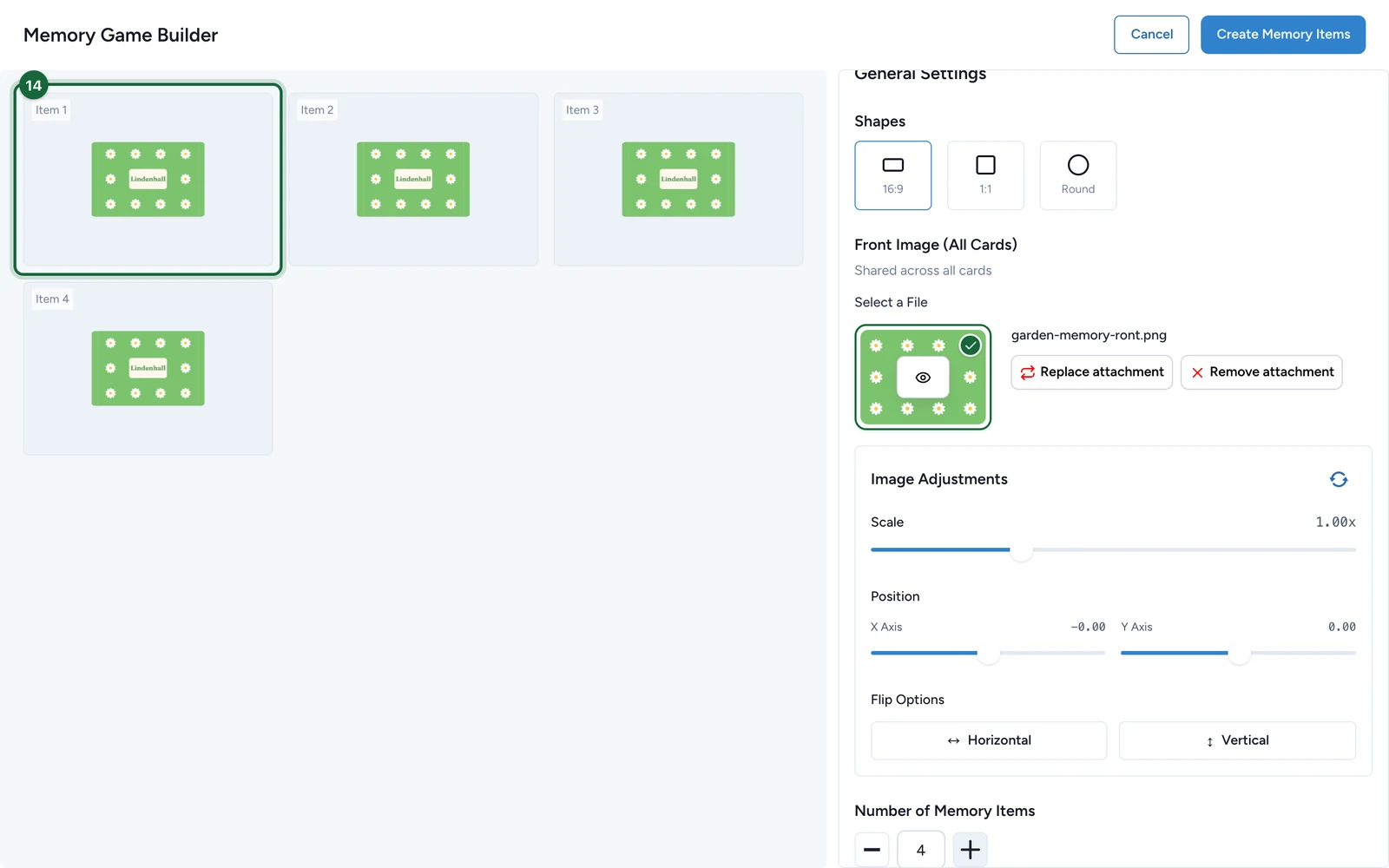
Select Item 1.
-
Under Back Image, choose the item's picture the same way.
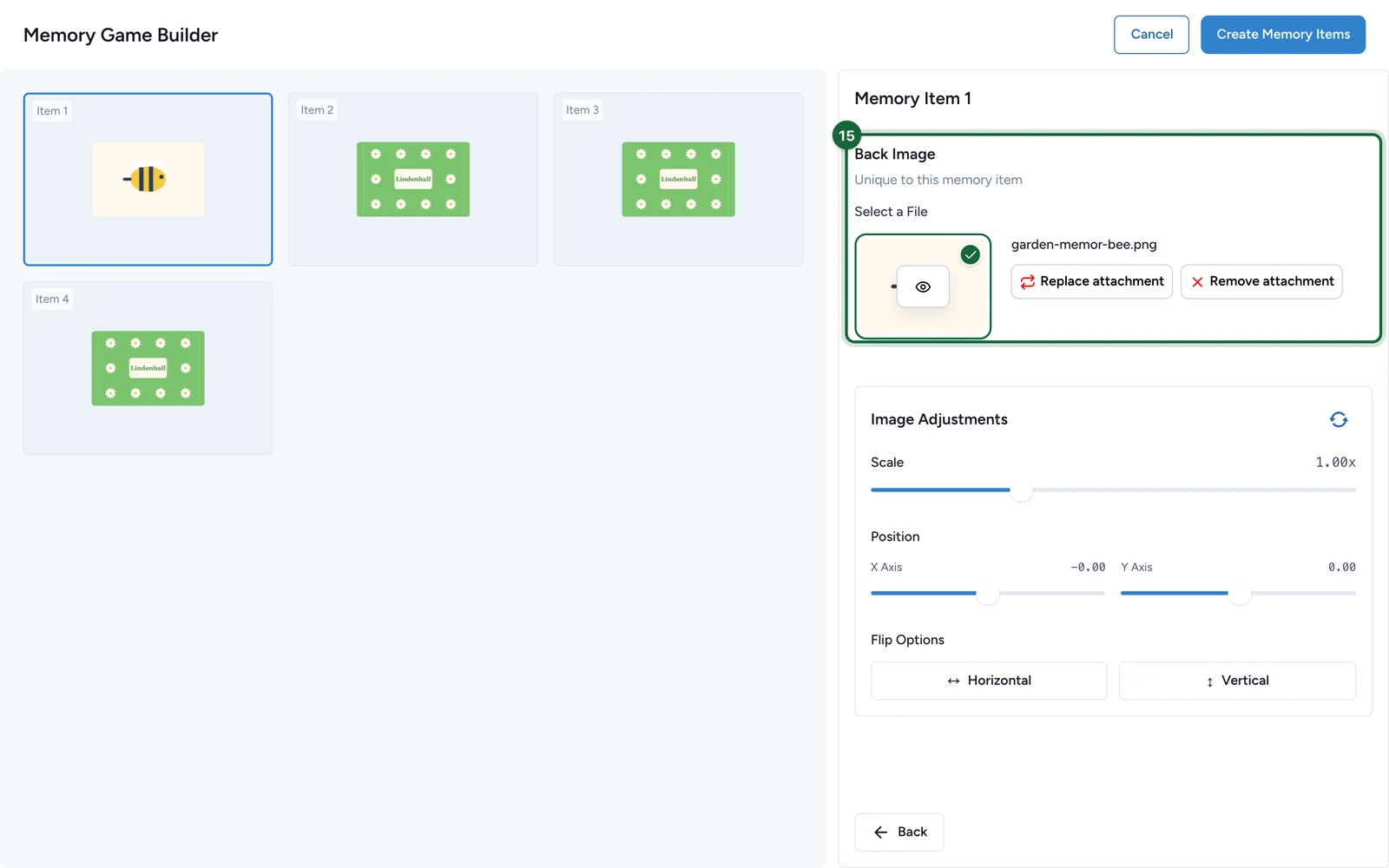
Select Back, and repeat for each item.
-
Select Create Memory Items.
-
Under Repeat Factor, choose how many times each picture appears: 2 (Pairs), 3 (Trios) or 4 (Quads).
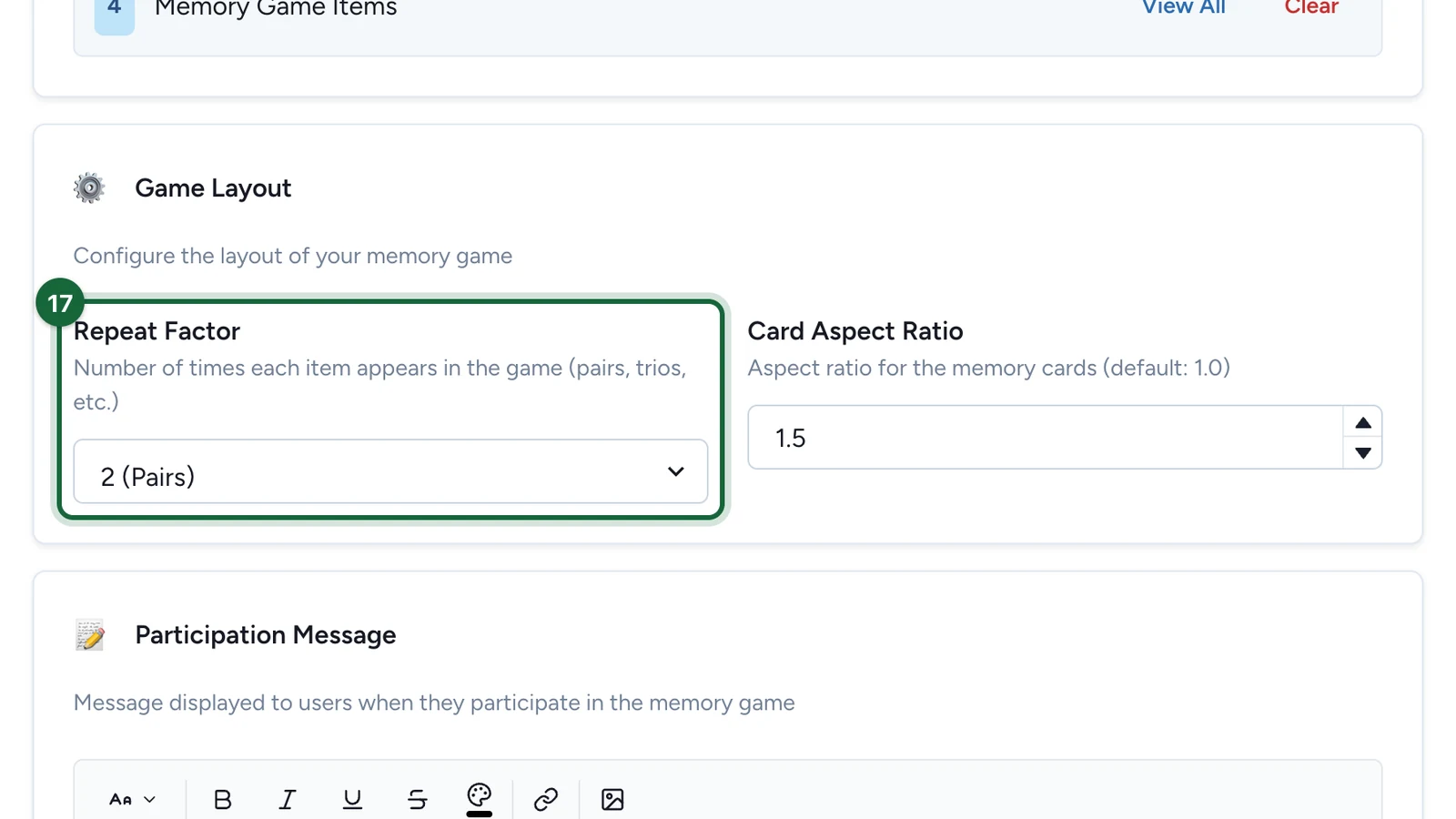
Card Aspect Ratio, next to it, is each card's width divided by its height on the board: 1.5 here, for 16:9 cards. Use 1 for 1:1 or Round.
Reward the best players
-
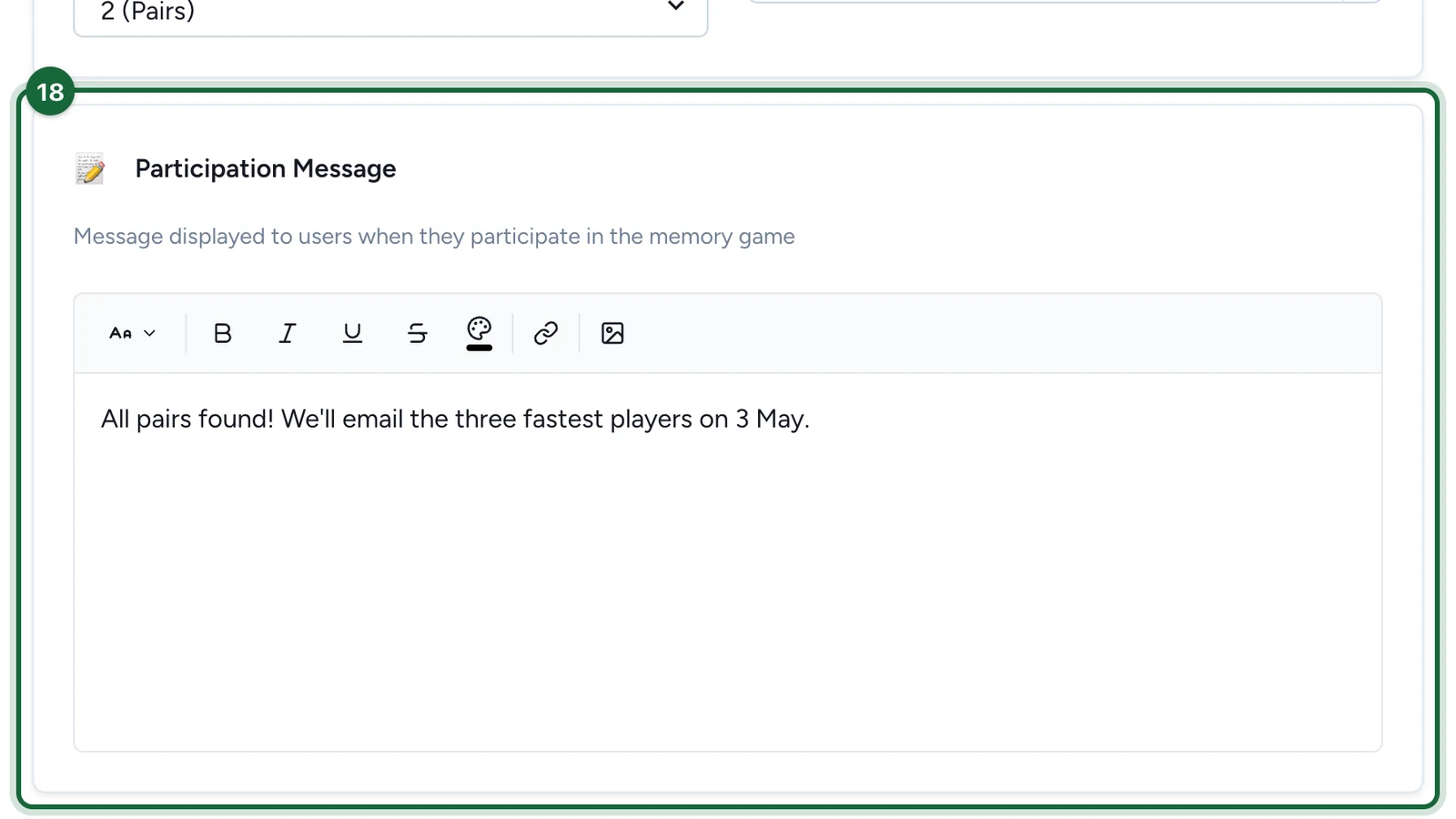
Write the Participation Message players see when they finish.
-
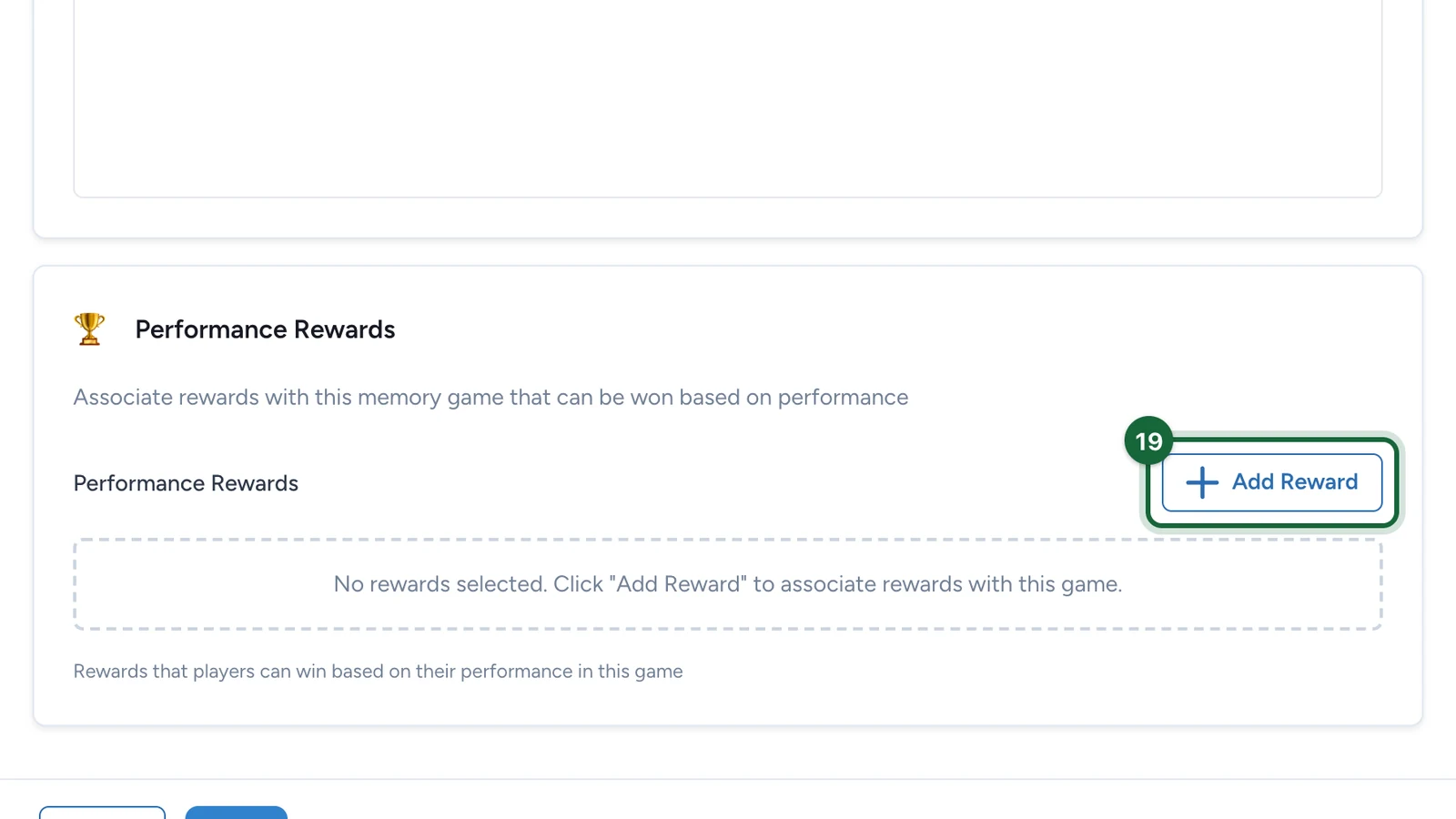
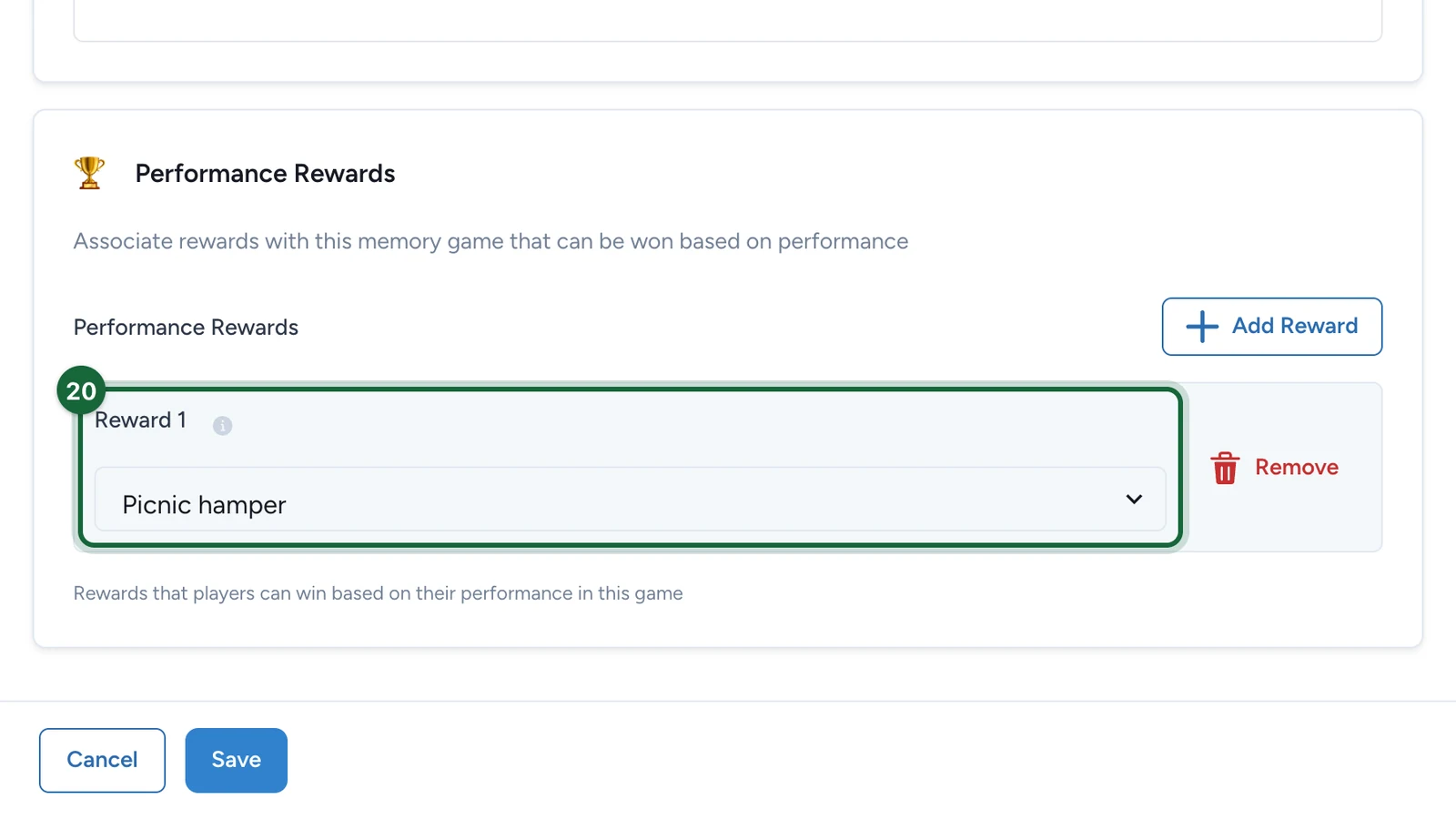
Under Performance Rewards, select Add Reward.
-
Under Reward 1, choose the prize.
-
Select Save.
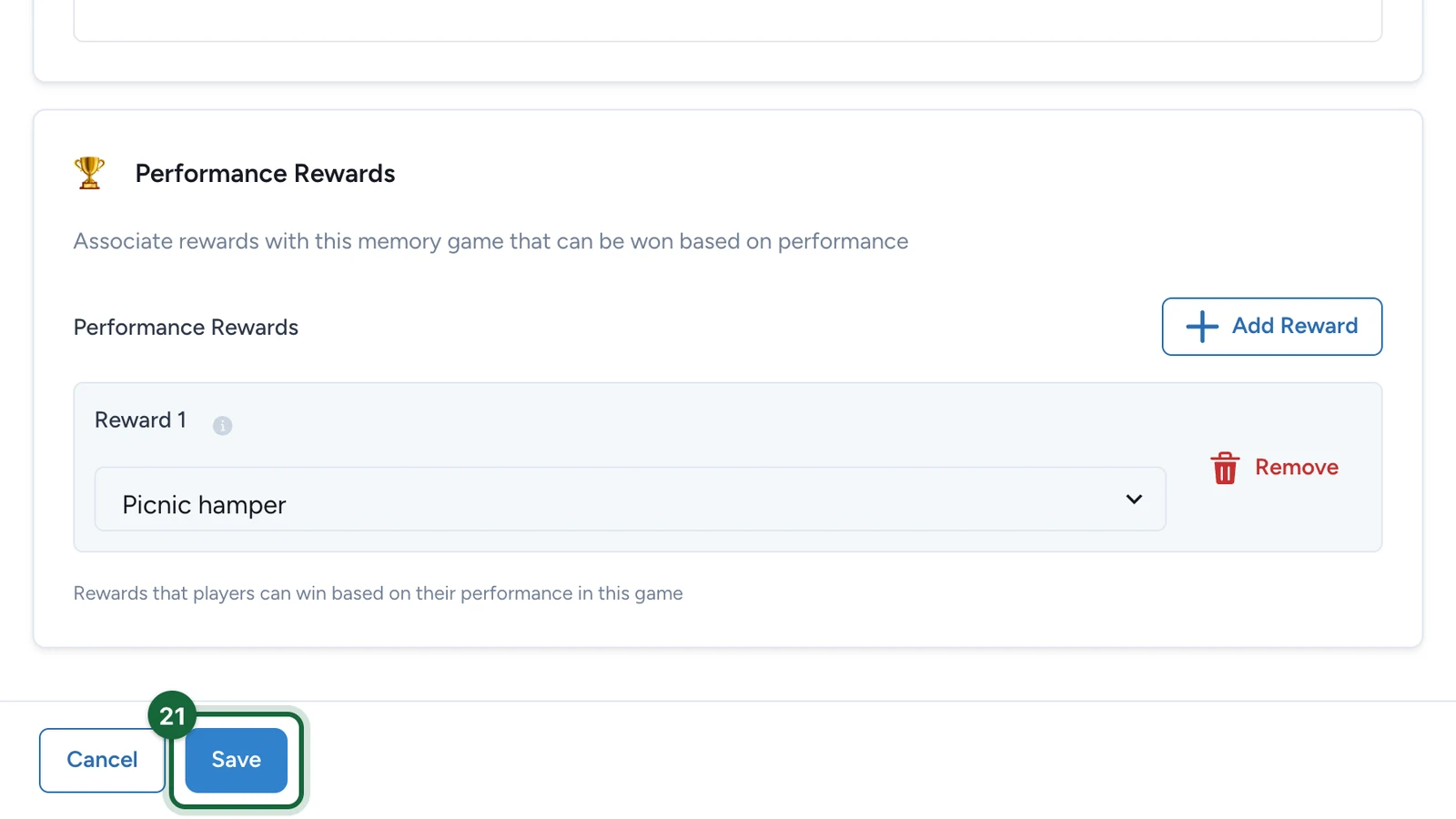
Publish the campaign again for players to see the game: see Publish a game. When the game closes, declare the winners from the campaign's Leaderboard: see Leaderboard rewards.
If publishing is blocked
- No background image, or no thumbnail while the landing page is on: choose them on the Appearance tab.
- No memory items, an item without a picture, or cards that don't share one model: build the cards again, steps 8 to 16.
- The Repeat Factor is below 2: choose 2 (Pairs) or more.
- An older Memory game that Studio no longer supports: build its cards again.
With no reward under Performance Rewards, the game still publishes, but nobody can win: Studio warns about it.
See also Game validation errors.