Add badges and rewards to an event
Choose the badge an Activity needs to publish, and link a reward from the campaign.
1 min read
A badge proves someone took part. A reward gives them something of value, such as a voucher, a gift or a prize-draw entry.
Choose the badge
Every Activity needs a badge before the campaign can publish.
-
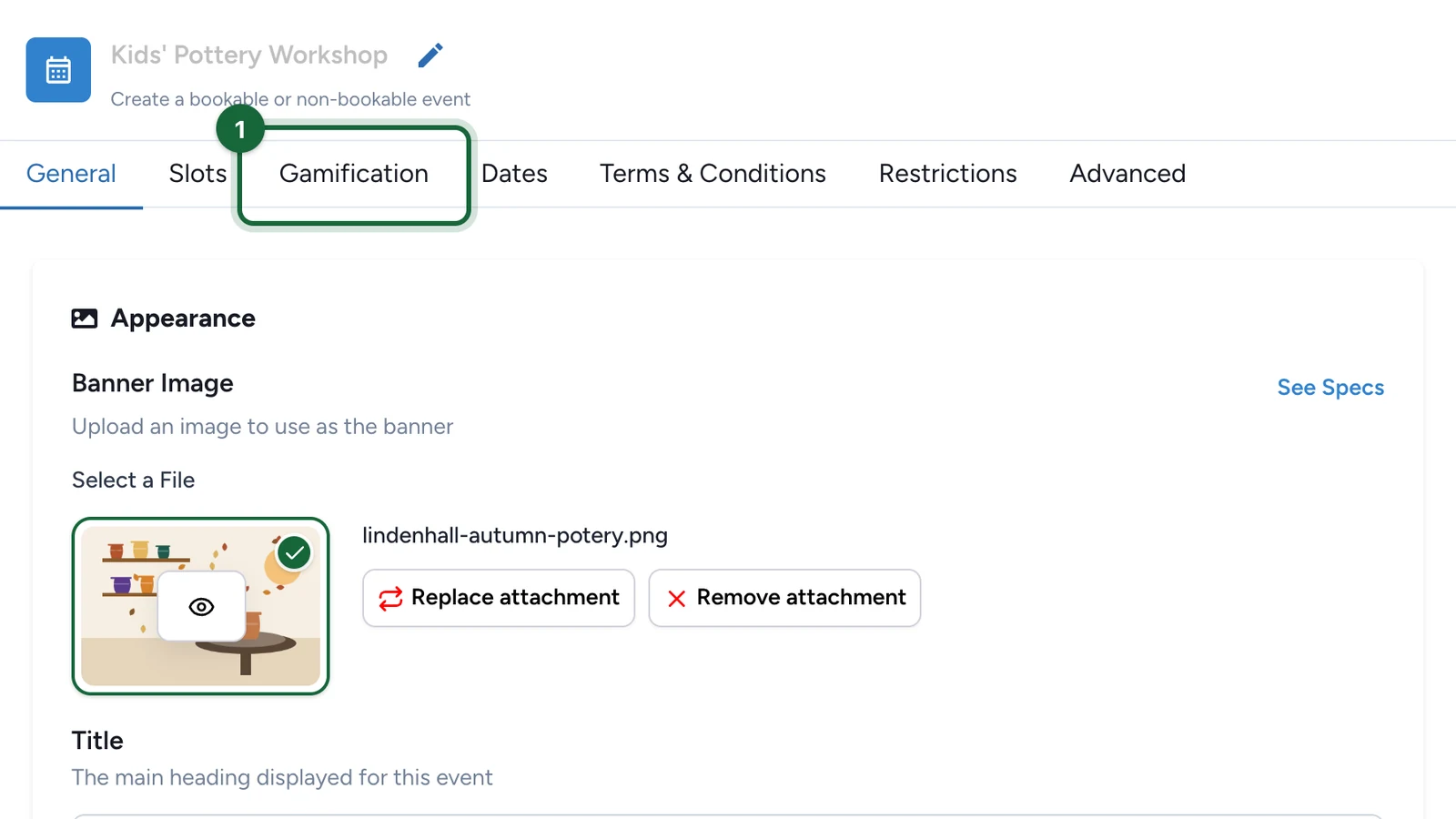
In the Activity editor, select the Gamification tab.
-
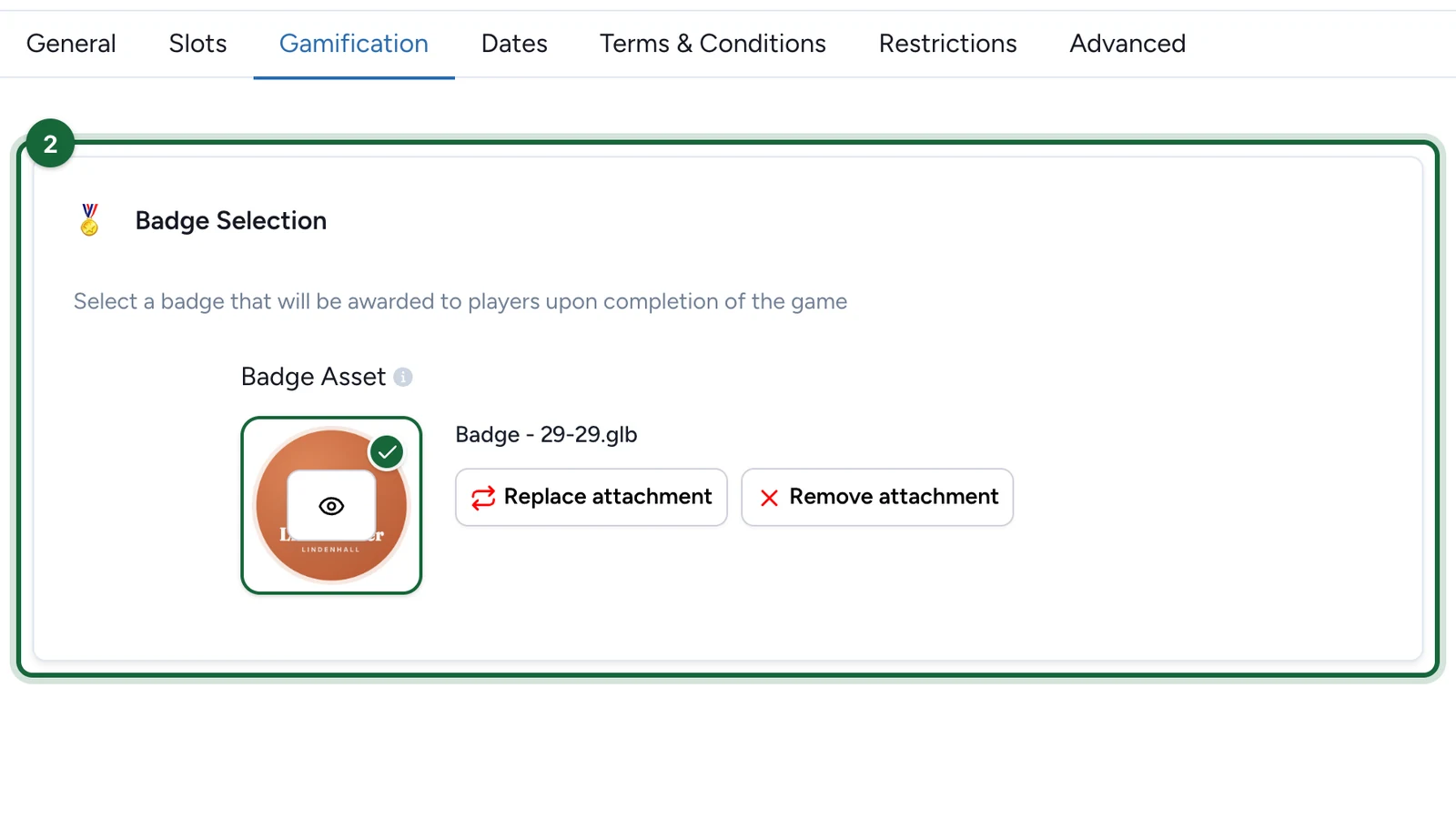
Under Badge Selection, choose the Badge Asset, or select Replace attachment to change it.
-
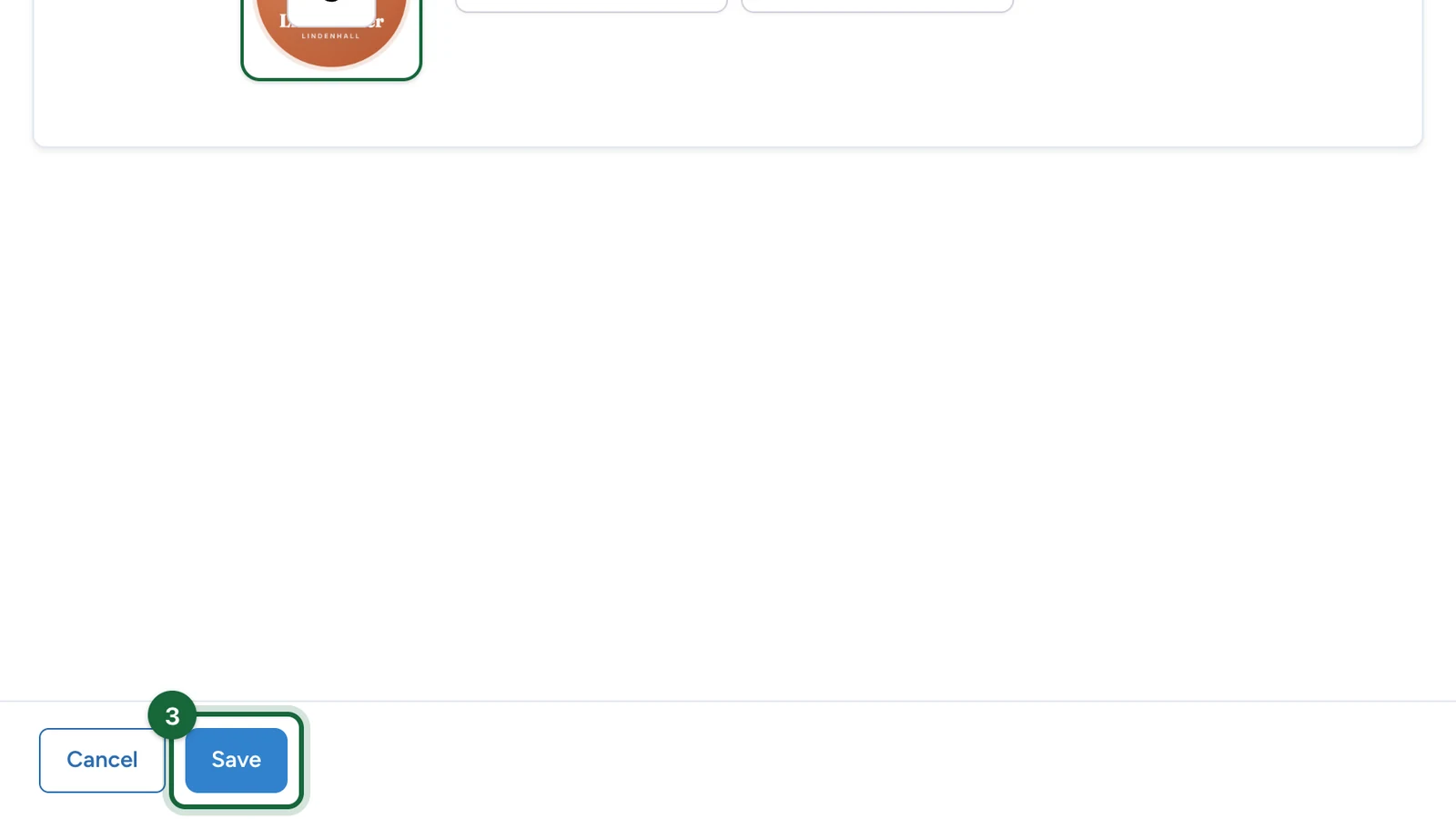
Select Save.
A series of events can share one badge style, so regular visitors see their progress build up. See Gamification badges.
Add a reward
An Activity has no reward field of its own. Rewards come from the campaign's Rewards tab:
- Create a Lottery, Instant Win or First Come, First Serve reward.
- In its Reward Trigger, use Pick Touchpoints to choose this Activity.
- Attendees qualify when they book or check in, depending on the trigger.
See How rewards connect to touchpoints.
If publishing is blocked
- Badge missing: choose a Badge Asset in the Gamification tab.