The customer activation platform.Every interaction becomes a qualified contact. Book a demo

Create an organisation

Create a new organisation from the Global organisation, choose a stable unique key, and finish the local setup afterwards.

Create new organisations from the Global organisation's admin area. The create modal does not ask you to choose a parent organisation.

Prerequisites

  • You have admin access to the Global organisation.
  • You have the organisation name and the unique key ready.
  • You know whether you want to set an image, the consent banner, or the feedback block during creation.

What the create modal includes

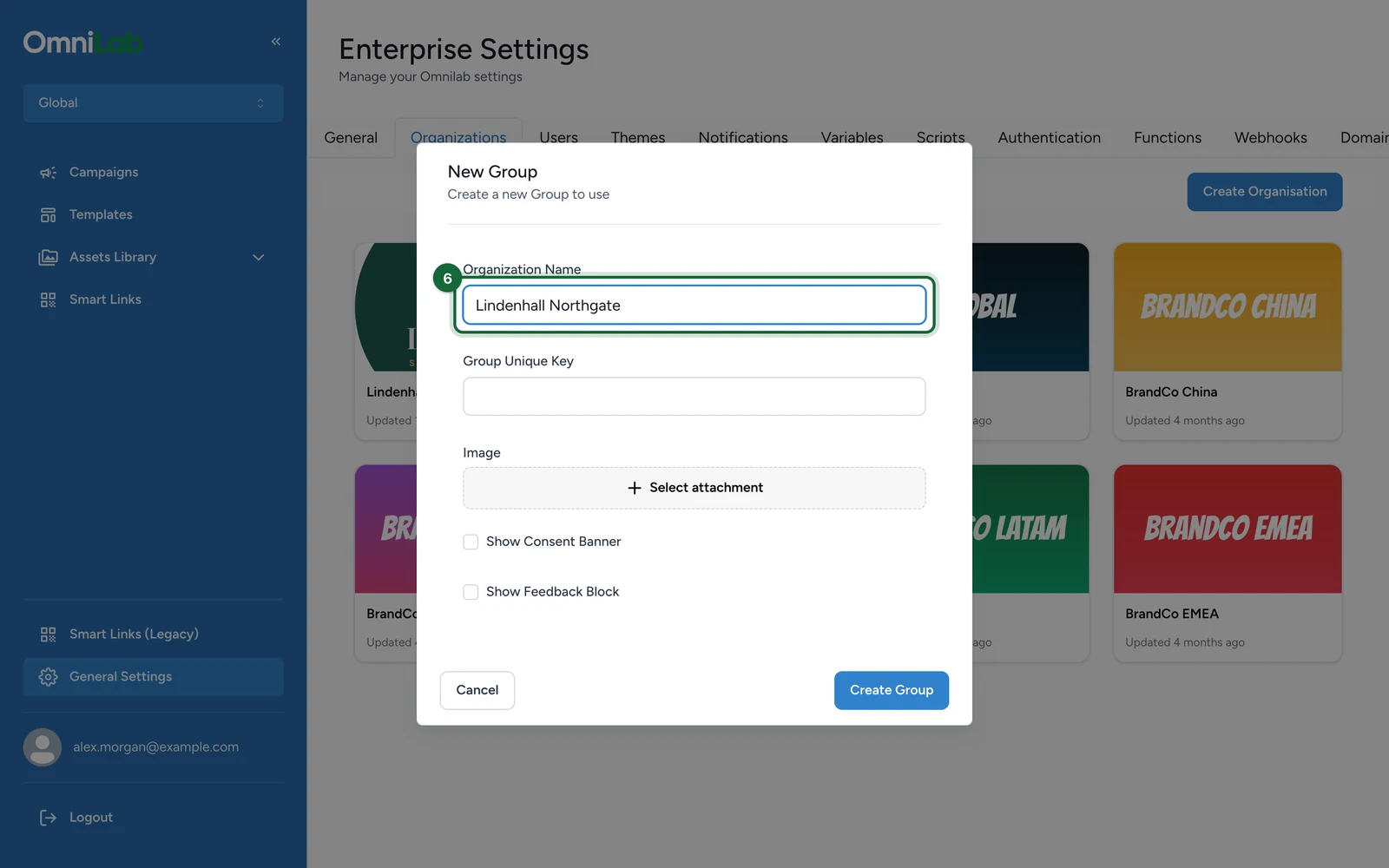
The create modal includes these fields:

FieldExample valueWhy it matters
Organization NameParis CentreGives admins a clear human-readable label
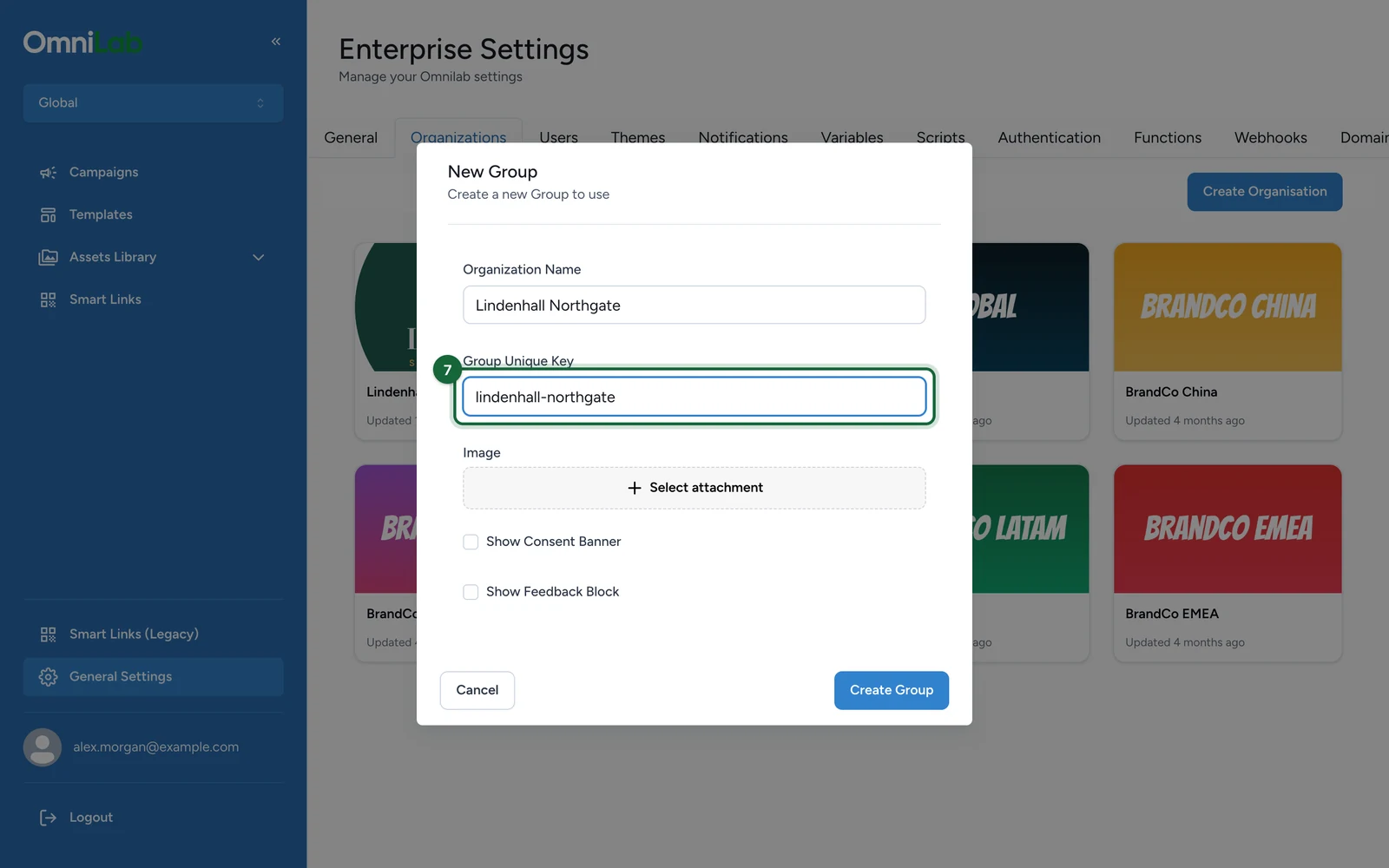
Group Unique Keyparis-centreCreates the stable organisation identifier used across configuration and integrations
ImageUpload a logo or placeholder imageAdds an organisation image to the record
Show Consent BannerOnSets the organisation-level consent banner flag
Show Feedback BlockOnSets the organisation-level feedback block flag

Treat the unique key as a stable identifier

The unique key is not just a label. It is the long-lived organisation identifier used across the product and downstream configuration, so avoid changing it casually after creation.

Create the organisation

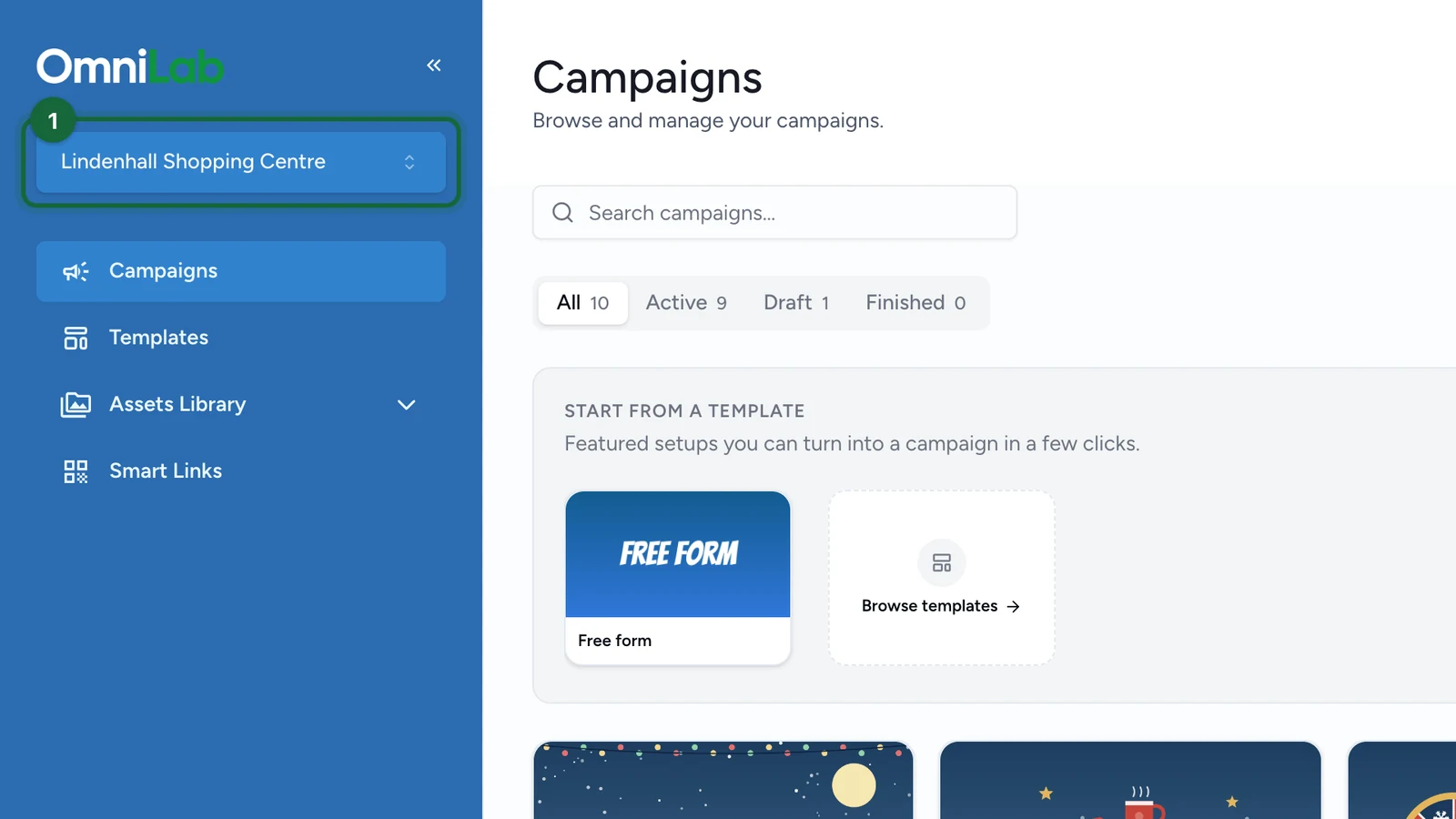
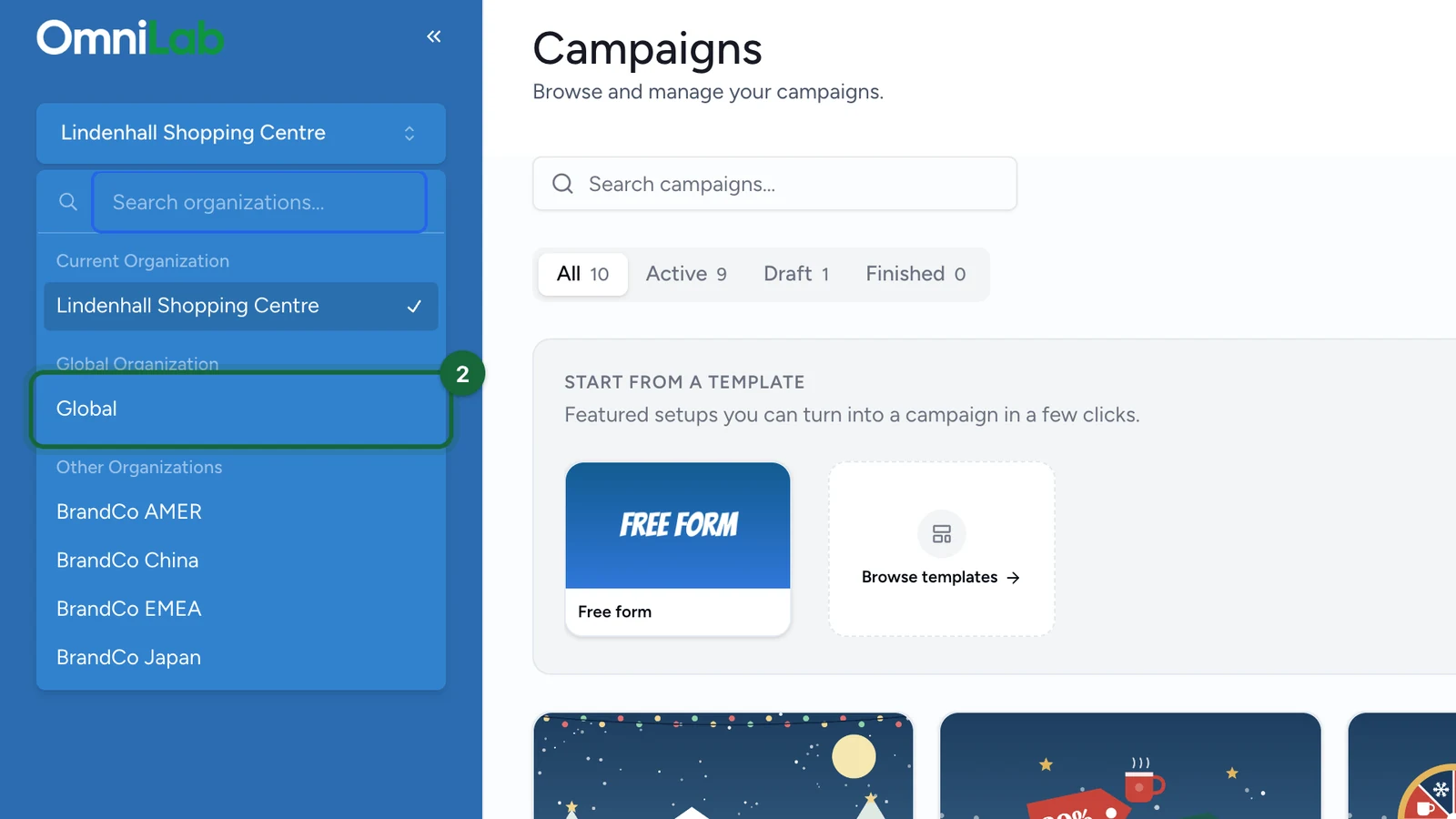
Switch to the Global organisation

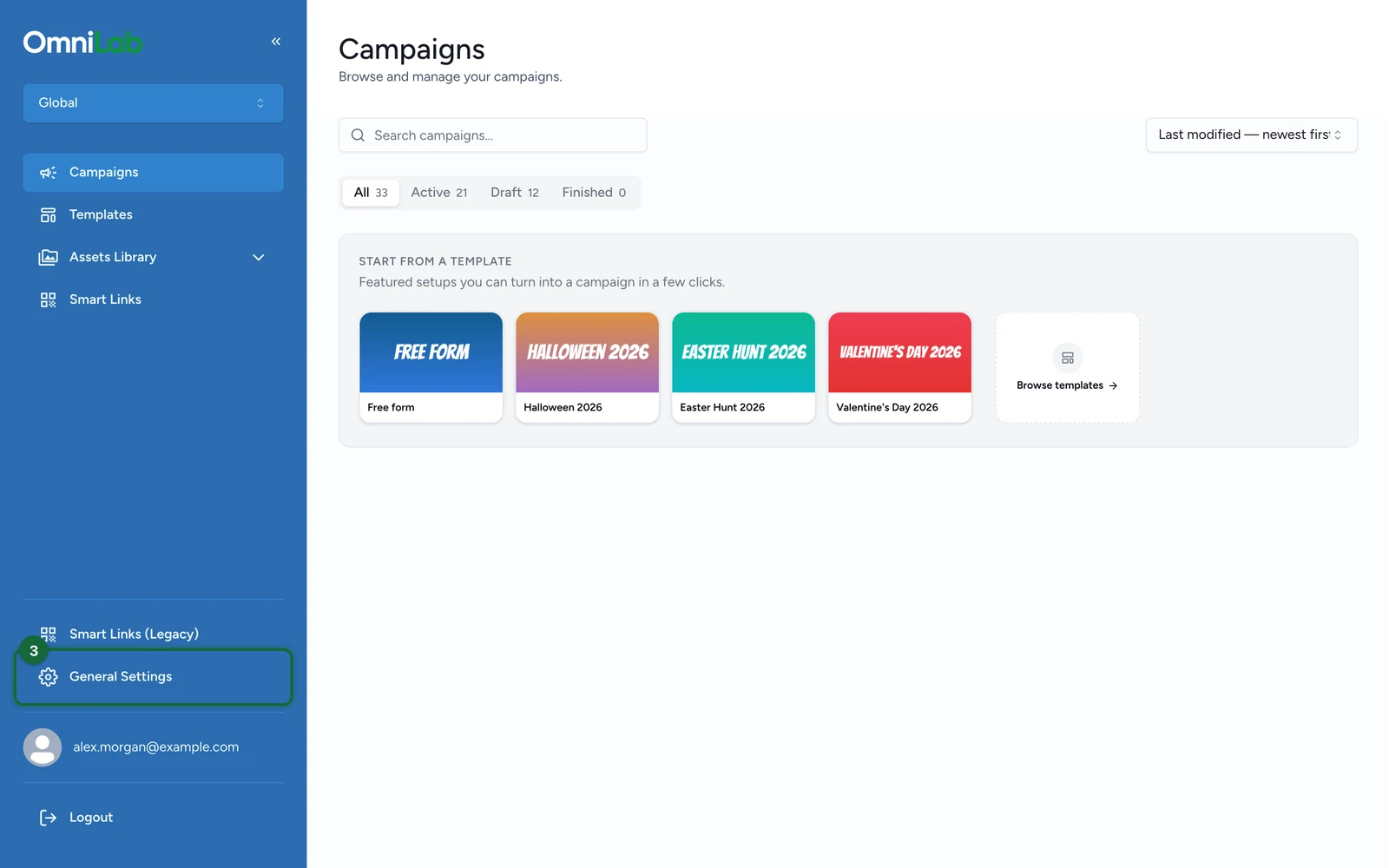
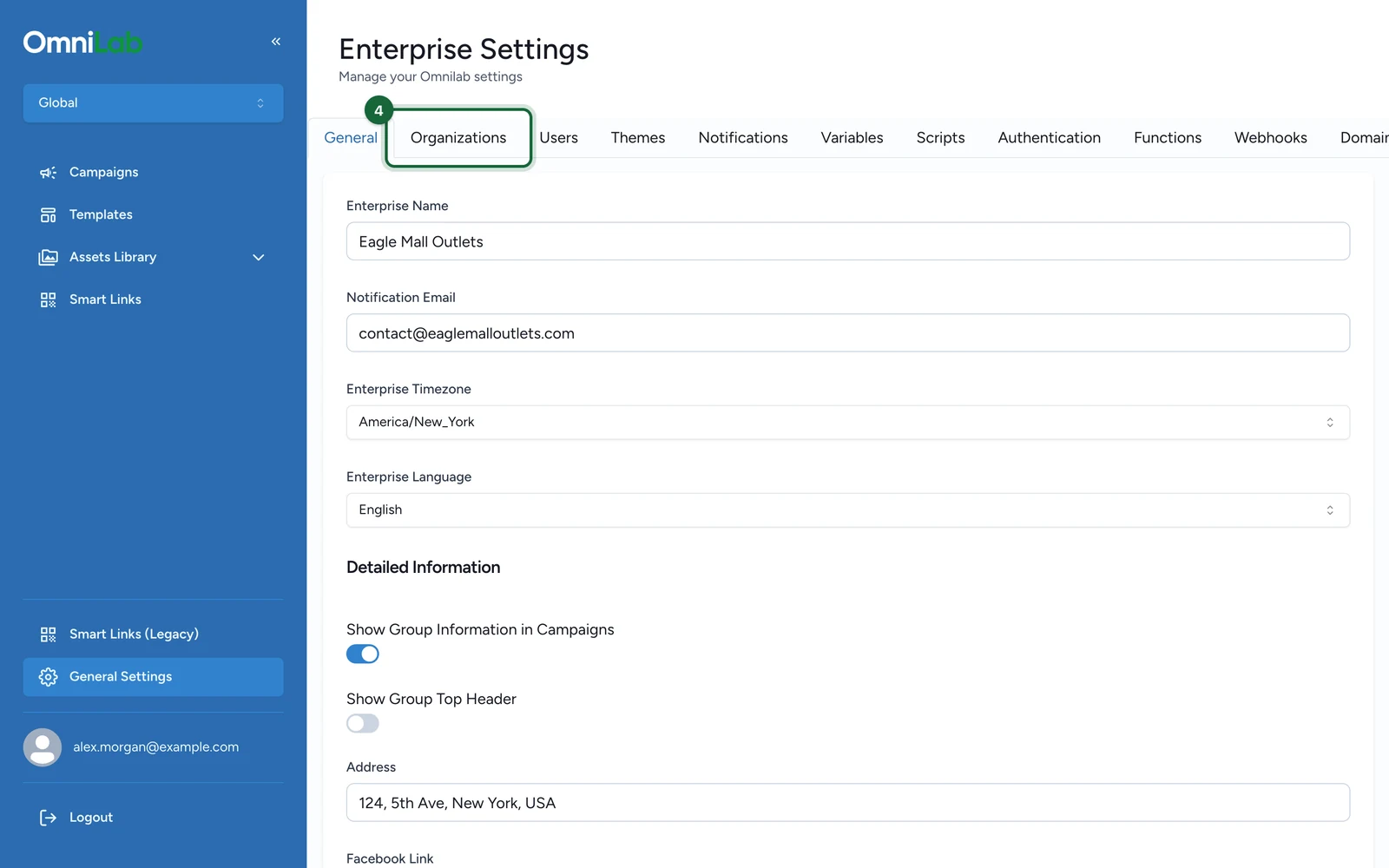
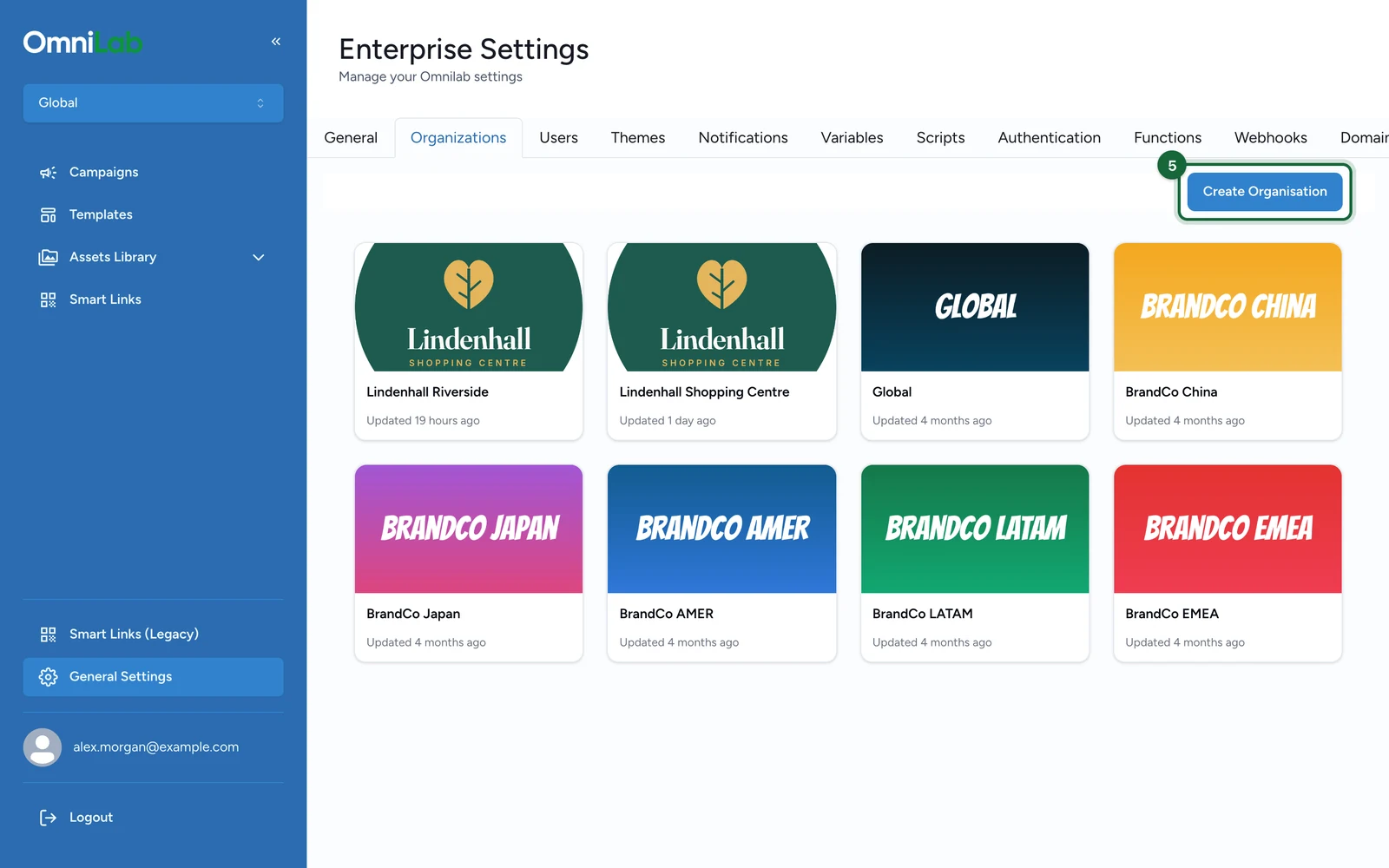
Open the organisation switcher, select the Global organisation, then open General Settings and the Organisations tab.

Start the creation flow

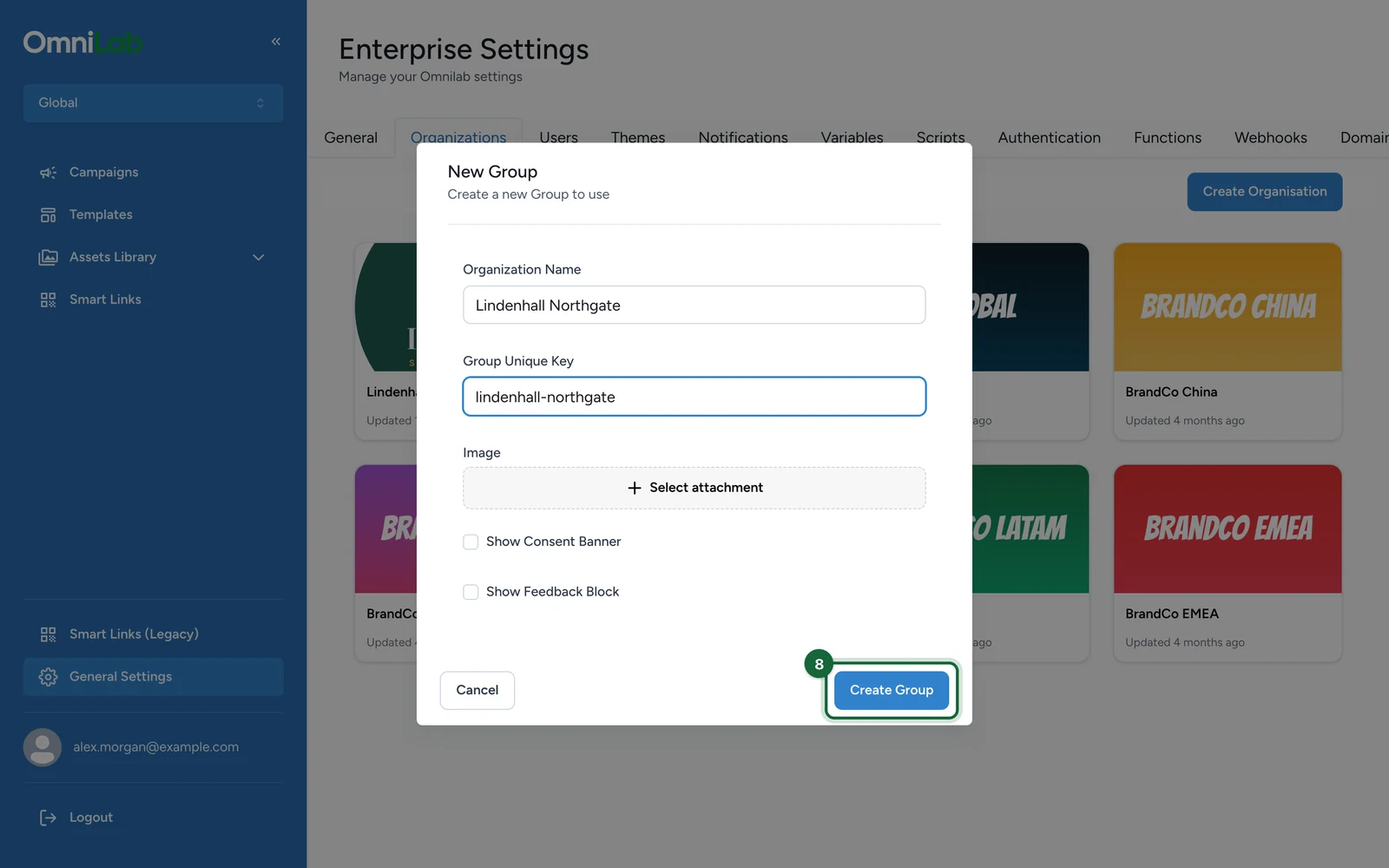
Click Create Organisation. In the modal, the confirmation action is still labeled Create Group.

Complete the available fields

Enter the organisation name and the unique key, then add the optional image or toggle values if you need them at creation time.

Submit the modal

Review the values carefully, then click Create Group to create the organisation.

Finish the local setup afterwards

After the organisation exists, switch into it and finish the rest of the setup:

  1. Review General settings such as timezone, language, address, and CTA values.
  2. Review Notifications if the organisation should not inherit Global defaults.
  3. Add organisation-level variables.
  4. Configure the organisation's domain settings if needed.
  5. Assign the right users to the organisation.

What is not part of the create modal

The current create flow does not ask you to choose:

  • a parent organisation
  • a default timezone
  • a default language

Those settings are handled later in the organisation settings screens.

Was this helpful?

Optional comments help us improve this page for future authors and readers.

On this page