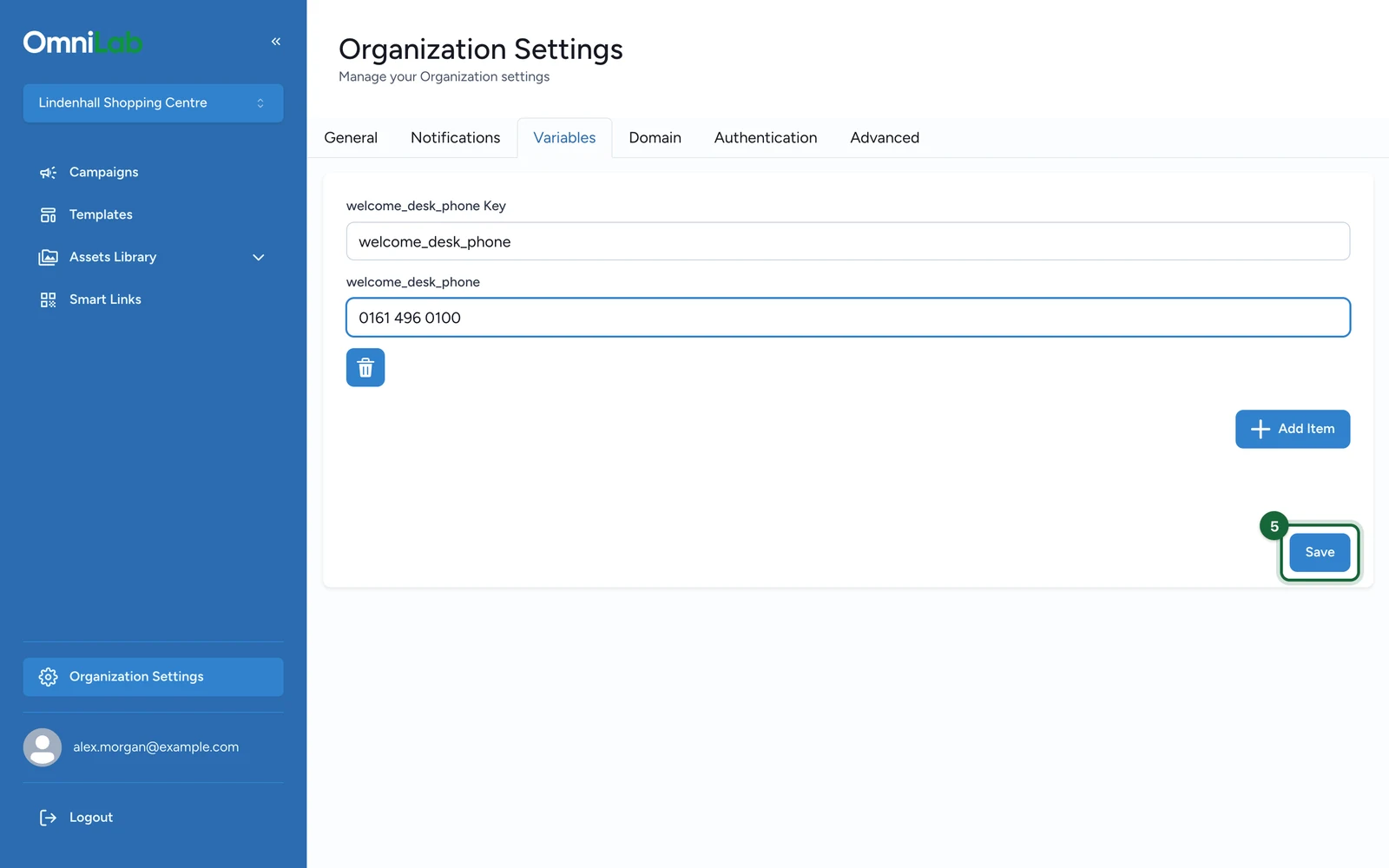
Variables at organisation level
Store reusable organisation-specific key-value pairs for templates, add-ons, and Pages experiences.
Organisation variables let you keep reusable local values at organisation level instead of hard-coding those values into every campaign, template, or integration. They are especially useful when several organisations share the same campaign structure but need different local contact details, links, or routing values.
When to use Variables instead of General settings
Use the built-in General fields for standard organisation identity settings such as Enterprise Name, Notification Email, Address, social links, or CTA values.
Use Variables when you need extra organisation-specific values that do not already have their own dedicated field, for example:
- a support URL
- an external location code
- a local app link
- a brand-specific label reused in templates
What a variable looks like
Organisation variables are stored as a flat object, for example:
| Key | Example value | Typical use |
|---|---|---|
location_code | paris-centre | Route data to the right external location |
support_url | https://example-brand.com/help | Reuse a local support or information link |
contact_phone | +33 1 80 00 00 00 | Reuse local contact details |
brand_label | Paris Centre | Insert a local label into templates or scripts |
The key is reused exactly as you write it, so stable naming matters.
In Liquid-enabled content, a variable such as support_url can be reused as {{support_url}}.
Need help? Visit {{support_url}} or call {{contact_phone}}.Where organisation variables are used
Organisation variables are commonly reused in these places:
| Context | How the variable is exposed |
|---|---|
| Add-on configuration | Organisation add-ons can use custom variables or organisation-specific routing values |
| Liquid-enabled templates or notifications | Custom keys are exposed directly in Liquid, so a key such as support_url can be referenced as {{support_url}} |
| Pages scripts | Pages experiences can reuse the variable set of the currently selected organisation |
OmniLab also provides some separate built-in bindings in Liquid-enabled contexts, such as enterprise_name, group_name, and group_display_name.
Important limits
| Limit | What it means |
|---|---|
| Flat map only | The Variables screen stores one flat list of keys and values, not nested sections or objects |
| No Variables inheritance toggle | Variables are stored per organisation and are not automatically inherited from Global in the Variables UI |
| Key changes are breaking changes | Renaming or deleting a key breaks any template, script, or add-on that expects that exact key |
Naming tips
- Prefer stable, descriptive keys such as
support_url,contact_phone, orlocation_code - Keep one meaning per key so teams know exactly what each value is for
- Rename or delete a key only after updating every template, script, or add-on that depends on it
Manage variables
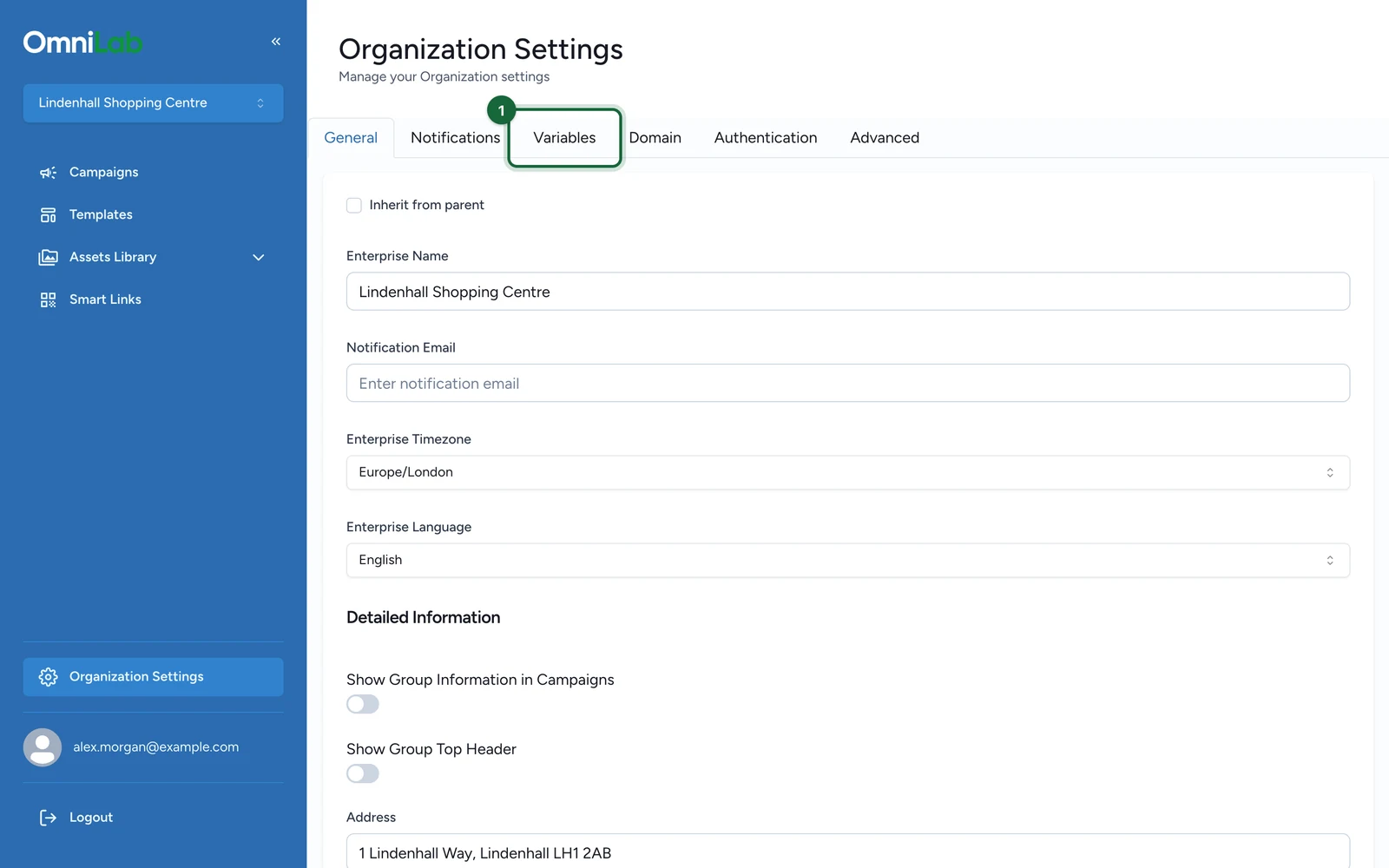
Open the Variables tab
Switch to the target organisation, then open General Settings or Organization Settings and select Variables.
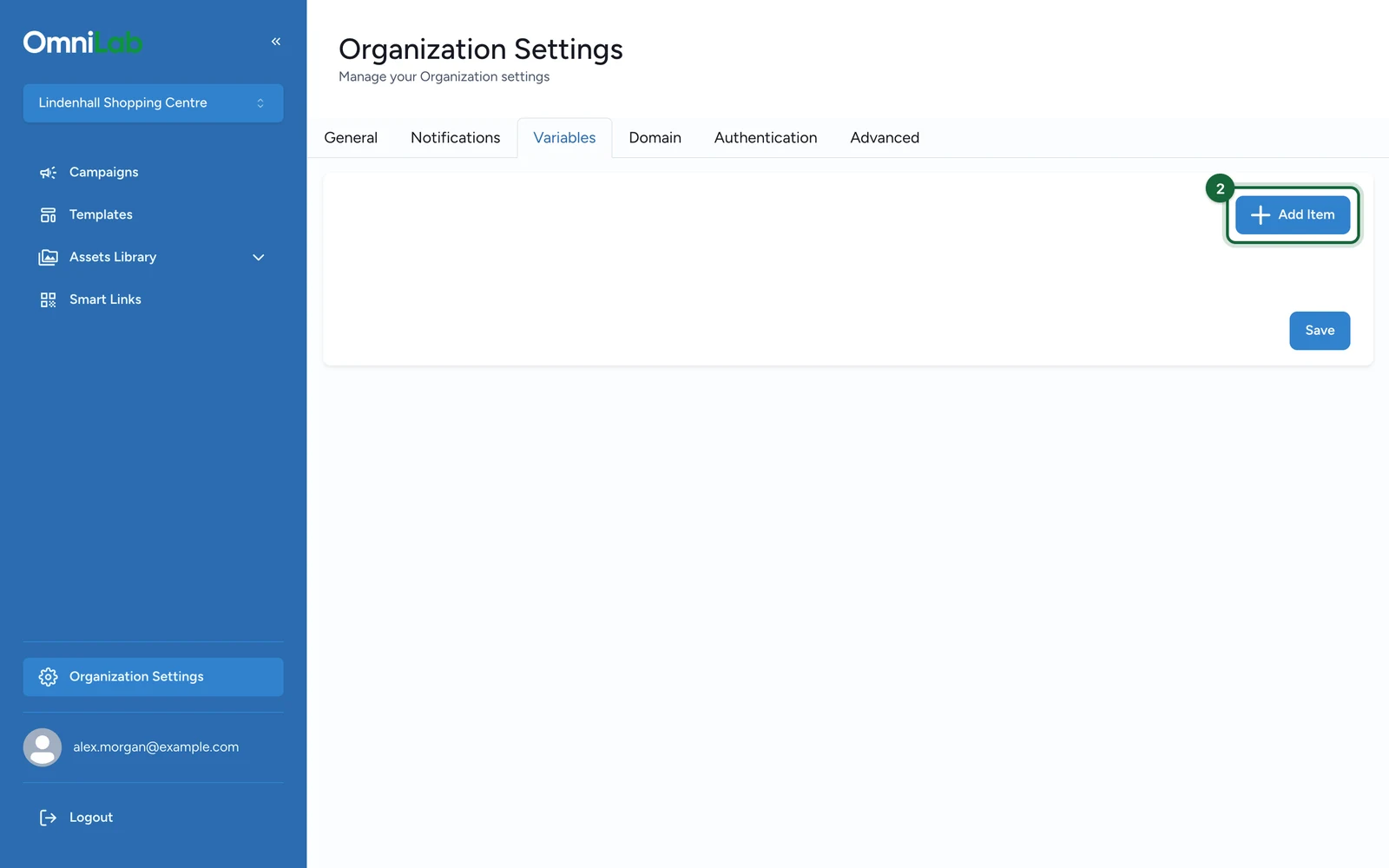
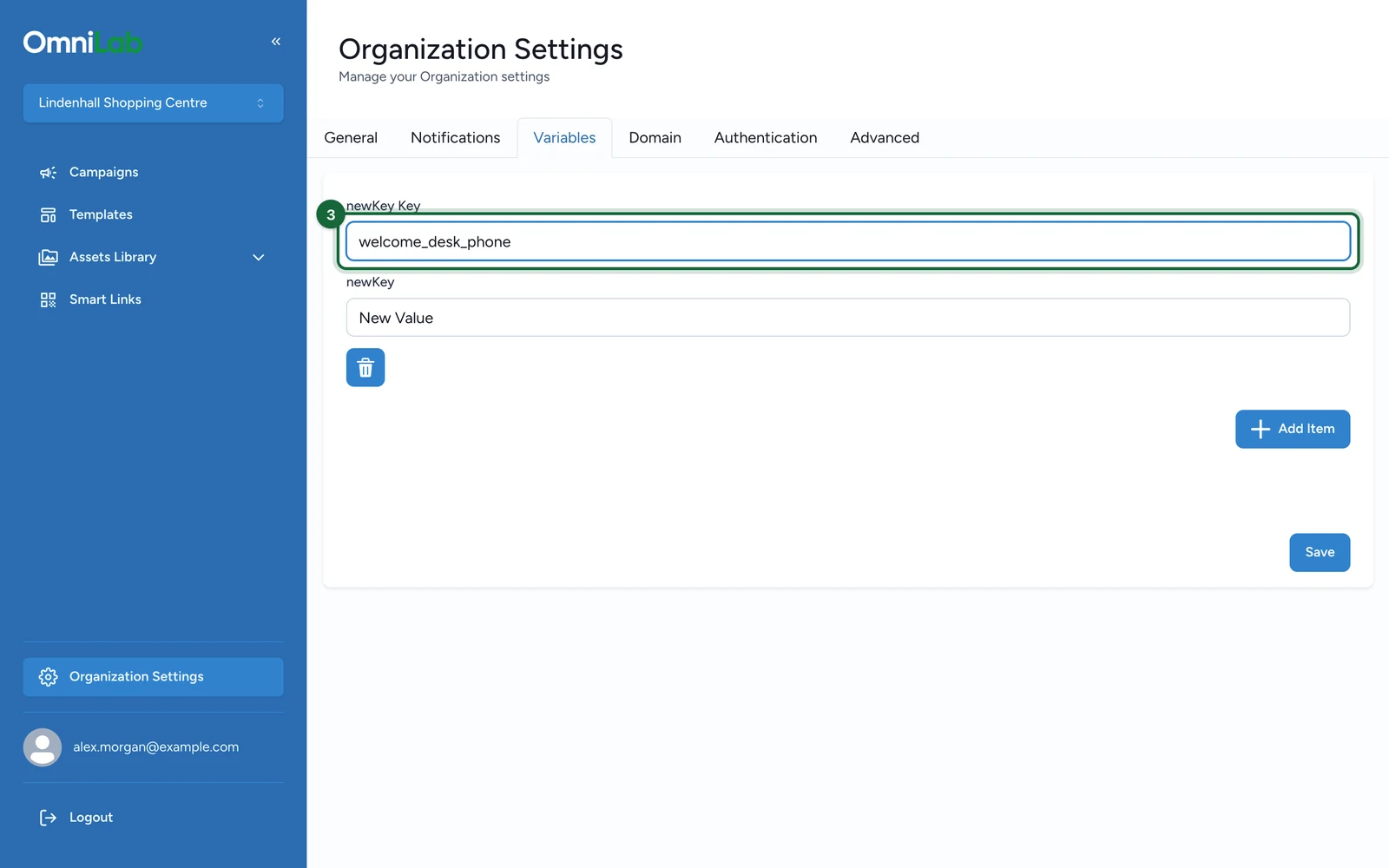
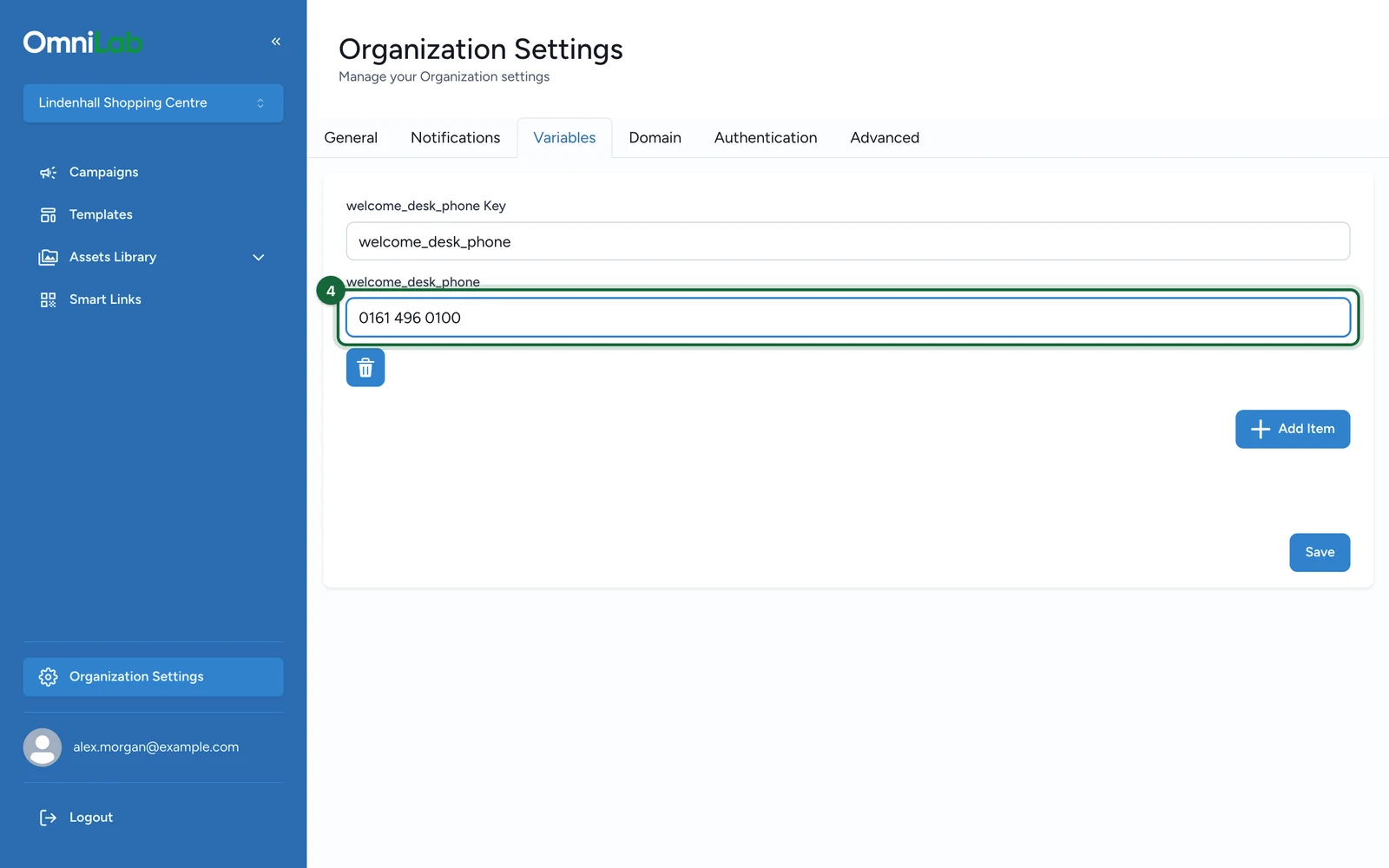
Add or edit key-value pairs
Create the key and set the value that should be reused in this organisation. Prefer stable, descriptive names so teams can reuse them consistently.
Save and test the consumer
After saving, test the place that reads the variable, such as an add-on field, a Liquid template, or a Pages script.
Clean up only when the key is no longer referenced
Delete or rename a variable only after confirming that no active campaign, template, add-on, or script still depends on it.
Important when sharing templates
Variables do not move automatically between organisations
When a template is reused in another organisation, review the destination organisation's variable keys and add-on values. Template reuse does not guarantee that the target organisation already has the same local variable map.
Related
Templates: export, import, and reuse
Use the ZIP workflow when a template needs to move between environments or organisations.
Share a template across organisations
See the direct cross-organisation sharing workflow.
Organisations and scope in OmniLab
Review why templates and settings are scoped to the selected organisation.