Organisation settings (general defaults)
Review the General tab fields on an organisation and decide when to keep local values or inherit from Global.
Set each organisation's identity defaults, like its name, timezone, language, and links, so campaigns and OmniLab Pages show the right details. You manage these on the General tab, and you can let some of them inherit from Global.
Prerequisites
- You have admin access to the selected organisation.
- You have confirmed that you are editing the correct organisation in the switcher.
- You know whether this organisation should use local values or inherit from Global where supported.
Where these settings live in OmniLab Studio
The settings surface depends on which organisation is currently selected:
| Selected organisation | Settings surface |
|---|---|
| Global organisation | General Settings |
| Regular organisation | Organization Settings |
Both surfaces expose organisation-level tabs, but inheritance is available only in some sections.
What the General tab controls
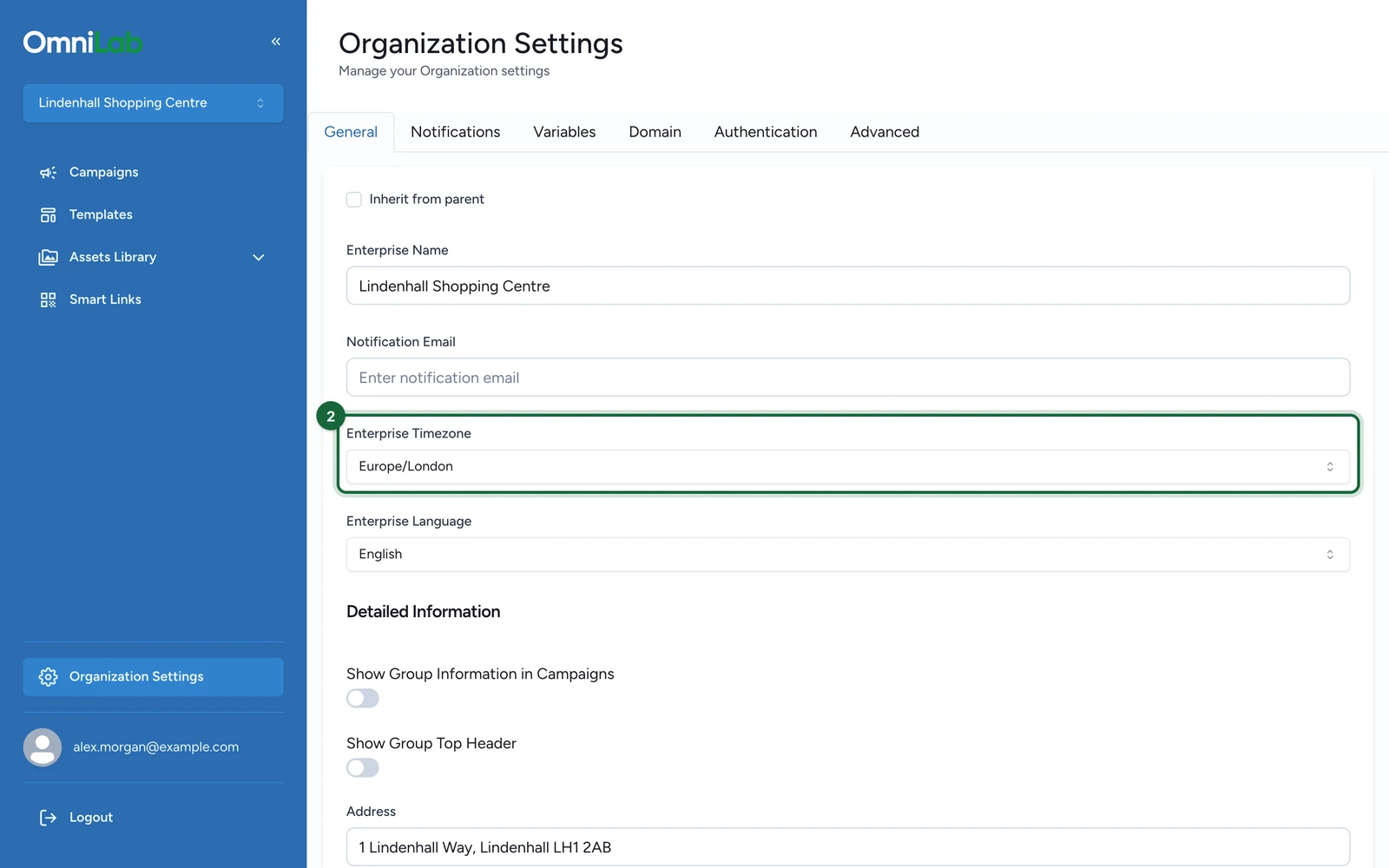
The General tab includes these fields:
| Field | What it controls |
|---|---|
| Enterprise Name | The organisation name reused across organisation-level configuration |
| Notification Email | The default organisation email |
| Enterprise Timezone | The default timezone for the organisation |
| Enterprise Language | The default language for the organisation |
| Show Group Information in OmniLab Campaigns | Whether the organisation information block appears on supported OmniLab Pages |
| Show Group Top Header | Whether the organisation top header appears on supported OmniLab Pages |
| Address | The organisation address |
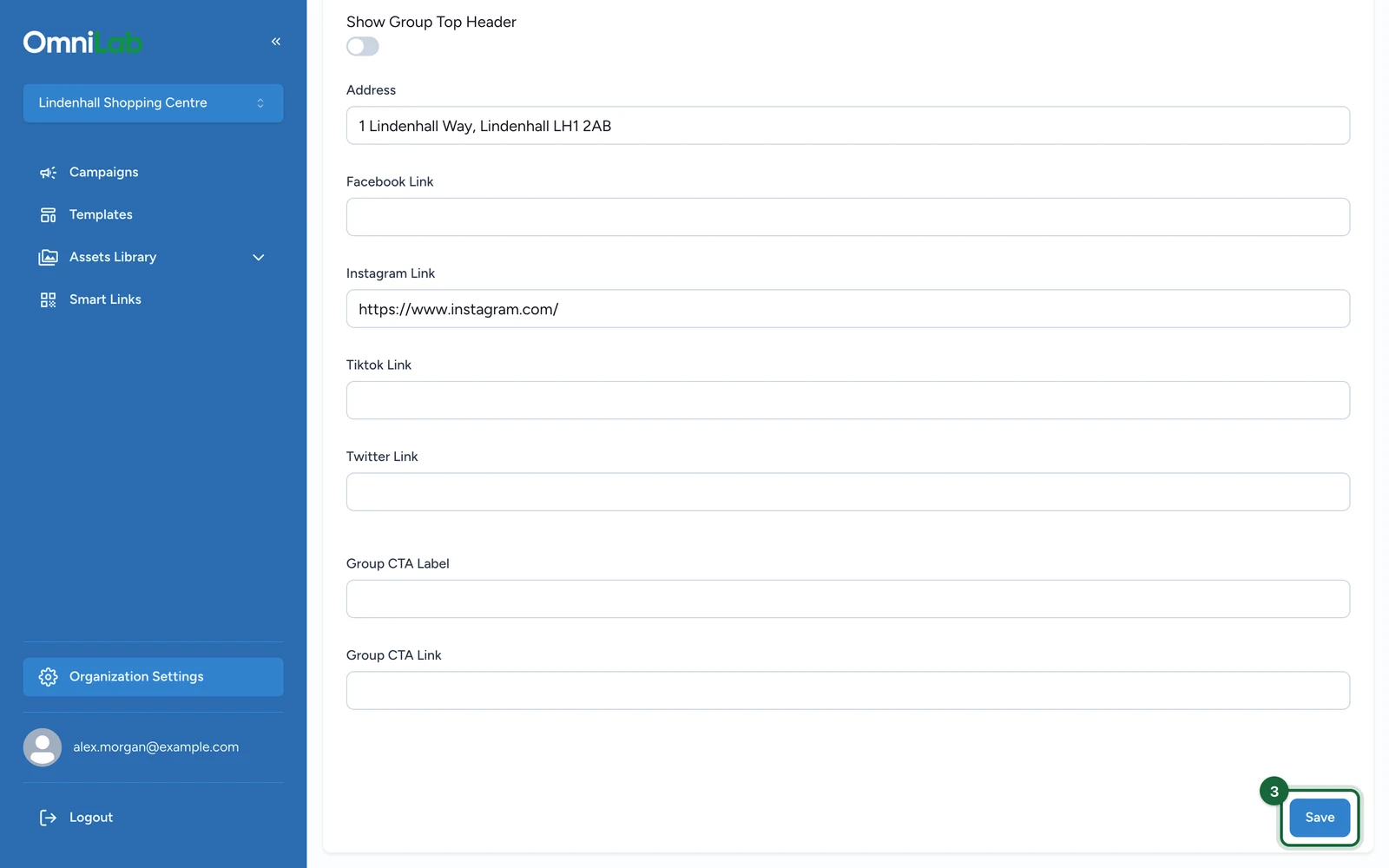
| Social links | The Facebook Link, Instagram Link, Tiktok Link, and Twitter Link fields |
| CTA fields | The Group CTA Label and Group CTA Link fields |
Use the built-in fields first
If a value already has a dedicated field in General, store it there. Use Variables at organisation level for extra organisation-specific values that do not fit one of the built-in fields.
When to keep local values instead of inheriting
Use local values when a child organisation genuinely needs its own:
| Situation | Better choice |
|---|---|
| Local address, social links, or CTA destination differ by venue or brand | Keep local values on that organisation |
| All child organisations should reuse the same identity defaults | Inherit from Global |
| One country or venue needs a different timezone or language | Keep local values on that organisation |
| A regional rollout should stay aligned everywhere | Inherit from Global where supported |
If you want every organisation to look the same, inherit from Global. Keep local values only where a venue or country genuinely differs.
What inheritance covers
Inheritance is available, but limited.
| Area | How it works |
|---|---|
| General tab | A regular organisation can inherit the General tab values from Global |
| Notifications tab | A regular organisation can separately inherit sender, header, and footer settings from Global |
| Variables | Managed on each organisation |
| Domain settings | Managed on each organisation |
| Scripts | Managed from the Global organisation settings |
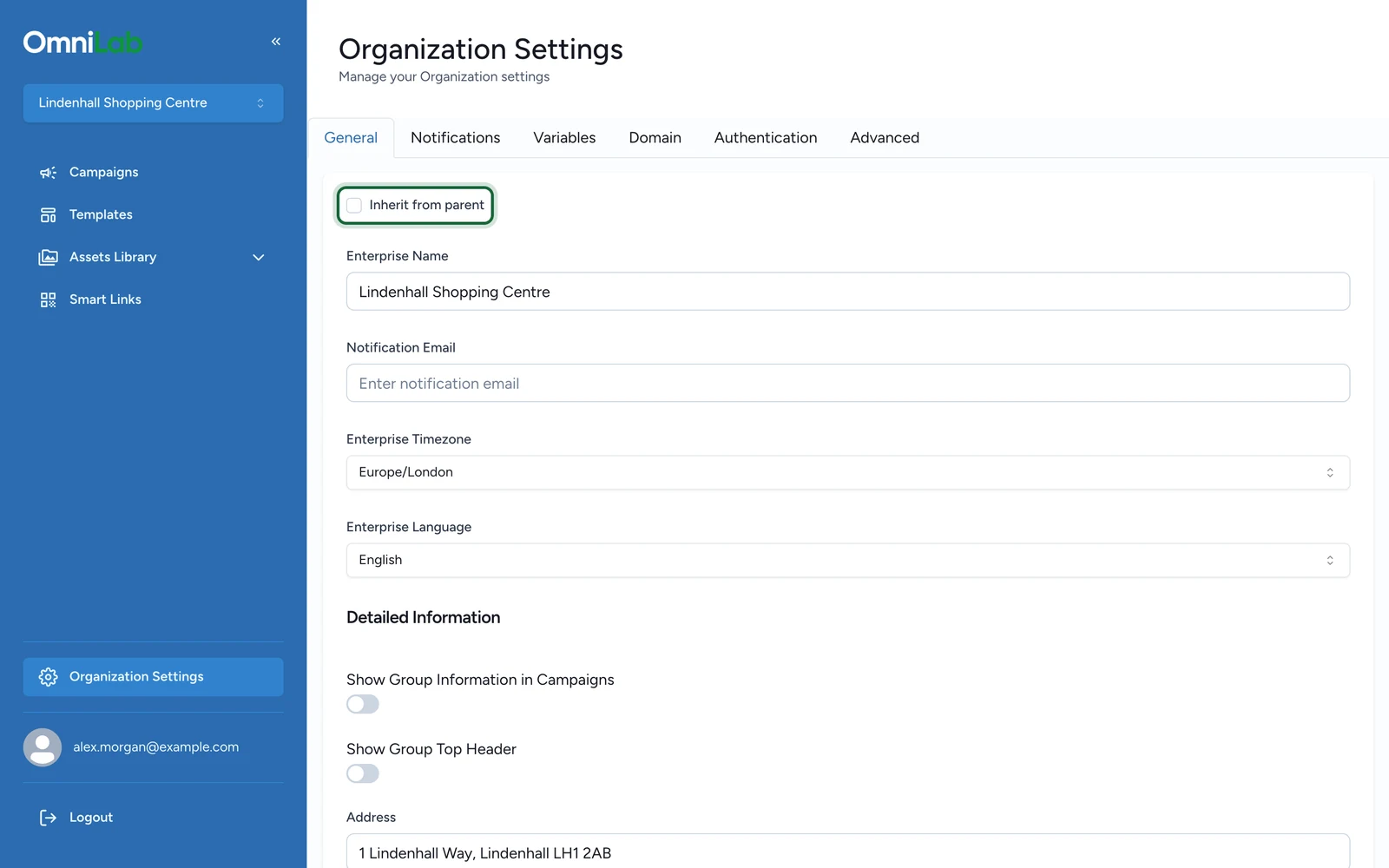
When a regular organisation inherits the General or Notifications values from Global, those inherited fields become read-only until you switch back to local editing.
Update organisation settings
Open the correct settings screen
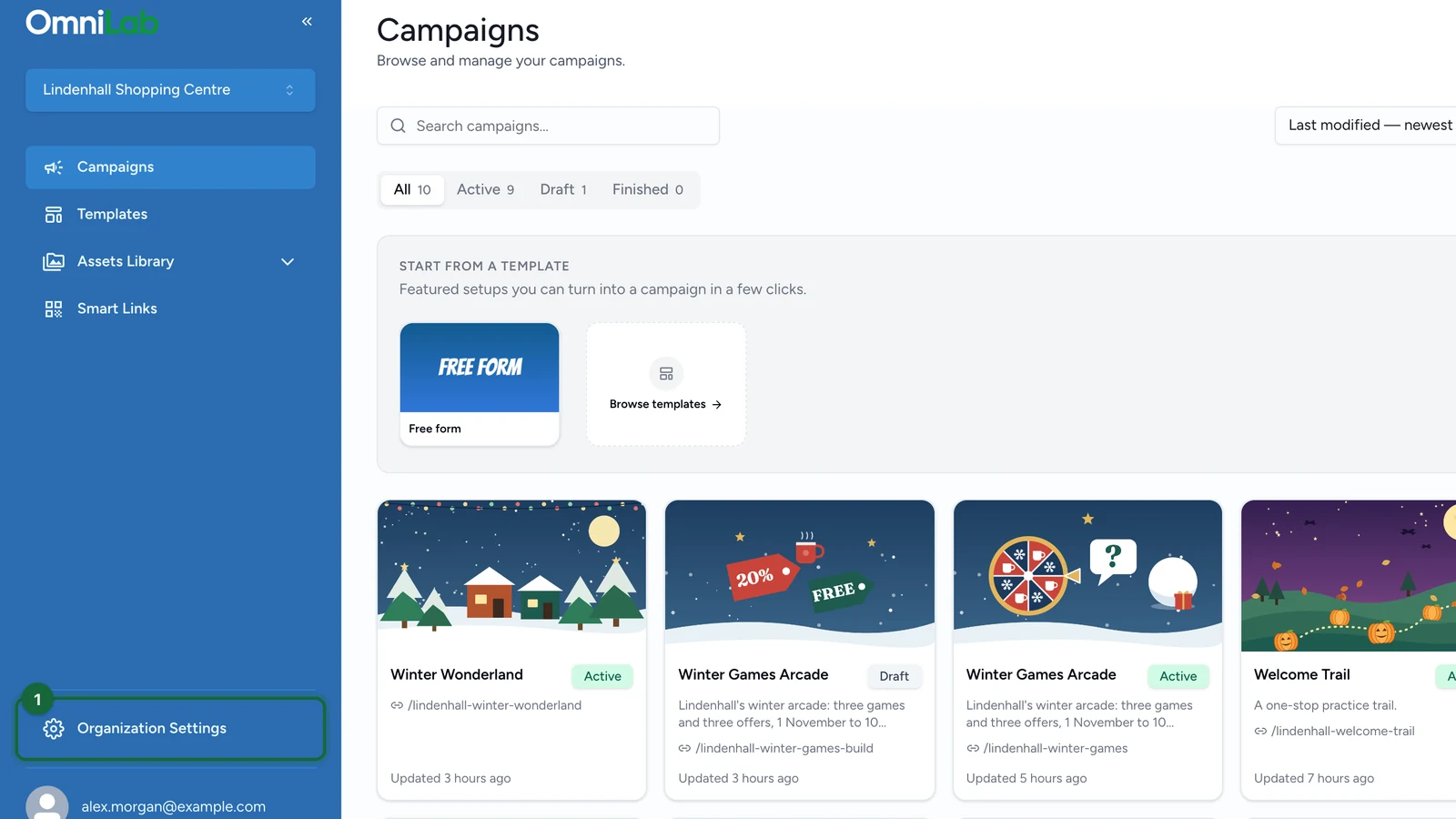
Switch to the organisation you want to edit. Open General Settings if the current organisation is Global, or Organization Settings if it is not.

Review the General tab
Update the fields that define the organisation's defaults and presentation, especially timezone, language, address, social links, and CTA values.
Decide whether to inherit from Global
For a regular organisation, use inheritance when you want the General tab to reuse Global values instead of maintaining a separate local copy.
Review Notifications separately
If the organisation needs its own notification sender, reply-to values, header, or footer, review the Notifications tab as well. That tab has its own inheritance toggle.
Save and review downstream impact
Save the changes, then test any OmniLab Pages or notification output that relies on these organisation defaults.
Timezone and campaign validation
OmniLab Campaigns keep their own dates, but the organisation timezone still matters for validation. Two common situations:
- Campaign timezone differs from the organisation timezone — this is a warning, not a hard error. If the campaign is intentionally targeting a different region, the difference is expected. Otherwise, open the campaign in Build, then General, then Dates and align the campaign timezone with the organisation default.
- Organisation timezone is not recognised — the organisation has an invalid default timezone. Go to General Settings, open the General tab, and set a valid Enterprise Timezone.
Related
Create an organisation
Create the organisation first, then return here to refine its local defaults.
Variables at organisation level
Store the shared values that templates, add-ons, and OmniLab Pages scripts should reuse.
Organisation domain settings
Review the OmniLab Pages subdomain settings that stay local to each organisation.