Organisation domain settings
Manage the single Pages subdomain stored on an organisation and understand the limits of the current domain screen.
This screen manages one organisation-level Pages subdomain. Despite older wording such as "domain aliases," this page does not let you maintain a list of multiple aliases.
What to expect on this screen
Each organisation can store one Pages subdomain here. If your deployment already uses a shared custom domain, this area may appear as a read-only custom-domain state instead of an editable subdomain form.
What you can manage here
| Capability | Current behaviour |
|---|---|
| Add a subdomain | Possible when the organisation does not already have one |
| Remove a subdomain | Possible when a subdomain is already attached |
| Keep multiple aliases | Not supported from this screen |
| Edit a shared custom domain | Not supported from this screen; it is shown only as a read-only state |
Add or change an organisation subdomain
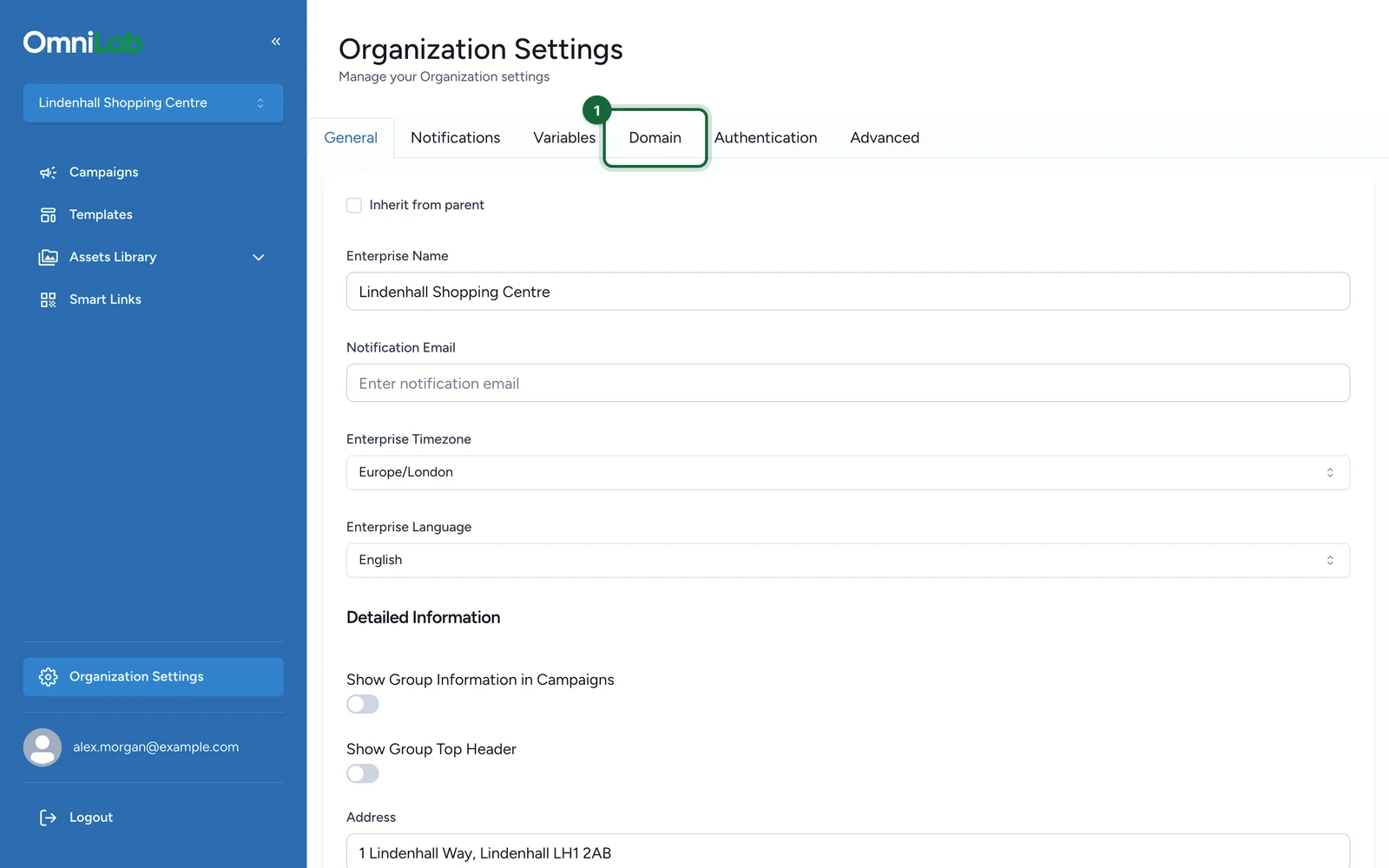
Open the Domain tab
Switch to the target organisation, then open General Settings or Organization Settings and select Domain.
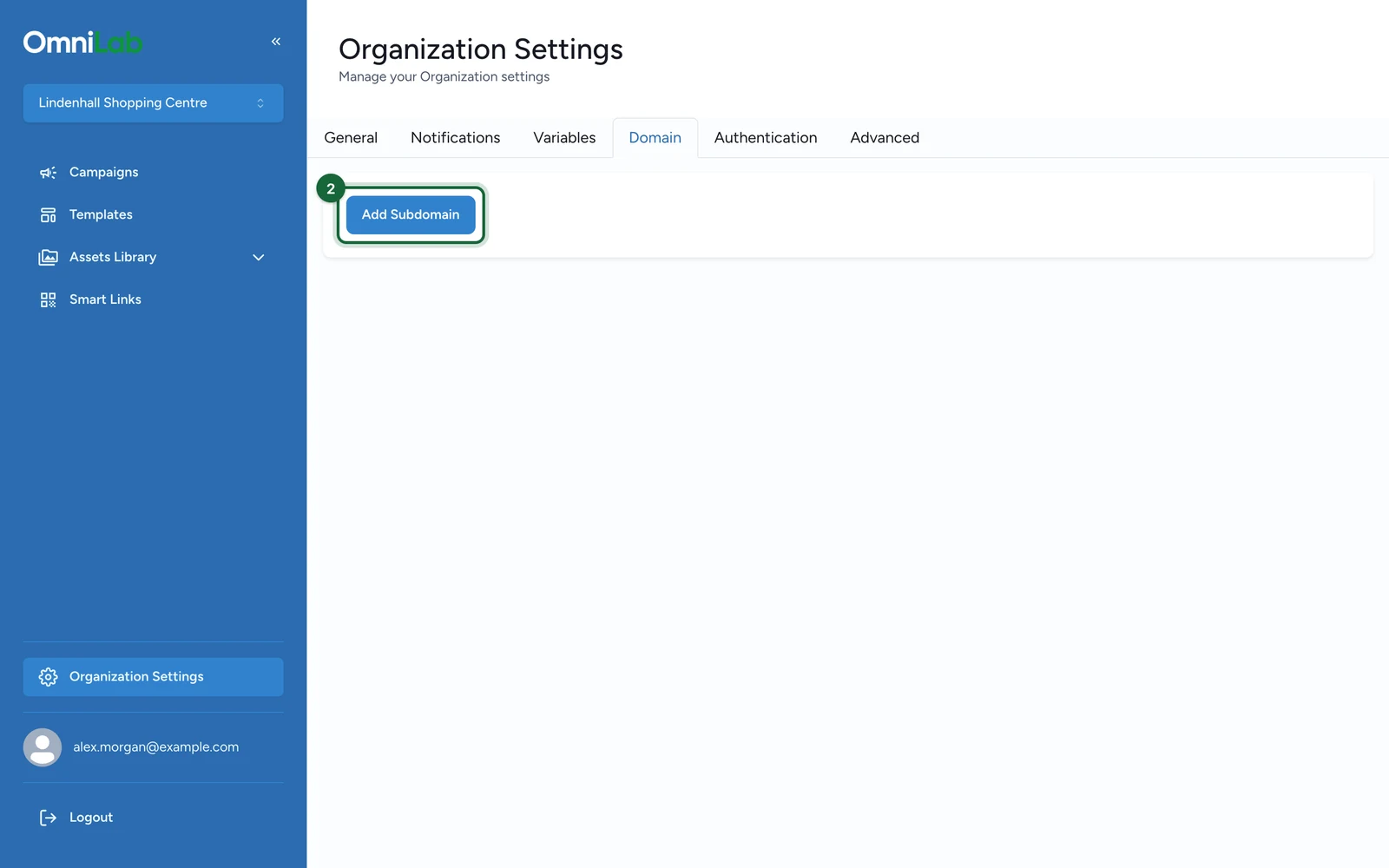
Add the subdomain if none exists
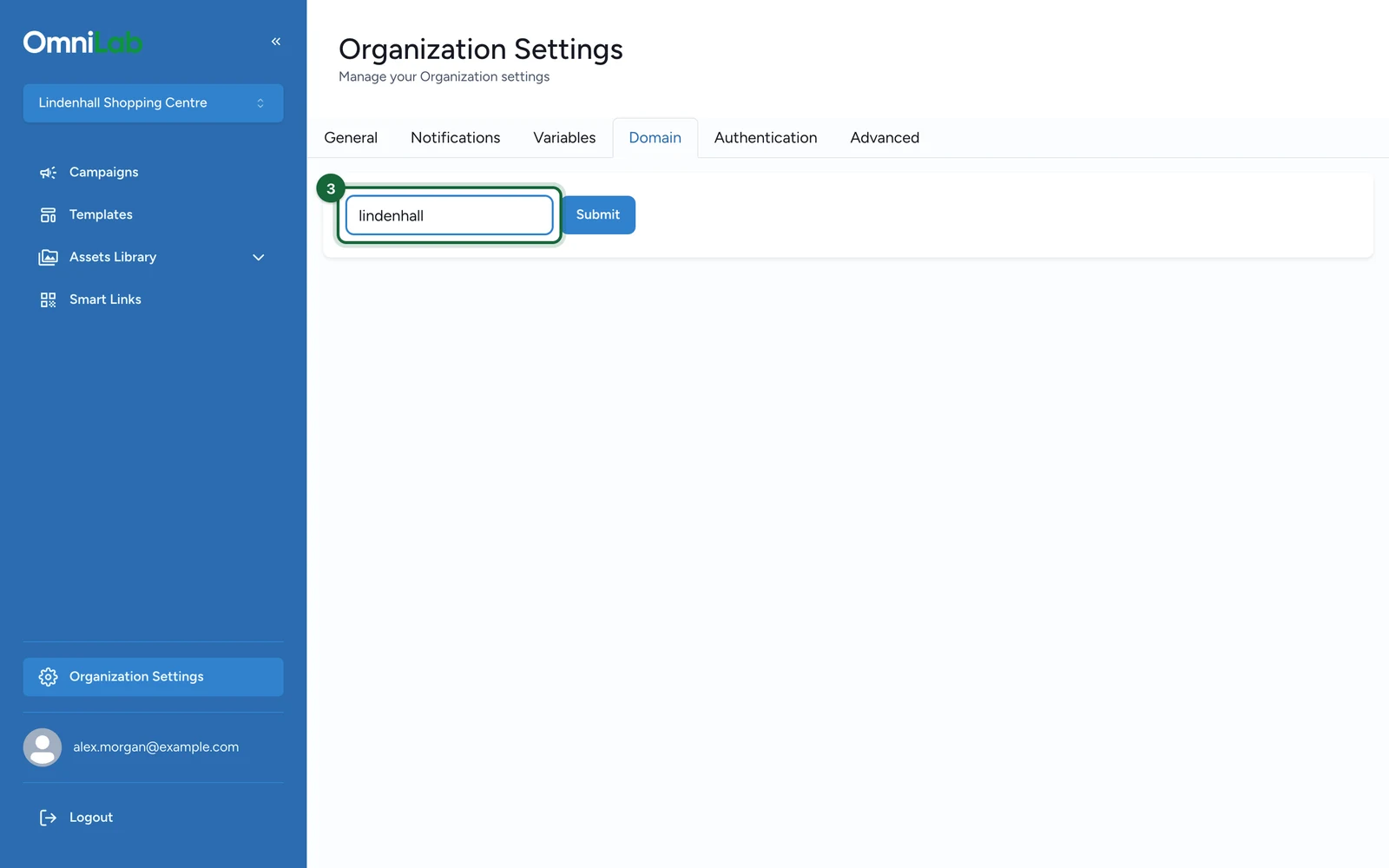
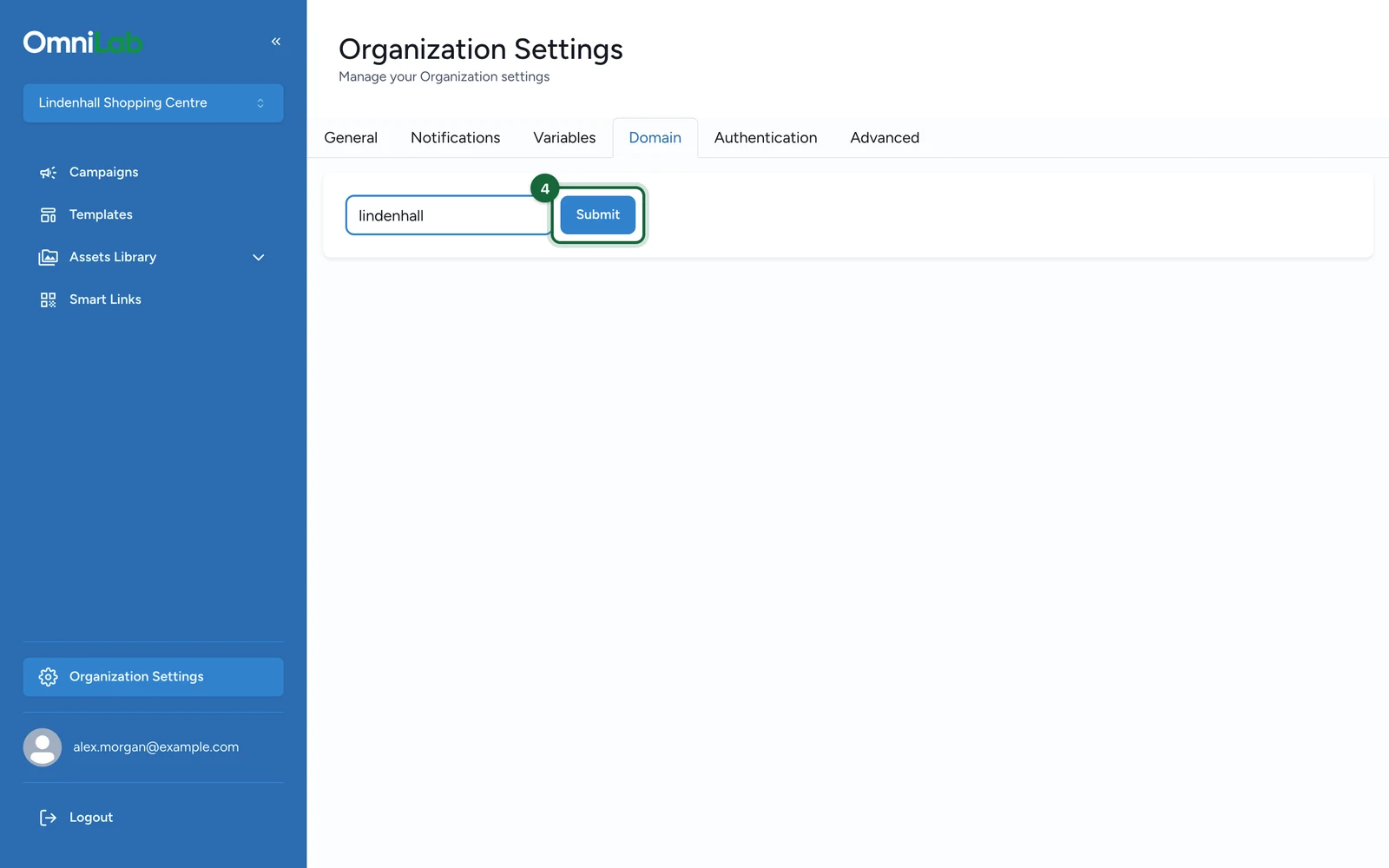
If the organisation does not already have a subdomain, click Add Subdomain, enter the value, then submit the form.
Remove first before replacing
If the organisation already has a subdomain and you need a different one, remove the current value first. The current UI does not expose a direct replace action.
Verify the final organisation state
After saving, confirm that the organisation shows the expected subdomain or, if relevant, the read-only custom-domain state.
Validation rules
When you add a subdomain, keep these rules in mind:
- an organisation can have only one subdomain at a time
- the subdomain value must not already be used by another organisation
- the subdomain value must stay unique across the deployment
- the UI requires at least 3 characters before submission
What this page does not do
This screen does not currently manage:
- a multi-alias list
- manual DNS record creation
- SSL provisioning steps
- parent-child domain inheritance
If your deployment uses a broader custom-domain setup, treat that as a separate deployment workflow rather than something configured from this organisation screen.
Related
Subdomain & custom domain
See the broader deployment guidance around default and custom domains.
Organisation settings (general defaults)
Review the other organisation settings that shape how Pages behaves.
Organisations and scope in OmniLab
Understand why the Pages surface stays tied to organisation scope.