What is OmniLab Transactions

Understand the receipt-challenge model from participant upload to operator review and reward unlock.

Reward shoppers for what they actually buy, not just for tapping or clicking. With a receipt challenge, participation depends on a proof of purchase, so you can tie rewards to real spending at the merchants you choose.

A participant submits a receipt. OmniLab reads the purchase data from the photo, checks it against the rules you set, then either approves the receipt automatically or sends it to a reviewer before rewards become available.

The reviewer tool shows several French labels

Your reviewers see labels such as Liste des Sessions, Validation de Session, and Progression in the receipt review screens.

How a receipt challenge works

A participant opens the receipt challenge and uploads a photo. OmniLab reads the merchant, amount, date, and zip code from the image, then checks the result against the rules you set. Each receipt then lands in one of five states:

  • Valid — passed automatically and may unlock a reward right away.
  • Pending — waiting for a reviewer to approve or reject it.
  • Rejected — failed your rules.
  • Incomplete — unreadable, so the participant can try again.
  • Duplicate — already submitted, so it is flagged.

The pieces you set up

PieceWhat it doesWhere you find it
Receipt challengeThe Touchpoint itself: appearance, rules, reward logic, dates, and advanced settings.Build > Touchpoints
Acceptance rulesDecide whether the data read from a receipt is good enough to continue.Configuration > Receipt Acceptance Policy
Review modeDecides whether an eligible receipt is approved automatically or sent for review.Configuration > Receipt Validation Policy
Challenge ruleSets what a participant must do to unlock a reward, such as reaching a spend amount.Configuration > Rules
Winning optionThe reward path that can be unlocked and linked to a Reward.Configuration > Winning Options
SessionA participant's running record: submissions, validated spend, pending spend, and unlocked rewards.Participant page and reviewer tool
Receipt submissionOne uploaded image plus the data read from it and its state.Participant receipt list and reviewer screen

What participants see

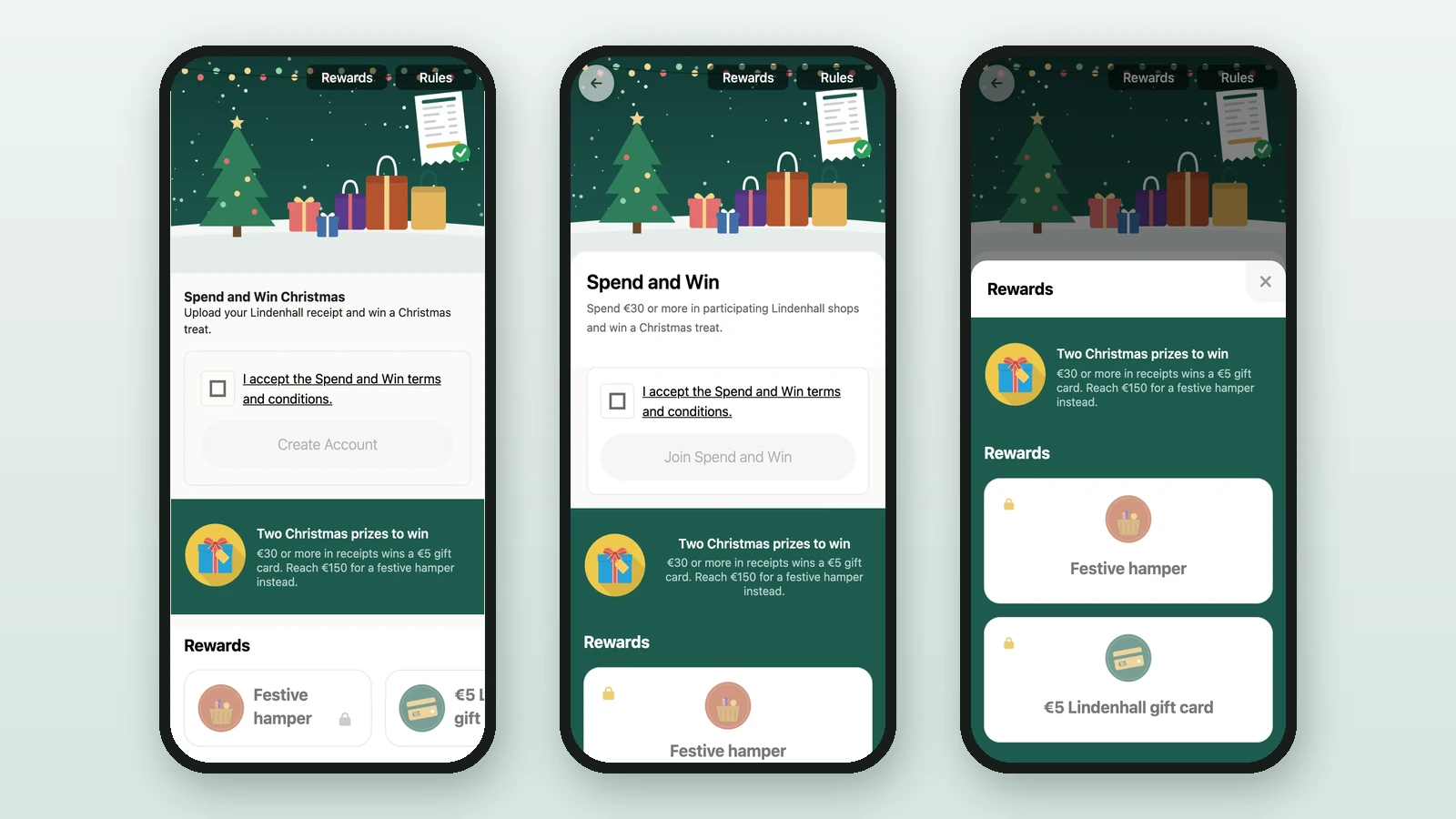
The receipt challenge appears as its own page. It can show a header image, title, subtitle, details, the validated amount so far, the pending amount when review is active, and a button to upload a receipt.

Before the upload starts, OmniLab shows a photo-quality reminder: the image should be clear, sharp, centered on the receipt, and show the merchant name and amount.

When the receipt is approved right away, the participant sees a success screen. When it needs review, the participant sees a pending message. With on-site review, a QR-code handoff to a staff member can appear.

What reviewers see

The reviewer tool has three screens:

  • Liste des Sessions — search and filter participants.
  • Validation de Session — check a receipt's state, totals, reward progress, and individual submissions.
  • Progression — read overall numbers such as total sessions, valid submissions, total amount, average basket, and remaining reward stock.

From a session, a reviewer opens one receipt and chooses Valider to approve, Refuser to reject, or Modifier to correct the merchant or amount before the rules run again.

When to use a receipt challenge

Reach for a receipt challenge when you need at least one of these:

  • prove a real purchase before a reward unlocks
  • require a spend amount, such as "Spend 30 EUR"
  • limit participation to named retailers or store areas
  • have staff approve receipts on-site before a prize is released
  • measure validated spend as part of campaign performance

Example campaign

Picture a shopping-center activation:

  • the participant must spend at least 30 EUR
  • only partner merchants count
  • one approved receipt unlocks a tote bag
  • a higher spend unlocks a second reward later in the week

Here, the receipt challenge sits between real purchases and your reward stock. A game on its own would not work, because the campaign needs proof of purchase and a way to limit which merchants count.

Was this helpful?

Optional comments help us improve this page for future authors and readers.

On this page