Review receipts in the Receipt Host App
Give staff the app, check each shopper's receipts against the paper ones and hand out the prizes they unlock.
With Manual validation, a receipt that passes your rules waits for your team before it counts. With Automatic, it counts straight away. Your team unlocks the prizes in this app, unless a Self Unlock rule lets shoppers unlock them on their phone. Here, Lindenhall's welcome desk runs Spend and Win. The app is in French in every campaign, so each label has its English meaning in brackets.
Give your staff access
-
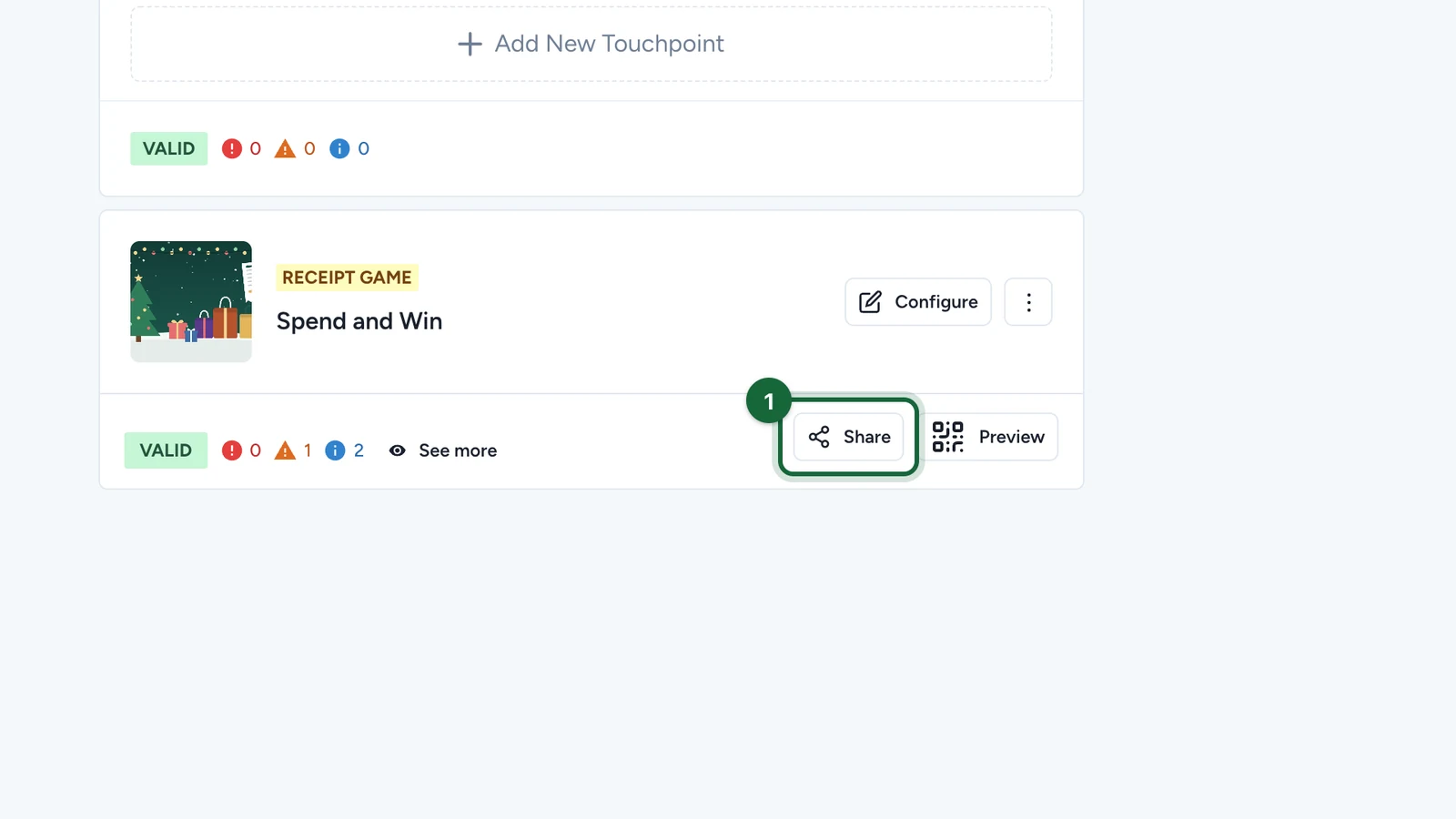
In Build > Touchpoints, select Share on the receipt game.
-
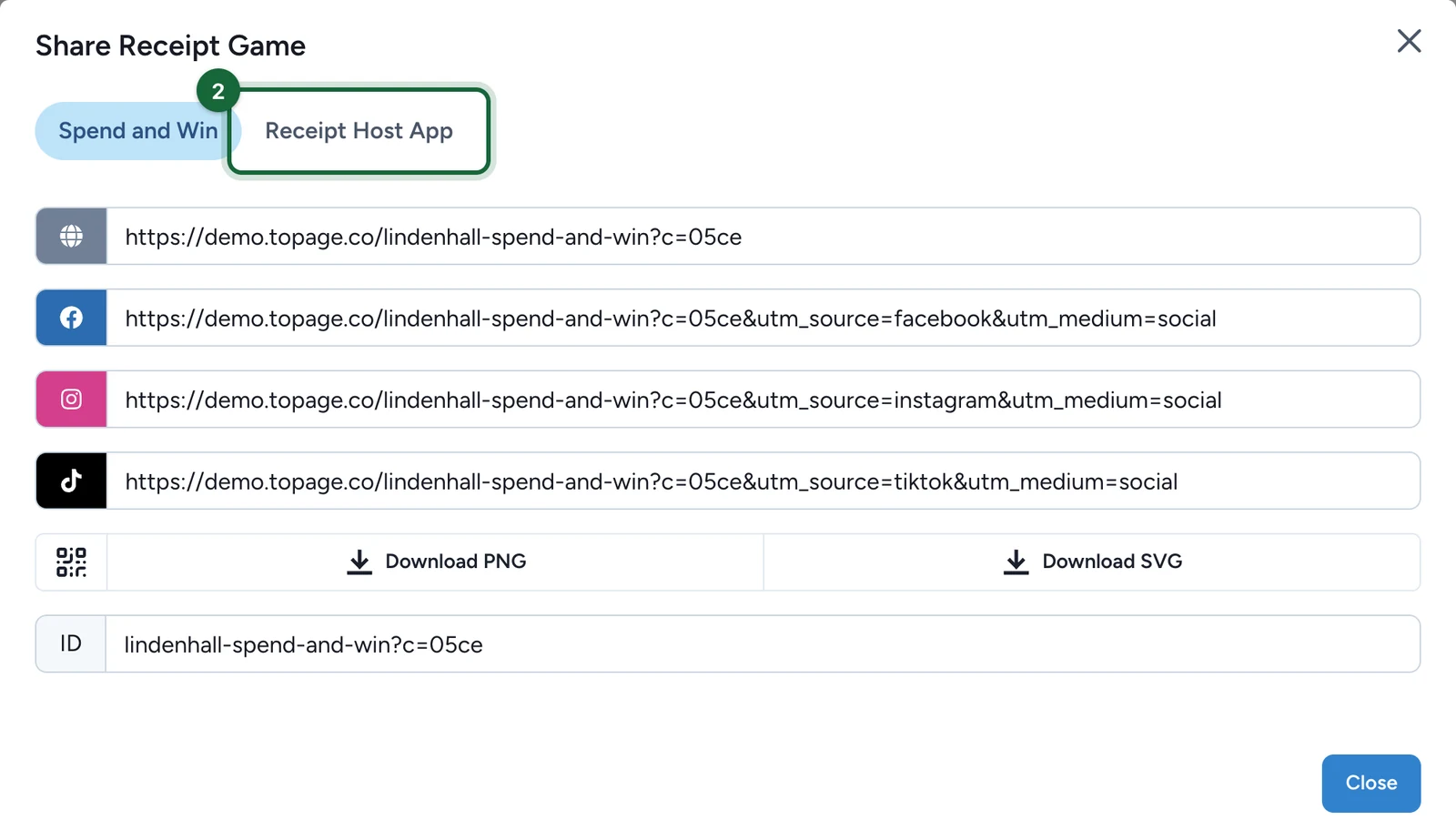
Select the Receipt Host App tab.
-
Send the link in the field to your staff only.
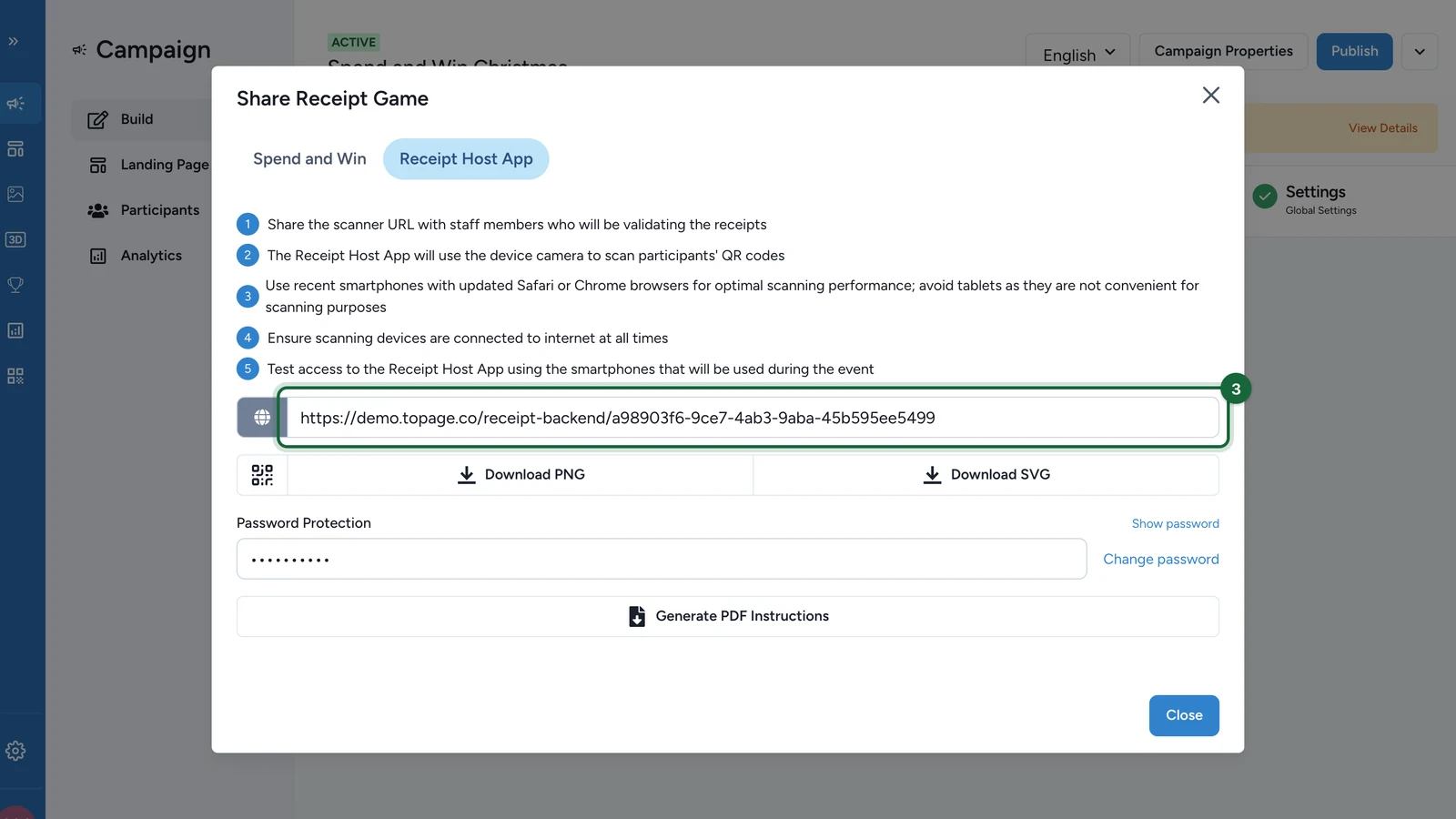
It opens in a browser, with nothing to install. The tip on the tab recommends a recent smartphone for scanning QR codes. A tablet works for reviewing at a desk. For a QR code of the link, select Download PNG or Download SVG.
-
Under Password Protection, select Show password and note it.
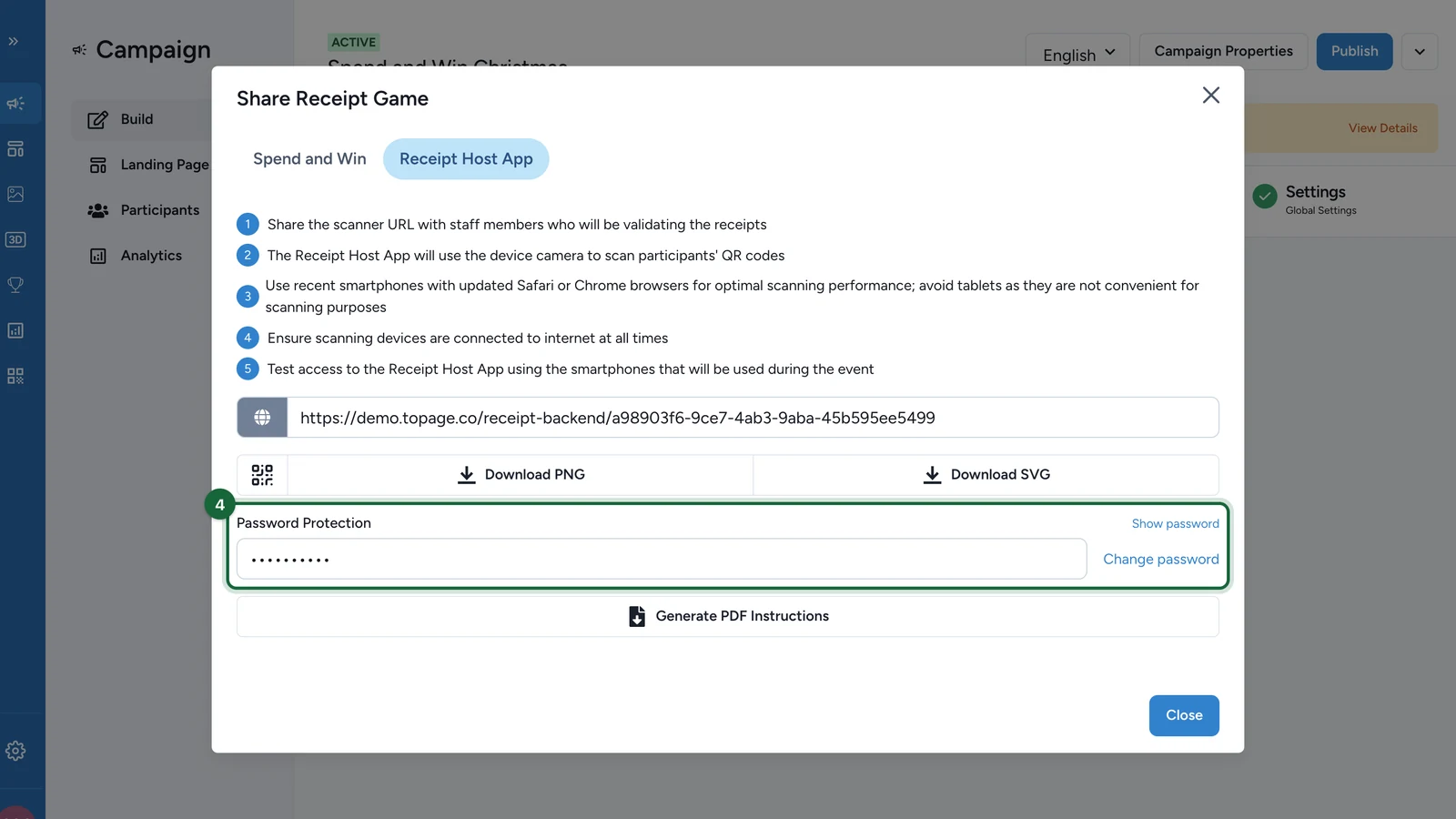
To set a new one, see Change the password.
Change the password
Updating republishes the campaign
The password belongs to the campaign, so an Event Host App in the same campaign uses it too. Saving it publishes the campaign, with any draft changes you haven't published. Staff already signed in must sign in again.
-
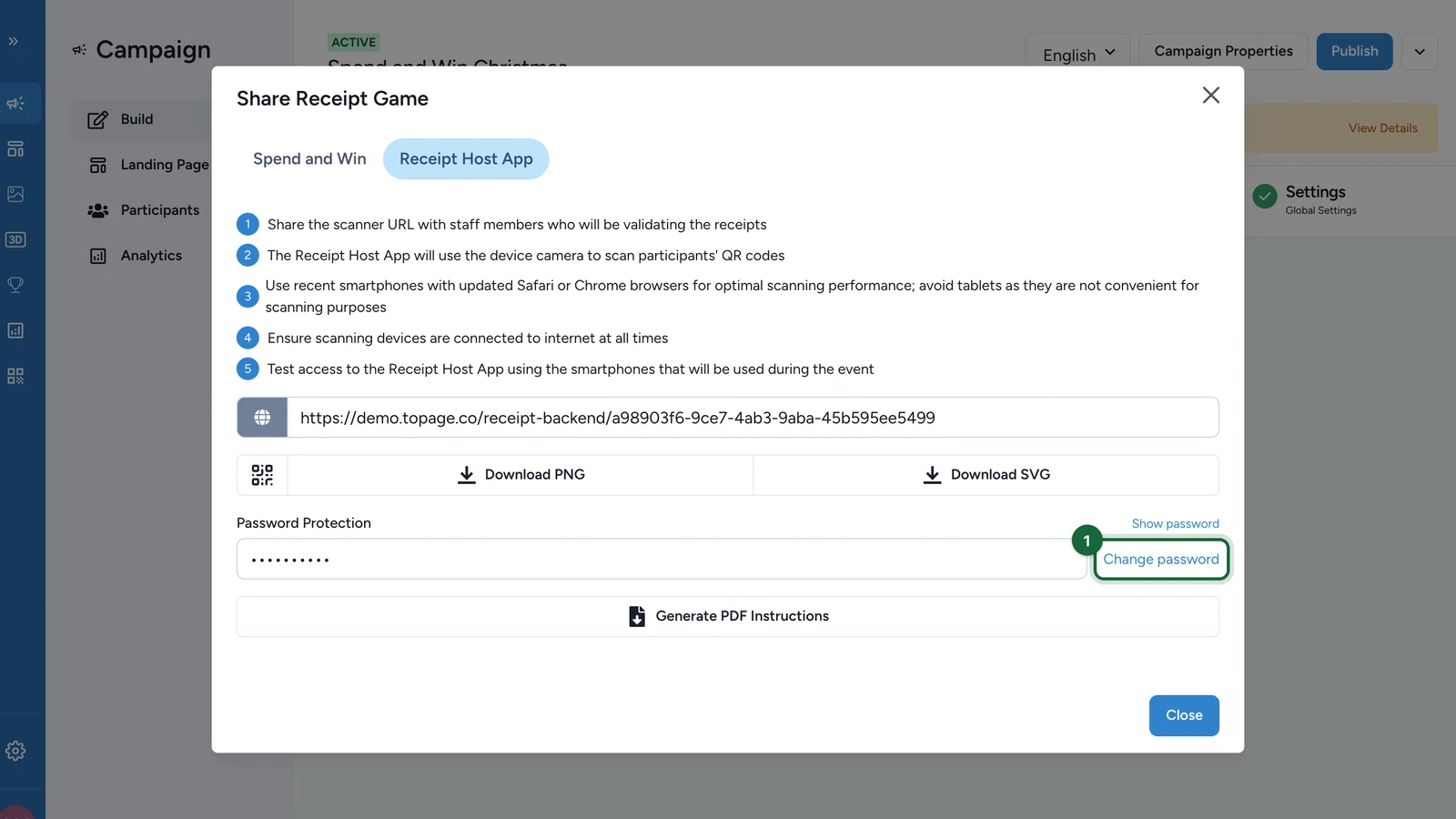
On the Receipt Host App tab, select Change password.
-
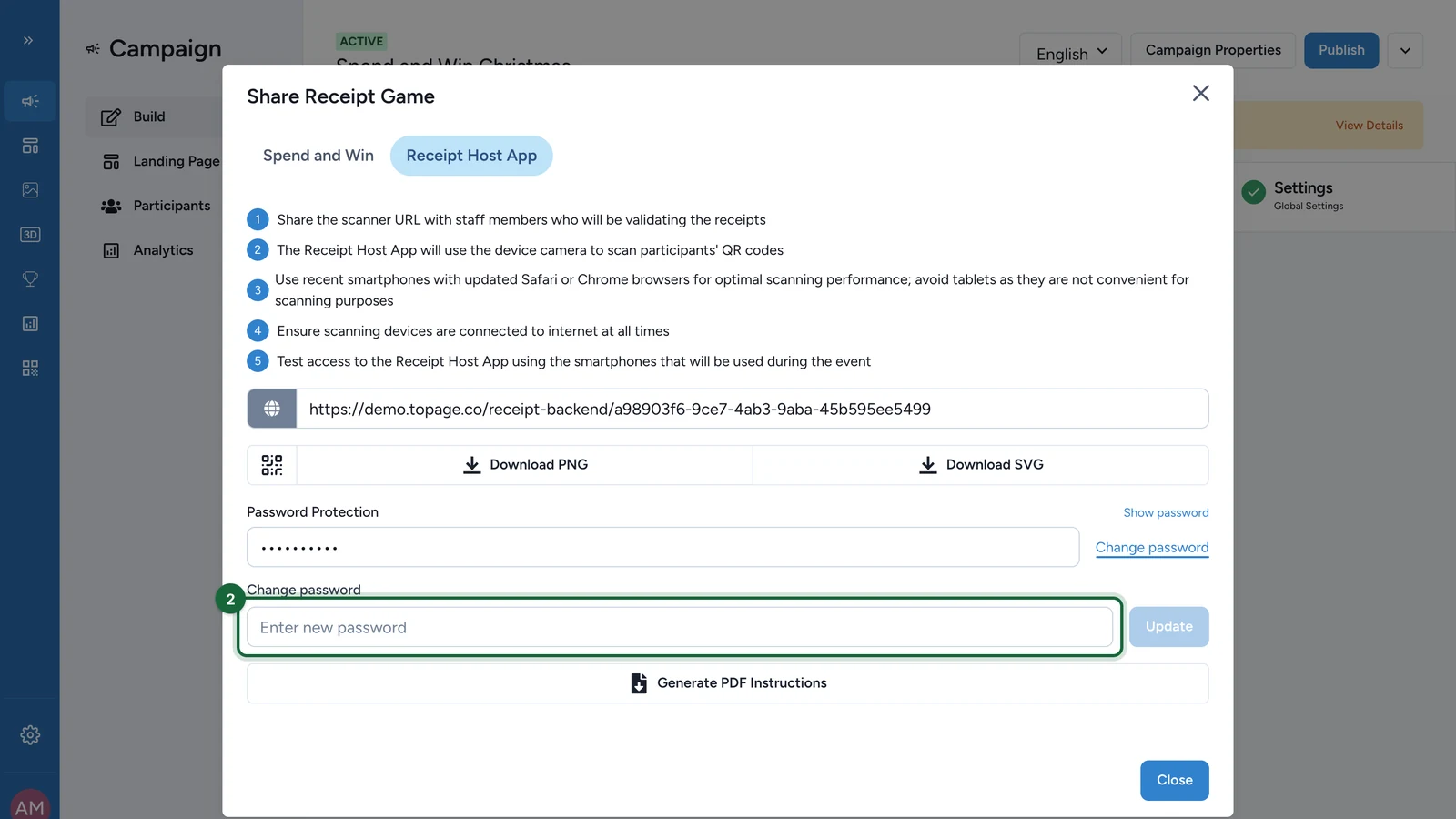
Enter the new password.
-
Select Update.
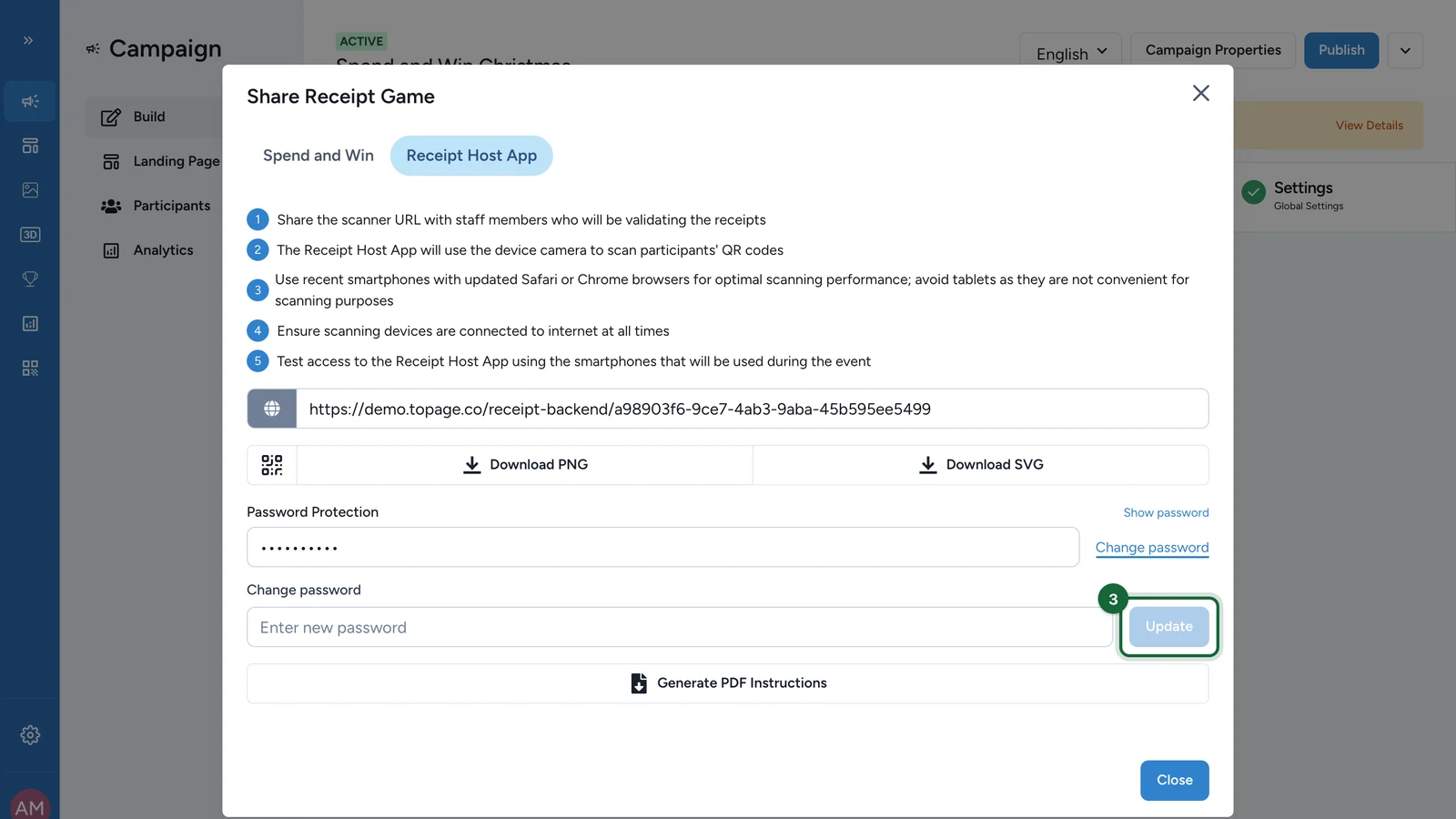
Update turns blue once a password is typed.
Print your staff's instructions
-
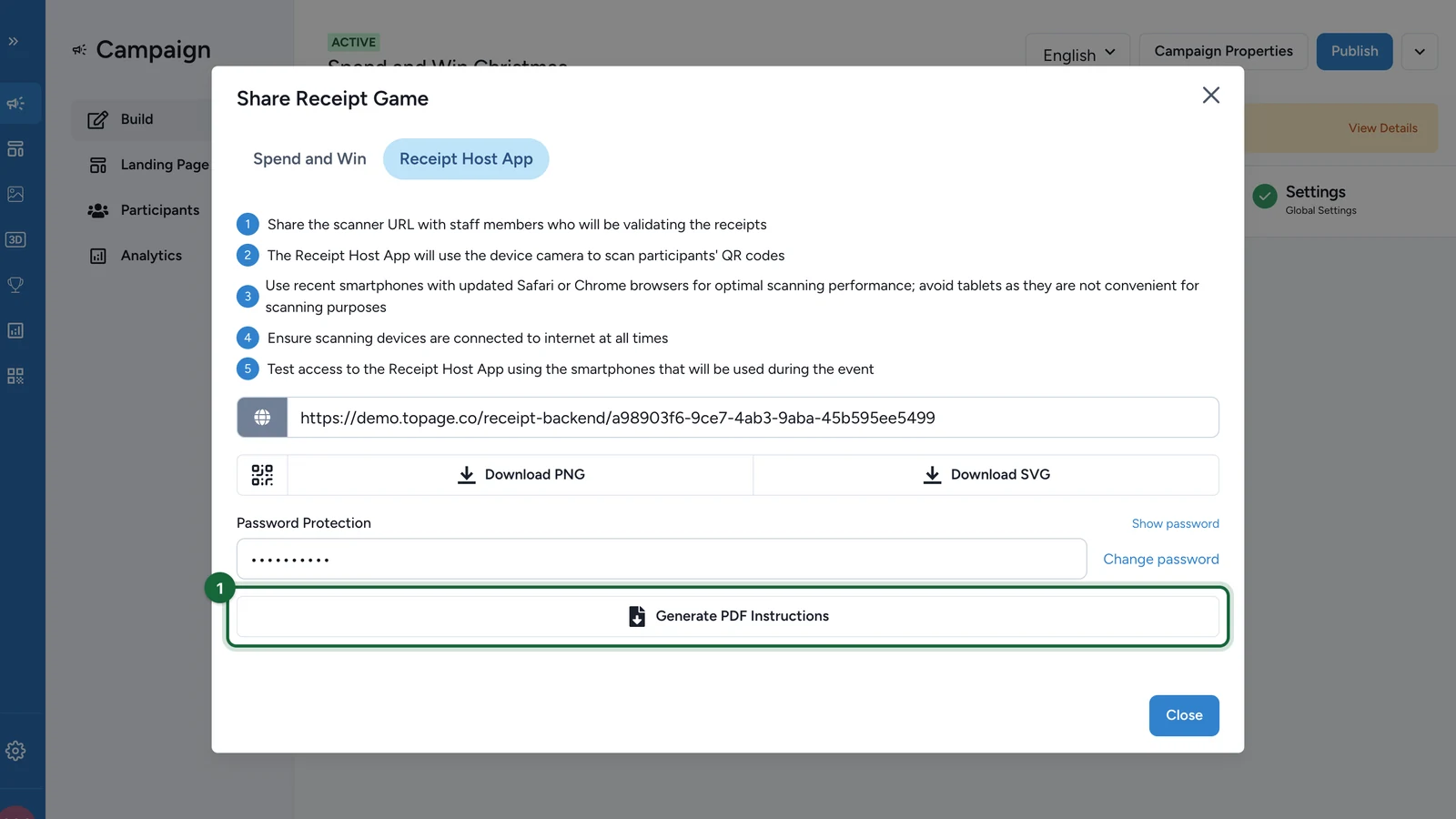
On the Receipt Host App tab, select Generate PDF Instructions.
-
Select Download Receipt Host App Instructions PDF.
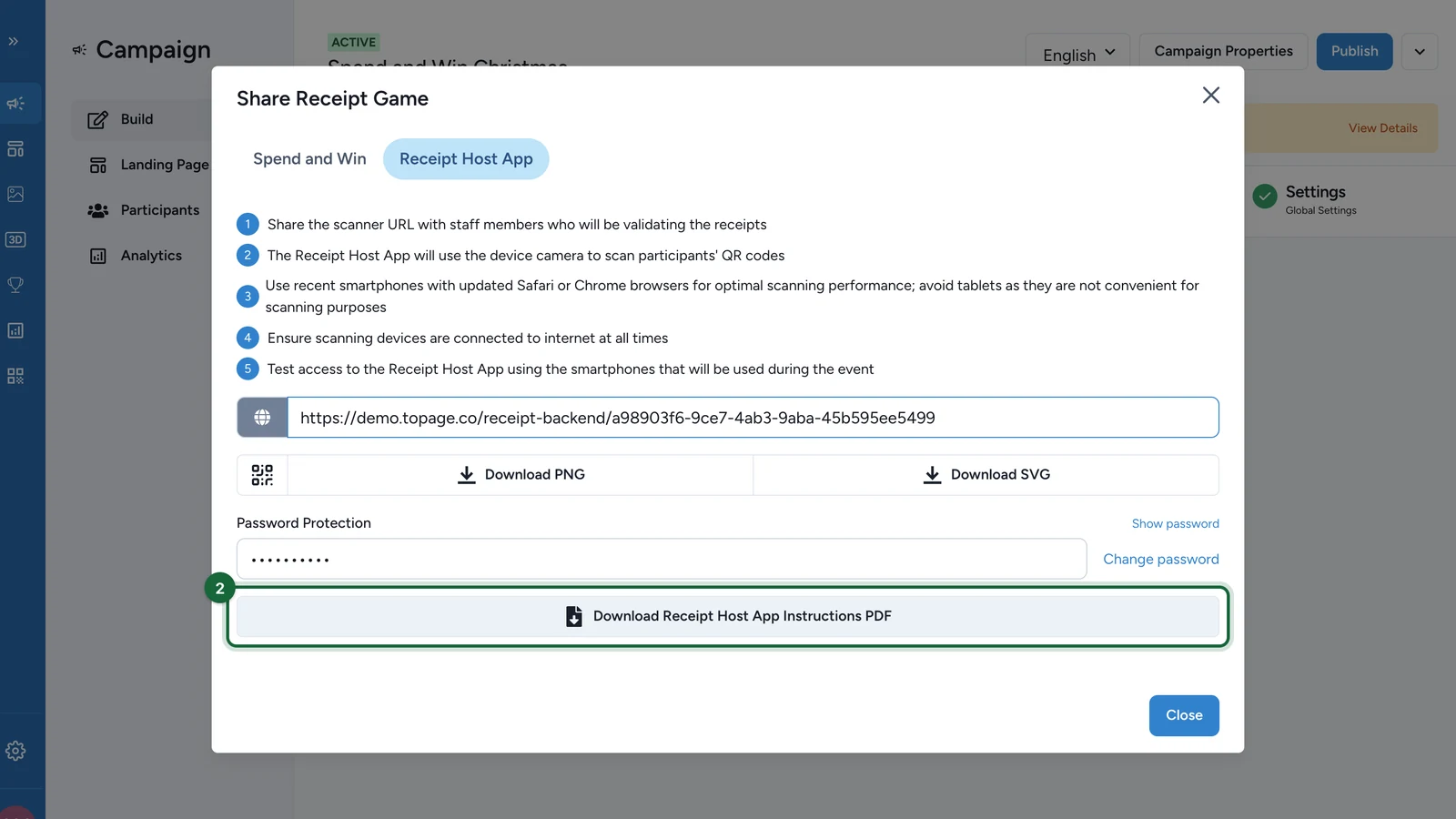
The sheet has the app's tips, the link as text and as a QR code, and the password. Keep it behind the desk: never post it where shoppers can see it.
Sign in on a device
-
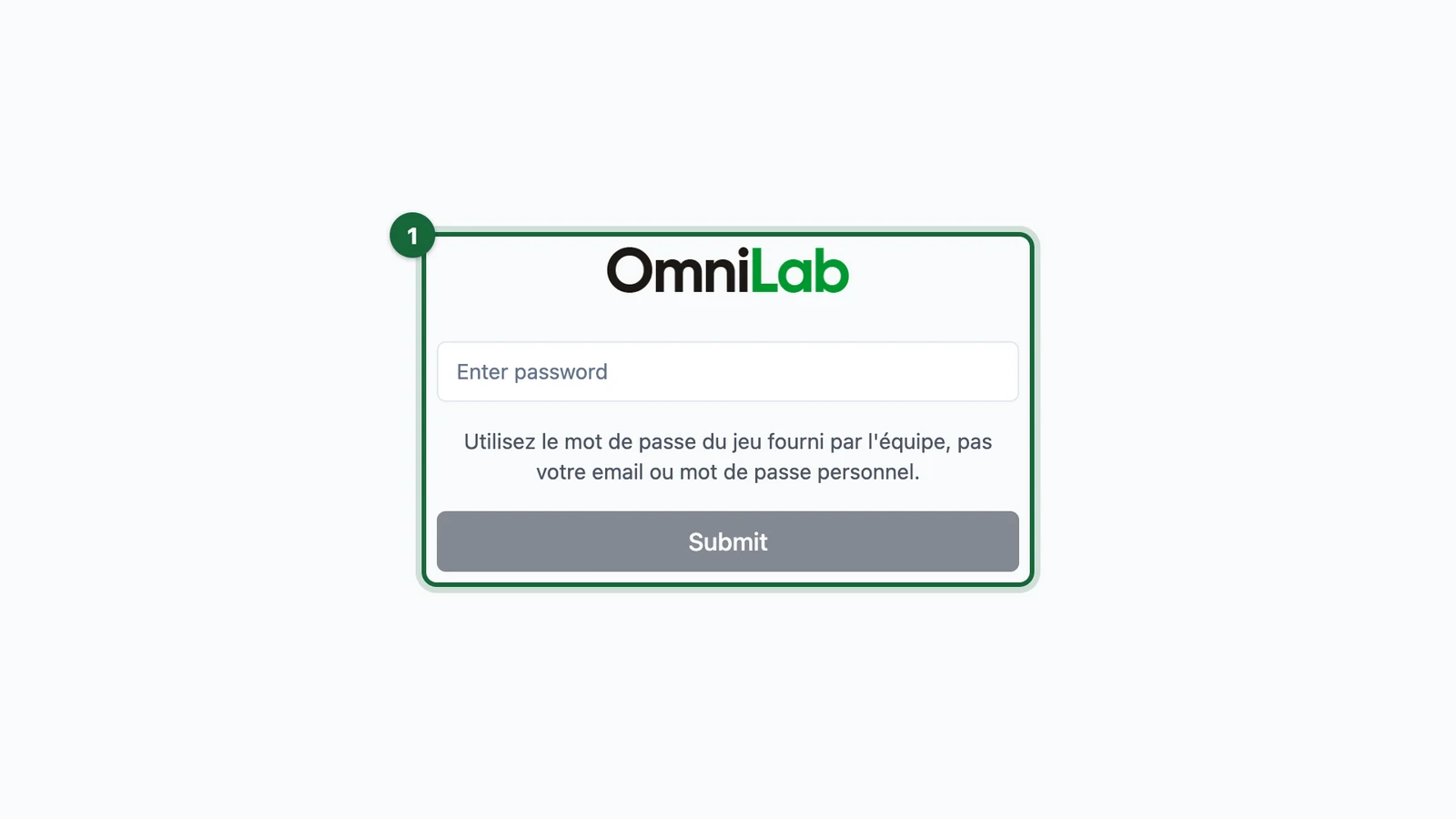
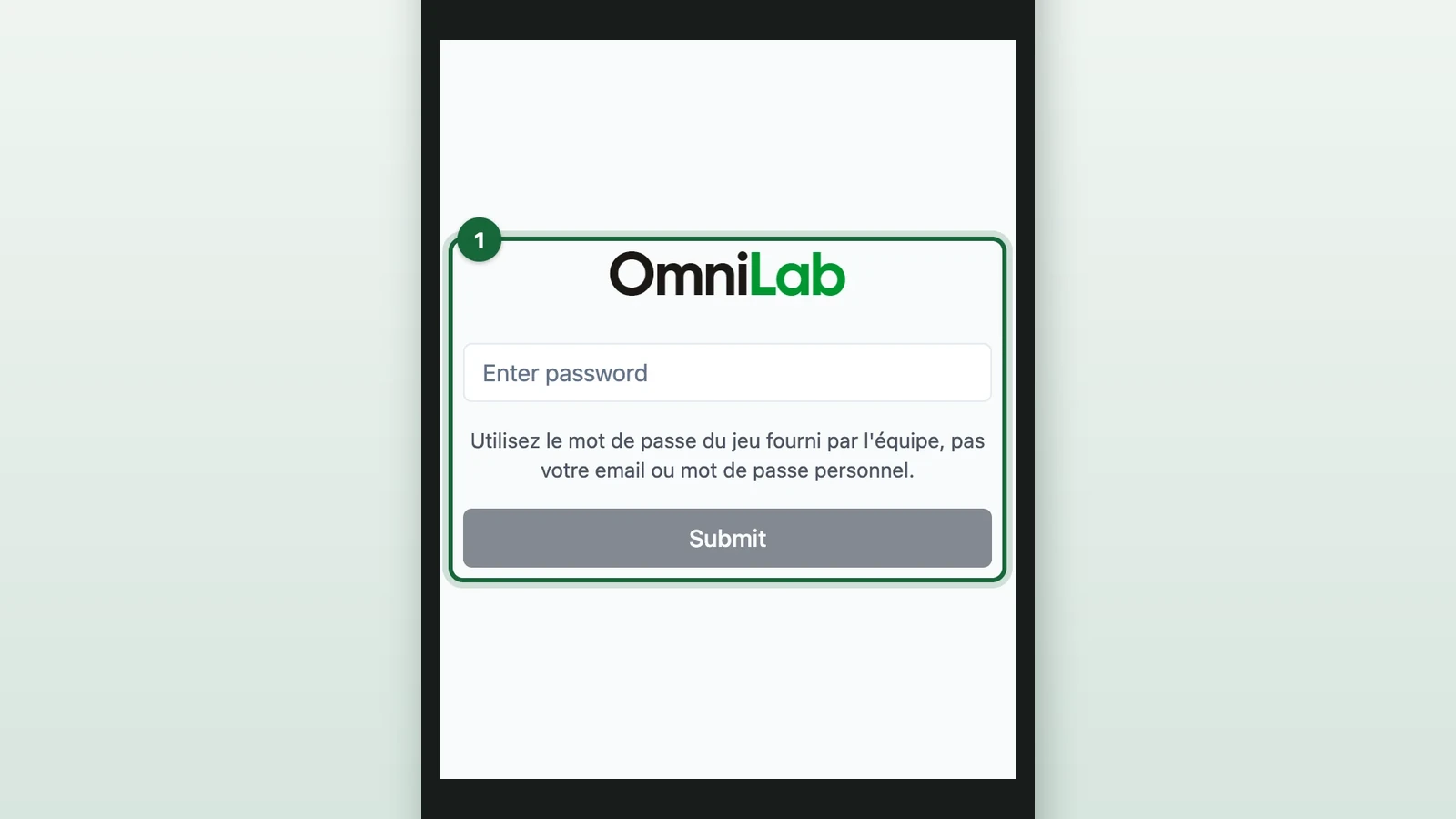
Open the link on the device.
-
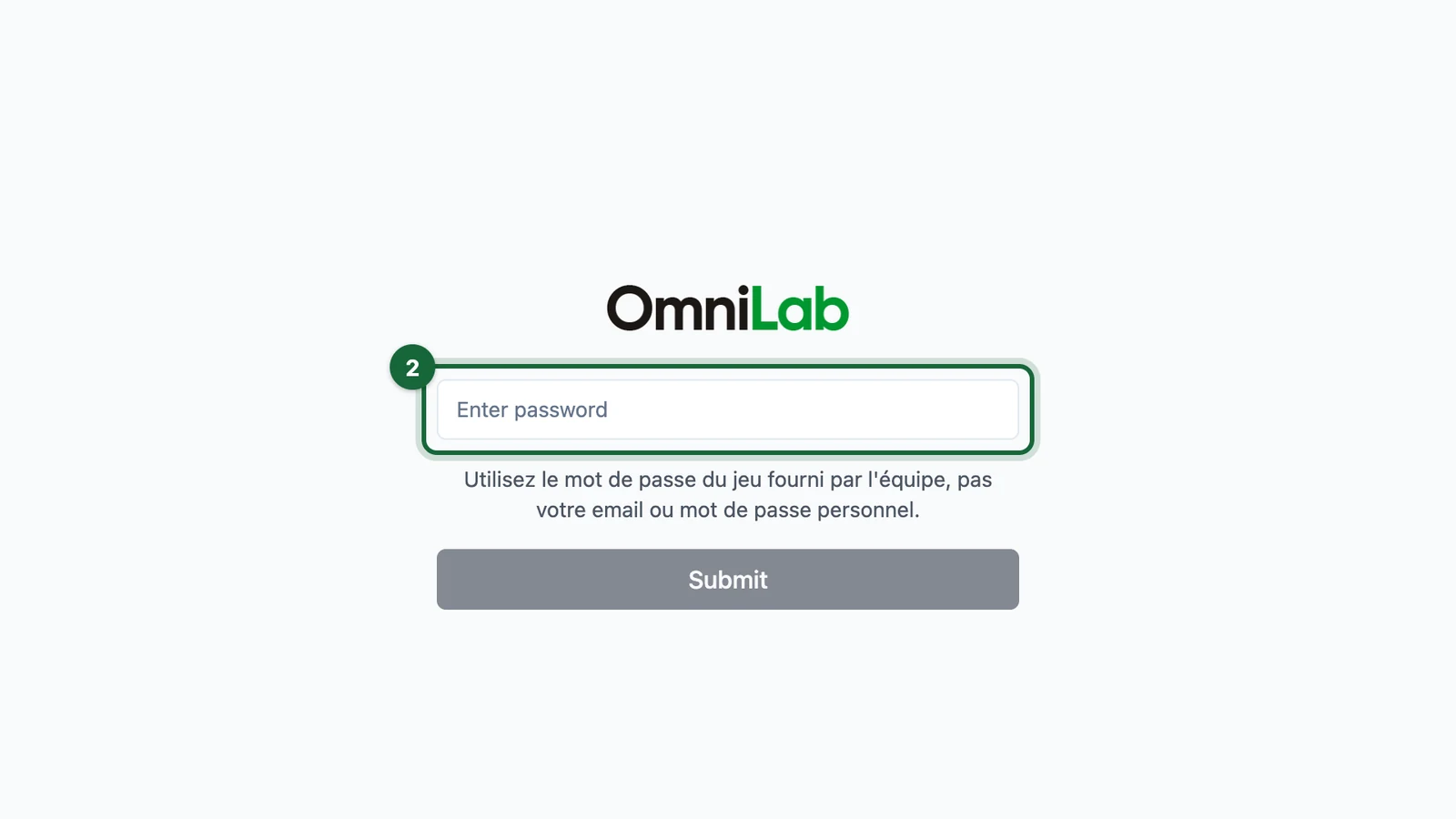
Enter the password.
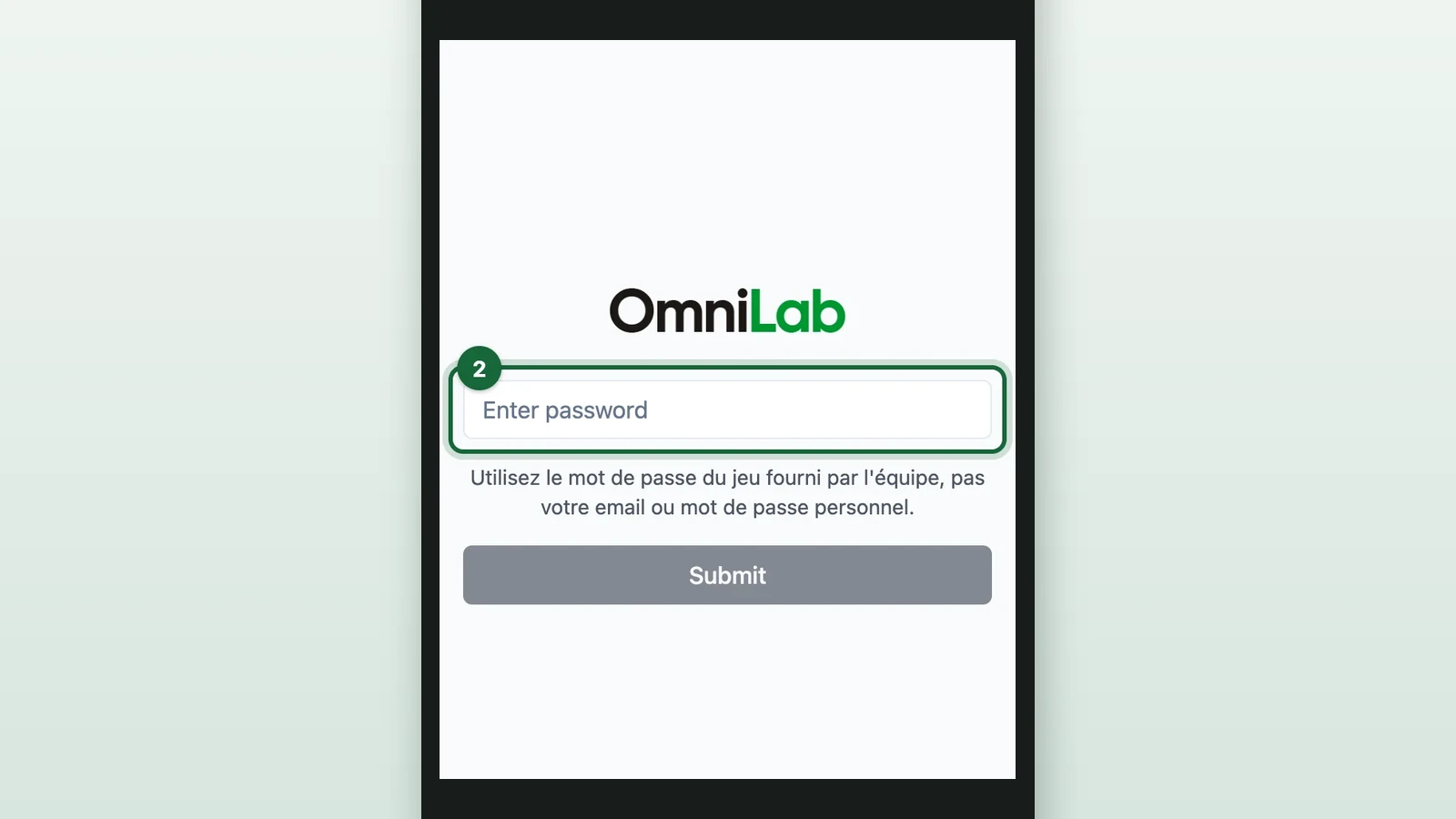
-
Select Submit.
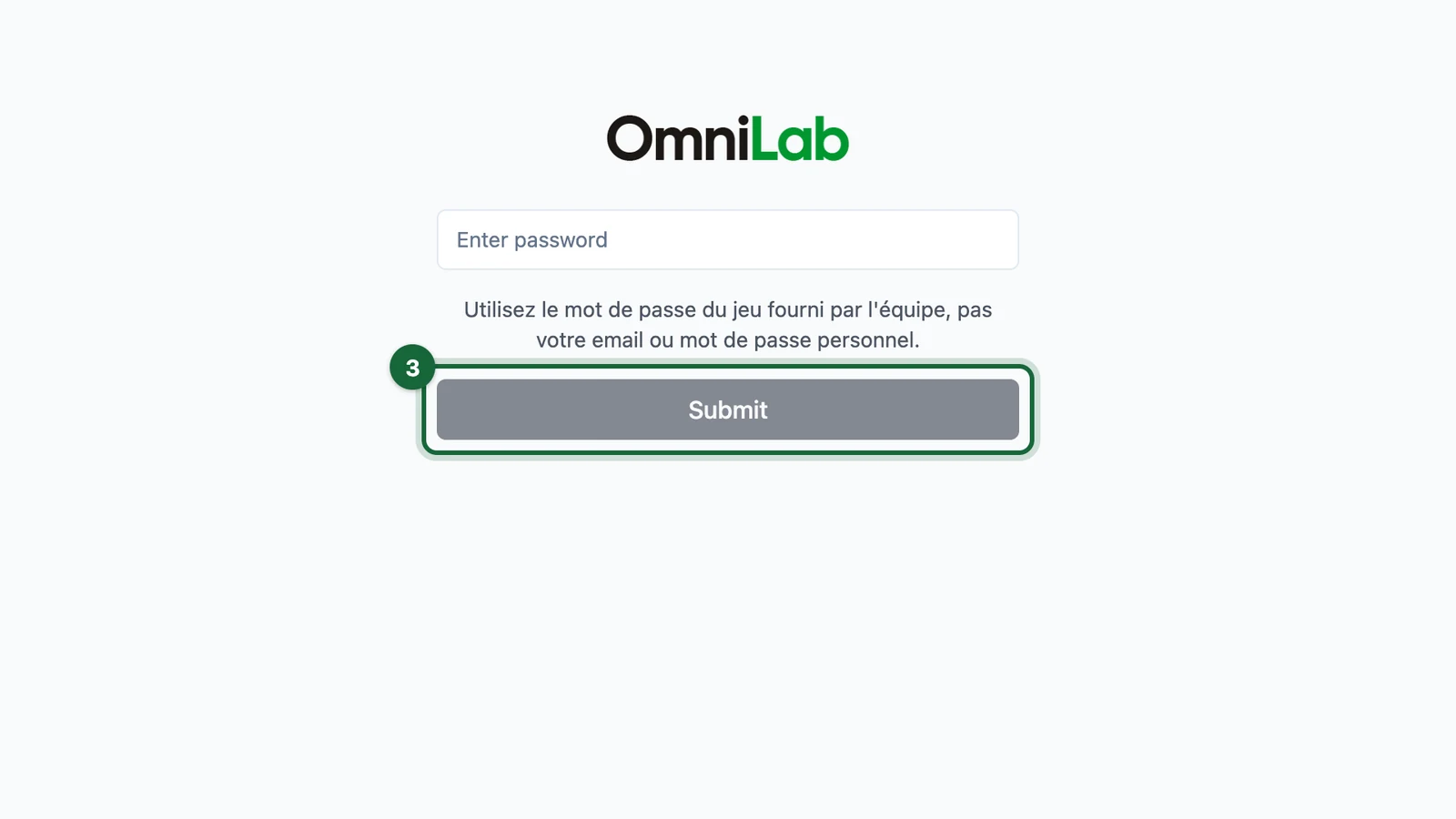
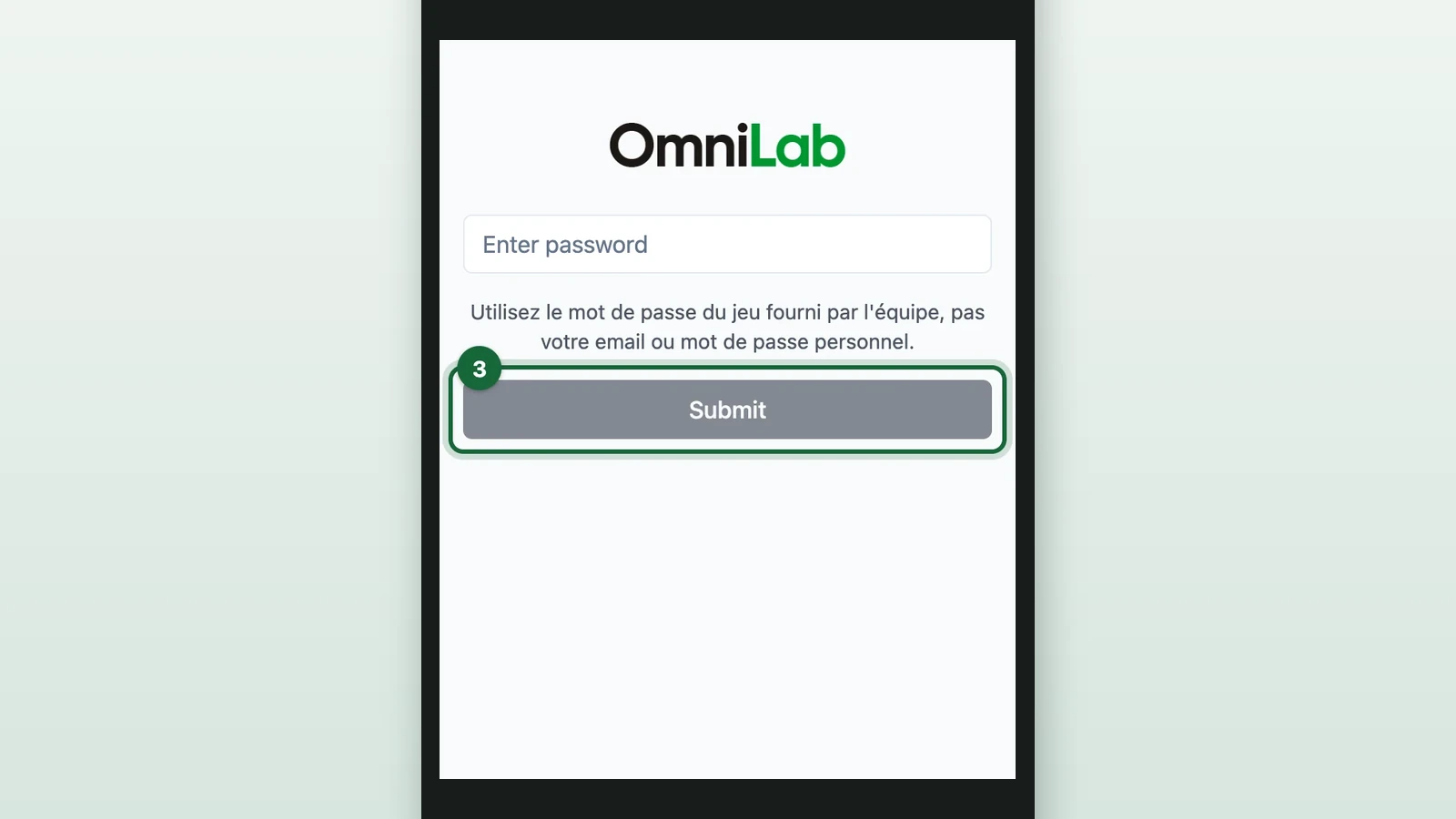
Submit turns dark once the password is typed. The device then stays signed in for about 10 hours, roughly one shift.
-
If the campaign has several receipt games, select Spend and Win.
The Guide d'utilisation (user guide) opens once a day on each device. Close it, or reopen it from the home screen.
Find the shopper's session
-
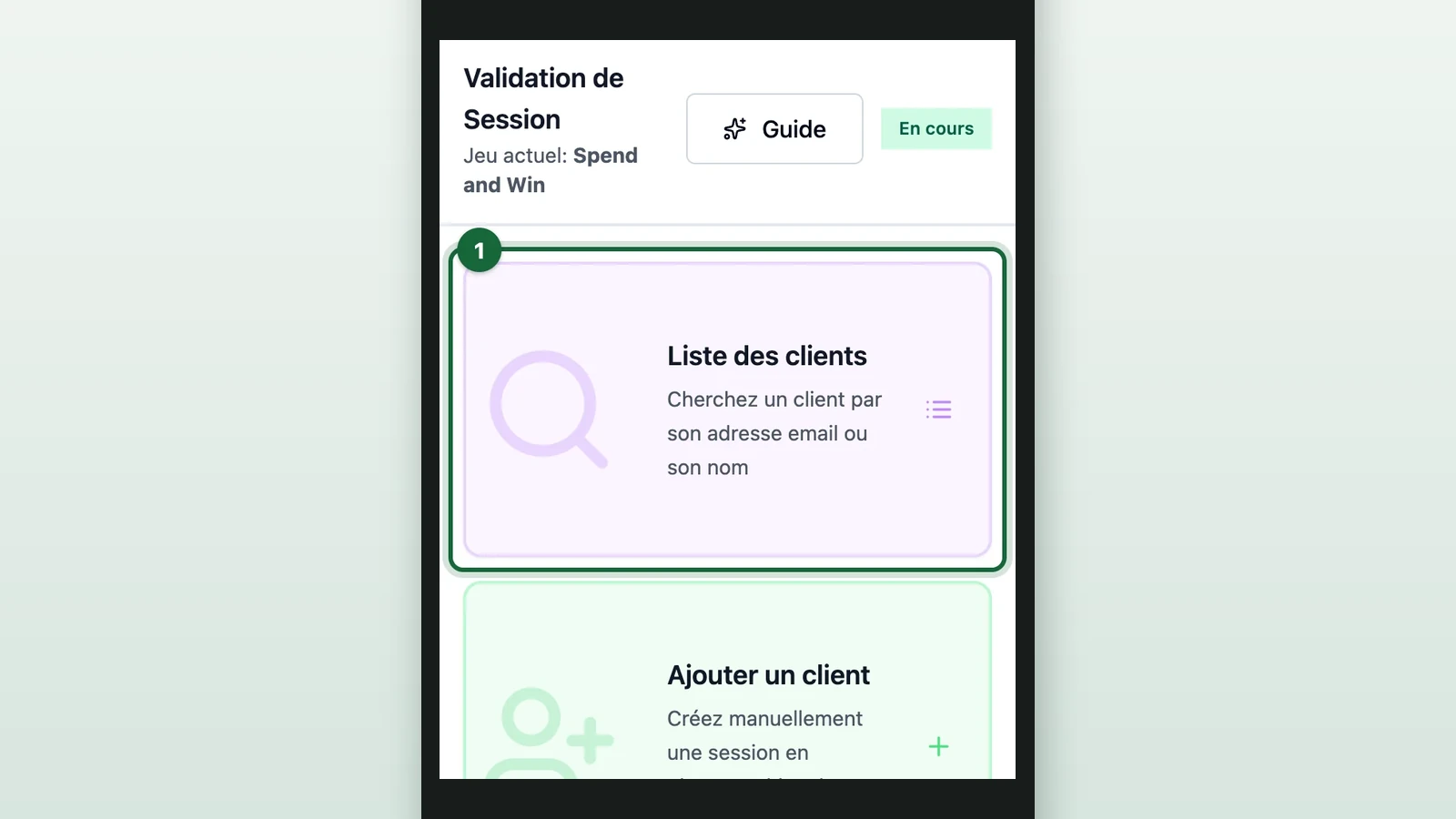
On the home screen, select Liste des clients (customer list).
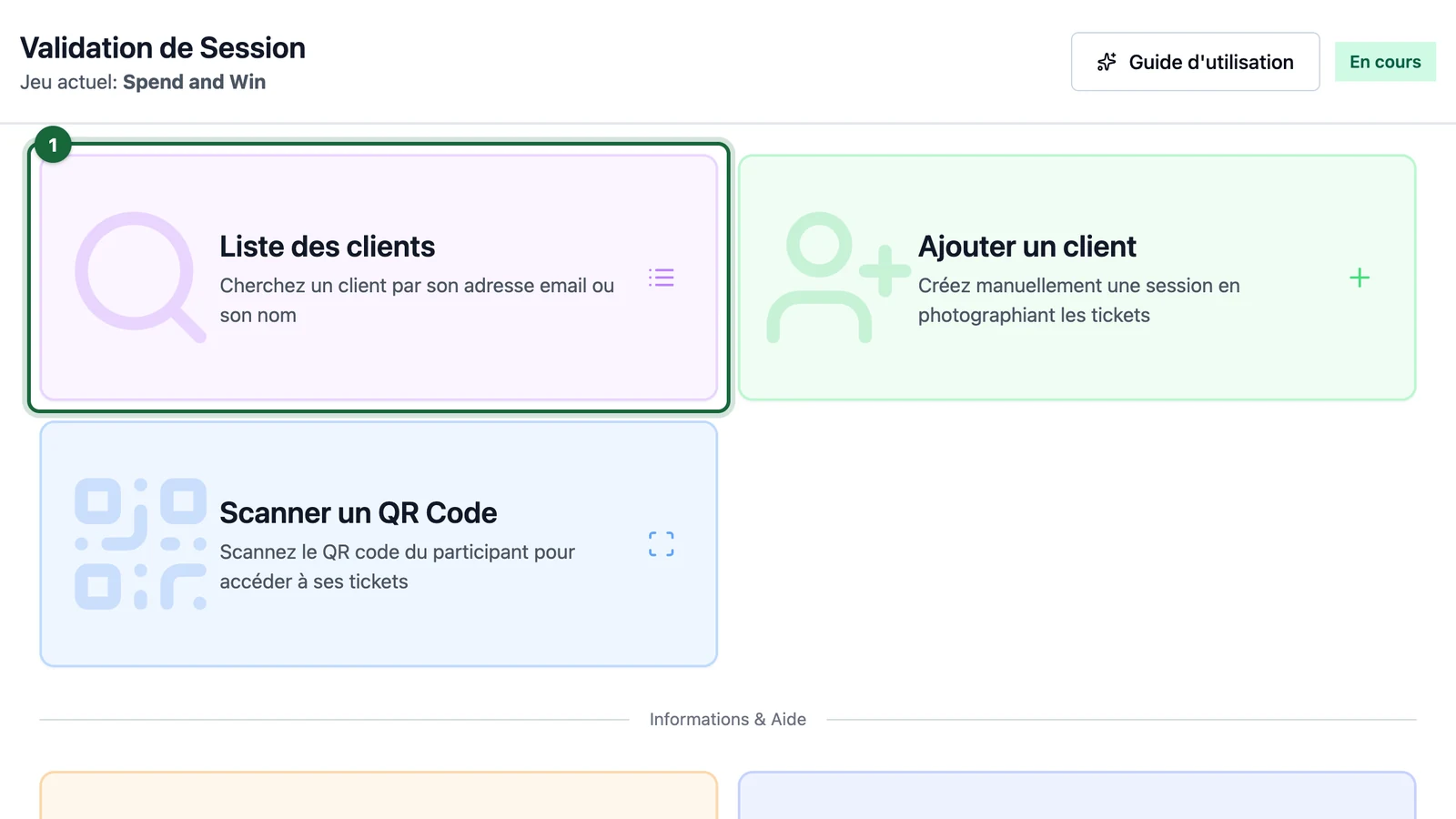
-
If the shopper signed up after you opened the list, select Actualiser (refresh).
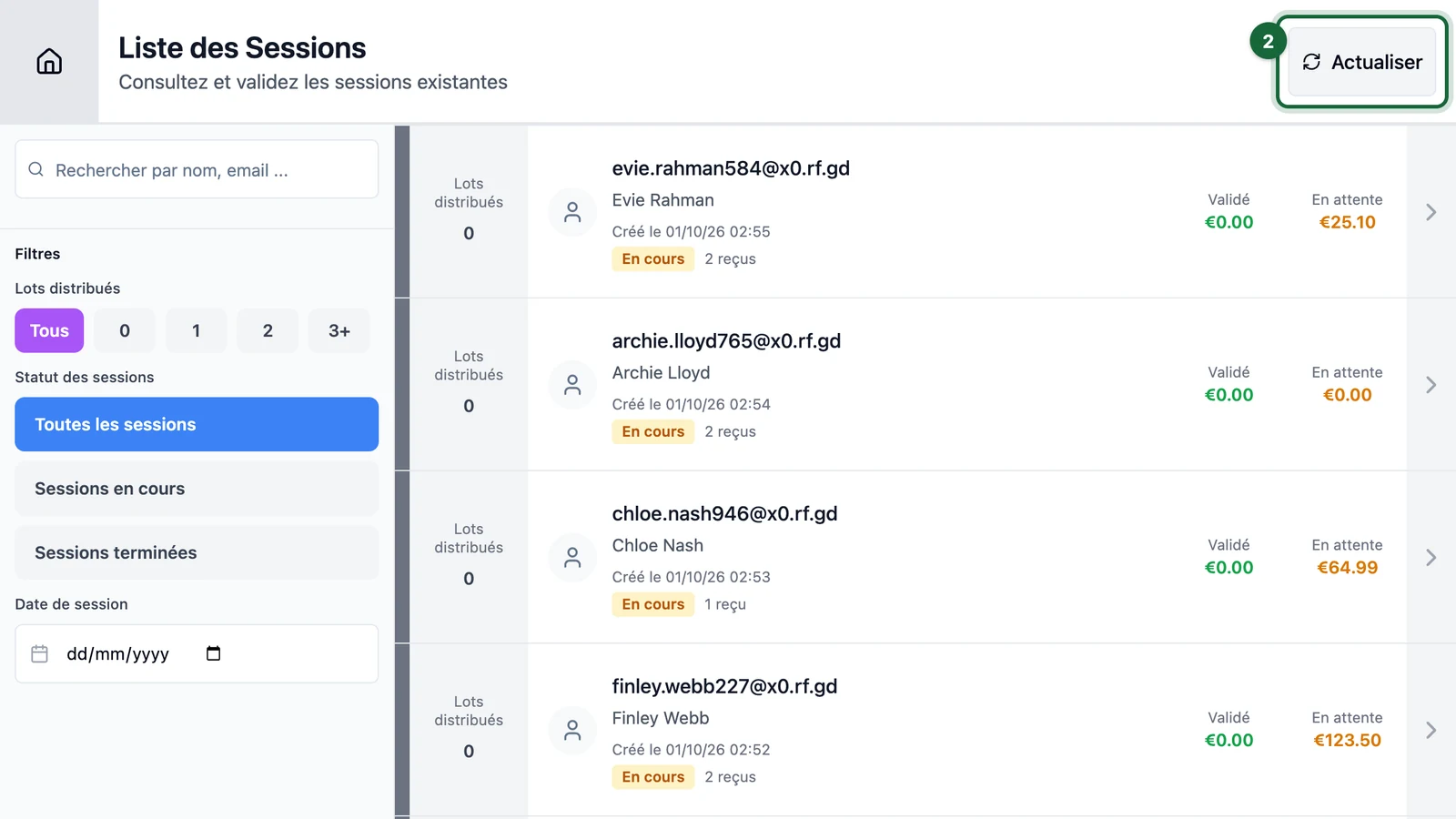
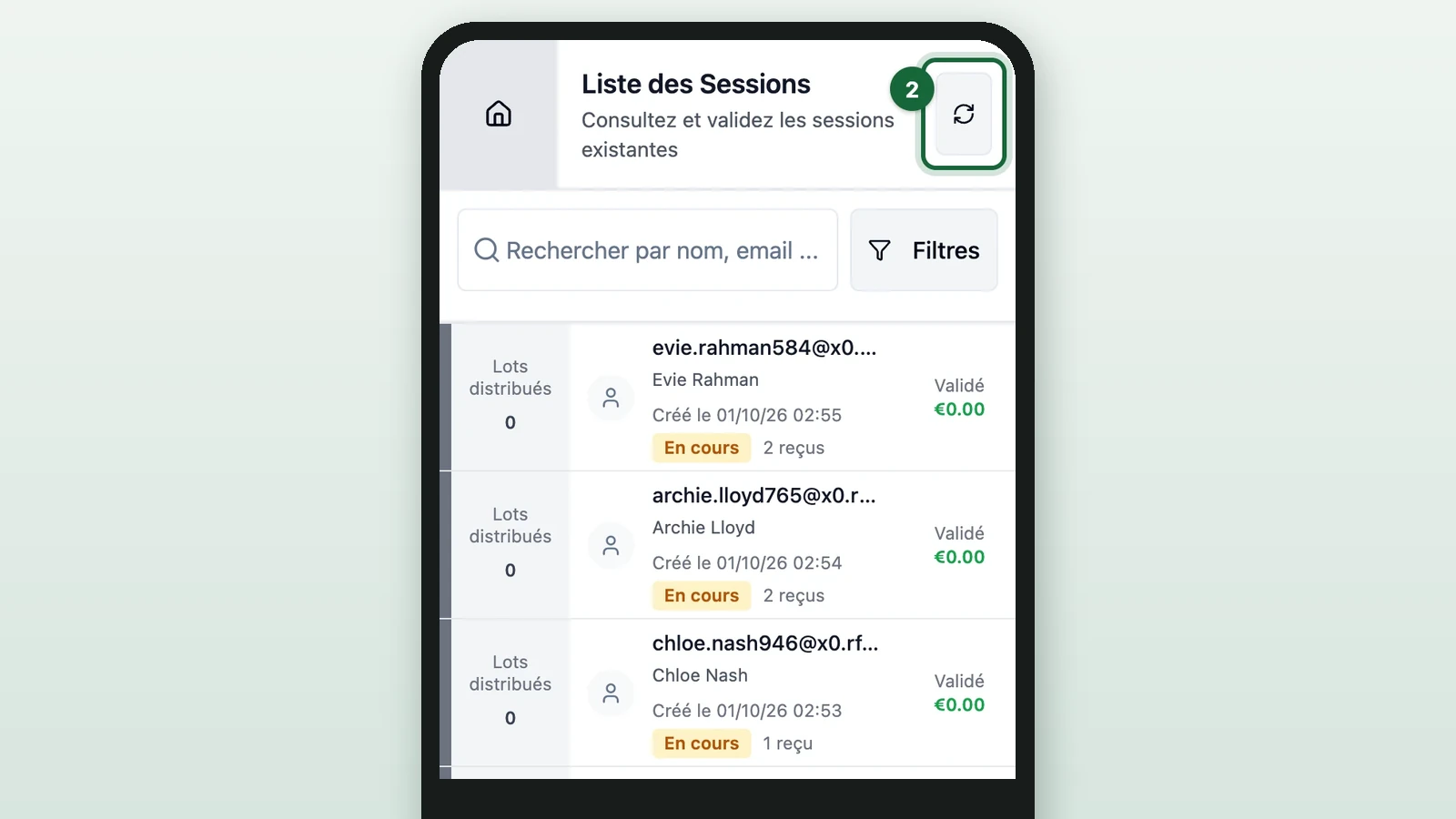
The list doesn't update by itself. On a phone, the button is the circular arrows.
-
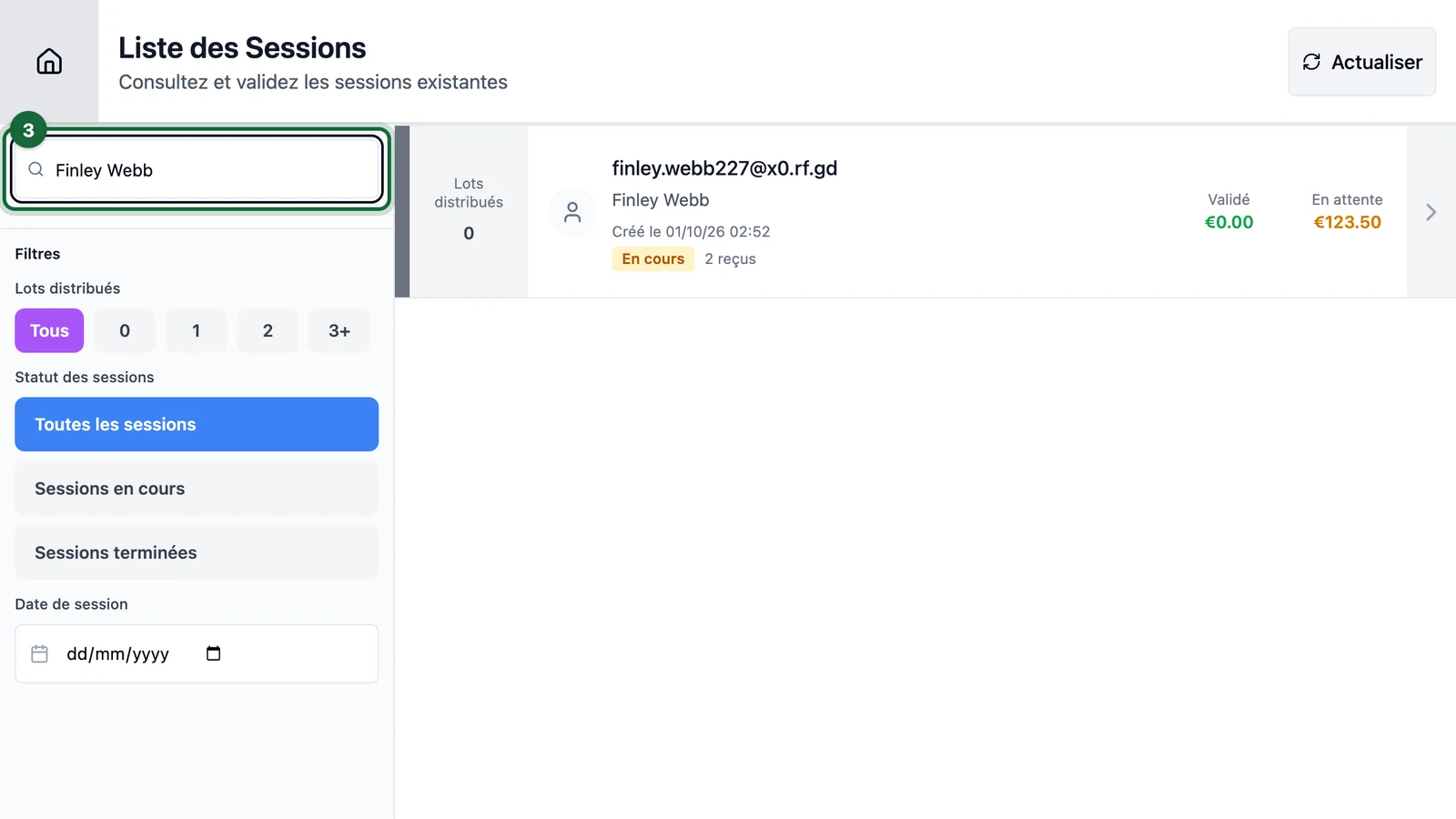
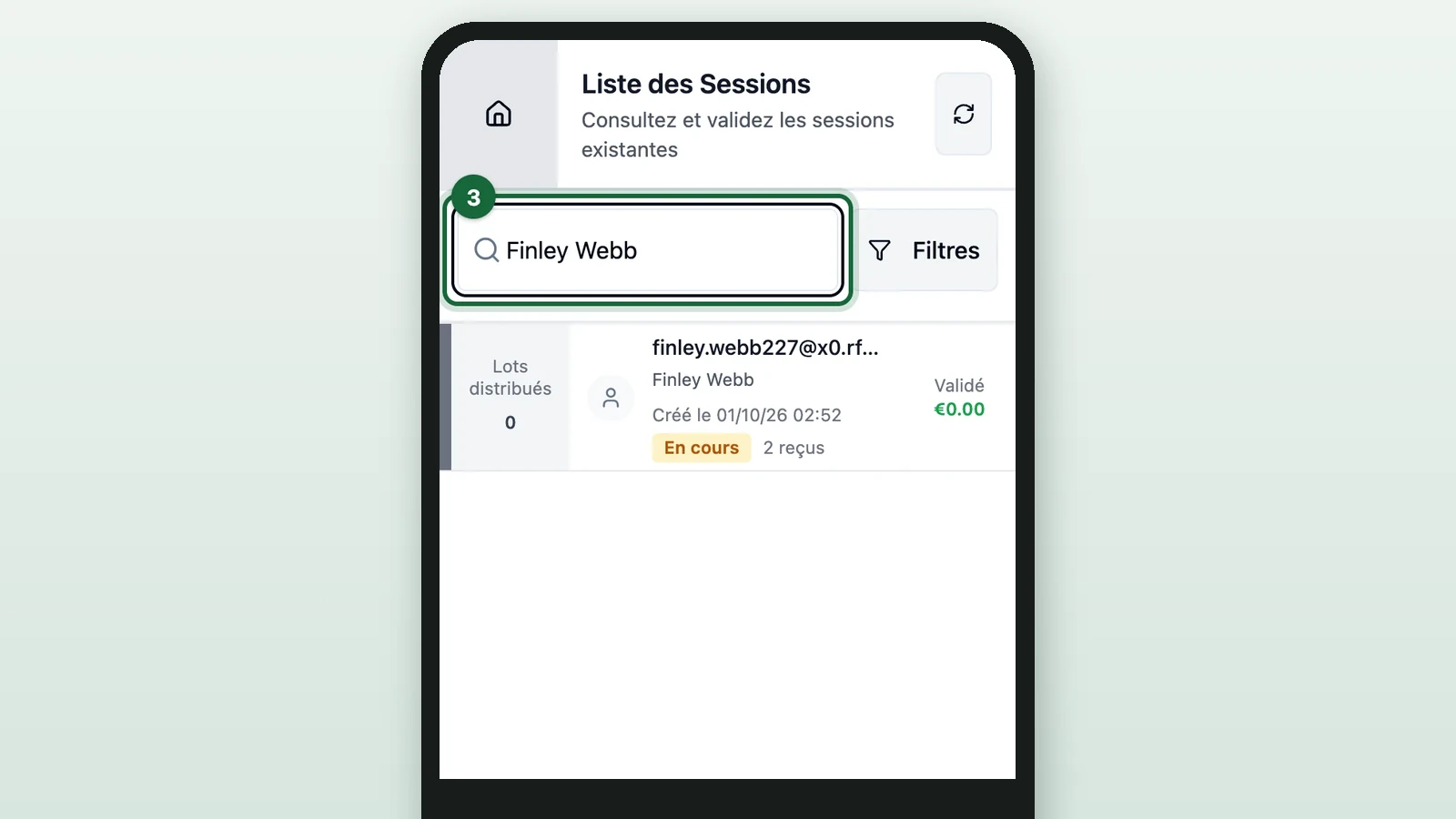
In Rechercher par nom, email ... (search by name or email), enter the shopper's name, here Finley Webb.
-
Select Finley Webb's row.
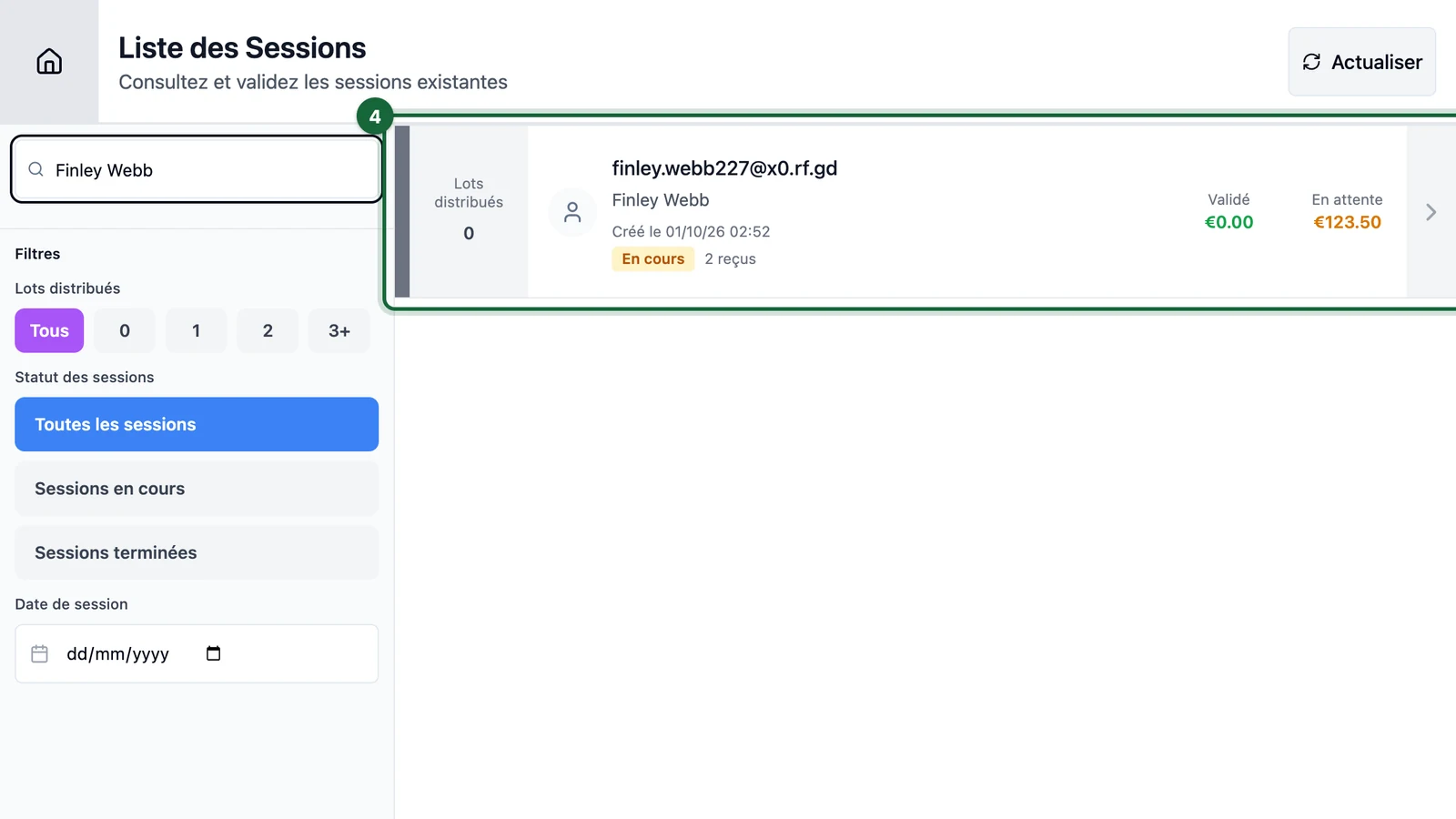
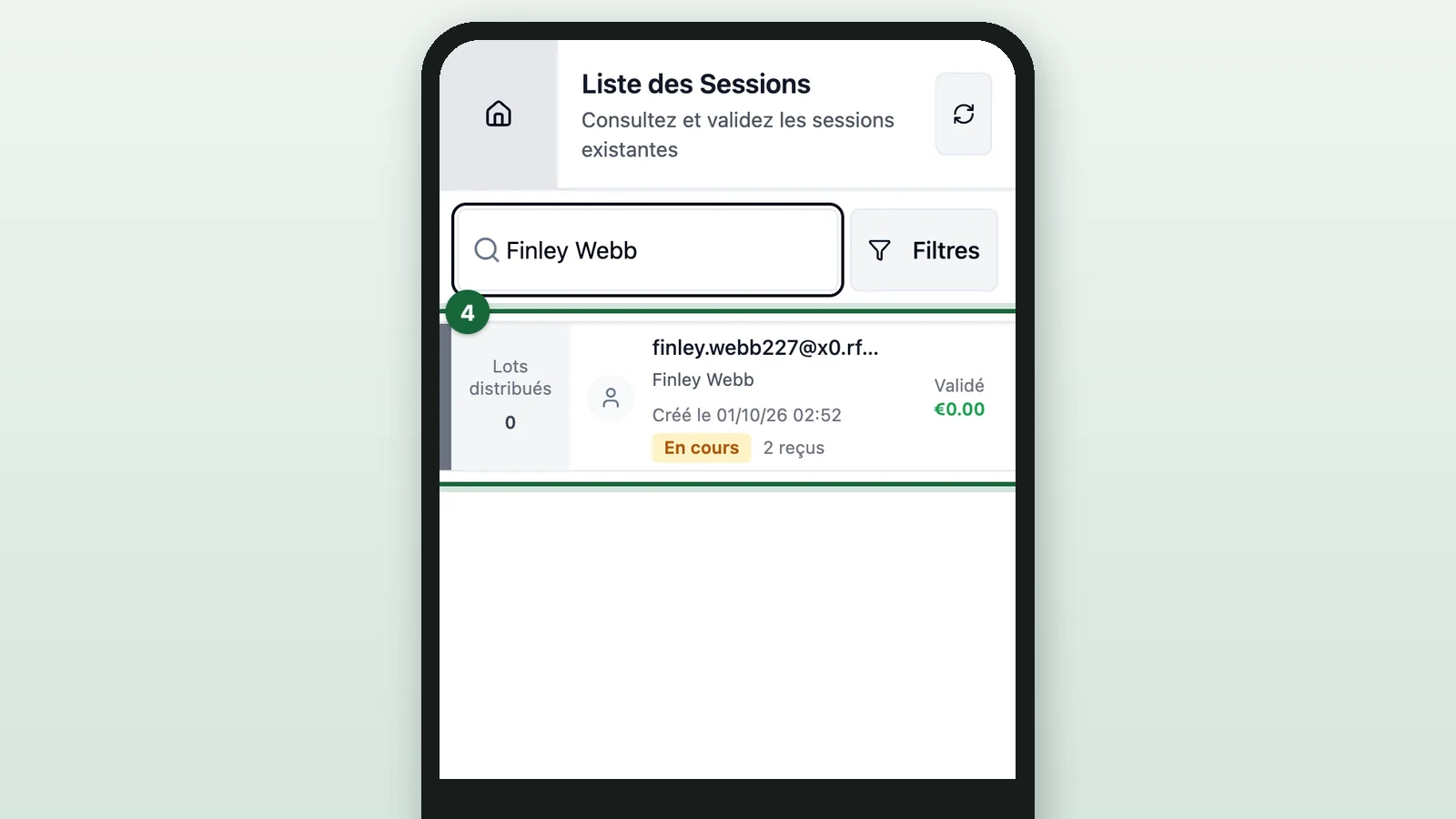
Each row shows Lots distribués (prizes handed out), the receipt count, Validé (approved spend) and En attente (awaiting review). In a long list, use Filtres (filters) to narrow it by prizes, Statut des sessions (session status) or Date de session (session date). What the session page shows is in Check a shopper's session.
Or scan the shopper's QR code
When the shopper is at the desk, their receipt game page shows a QR code.
-
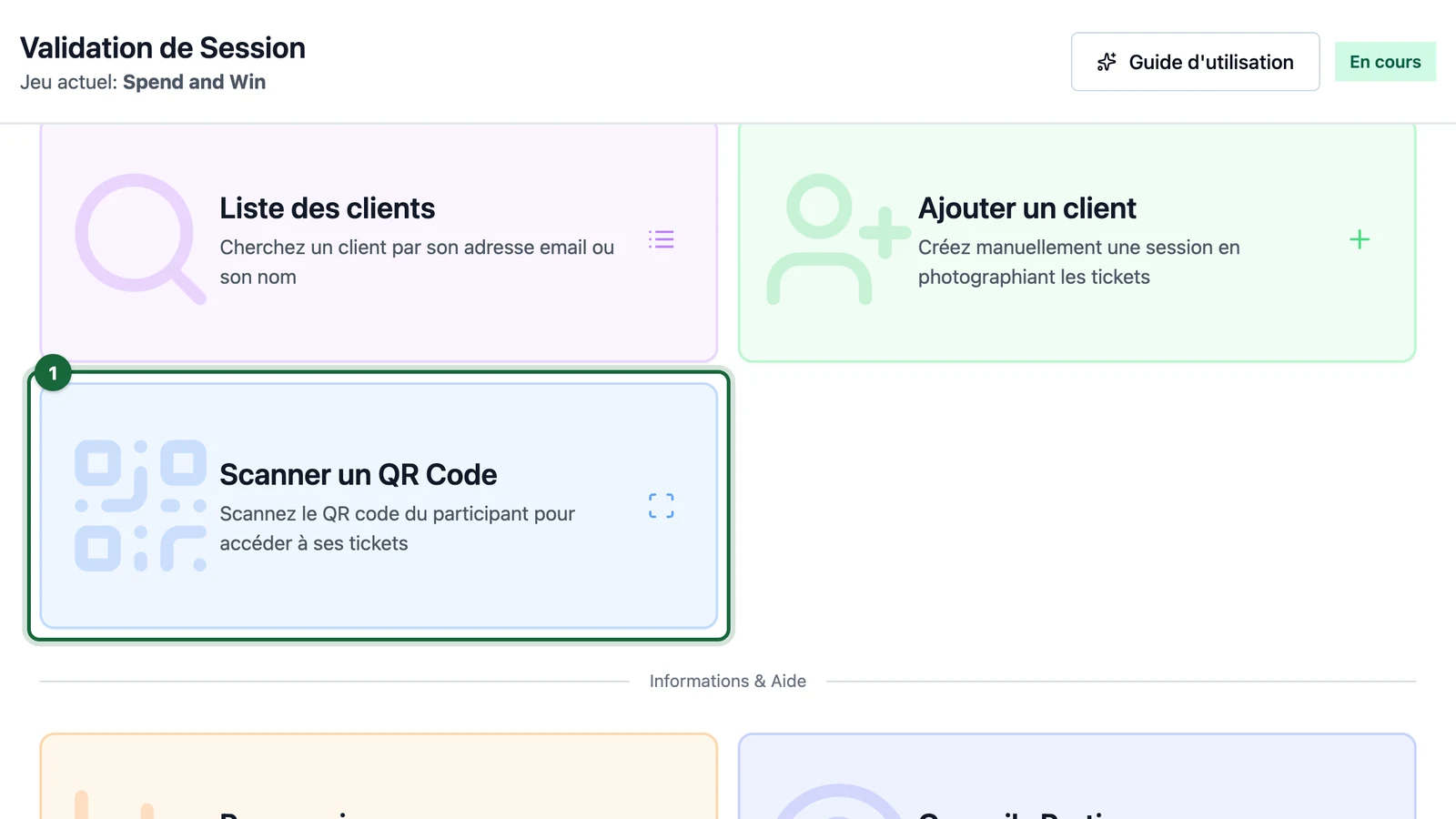
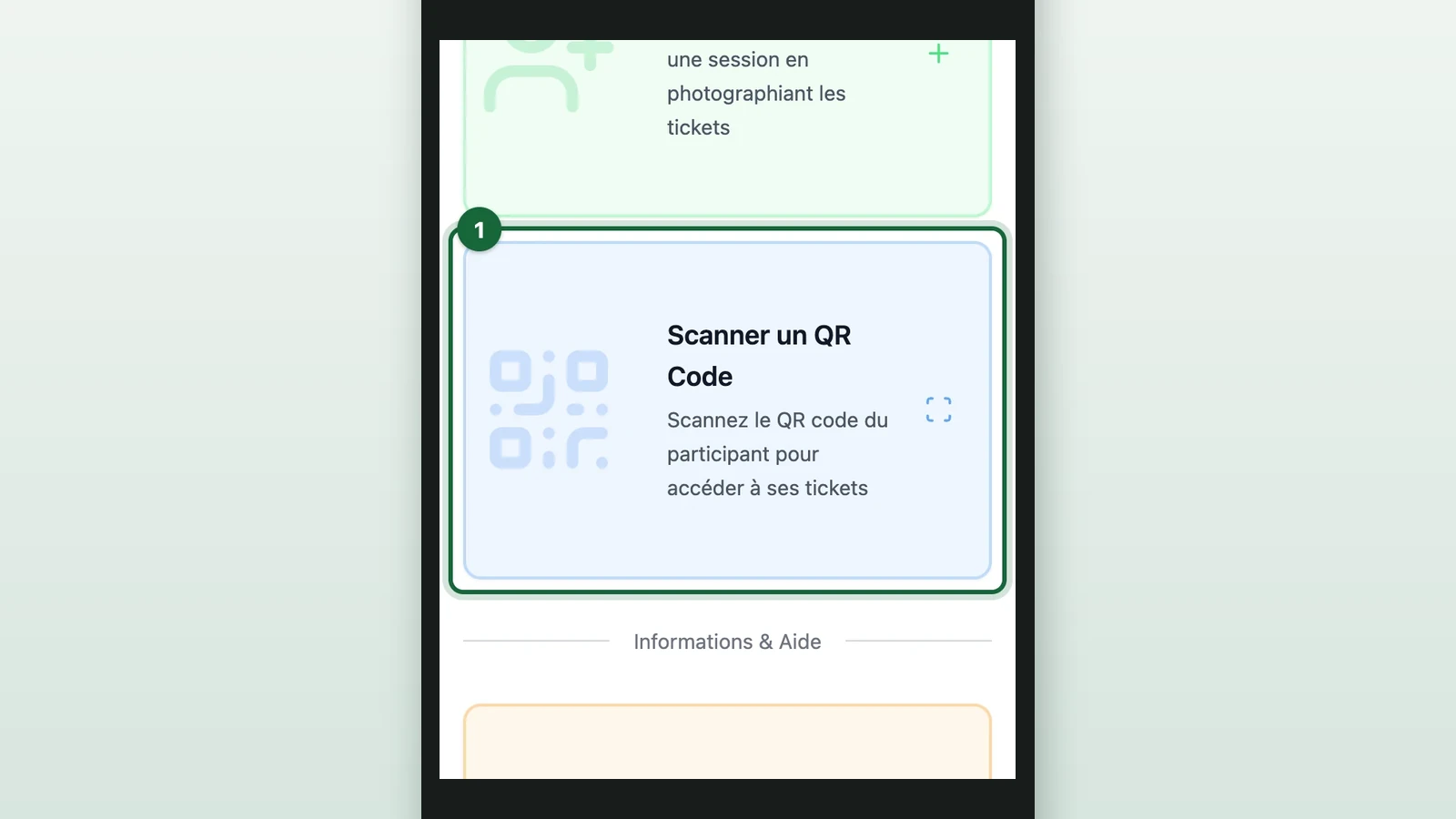
On the home screen, select Scanner un QR Code (scan a QR code).
-
Point the camera at the QR code on the shopper's phone.
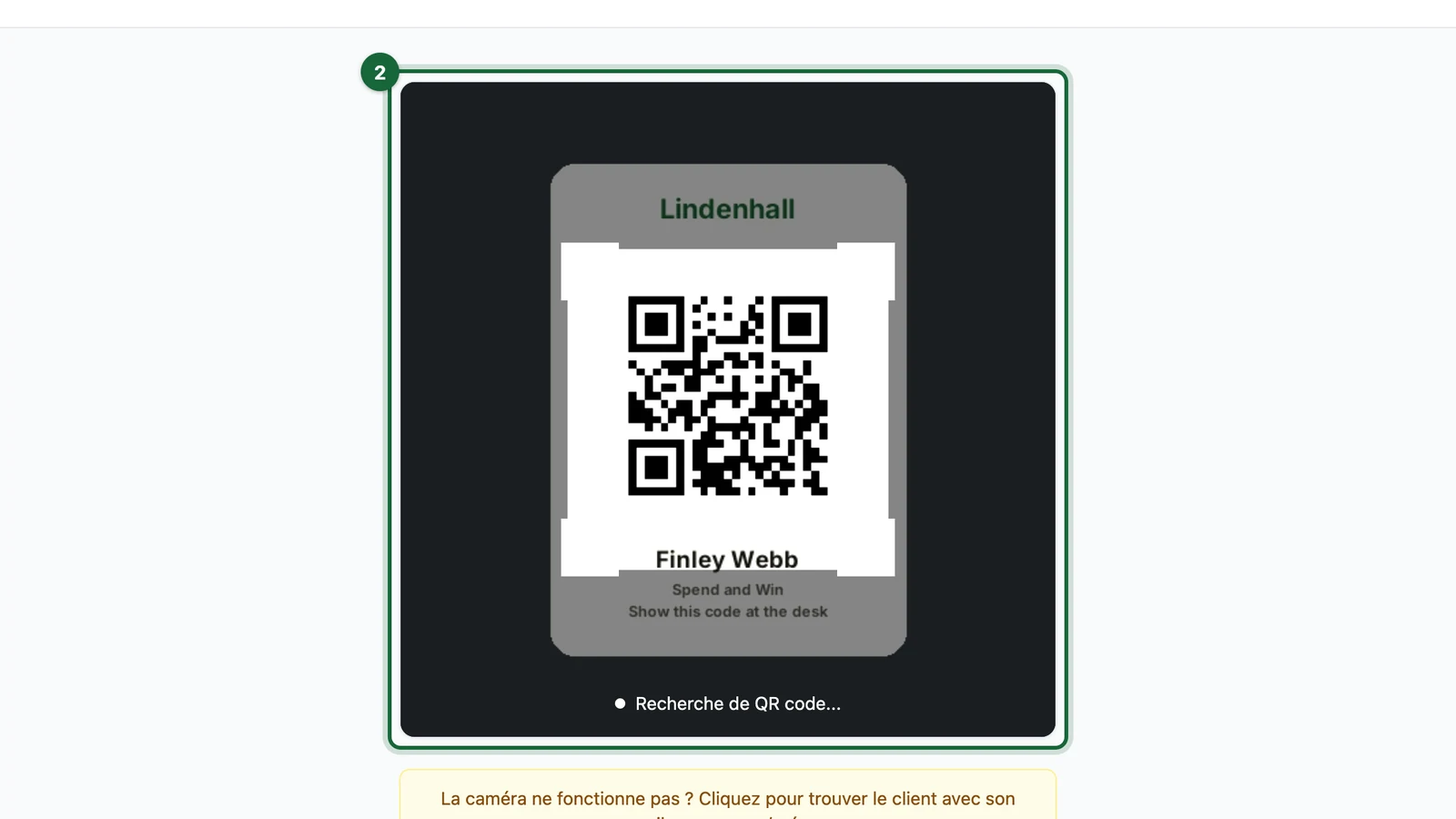
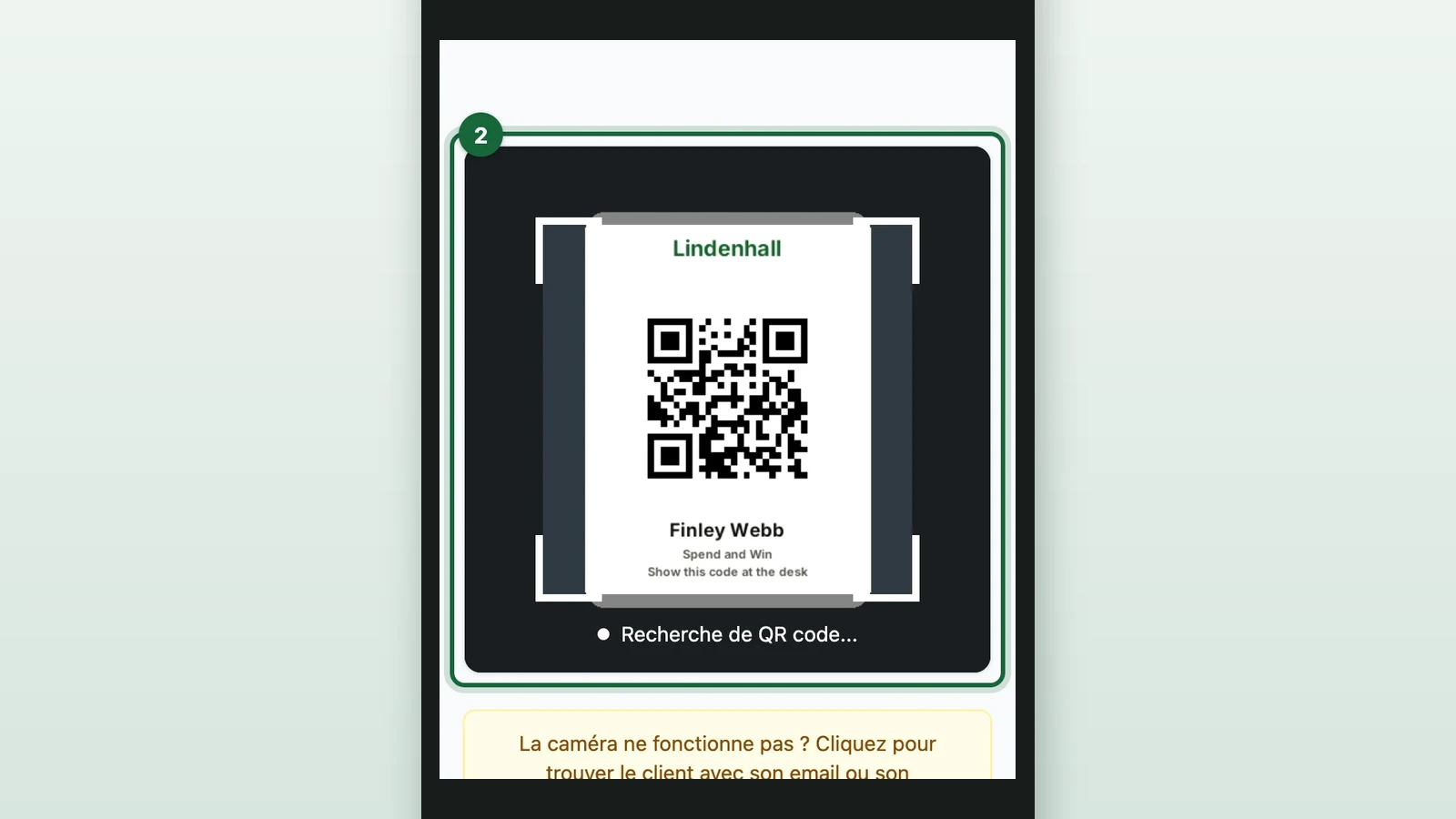
Their session opens once it's found.
If the scan doesn't work:
- Session introuvable (session not found): check the shopper is showing this game's QR code, then select Scanner à nouveau (scan again).
- The wrong camera opens: choose another in the camera list above the scanner. The list only shows on a device with several cameras, and the device remembers your choice.
- The camera doesn't work: select Rechercher par nom ou email (search by name or email).
Check each receipt
-
If the shopper has just sent a receipt, select the circular arrows at the top right.
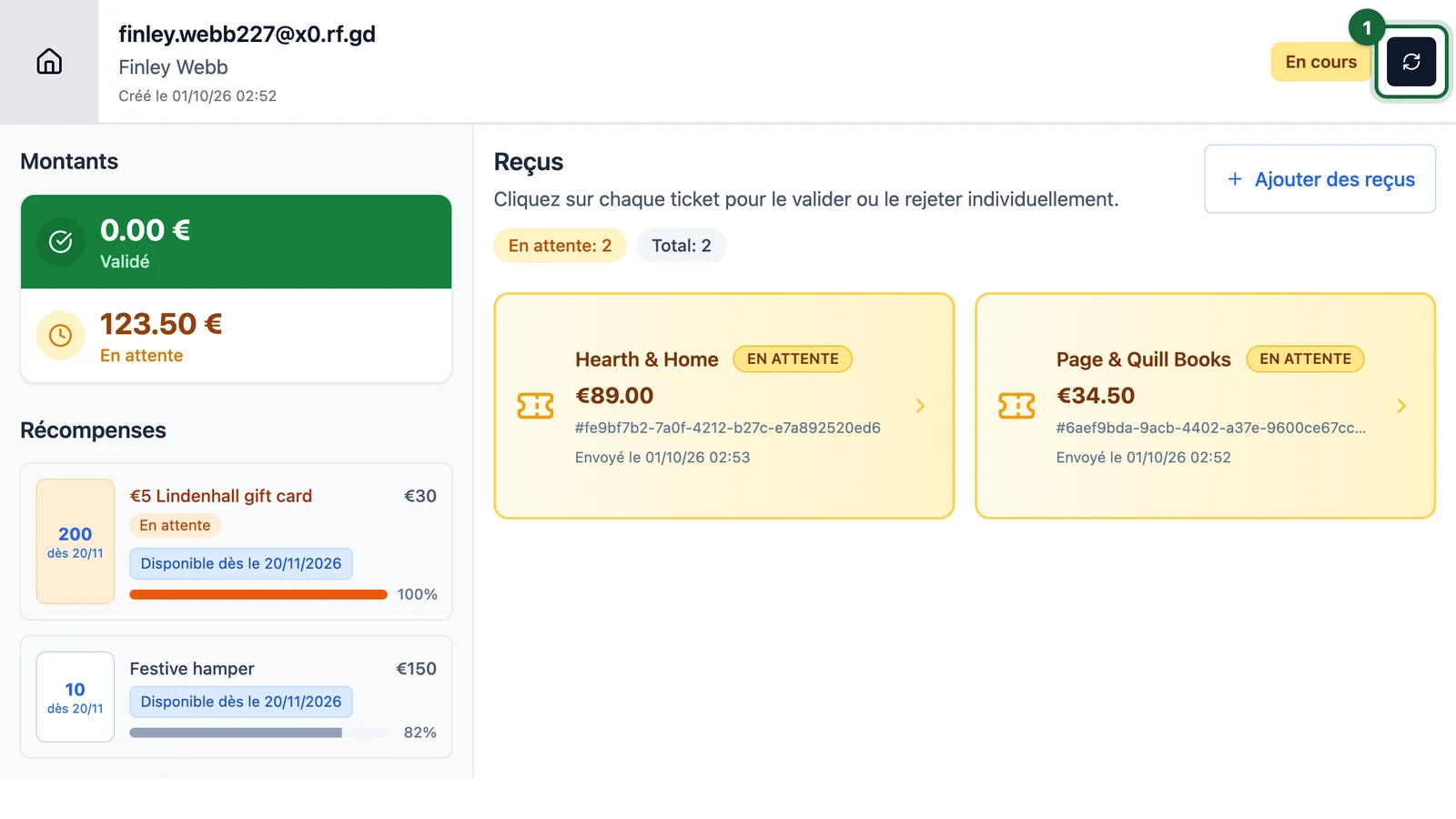
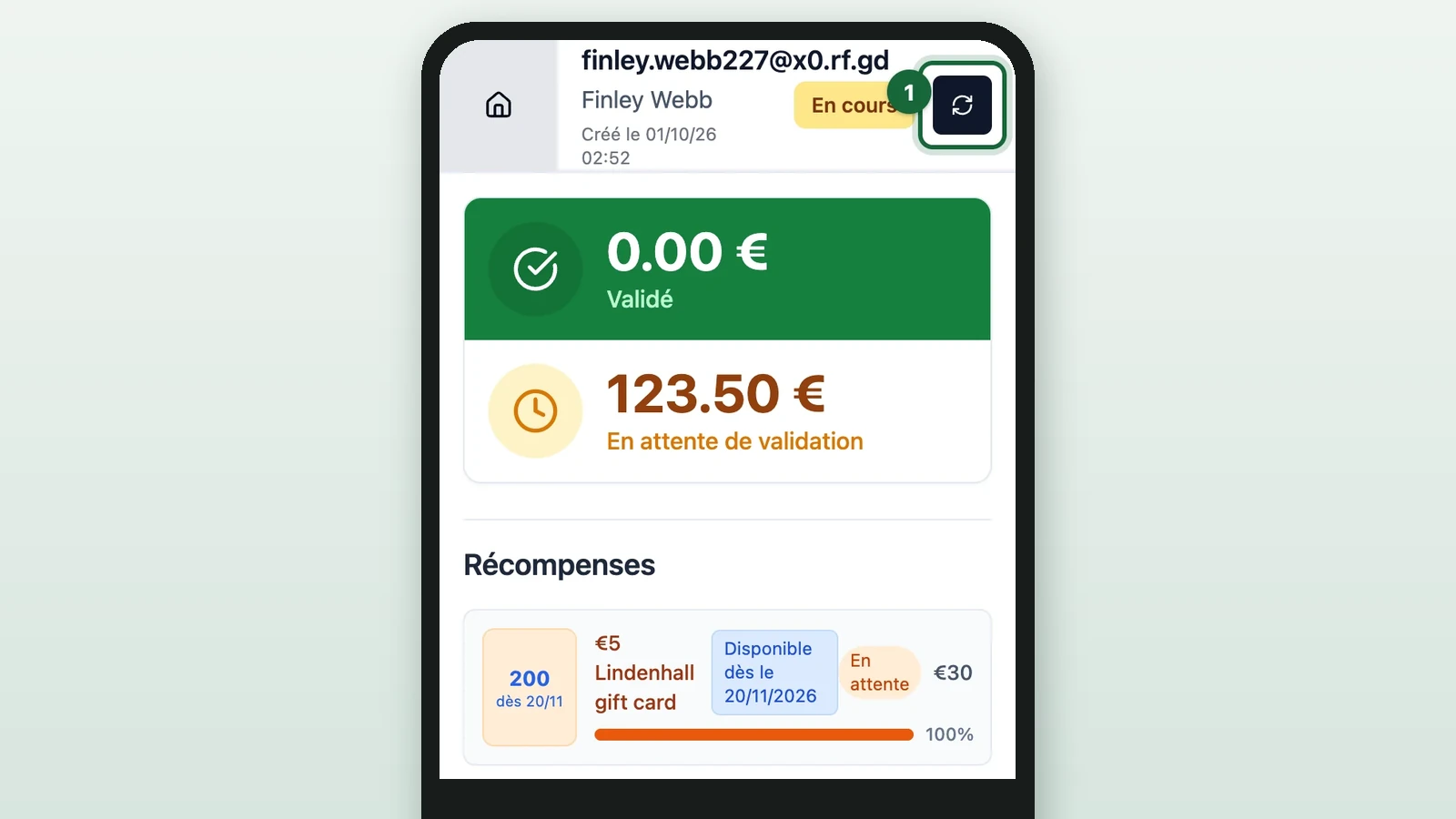
An open session doesn't refresh by itself. The button's tooltip reads Actualiser la session (refresh the session).
-
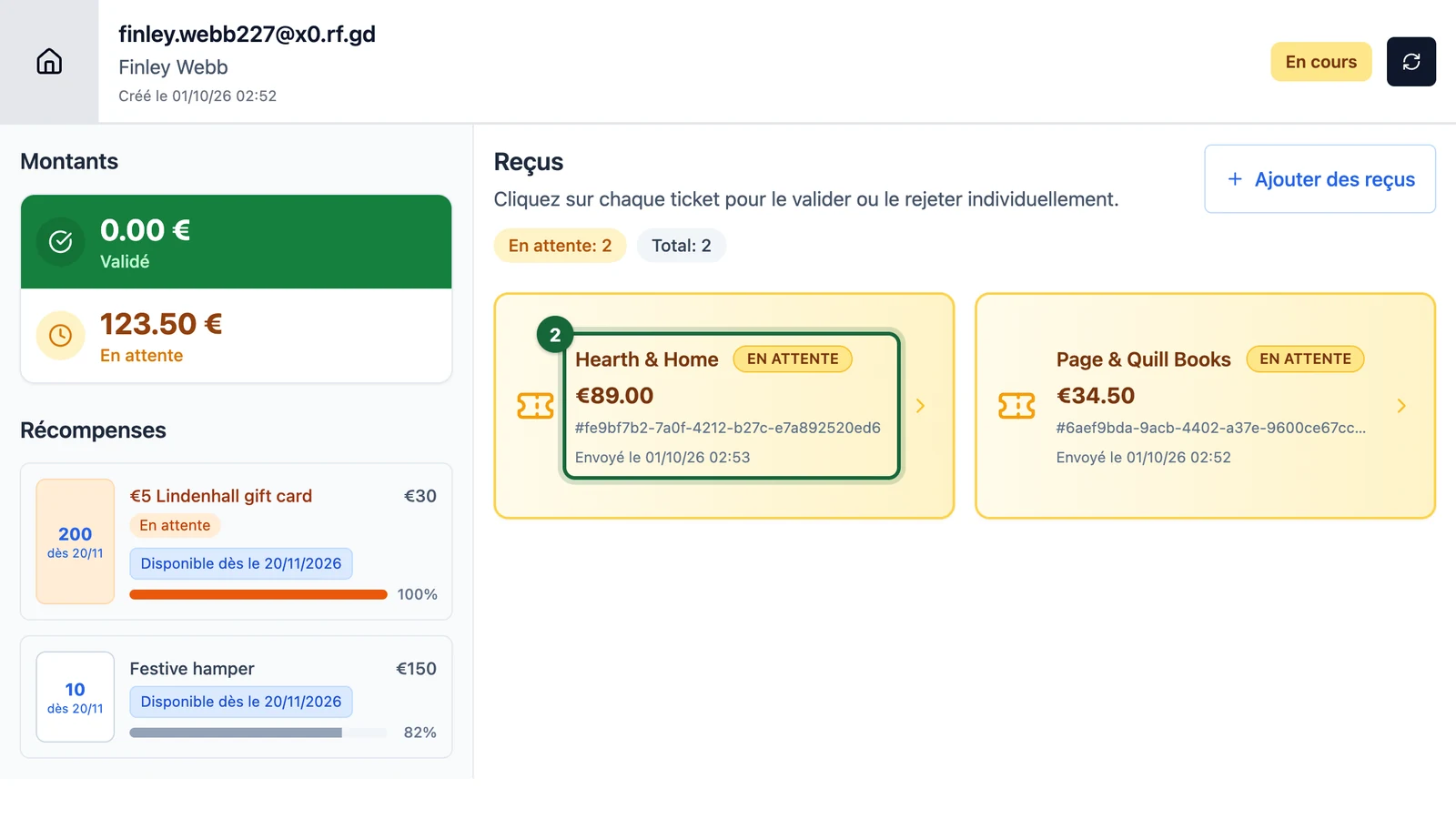
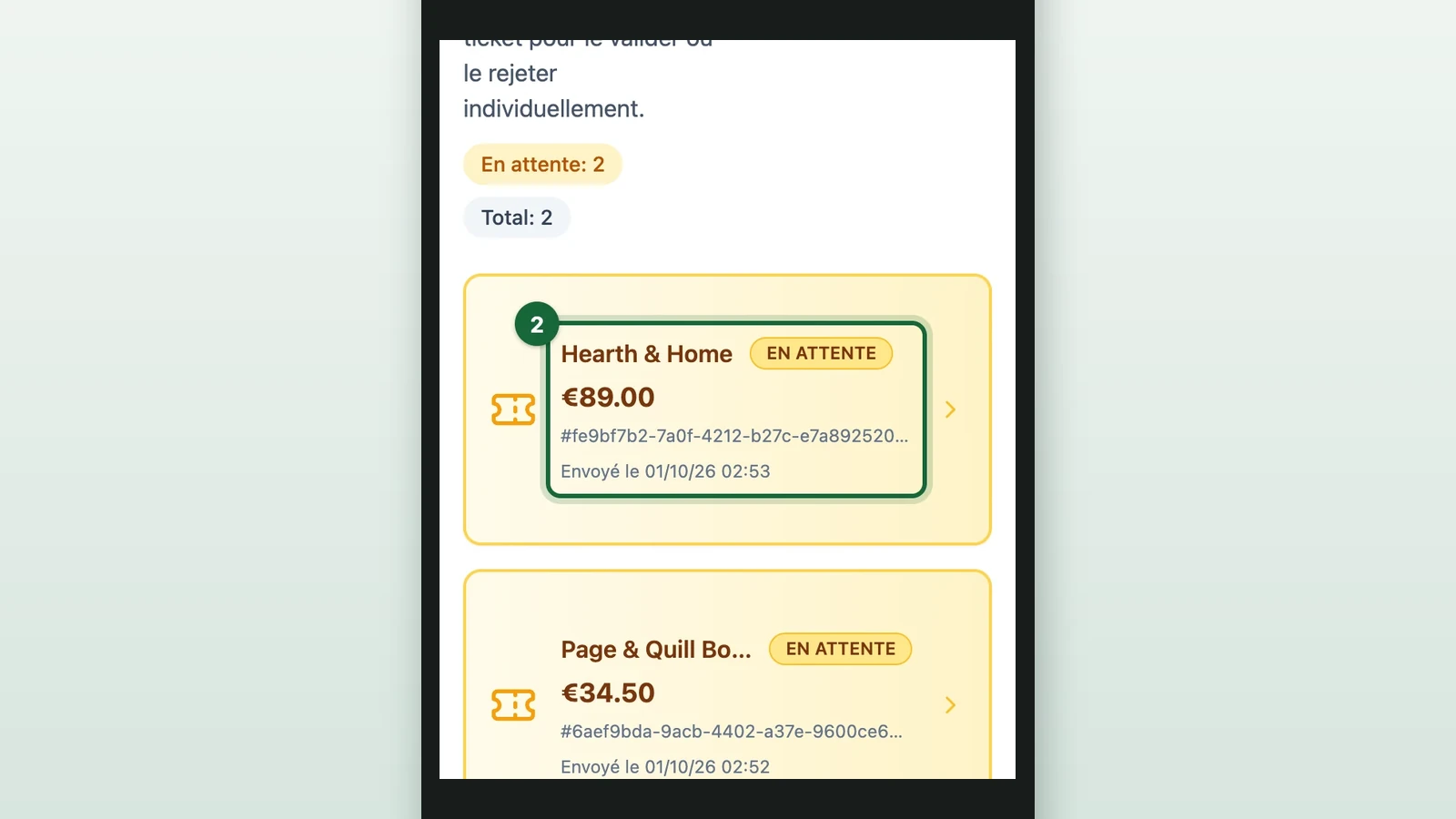
Under Reçus (receipts), select a receipt marked EN ATTENTE (pending), here Hearth & Home's.
-
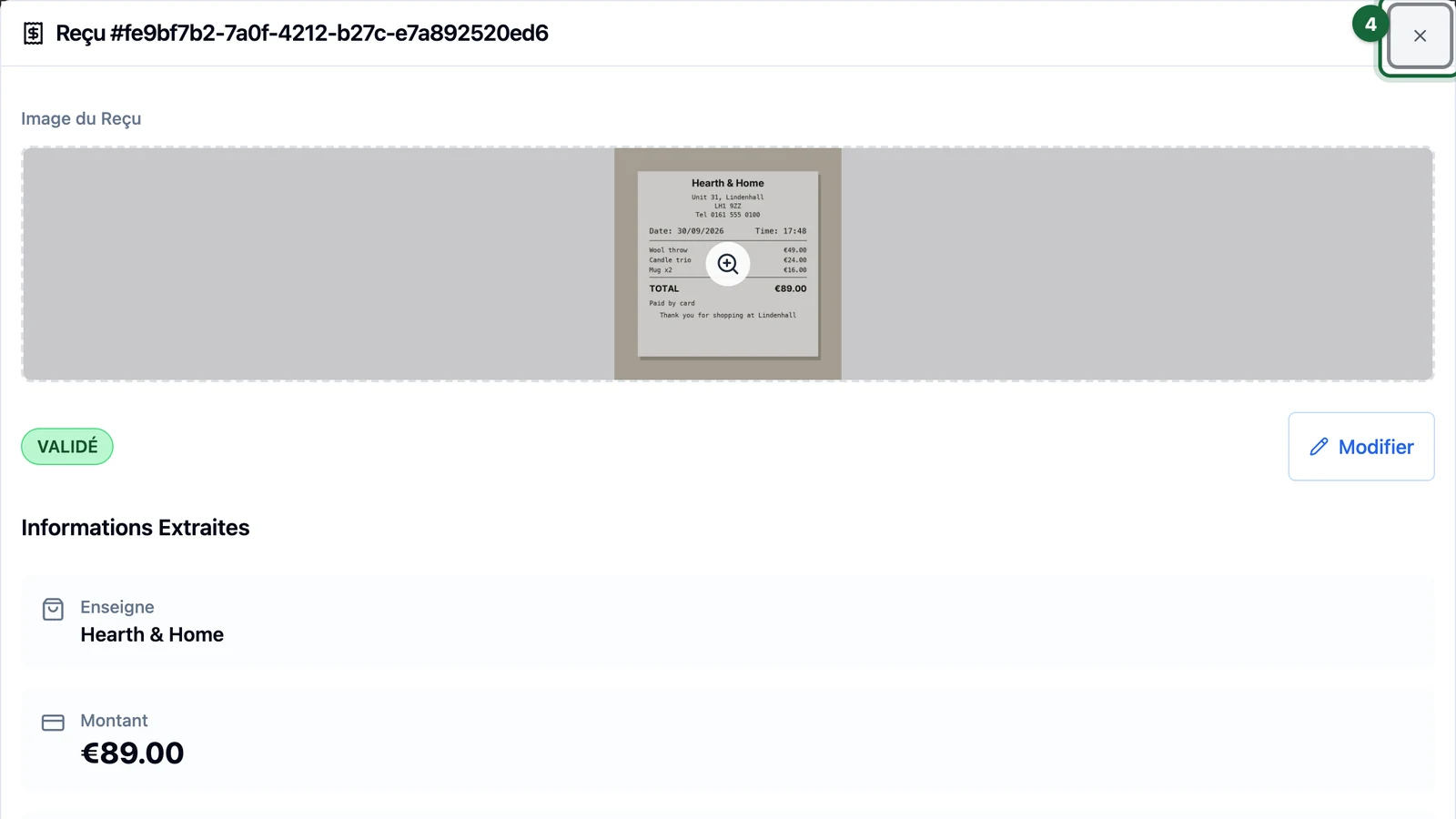
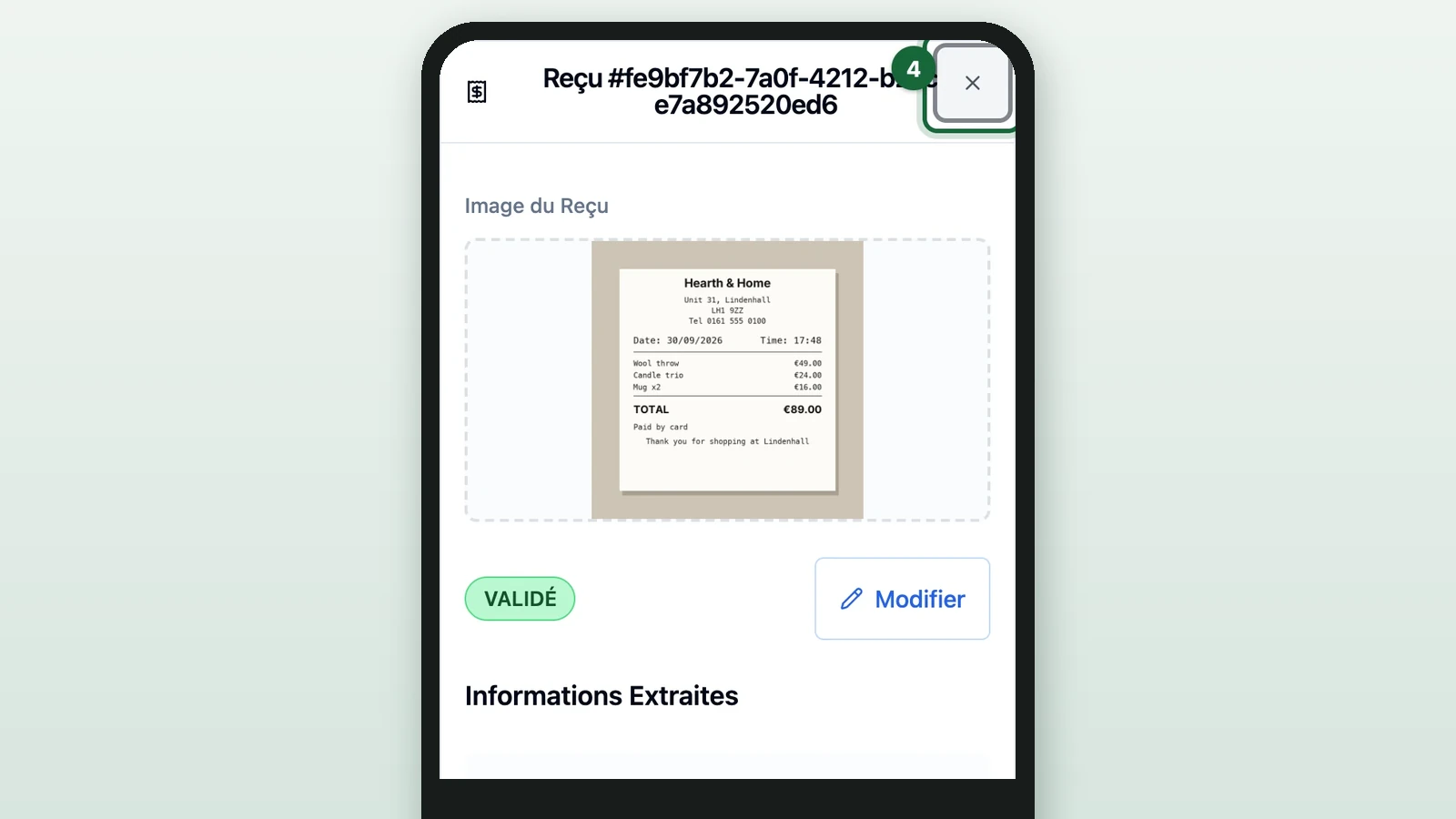
Select the photo to see it full screen.
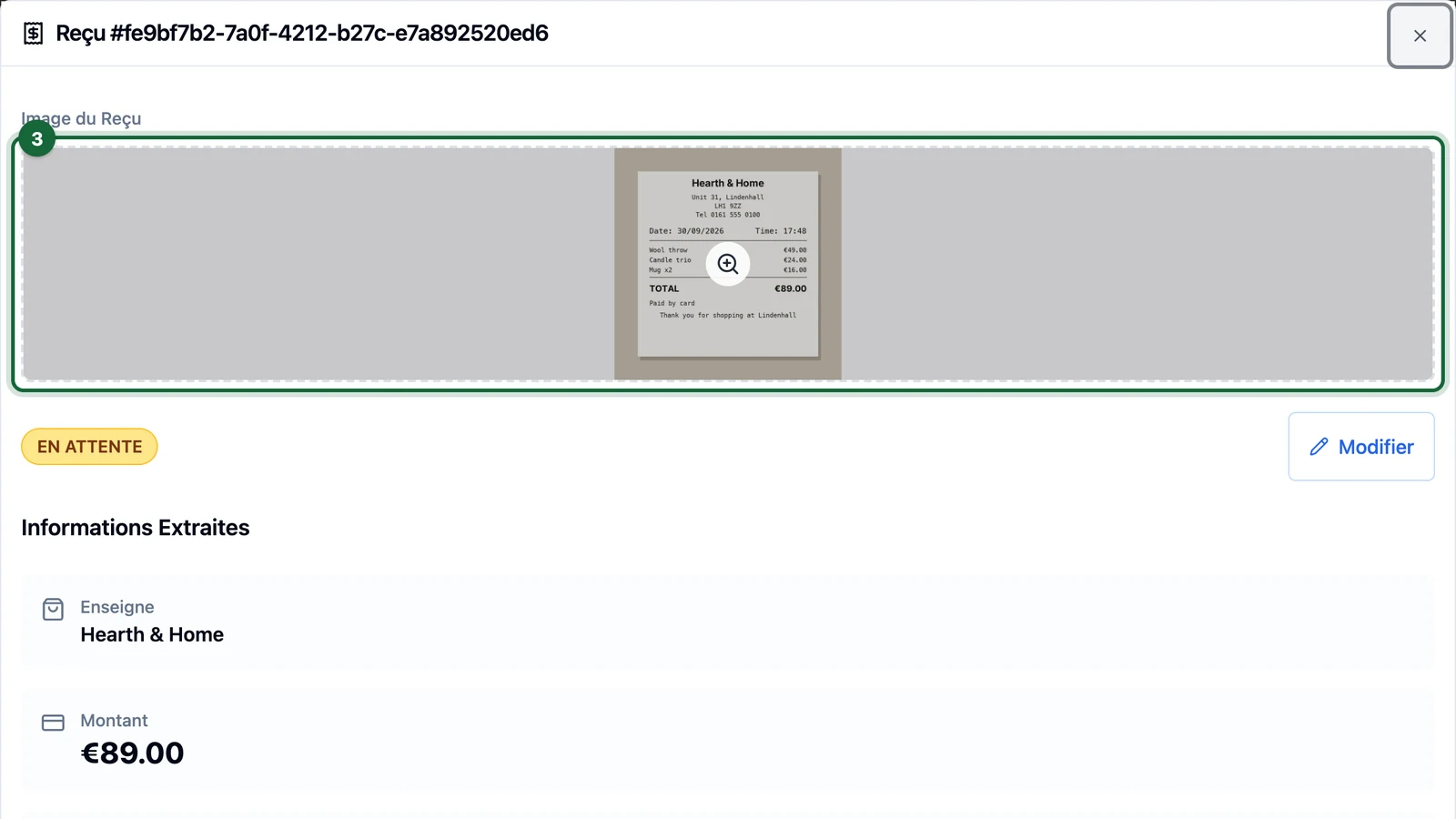
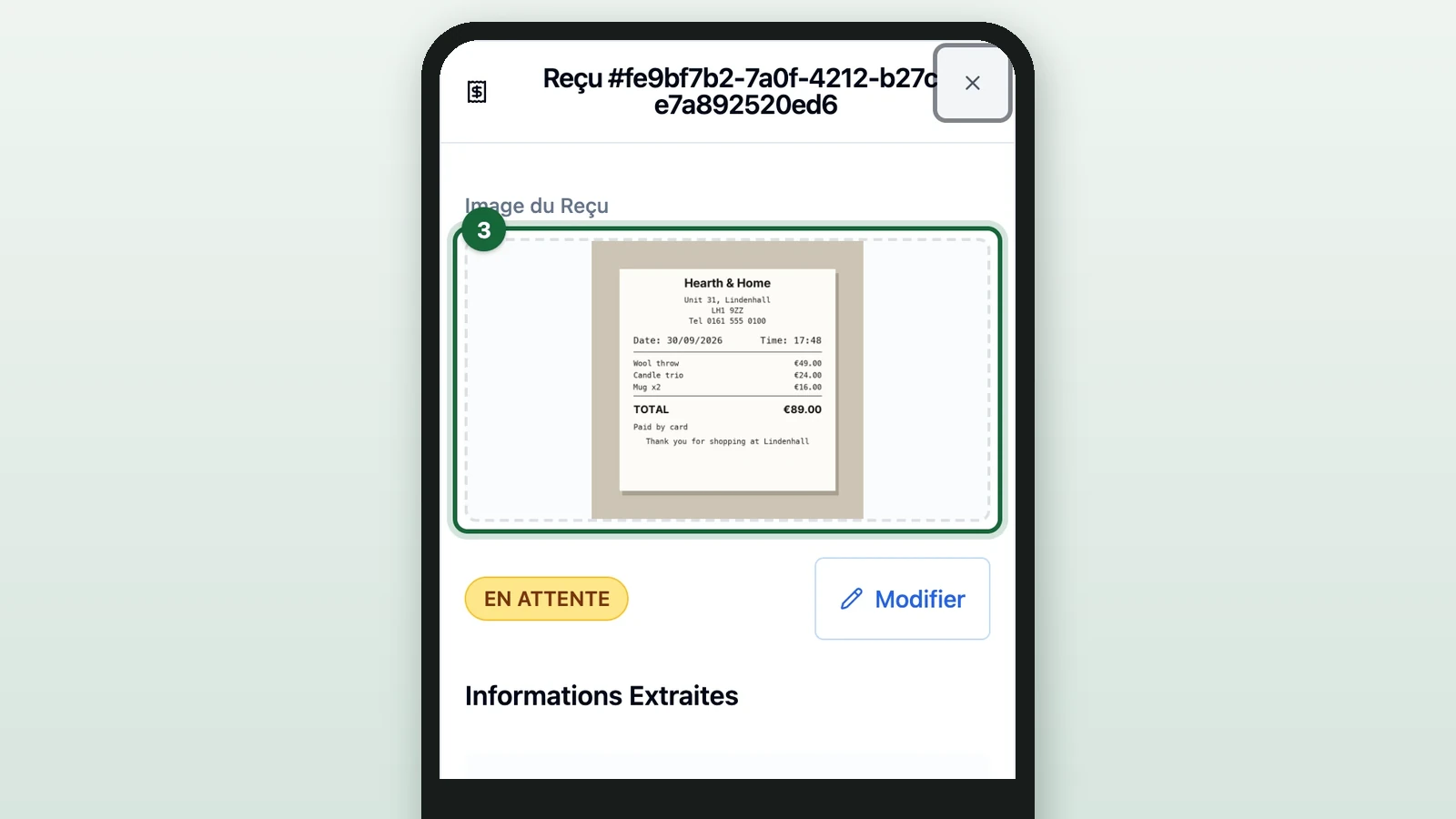
Check it shows the paper receipt the shopper gave you.
-
Select Fermer (close).
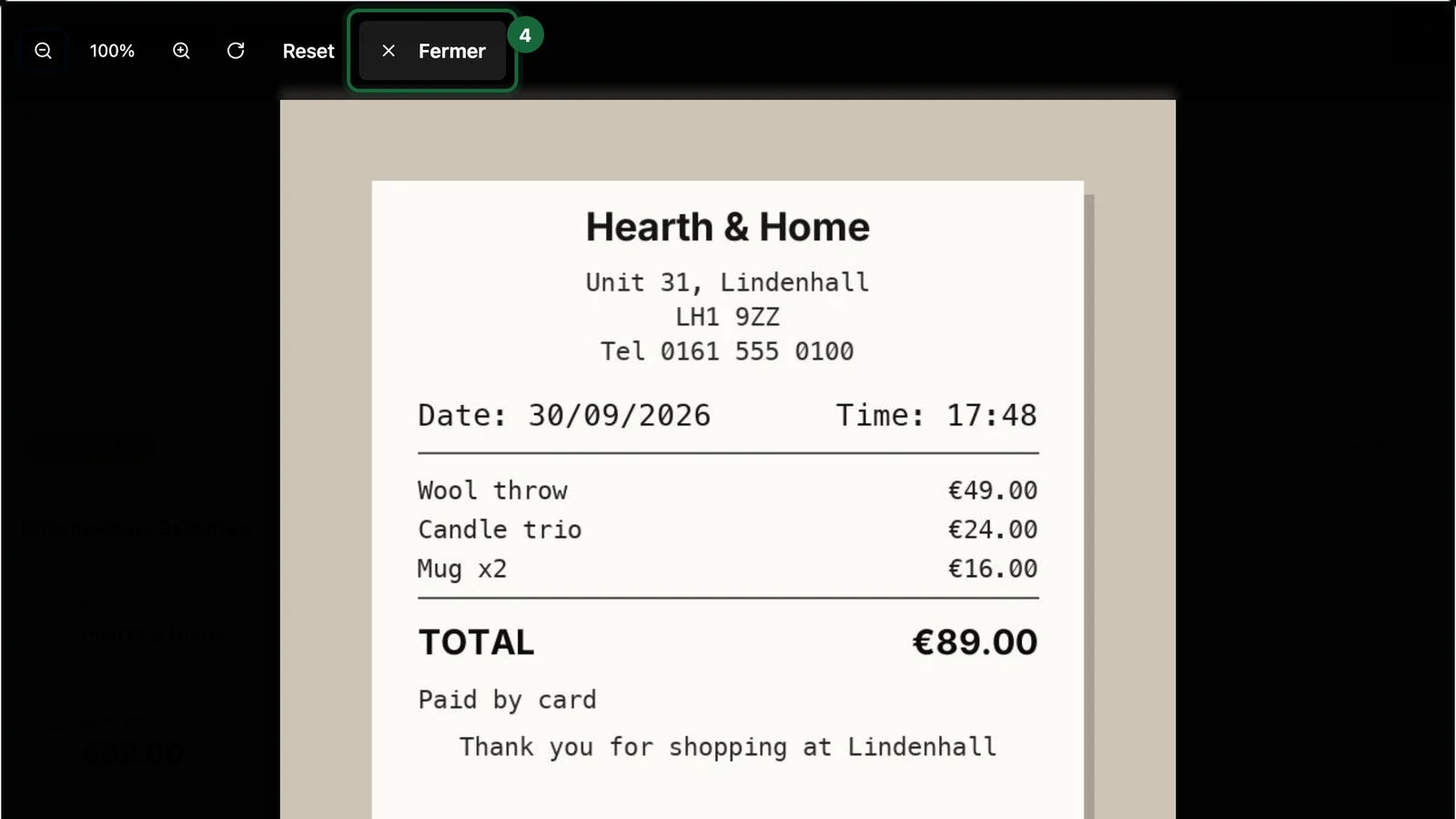
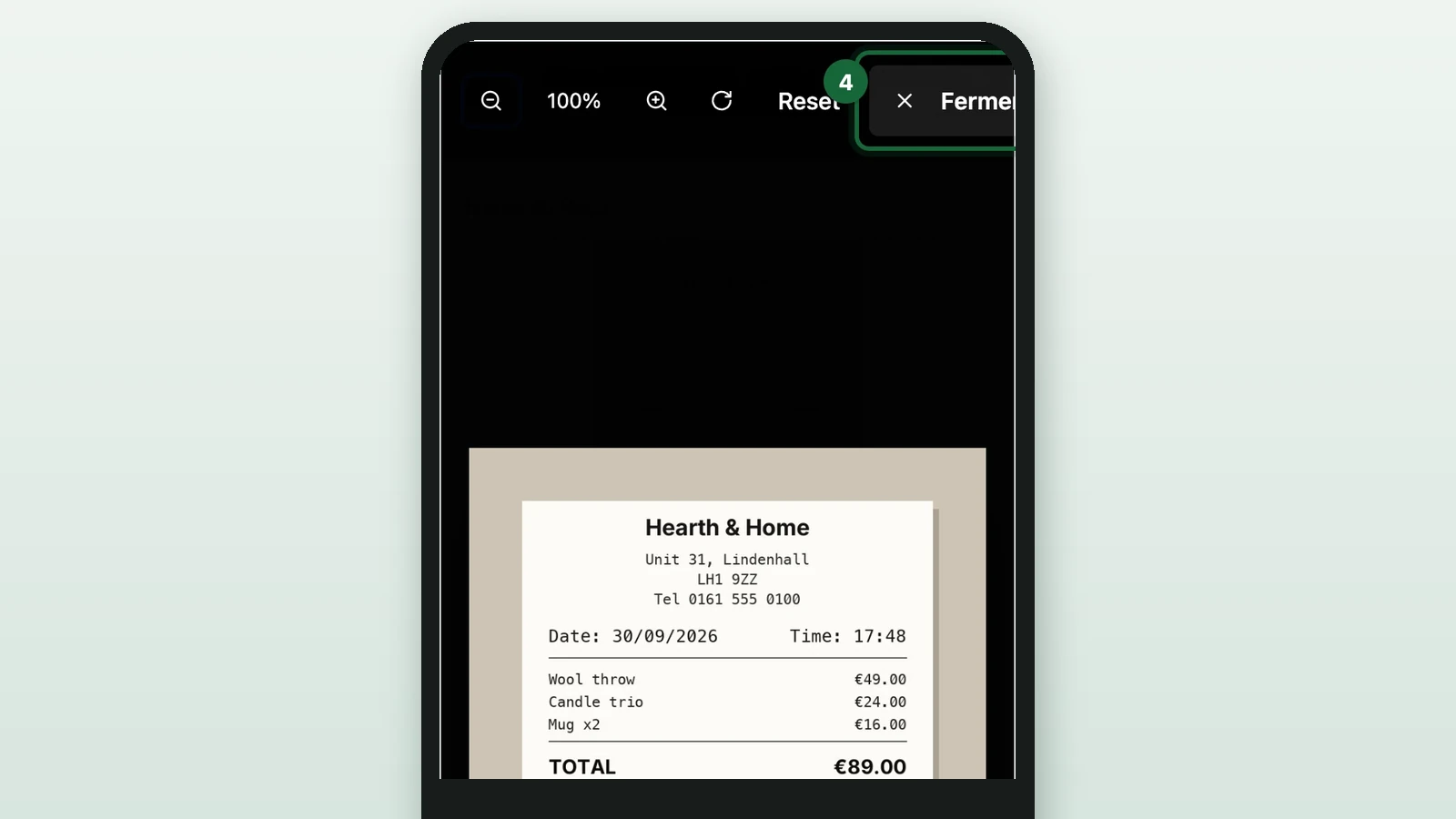
The full-screen photo covers the buttons until you close it.
-
Check that Informations Extraites (extracted information) matches the store, amount and date on the paper receipt.
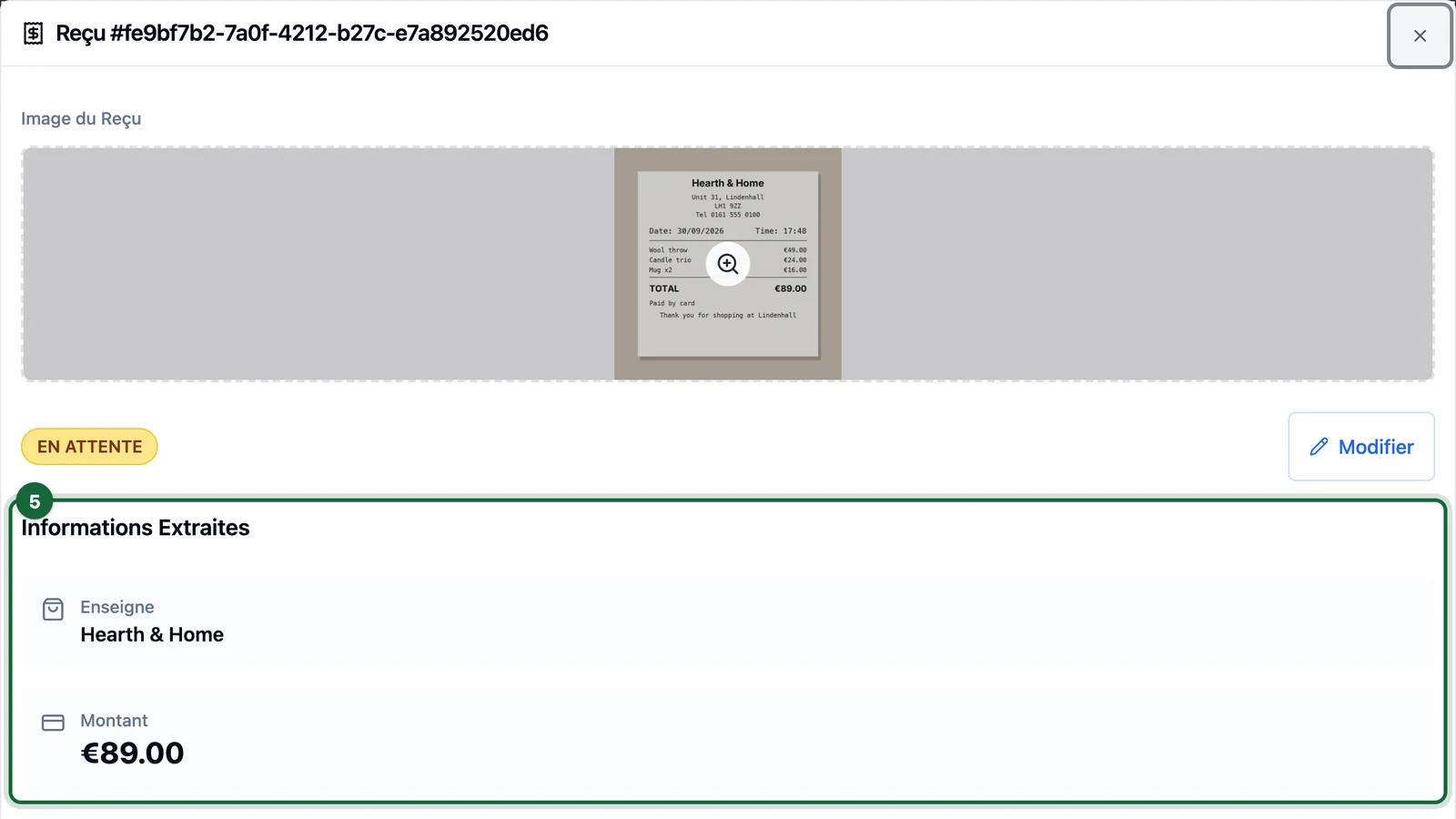
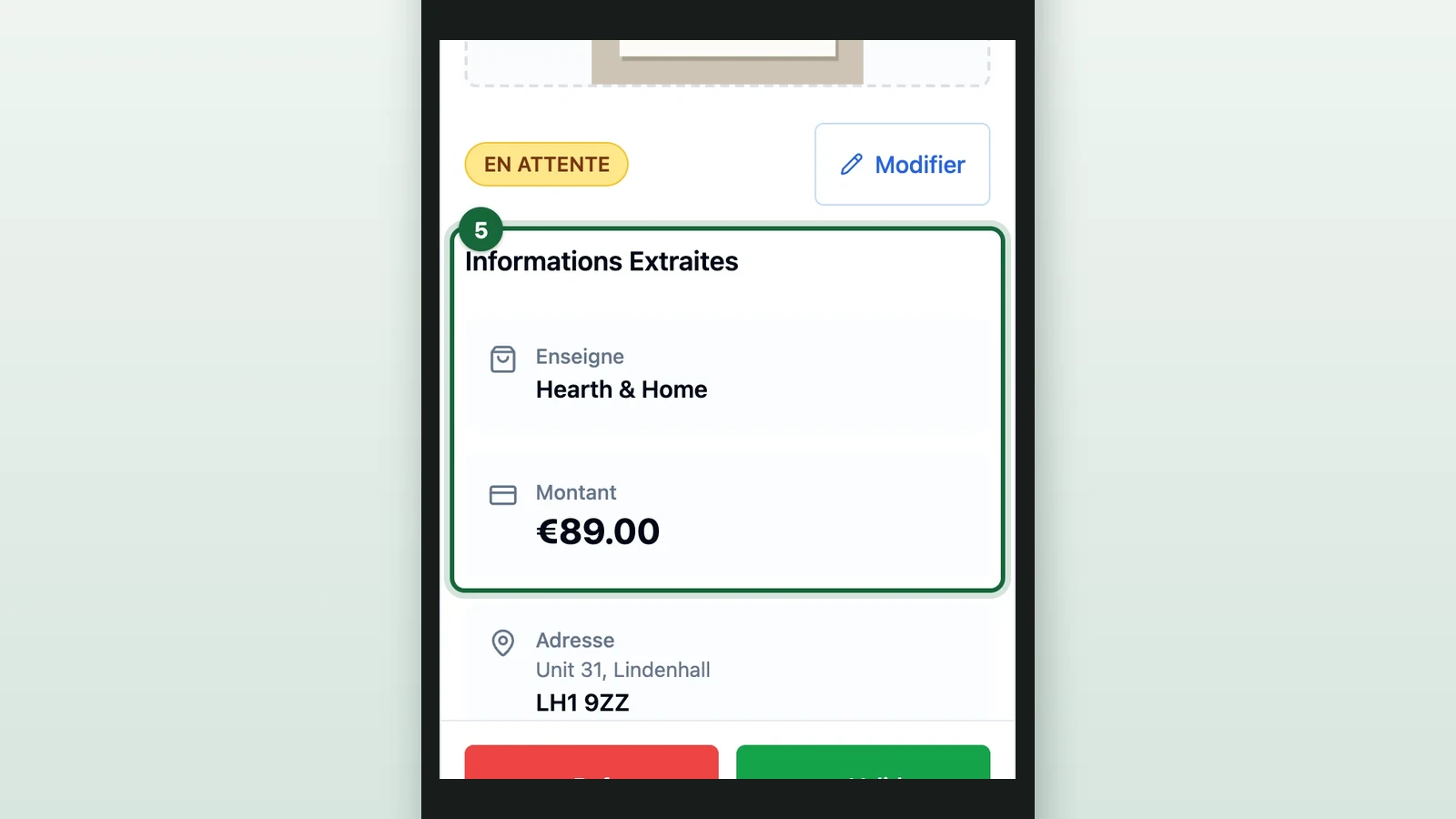
-
Check the paper receipt has no stamp from your team.
-
Select Valider (approve).
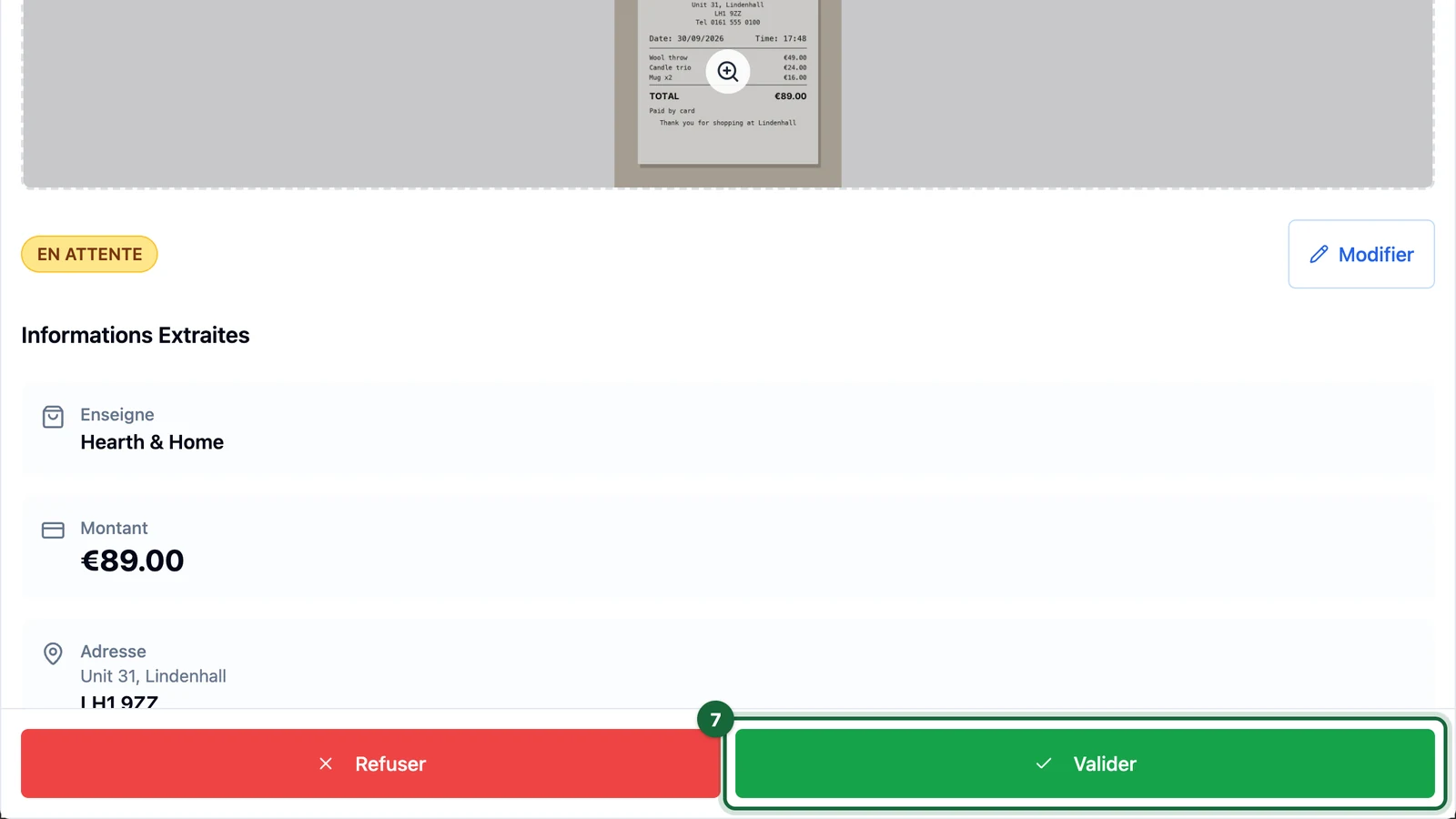
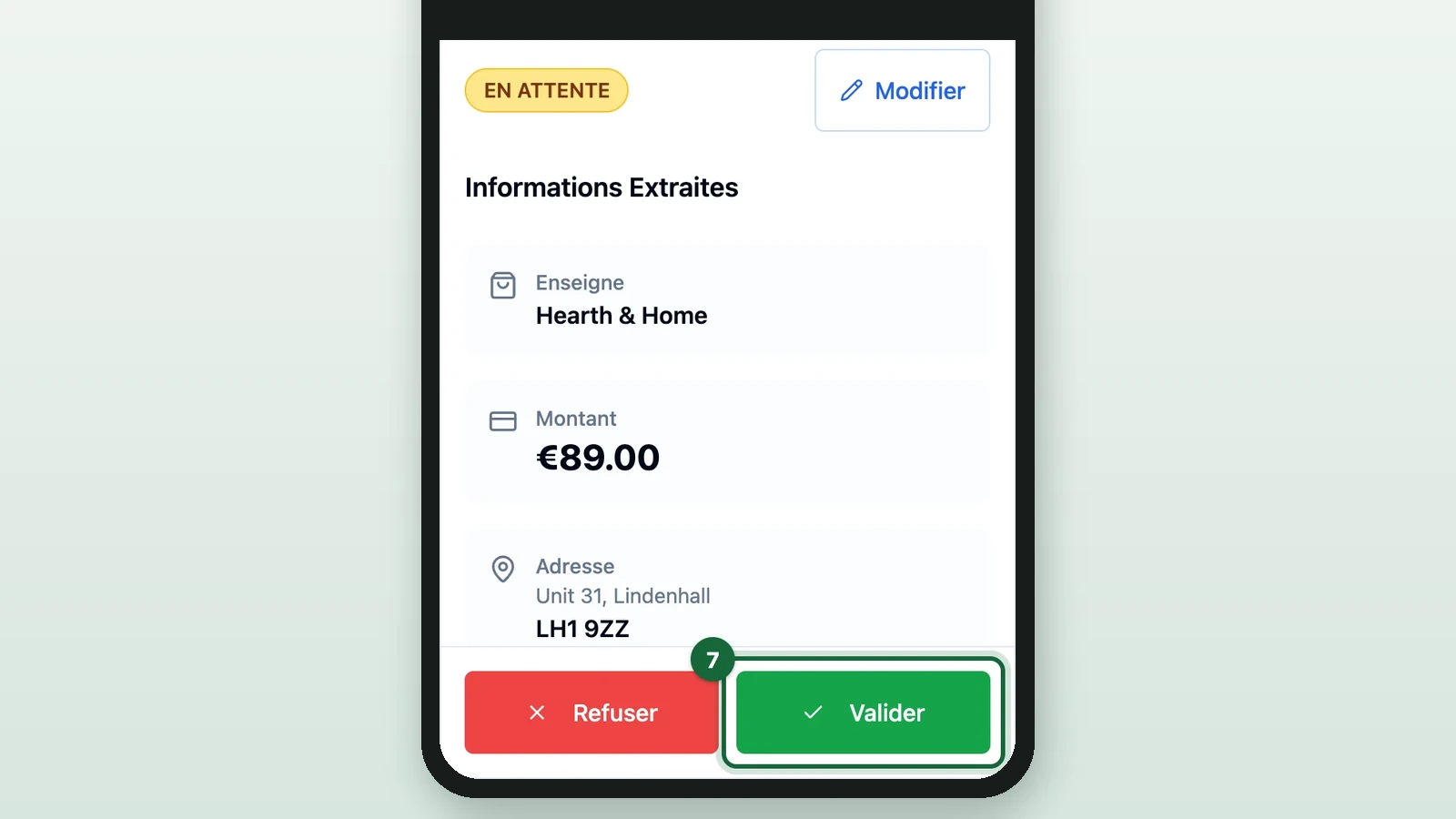
The receipt closes, its badge turns VALIDÉ (approved), and the green Validé amount goes up by its total. If a check fails, use the list below instead.
-
Stamp the paper receipt.
Stamp or sign only the receipts you approve, so nobody can use one twice.
-
Repeat for each EN ATTENTE receipt, here Page & Quill Books.
-
Open each REFUSÉ (refused) or INCOMPLET (incomplete) receipt the shopper has on paper.
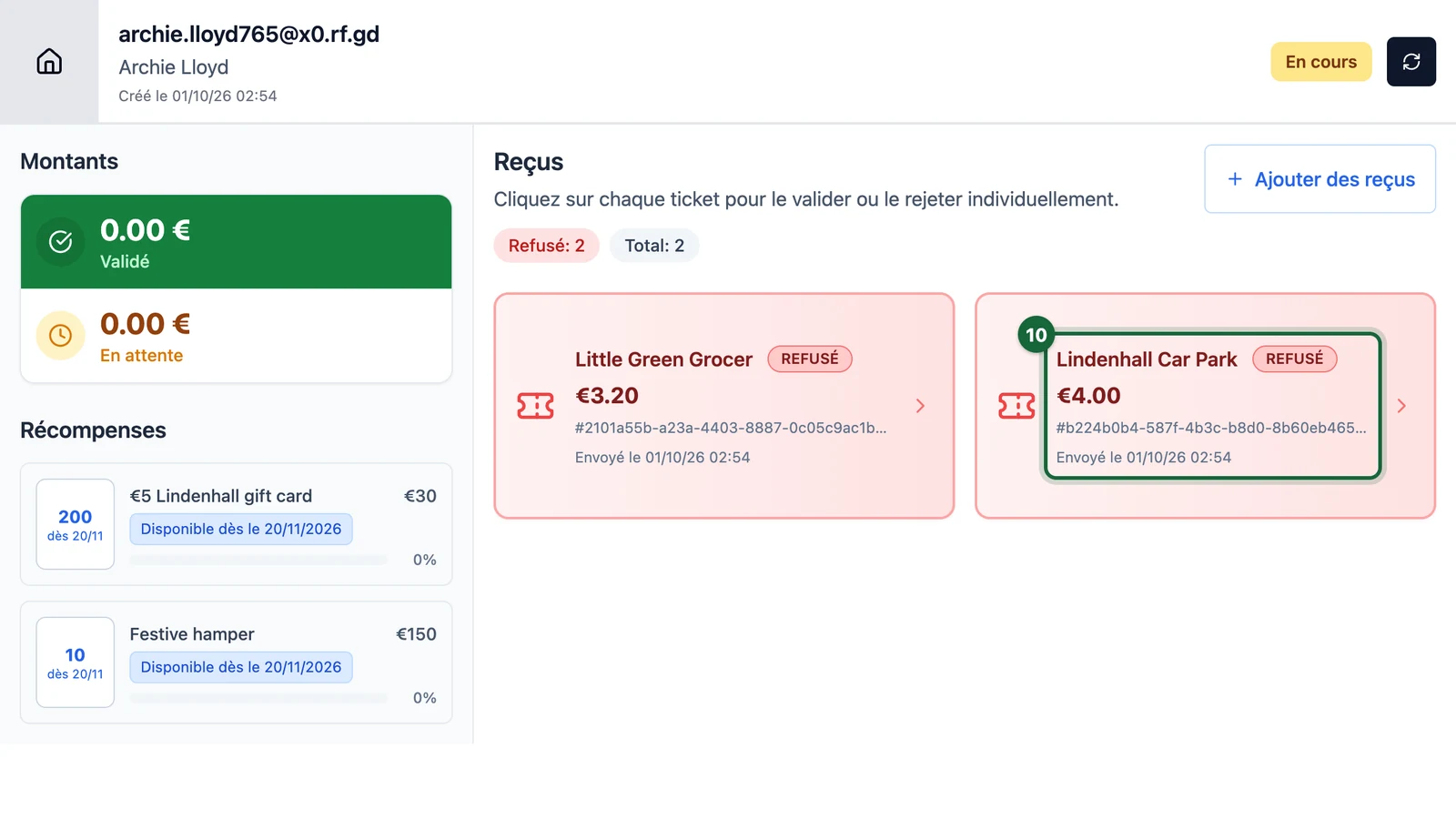
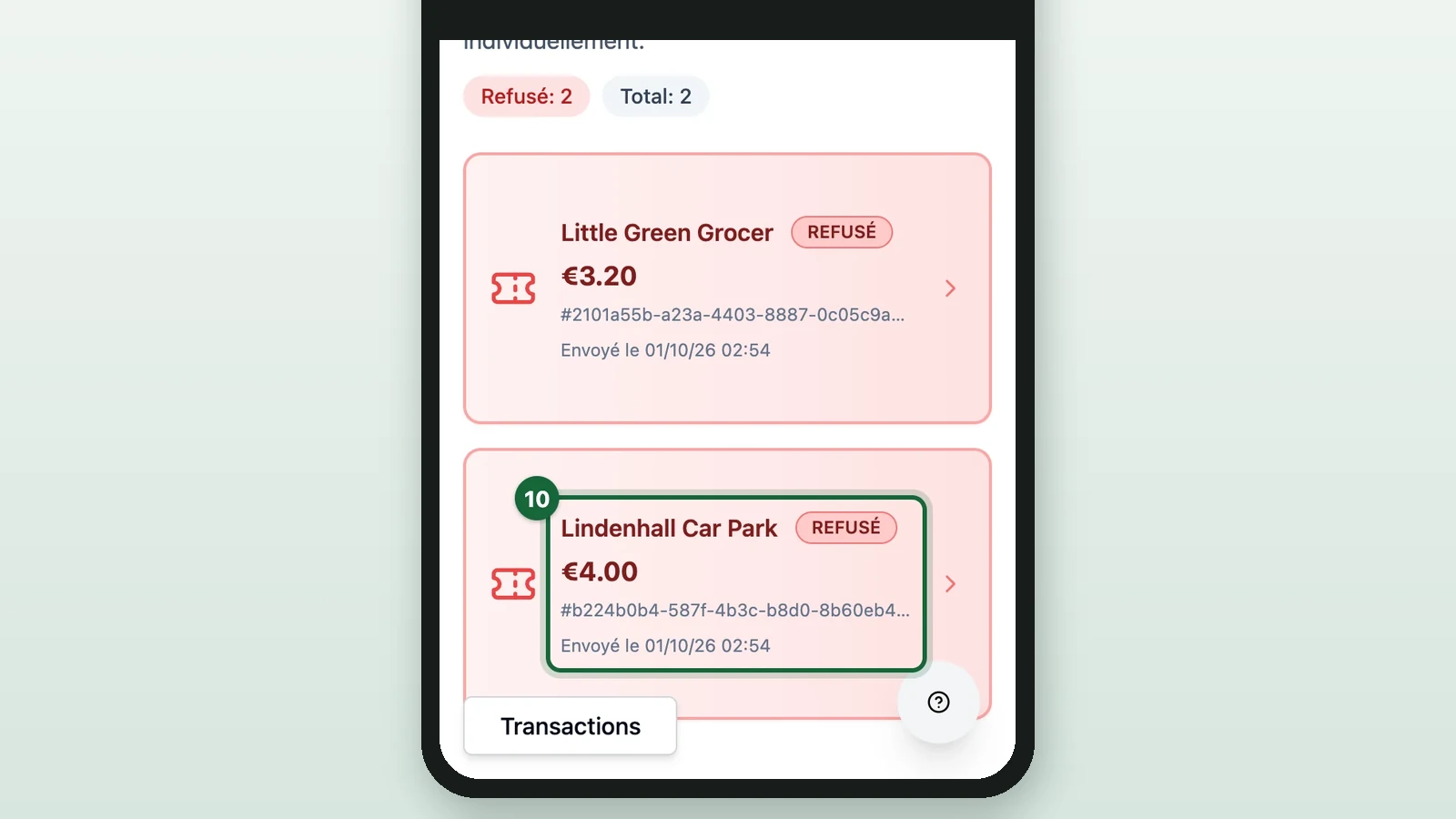
Decide on it with the list below.
Use this list for a receipt that fails a check, sits under Doublons (duplicates) or leaves you unsure. Keep the game's rules at the desk: the shops taking part, the minimum spend and the dates. Then, with the paper receipt in hand:
- It's already stamped or signed by your team: select Refuser (refuse). For a DOUBLON, this is your only check, because the app doesn't show which receipt it repeats.
- The shop isn't part of the game, or the receipt breaks your amount or date rules: refuse it, or leave it refused.
- The reading got the store, amount, date or time wrong: correct it as in Edit a misread receipt.
- A genuine receipt came back INCOMPLET: edit it if you can read it. Otherwise the shopper can send a new photo.
- A genuine receipt was refused or held back by mistake: select Valider, then stamp it.
Check receipts with Automatic validation
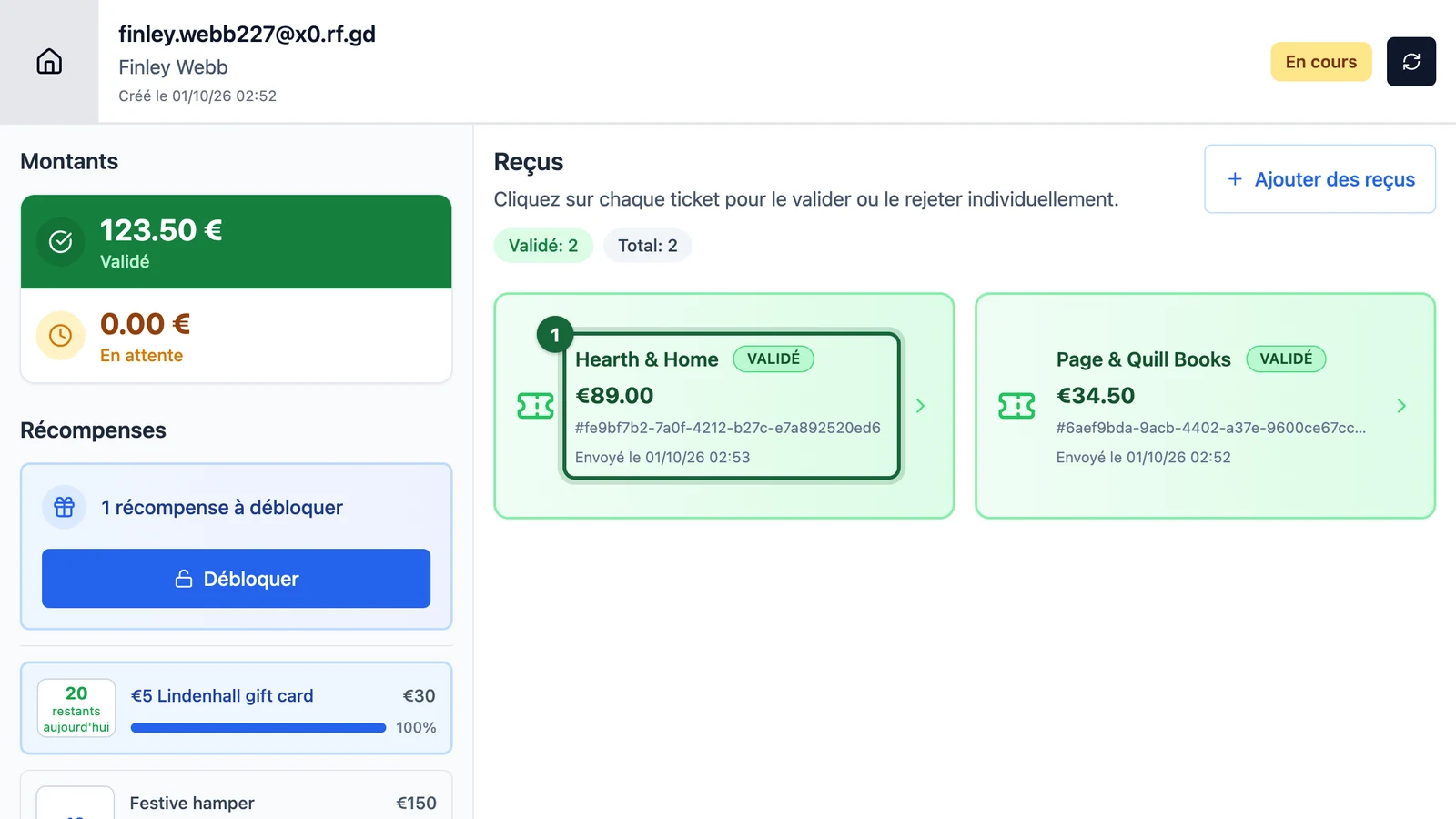
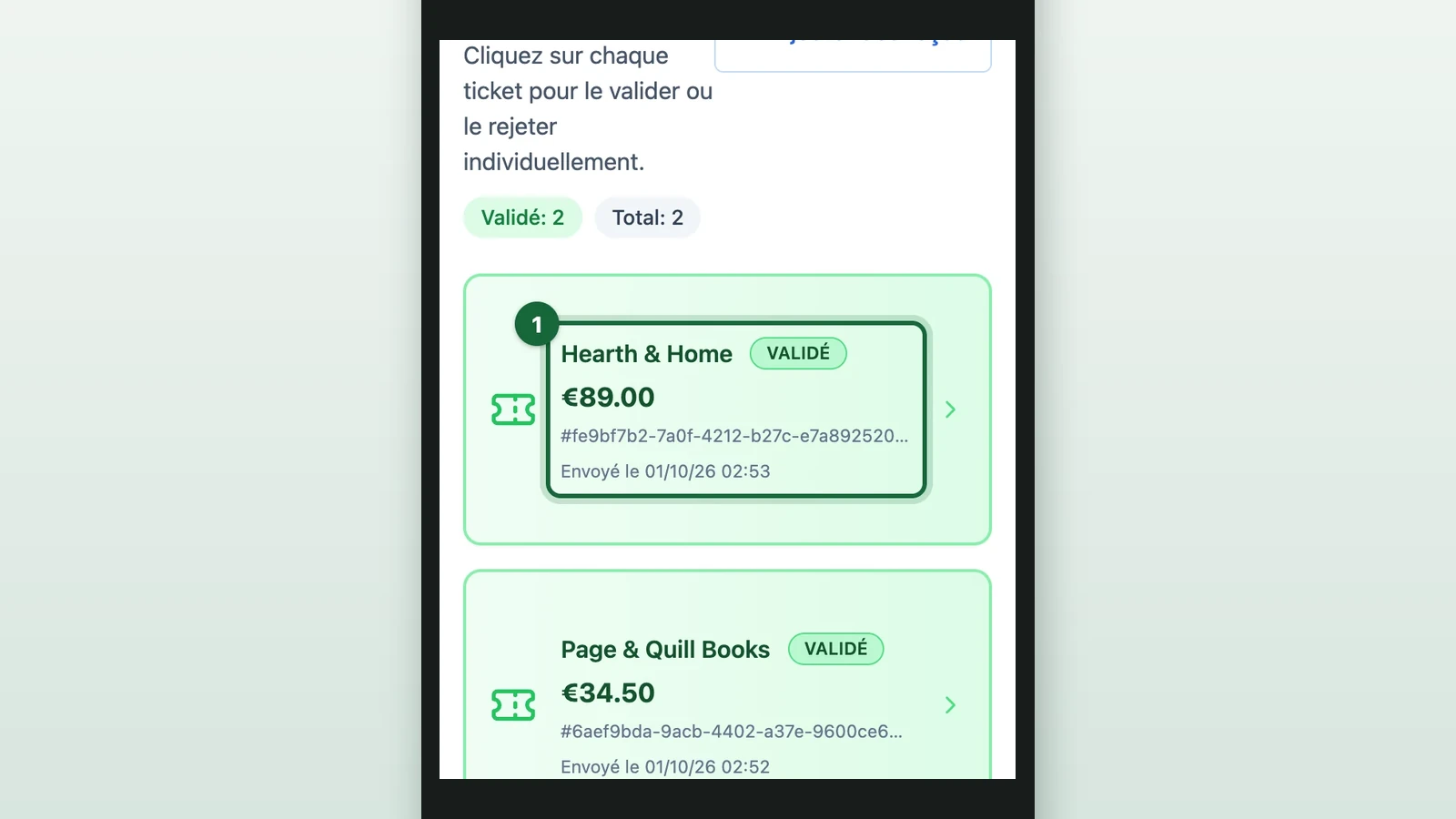
Under Automatic, receipts that pass your rules arrive VALIDÉ. Check them before you hand out a prize.
-
Under Reçus, select a receipt marked VALIDÉ.
-
Compare its photo and Informations Extraites with the paper receipt.
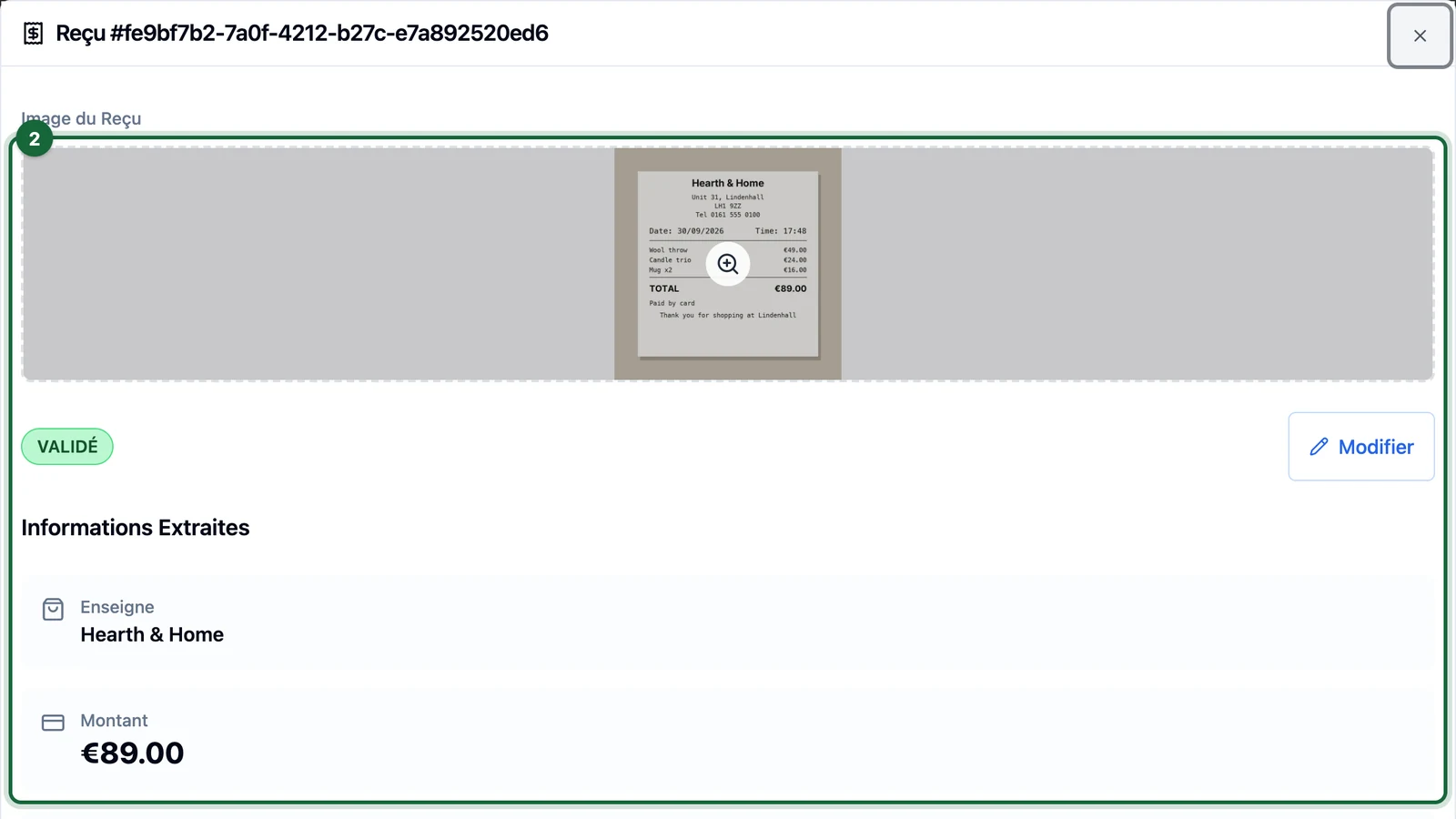
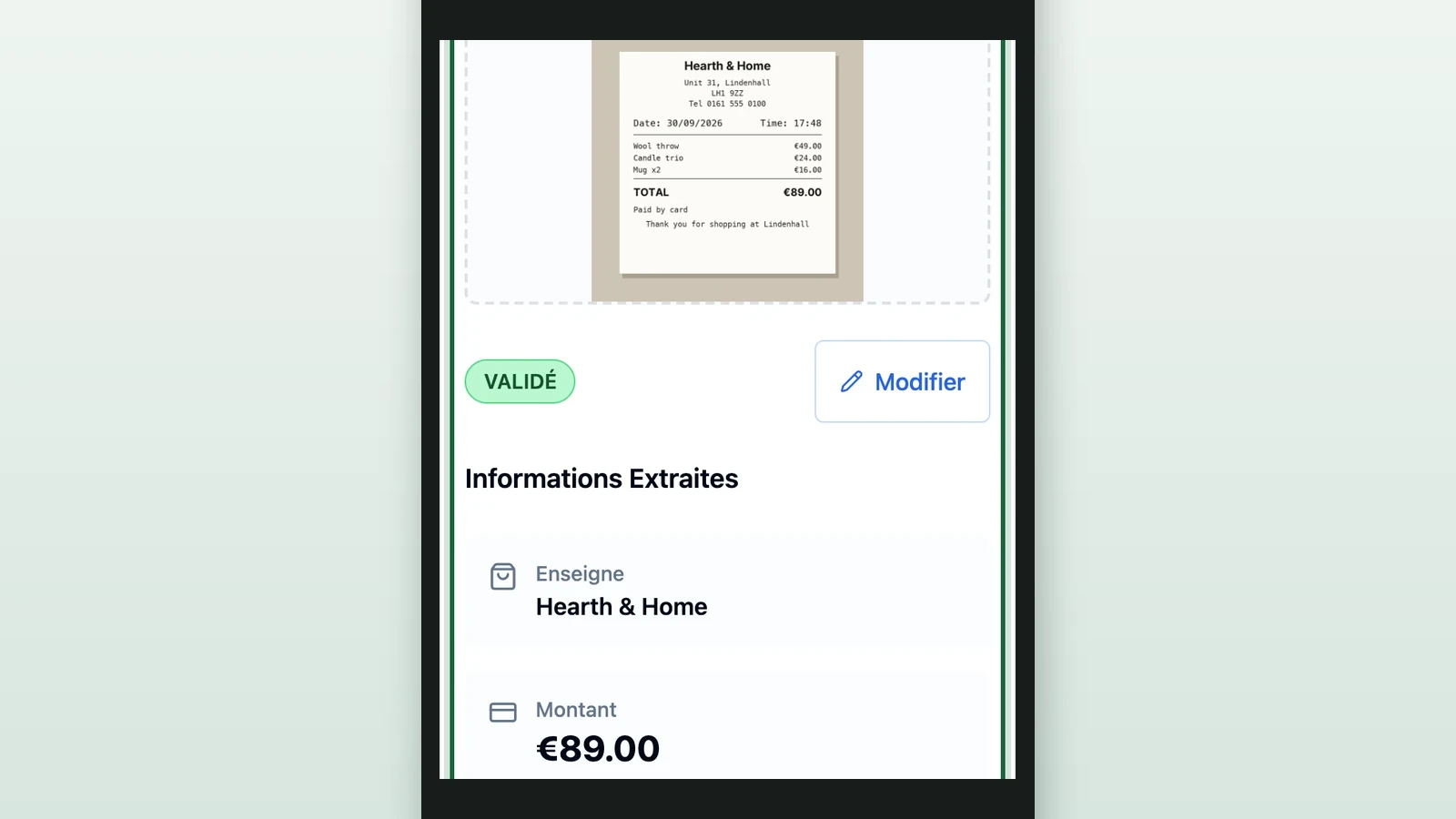
If they don't match, or the paper already has your team's stamp, select Refuser and don't stamp it. To fix a misread detail instead, see Edit a misread receipt.
-
Stamp the paper receipt.
-
Select the cross at the top right to close the receipt.
-
Repeat for each VALIDÉ receipt.
Hand out the prizes
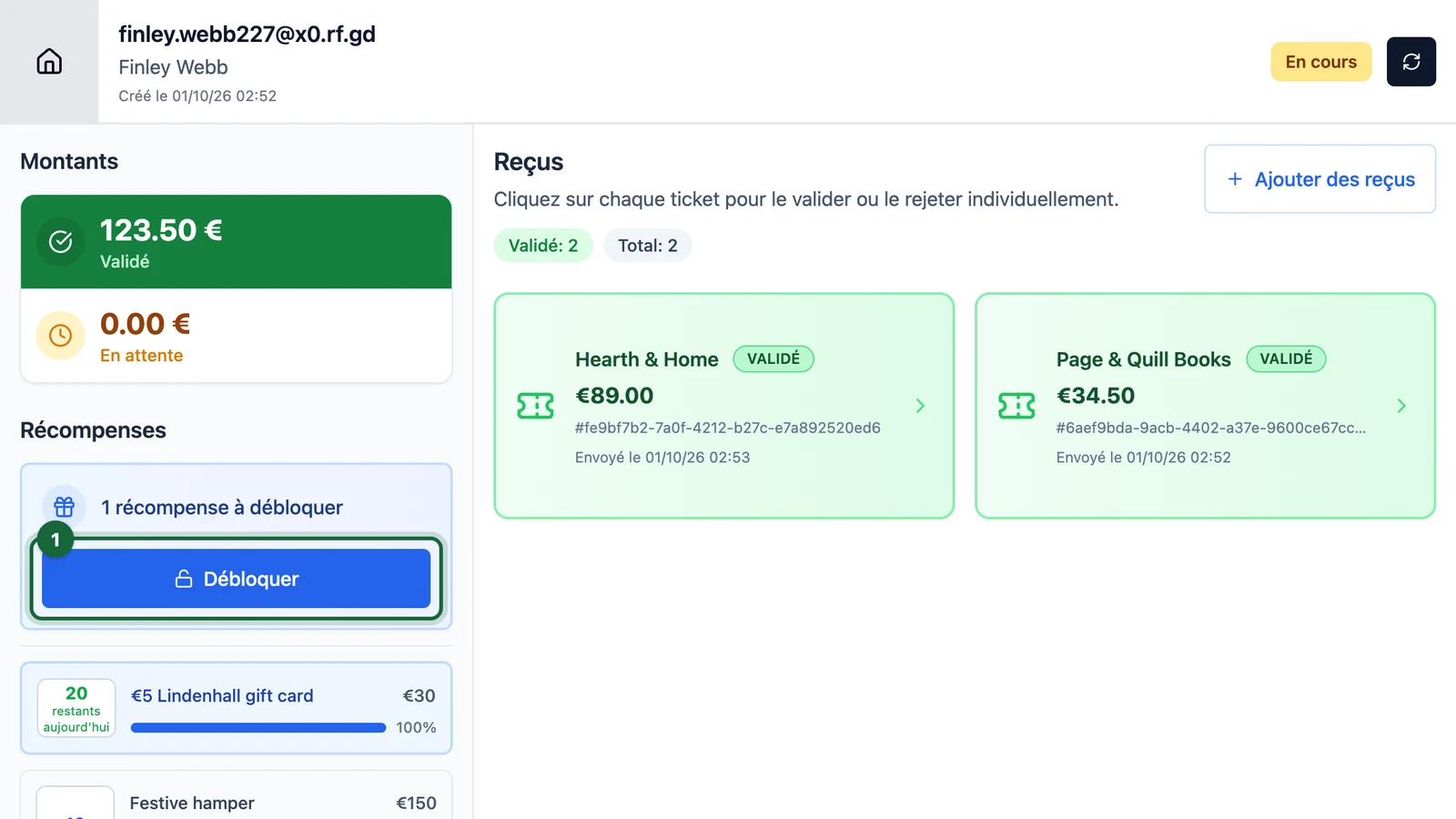
Only approved spend counts towards a prize. Once it reaches a threshold, Récompenses (prizes) shows 1 récompense à débloquer (1 prize to unlock). Here, Finley Webb's €123.50 reaches the €30 threshold of the €5 Lindenhall gift card once approved.
Check every receipt first
Unlocking can't be undone. The prize stays with the shopper even if you refuse one of their receipts afterwards.
-
Under Récompenses, select Débloquer (unlock).
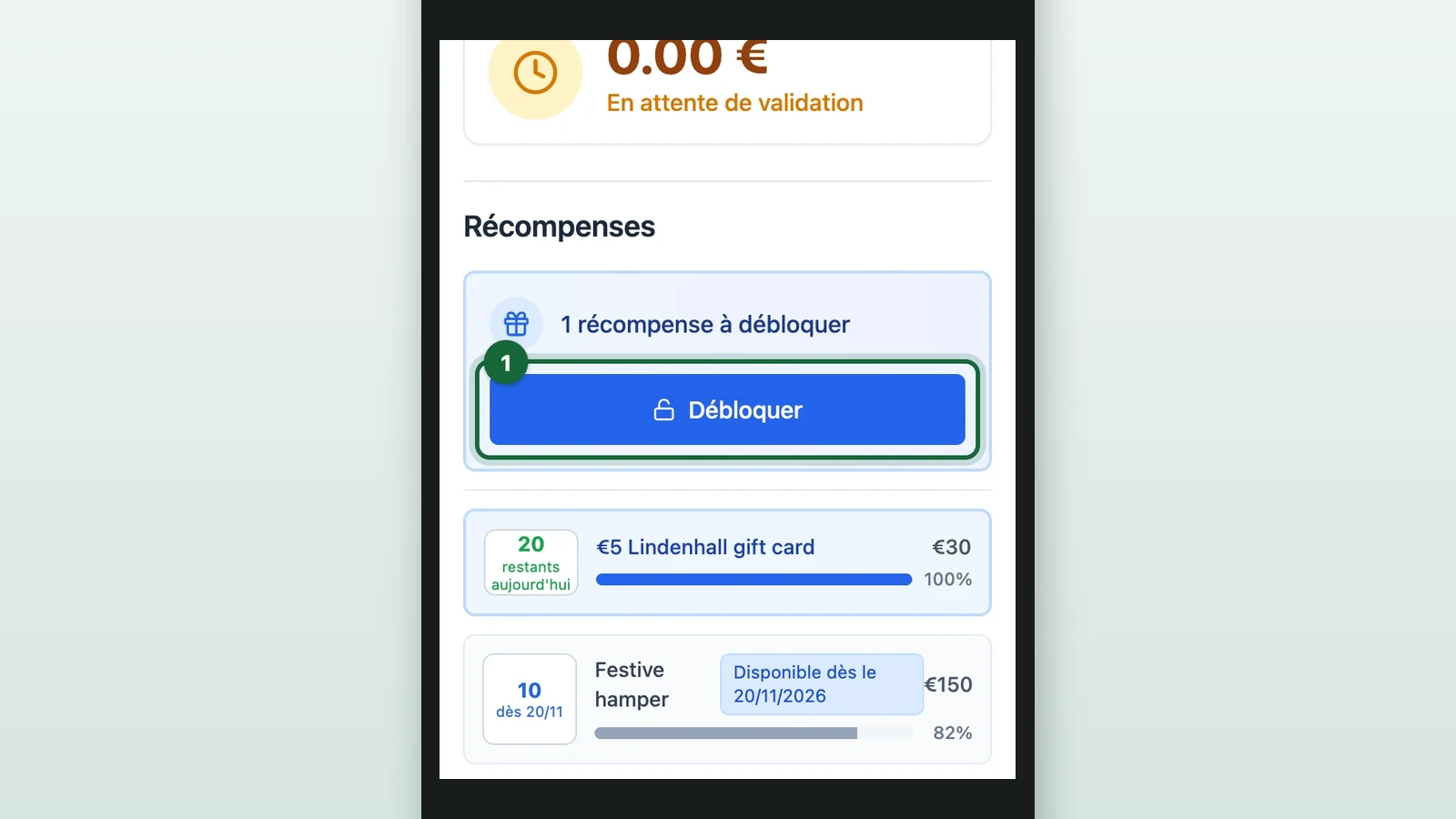
-
Select the prize, here the €5 Lindenhall gift card.
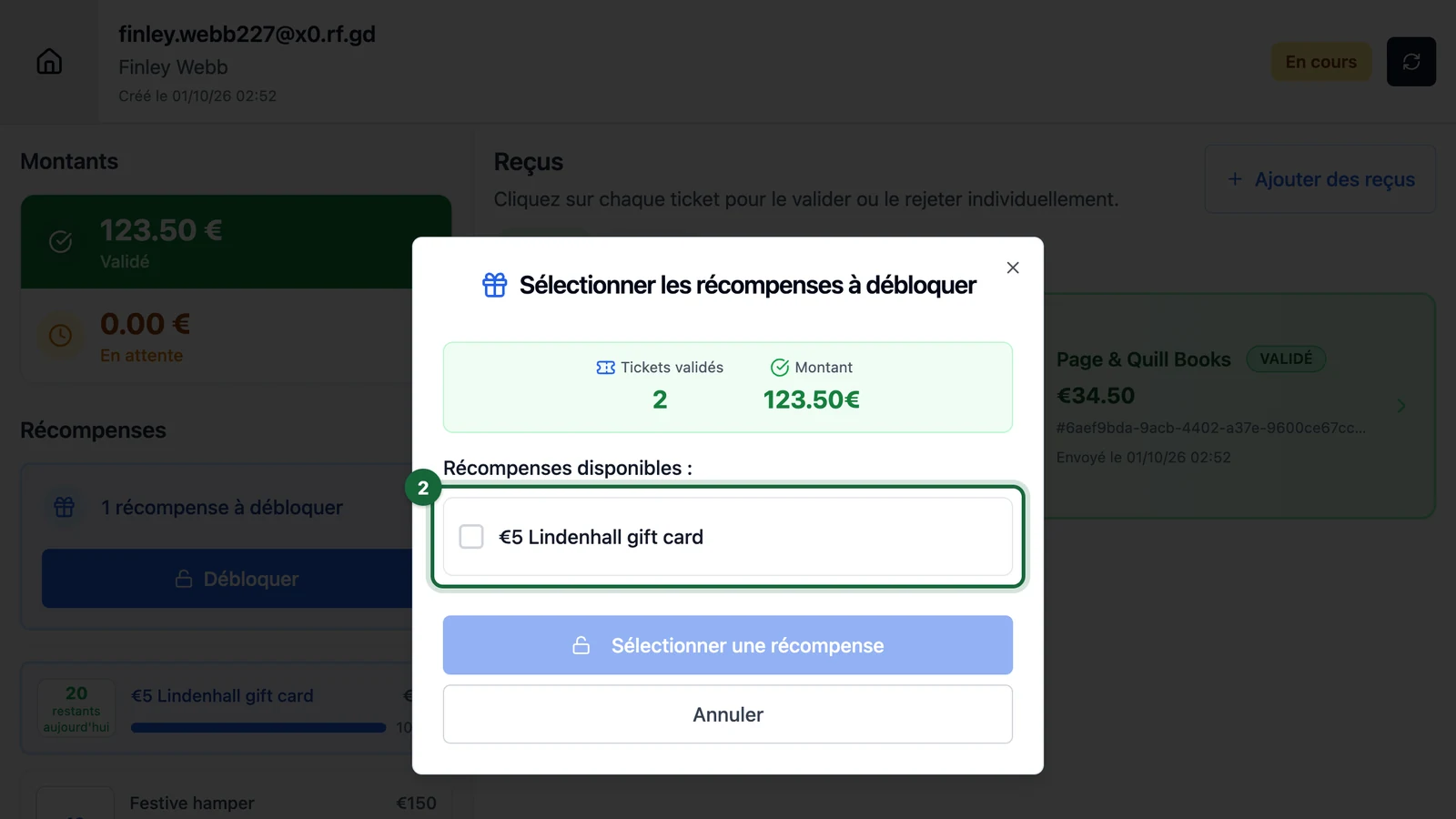
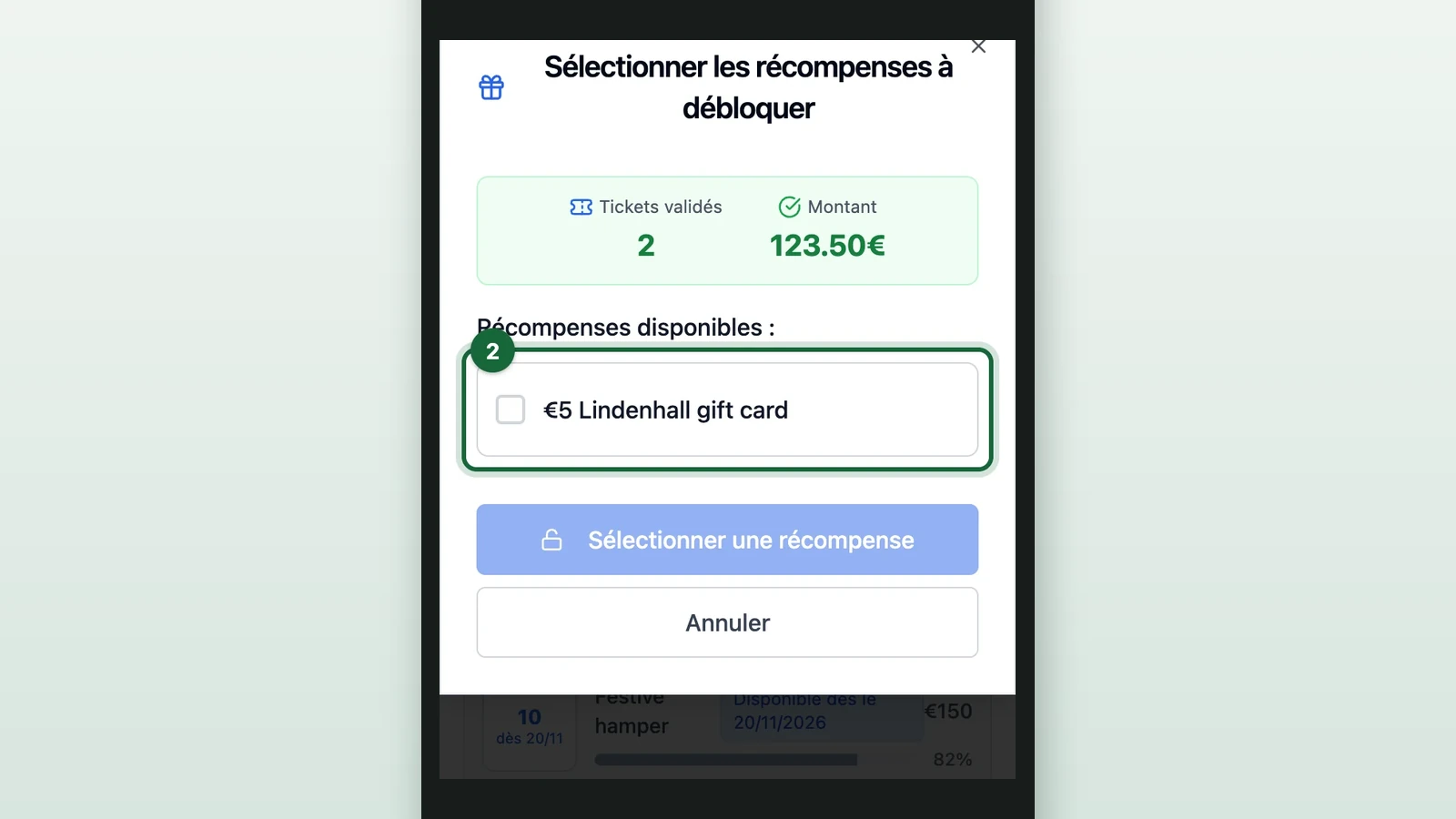
-
Select Débloquer 1 récompense (unlock 1 prize).
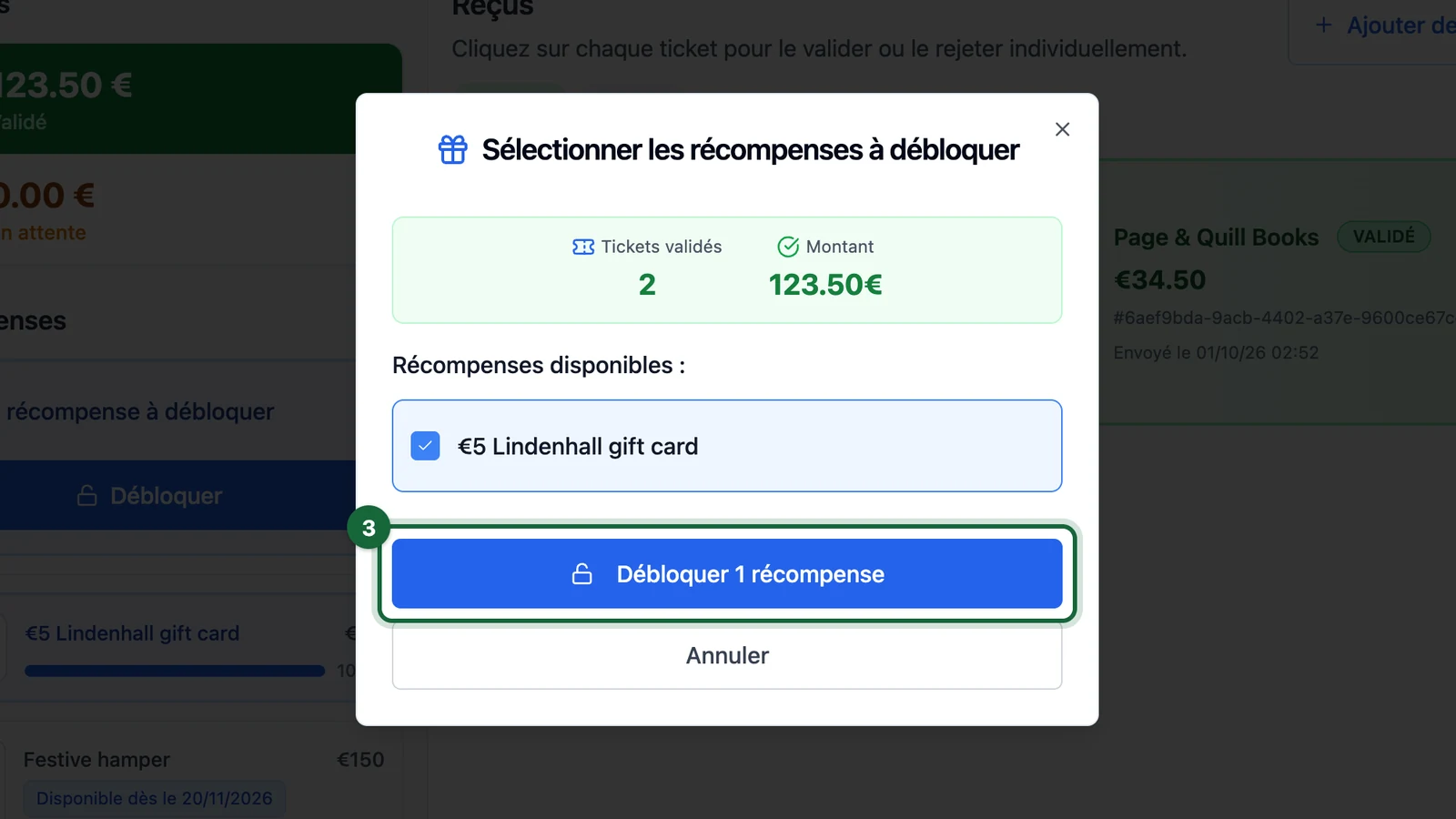
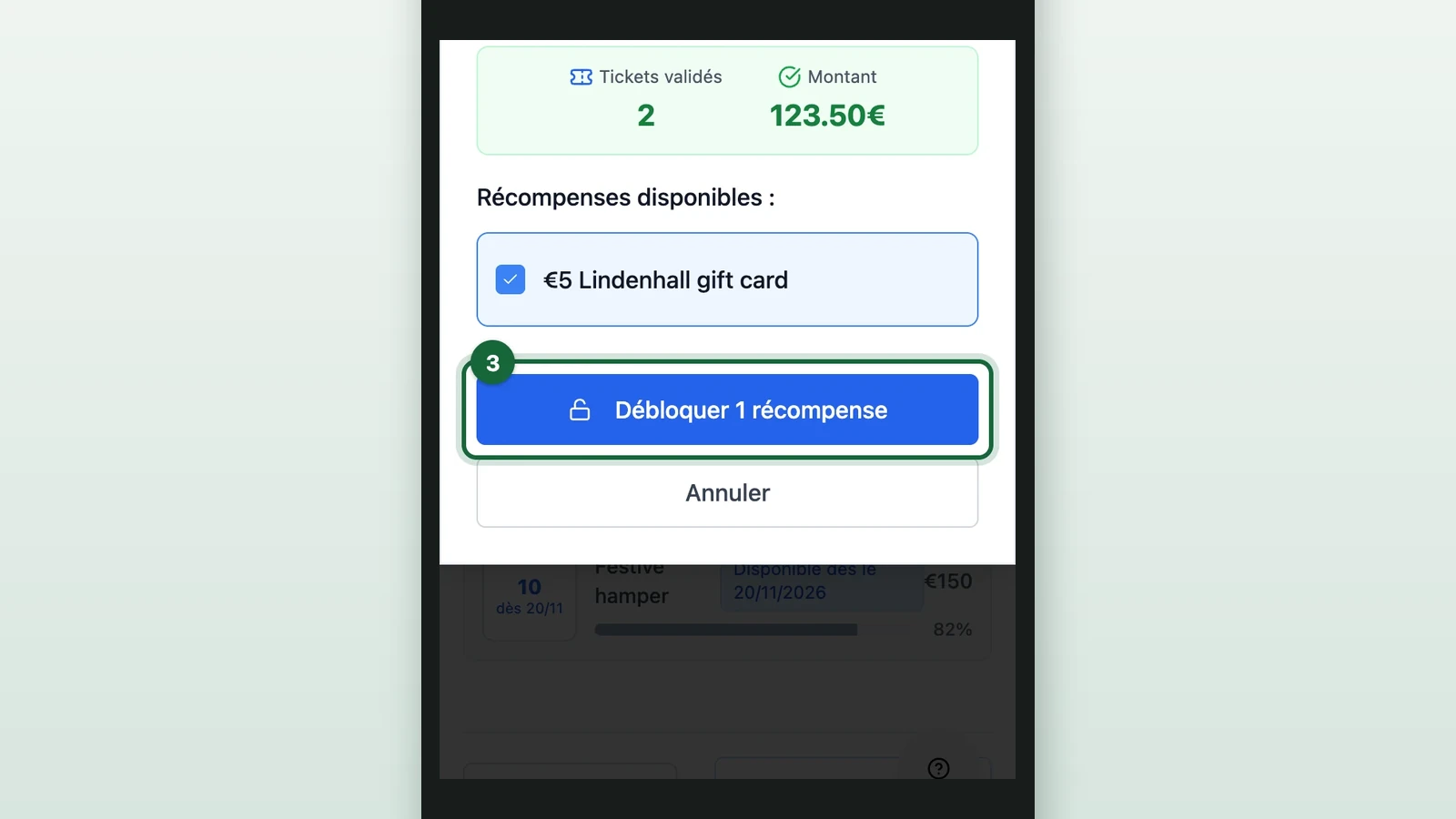
The prize shows Débloqué (unlocked). If the last one was taken since you opened the session, a message reads Épuisé (out of stock).
-
Give the shopper their prize.
Never hand over a prize you haven't unlocked in the app, or the stock count goes wrong.
Débloquer only shows while the current slot has stock. If it doesn't show, read the prize's row:
- Débloqué: it's already unlocked, by the shopper or a colleague. Hand it over if they haven't had it. A Self Unlock rule that covers a single prize unlocks it by itself.
- dès (from) or épuisé (out of stock): the open slot has no stock left. See Read a prize's stock.
- En attente (awaiting review): approve the shopper's pending receipts first.
- Dépassé (superseded) or Bloqué (blocked): this prize can't be unlocked in this session. See what each label means in Read the session page.
Allow Force Unlock has no effect in the app yet: see Validation policy. For other causes, see Approved receipts don't unlock the prize.
Read a prize's stock
Each prize's row shows its stock as a number and a label. Progression uses the same labels.
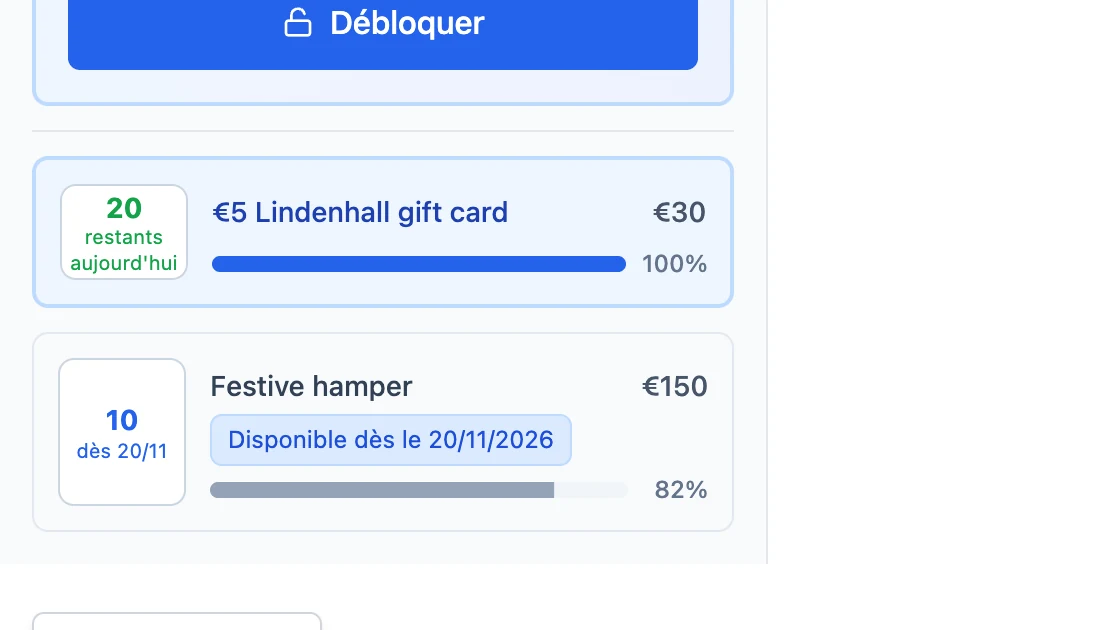
- restants aujourd'hui (left today): the stock left in the open slot. It's the whole slot's stock, not a daily one: in a week-long slot, it's what's left for the week.
- dès and a date: nothing is left right now. The number is the next slot's stock, which opens on that date.
- épuisé: there's nothing to give, and no other slot follows.
Add a shopper's receipts yourself
Staff can create the session for a shopper who can't upload, and photograph the receipts.
-
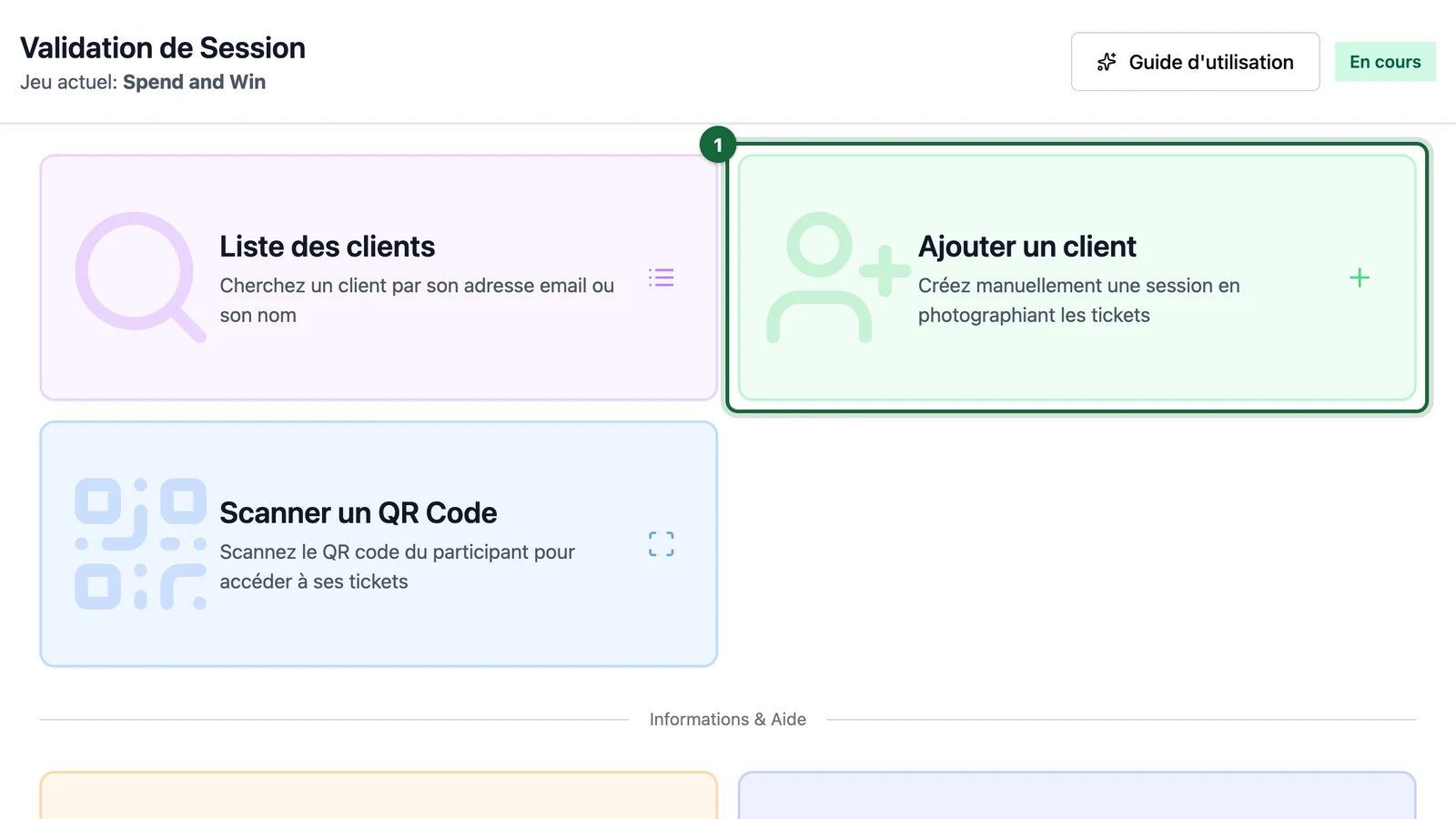
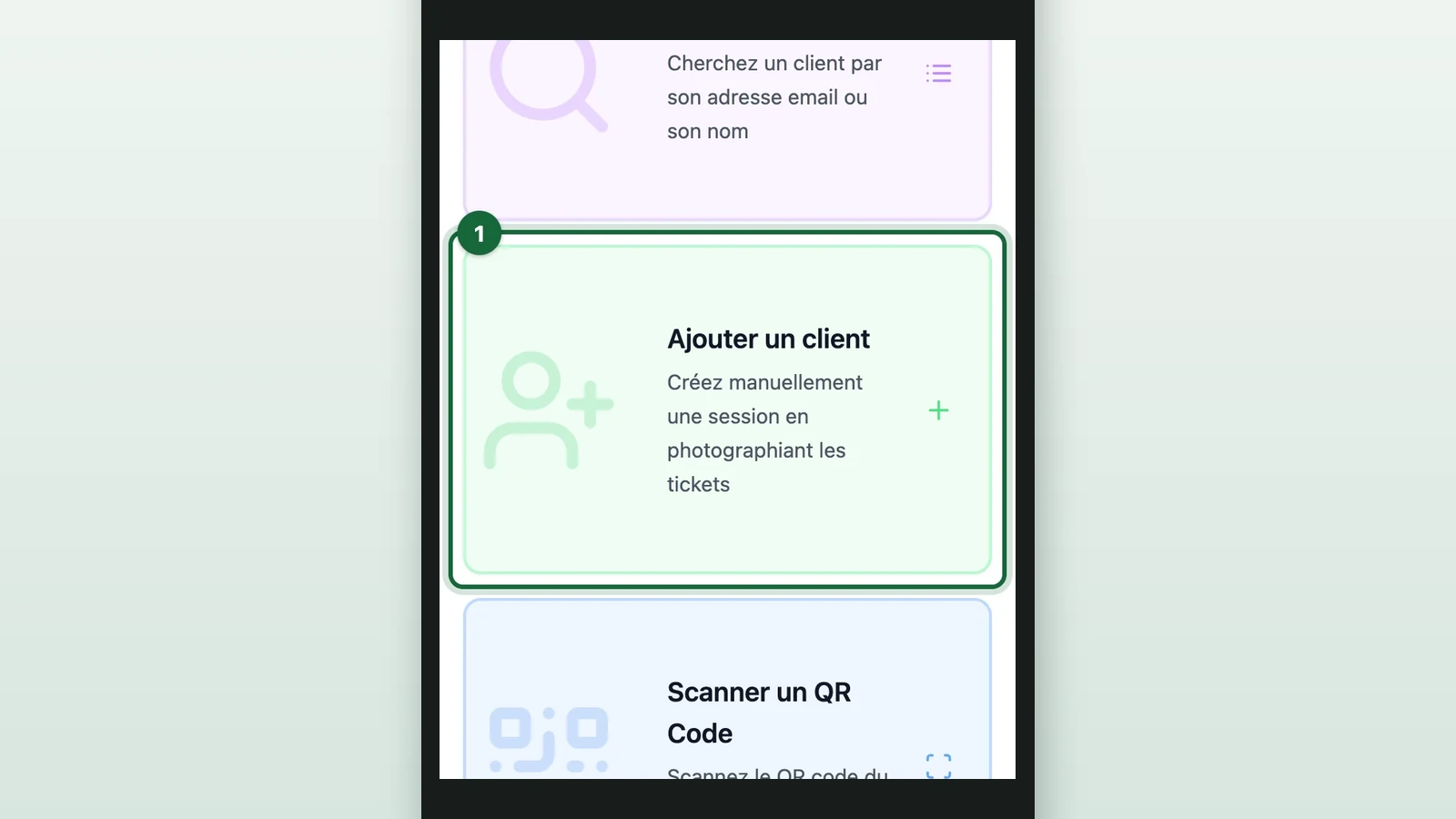
On the home screen, select Ajouter un client (add a customer).
-
Under Adresse Email (email address), enter the shopper's email, here
oscar.bell318@x0.rf.gd.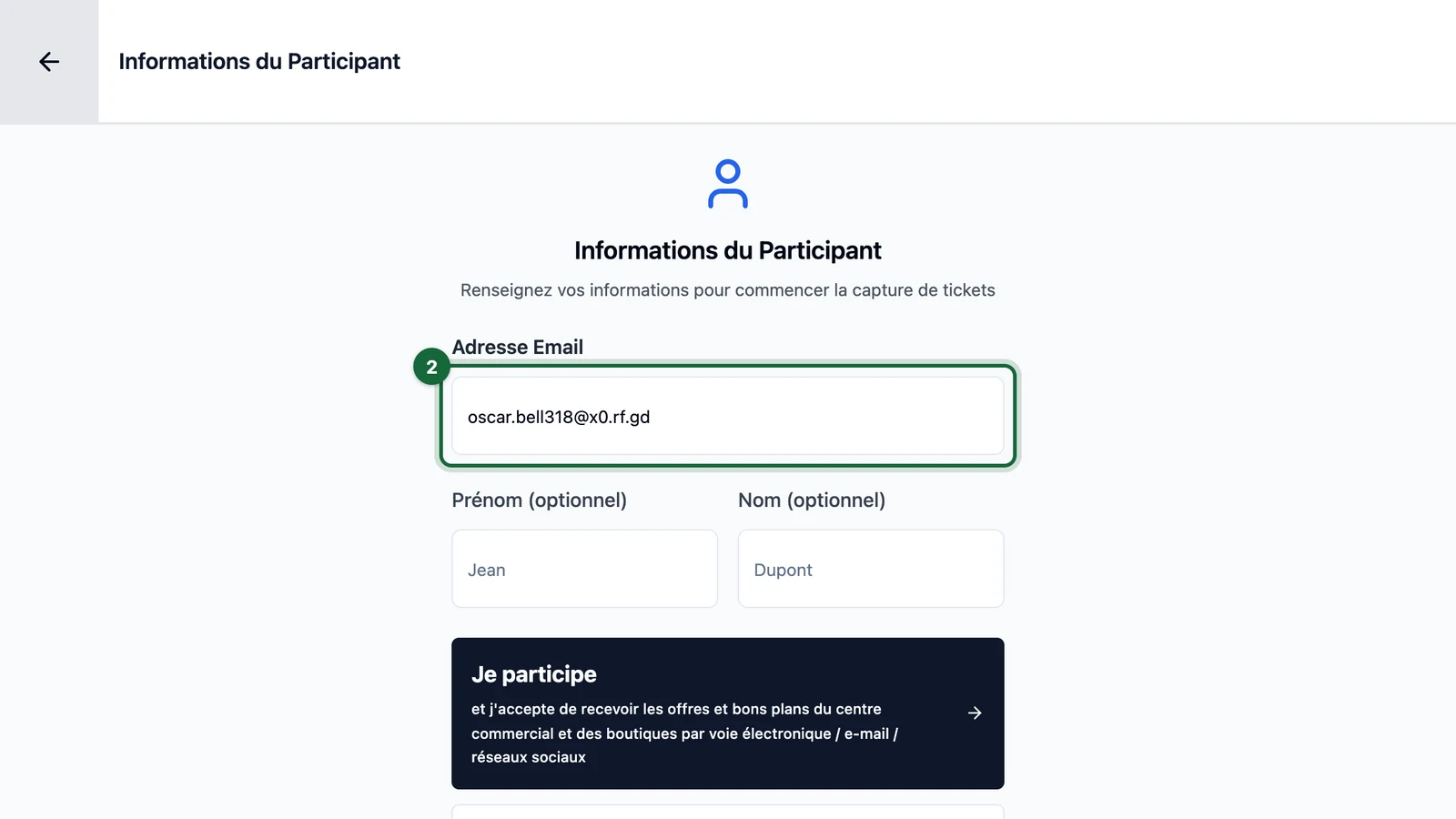
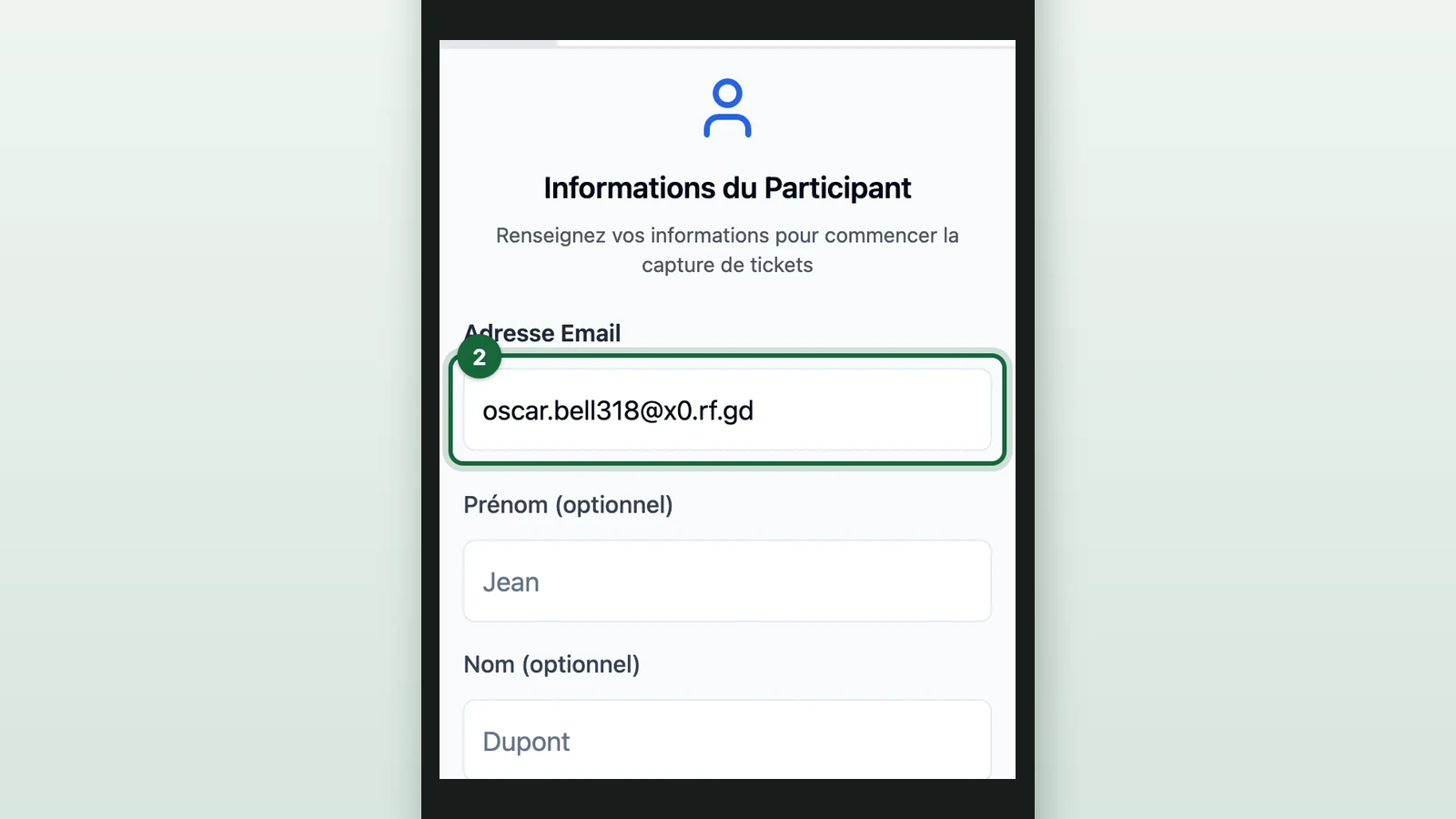
If the app suggests a fix under Vouliez-vous dire (did you mean), select Utiliser (use).
-
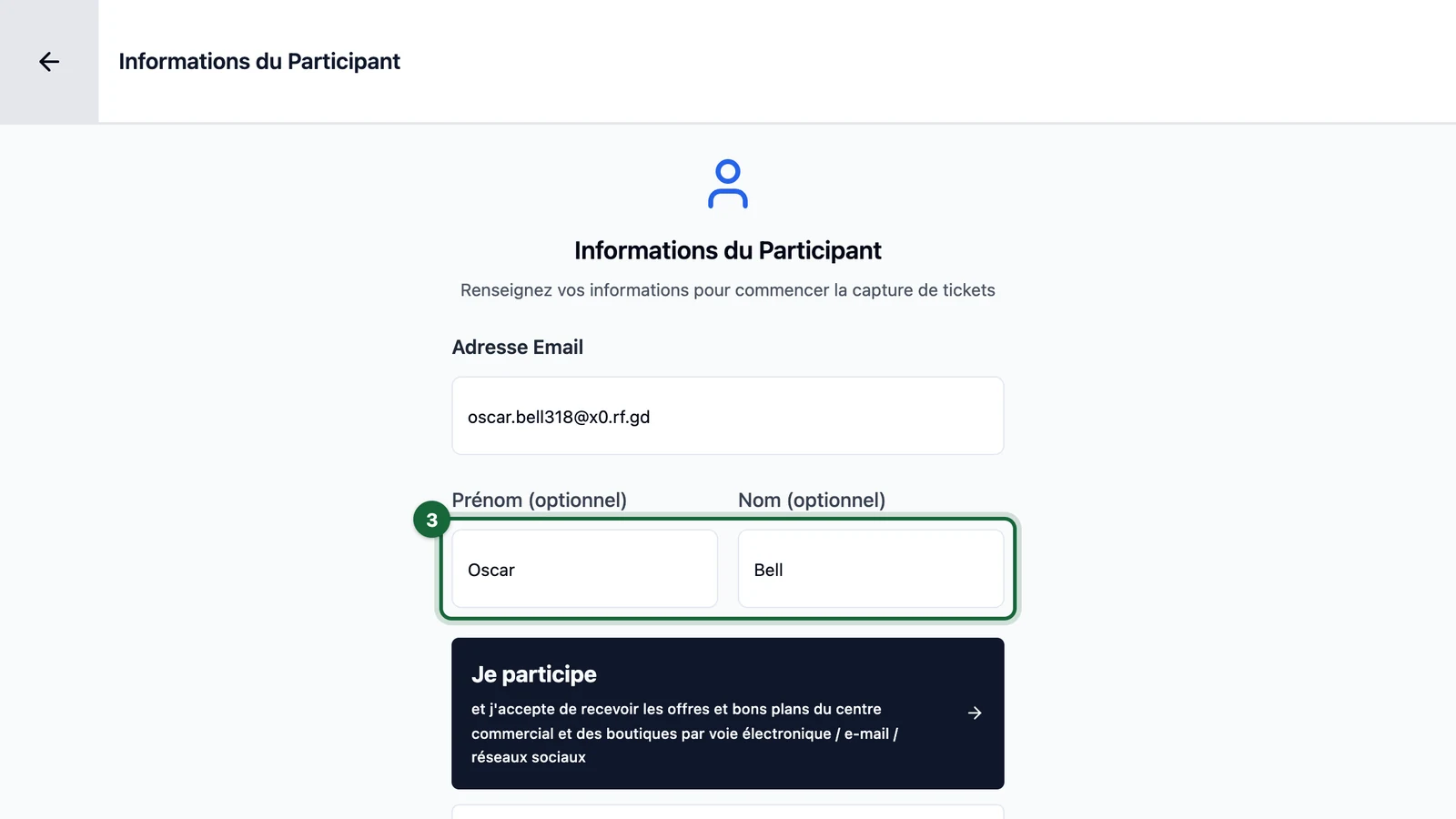
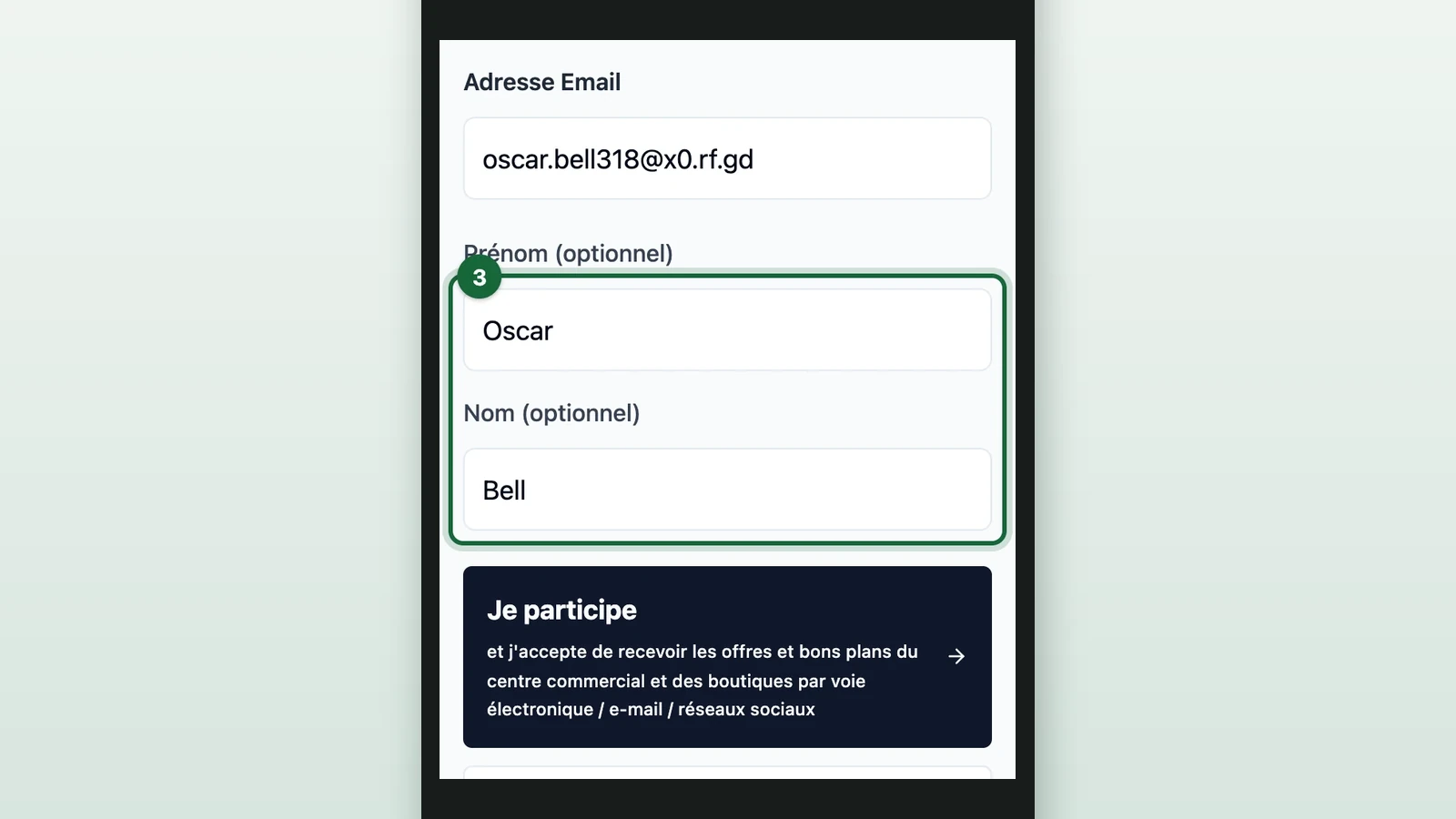
(Optional) Enter the Prénom (optionnel) (first name) and Nom (optionnel) (last name).
-
Ask the shopper whether they want the centre's offers by email and social media.
-
Select the matching Je participe (I take part) button.
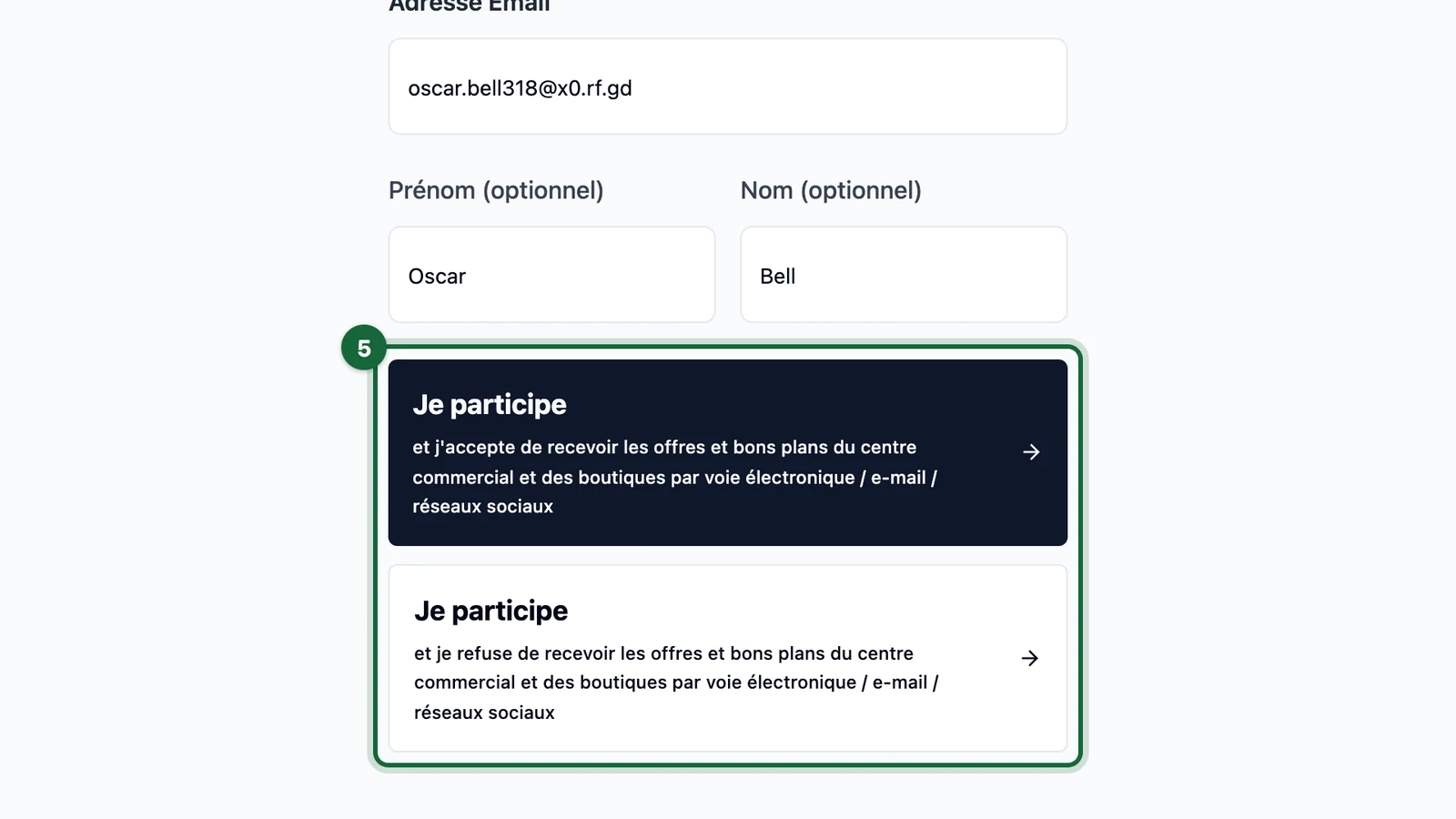
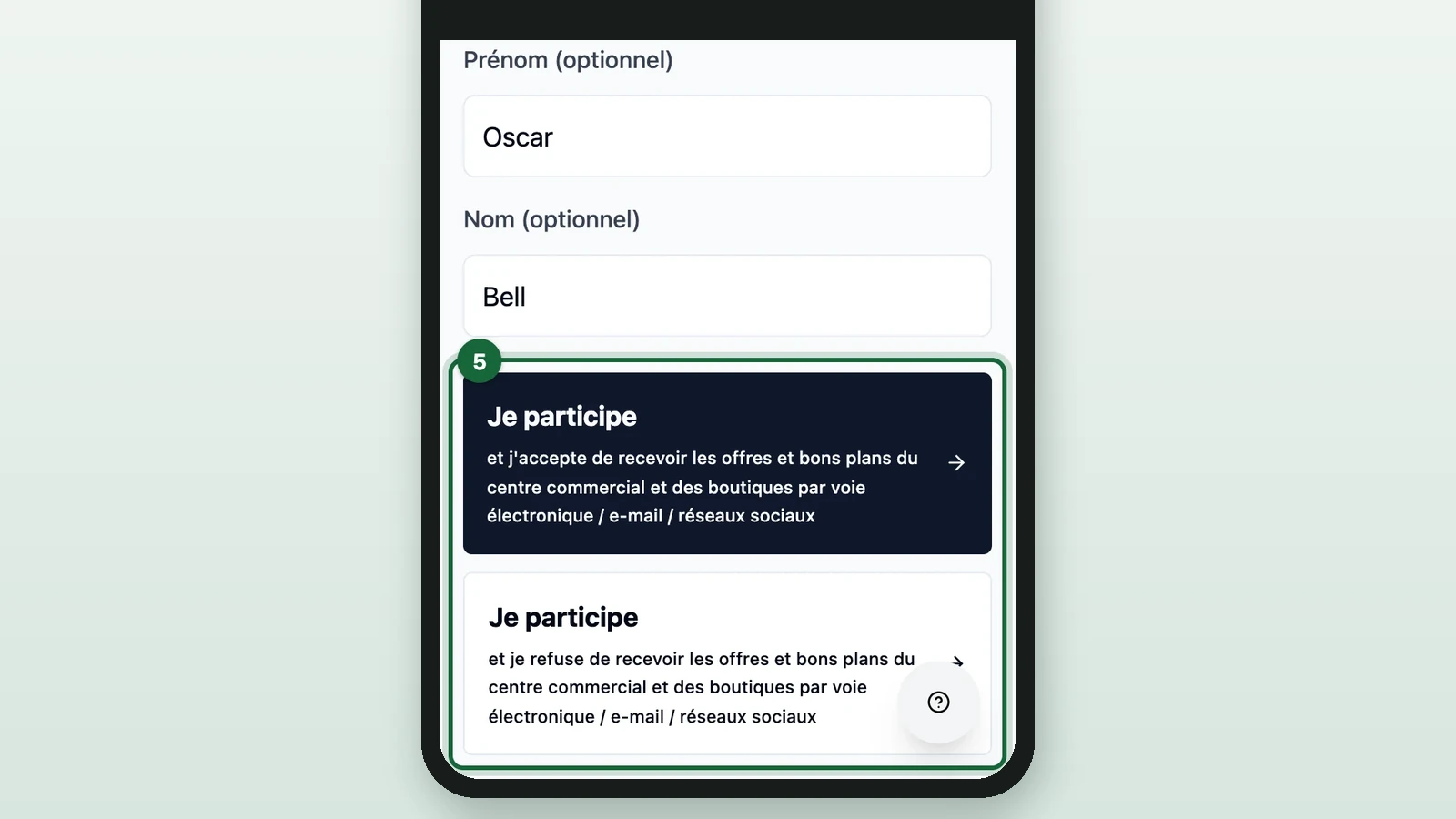
The first button accepts the offers. The second refuses them. The app shows its own fixed wording here, not your receipt game's opt-in text: see Set opt-in for a receipt game.
-
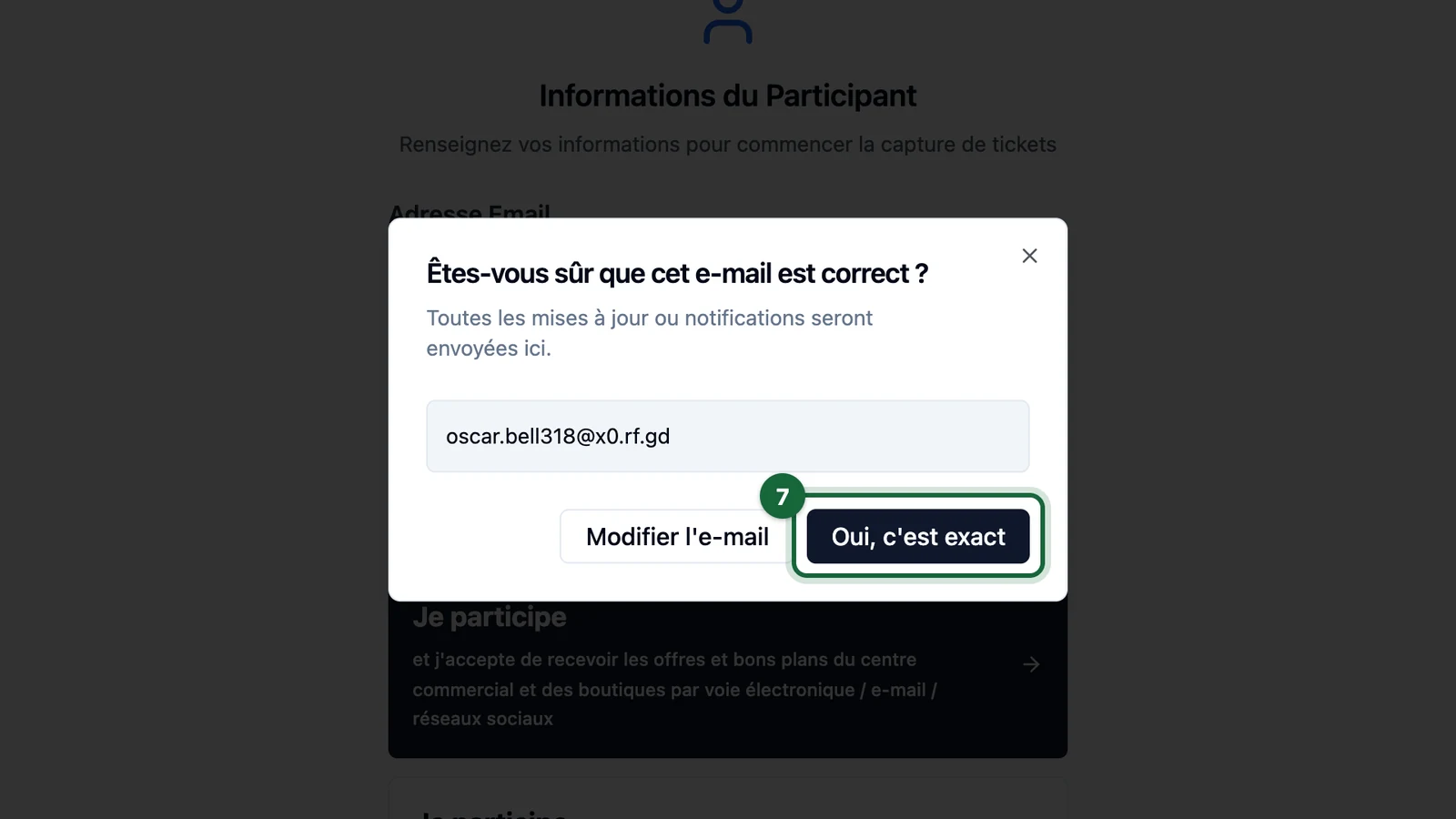
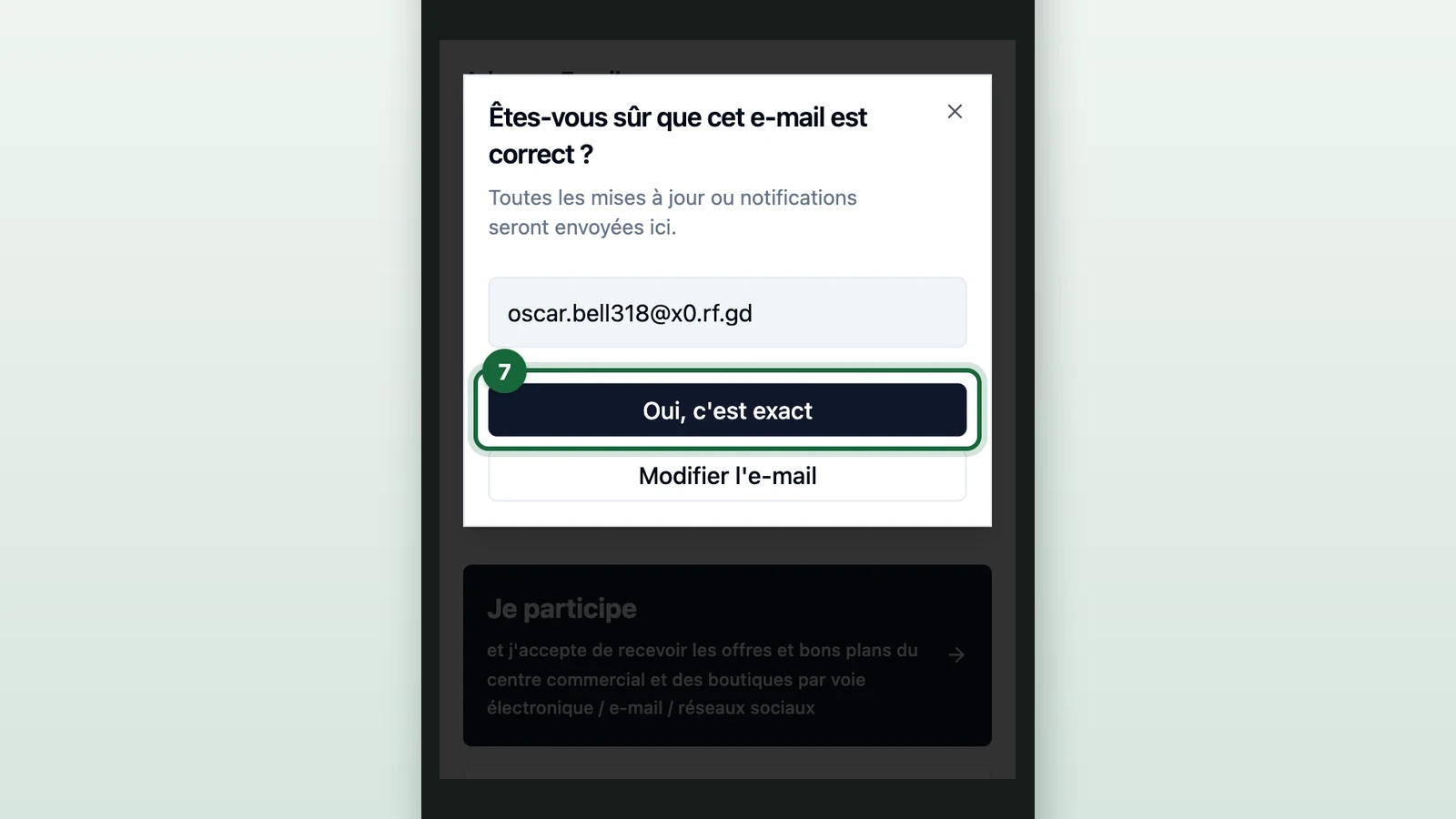
Read the email in the window back to the shopper.
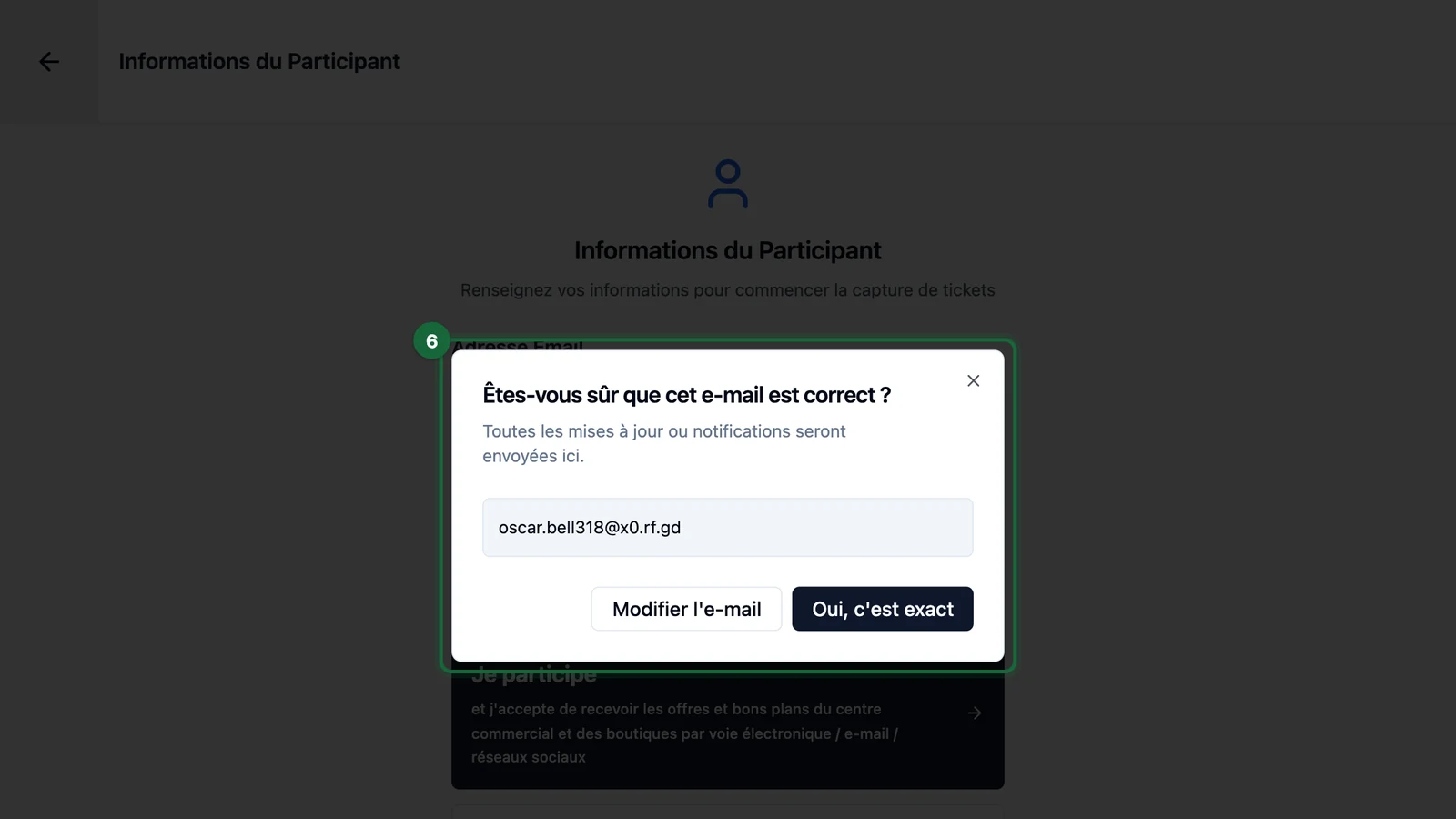
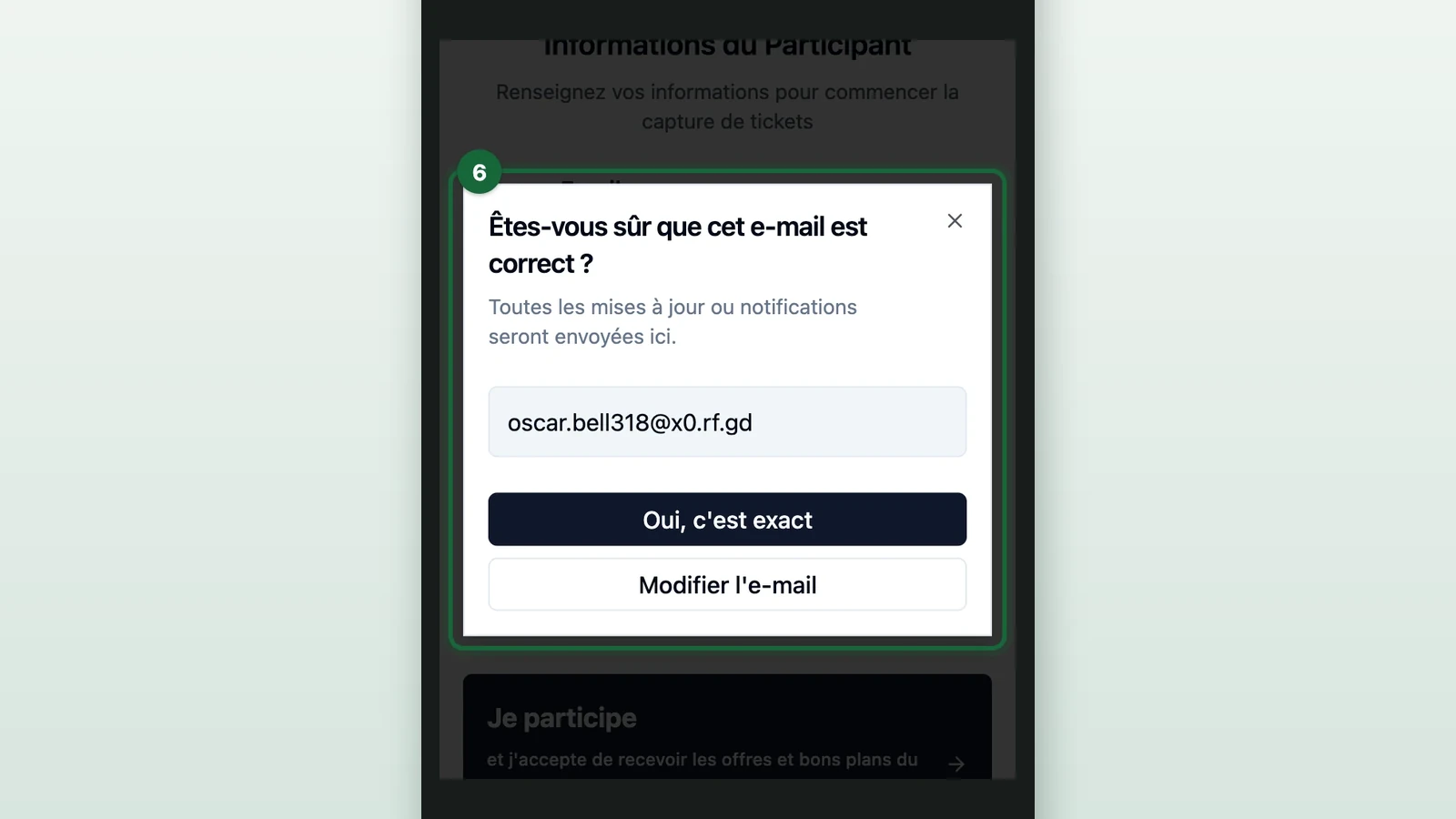
The window asks Êtes-vous sûr que cet e-mail est correct ? (is this email right?). To fix it, select Modifier l'e-mail (edit the email).
-
Select Oui, c'est exact (yes, that's right).
-
Select Ajouter un ticket (add a receipt).
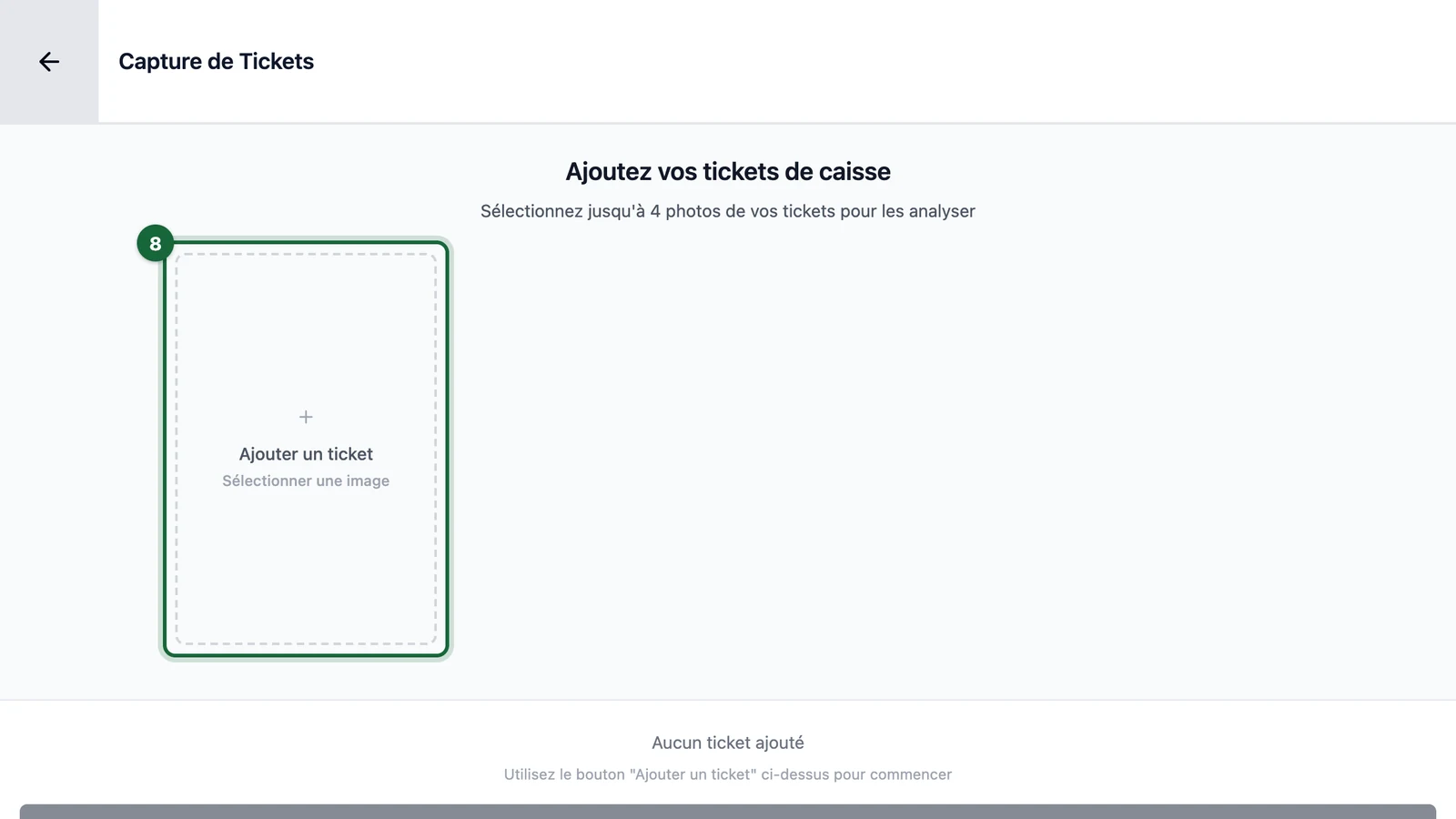
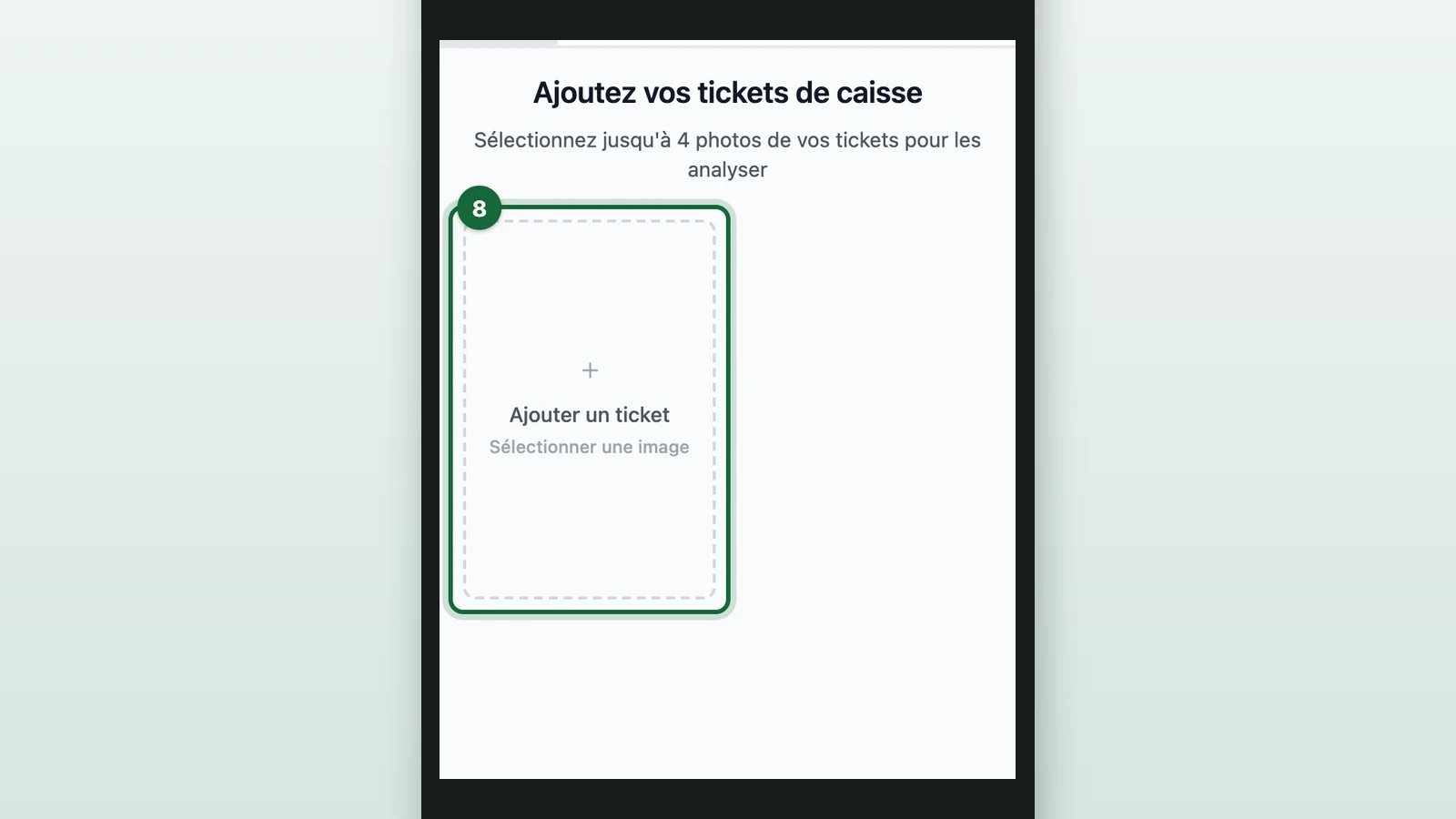
With no receipt to add, select Continuer sans ticket (continue without a receipt) instead: the session opens empty.
-
Photograph one receipt, or choose its photo.
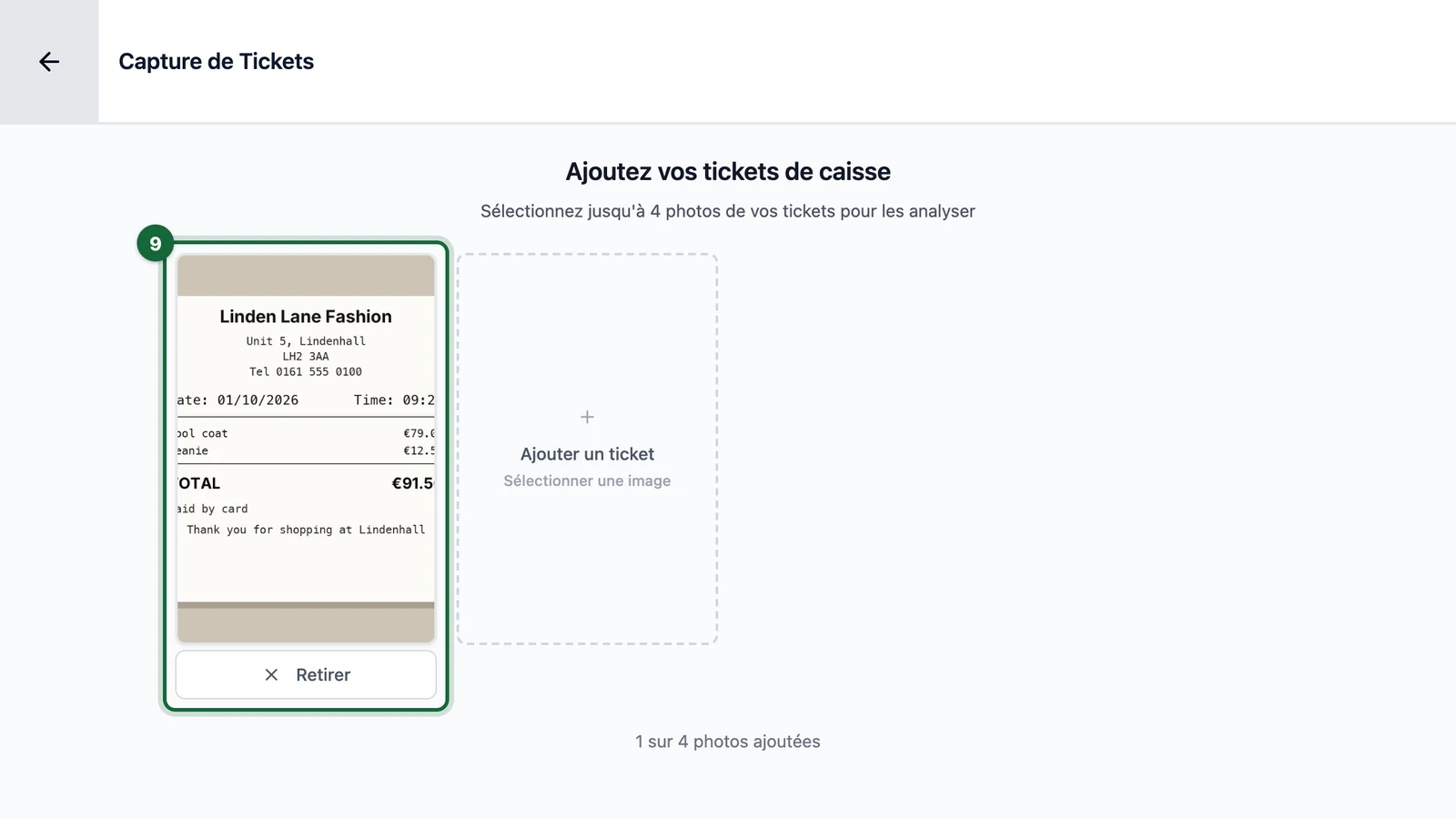
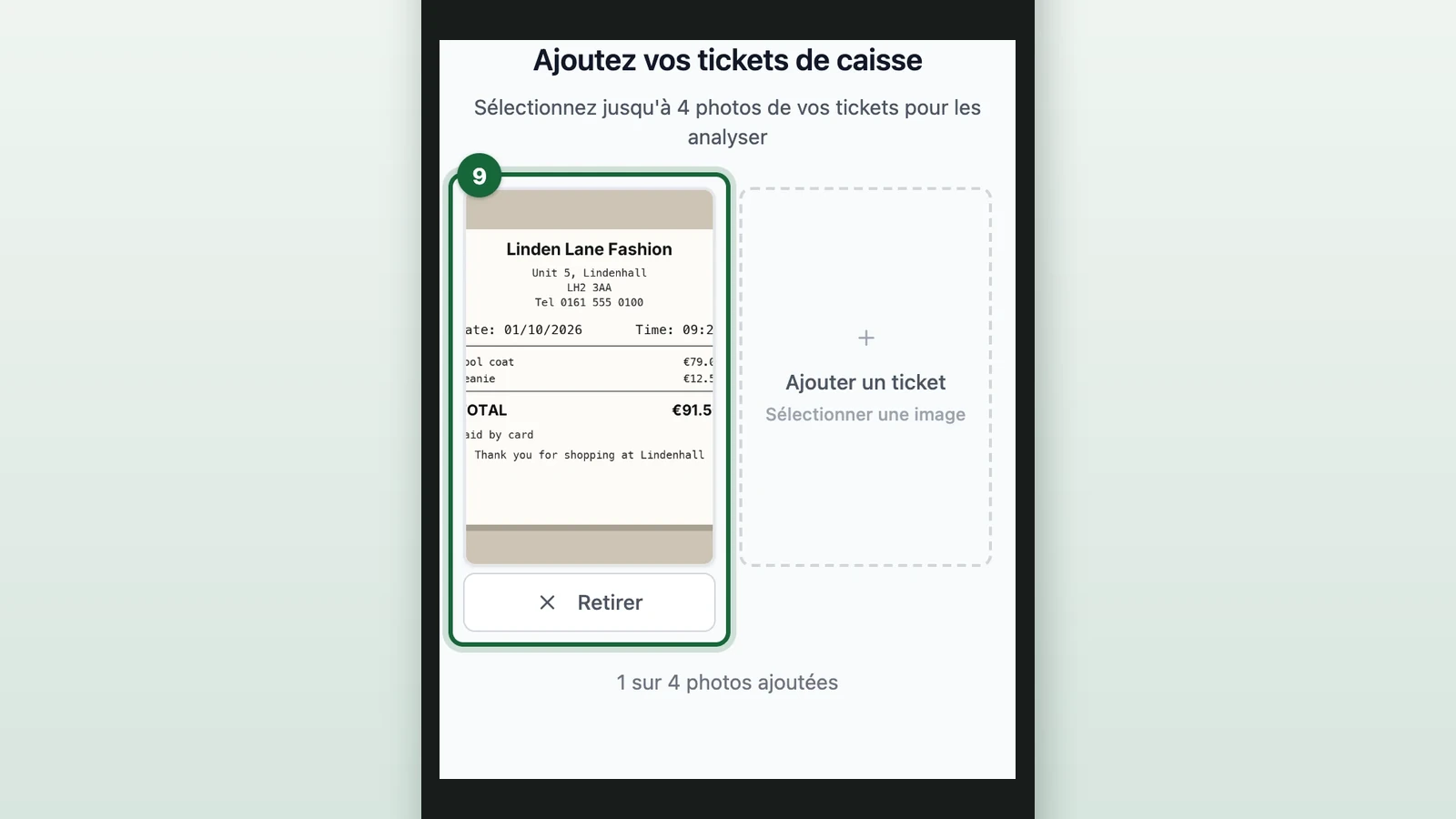
Repeat for up to 4 receipts, one photo each, in JPG, PNG or WebP.
-
Select the Analyser (analyse) button.
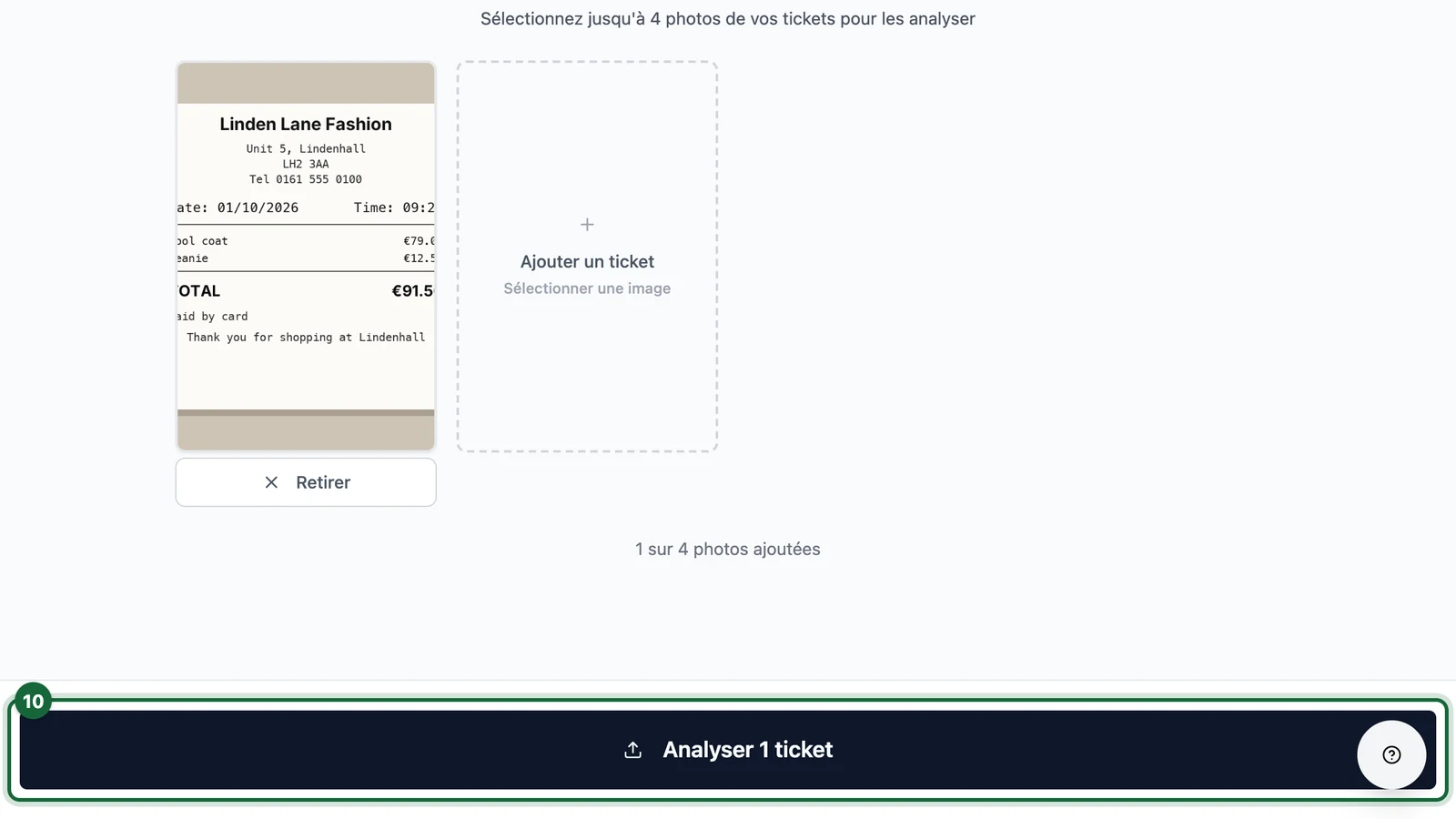
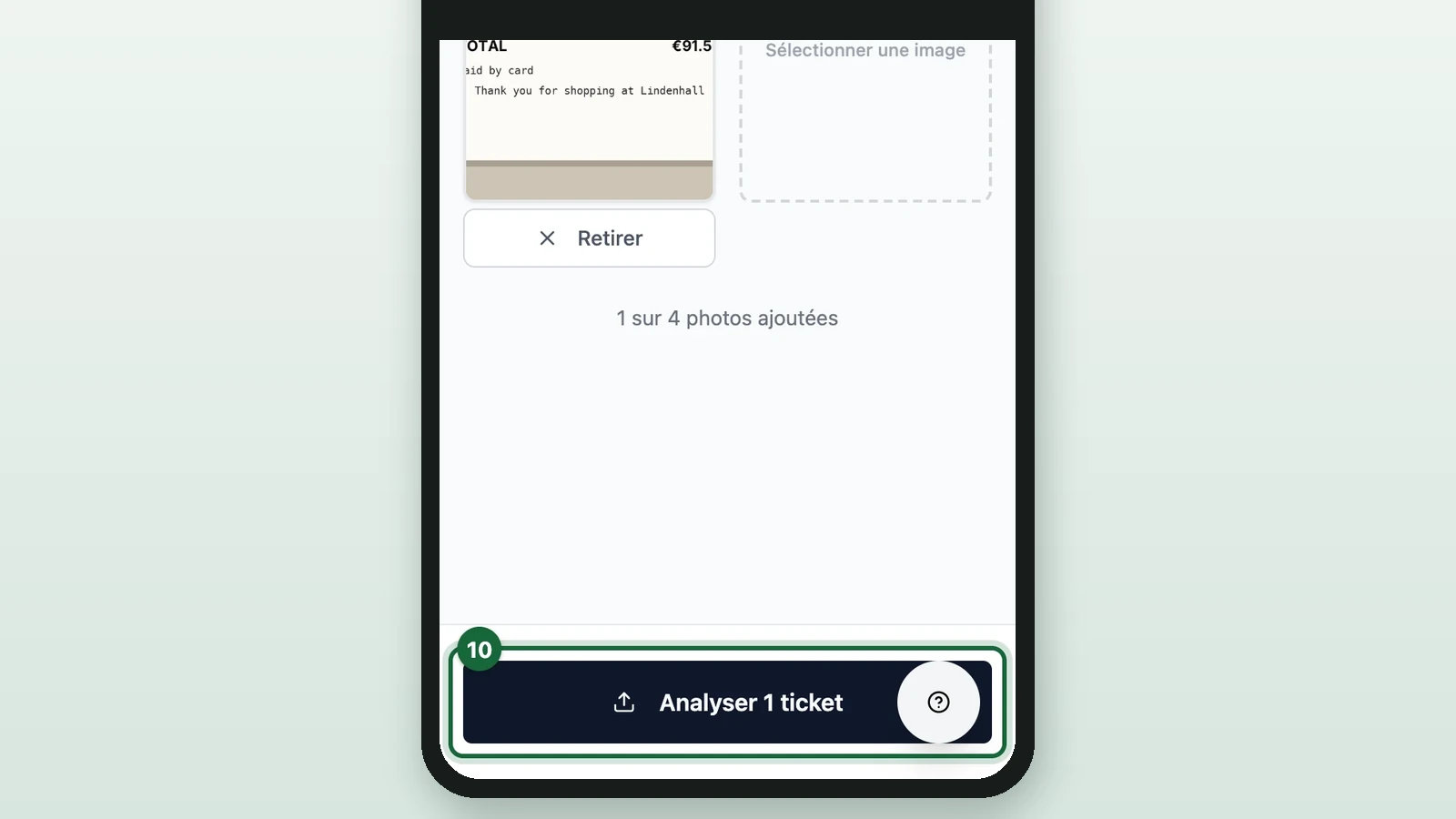
Its label counts the photos you added. The session opens: check its receipts as in Check each receipt. An email that already has a session in this game adds the receipts to that session. If that session has ended, a Session terminée (session ended) error appears instead.
To add receipts to an existing session, select Ajouter des reçus (add receipts) on its page.
Good to know
- Before the game starts and after it ends, Ajouter un client and Scanner un QR Code are greyed out. Liste des clients still works until the app closes.
- The whole app closes, sign-in included, 7 days after the campaign's last prize slot ends. If prizes have no slots, it closes 7 days after the game's end date. Note the final Progression totals before then.
- An ended session reads Session Terminée (session ended): its receipts can be opened but not changed. With an Unlock Limit rule, a session ends once the shopper reaches the limit.