Attribution slots
Release a game's prizes in timed batches, so they don't all go in the first days of the campaign.
With Scheduled Rewards, a game spreads its prizes over time at random winning moments. An attribution slot is one window with its own number of prizes. Here, Lindenhall splits its 200 hot chocolates: 100 in November and 100 from December to the end of the arcade.
These dates only decide when prizes can be won. When people can play is set in the game's Dates tab.
Simple or Advanced
-
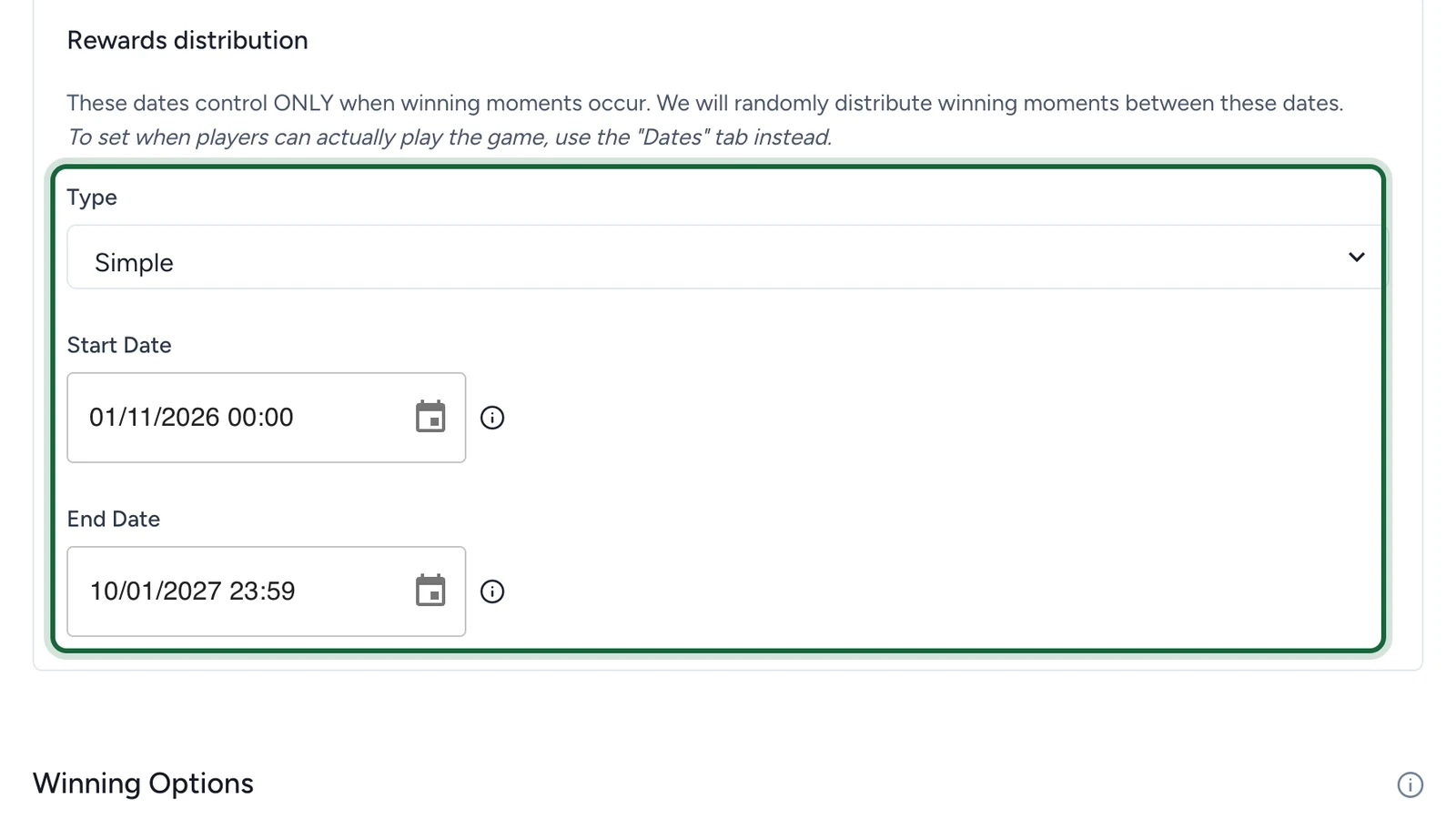
Simple releases the whole quantity across one Start Date and End Date.
-
Advanced lets you set several slots per winning option, each with its dates and its share of the prizes.
Split the prizes into slots
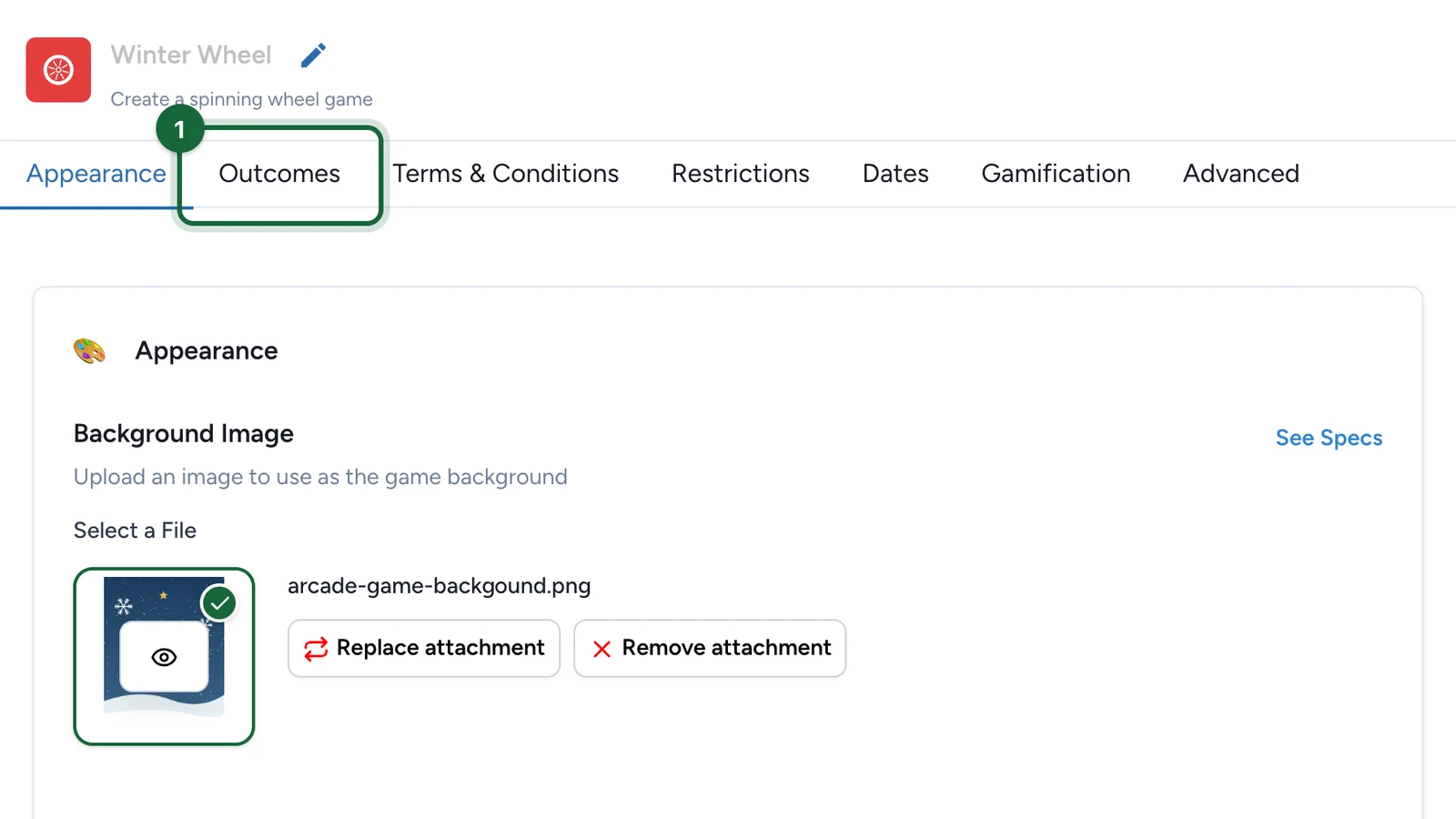
In Build > Touchpoints, select Configure on the game.
-
Select the Outcomes tab.
-
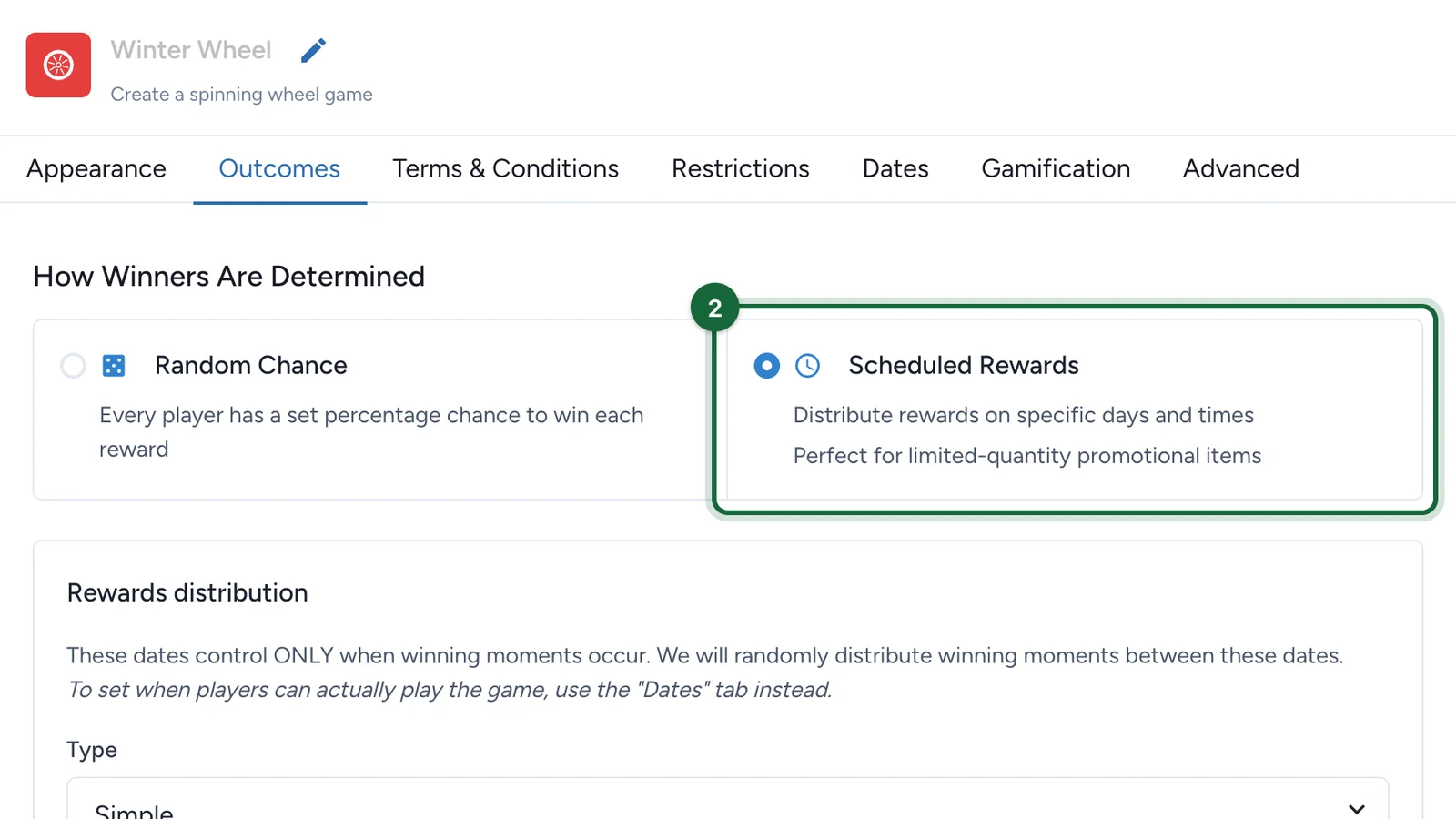
Under How Winners Are Determined, choose Scheduled Rewards.
-
Set the Type to Advanced.
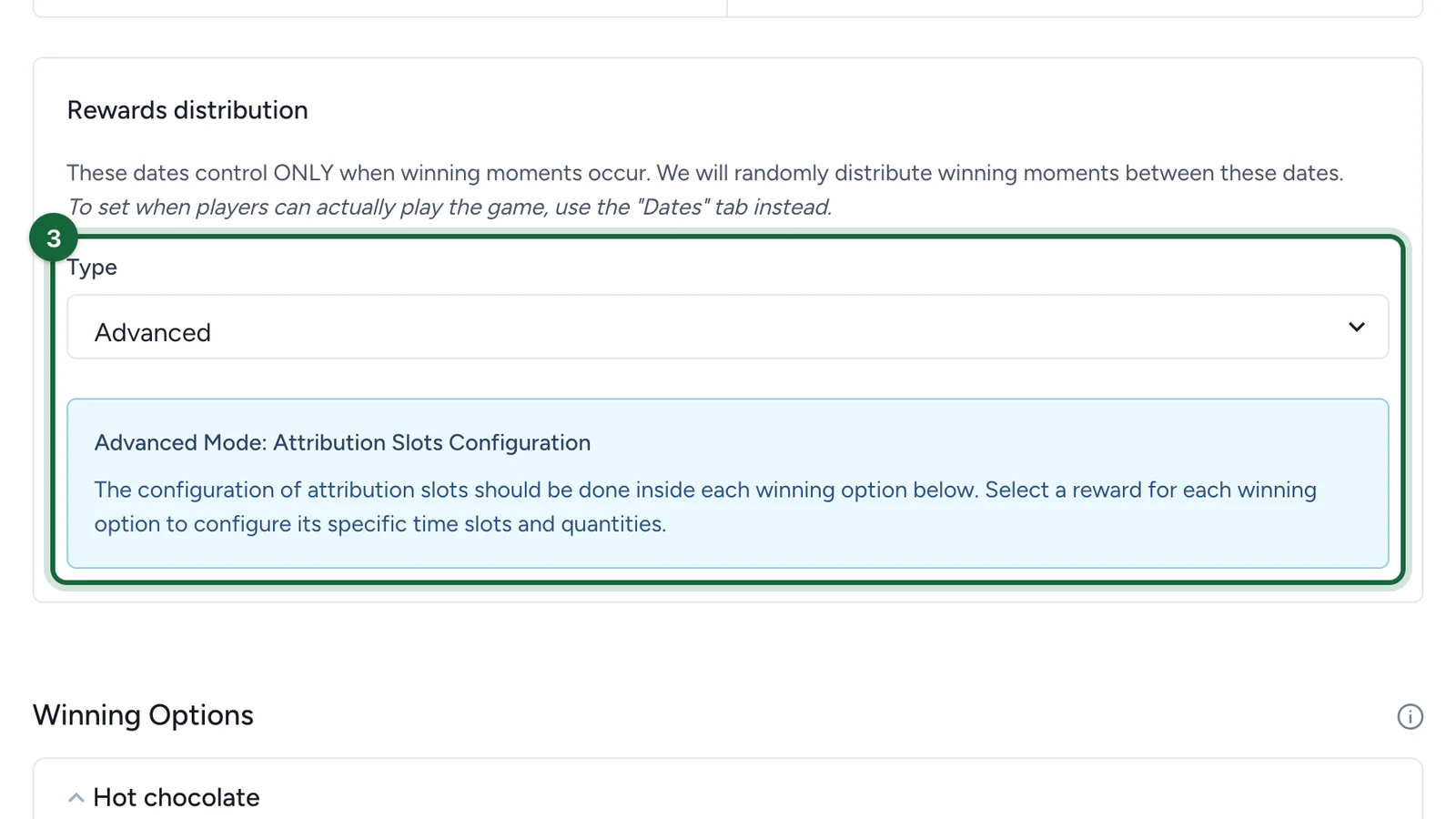
The slots are then set in each winning option, once its reward is linked.
-
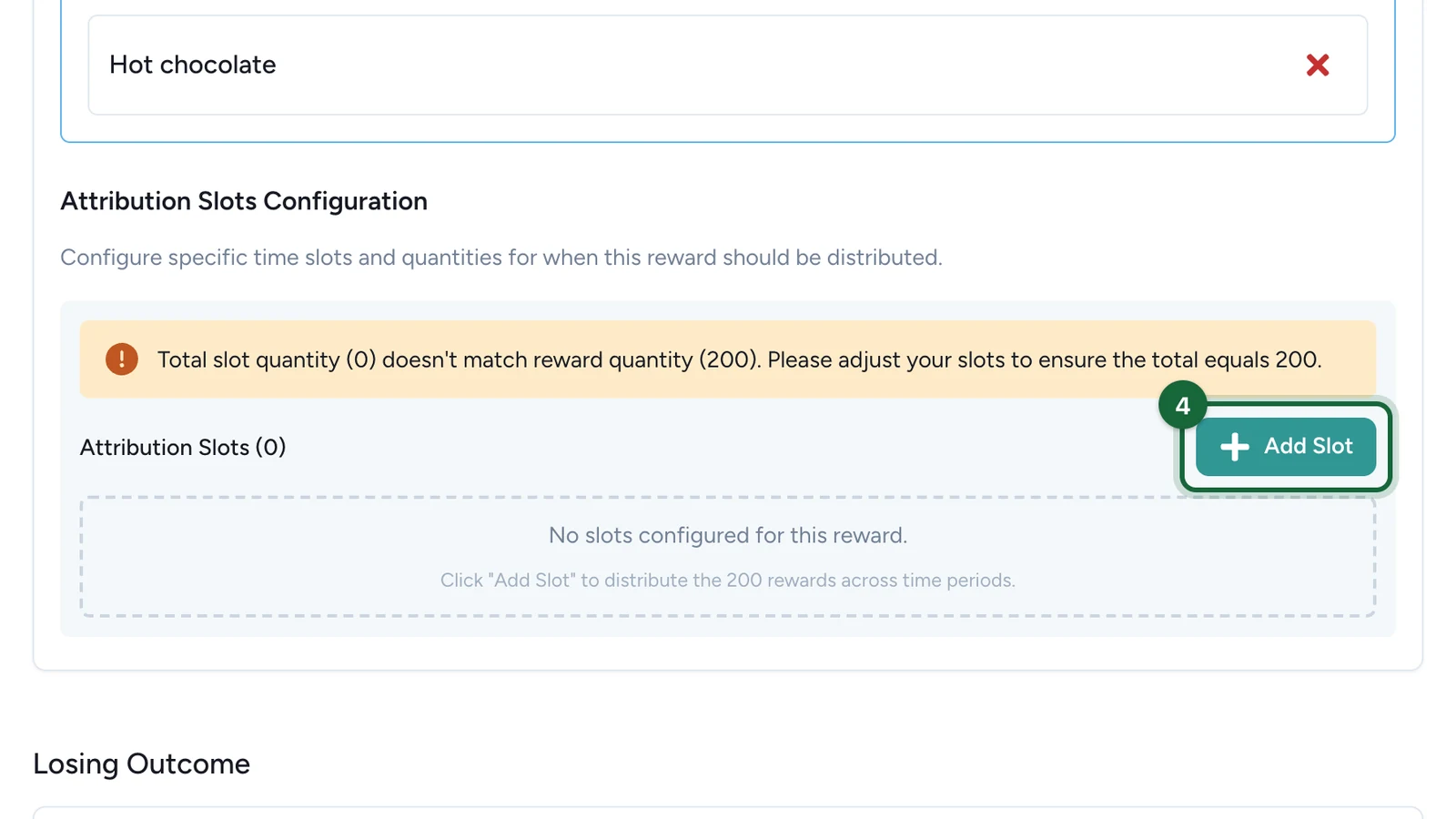
In the winning option, under Attribution Slots Configuration, select Add Slot.
-
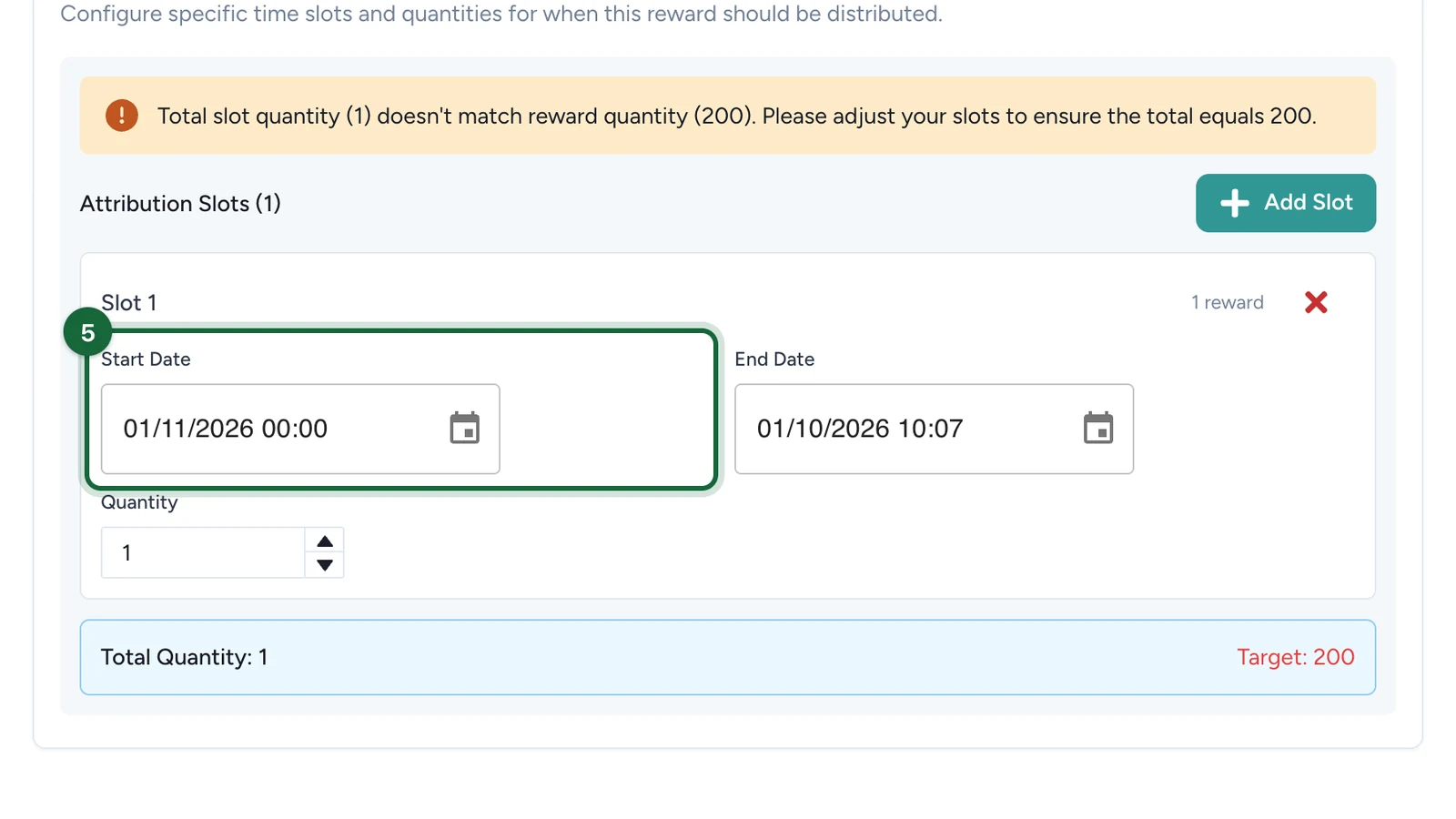
Set the slot's Start Date.
-
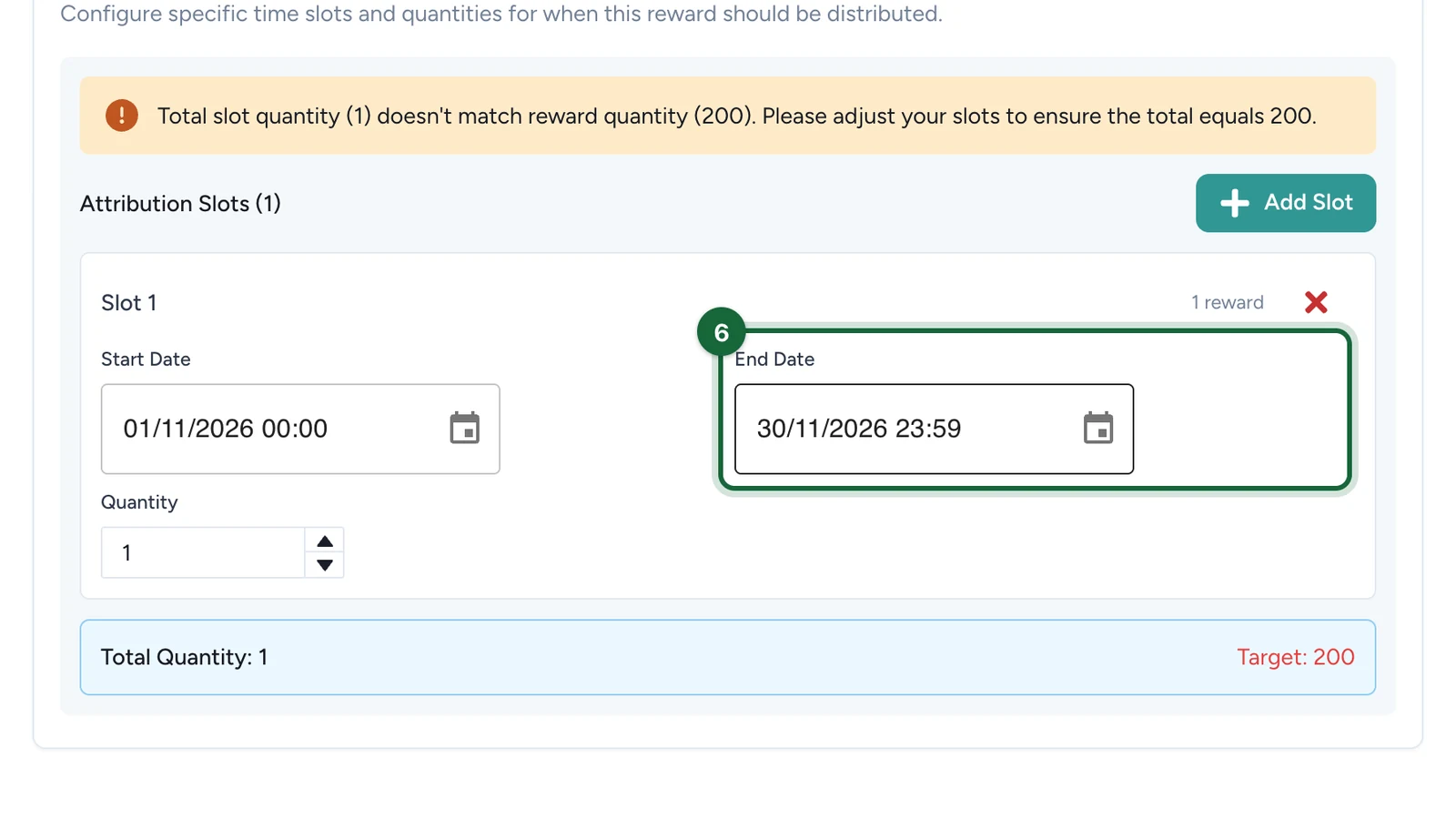
Set its End Date.
-
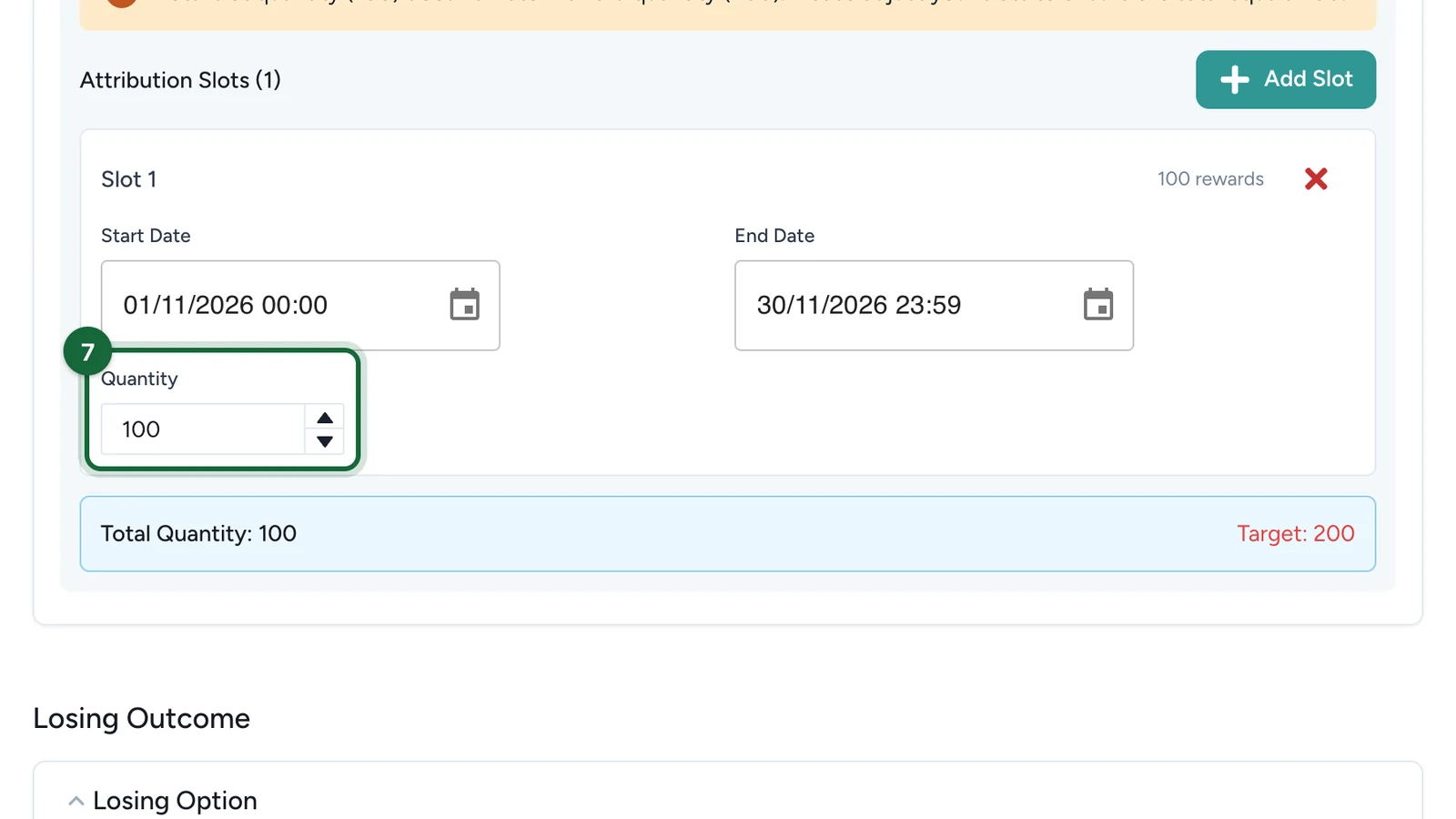
Enter its Quantity, here 100.
-
Select Add Slot again and fill in the next slot the same way.
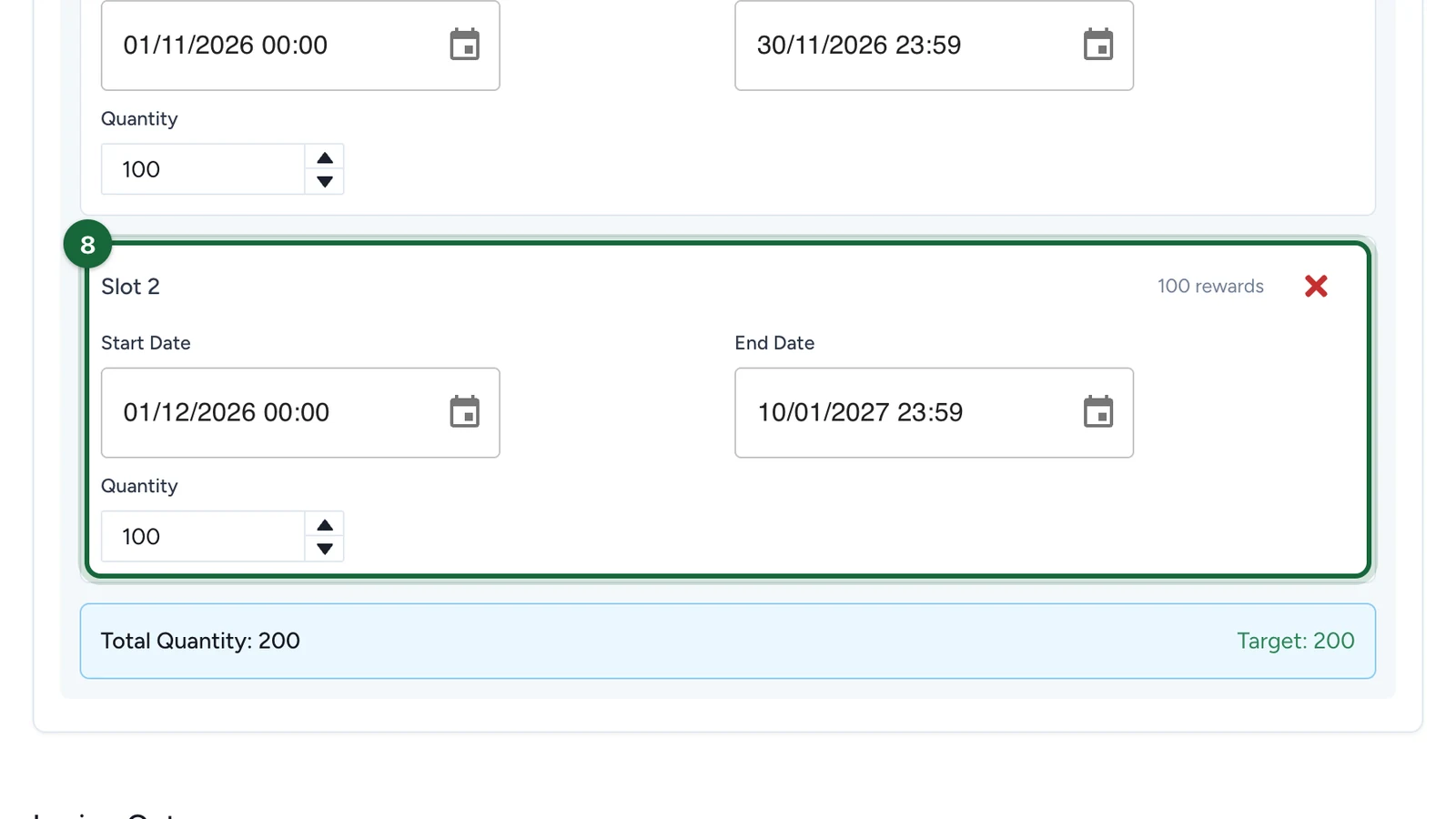
Total Quantity turns green when it reaches the Target: the reward's quantity.
-
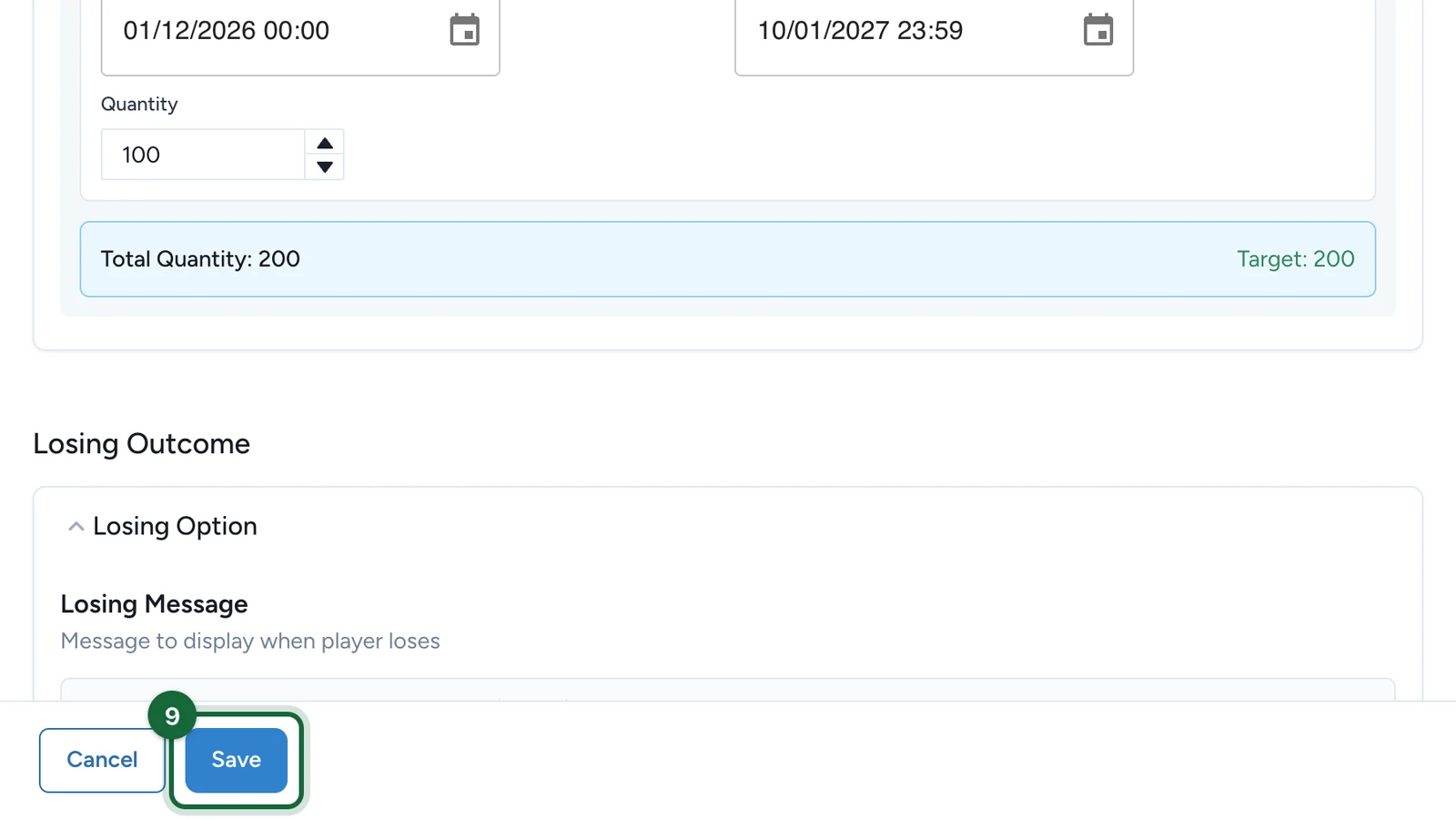
Select Save.
Rules the slots must follow
- The slot quantities add up to the reward's quantity. Until they do, a warning shows above the slots.
- Each slot has a start and an end, and ends after it starts.
- Every slot sits inside the game's dates: its own Dates window if it has one, the campaign dates otherwise.
If publishing is blocked
- Total slot quantity doesn't match reward quantity: change the slot quantities, or the reward's quantity, until they're equal.
- The distribution dates are outside the touchpoint's dates: move the slots inside the game's dates.