Global outcome rules
Stop a shopper collecting every prize they reach, or cap how many they can claim.
2 min read
Rules unlock prizes one by one. A global outcome rule decides how several prizes behave together, such as "one prize per shopper".
| Rule Type | What it does | Use it when |
|---|---|---|
| Exclusive | A shopper gets only one of the managed prizes: the one with the highest spend threshold that's still in stock | A shopper who reaches €150 should get the hamper, not both prizes |
| Unlock Limit | Caps how many prizes a shopper can claim, with Max Unlocked Count. Reaching it ends their game | Each shopper claims two prizes at most |
| Self Unlock | The shopper chooses which prize to unlock | Shoppers pick their reward |
Add a global rule
-
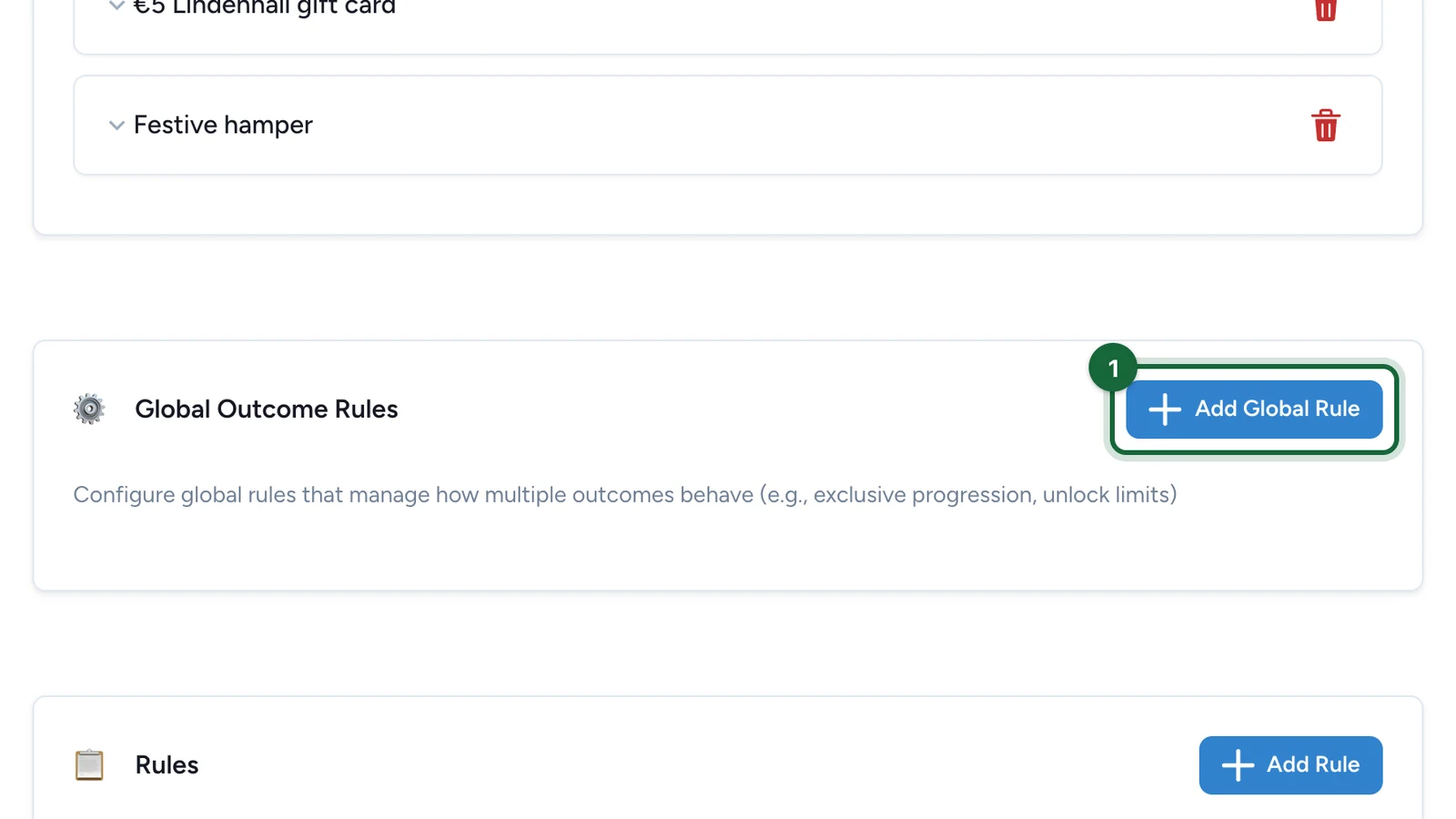
In the Configuration tab, under Global Outcome Rules, select Add Global Rule.
-
Enter the Rule Name, then choose the Rule Type, such as Exclusive (Only one outcome active).
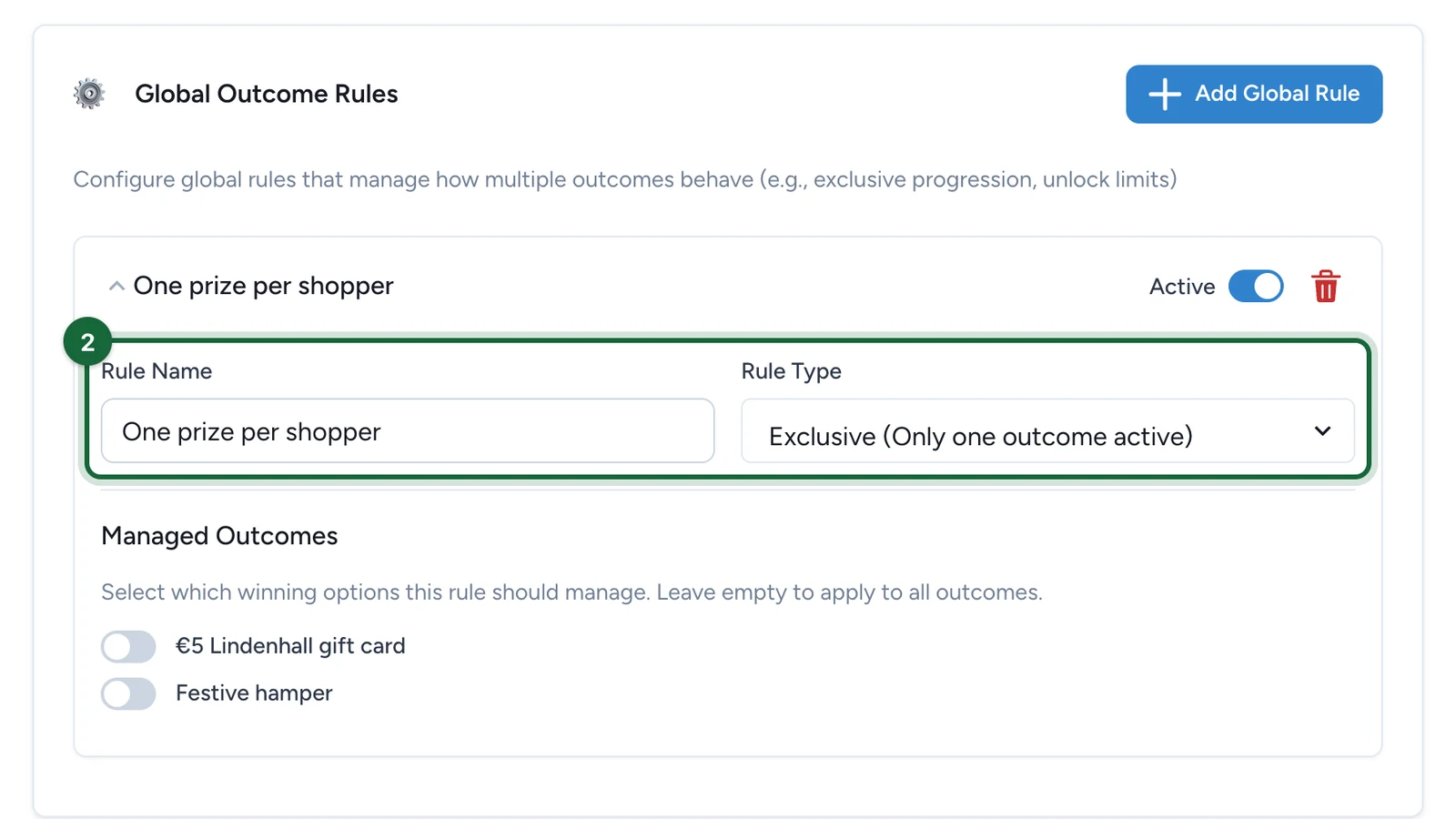
For Unlock Limit, also set the Max Unlocked Count.
-
Under Managed Outcomes, turn on the prizes the rule covers.
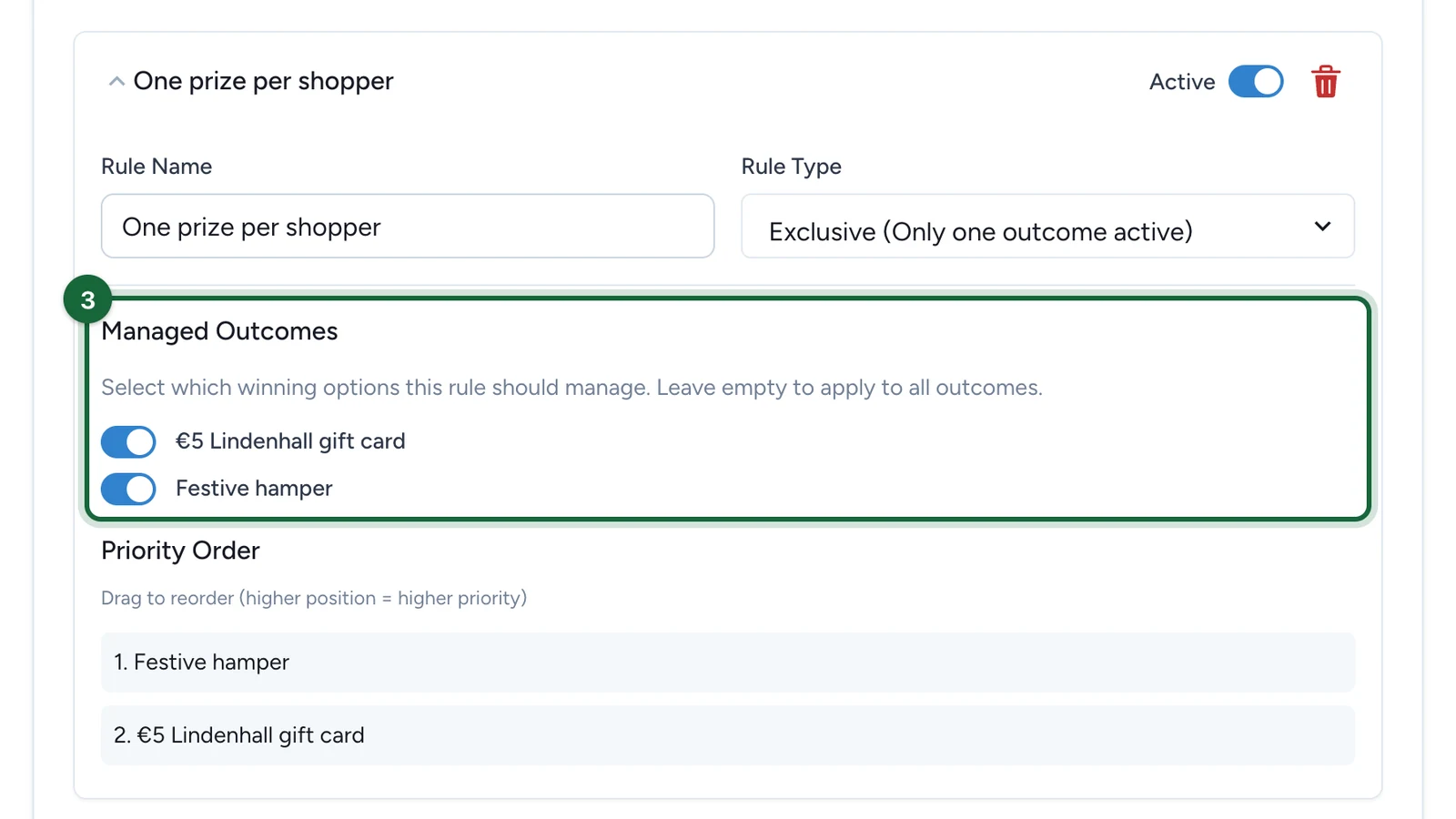
Leave them all off to cover every prize.
-
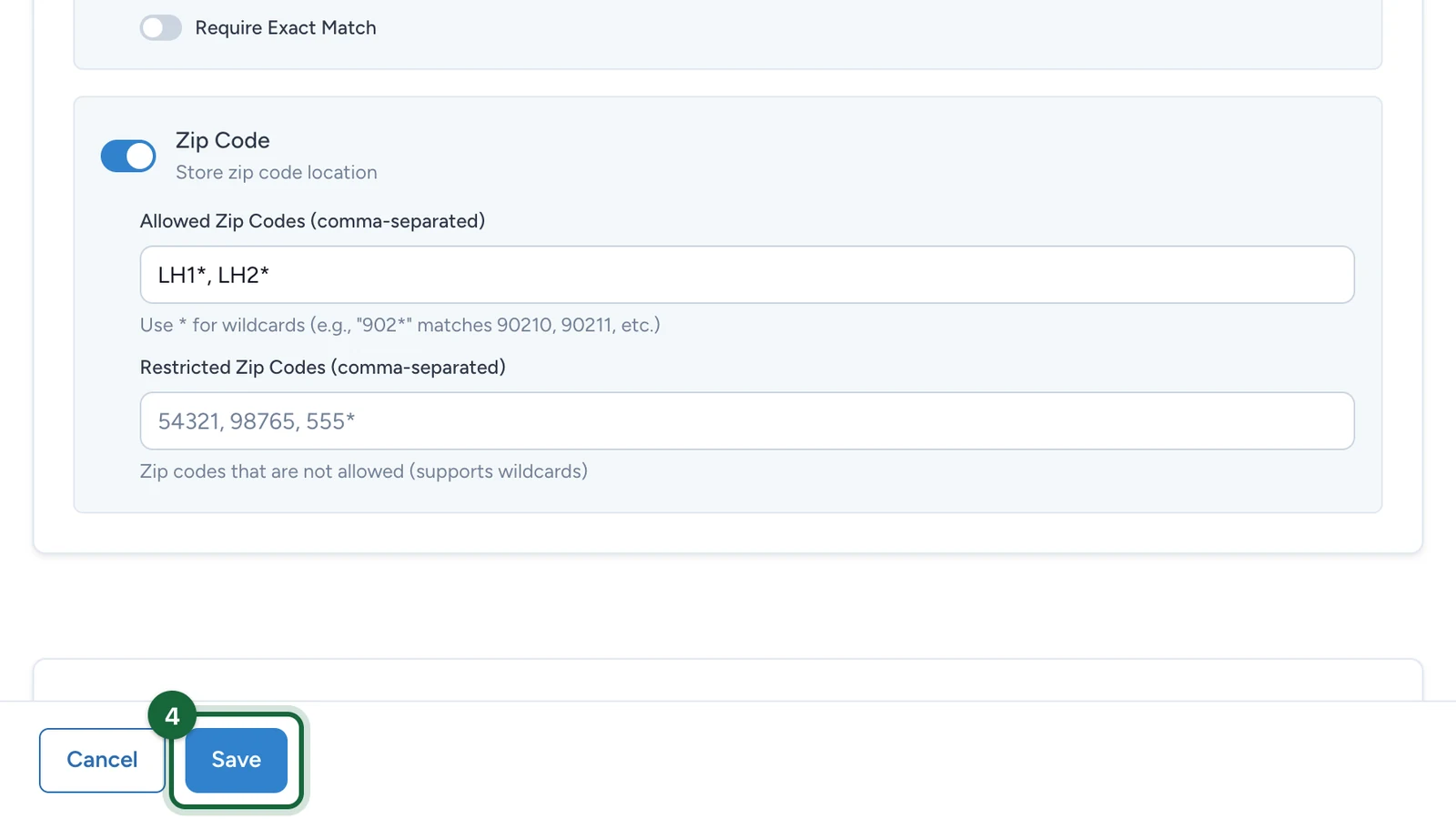
Select Save.
How Exclusive decides
- The biggest prize reached wins. A shopper at €150 gets the hamper, not the gift card. Priority Order in Studio has no effect: the spend threshold decides.
- Claiming ends the game for that shopper. Once they claim a managed prize, later ones are blocked. A shopper who claims the gift card at €30 can't win the hamper at €150, so say so in your terms.
- Out of stock moves down. If the biggest prize has no stock left in an open slot, the next one down is offered.
If publishing is blocked
- No rule type: choose a Rule Type.
- A managed prize no longer exists: its winning option was deleted. Update Managed Outcomes.
- Unlock limit missing or not a positive whole number: set Max Unlocked Count.