Receipt game rewards
Set up what a qualifying purchase earns, and connect it to the spending challenge that awards it.
A receipt game rewards shoppers who upload a receipt that meets your rules, such as "spend €30 or more". Its prizes are Receipt Game Rewards, each tied to one receipt game and handed out by that game's winning options. Here, Lindenhall adds a prize to its Spend and Win Christmas campaign.
Create the reward
In Build > Rewards:
-
Select Add New Reward.
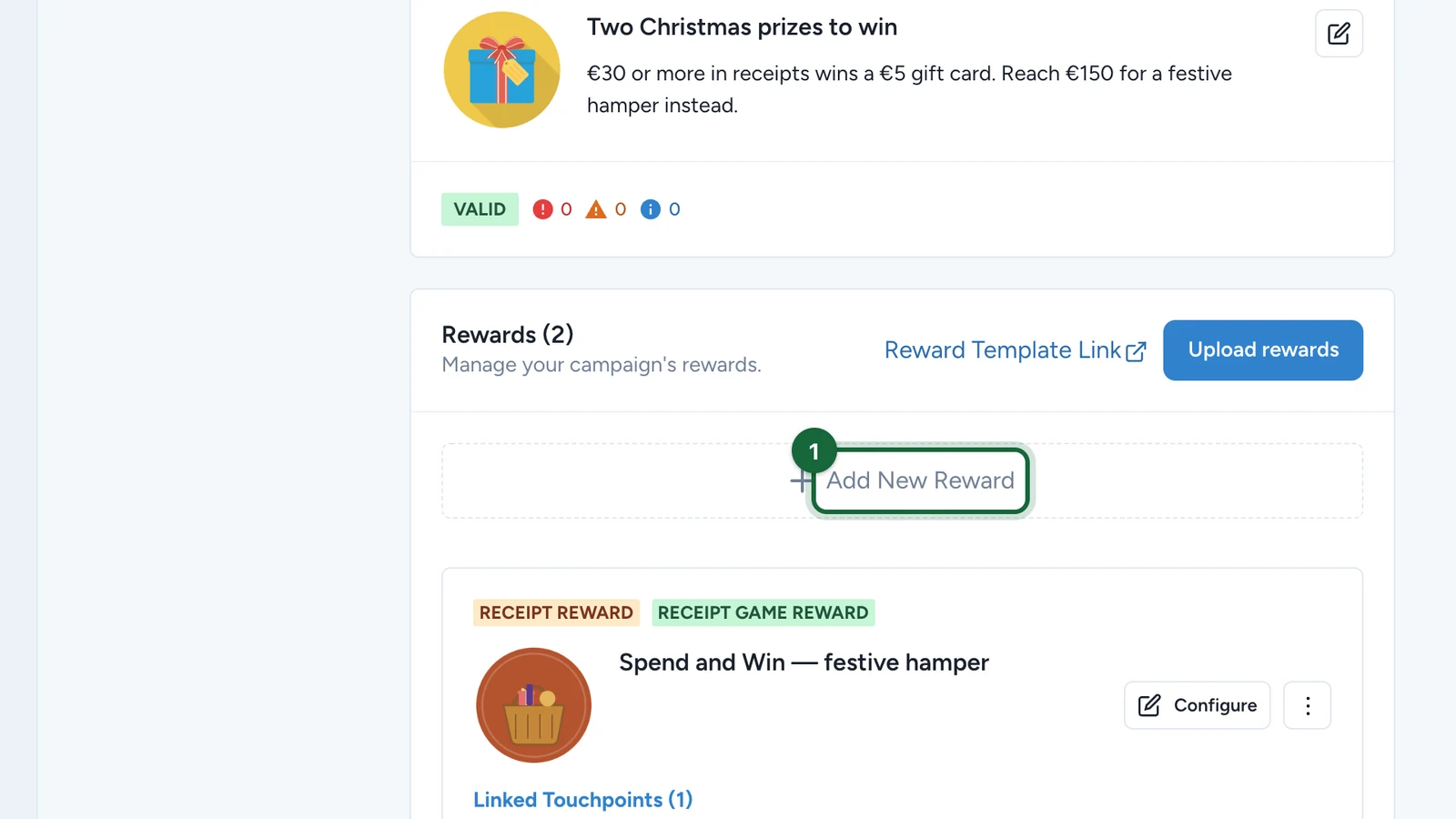
-
Select Create a Receipt Game Reward.
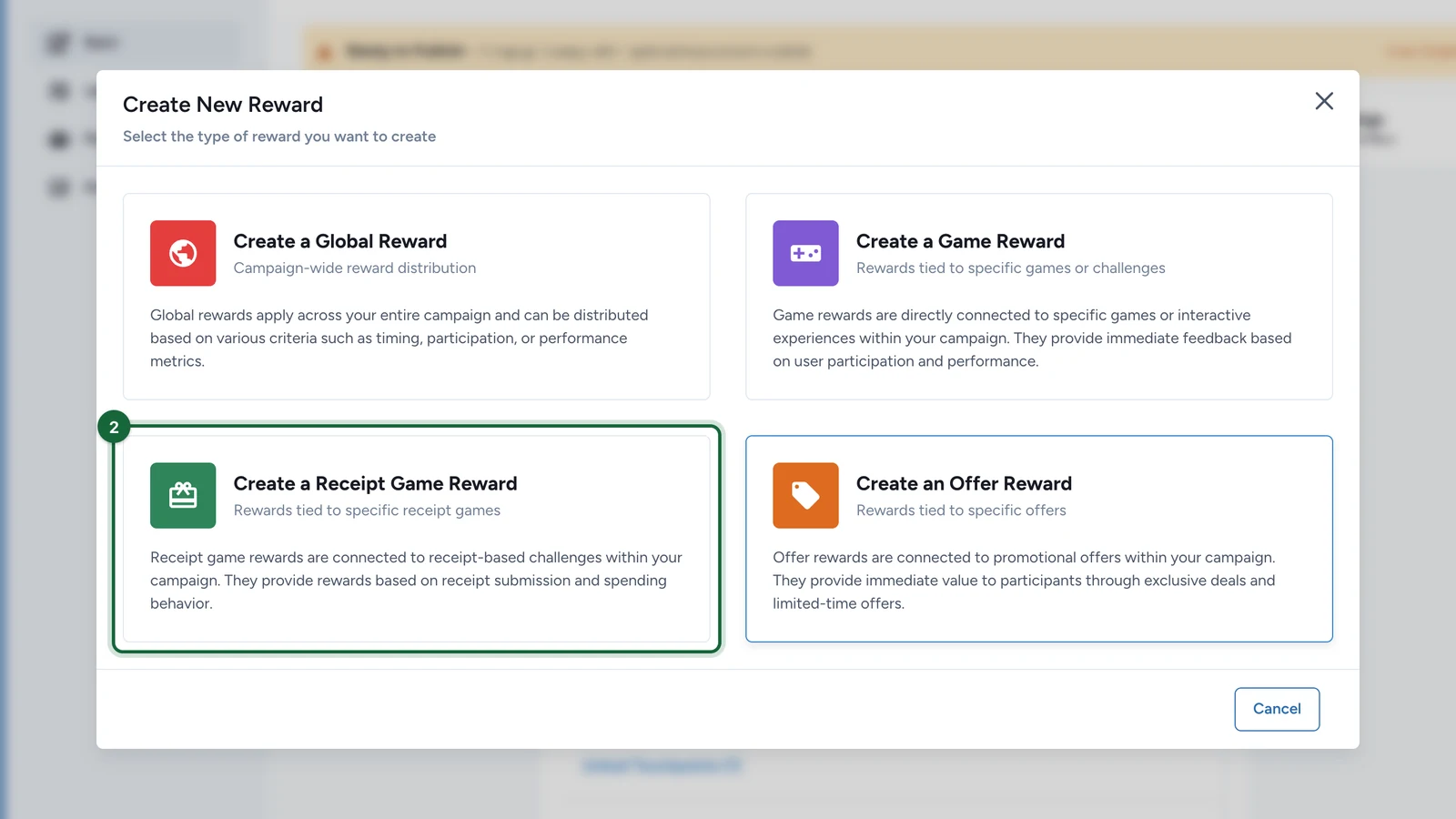
-
Under Select a receipt game, choose the game.
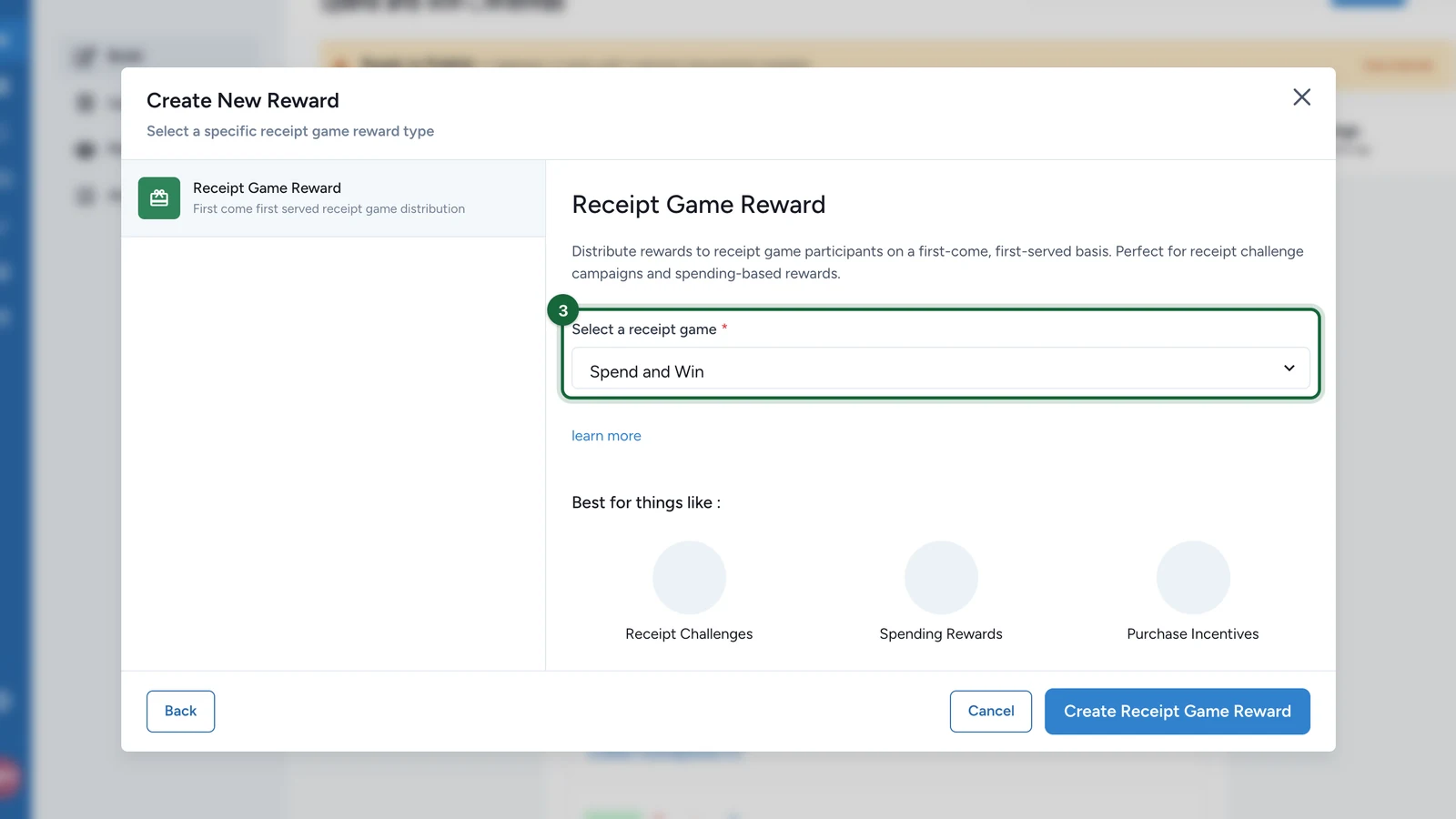
-
Select Create Receipt Game Reward.
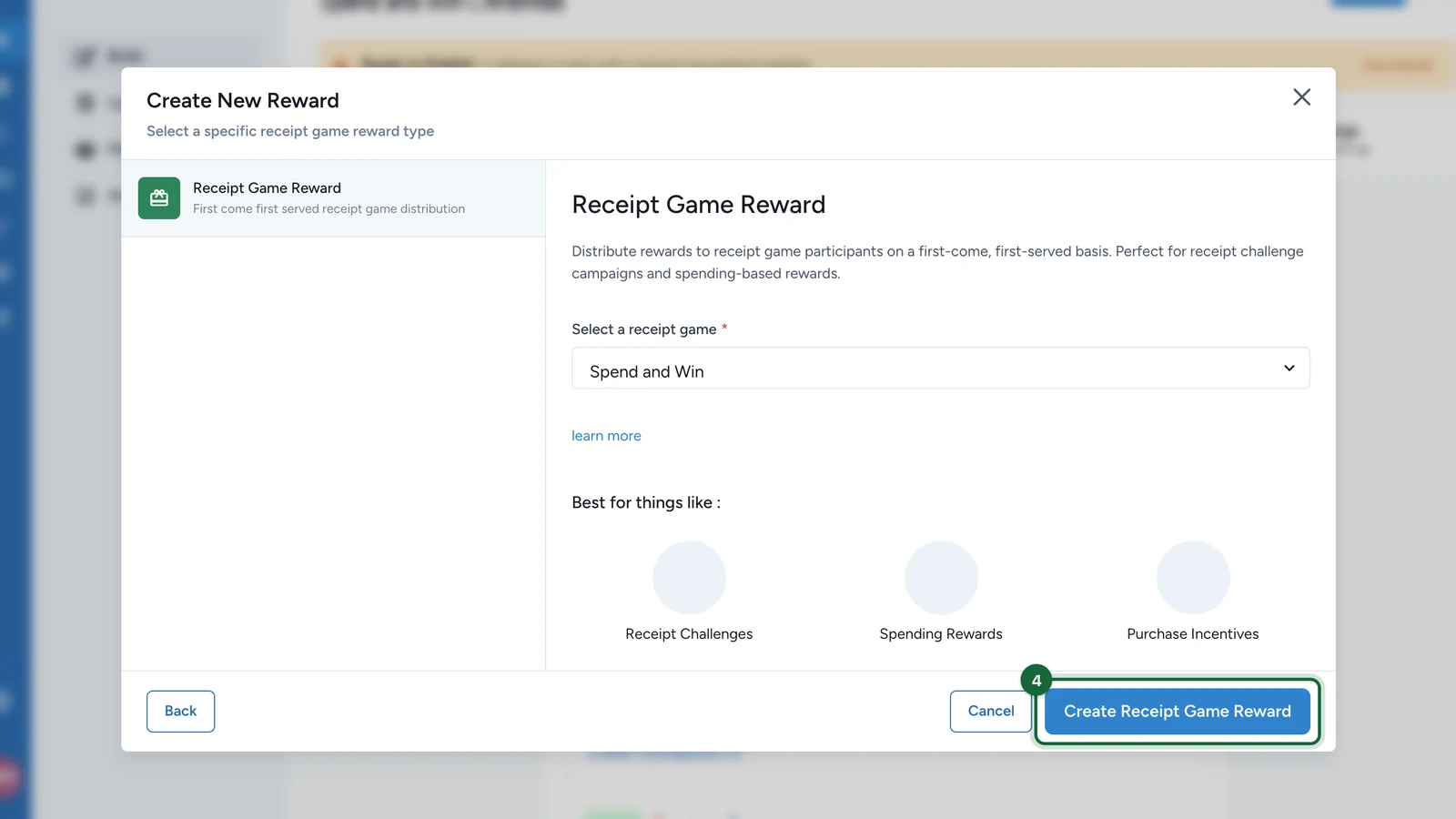
Then configure the new card as in Create a reward: name, appearance, quantity, winner message and redemption.
Hand it out
The reward is won through the receipt game itself: a winning option carries the reward, and a rule decides which receipts reach that option. Set them up in the receipt game. See Winning options and attribution slots and Create a rule.
A receipt reward has no winning method of its own: the game's rules decide who wins. That's why Change reward type on its card shows its type as Manual. Leave it: the types that window offers are for global rewards.
If publishing is blocked
- The reward's receipt game no longer exists: create the reward again for an existing receipt game.
- A rule has no winning option, or points to one that was removed: in the receipt game, choose the winning option the rule awards.