First Come, First Serve rewards

Hand out a limited reward to the first eligible claims until it runs out — as a Global Reward or an Offer Reward.

Hand out a limited reward to the first eligible participants who claim it, until the quantity runs out. Use it when you have a fixed stock of prizes and want them to go on a first-come basis.

First Come, First Serve has two homes

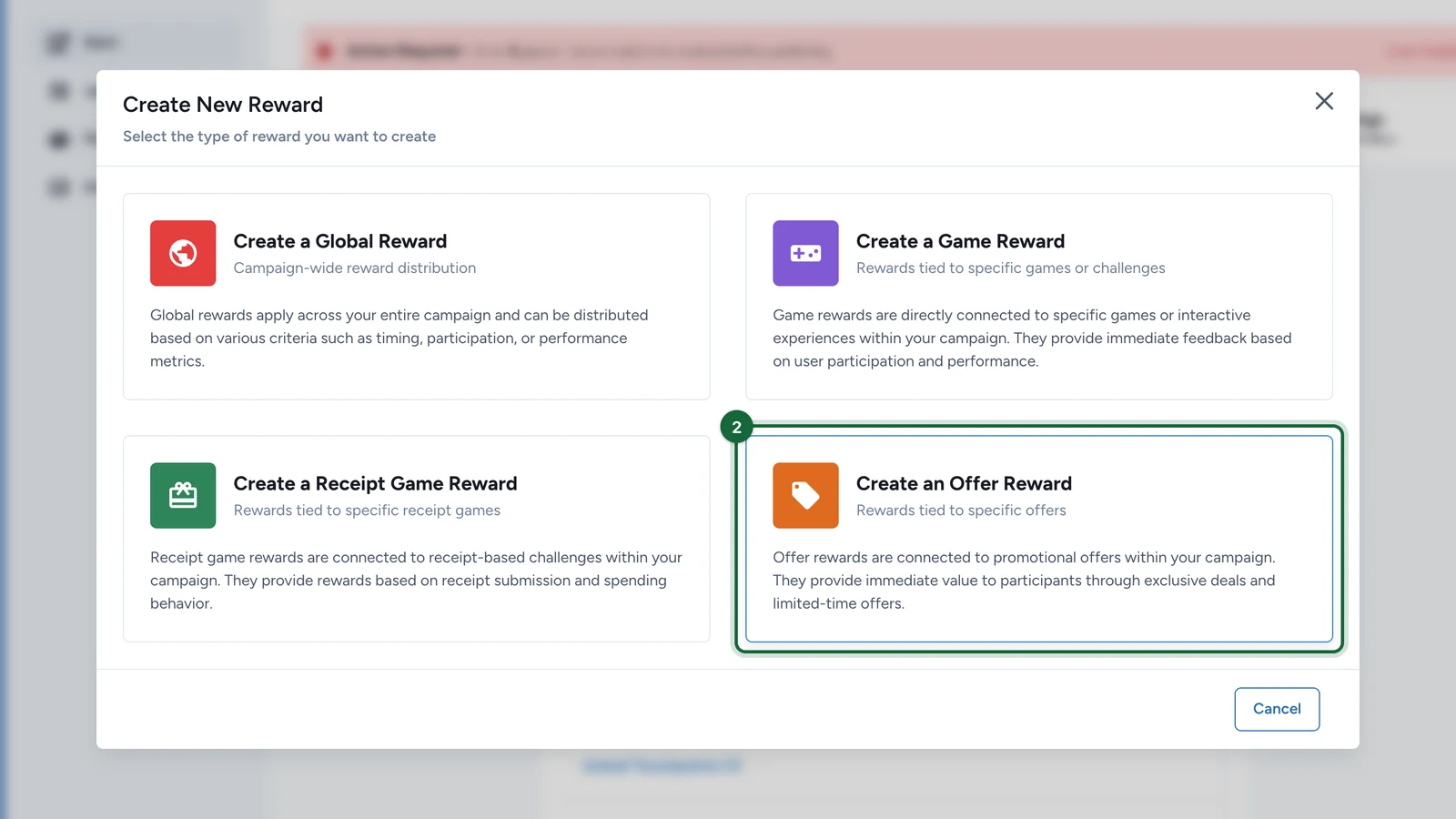
You can create it as a Global Reward (linked through Reward Trigger, reacting to campaign-wide activity) or as an Offer Reward (dedicated to one offer inside an Offer Pass). The offer setup is the most common, and it's what most of this page covers.

When to use this method

Use First Come, First Serve when:

  • the reward should be claimed immediately
  • the quantity should drop as participants claim it
  • you want either a campaign-wide first-claim reward (a Global Reward) or a reward dedicated to one Offer inside an Offer Pass (an Offer Reward)

As a Global Reward

Choose Create a Global RewardFirst Come, First Serve when the first claims across the whole campaign should win. You then target touchpoints with its Reward Trigger, exactly like other global rewards — see How rewards connect to touchpoints. The rest of this page covers the Offer setup.

As an Offer Reward

Keep one reward per Offer

Offer rewards are easiest to understand when one Offer points to one dedicated reward. Reusing the same reward across several offers quickly creates ambiguity for operators and participants.

Before you begin

  • The Offer already exists inside the Offer Pass.
  • You know the maximum number of claims the reward should allow.
  • You're ready to dedicate the reward to one Offer.

Configure the reward

Create an Offer reward

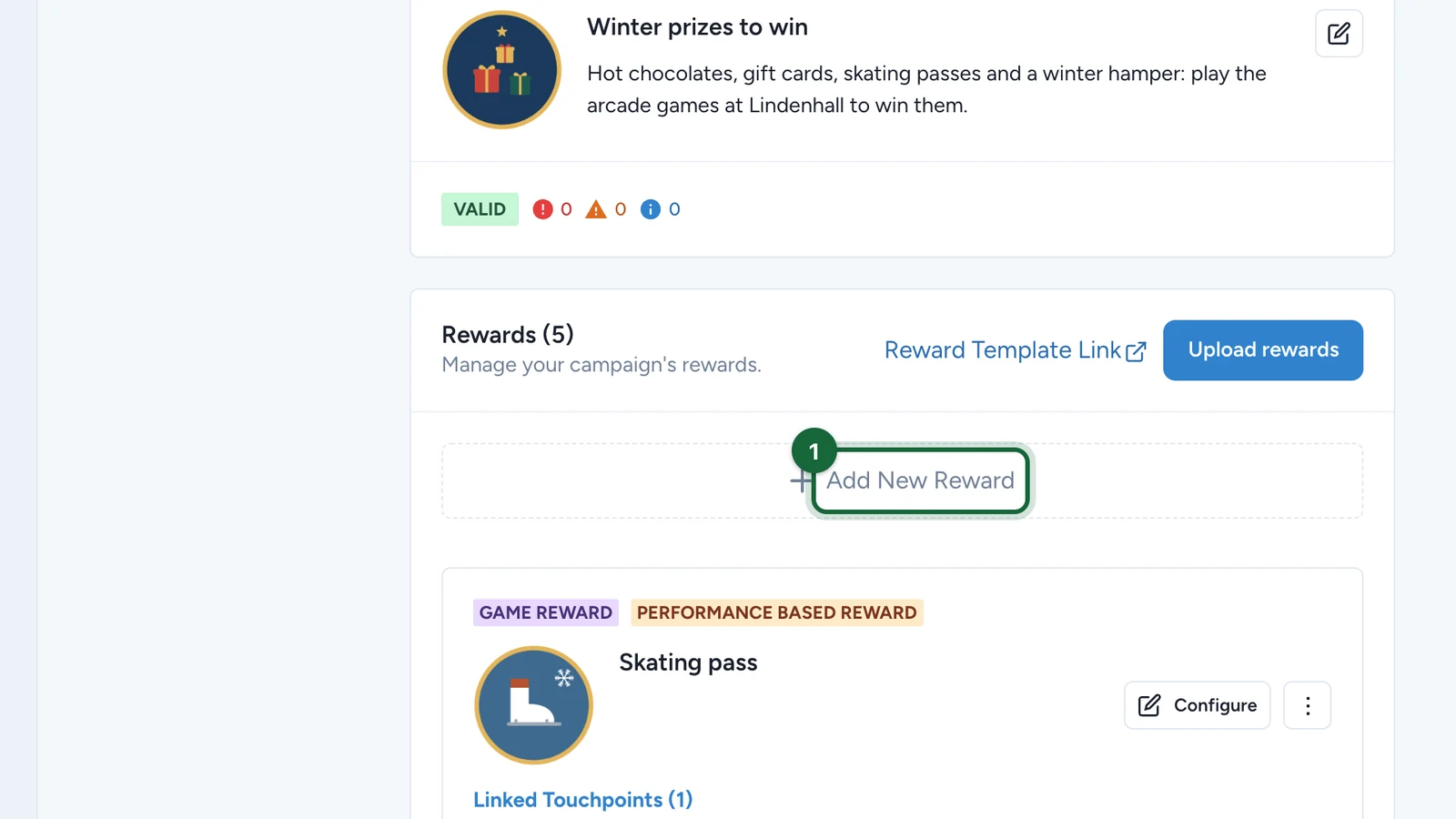
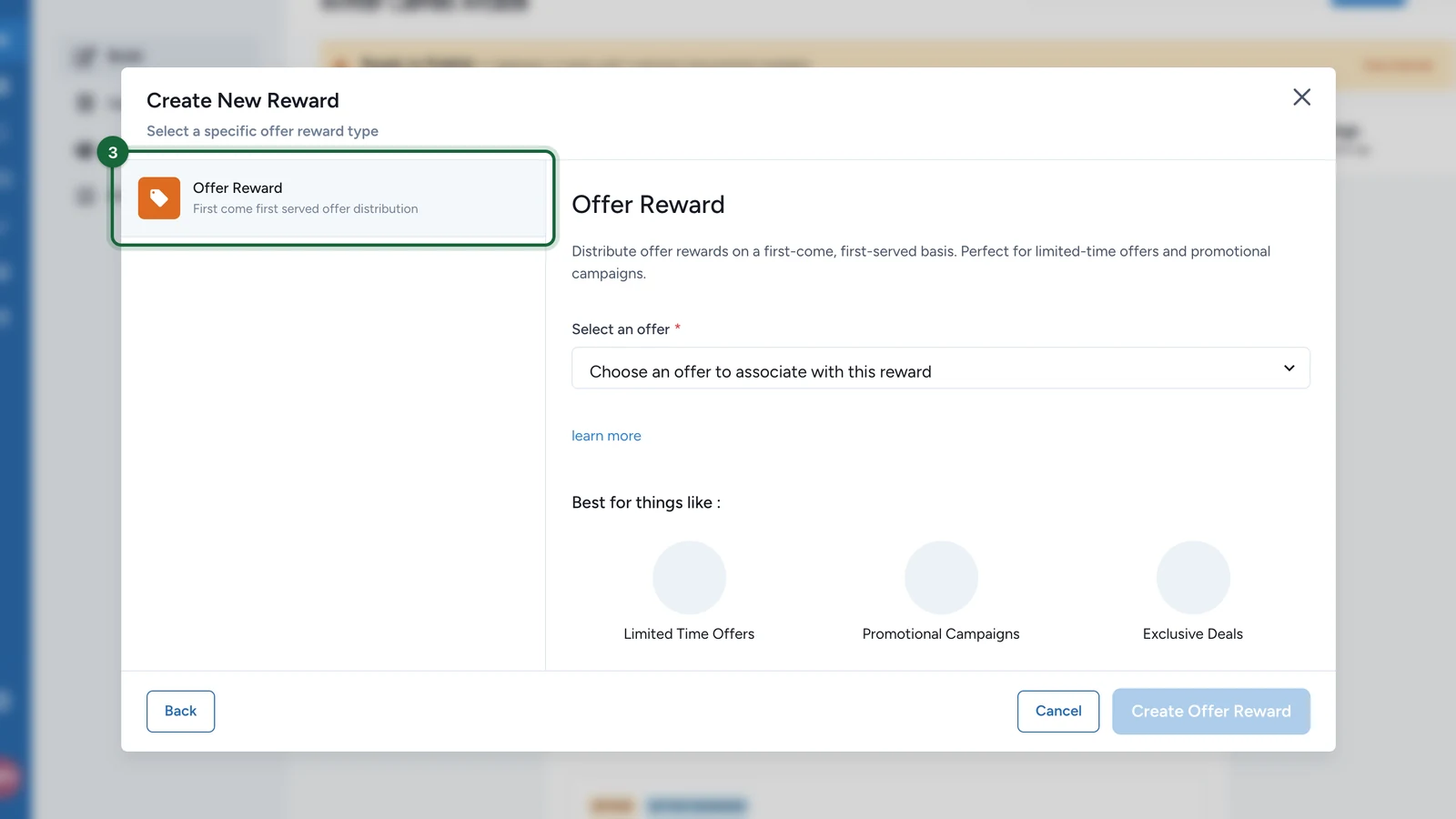
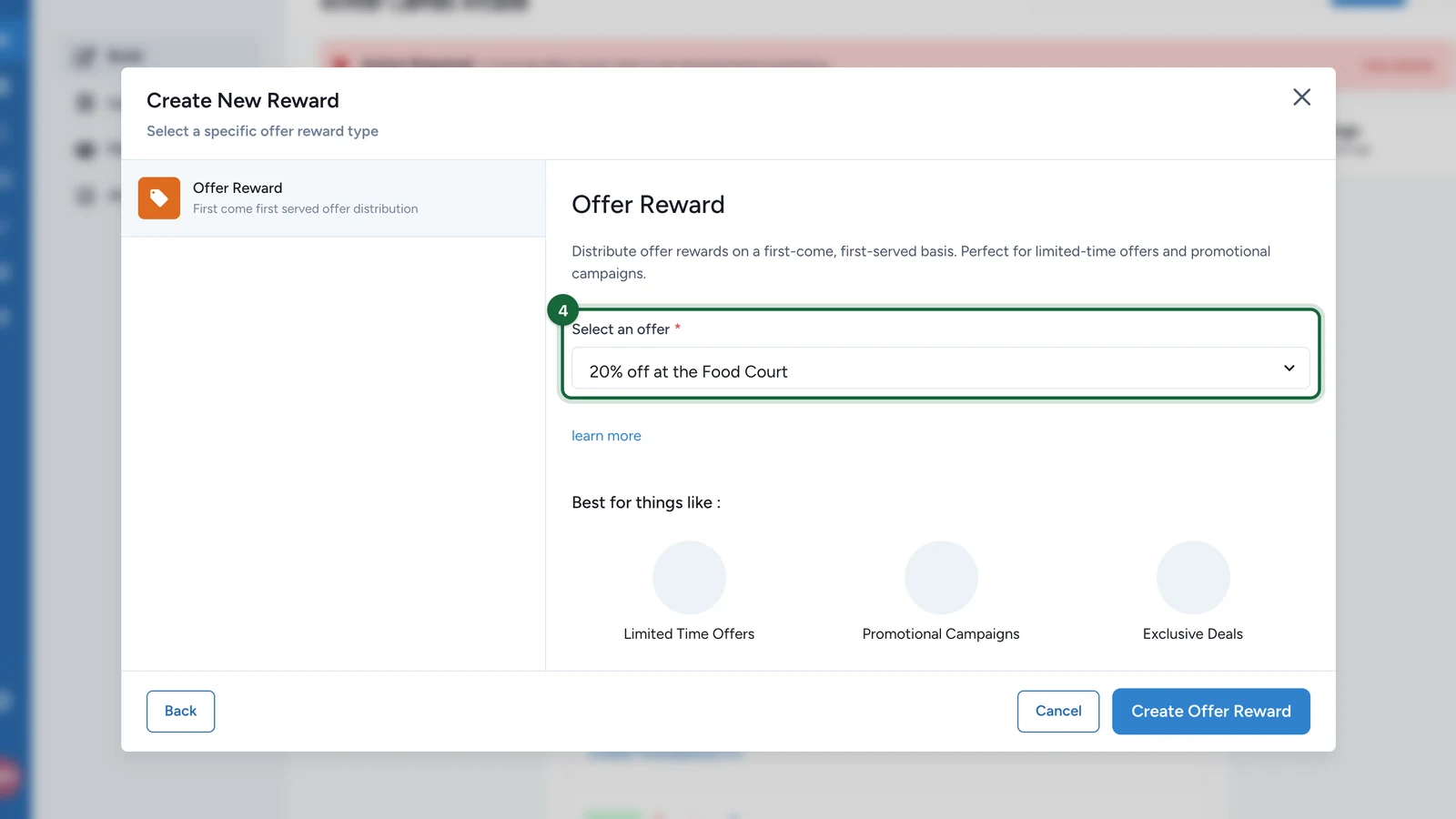
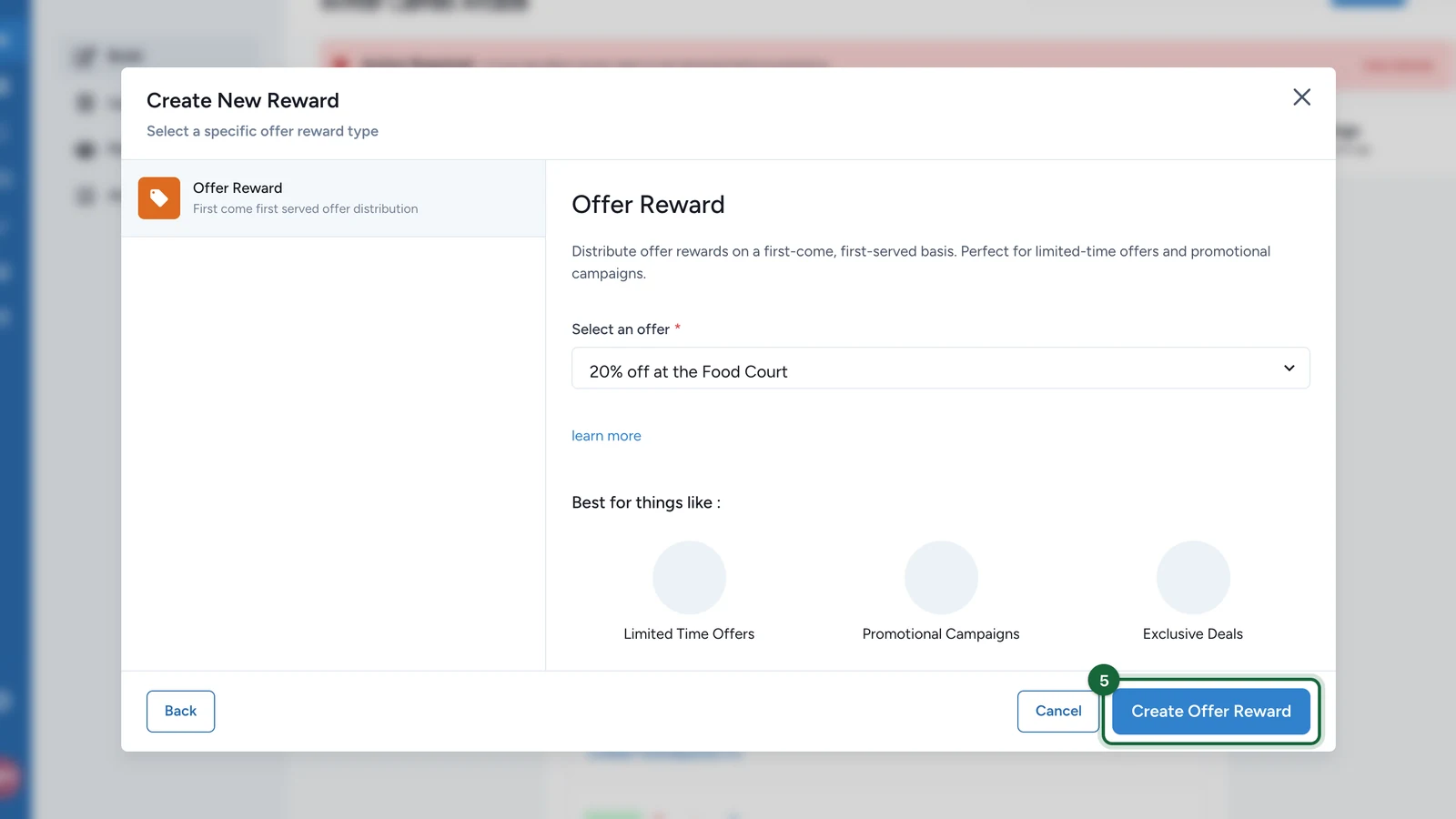
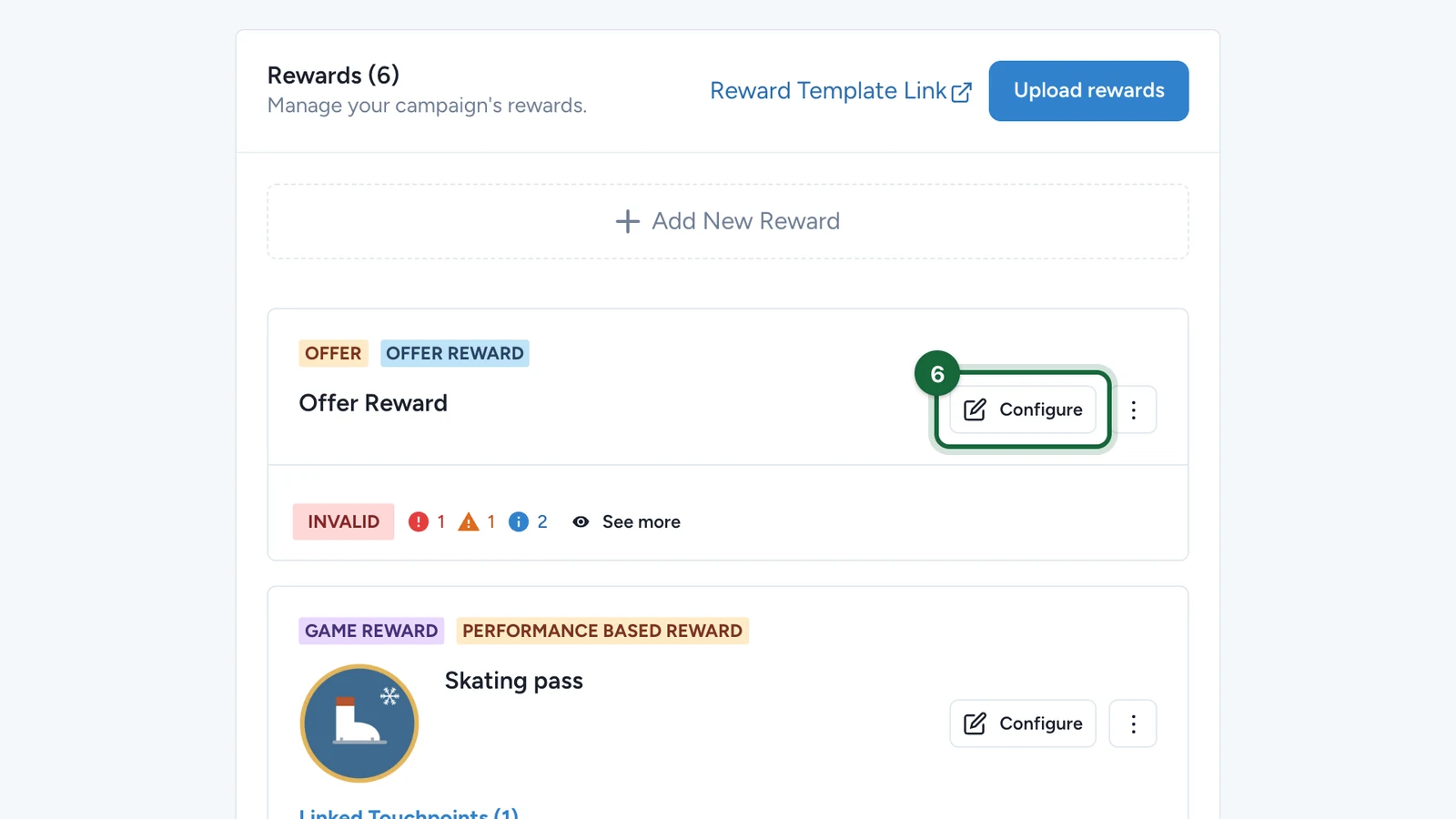
Open BuildRewards, select Add New Reward, choose Create an Offer Reward, then pick the offer this reward belongs to. Offer rewards use First Come, First Serve.

Offer reward form with First Come First Serve selection method and quantity fields

Fill the reward basics and quantity

Set the title, subtitle, icon, quantity, and winner message.

For Offer rewards, the quantity is the claimable stock. Once it runs out, later participants can no longer claim the reward.

Keep the restriction aligned with the Offer

Review the linking rules on the reward:

  • restrict the reward to the specific Offer
  • keep only the target Offer selected in that restriction list
  • keep the minimum required count at one

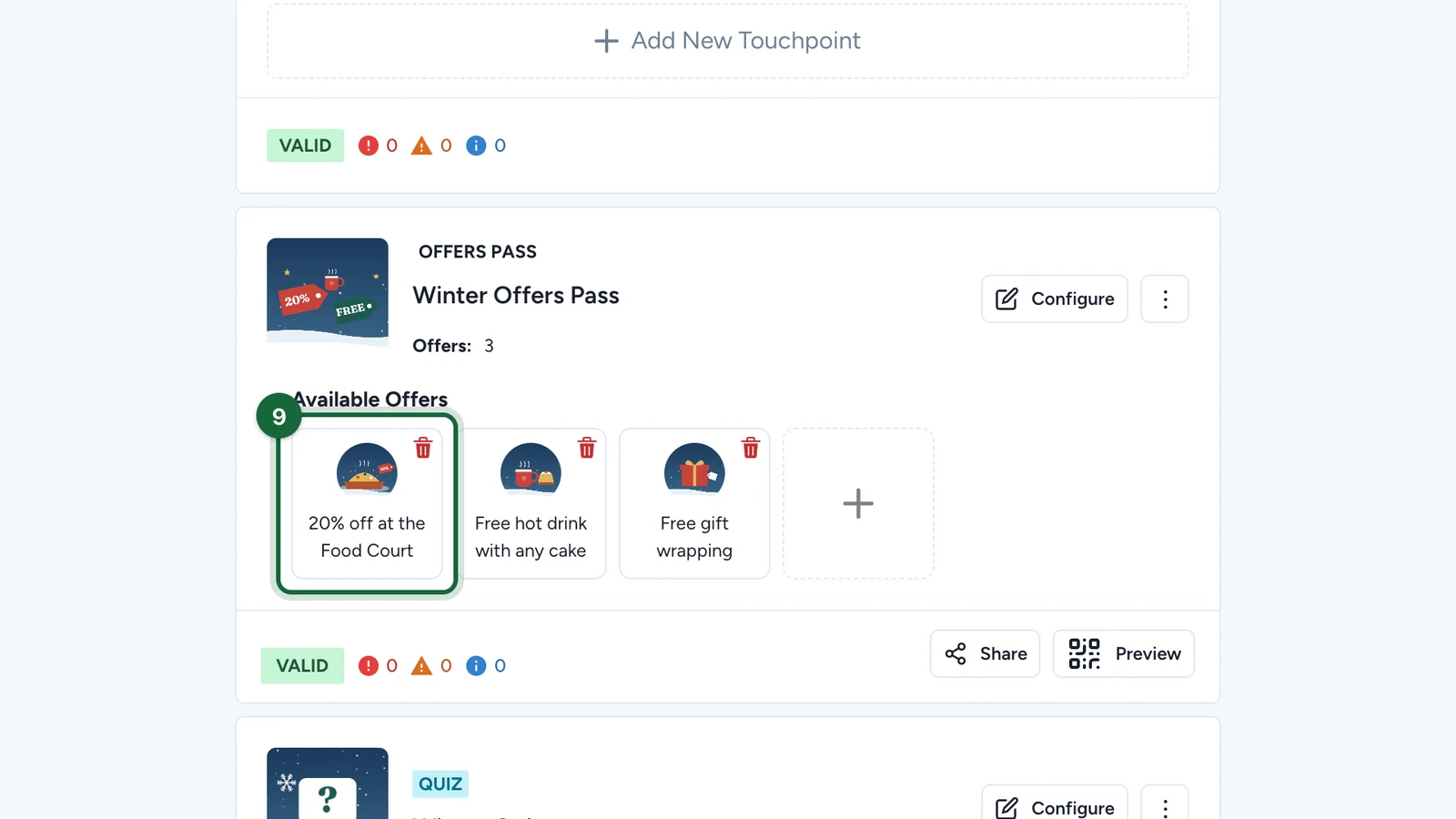
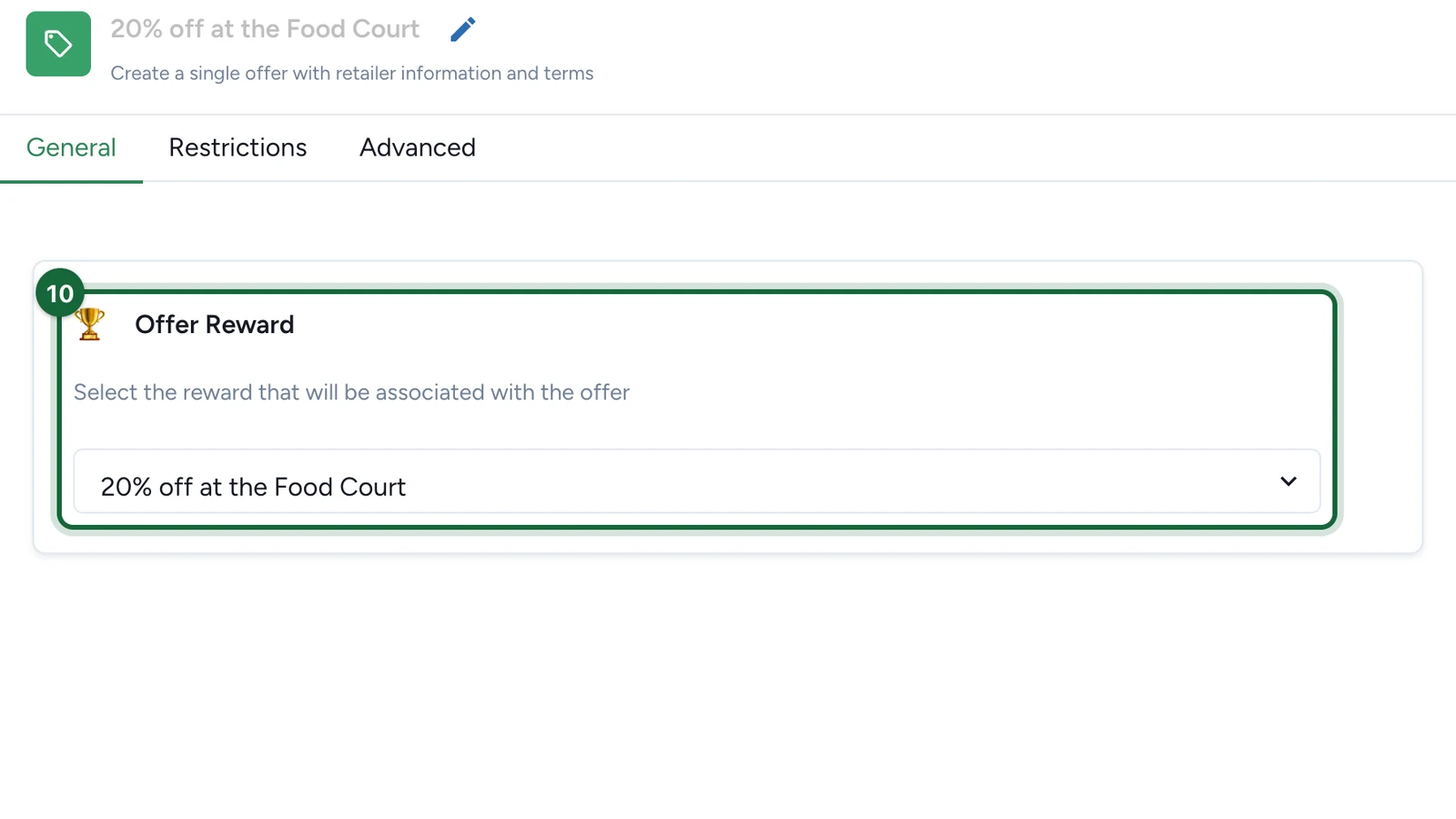
Open the Offer and choose the reward in Associated Reward.

Save and test the claim flow

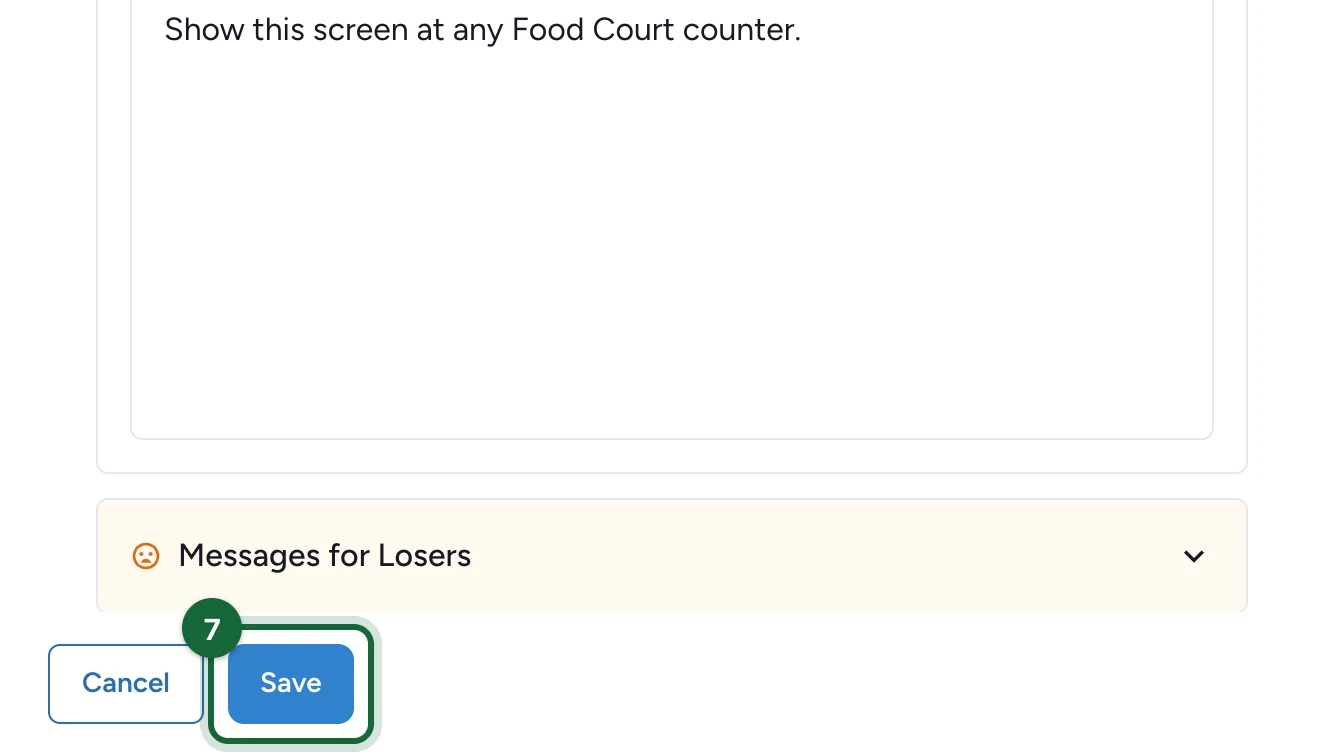
Save both the reward and the Offer, then test the participant path to confirm the correct reward is claimed.

Offer reward checklist

Before you publish, confirm all of the following:

  • the Offer has exactly one associated reward
  • the reward was created as an Offer Reward
  • the reward is dedicated to this Offer
  • the minimum required count stays at one
  • the reward isn't shared across games or other offers, unless that's fully intentional

If something's blocked

A few common reasons and how to fix them:

  • The Offer has no associated reward — open the Offer and select the correct reward in Associated Reward.
  • The reward wasn't created as an Offer Reward — recreate it with Create an Offer Reward so it's tied to the right offer.
  • The reward isn't restricted to the Offer — restrict it to the intended Offer only in the reward's restriction settings.
  • The reward is restricted to the wrong Offer — keep only the target Offer selected in the restriction list.
  • The minimum required count is wrong — set it to one.

Was this helpful?

Optional comments help us improve this page for future authors and readers.

On this page