First Come First Served rewards
Give a limited reward to the first people who take part, until none are left.
There's no draw and no ranking. Here, Lindenhall gives a free mince pie to the first 300 people who play its Winter Quiz.
An Offer Reward works the same way, one per offer: see Offers Pass.
Create the reward
In Build > Rewards:
-
Select Add New Reward.
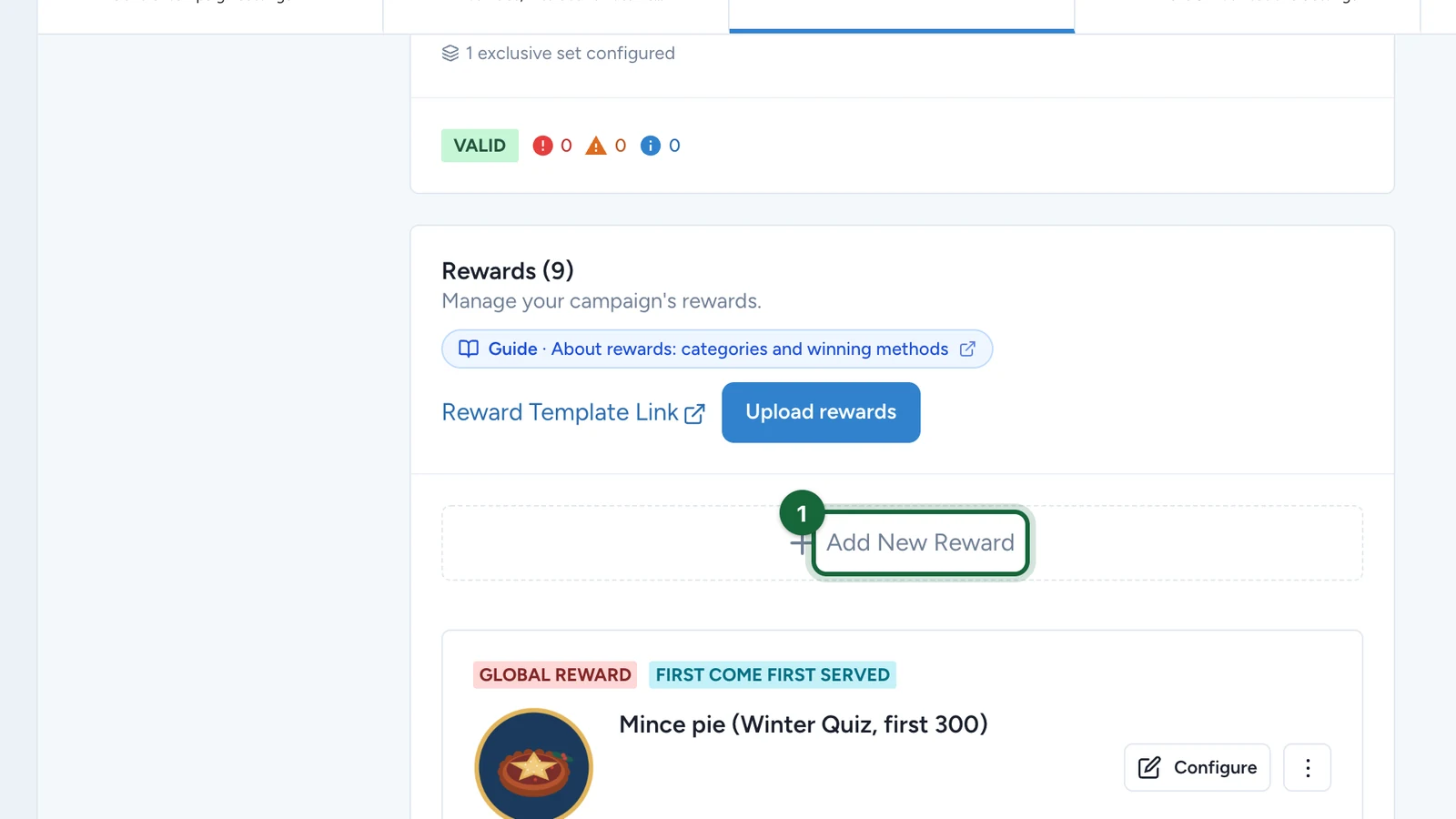
-
Select Create a Global Reward.
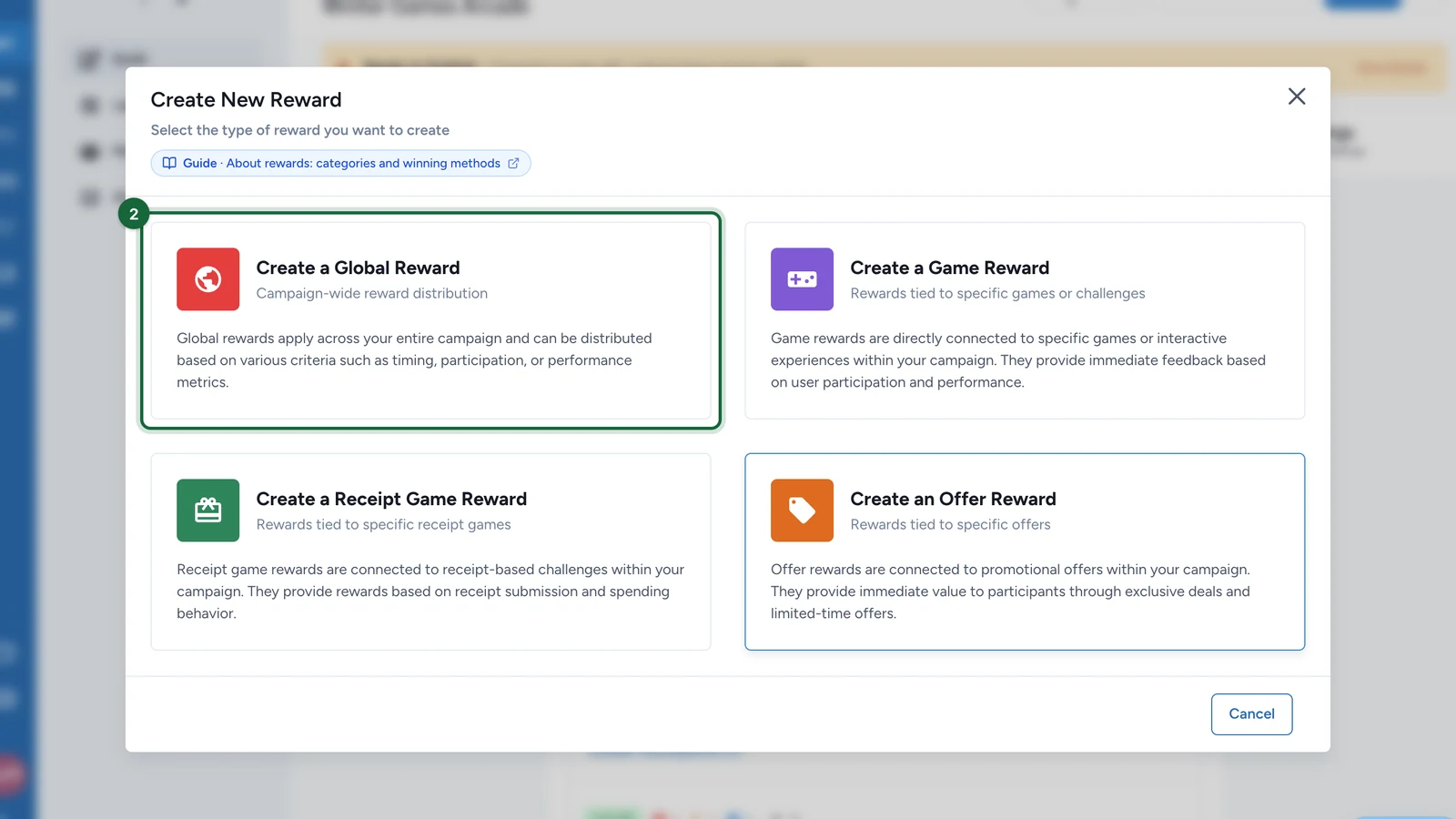
-
Select First Come First Served.
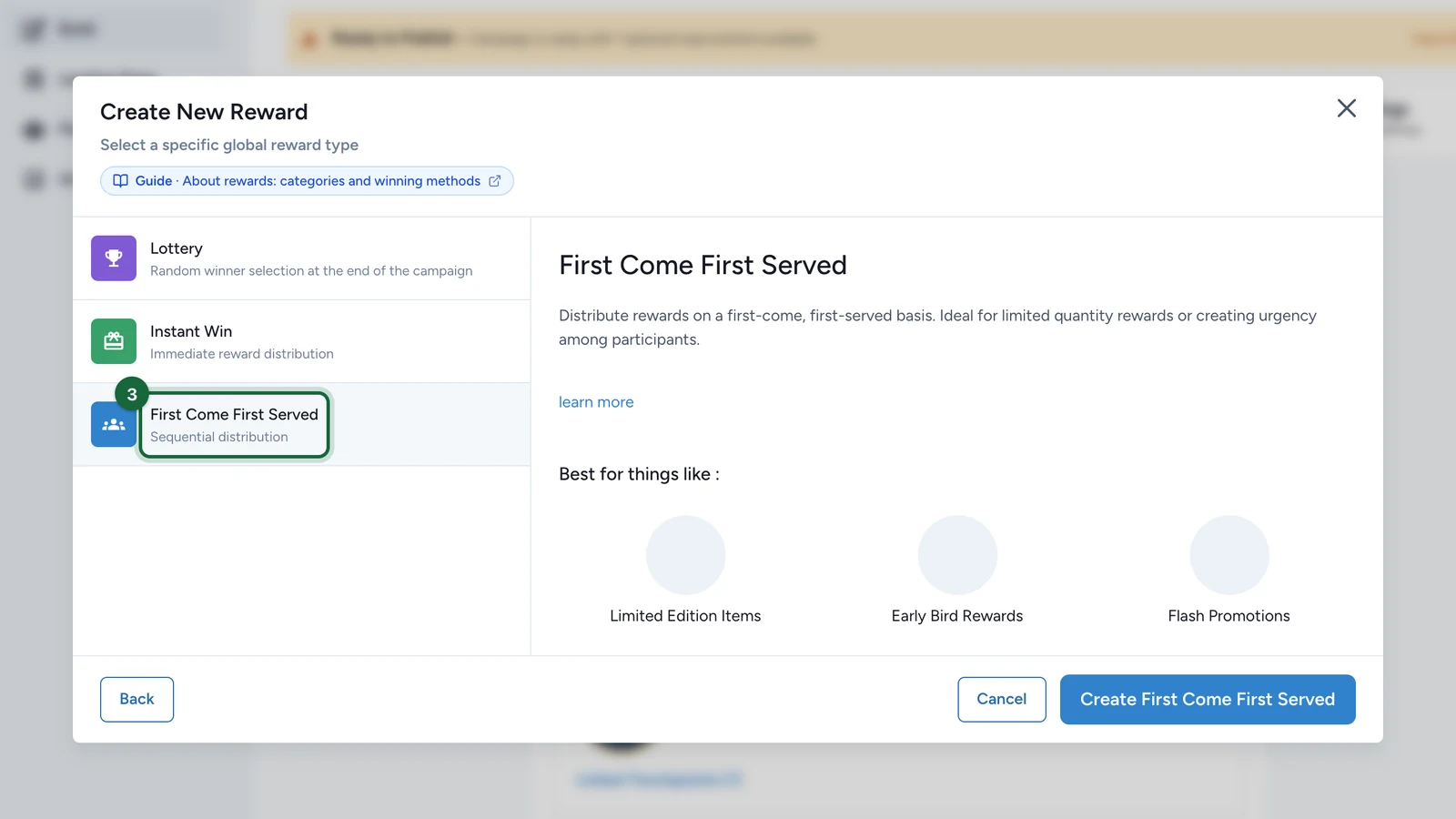
-
Select Create First Come First Served.
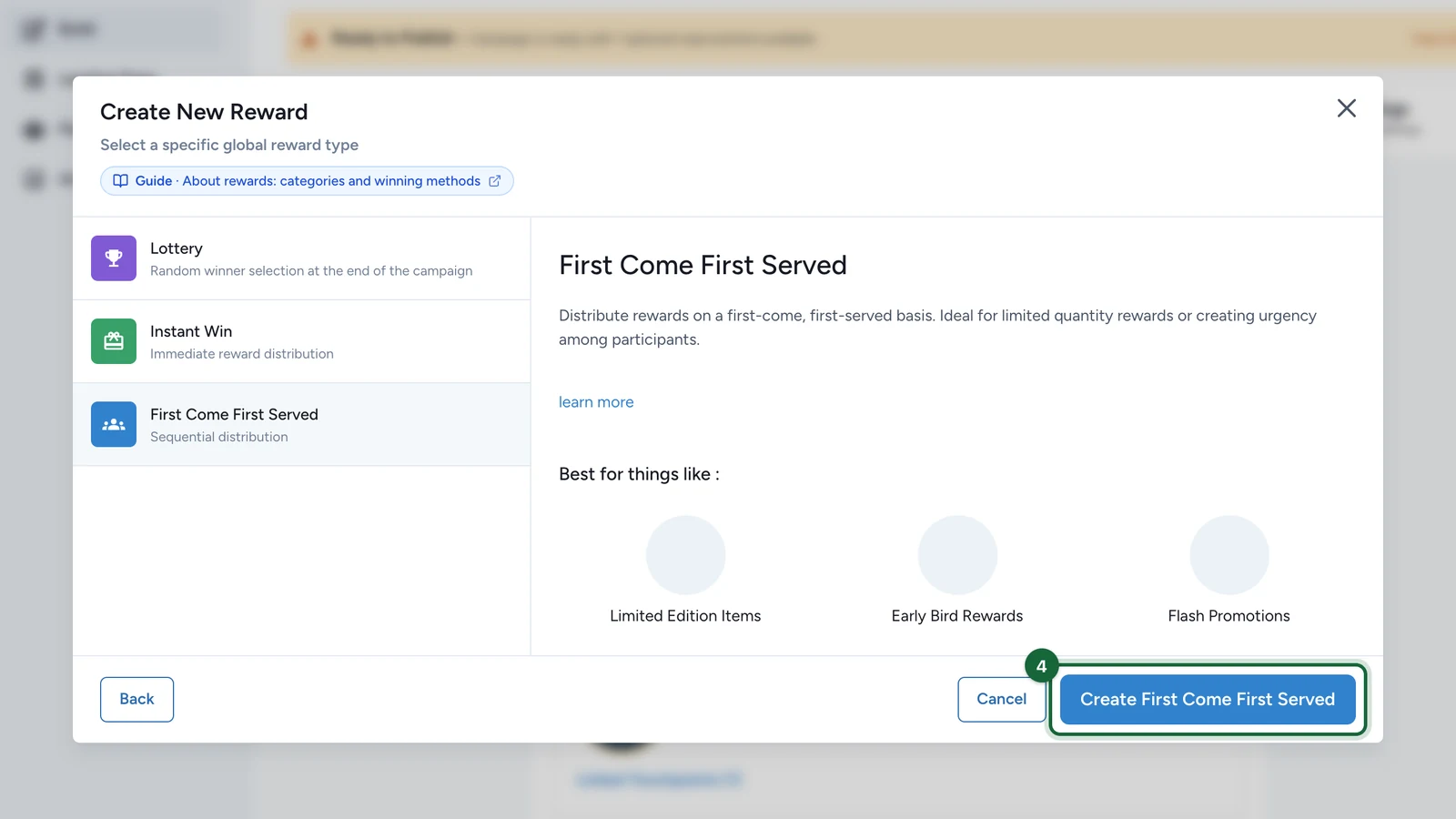
-
On the new card, select Configure.
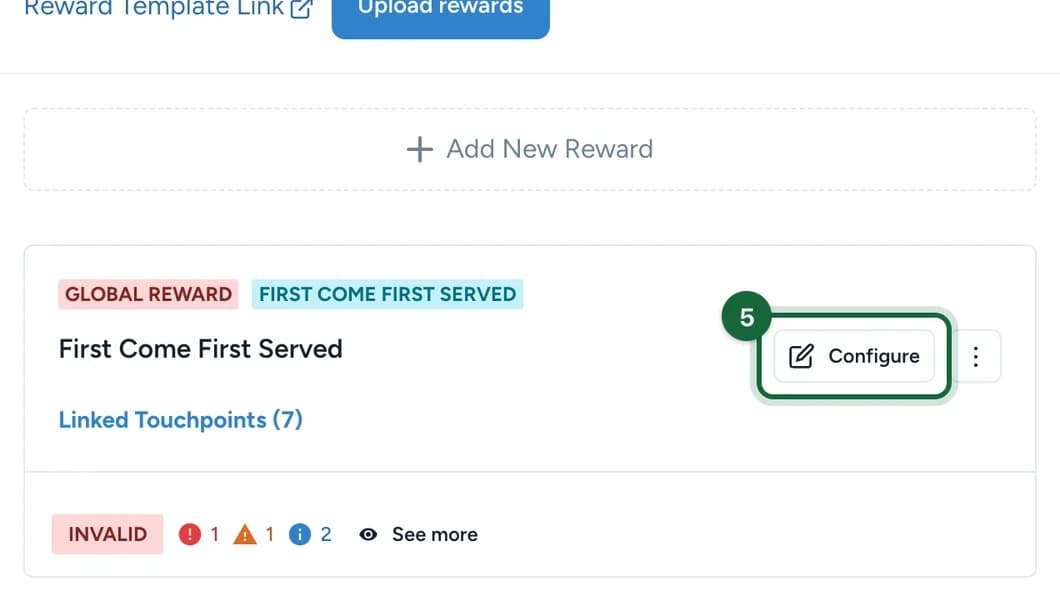
Name the reward, then fill in Appearance and the winner message, as in Create a reward.
-
Open Reward Quantity.
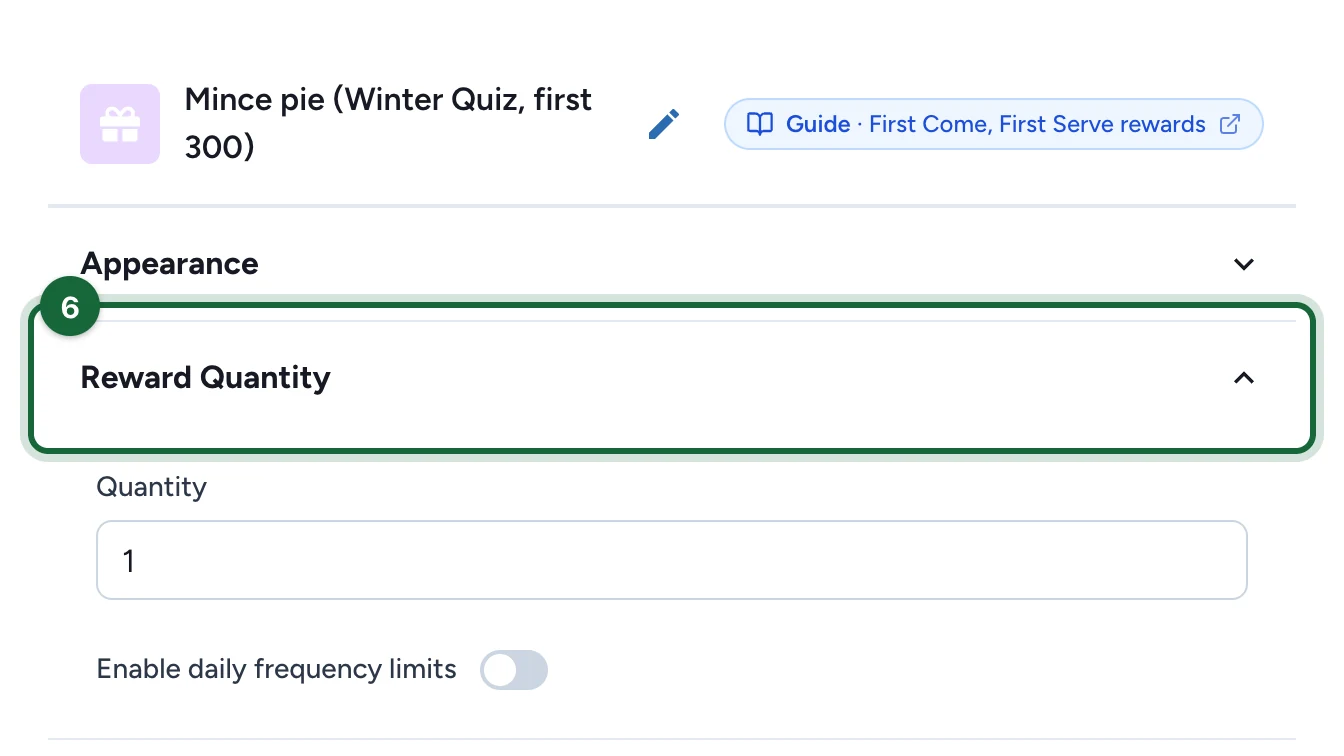
-
Enter the Quantity, here 300.
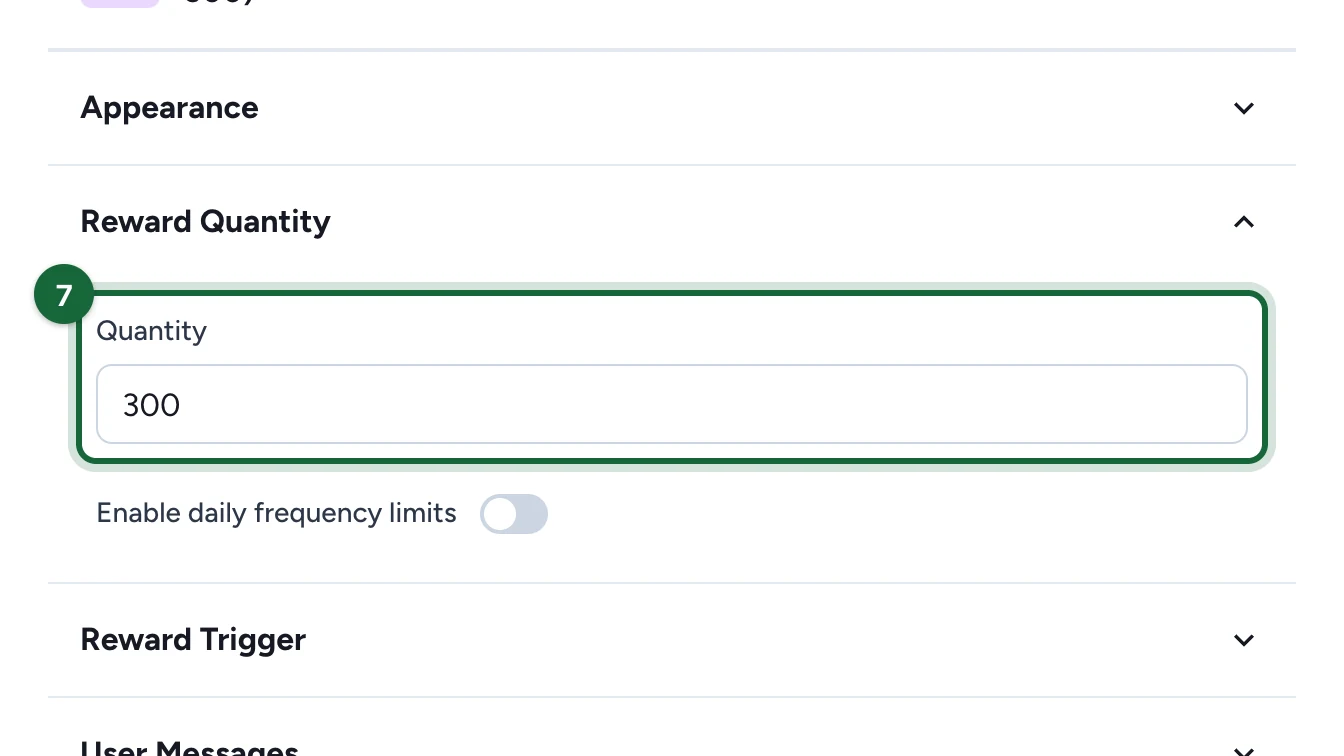
It's how many people can get the reward. To hand out a few each day instead of all at once, see Daily limits on First Come First Served rewards.
Choose who gets it
-
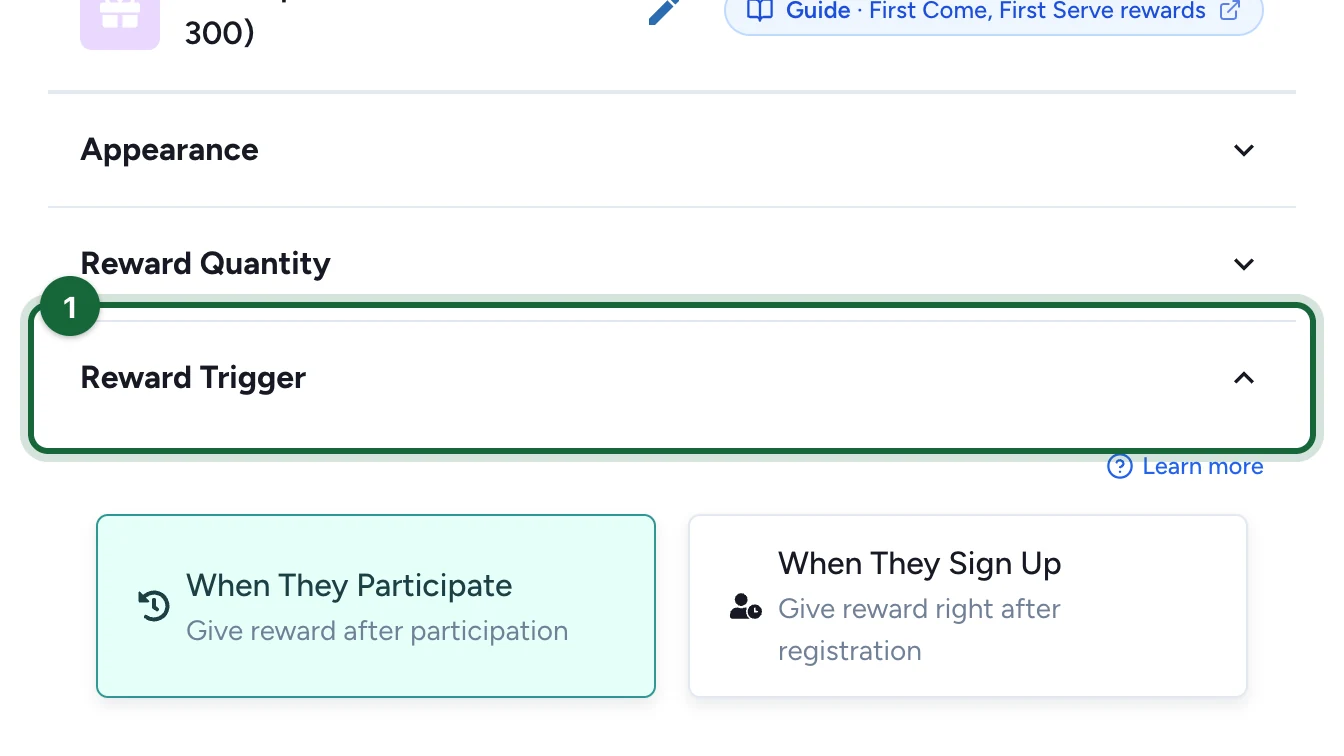
Open Reward Trigger.
-
Choose When They Participate.
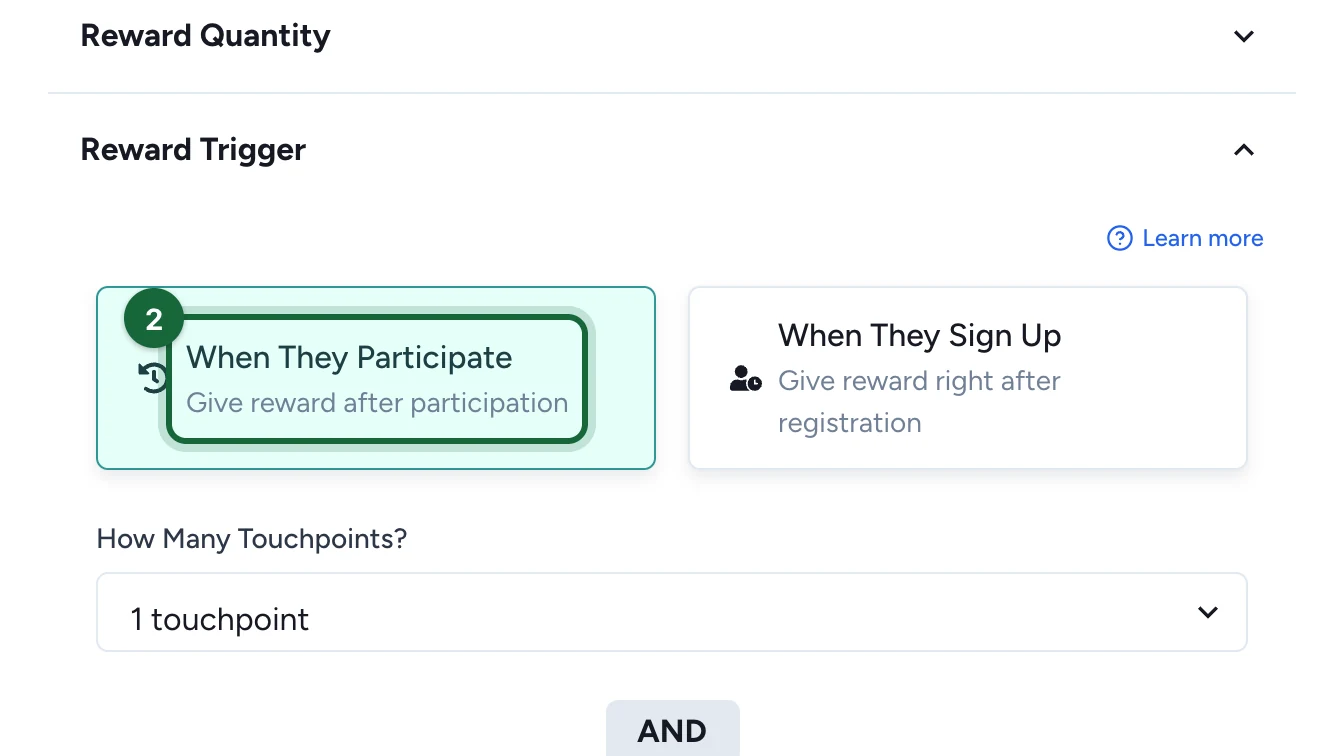
How Many Touchpoints? then reads 1 touchpoint: one play is enough. When They Sign Up gives the reward straight after registration instead.
-
Under Which Touchpoints Count?, choose Pick Touchpoints.
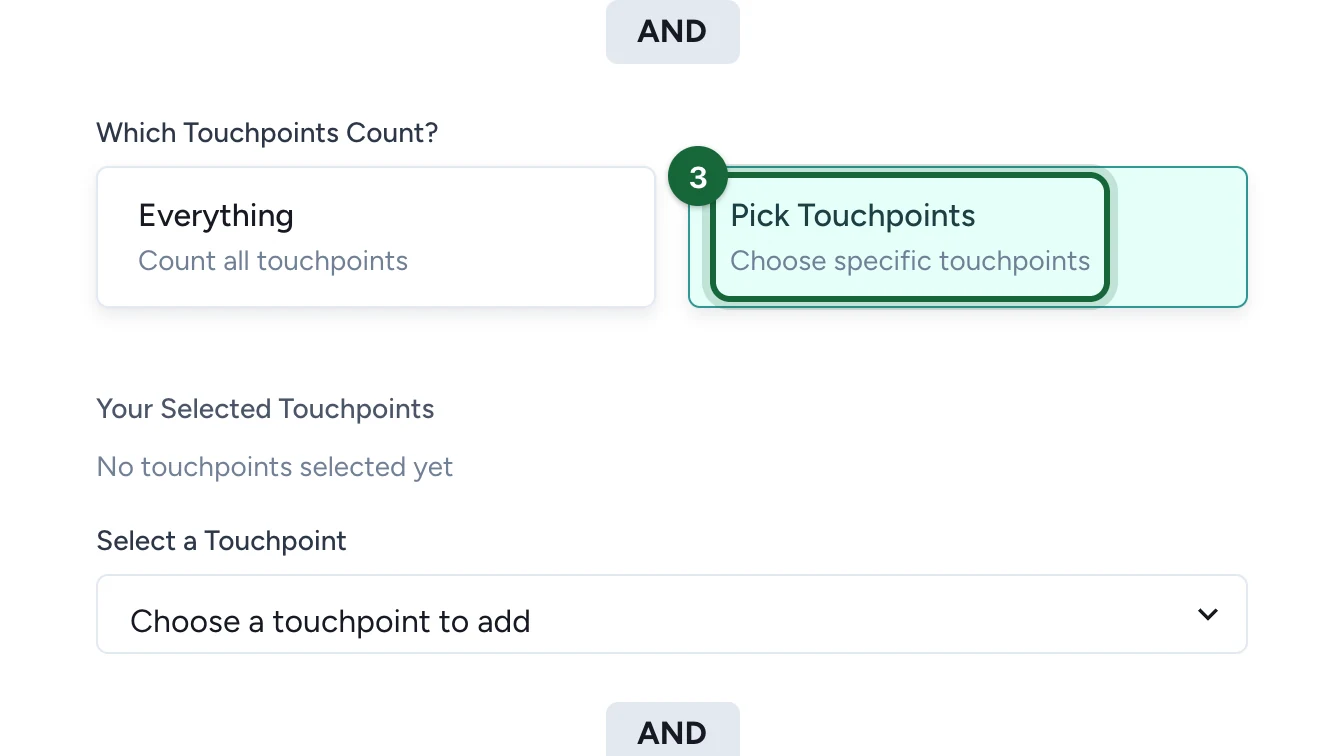
Everything counts every touchpoint of the campaign.
-
Under Select a Touchpoint, choose the touchpoint, here Winter Quiz.
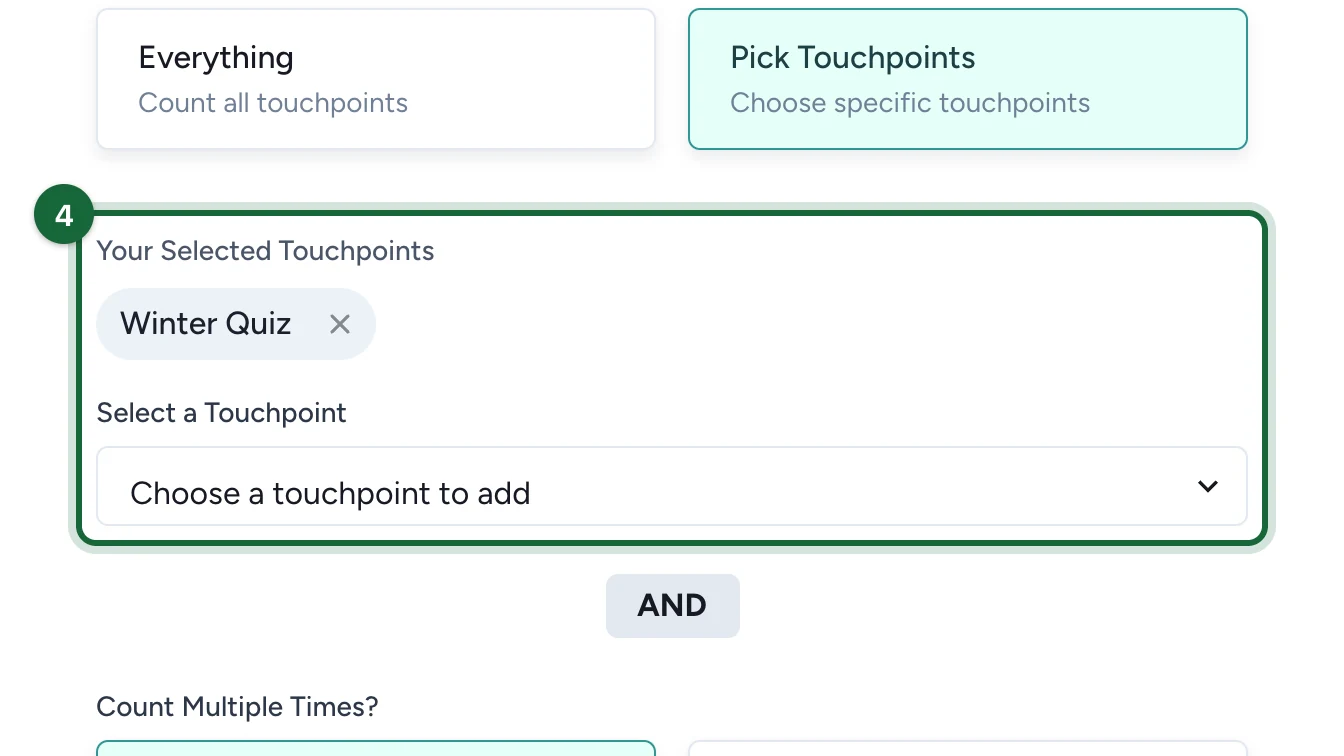
Write the message for when none are left
Once all 300 are given, the next people to play the quiz see this message.
-
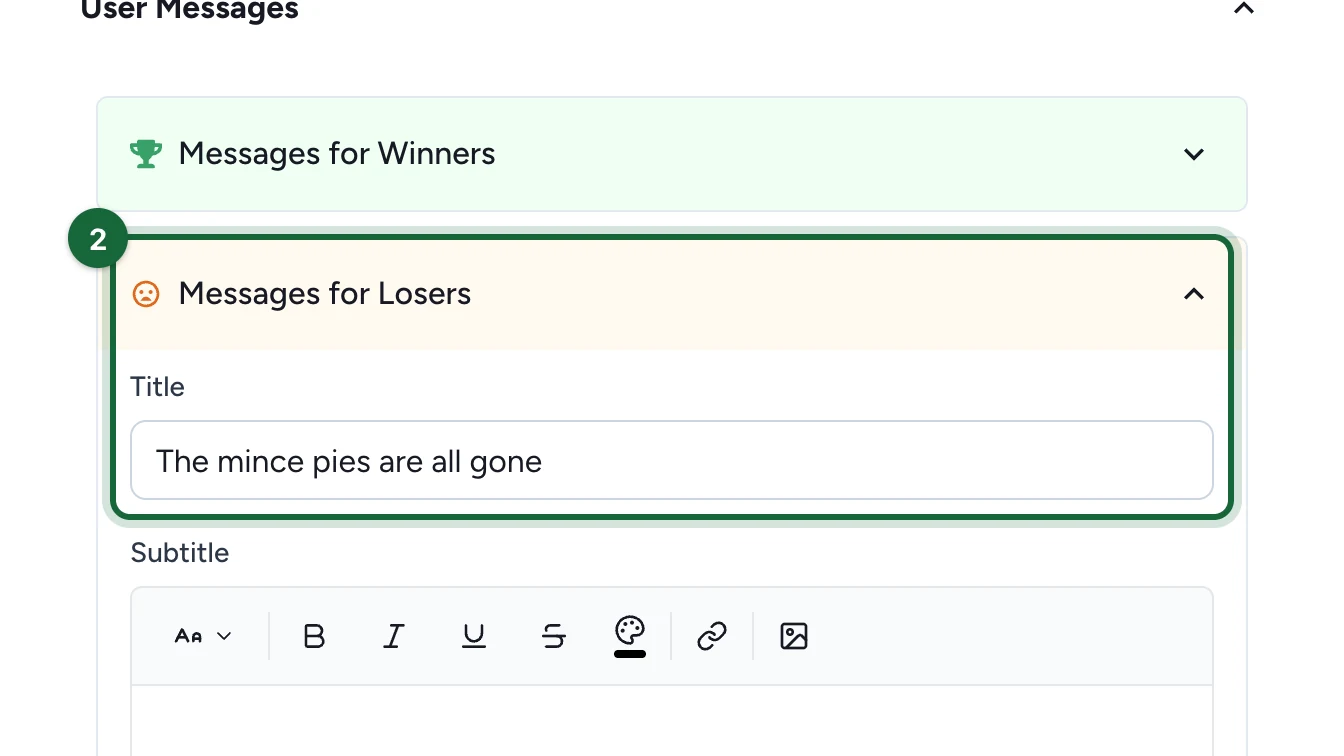
Under User Messages, open Messages for Losers.
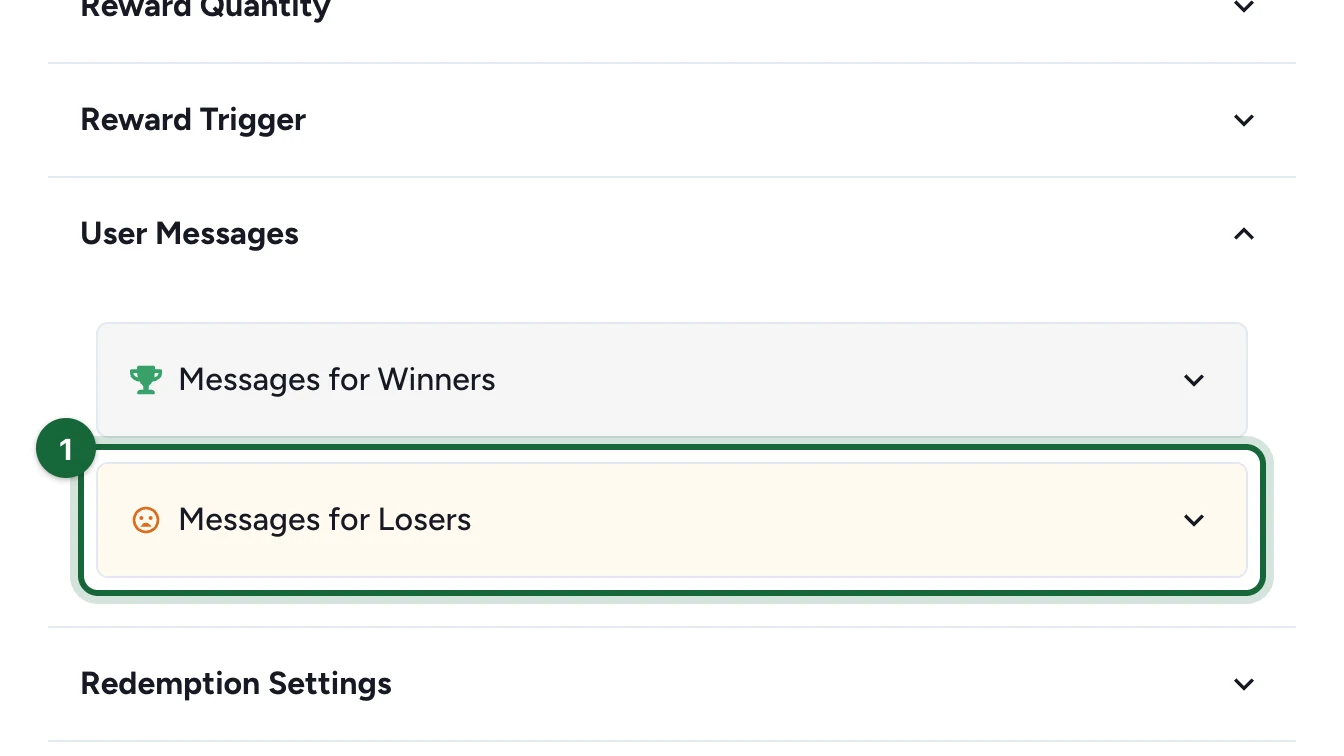
-
Enter the Title, here "The mince pies are all gone".
-
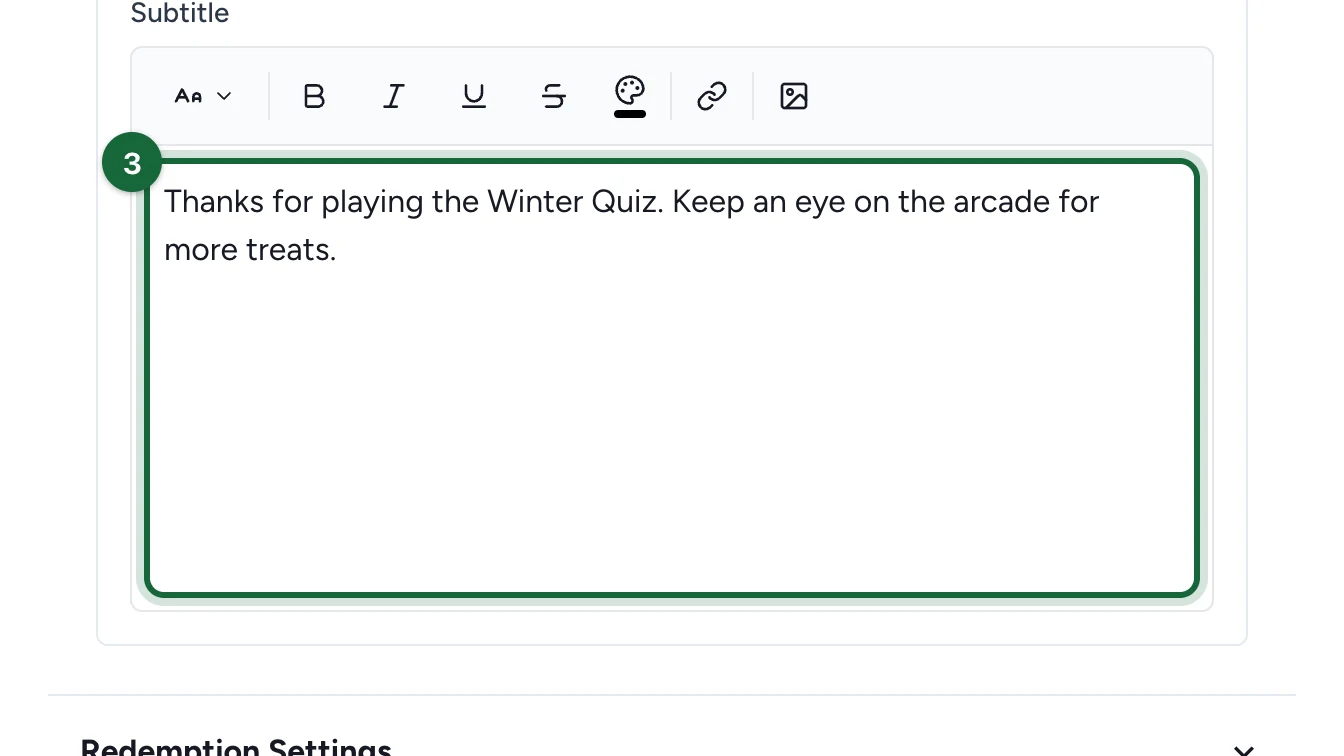
Enter the Subtitle, here "Thanks for playing the Winter Quiz…".
-
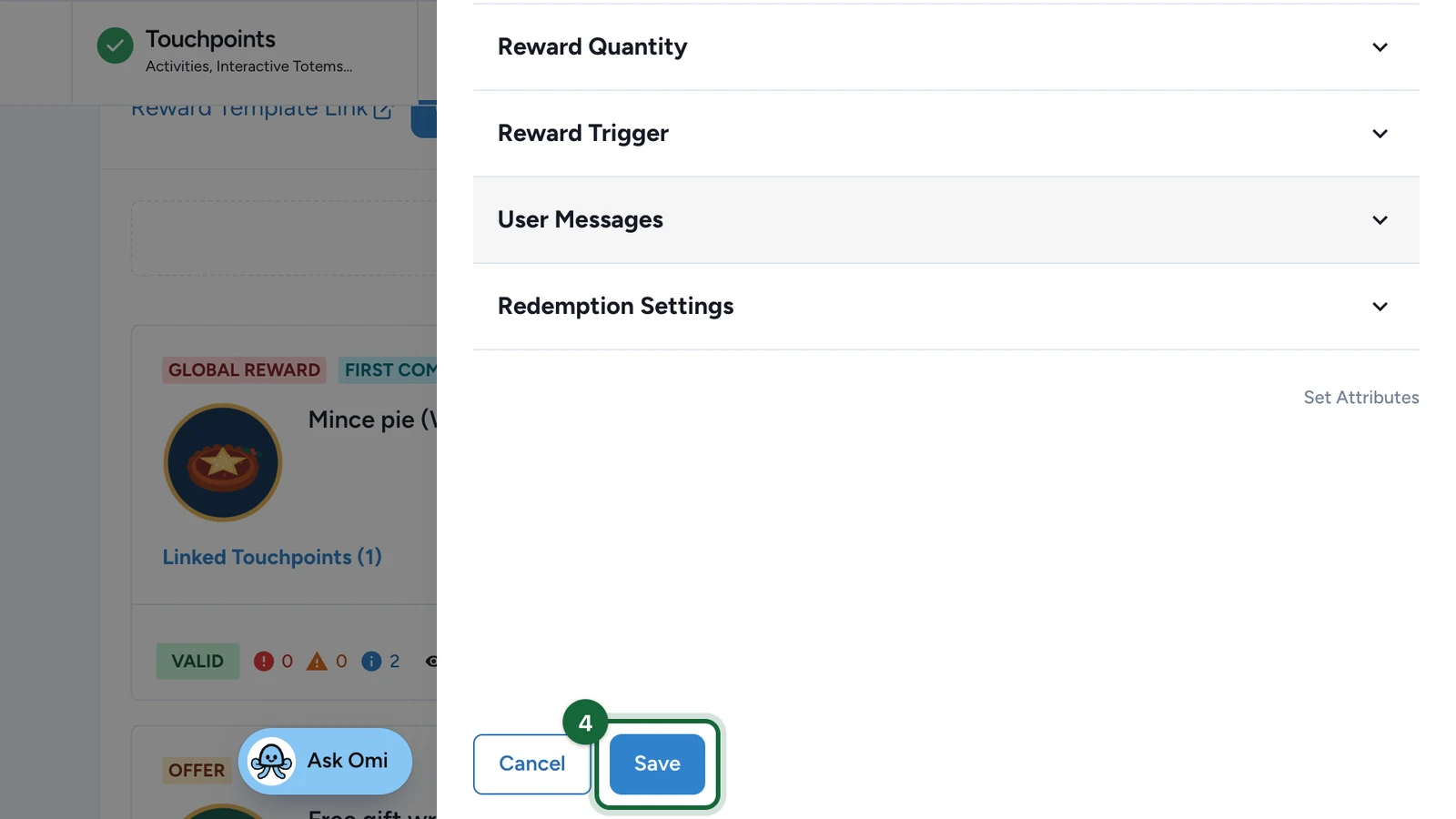
Select Save.
Good to know
- Each person gets one result. The first time they meet the trigger, they get the reward if any are left, or see the message above. Playing again changes nothing.
- It has no schedule of its own. It can be won whenever someone takes part in a touchpoint it counts.
If publishing is blocked
- Reward '…' cannot be earned - none of the allowed touchpoints exist: the touchpoint it counted is gone. Pick another, as in Choose who gets it.
- Reward '…' cannot be won because there are not enough eligible touchpoints: How Many Touchpoints? asks for more touchpoints than the reward counts. Lower it, pick more under Which Touchpoints Count?, or choose Every Time under Count Multiple Times?. Disabled touchpoints and the Offers Pass don't count.