Daily limits on First Come First Served rewards
Hand out a First Come First Served reward a few each day, and choose who can come back tomorrow.
Here, Lindenhall's 300 First Come First Served mince pies go out 10 a day, so they last a month instead of a few days. Each person can win one at most, and anyone too late for today's batch gets another chance the next day.
Choose a mode
| Setting | Someone who wins | Someone who arrives once today's quantity is gone |
|---|---|---|
| One-Time Winner (Permanent) | Can't win it again | Sees Messages for Losers, and can't try again on a later day |
| One-Time Winner (Permanent), with Allow retry after daily limit reached on | Can't win it again | Sees Messages for Daily Losers, and can try again the next day |
| Renewable Daily Chances | Can win it again on a later day | Sees Messages for Daily Losers, and can try again the next day |
Whatever the mode, once the total Quantity is gone, everyone after sees Messages for Losers.
Turn on daily limits
-
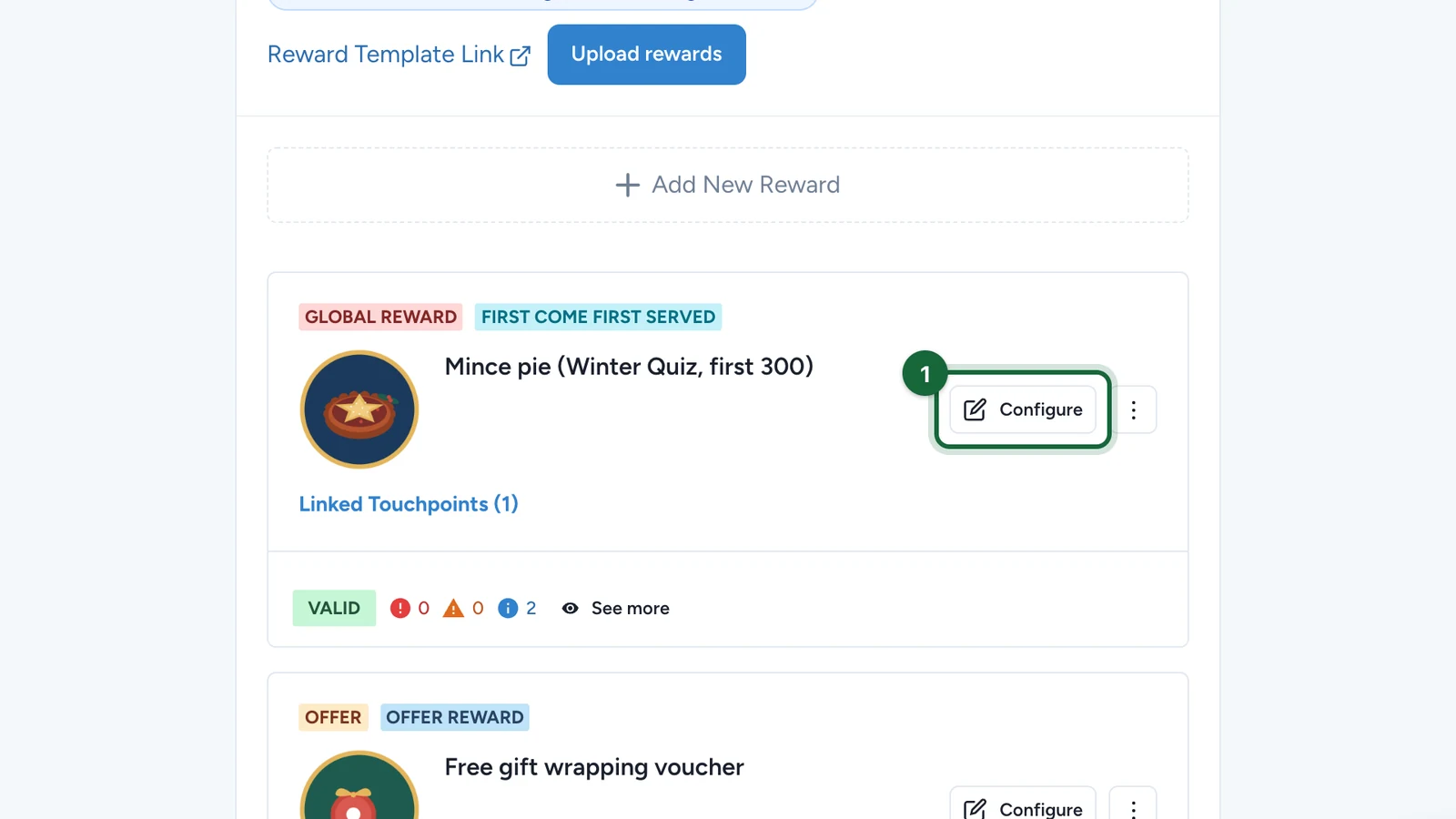
In Build > Rewards, select Configure on the reward.
-
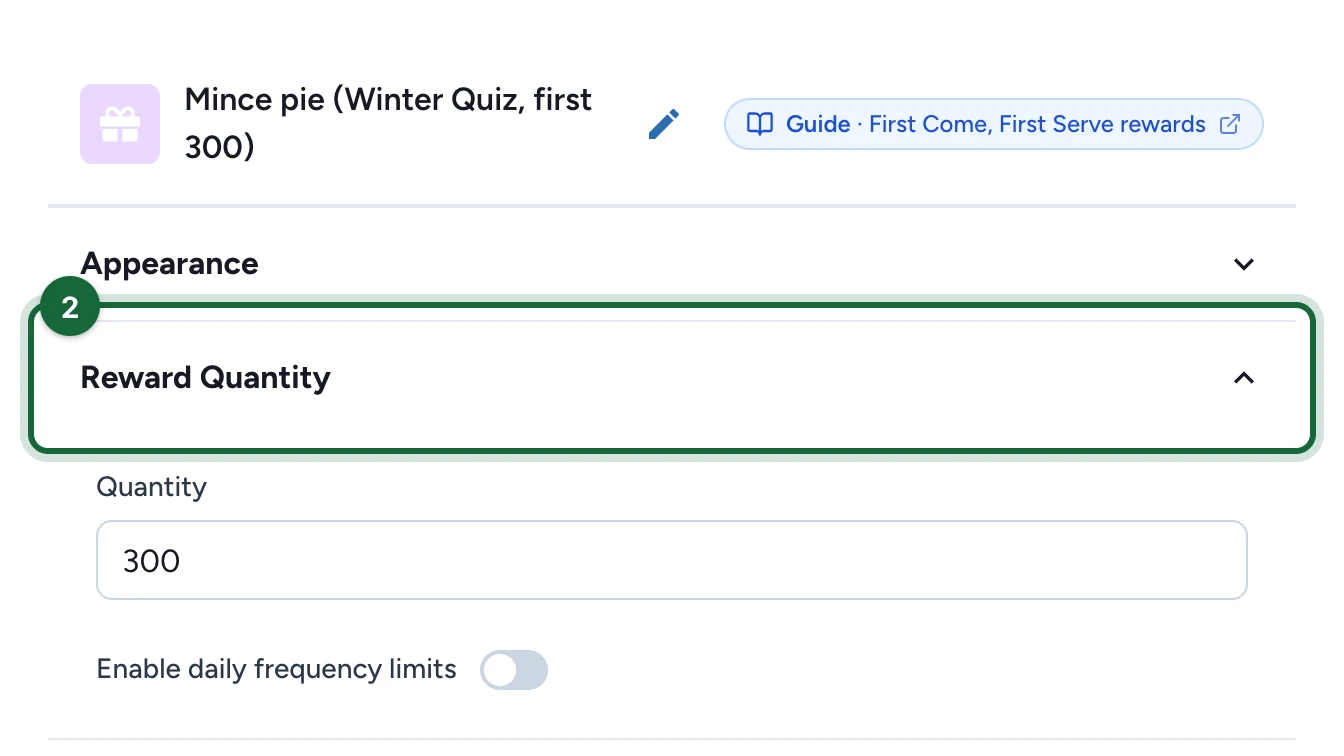
Open Reward Quantity.
-
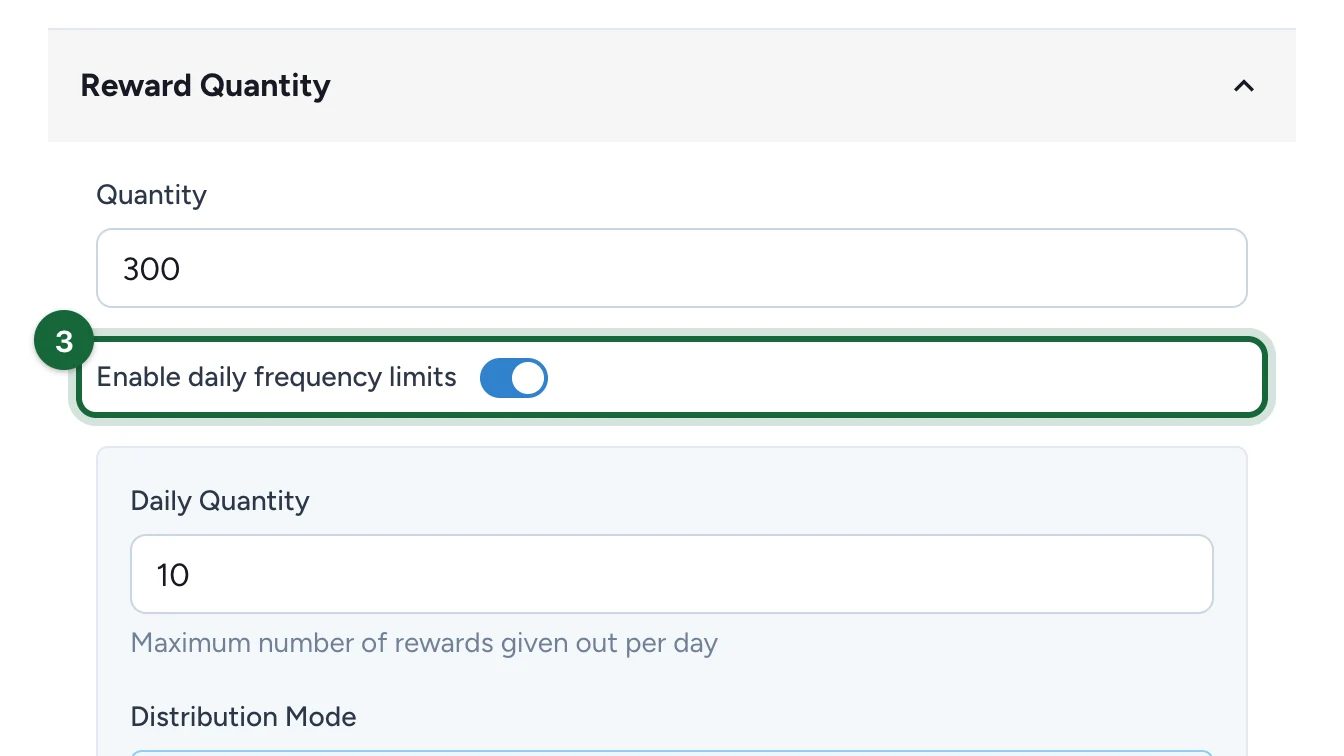
Turn on Enable daily frequency limits.
-
Check the Daily Quantity, here 10.
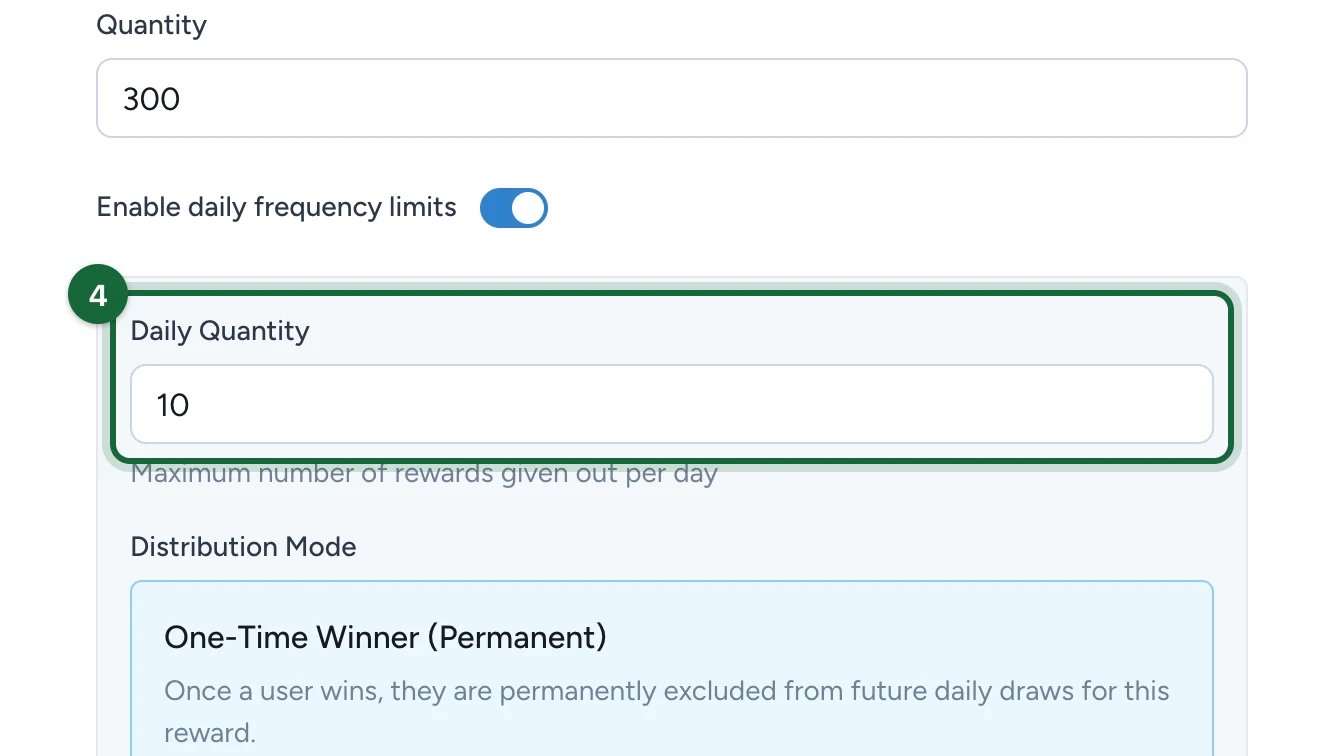
It's how many are given each day, and it starts at 10.
-
Under Distribution Mode, check that One-Time Winner (Permanent) is selected.
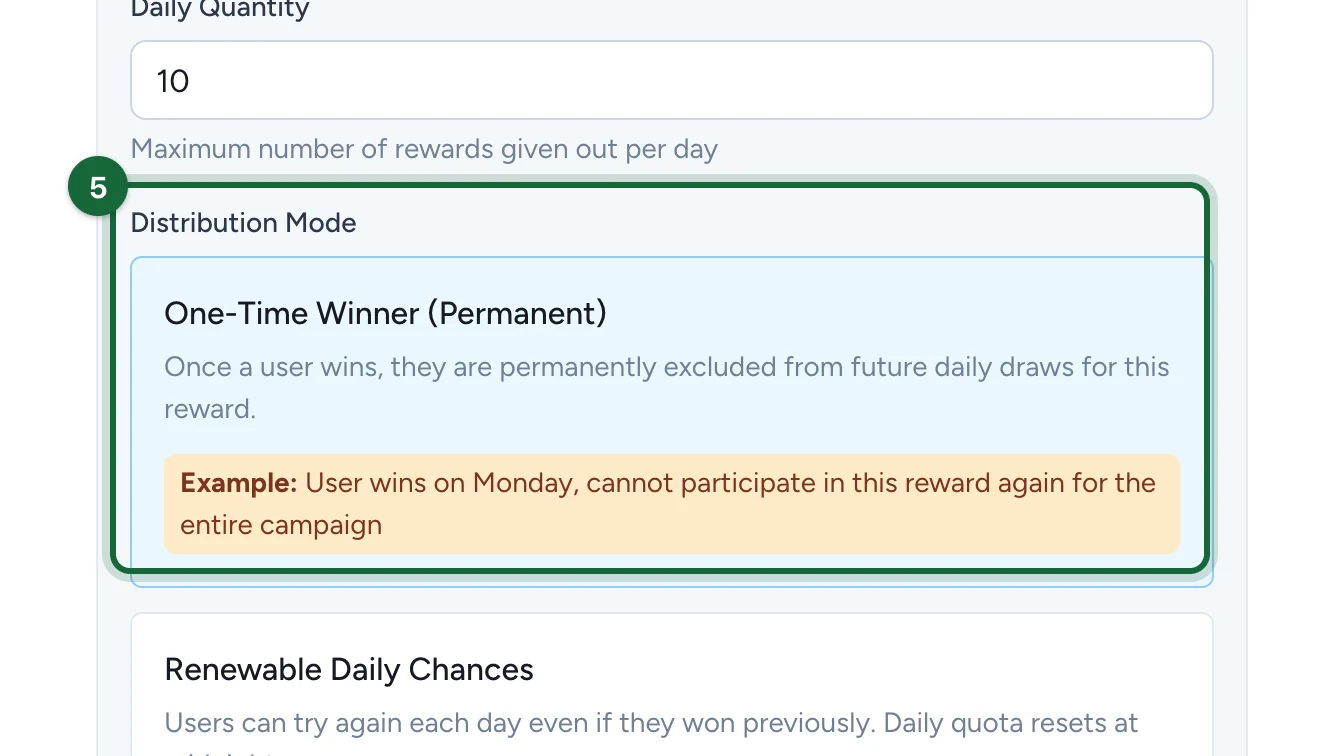
It's selected by default.
-
Turn on Allow retry after daily limit reached.
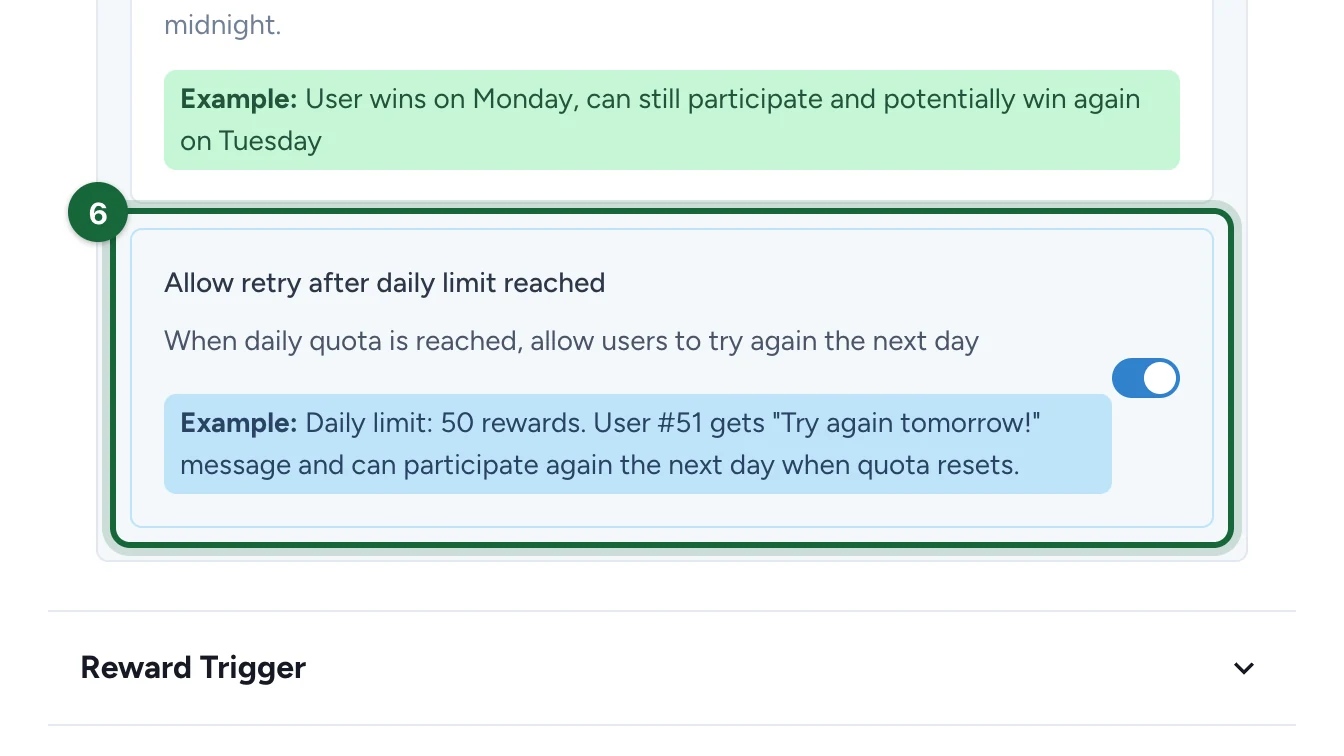
This switch only shows with One-Time Winner (Permanent). Renewable Daily Chances always lets people try again the next day.
Tell them to come back tomorrow
-
Under User Messages, open Messages for Daily Losers.
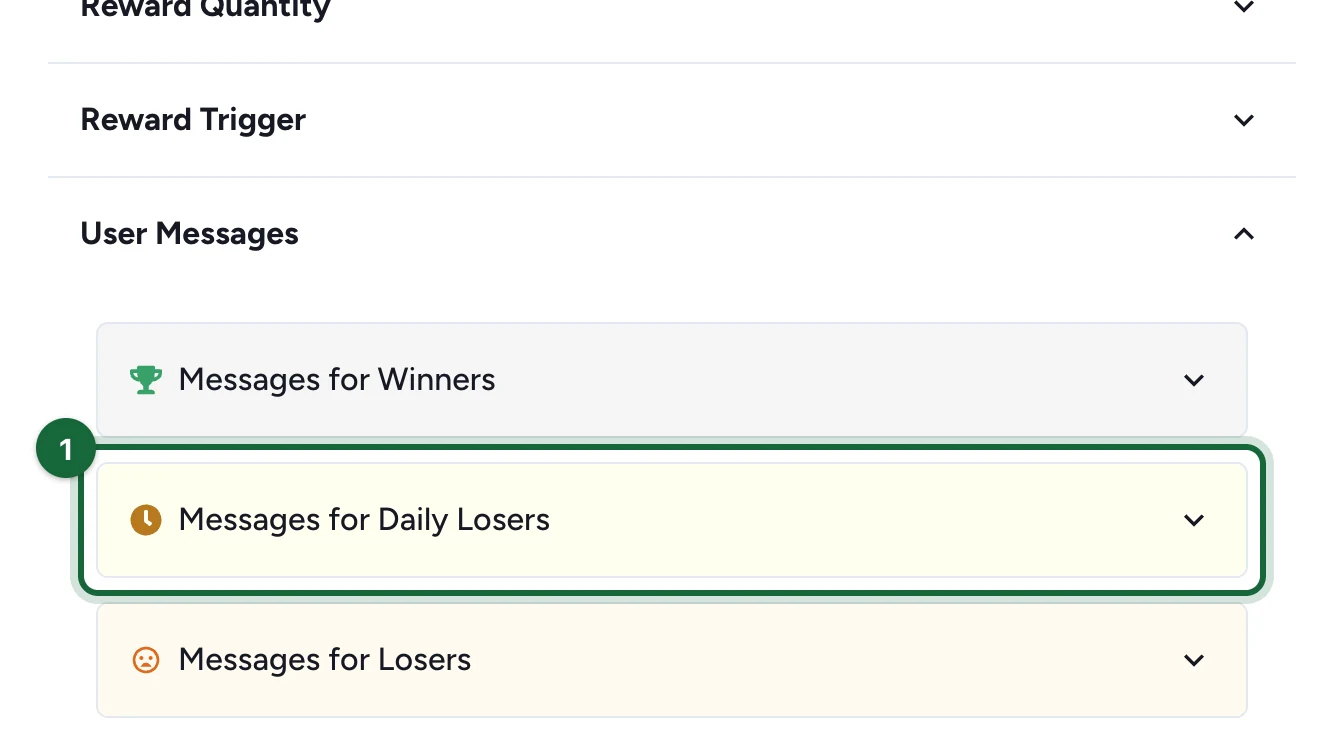
It's there once people can try again the next day.
-
Enter the Title, here "Today's mince pies are gone".
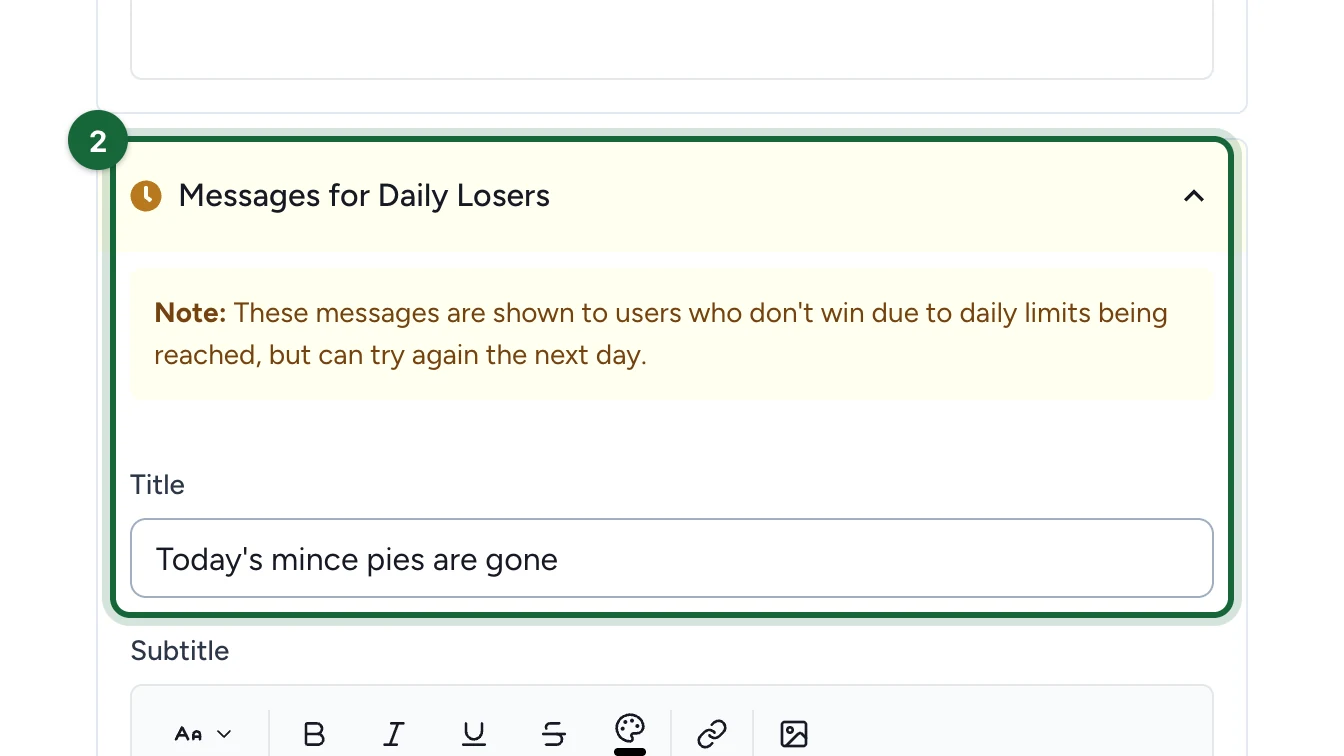
-
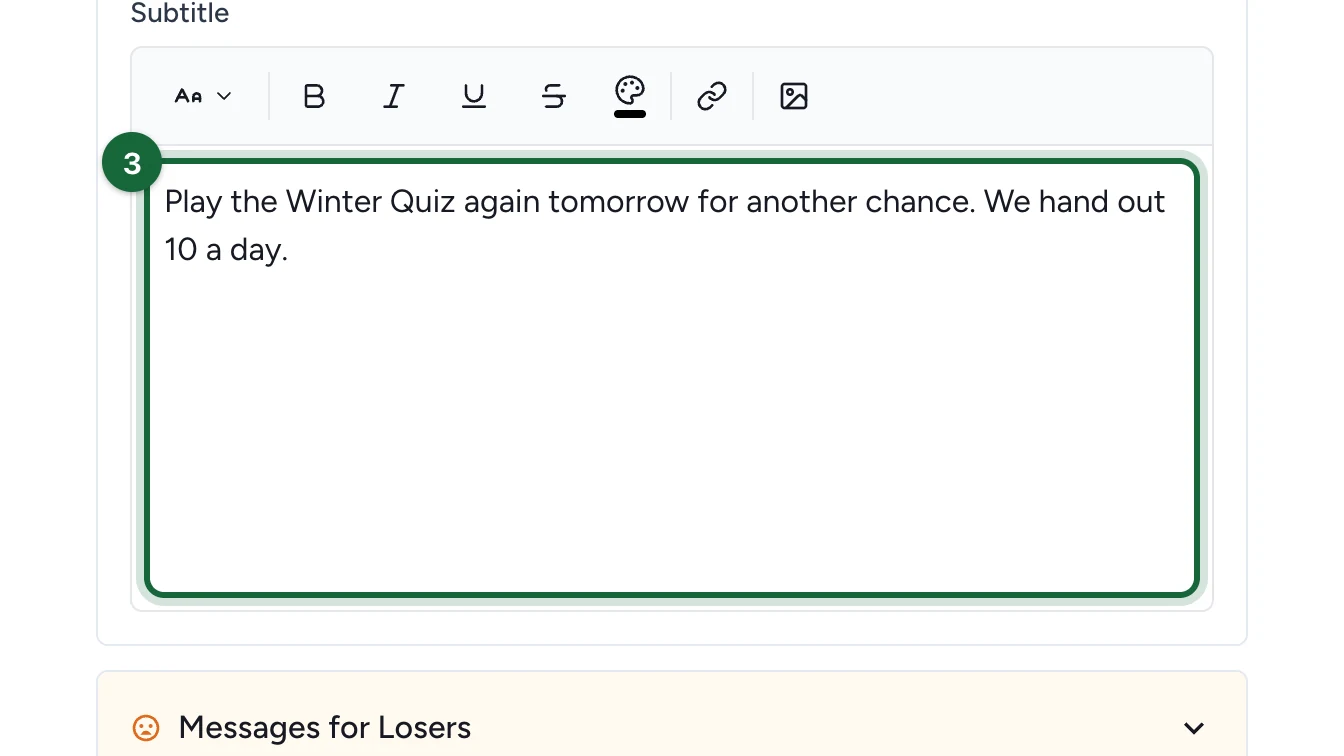
Enter the Subtitle, here "Play the Winter Quiz again tomorrow…".
-
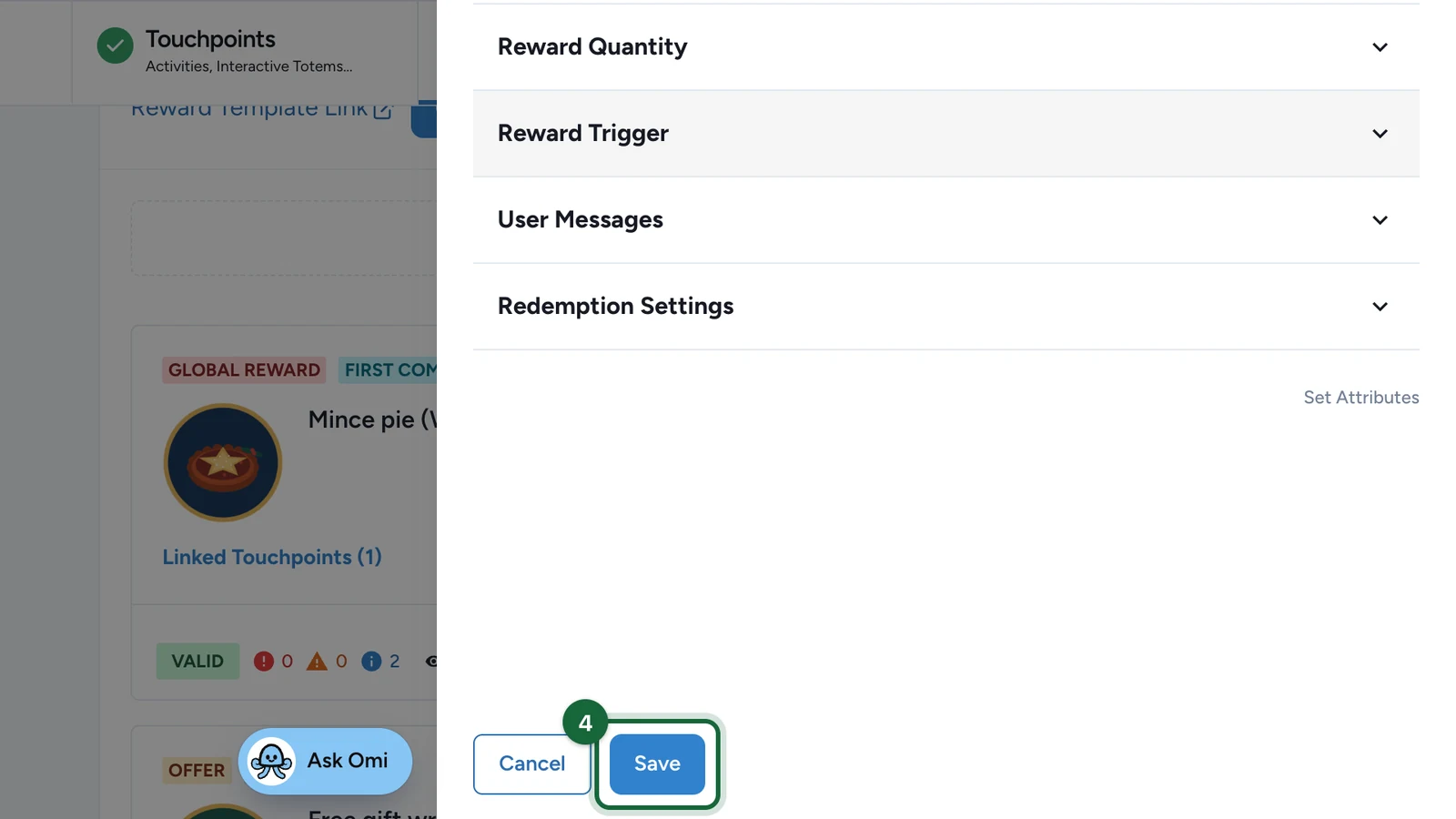
Select Save.
How a day works
- A day runs from midnight to midnight in the campaign's time zone. It's the Campaign Timezone, in Build > General > Campaign Dates Settings.
- Each person gets one result a day. After they win or miss out, nothing more happens for them that day. The table above says who gets another go.
- Only that day's plays count toward the trigger. A reward for playing two games needs both on the same day.
Good to know
- Unused rewards don't carry over. If only 6 go today, tomorrow still gives 10. The total Quantity caps the whole campaign.
- Trying again means playing again. The touchpoint must let people play on the next day: check its Restrictions.
If publishing is blocked
- Reward '…' can be won every day: it can't be part of an exclusive set: a reward set to Renewable Daily Chances can't be in an exclusive set. Choose One-Time Winner (Permanent), or open Exclusive rewards and select Save to take it out of its set.