Dates (Pattern B)
Set campaign dates, add visitor messages, and keep touchpoint overrides inside the campaign window.
Dates in OmniLab follow Pattern B: the campaign defines the default schedule, and touchpoints inherit that schedule unless you deliberately override them inside the campaign window.
Pattern B in one sentence
Campaign dates define the overall period. A touchpoint can override its own dates, but the override must stay fully inside the campaign dates.
Set campaign dates
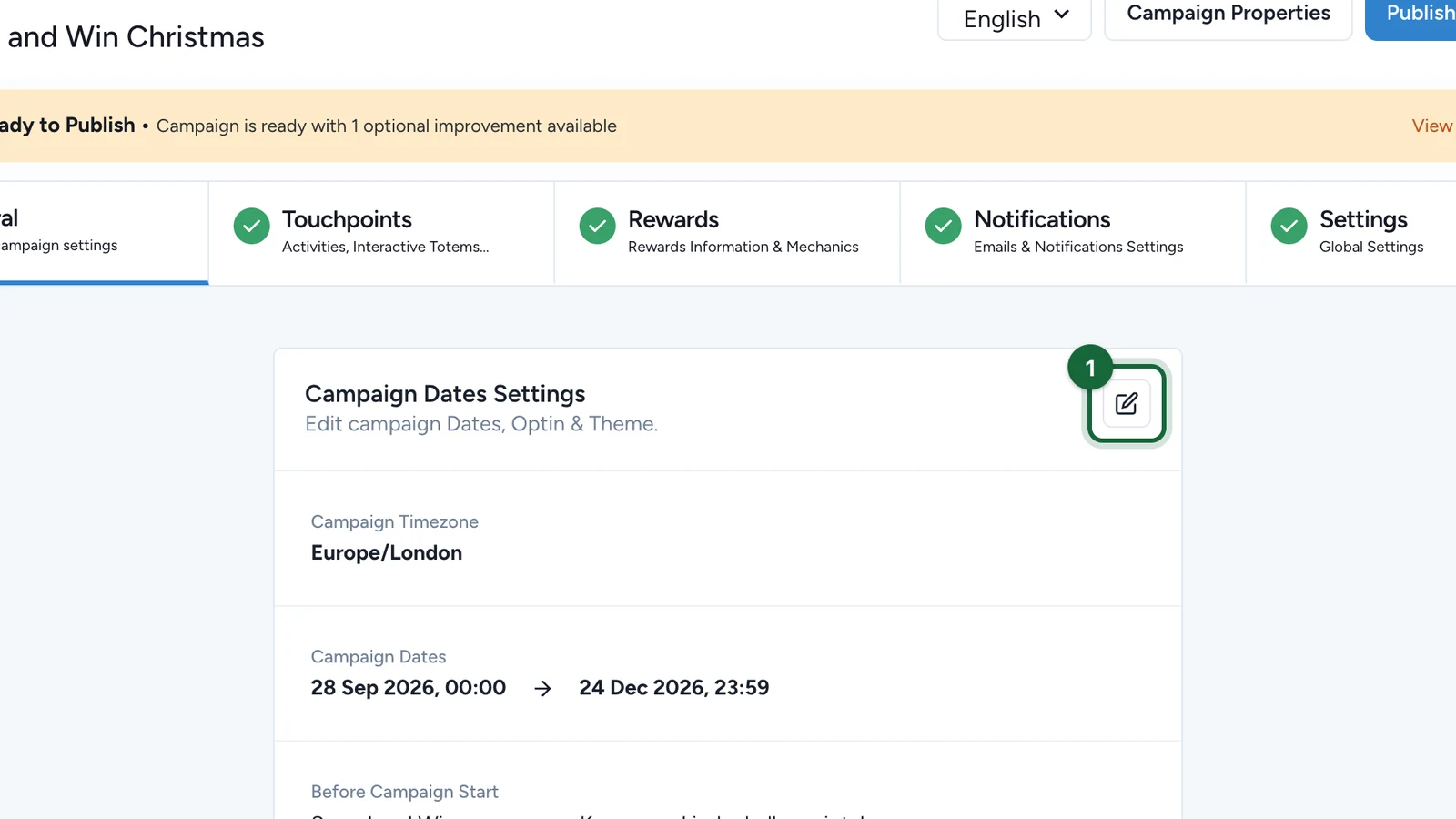
Open Build -> General -> Dates to configure the campaign schedule.
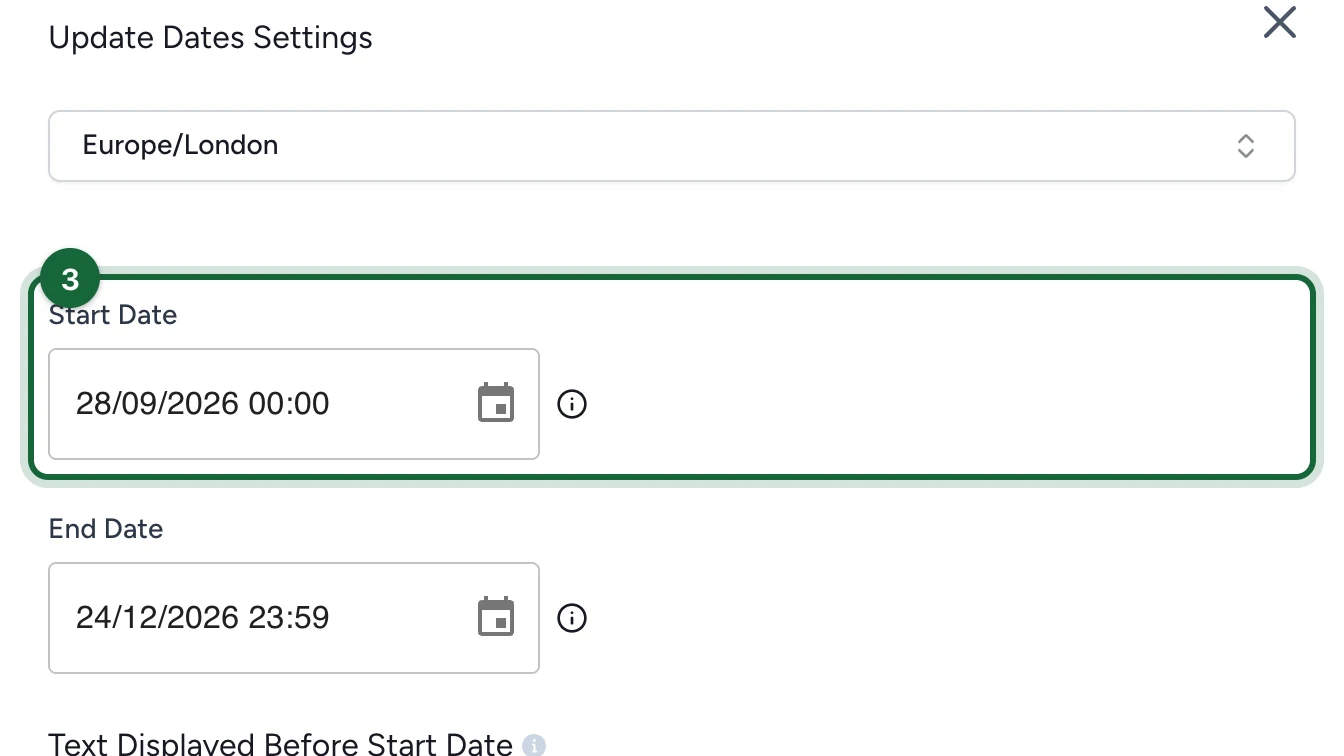
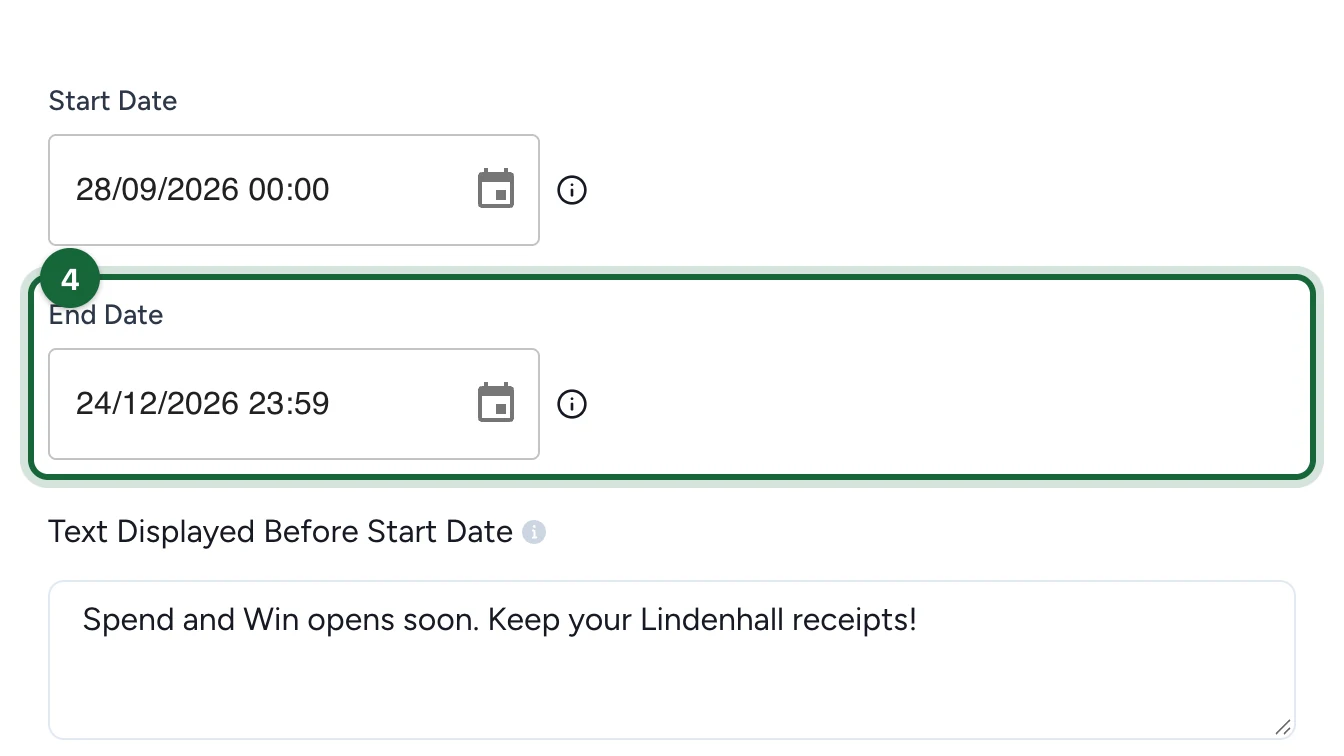
At minimum, configure:
- Start date
- End date
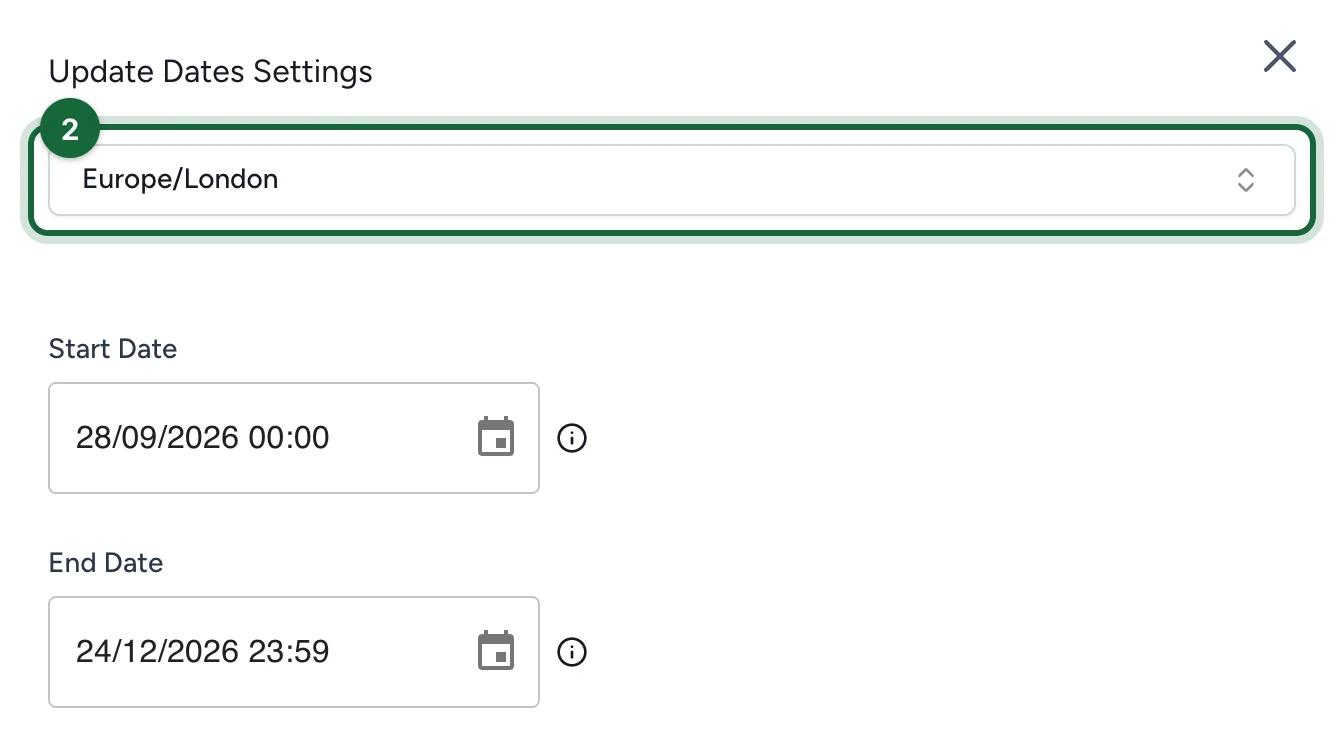
- Campaign Timezone
You should also add:
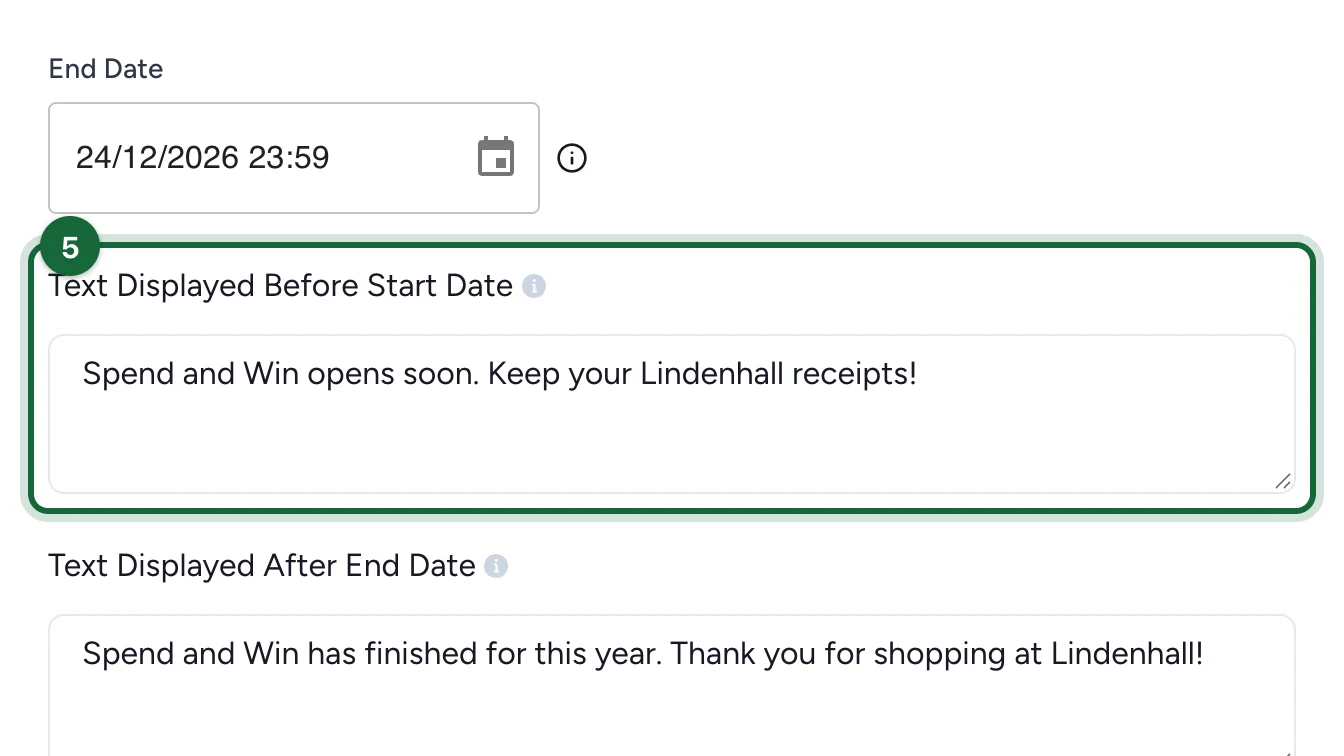
- a pre-campaign message for visitors who arrive before the campaign starts
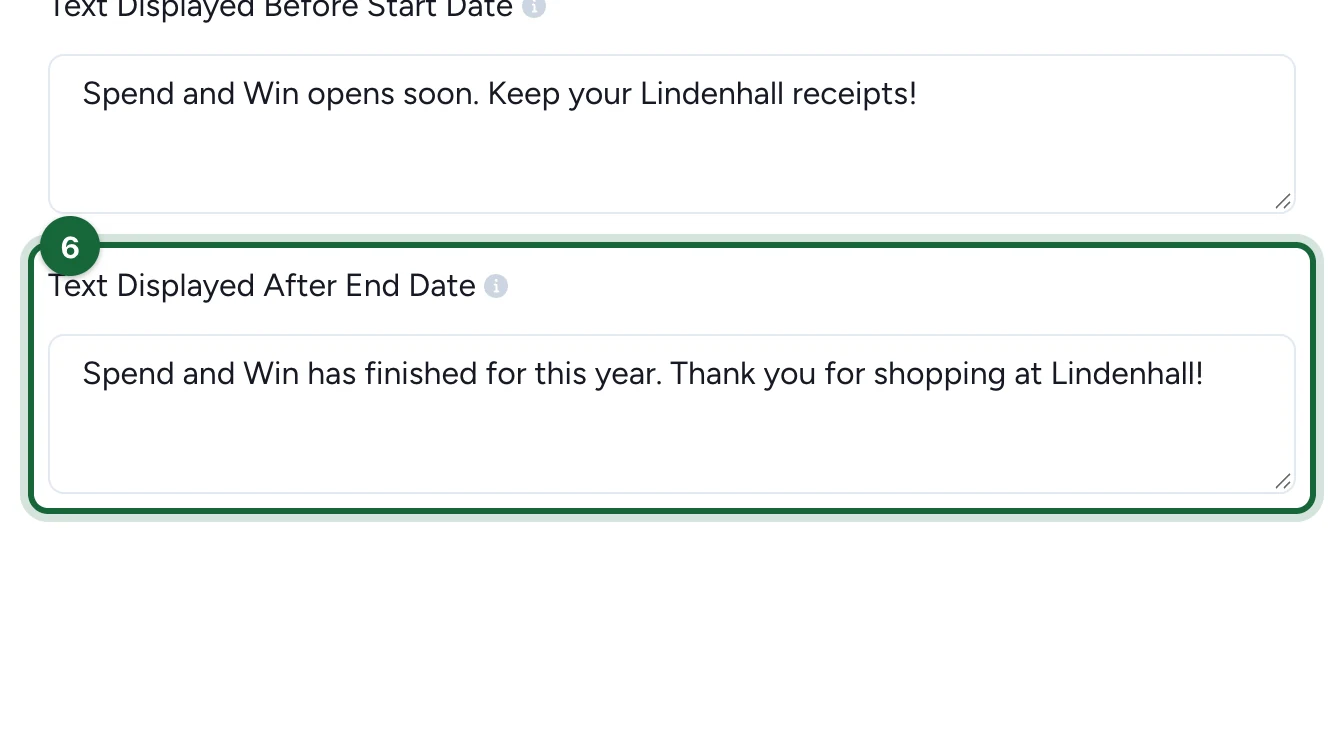
- a post-campaign message for visitors who arrive after the campaign ends
Do not leave visitor messages empty
The pre-campaign and post-campaign messages are part of the publish requirements. If either one is missing, validation blocks publication.
Why timezone matters
Campaign Timezone controls how campaign dates and schedule-driven behavior are interpreted. The product validation also checks whether the campaign timezone differs from the organisation timezone.
A mismatch is not automatically wrong. It can be intentional when the campaign targets a different region. The key is to choose the timezone for the audience and reporting you actually need.
Override dates for a touchpoint
Touchpoints inherit the campaign dates by default. When one touchpoint needs a narrower window, open the touchpoint dates area and enable Override Campaign Dates.
Use an override when:
- one touchpoint should start later than the rest of the campaign
- one touchpoint should end earlier
- multiple touchpoints should open on different phases of the same campaign
The bounded rule still applies: the touchpoint cannot start before the campaign starts or end after the campaign ends.
If the touchpoint also needs its own before/after messaging, turn on Override Campaign Messages in the same area.
Special case: staggered schedules
Date overrides become especially important when one campaign contains several touchpoints that should not all be available at the same time. They are also useful for layouts such as Advent Calendar, where each touchpoint should open on its own deliberate window instead of sharing one campaign-wide launch moment.
The same scheduling logic applies beyond touchpoints. Reward attribution slots and some event slot configurations also need to stay within the campaign range.
Common validation issues
The most frequent campaign-date validation issues are:
| Validation message | Severity | What to do |
|---|---|---|
Campaign timezone '{{invalid_timezone}}' is not recognized | Error | Choose a valid timezone in Build -> General -> Dates. |
Campaign timezone ({{campaign_timezone}}) differs from organization timezone ({{organization_timezone}}) | Warning | Confirm the campaign is intentionally targeting another region, or align it with the organisation timezone. |
Campaign end date ({{end_date}}) is before start date ({{start_date}}) | Error | Make sure the end date comes after the start date. |
No message configured for visitors arriving before campaign starts on {{start_date}} | Error | Add a pre-campaign message in Build -> General -> Dates. |
No message configured for visitors arriving after campaign ends on {{end_date}} | Error | Add a post-campaign message in Build -> General -> Dates. |
| Touchpoint dates outside the campaign range | Error | Shorten the touchpoint override or expand the campaign window. |
If validation blocks you, go to Validation & publishing first, then use the issue's explanation and fix path to return to the exact configuration area.
Related
Validation & publishing
See how date errors and warnings appear in the publish workflow.
Touchpoints
Understand where touchpoint-level date overrides live.
Rewards
Review reward schedules and attribution slots that must also stay inside campaign dates.
Campaign lifecycle
See what changes when the campaign moves from draft to live and then finishes.