Configure at touchpoint level
Switch the form on inside a single touchpoint, such as a quiz, and leave the rest of the campaign without extra questions.
At touchpoint level, each touchpoint chooses its own form, or none. Here, the Winter Quiz asks the "Winter arcade visit" questions before it starts. Touchpoints you leave off ask nothing: the campaign form doesn't stand in for them.
Set the scope
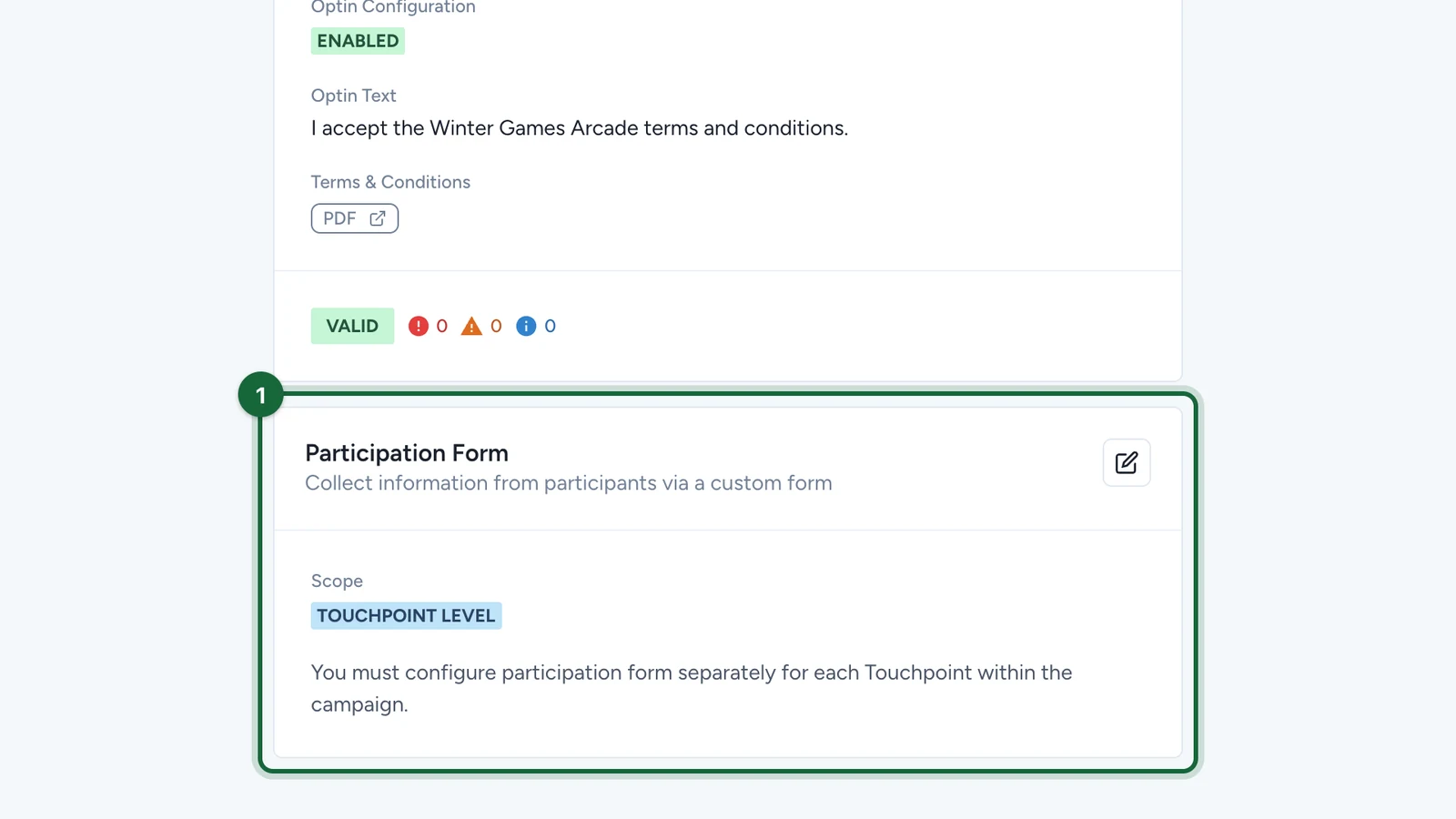
Set Participation Form Scope to Touchpoint Level with steps 1 to 4 of Enable and choose scope.
-
Check the card shows TOUCHPOINT LEVEL.
Set a touchpoint's form
In Build > Touchpoints:
-
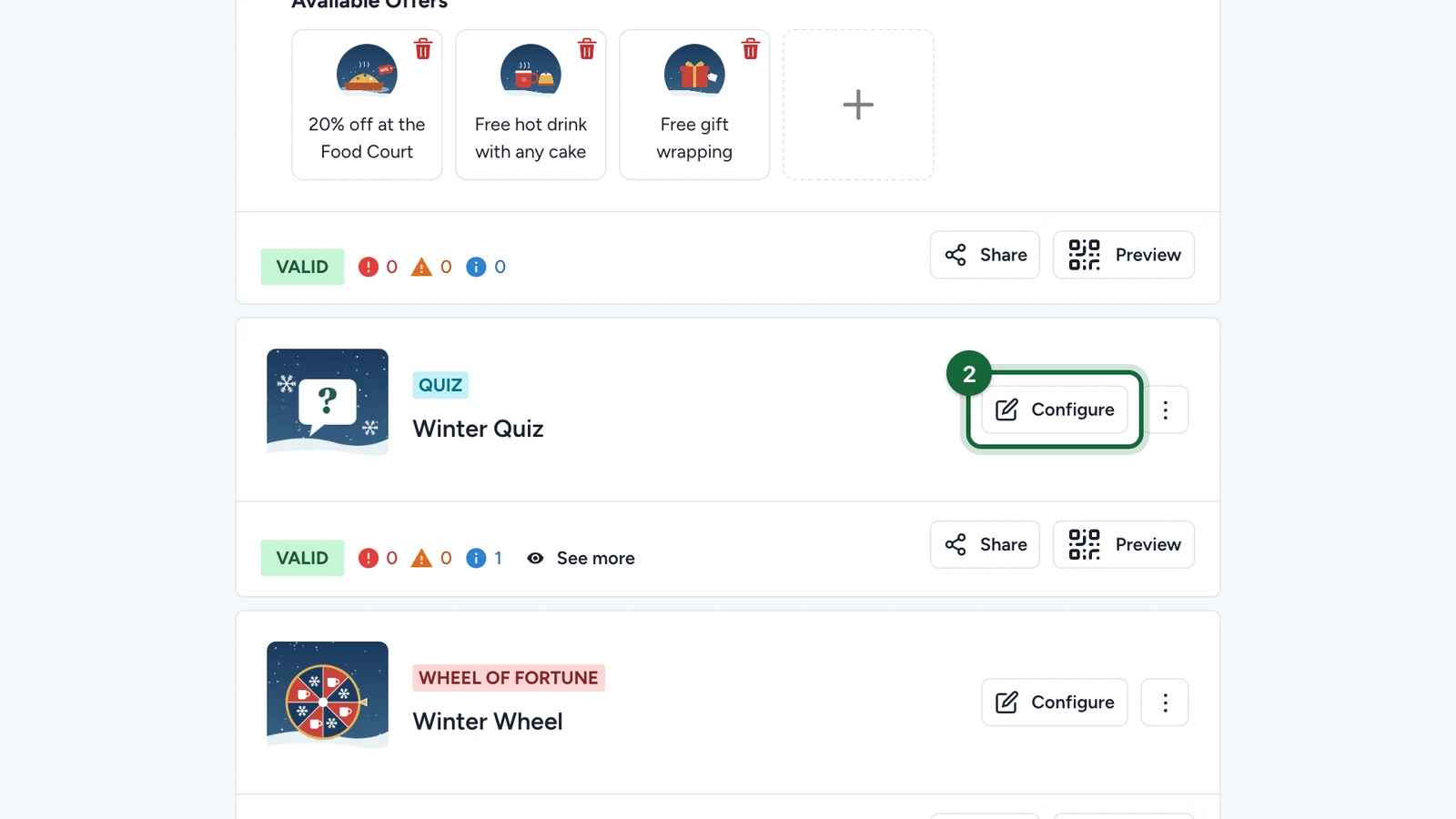
On the touchpoint, select Configure.
-
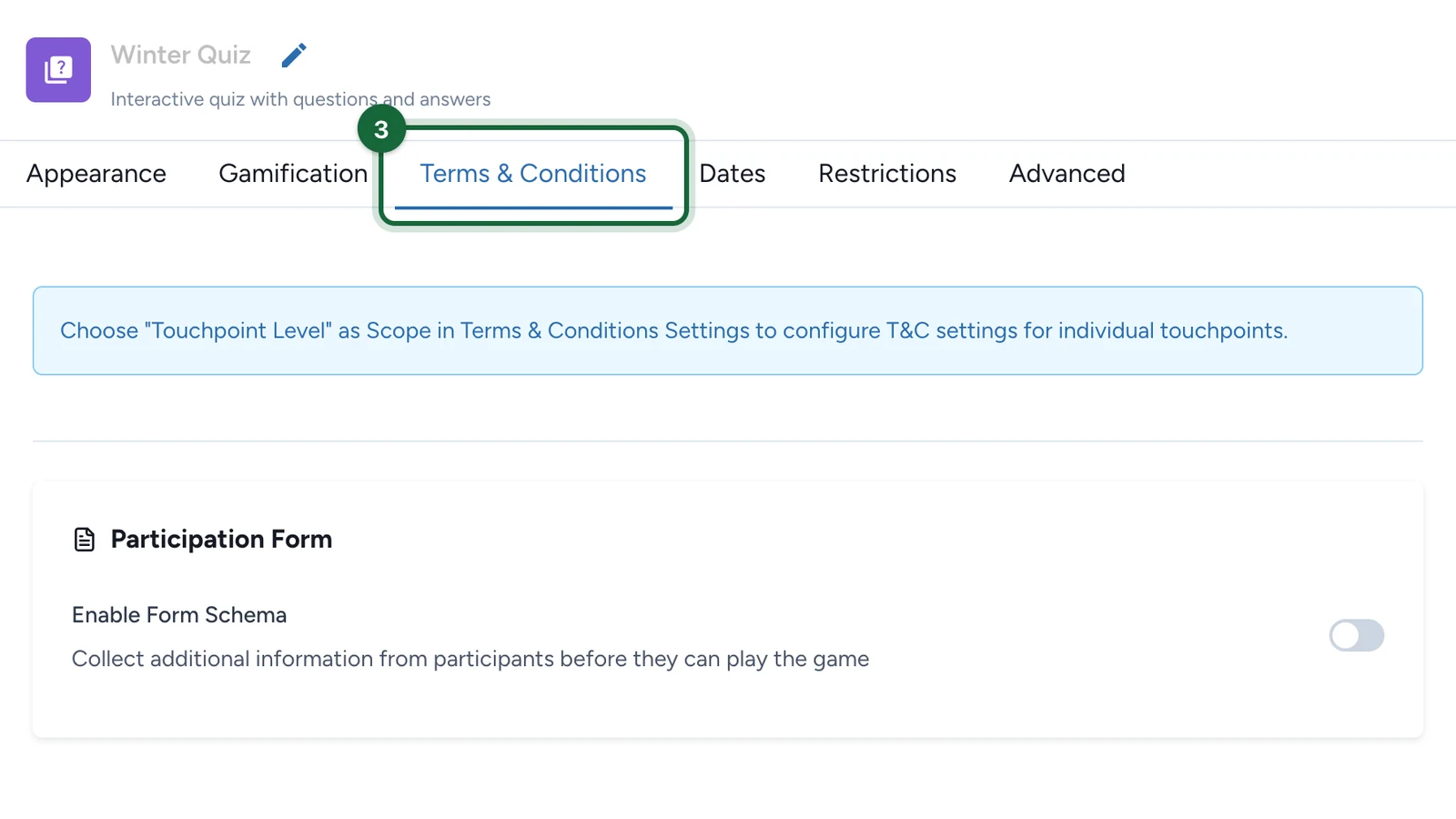
Select the Terms & Conditions tab.
-
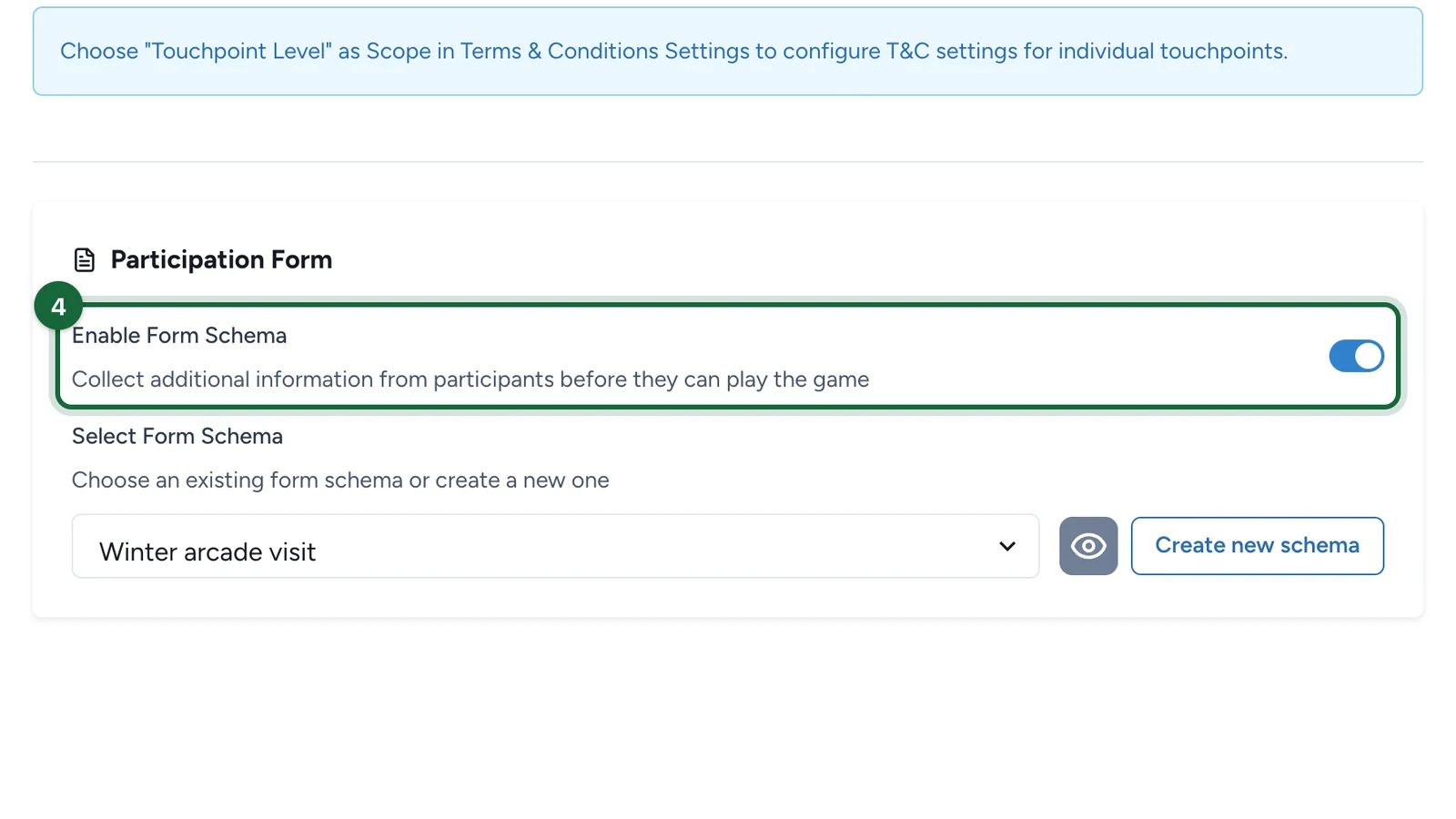
Under Participation Form, switch on Enable Form Schema.
-
Under Select Form Schema, choose the form, here Winter arcade visit.
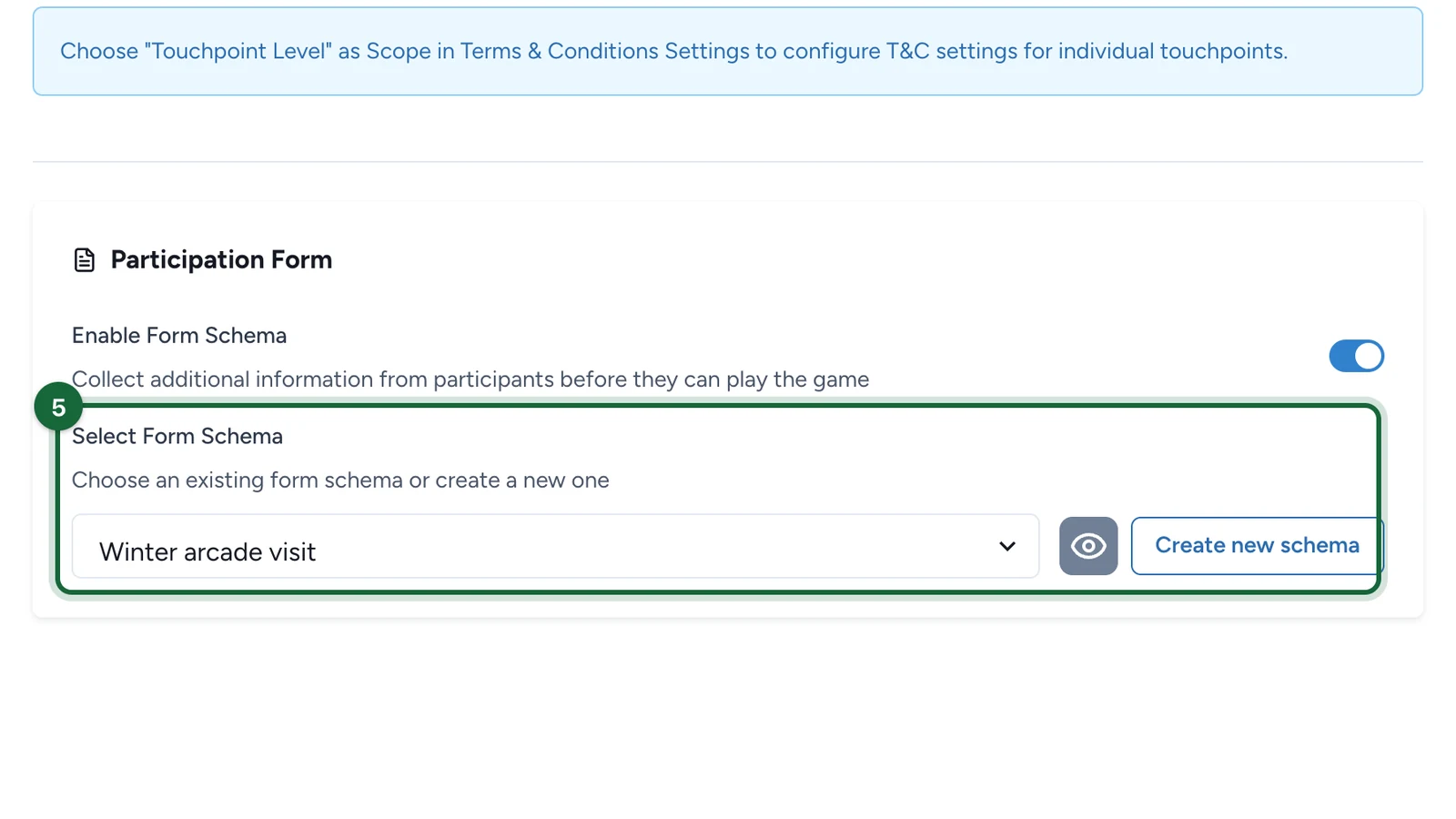
To build a new one, select Create new schema, as at campaign level.
-
Select Save.
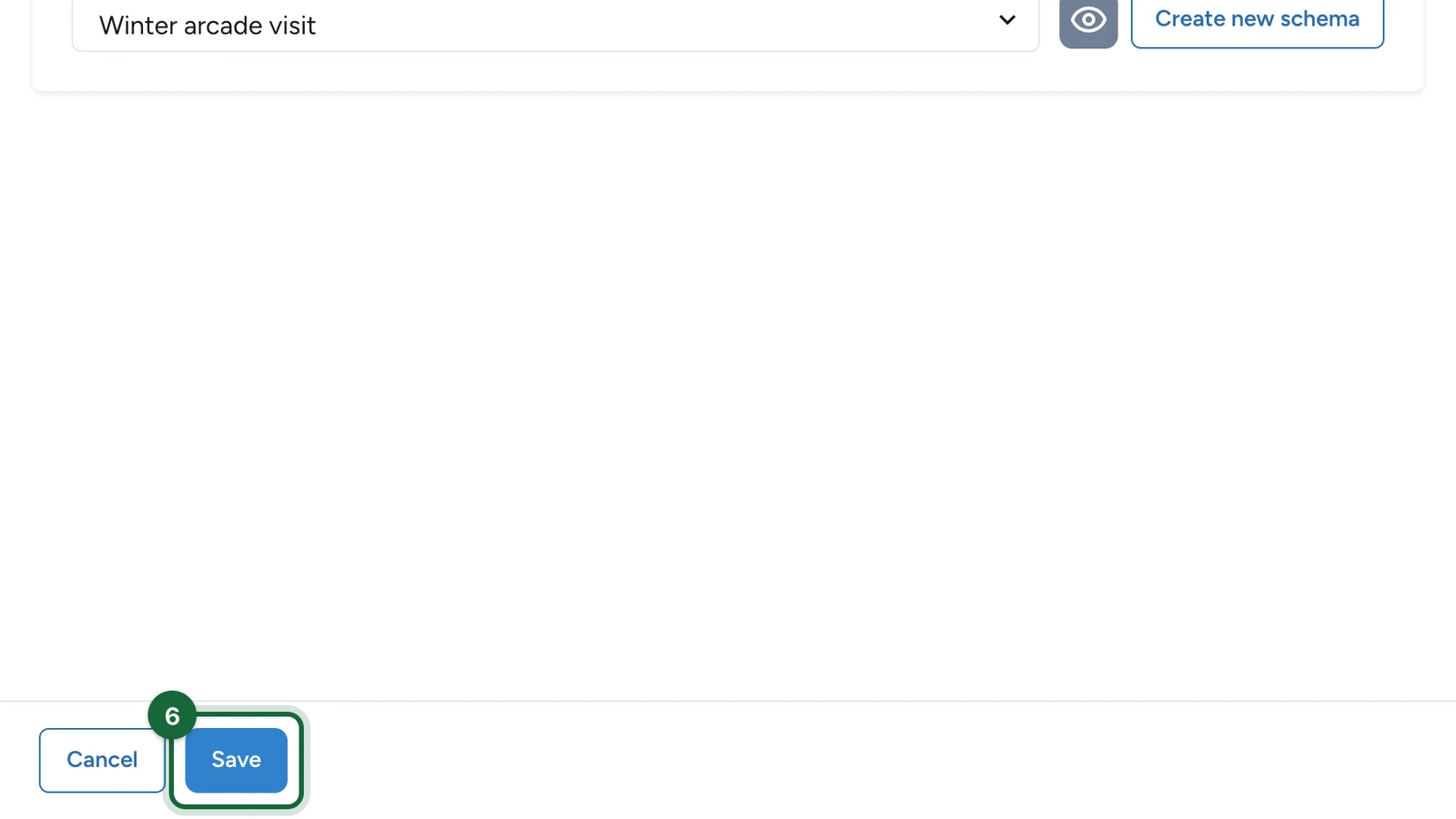
Repeat for each touchpoint that should ask questions, then publish the campaign again. At touchpoint level there's no Form Frequency: each touchpoint asks its form once.
If publishing is blocked
- A touchpoint's form is on but no schema is selected: choose one, or switch that touchpoint's form off.