Campaign lifecycle
Understand how a campaign moves from draft to live and then to a finished state in OmniLab.
A campaign is not just "created" or "live." It moves through a short lifecycle that affects editing, participant access, and later updates. Understanding that lifecycle makes publishing safer and end-of-campaign decisions much easier.
Validation is a gate, not a state
In OmniLab, validation is the quality gate you pass before publishing. It is not the same thing as a long-lived campaign state.
The lifecycle at a glance
The three working states to keep in mind are:
- Draft: the campaign is being prepared and is not live for participants.
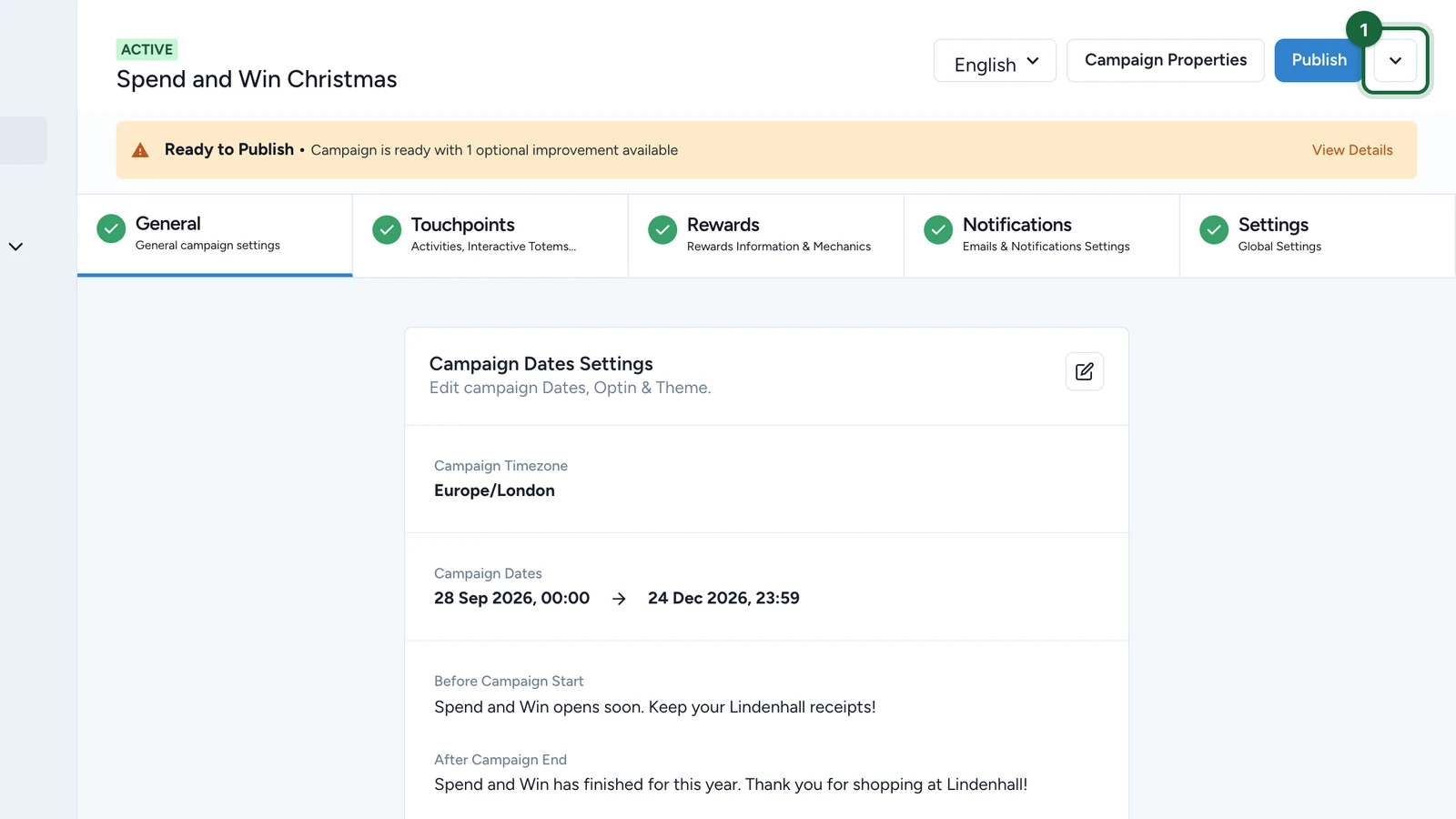
- Live: the campaign has been published and is available through its active links.
- Finished: the campaign is no longer live after
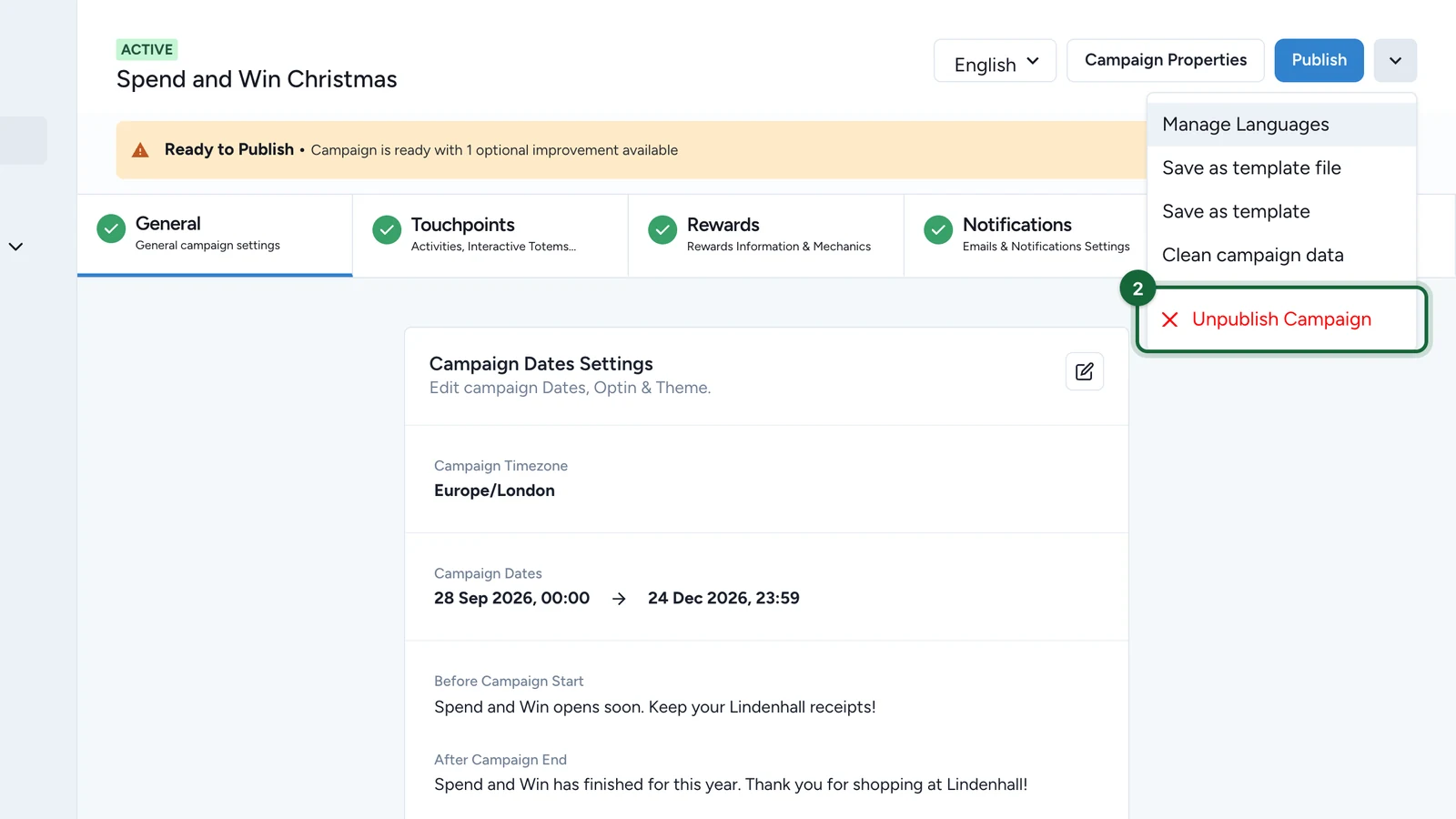
Unpublish Campaignor after its live use has ended.
What each state means
Draft
Draft is the normal build state. The campaign is editable, but it is not live for participants. Use this state while you are still setting dates, touchpoints, rewards, notifications, or campaign-level configuration.
Live
Live is the participant-facing state. Once the campaign is published:
- the campaign becomes accessible at its public URL
- Smart Links can resolve to it
- campaign analytics begin from real participant activity
This is the point at which draft setup becomes a real participant-facing experience.
Finished
Finished is the non-live end state for campaigns that should no longer accept participant traffic.
Treat it as a closed campaign, not as an active build:
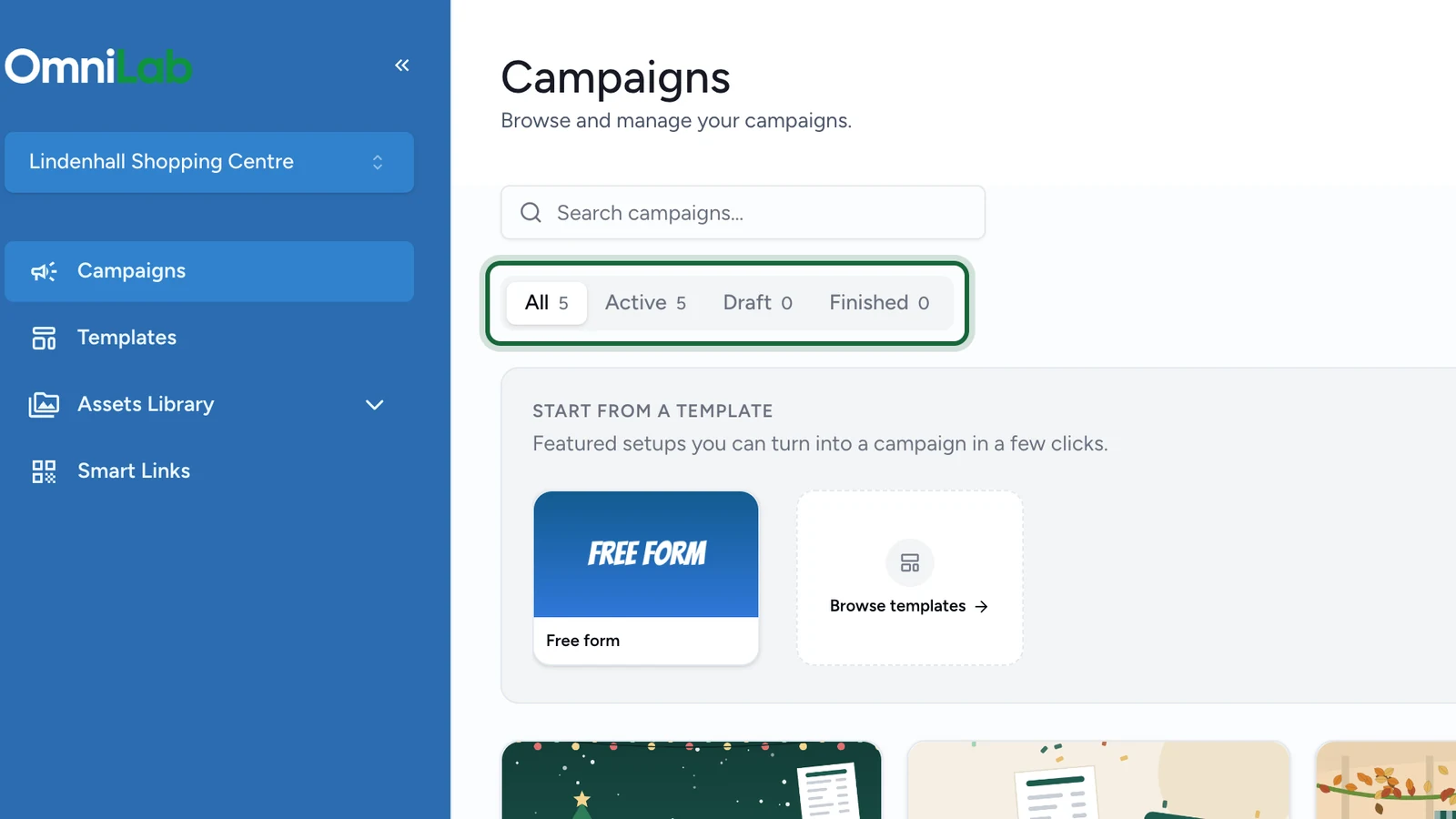
- Draft means not live yet, and still being worked on
- Finished means no longer live, and kept as a completed campaign record
Common transitions
Draft -> Live
This is the most common transition. Validation runs first; if blocking errors remain, publication is stopped. If the campaign passes, publication makes the campaign live.
Live -> Live
Publishing is not only for first launch. When a campaign is already live, you can publish again to push updated configuration.
Live -> Finished
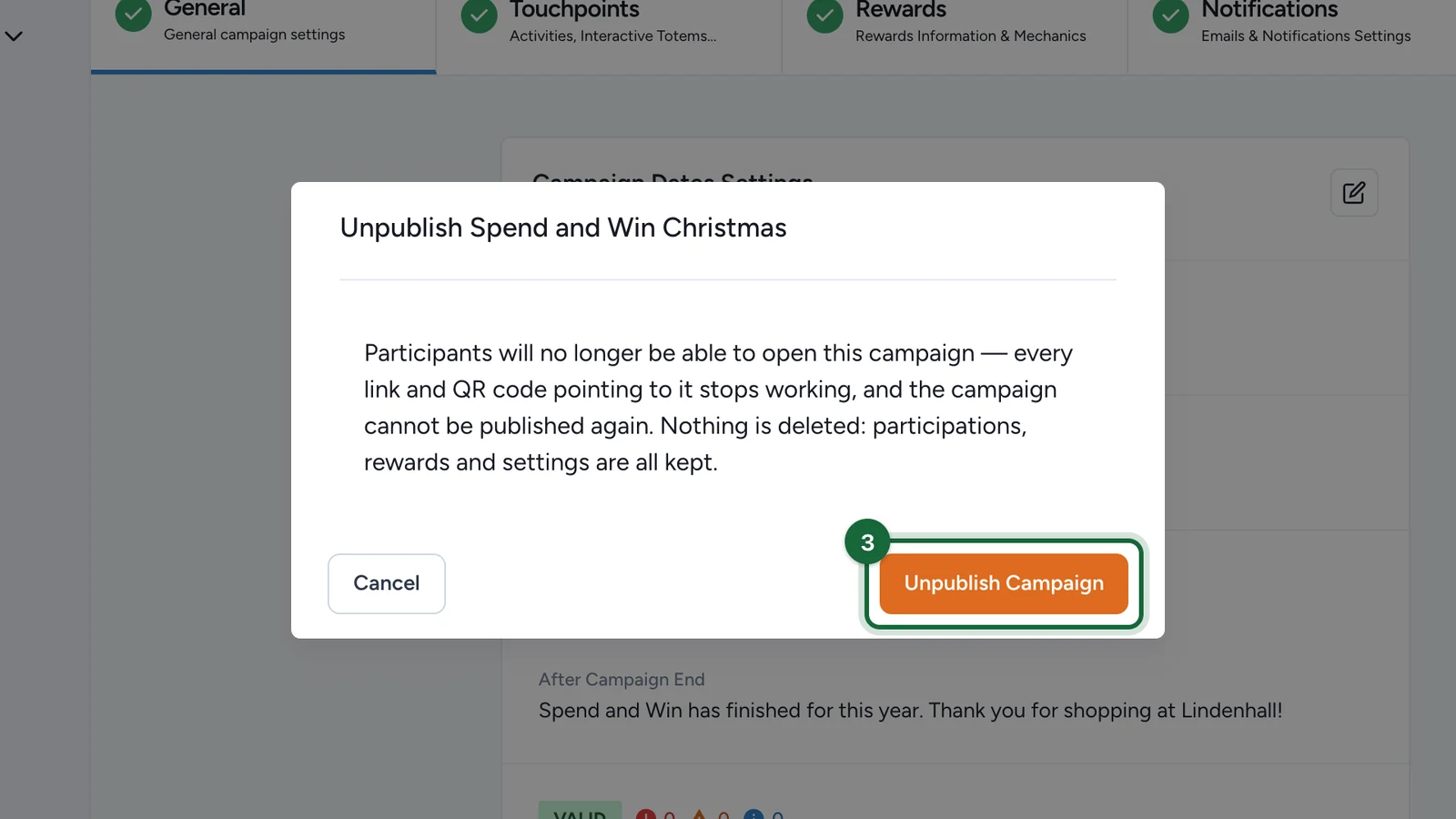
Use Unpublish Campaign when the campaign should stop accepting live traffic. This moves the campaign out of live use while keeping the campaign record and collected data.
Once a campaign is finished, plan any follow-up reuse through Duplicate a campaign within an organisation or Templates: export, import, and reuse instead of expecting a finished campaign to go live again.
What the current workflow does not include
There is no separate archive action in the current campaign workflow. If you need a historical record, keep the finished campaign and stop live traffic through Unpublish Campaign.
Who can change state
State changes depend on the user's permissions in the current organisation. This article focuses on the lifecycle itself; permission design belongs in Admin & Access.
Related
Validation & publishing
See how the validation gate works before a campaign can go live.
Duplicate a campaign within an organisation
Reuse a past campaign while keeping the new one in a fresh draft state.
Dates (Pattern B)
Understand how campaign dates affect what participants can access.
Templates: export, import, and reuse
Turn a finished campaign structure into a reusable starting point.