Game participation metrics
Measure Games participation from campaign-level analytics, participant, and ranking views without expecting a separate in-builder reporting panel.
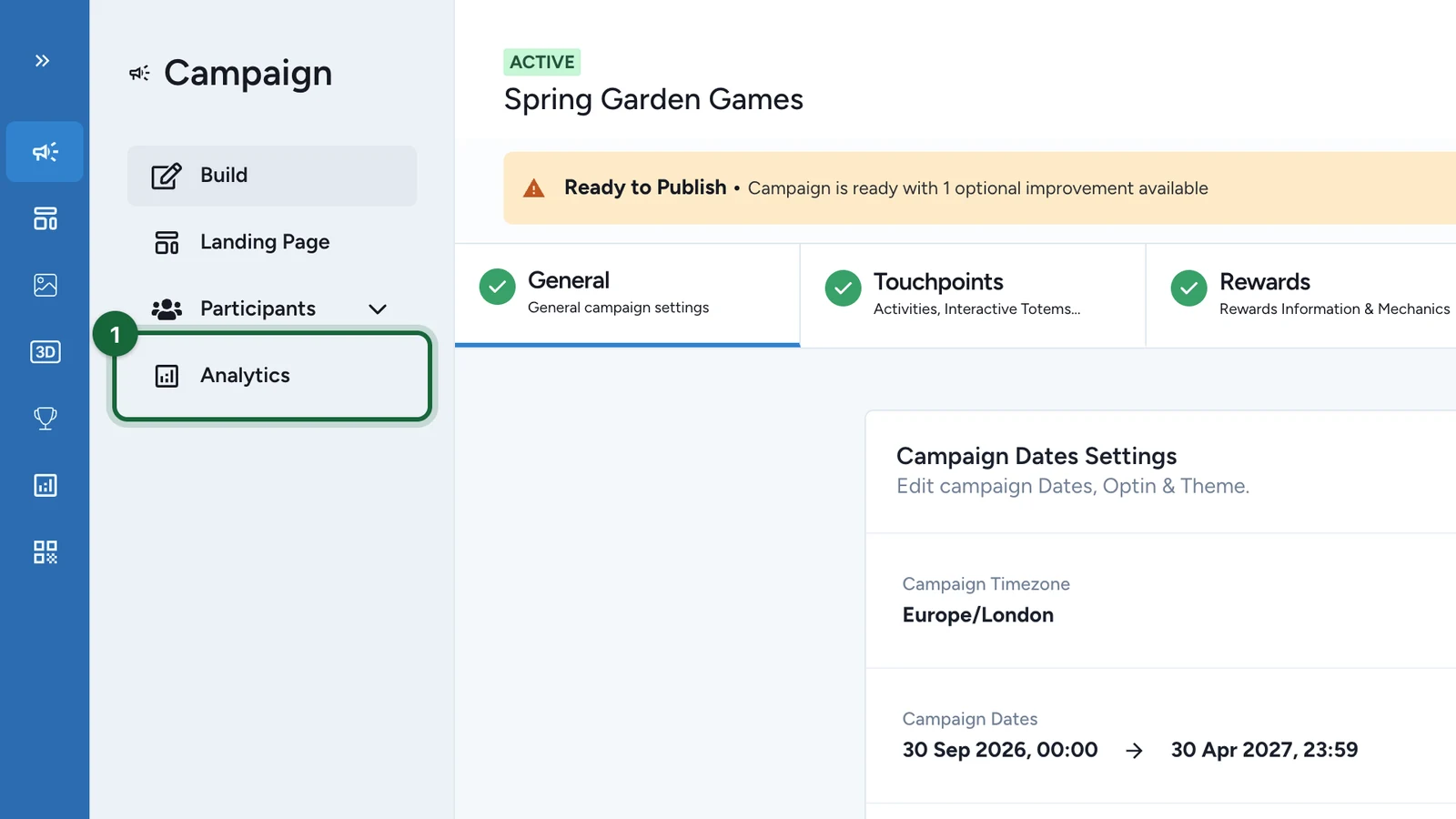
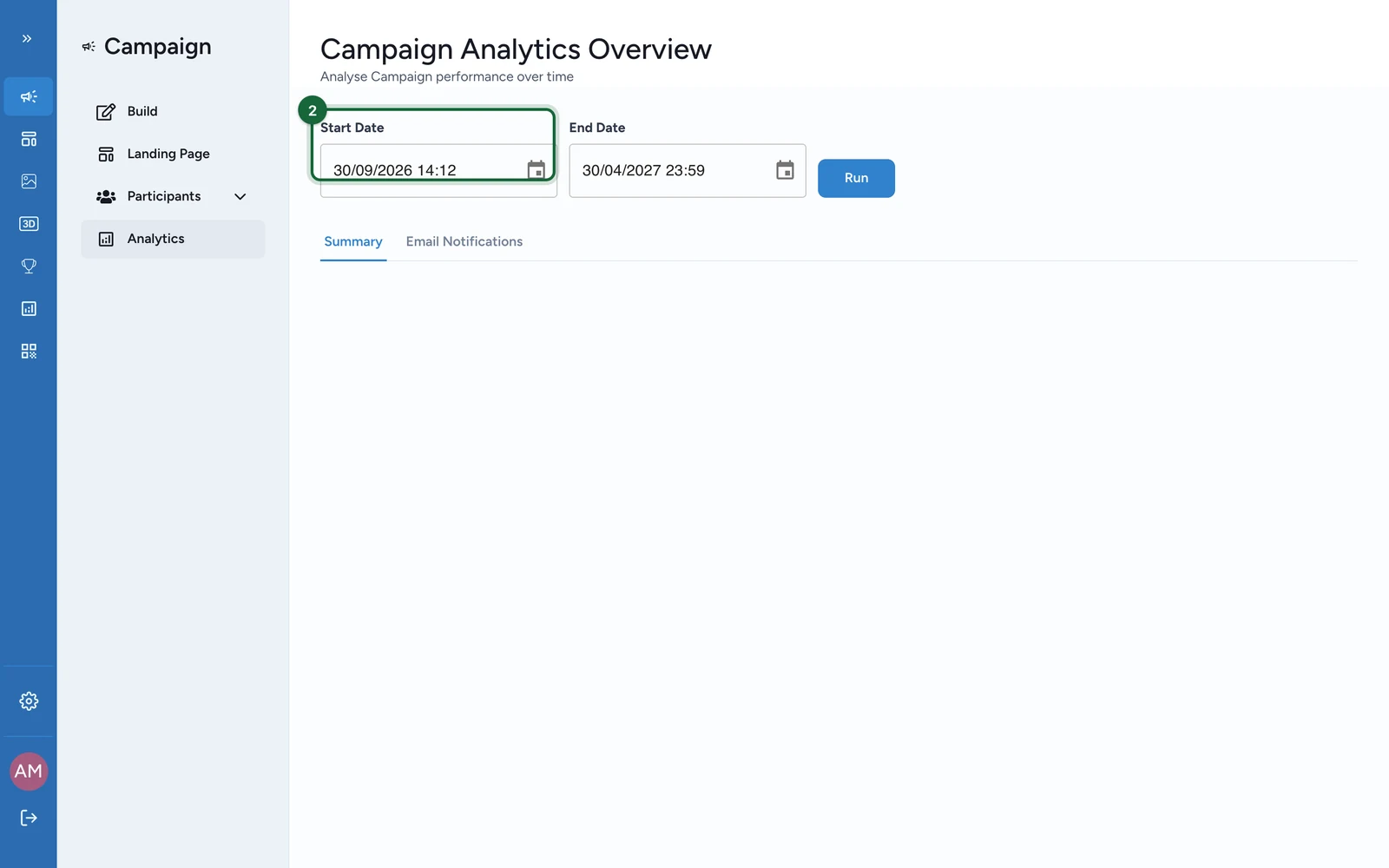
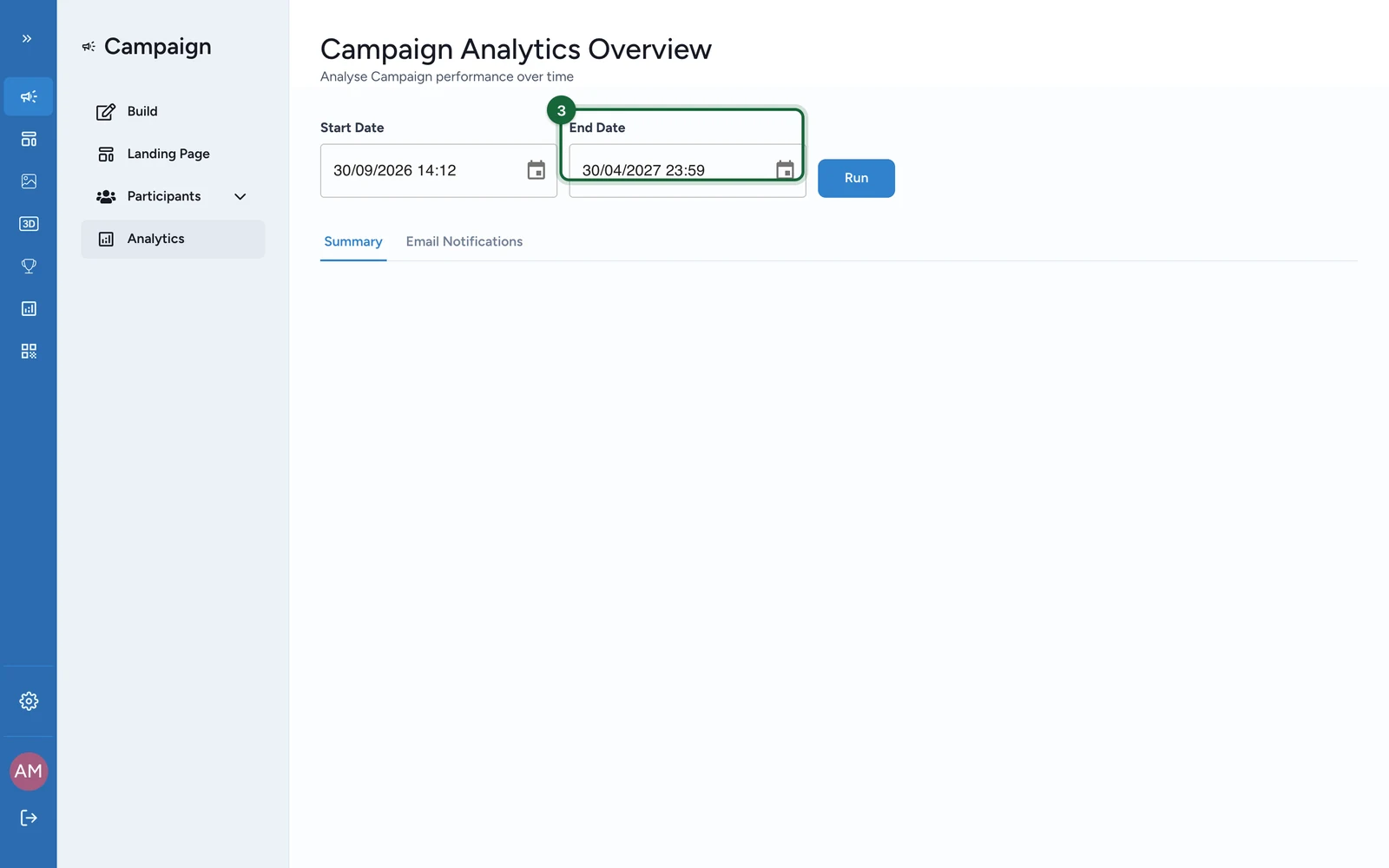
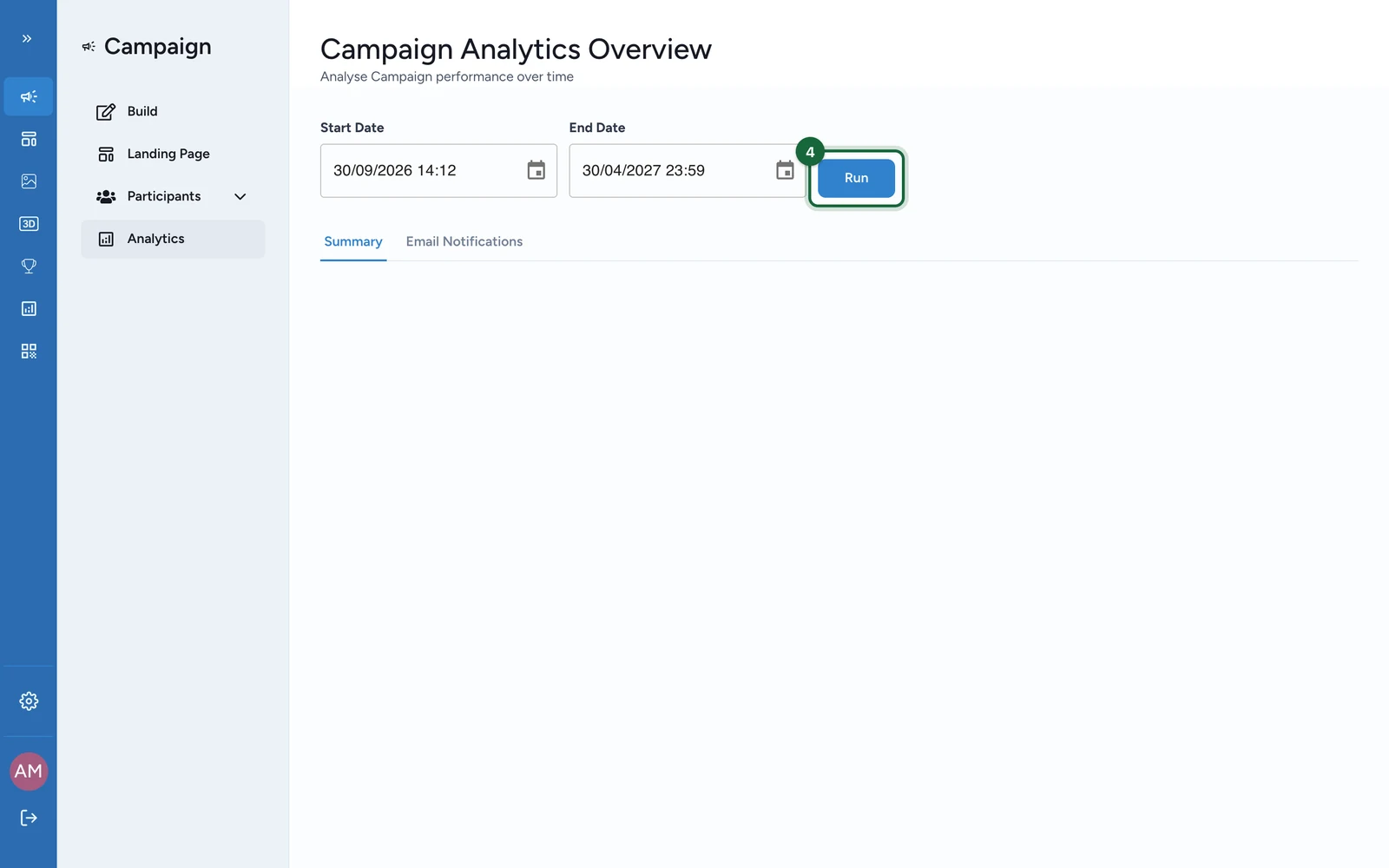
In Games, measurement is mostly campaign-level. Open Studio -> your campaign -> Analytics, choose Start Date and End Date, then click Run. From there, move to Participants or Leaderboard when you need a game-specific answer.
Games reporting is campaign-level
Each game touchpoint feeds the campaign dashboard, participant records, and ranking tools. There is no separate Measure panel inside the individual game builder.
What operators usually want to know
| Question | Best signal | Where to check | Practical note |
|---|---|---|---|
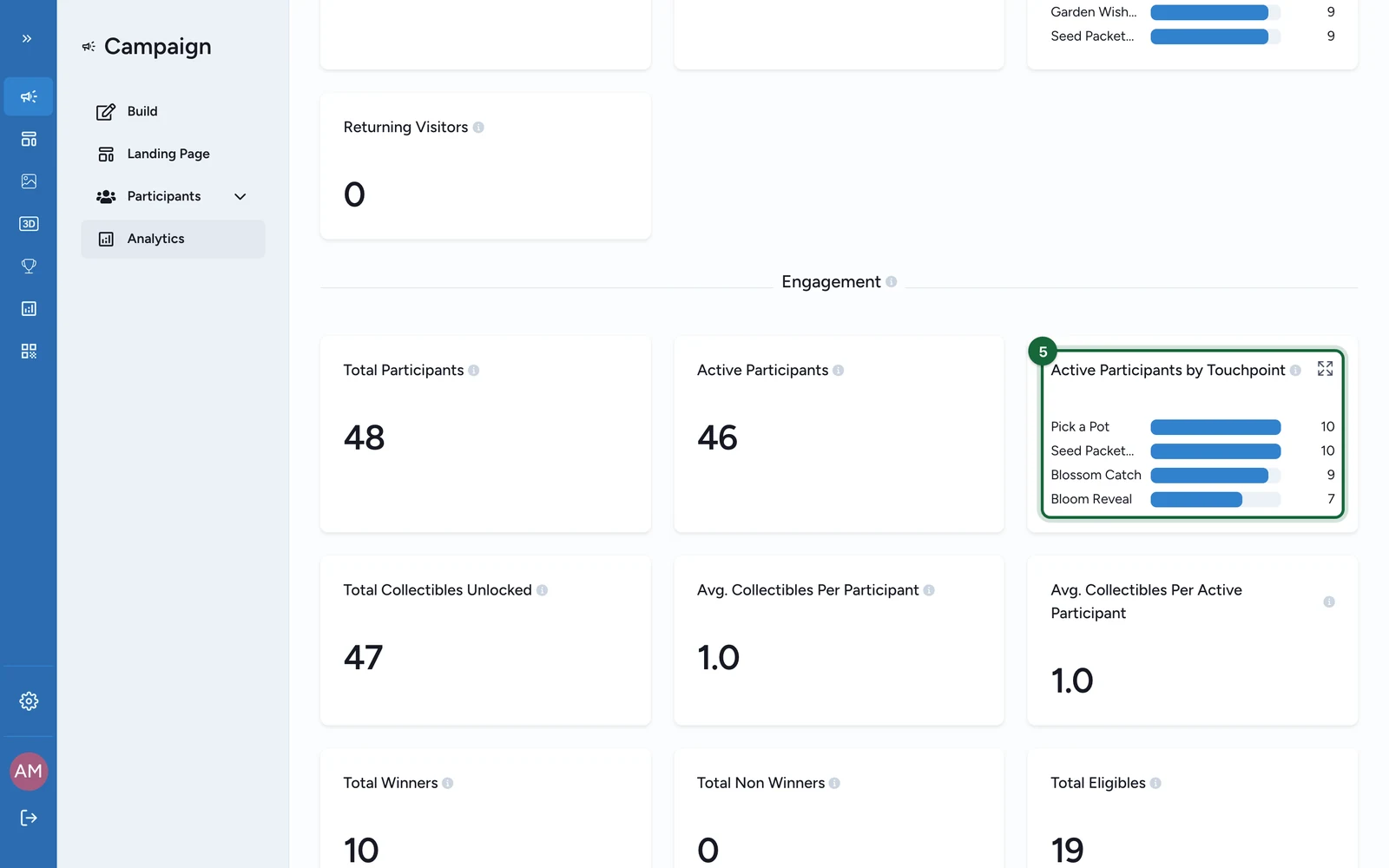
| How many unique players interacted with this game? | Active Participants by Touchpoint | Analytics -> Summary | Use this rather than campaign-wide Total Participants when you only care about one game in the selected date range. |
| How many total plays happened, including repeat plays? | touchpoint claim counts and All participants data | Participants | Use this when one person can play more than once. |
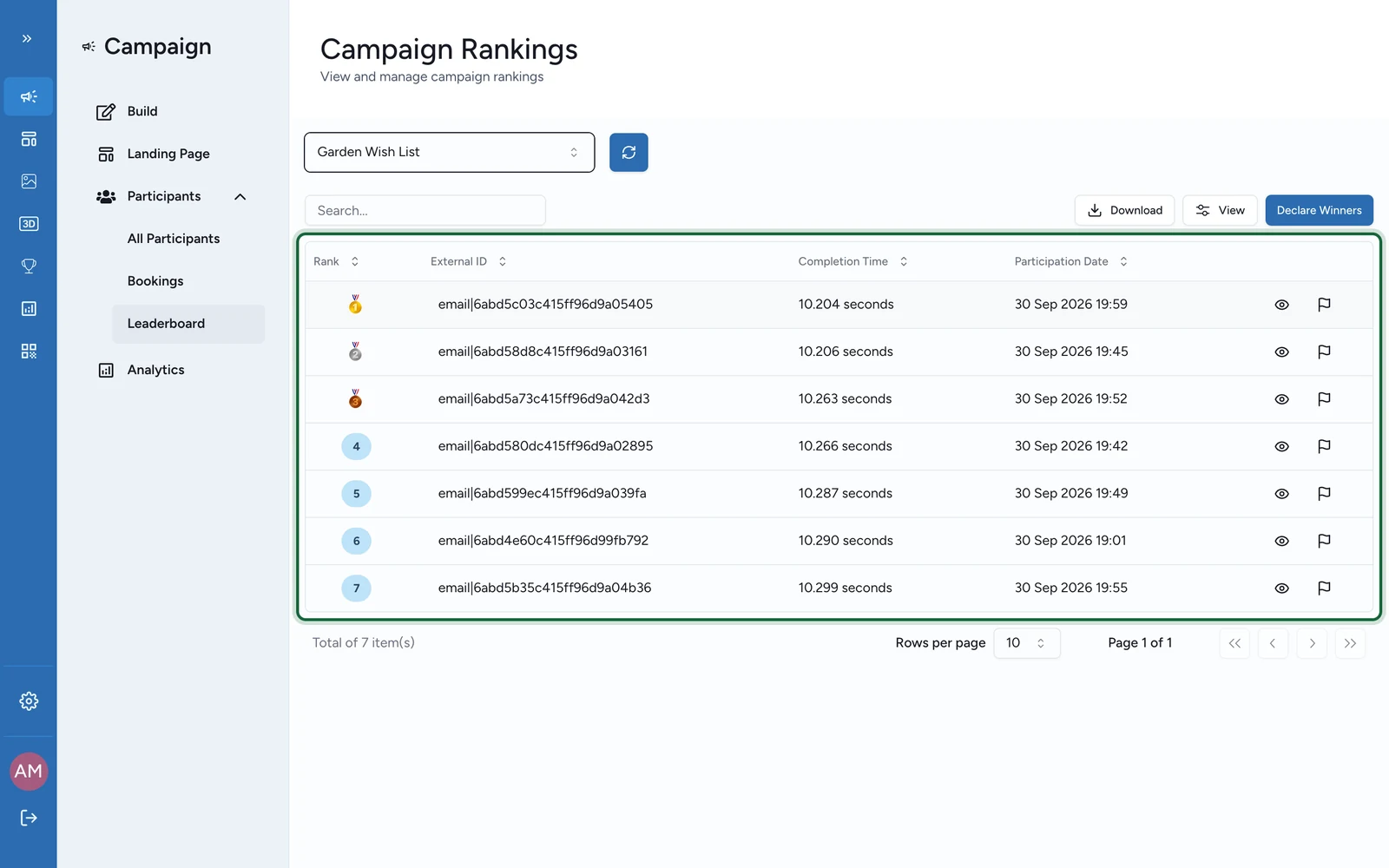
| How many people finished a performance game? | ranking rows and Completion Time | Leaderboard | Available for Memory, Quiz, Form, and Catcher. |
| How long do sessions take? | Completion Time columns and ranking CSVs | Leaderboard | OmniLab surfaces completion time for supported performance games rather than one universal session-duration card for every game. |
| Where are people dropping out? | compare activity, completions, reward states, and form submissions | Analytics, Participants, Leaderboard | OmniLab does not expose one generic drop-off widget for every game type. |
Game-type signals worth checking
| Game type | Most useful signal in practice | Where it shows | What to do next |
|---|---|---|---|
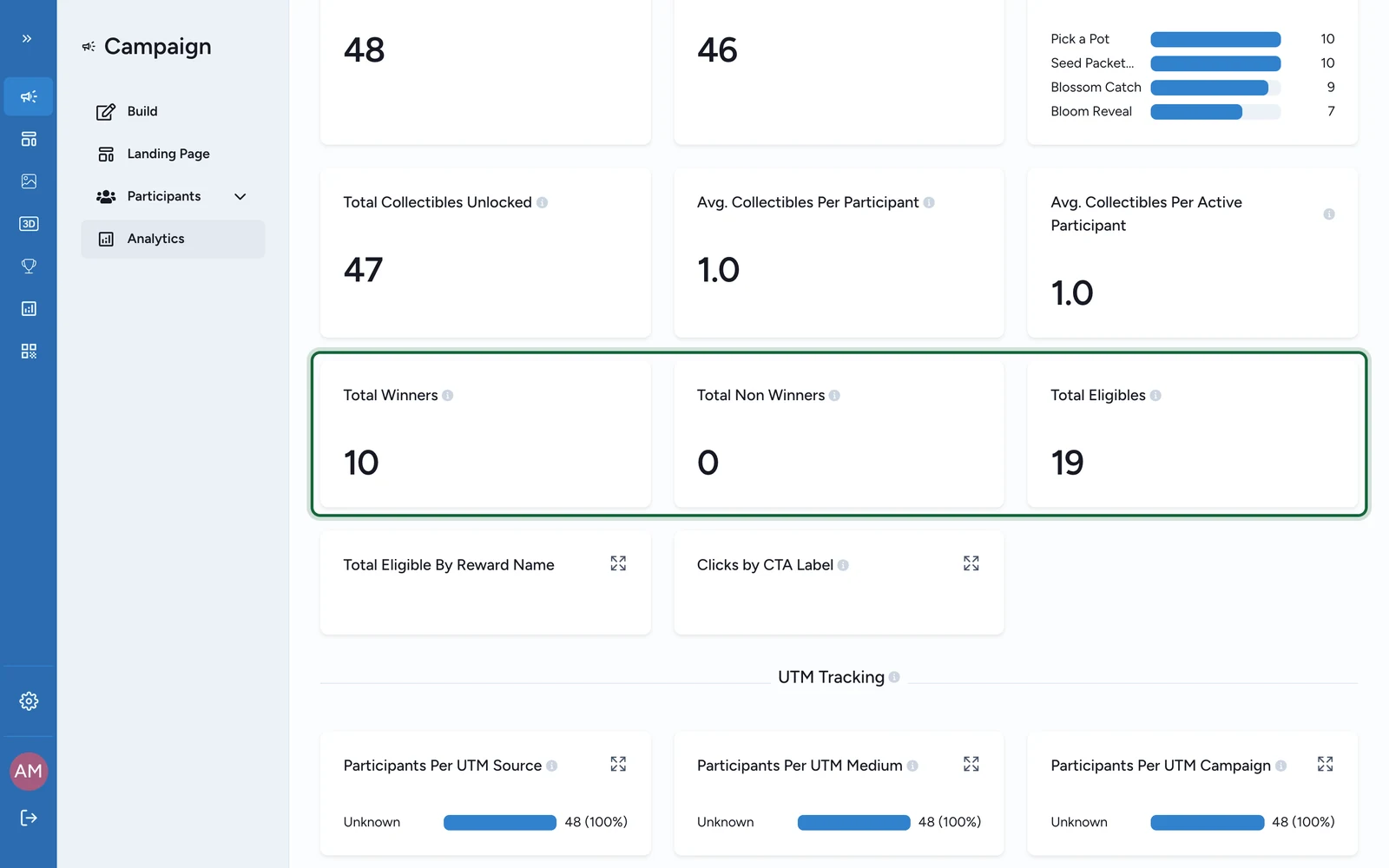
| luck-based games | Active Participants by Touchpoint, Total Rewards Won, Total Winners, Total Non Winners, Total Eligibles | Analytics and Participants | Filter the participant list by Reward or Touchpoint to explain the totals. |
Quiz | Score, Completion Time, and quiz session detail | Leaderboard | Export the ranking CSV if you need to calculate averages outside OmniLab. |
Catcher | Score, Completion Time, and session detail | Leaderboard | Export the ranking CSV if you need average points or a deeper comparison. |
Memory | Completion Time and session detail | Leaderboard | Use the ranking CSV to compare faster and slower sessions. |
Form | Completion Time, submitted answers, and open-ended responses | Leaderboard and Participation forms data | Combine ranking results with form exports when responses matter to the analysis. |
| multi-touchpoint game campaigns | Touchpoints Ranking, Touchpoints Unlocked, Last Touchpoint Date | Leaderboard | Use this when progress across several touchpoints matters more than one game's score. |
Use filters before you compare numbers
- In
Analytics, always setStart DateandEnd Datebefore you read the dashboard. - In
Participants, filter byRewardandTouchpointbefore you interpret reward states or export a file. - In
Leaderboard, select the right game orTouchpoints Ranking, then useRefresh Rankingsbefore you compare results. - If you need a working file rather than a live view, continue to Winner lists & exports.
A practical reading order
- Start in
Analyticsto check date-scoped participation and reward outcomes. - Open
Participantsto separate unique players from repeat plays and review reward states per person. - Open
LeaderboardforMemory,Quiz,Form,Catcher, orTouchpoints Rankingwhen the question is about completions, performance, or rank. - Export only when the answer needs to leave OmniLab or be reworked elsewhere.
Related
Real-time dashboards
Run the campaign dashboard and understand the main monitoring blocks.
What OmniLab measures
See how Games participation fits into OmniLab's broader measurement model.
Reward attribution tracking
Follow winners, eligibles, and reward status changes in a Games context.
Winner lists & exports
Download operational files for fulfilment, rankings, and follow-up.